



Story
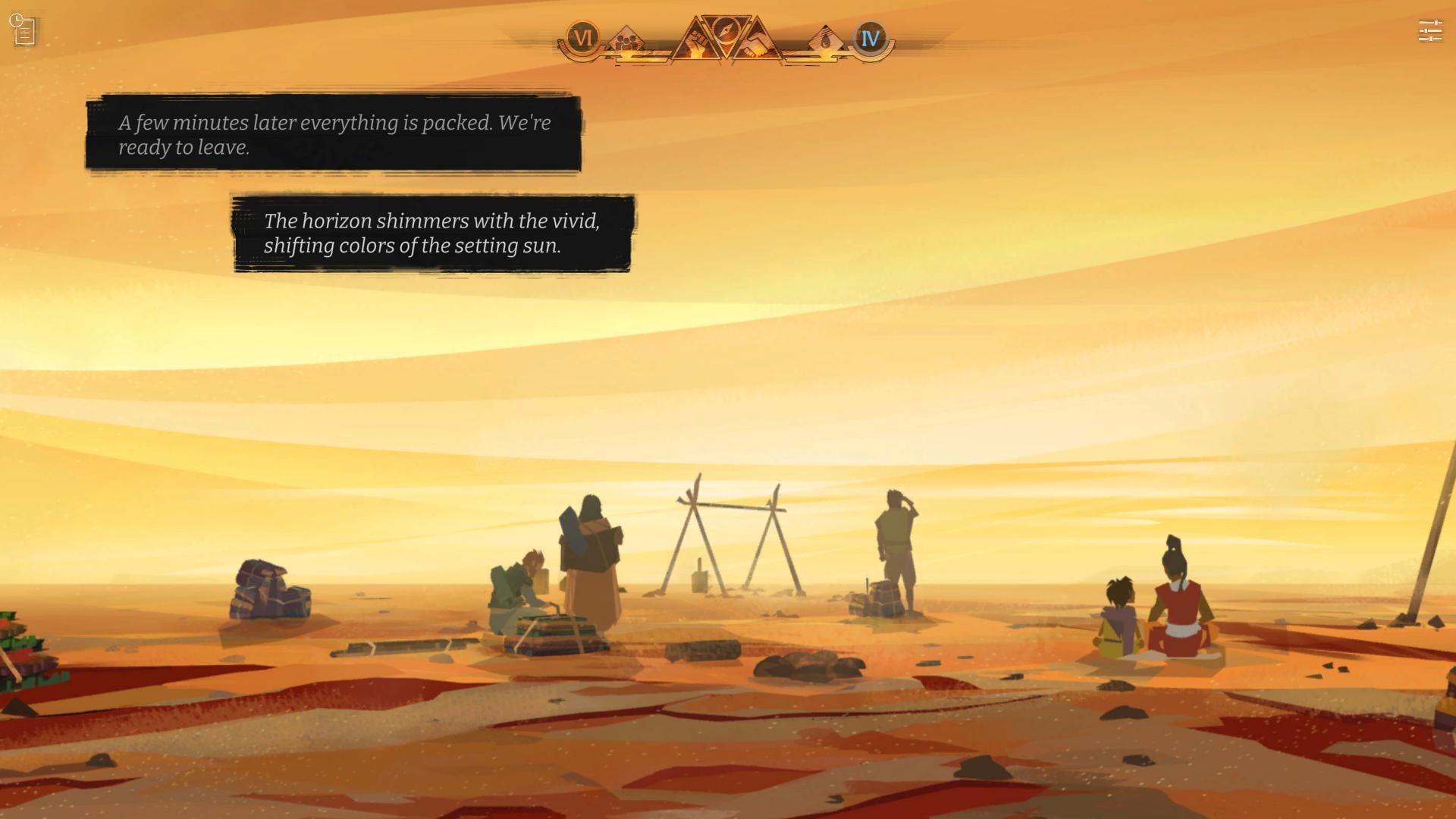
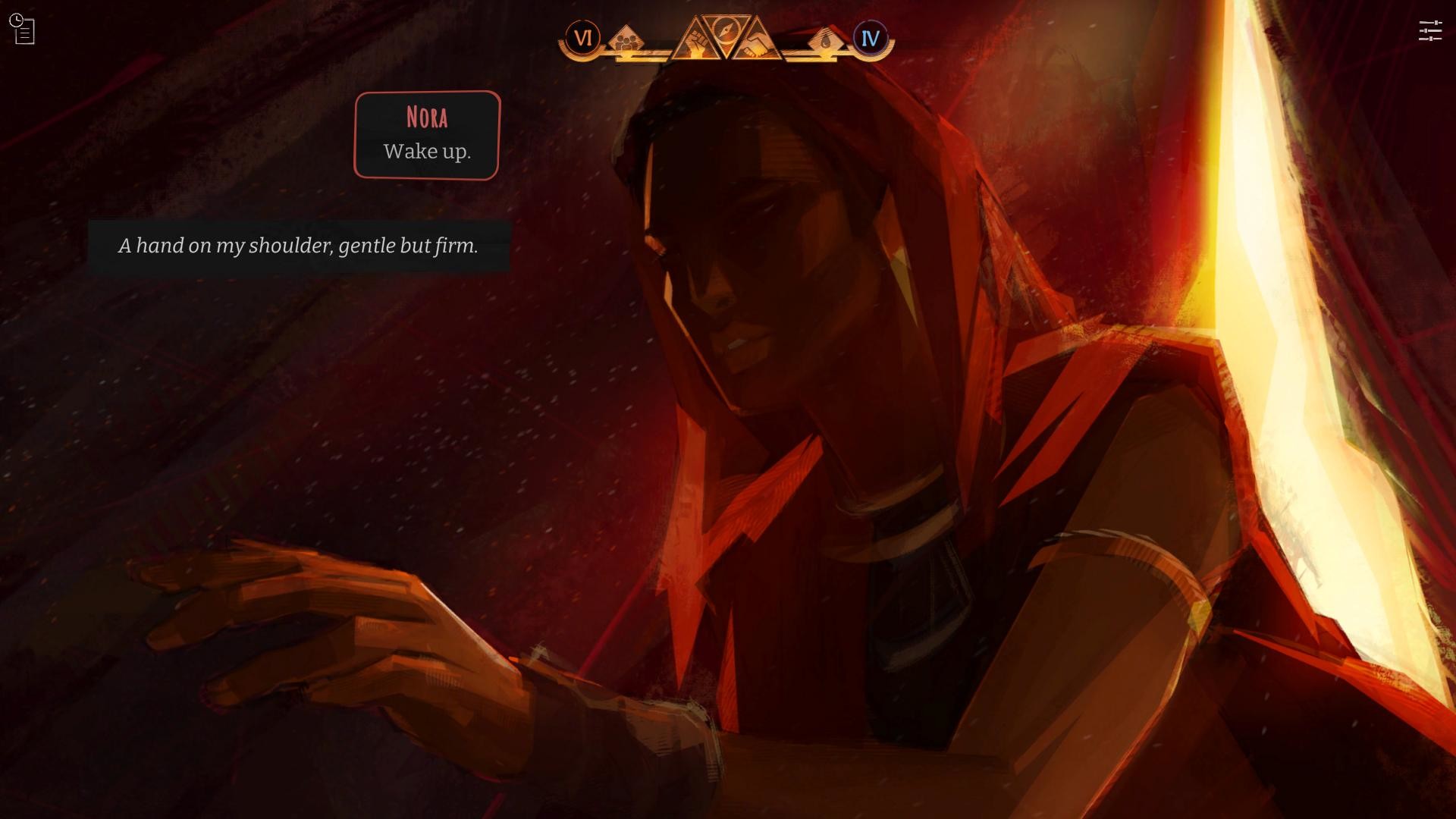
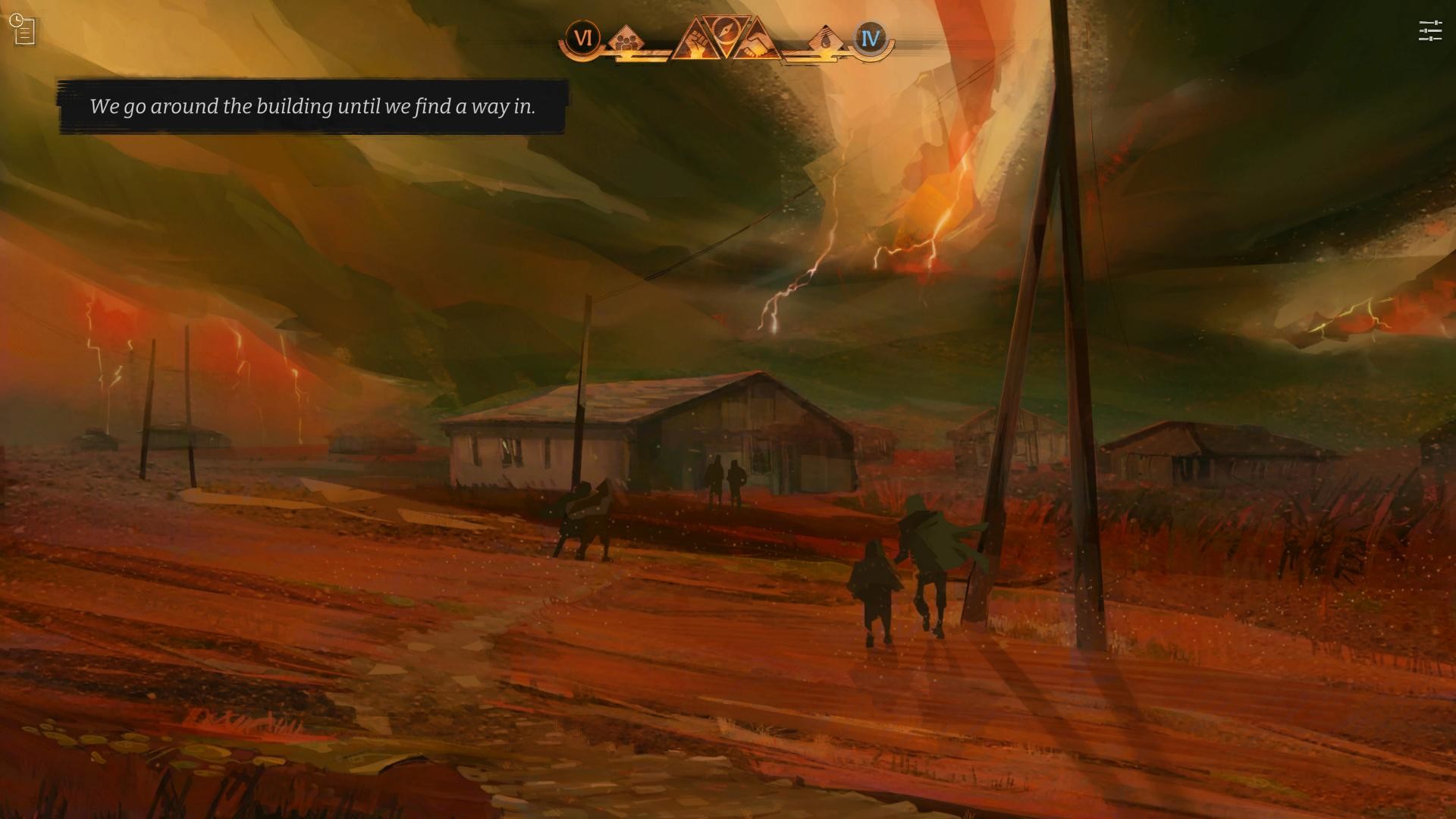
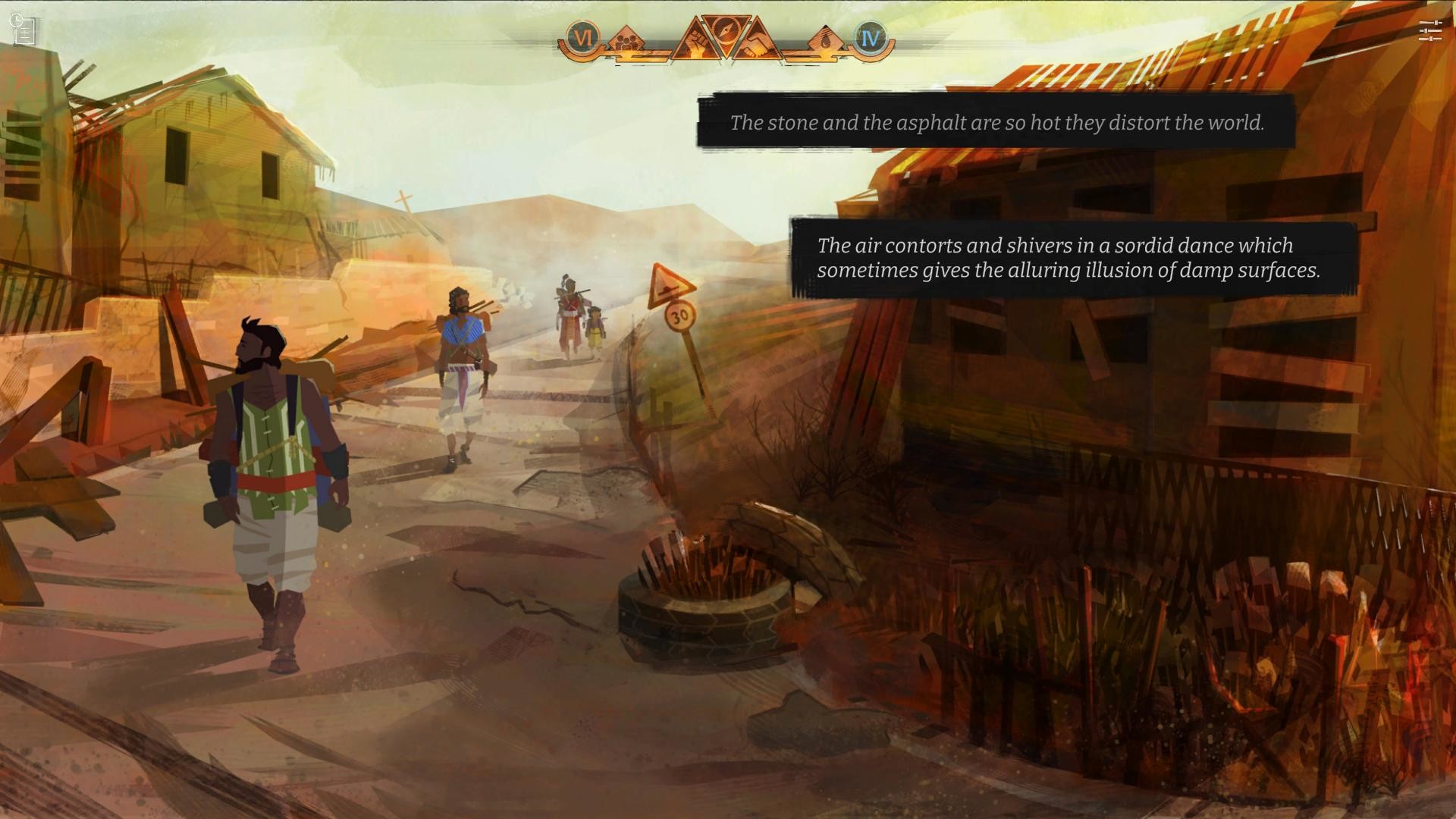
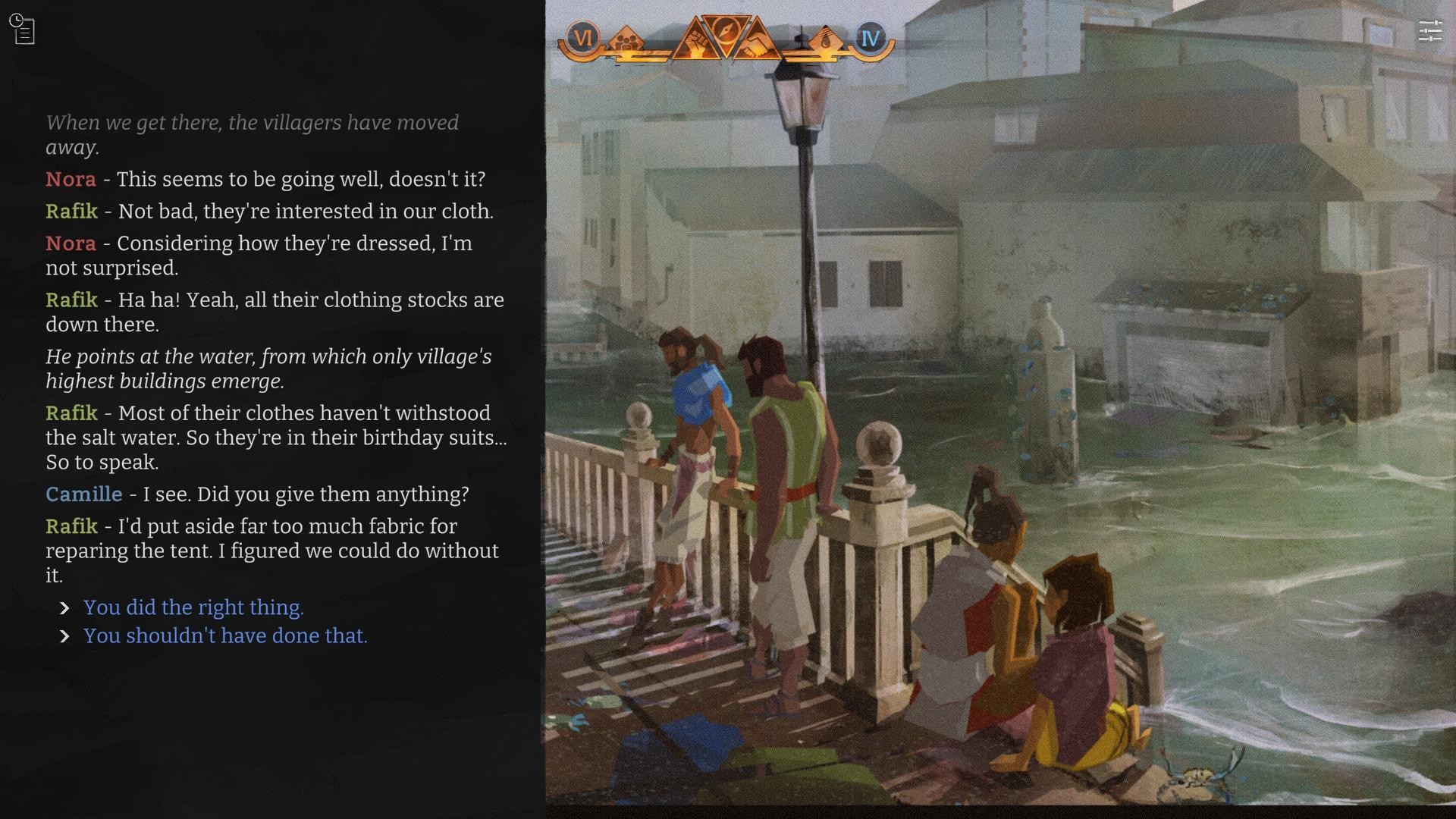
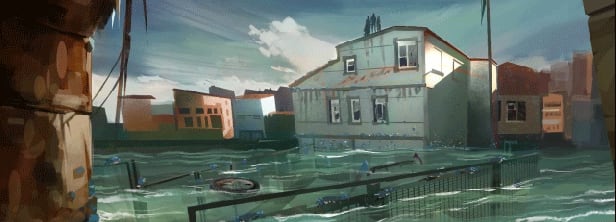
End of Lines is an interactive graphic novel, set in the near future. Following a climate-induced apocalypse, a group of survivors centered around a small family wanders in the devastated countryside of Southern Europe, looking for a livable place to settle.A well-researched, environmental tale that acts as a warning about climate inaction and the collapse of ecosystems.

The sky is red. Or is it?
The air’s so hot it feels red.
When did it stop being blue?
A battered old paper with words I can’t read
and lines that fade and melt across the tears and folds.
Lines that guide us towards hope.
The hope of a welcoming land.
And yet, we don’t know what we’ll find beyond the map.
Where the lines end.

Features
- Each choice matters: manage the supplies and the morale of your group in a ruthless environment where death may be encountered at any time.
- A poignant vision of what may lie ahead: the story is set at the end of the 21st century, in a world where nothing has been done to counteract climate change.
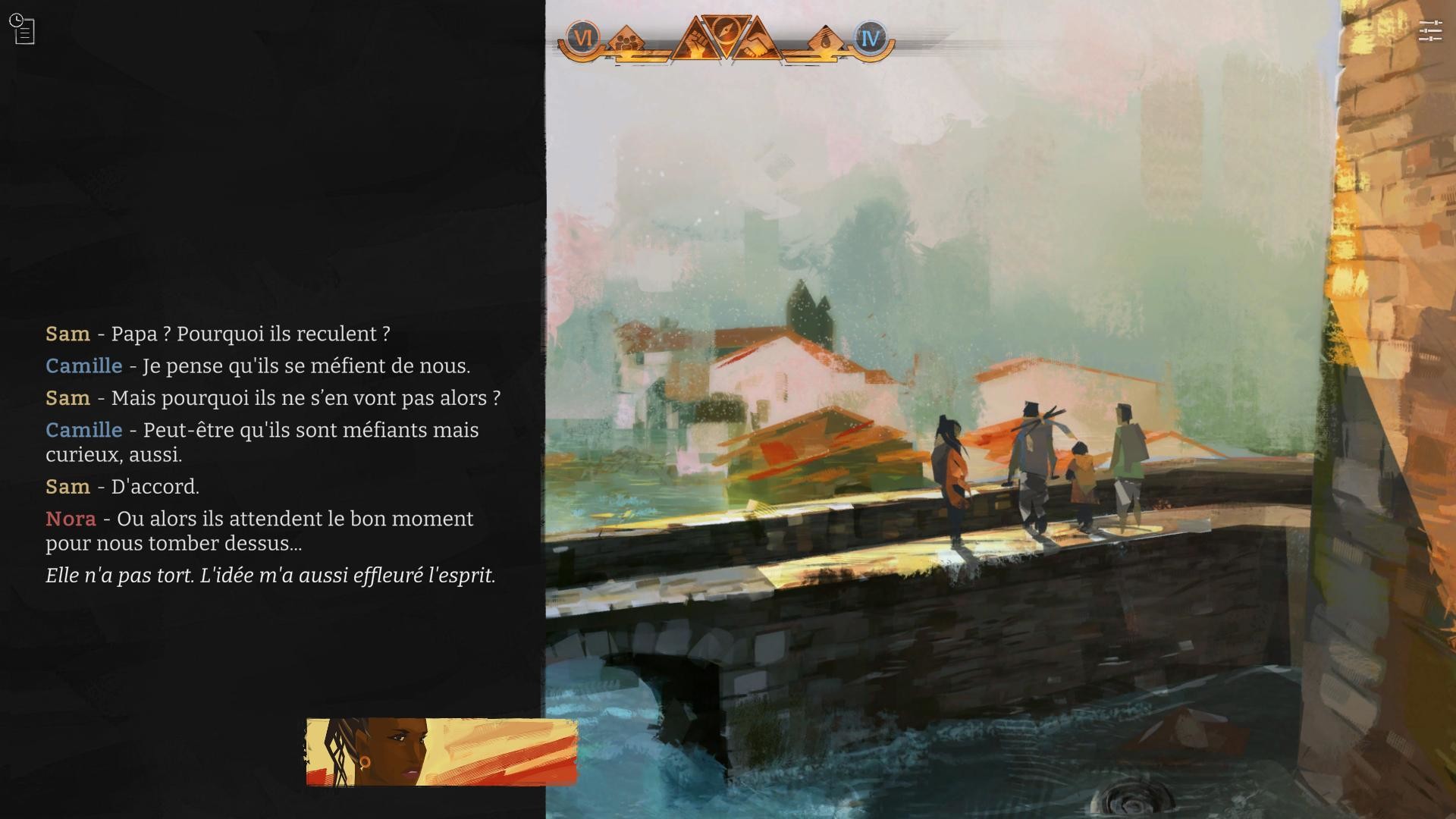
- A family unit at the core: follow Camille, Nora, their son Sam, the lively “Uncle” Rafik and the diverse cast of characters they befriend on the trail.
- A beautifully illustrated storybook: with each playthrough, experience a novel-sized adventure and a portion of the hundreds of hand-painted illustrations created for the game.
- An immersive and finely-crafted soundtrack.
🎮 Full Controller Support
- [0 B]
Hello everyone!
Today Id like to talk about something everyone can relate to: translation. As you know, our games are available in French and English, with a few exceptions (German and Chinese for Along the Edge; Latin American Spanish for Across the Grooves).
And yes, lets be honest, we would love to translate our games into more languages so that as many players as possible can enjoy our stories. Unfortunately, translation costs for games of our scale (often over 100,000 words) are completely out of reach for a studio our size.
Maybe one dayif one of our games becomes as popular as a certain visual novel involving a princess (wink), well be able to hire professional translators to bring our works to more languages.
In the meantime, there is a more DIY way to make it happen. You can translate our games yourself and add your translation directly into the game, without needing any coding knowledge. Here a small tutorial for you:
Go to your Steam library and click the Nova-box game you want to translate (you can do this for any of our games).
[/*]Right-click the game and select Properties
[/*]Go to Installed Files then click Browse.
[/*]Open the folder GameName_Data (e.g., Echoes_Data), then StreamingAssets, then Locales.
[/*]Duplicate en-US if you want to translate from English, or fr-FR if you want to translate from French.
[/*]Rename the duplicated folder to the language you want (e.g., es-ES for Spanish).
[/*]Open your new folder, then open config.json (using Notepad, for instance) and change both DisplayName and Locale according to the new language.
[/*]Open localizable.strings and you can start translating the game directly by editing the French or English text depending on your source. Save your work when youre done.
[/*]
Now launch your game, select your new language, andmagicyouve just created a new translation!
Want to share your translation or ask questions?
Join our Discord, which now has more than 250 members! You can also drop by simply to chat, share fanart, or get exclusive announcements about our upcoming game:
Additional Notes
For Seers Isle, Across the Grooves and Echoes, you will find an extra ui.strings file to translate; this file is integrated directly in localizable.strings for Along the Edge and End of Lines.
[/*]The current font only supports Latin characters (so no Cyrillic, Greek, Chinese, Japanese, Korean, etc.).
[/*]If you go to GameName_Data / StreamingAssets / fonts, you can add your own custom font. Then edit the Config.json file inside your new language folder (e.g., es-ES) and replace the original font name with the exact name of your added font.
[/*]In Config.json, you can also adjust the font size by editing the number after Scale. Be careful: this value is a multiplier. Setting it to 2 will double the font size and may break parts of the layout. Try 1.1, 1.2, 1.3, or even 0.9 / 0.8 for gentler adjustments.
[/*]You are free to use your own wording. However, if you change large portions of the original text, we kindly ask that you do not redistribute it publicly. Our games were written with care and passion, and we hope youll respect our work on this point.
[/*]
Thats it for this little translation tutorial! We are incredibly grateful for your love and support after all these years. Take care, and see you very soon!
Antonio Davisseau,\nYour Community & Marketing Manager
[img src=\"https://cdn.cloudflare.steamstatic.com/steamcommunity/public/images/clans/26308707/d7bc9e5a09f2df467421b509d142364b5af433cc.jpg\"][/img]
Minimum Setup
- OS: Ubuntu 16.04 and later (64bits only)
- Processor: 2.0 Ghz (with SSE2 instruction set support)Memory: 4 GB RAM
- Memory: 4 GB RAM
- Graphics: Integrated or dedicated graphic card with 512MB of VRAM
- Storage: 2 GB available space
Recommended Setup
- OS: Ubuntu 16.04 and later (64bits only)
- Processor: 2.6 Ghz (with SSE2 instruction set support)Memory: 4 GB RAM
- Graphics: Integrated or dedicated graphic card with 512MB of VRAM
- Storage: 2 GB available space

[ 6176 ]



















[ 5746 ]


[ 1265 ]















[ 2018 ]



















[ 986 ]







Time left:
356101 days, 1 hours, 14 minutes

Time left:
356101 days, 1 hours, 14 minutes

Time left:
5 days, 9 hours, 14 minutes

Time left:
33 days, 9 hours, 14 minutes

Time left:
36 days, 9 hours, 14 minutes

Time left:
37 days, 9 hours, 14 minutes

Time left:
10 days, 19 hours, 14 minutes

Time left:
6 days, 3 hours, 14 minutes

Time left:
12 days, 3 hours, 14 minutes

Time left:
13 days, 3 hours, 14 minutes

Time left:
18 days, 3 hours, 14 minutes

Time left:
20 days, 3 hours, 14 minutes

Time left:
24 days, 3 hours, 14 minutes

Time left:
3 days, 16 hours, 29 minutes

Time left:
8 days, 9 hours, 15 minutes

Time left:
10 days, 8 hours, 15 minutes

Time left:
15 days, 15 hours, 25 minutes


