




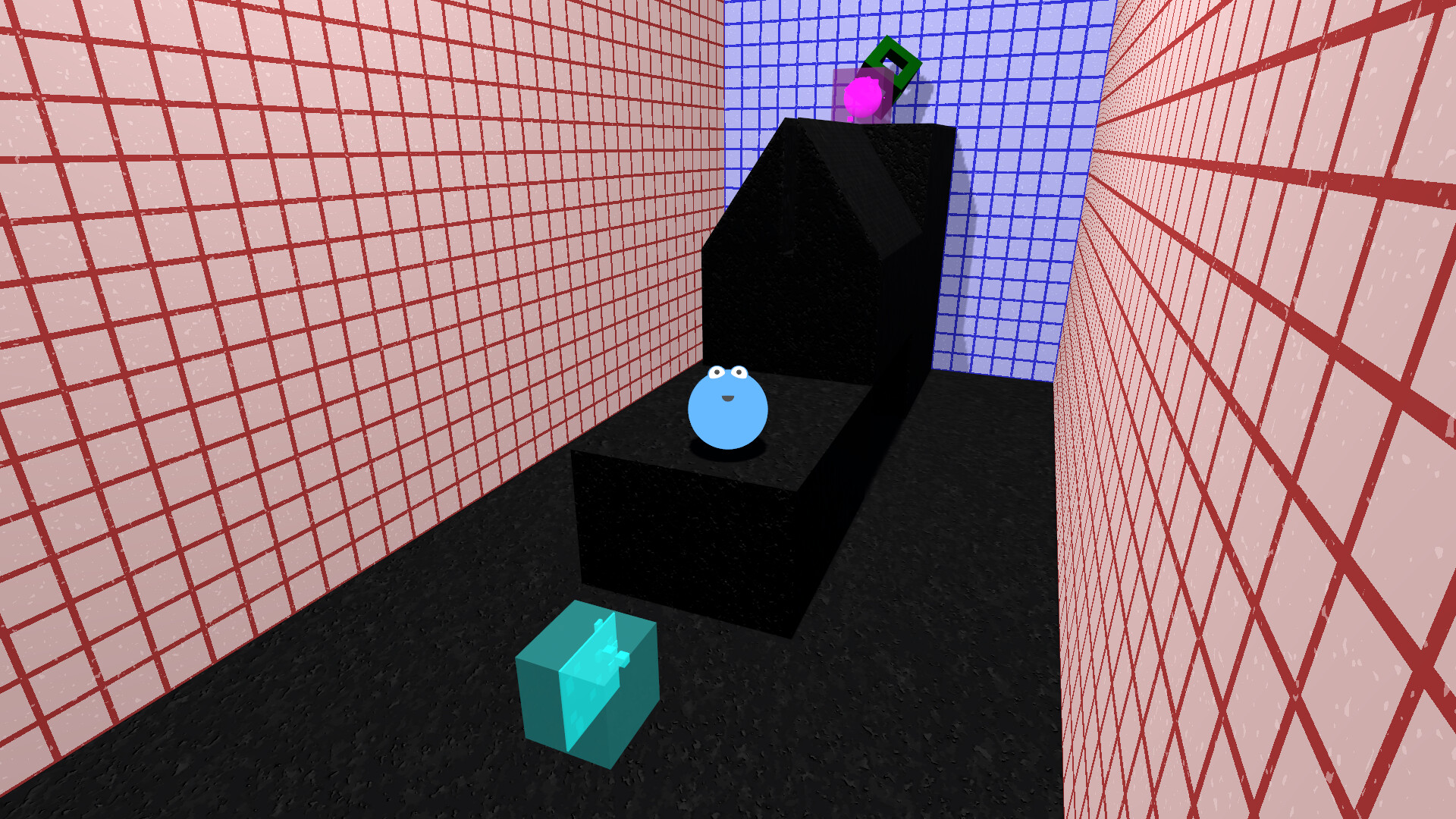
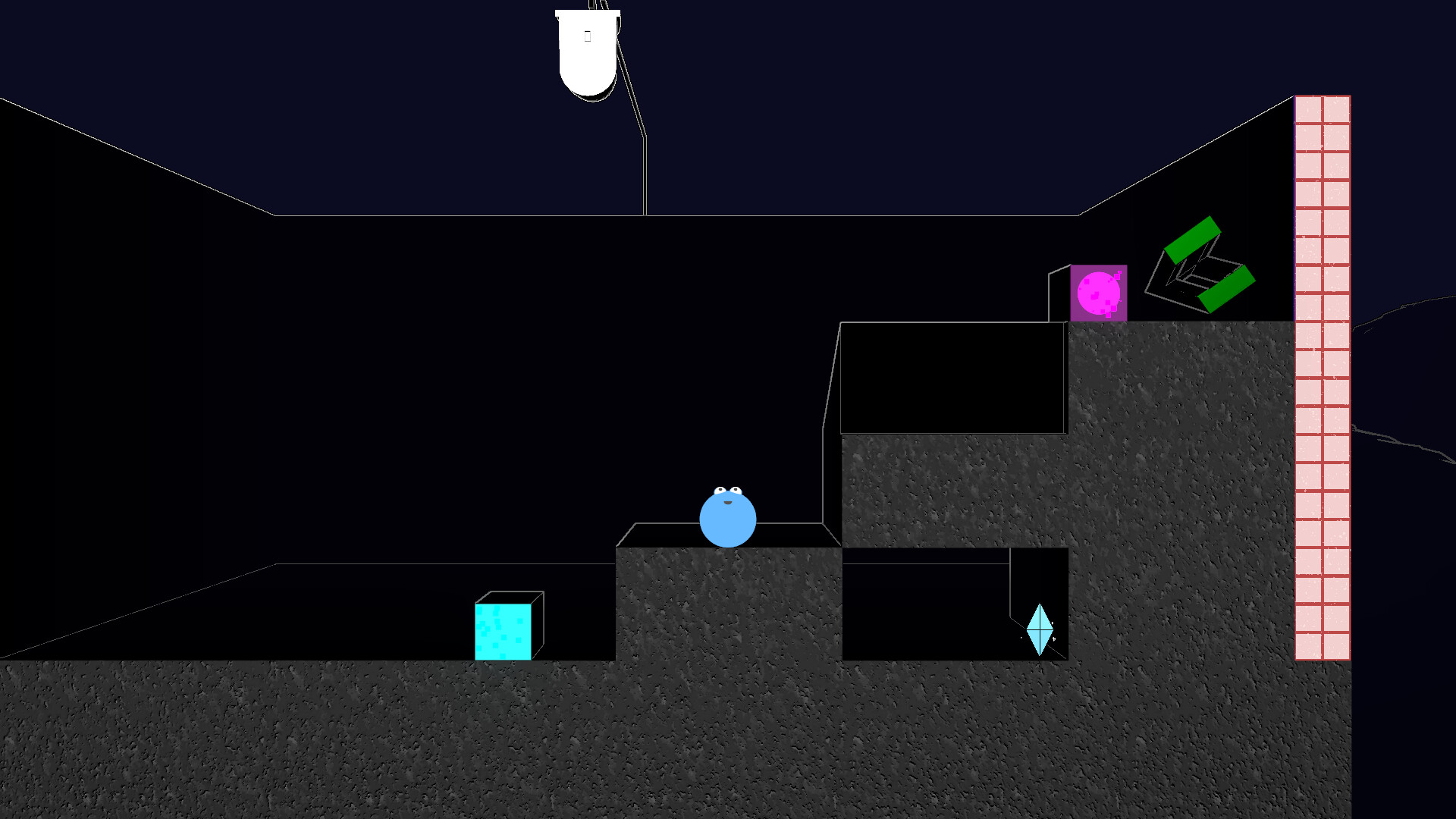
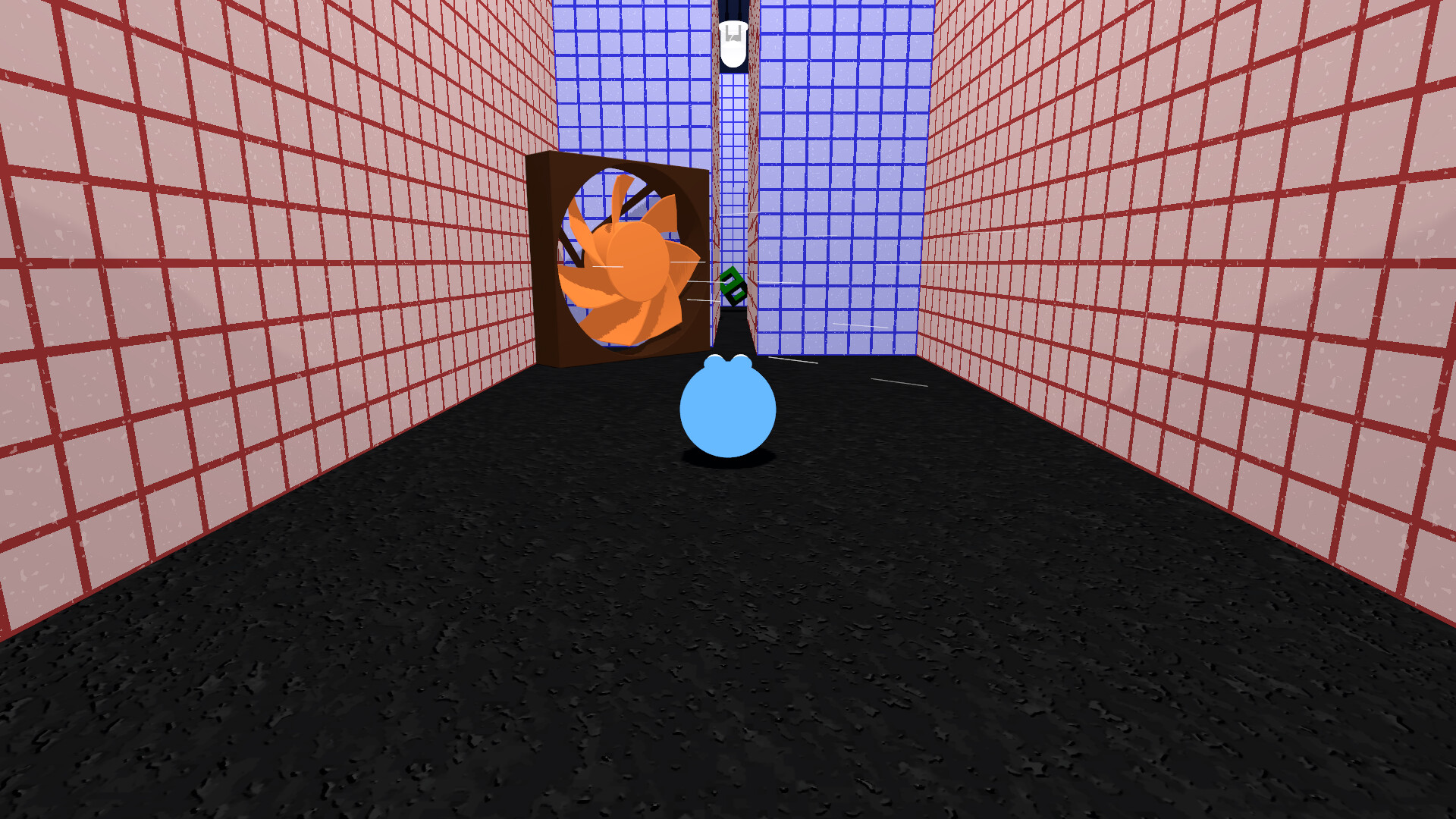
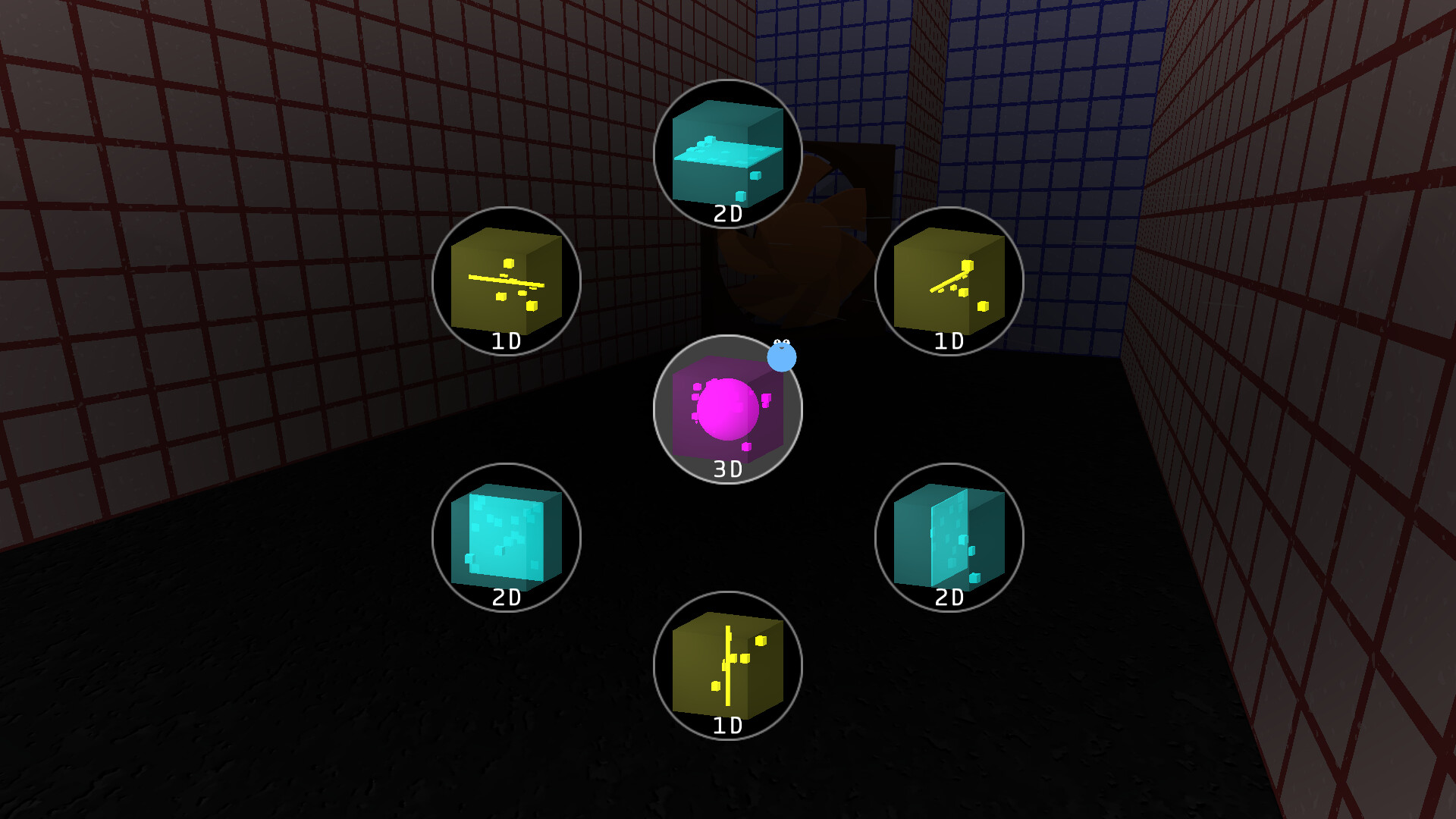
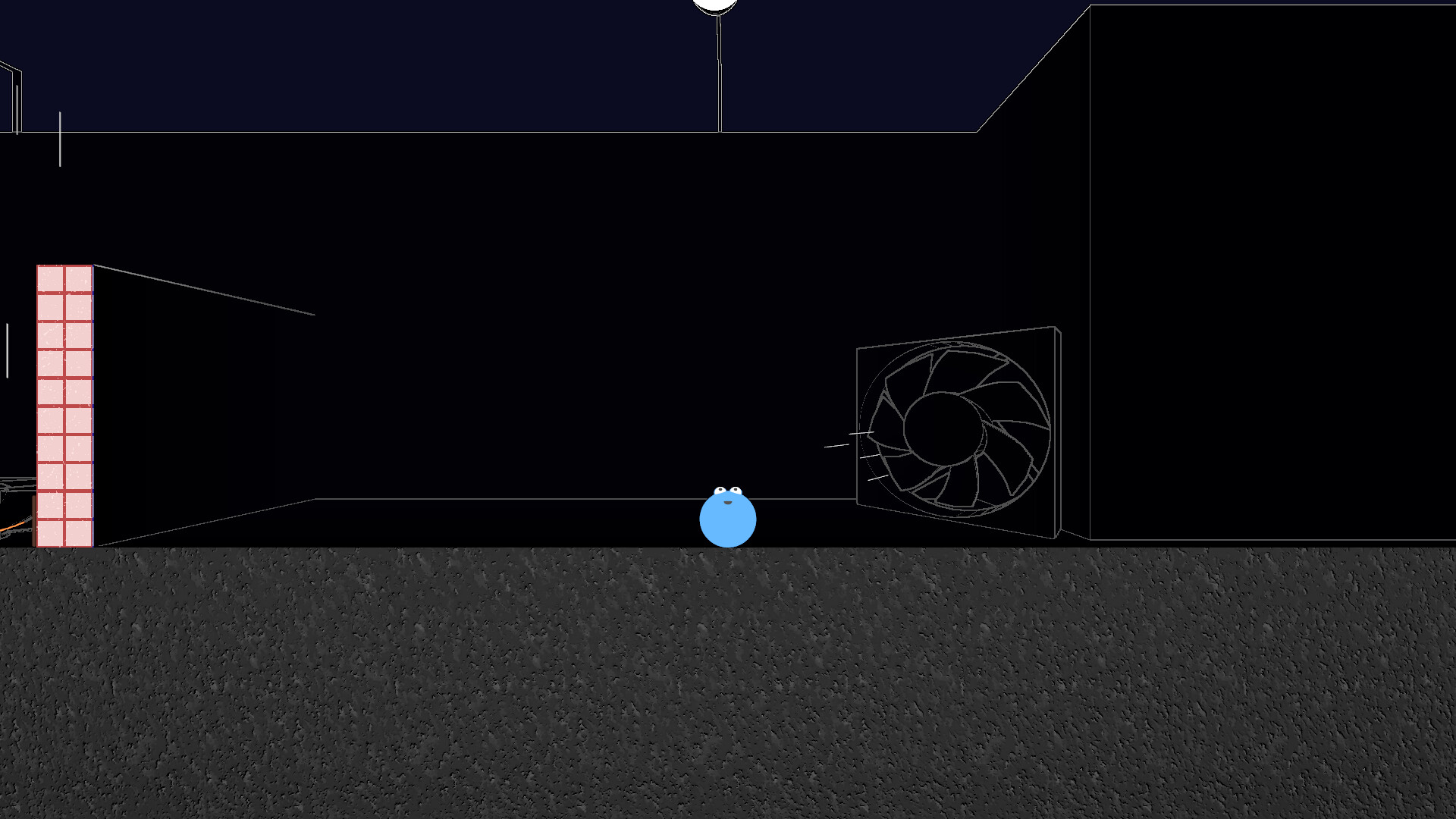
Each level introduces types or configurations of obstacles that you must work through way around (or through) to collect the object that beckons your through the space. Getting past these obstacles isn't so much of a matter of speed or precision, though. They will instead test your understanding of this dimension changing ability, your spatial reasoning, and your powers of observation. You must think in 3D when you are 2D, and in 3D when you are 2D. Somewhere along the way you'll have to get comfortable with 1D as well. It will take more than a little brain-power to discover how these modes interact with slopes, blocks, fans, corkscrews, and more.
Occasionally, you will find "Comment Blocks" (some obvious, some hidden) which contain the philosophical writings of a woman, dumped haphazardly throughout the source code of a device she is building. A device that she is determined to complete, and that, unexpectedly (and unbeknownst to her), created the world your character inhabits. The more Comment Blocks you find, the more you learn about her past, her dedication to completing this project, and the details of the project itself. You will undoubtedly have questions, will you find all the answers?
This past weekend, I was at GDEX (a local game expo), and I am excited to share that The Boundary Condition won the \"Best ISE\" (Independent, Student, Experimental) game award. It was also a runner up for \"Most Innovative\", which it won back in 2022 (my first GDEX). GDEX is always a lot of fun, and I\'m grateful to all the people who stopped by my booth, especially those that keep coming back to see the progress.
This year, I also gave a talk, titled \"Rendering World-Level Cross Sections in Godot,\" so thank you to everyone that came to that as well!
Changes in Version 0.3.2
A setting for max FPS (30, 60, or unlimited)
[/*]Various updates to the \"Orientation\" (the new first level) to avoid confusion
[/*]Fixes for a few material- and physics-related issues
[/*]Other minor UI and level tweaks
[/*]
A new demo update has just been released, with a variety of fixes and other changes that should hopefully make the experience a bit smoother for many people.
If you run into any problems with the demo, or have any other feedback, please let me know on Discord , or the Community page .
General Changes:
Consolidated/reworked the first three levels into a new opening level
[/*]Removed the auto-runner level as it was often causing more problems than it was worth
[/*]Various improvements to loading, including removal of most loading screens
[/*]Various fixes/improvements for the opening/new game sequence
[/*]Better handling of audio transitions
[/*]
UI/Controls:
Fix for joystick issues with PlayStation controllers and Steam Deck
[/*]Improved settings screen interactions with controller
[/*]On-screen control hints for skipping cutscenes and grabbing blocks
[/*]Setting for controller vibration strength
[/*]Improvements to window handling/mouse capturing
[/*]
Hotfix update:
* Fixed mouse capturing when using keyboard and mouse (broken in last update)
First and foremost: Hello! And thank you for being interested in my game, it truly means a lot to me.
Also, if you're interested in chatting about the game, reporting bugs, or just being around for when I have things to share, please consider joining the Discord .
Now, on to business. Since the demo was published, I have made a few updates, include one just a little bit ago. The collective changes so far include:
- Many improvements to loading in the game. All of the loading screens are now faster, and should generally be less laggy/frozen during loading.
- Improvements to block movement physics, in particular, an issue where the block could glitch between two places when being held by the player.
- Fix for an issue where the player would jump repeatedly when 2D. This was fixed by disabling the feature to jump by pressing up when the player is 2D (and Y-dimension is active). If this was working for you and you liked it, you can re-enable it in the settings.
- Better UI scaling.
- Improved controller interactions for the UI, especially on the Settings page.
- B/Circle button now works as a general UI cancel/back button.
- Volume settings now adjust the audio levels as you move the slider, instead of just on save.
- The mouse cursor should now generally remain hidden when using a controller.
- Added a Discord button/link on the title screen.
Also, here are some known issues:
- Steam Deck/Steam Controller input appears to be broken, or at least requiring tweaks. I'm planning to fix this by implementing the Steam Input API, but I'm not sure when I'll get to that.
- On Linux, it seems that many XBox-style controllers are also not working properly. This seems to be an Godot-related issue, so I'm following the relevant issues on their GitHub to hopefully pull that in once they fix it.
If you encounter any other issues, please let me know!
Finally, while I have your attention, please consider sharing the game with anyone who you think might be interested. If you know any puzzle lovers, math geeks, or clever kids and/or their parents (I've seen kids as young as maybe 7 stay interested for quite a while), they may appreciate the recommendation.
Thanks again!
Minimum Setup
- OS: Tested on Pop!_OS
- Processor: Decent Laptop CPUMemory: 4 GB RAM
- Memory: 4 GB RAM
- Graphics: Intel UHD Graphics
- Storage: 1 GB available space
Recommended Setup
- OS: Tested on Pop!_OS
- Processor: Decent Desktop CPUMemory: 8 GB RAM
- Graphics: NVIDIA GeForce GTX 760 or better
- Storage: 1 GB available space

[ 6370 ]






























[ 5870 ]


[ 1991 ]





























[ 1943 ]



























[ 986 ]

























Time left:
356099 days, 22 hours, 37 minutes

Time left:
356099 days, 22 hours, 37 minutes

Time left:
4 days, 6 hours, 37 minutes

Time left:
32 days, 6 hours, 37 minutes

Time left:
35 days, 6 hours, 37 minutes

Time left:
36 days, 6 hours, 37 minutes

Time left:
9 days, 16 hours, 37 minutes

Time left:
5 days, 0 hours, 37 minutes

Time left:
11 days, 0 hours, 37 minutes

Time left:
12 days, 0 hours, 37 minutes

Time left:
17 days, 0 hours, 37 minutes

Time left:
19 days, 0 hours, 37 minutes

Time left:
23 days, 0 hours, 37 minutes

Time left:
2 days, 13 hours, 52 minutes

Time left:
7 days, 6 hours, 38 minutes

Time left:
9 days, 5 hours, 38 minutes

Time left:
14 days, 12 hours, 48 minutes


