



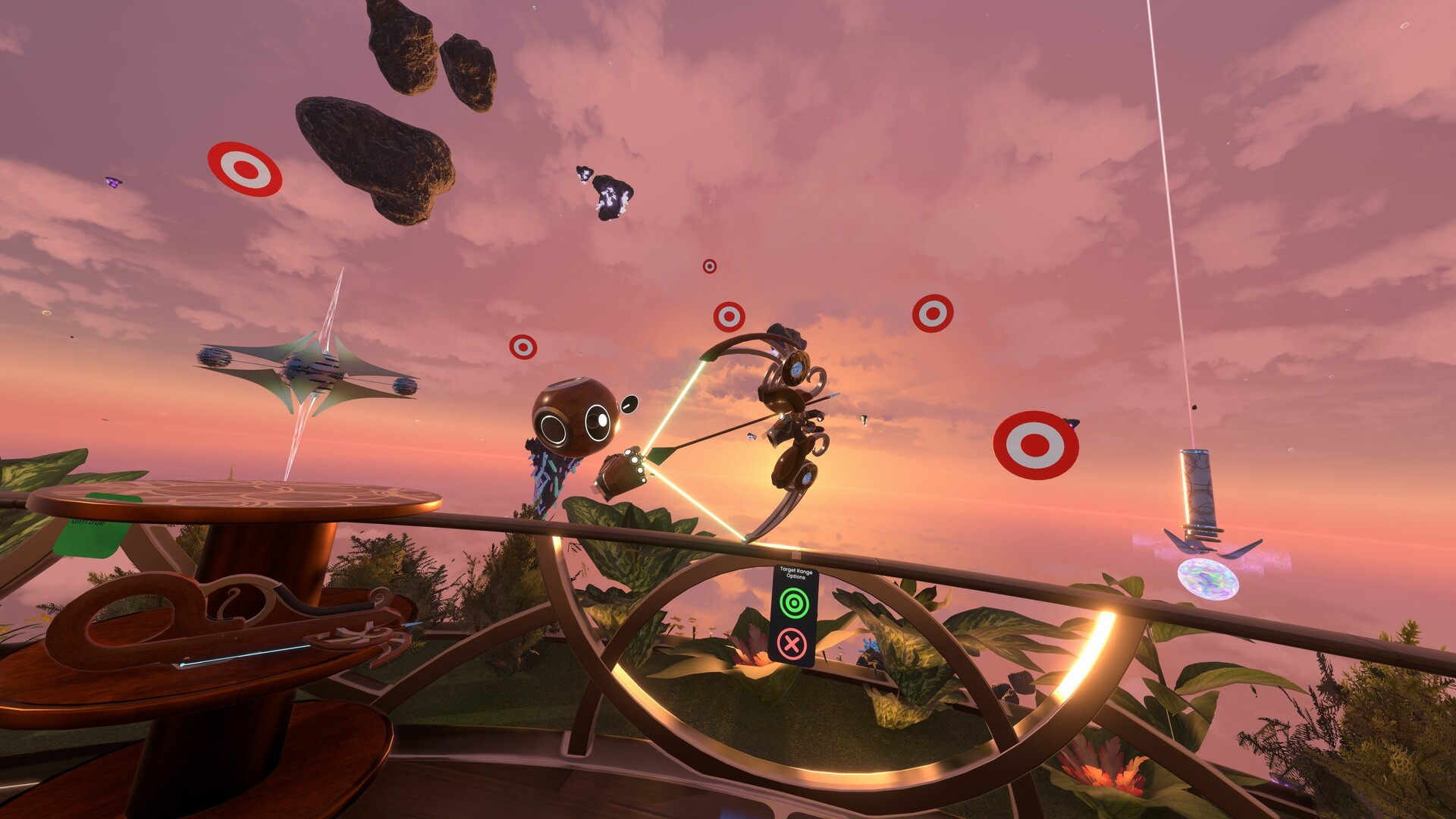
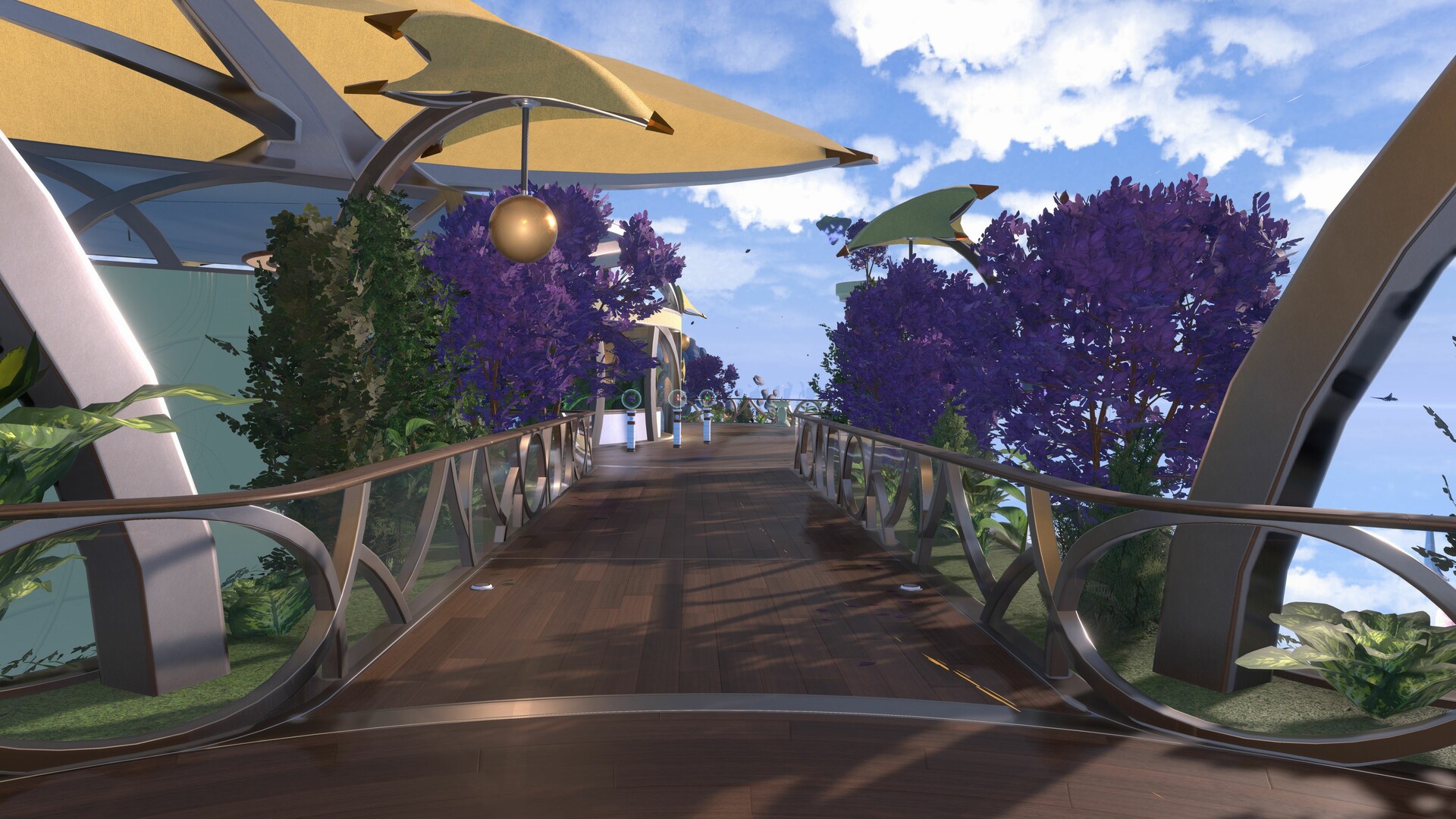
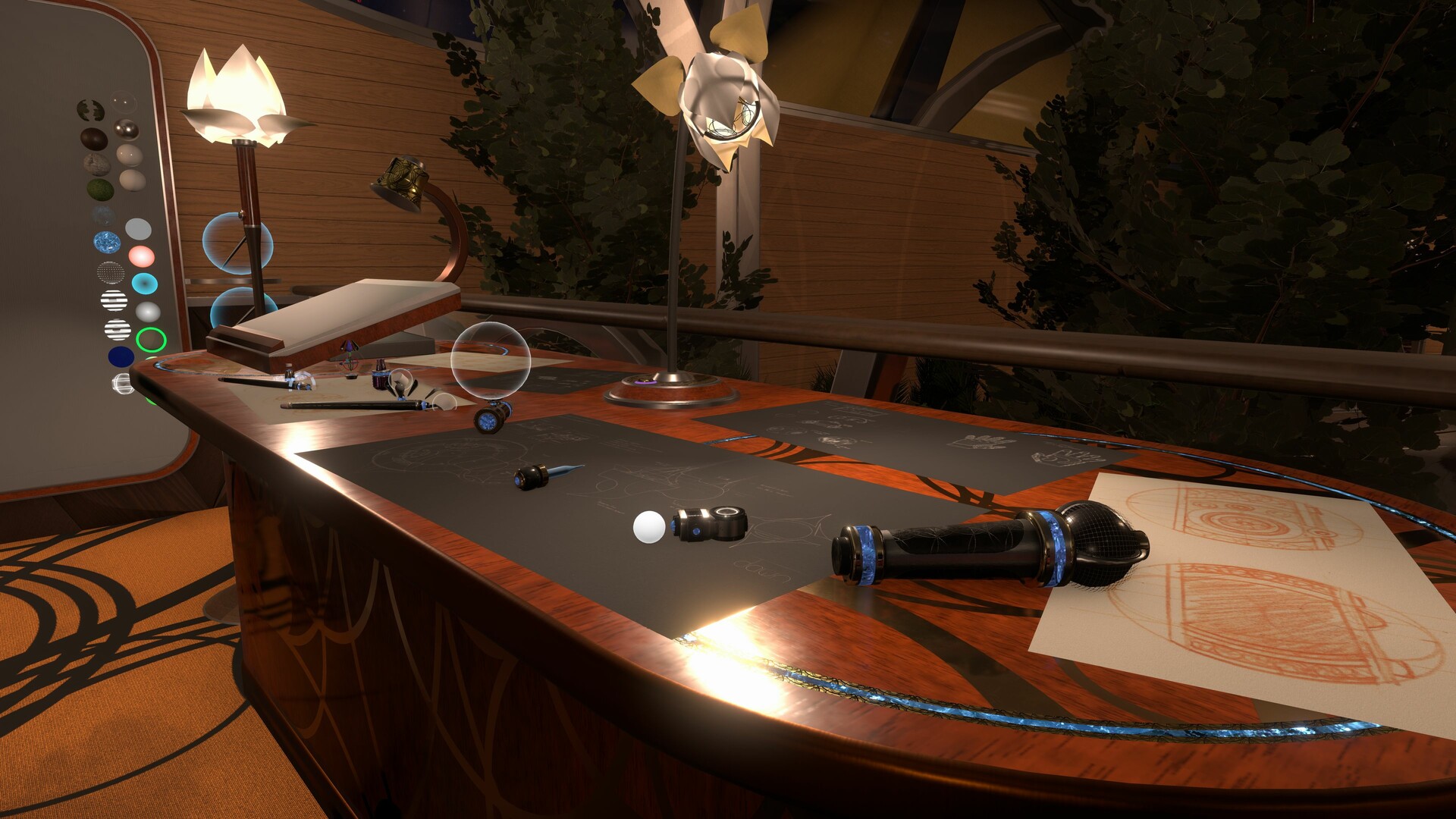
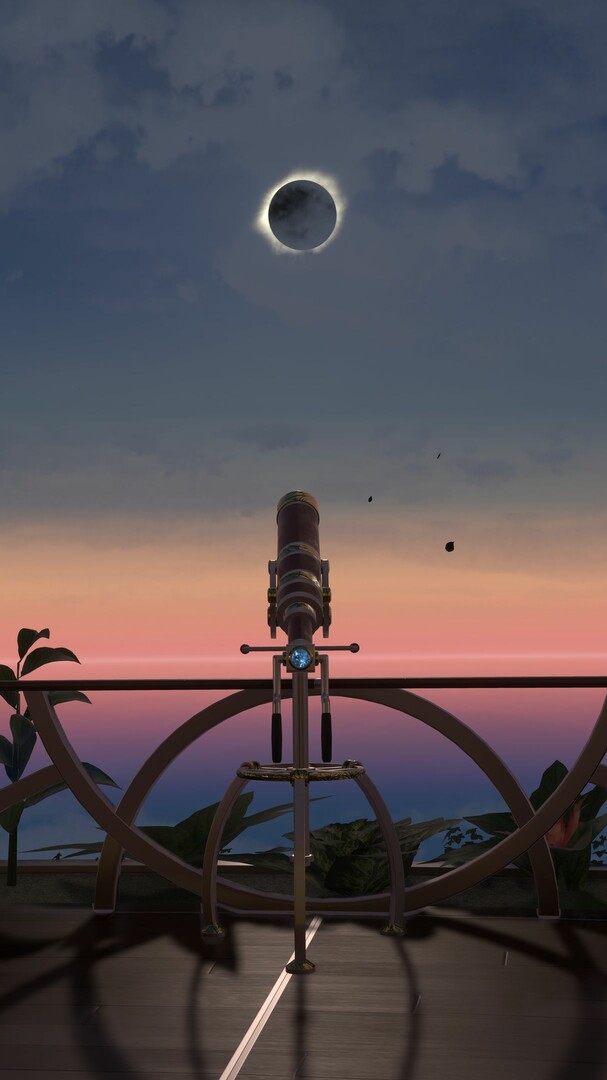
Thanks to our advanced engine, we ensure that multiplayer experiences stay perfectly synchronized between players with zero effort for our community content creators. Whether you're just hanging out with people or building complex worlds and contraptions with other creators, Resonite will make sure every details stays in perfect sync and keeps you in control of your experience.
Socialize with anyone
Online socialization and real-time communication whether you're in desktop or VR is the foundational layer of everything in Resonite. Being able to communicate and be yourself is an important part of the platform. To make this possible, we offer a number of key features:- Low latency voice - communicate in real time with other users in session with latency rivaling that of other messaging applications
- Fully custom avatars - import, build and customize any avatars in-game and in real-time to look like the best version of you
- Full body tracking, eye & face tracking - to maximize your avatar's expressivity we support 8 trackers (feet, knees, hips, chest and elbows) as well as eye and face tracking
- Haptics support - with support for haptic vests such as bHaptics, you can increase your immersion and become part of the virtual world
- Instant messaging - chat over text, send invites, voice messages or even arbitrary items to your contacts
- Flexible session visibility & security - you are in control of the visibility and accessibility of your sessions, anywhere from public to fully private, with an access list you control. All validation and verification of joining users is done on your client - if you set your session to Private, you can be sure that it is private
- Customizable UI - the user interface is your gateway to using the platform and just like everything else in Resonite, it can be customized and extended to better suit your needs and make your daily experience more comfortable
- Self-moderation tools - we understand that not every interaction on the platform will be good and that's why we want to empower you with a number of self-moderation tools - moderate your own worlds with silence, kick and ban functions or easily mute and block individual users avatars or their entire presence. Our goal is to give you as much control over your virtual experience as we can.
- Multi-world presence - just like tabs in a web browser, you can be present in multiple worlds and switch between them in a fraction of second
Play, explore and share
Socializing does not have to end at chatting with your fellow users. Resonite is a universe full of fun gadgets, avatars and games to explore, with features to make any session fun and exciting.- Easy media sharing - drag & drop pictures, audio/music or videos into any world to share with other users with synchronized playback - it's that easy!
- Inventory system - did you find or made something cool? Save it to your inventory! You can spawn any items, gadgets and tools in any world (as long as you have permissions to do so) - everything is fully synchronized too!
- Dynamic avatar scaling - exploring the world or interacting with users at different scales can give you quite a different experience - you can change your avatar's scale anywhere, at any time (unless it's limited by the host of the session)!
- High quality audio streaming - want to host a party and be the DJ? Streaming your system audio in full stereo in high quality is a few clicks away
- World search & session discovery system - looking for a cool world to visit or what your friends are up to? Searching worlds by their names and tags as well as seeing which worlds your contacts are in will help you there
- Stream to your audience - our in-game recording and streaming tools make it easy to produce captivating and dynamic camera shots, whether you're streaming or filming videos for social media
- Custom locomotion - we don't limit you to just walking around - you can fly, noclip switch to zero-g or build your own customized locomotion system - ever tried to walk on a surface of a Möbius strip?
Build and create
If you have a creative itch, you may enjoy the powerful toolset that Resonite offers to you. Not only you can build and edit absolutely anything - from your avatar, items, to the entire worlds or even making your own tools, you can collaborate with others in real time and achieve true creative resonance!- Realtime collaboration - the collaboration on our platform is so seamless, that you will often forget it's there - our powerful engine ensures that the world and everything in it starts in perfect sync, no matter what you do - you'd be hard pressed to find any feature or functionality that'd be visible only to you (unless it's your private UI of course!)
- Edit anything - everything you see in the world can be edited and customized with the game tools - in fact, we built a lot of the official functionality in-game with the same tools that are accessible to you - from the home world, default avatars, to video players, color picker UI or progress bar - you can take them apart or build your own from scratch and favorite them
- Save anything - you can save literally anything on the platform! Whether you built a new item, an avatar or a world, or made modifications to an existing one, everything can be persisted with a single click of a button. You can efficiently store multiple copies as well - our deduplication system will ensure that any shared assets only get counted once
- Development tools - our development tools range from simple brushes and procedural meshes to more advanced and powerful ones, similar to ones you find in classical game development tools - except that you can use them in VR with real time collaboration!
- Cross-world synchronization and persistence - with our integrated cloud tools, you can easily preserve user data between sessions or synchronize state across multiple different worlds
- Import 3D models - thanks to open source libraries, it's extremely easy to bring in large variety of 3D model formats - simply drag and drop your FBX, OBJ, GLB or other files and bring them in
- Texture/Audio/Model processing - need to make a quick edit to a texture, audio file or 3D mesh? Basic editing functions are fully accessible in-game - from hue-shifting textures, normalizing and clipping audio to recalculating normals and tangents on meshes or baking them
- Export content for external tools - as easy as it is to bring content in, it's just as easy to take it out! With this, you can make edits using external tools or make Resonite part of your workflow
Code and develop

- ProtoFlux - ProtoFlux is the crown jewel of our creative tools - the most powerful visual programming language that our experienced team has designed to date, which lets you quickly prototype and build anything from simple interactions to complex games and systems - with full real-time collaboration support and immediate feedback
- Script anything - ProtoFlux can interact with anything - the world, the items, your avatar and any combinations of these!
- Websockets - thanks to built-in websocket support, you can easily communicate with external applications and scripts and build extensive functionality, such as your own game servers, fetching external data to integrating new and custom hardware, without having to depend on official integration
- Async Flows - creating code that needs to yield or wait across different frames is a native feature of ProtoFlux, with full execution scope preservation - you can even have multiple async flows running off the same code, each with their own unique context, which is a highly powerful and flexible tool for simplifying your logic
- Flexible storage system - locals, stores and data model - pick where you store your computational data depending on the desired scope and context, to build highly efficient systems
Resonate with anything, anyone, anywhere...
We are a team of passionate developers, who are developing more than just a piece of software, but something that we call a second home. We are committed continuous development, with frequent updates and community driven focus. This project is a combination of our dreams and visions of what digital spaces like this should offer and the collective needs, desires and aspirations of our community.Much of our focus and vision is on giving you, the users and inhabitants of this virtual universe, as much power and agency as we can, whether it's over controlling your experience on the platform or being able to (re)build anything we do.
It would be our honor if you decide to join our universe and help us build it together. Whatever your background or interests are, we want to build a place where everyone can resonate together.
🕹️ Partial Controller Support
🎮 Full Controller Support
- [0 B]
Hello everyone! I got a new build for you (possibly the only one this week since I\'ll be at EF) with a bunch of goodies!\n\nThe renderer decoupling is now implemented! This triggers only on large hitches by default (and during startup) to smooth out some of the lagspikes. While it will cause everything in the scene to freeze (except videos!), you will still have head tracking, which makes those hitches feel nicer whenever they happen and prevents interrupting video watching.\n\nYou can also force the engine and renderer to always be decoupled, essentially running asynchronously, but I only recommend this for diagnostic purposes (like checking if you\'re CPU or GPU bound) - it will be pretty stuttery in a lot of cases!\n\nThere\'s some smaller low hanging fruit optimizations as well and some bugfixes.\n\nThere\'s also a whole bunch of contributions from the team too! Updated World Light Sources Wizard, Active checkboxes in the inspector, updated badges and asset variant stability improvements!\n
\n
New Features:
- Implemented renderer auto-decoupling and re-rendering previous scene state on hitches (issue #4747)\n-- Whenever FrooxEngine hitches (by default for more than ~66 ms) the renderere will start rendering previous scene state independently\n-- In VR, this allows head tracking to continue to work in such cases, only freezing the scene state rather than entire rendering and allows video playback to continue, reducing interruptions during such hitches\n-- You can configure this mechanism in Settings -> Graphics -> Renderer Decoupling\n-- You can adjust at what immediate framerate it triggers and how many frames it takes to re-engage the lockstep\n-- You can optionally force the renderer to always be decoupled and run asynchronously. However this is mostly meant for diagnostic purposes - e.g. determining if you\'re CPU or GPU bound and will likely cause significant stutters in motion\n\n- Added detailed diagnostics for issue #5482 by @thejebforge, @karasutengu, @dustysprinkles\n\n- Added Set/Multiply Intensity and Set/Multiply Range to the World Light Sources Wizard (requested by @modernballoonie, issue #4684, implemented by @ryuvi)\n-- These operators replace the old Change Intensity/Range, providing clearer info on what you\'re doing with those fields on the lights you\'re editing\n\n- Added new yearly badges and updated existing ones (based on issue by @aegis_wolf, issue #5289, implemented by @aegis_wolf and @ryuvi)\n-- Yearly badges have been added for 2021, 2022 and 2023.\n-- The badges for 2018, 2019, and 2020 have been updated as well to match the new style for the yearly badges.\n-- In addition to the yearly badges, the potato badge has been updated, and so have the fruit badges.\n\n\n- Added a quick toggle checkbox for every slot\'s Active property to the inspector hierarchy (requested by @Krzeszny, issue #4940, implemented by @Gawdl3y)\n- Added the ability to grab & drop Slot references onto bool reference receivers/fields to insert a reference to the Slot\'s Active property (requested by @Cameron5, issue #4641, implemented by @Gawdl3y)\n\n
Optimizations:
- Optimized submission of data to renderer by reinterpreting memory as Unity types on Unity end, rather than converting them explicitly (issue #4766)\n-- This reduces some wasted CPU cycles, particularly when updating a lot of things (e.g. lots of moved transforms)\n- Skip processing & allocating renderable updates for subsystems that currently don\'t have any updates to submit (issue #4754)\n- Smoothed out startup experience, by not engaging the frame-locking mechanism until the engine is rendering (issue #4756)\n\n
Tweaks:
- Change default FOV to 75 from 60\n-- This only affects new users, if you already have initialized settings it will remain the same\n- Auto AFK kick will not invalidate invites any more (issue #3005, implemented by @j4.lc)\n- Added a new sound effect for receiving invite requests (requested by @zangooseoo, issue #3798, created by @LacyDoes, implemented by @Gawdl3y)\n- Added a badge for attendees of VR Japan Meeting of Furries 2025\n-- The badges still need to be assigned to users, they are now included in the build\n\n- Inspector hierarchy expand/collapse buttons now require lock in to press to prevent accidental presses (implemented by @Gawdl3y)\n-- This also applies to the new active checkboxes\n\n
Locale:
- Merged German locale update by @muppeq \n- Merged English locale tweak by @muppeq \n- Merged Chinese (Taiwan) locale update by @meowwei \n- Merged Chinese (Mainland) locale update by modimobeikete\n- Merged Korean locale update by @mirpasec \n\n
Fixes:
- Ensure that Awwdio gets properly disposed on shutdown to prevent it from causing shutdown sequence to hang\n- Fixed crash when changing reflection probe type (reported by @reddneko, magenta76, @troyborg, issue #5453)\n- Prevented Asset Workers from crashing when handling invalid Shader files (implemented by @probableprime)\n- Enable Asset processing to handle R8 Formatted Images. This fixes a common Asset Worker failure (implemented by @probableprime)\n- Fixed inconsistent vertical spacing in inspector hierarchy (implemented by @Gawdl3y)\n- Fixed duplicating a slot with the same slot reference used as both the template and overridden parent crashing the game (reported by @JackTheFoxOtter, @mint_shock, fixed by @Gawdl3y, issue #3950)\n
Minimum Setup
- OS: Ubuntu 18.04
- Processor: Dual-core CPU or higherMemory: 8 GB RAM
- Memory: 8 GB RAM
- Graphics: GTX 750 (or equivalent)Network: Broadband Internet connection
- Storage: 2 GB available space
Recommended Setup
- OS: Ubuntu 20.04
- Processor: Octa-core CPU or higherMemory: 16 GB RAM
- Graphics: RTX 2070 (or equivalent) and higherNetwork: Broadband Internet connection
- Storage: 20 GB available spaceVR Support: SteamVR

[ 6368 ]




























[ 5873 ]


[ 1991 ]





























[ 1943 ]


























[ 988 ]


















Time left:
356099 days, 9 hours, 27 minutes

Time left:
356099 days, 9 hours, 27 minutes

Time left:
3 days, 17 hours, 27 minutes

Time left:
31 days, 17 hours, 27 minutes

Time left:
34 days, 17 hours, 27 minutes

Time left:
35 days, 17 hours, 27 minutes

Time left:
9 days, 3 hours, 27 minutes

Time left:
4 days, 11 hours, 27 minutes

Time left:
10 days, 11 hours, 27 minutes

Time left:
11 days, 11 hours, 27 minutes

Time left:
16 days, 11 hours, 27 minutes

Time left:
18 days, 11 hours, 27 minutes

Time left:
22 days, 11 hours, 27 minutes
Time left:
2 days, 0 hours, 28 minutes

Time left:
6 days, 17 hours, 28 minutes

Time left:
8 days, 16 hours, 28 minutes
Time left:
13 days, 23 hours, 38 minutes


