



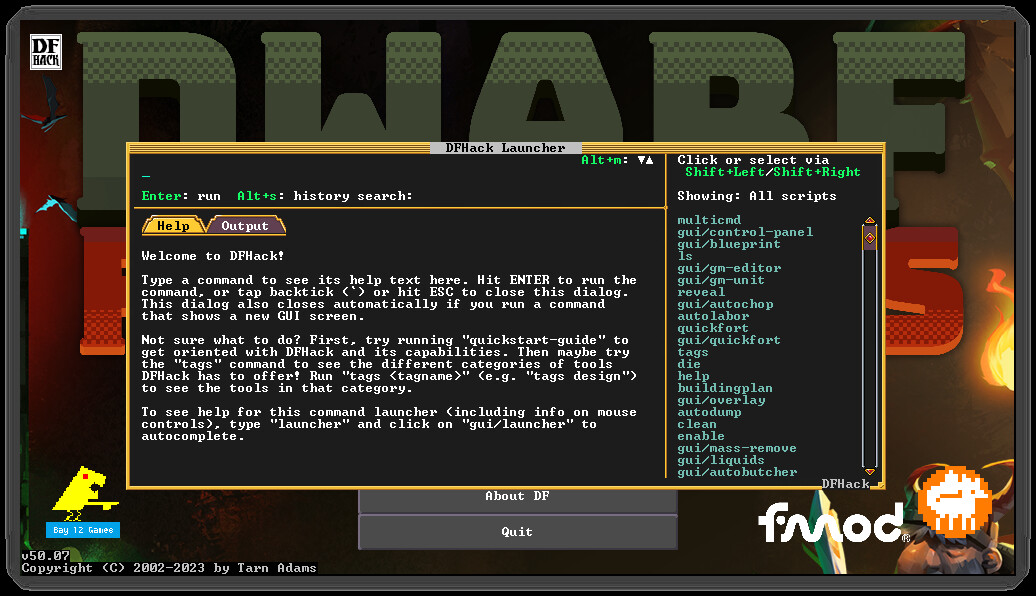
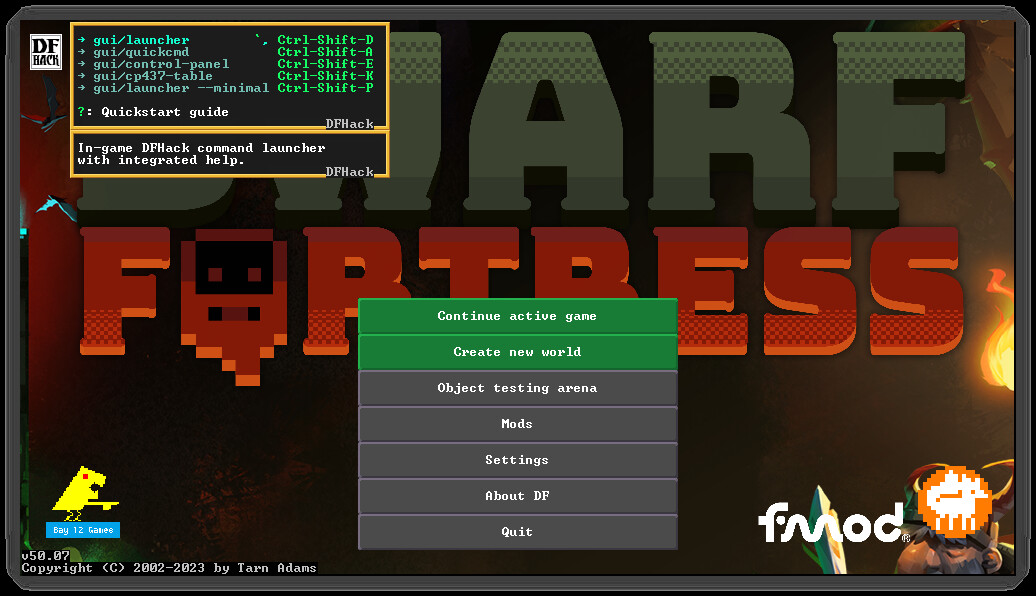
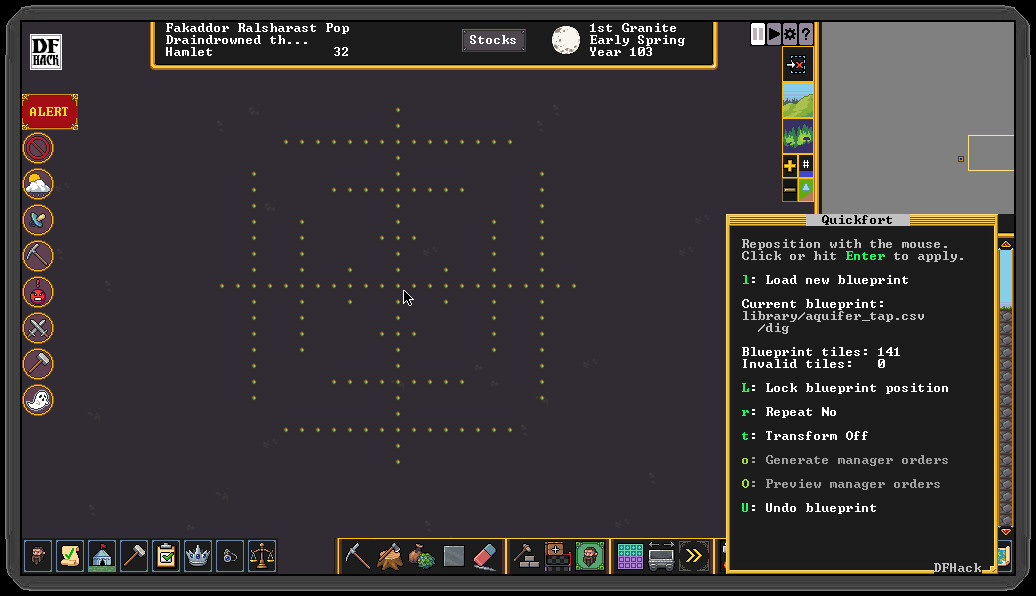
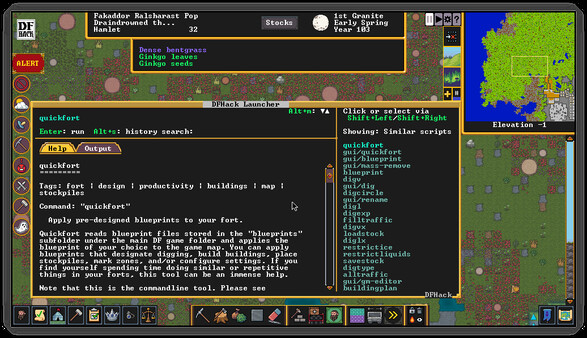
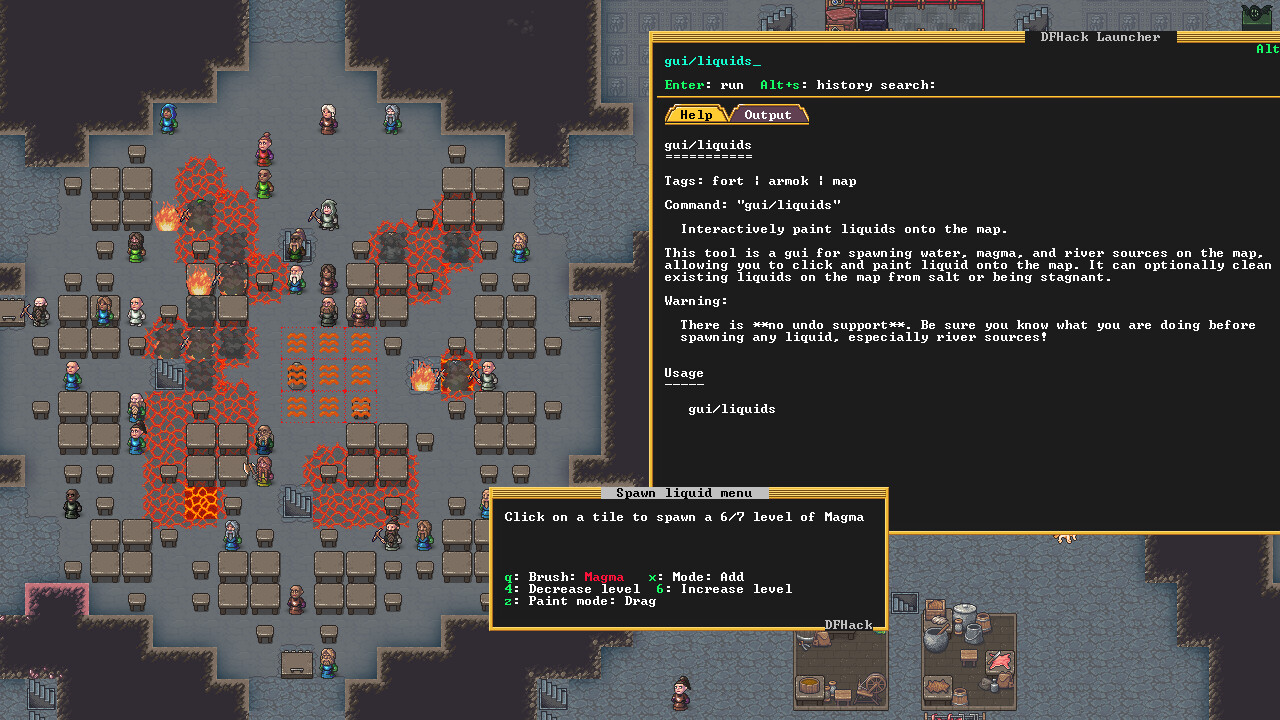
DFHack’s mission is to provide tools and interfaces for players and modders to:
- expand the bounds of what is possible in Dwarf Fortress
- reduce the impact of game bugs
- give the player more agency and control over the game
- provide alternatives to toilsome or frustrating aspects of gameplay
- make the game more fun
The best way to make feature requests or report problems is to open an Issue at our GitHub page.
When reporting problems, links to your zipped, uploaded savegame and mods are immensely helpful, and issues with attached savegames and mods get fixed faster. We need a zip of your mods because we can't load your savegame without them.
DFHack installs directly into your Dwarf Fortress directory, so be sure to install it to the same Steam library and drive as Dwarf Fortress.
It is not a problem if you already have DFHack manually installed. You can subscribe to the Steam version and it will absorb the installed files. Your data in dfhack-config/ is safe. No additional steps are necessary.
🕹️ Partial Controller Support
🎮 Full Controller Support
This is a beta release. To install, select the beta branch for DFHack in your Steam client.
This release is compatible with all distributions of Dwarf Fortress: https://store.steampowered.com/app/975370/Dwarf_Fortress/\"" style="color:#bb86fc;text-decoration:none;">Steam , Itch , and Classic .
https://store.steampowered.com/app/2346660/DFHack\"" style="color:#bb86fc;text-decoration:none;">Install DFHack from Steam
[/*]- [/*]
- [/*]
- [/*]
Please report any issues (or feature requests) on the DFHack GitHub issue tracker . When reporting issues, please upload a zip file of your savegame and a zip file of your mods directory to the cloud and add links to the GitHub issue. Make sure your files are downloadable by \"everyone with the link\". We need your savegame to reproduce the problem and test the fix, and we need your active mods so we can load your savegame. Issues with savegames and mods attached get fixed first!
Highlights
New Features
This release will have several new features:
\"autotraining\" (and its companion \"gui/autotraining\") will automate putting units into a military squad as needed to satisfy the \"Martial Training\" need
[/*]
\"entomb\" can assist in cleaning up scattered body parts or corpses that aren\'t being buried automatically for whatever reasons
[/*]\"husbandry\" provides an alternative to \"automilk\" and \"autocheese\" for automating these processes with less cancel spam and more efficiency
[/*]
\"nestboxes\" can now optionally be configured to only operate within a specified burrow
[/*]\"stonesense\" now offers day/night cycle lighting while in fortress mode
[/*]\"tailor\" can now automate the production of dyed cloth for use in clothing
[/*]
Bug Fixes
We also fixed a lot of bugs: \"ban-cooking all\" will no longer crash if there is no honey in the world, \"confirm\" got a lot of adjustments, \"immortal-cravings\" should now work a lot better than it used to, \"stockpiles\" will export furniture stockpiles correctly now, \"uniform-unstick\" won\'t cause units to equip multiple copies of assigned items, and deities will no longer have stray commas added after their names in various DFHack displays.
Announcements
PSAs
As always, remember that, just like the vanilla DF game, DFHack tools can also have bugs. It is a good idea to save often and keep backups of the forts that you care about. Some DFHack tools that worked in previous (pre-Steam) versions of DF have not been updated yet and are marked with the \"unavailable\" tag in their docs. If you try to run them, they will show a warning and exit immediately. You can run the command again to override the warning (though of course the tools may not work). We make no guarantees of reliability for the tools that are marked as \"unavailable\". The in-game interface for running DFHack commands (gui/launcher) will not show \"unavailable\" tools by default. You can still run them if you know their names, or you can turn on dev mode by hitting Ctrl-D while in gui/launcher and they will be added to the autocomplete list. Some tools listed as \"unavailable\" in the docs do not compile yet and are not accessible at all, even when in dev mode. If you see a tool complaining about the lack of a cursor, know that it\'s referring to the keyboard cursor (which used to be the only real option in Dwarf Fortress). You can enable the keyboard cursor by entering mining mode or selecting the dump/forbid tool and hitting Alt-K (the DFHack keybinding for toggle-kbd-cursor). We\'re working on making DFHack tools more mouse-aware and accessible so this step isn\'t necessary in the future.
Changelog
New Tools
\"autotraining\": new tool to assign citizens to a military squad when they need Martial Training
[/*]\"entomb\": allow any unit that has a corpse or body parts to be assigned a tomb zone
[/*]\"gui/autotraining\": configuration tool for autotraining
[/*]\"husbandry\": Automatically milk and shear animals at nearby farmer\'s workshops
[/*]
New Features
------------
\"deathcause\": added functionality to this script to fetch cause of death programatically
[/*]\"nestboxes\": allow limiting egg protection to nestboxes inside a designated burrow
[/*]\"stonesense\": stonesense now has visible day/night cycle lighting in fortress mode
[/*]\"tailor\": tailor now provides optional dye automation
[/*]
Fixes
-----
\"ban-cooking\": will not fail trying to ban honey if the world has no honey
[/*]\"confirm\":
[list]only show pause option for pausable confirmations
[/*]when editing a uniform, confirm discard of changes when exiting with Escape
[/*]when removing a manager order, show correct order description when using non-100% interface setting
[/*]when removing a manager order, show correct order description after prior order removal or window resize (when scrolled to bottom of order list)
[/*]when removing a manager order, show specific item/job type for ammo, shield, helm, gloves, shoes, trap component, and meal orders
[/*]the pause option now pauses individual confirmation types, allowing multiple different confirmations to be paused independently
[/*]
\"immortal-cravings\": prioritize high-value meals, properly split of portions, and don\'t go eating or drinking on a full stomach
[/*]\"stockpiles\": fixed off-by-one error in exporting furniture stockpiles
[/*]\"stonesense\": fixed the announcements not using the bright bool (now matches vanilla DF colors)
[/*]\"uniform-unstick\": no longer causes units to equip multiples of assigned items
[/*]\"Units::getReadableName\" will no longer append a comma to the names of histfigs with no profession
[/*]Misc Improvements
\"devel/hello-world\": updated to show off the new Slider widget
[/*]
API
\"Job\": new functions \"createLinked\" and \"assignToWorkshop\"
[/*]\"Units\": new functions \"getFocusPenalty\", \"unbailableSocialActivity\", \"isJobAvailable\"
[/*]
Lua
New functions: \"dfhack.jobs.createLinked\", \"dfhack.jobs.assignToWorkshop\", \"dfhack.units.getFocusPenalty\", \"dfhack.units.unbailableSocialActivity\", and \"dfhack.units.isJobAvailable\"
[/*]
Structures
added default values for \"material\" and \"mat_index\" in \"reaction_reagentst\" and \"reaction_productst\" child classes
[/*]
Minimum Setup
- Processor: Dual Core CPU - 2.4GHz+Memory: 4 GB RAM
- Memory: 4 GB RAM
- Graphics: 1GB of VRAM: Intel HD 3000 GPU / AMD HD 5450 / Nvidia 9400 GT
- Storage: 50 MB available spaceAdditional Notes: Must be installed to the same Steam library and drive as Dwarf Fortress
Recommended Setup
- Processor: Dual Core CPU - 4GHz+Memory: 16 GB RAM

[ 6176 ]




























[ 5746 ]


[ 1265 ]





























[ 2018 ]

























[ 986 ]
























Time left:
356101 days, 2 hours, 29 minutes

Time left:
356101 days, 2 hours, 29 minutes

Time left:
5 days, 10 hours, 29 minutes

Time left:
33 days, 10 hours, 29 minutes

Time left:
36 days, 10 hours, 29 minutes

Time left:
37 days, 10 hours, 29 minutes

Time left:
10 days, 20 hours, 29 minutes

Time left:
6 days, 4 hours, 29 minutes

Time left:
12 days, 4 hours, 29 minutes

Time left:
13 days, 4 hours, 29 minutes

Time left:
18 days, 4 hours, 29 minutes

Time left:
20 days, 4 hours, 29 minutes

Time left:
24 days, 4 hours, 29 minutes

Time left:
3 days, 17 hours, 44 minutes

Time left:
8 days, 10 hours, 30 minutes

Time left:
10 days, 9 hours, 30 minutes

Time left:
15 days, 16 hours, 40 minutes


