



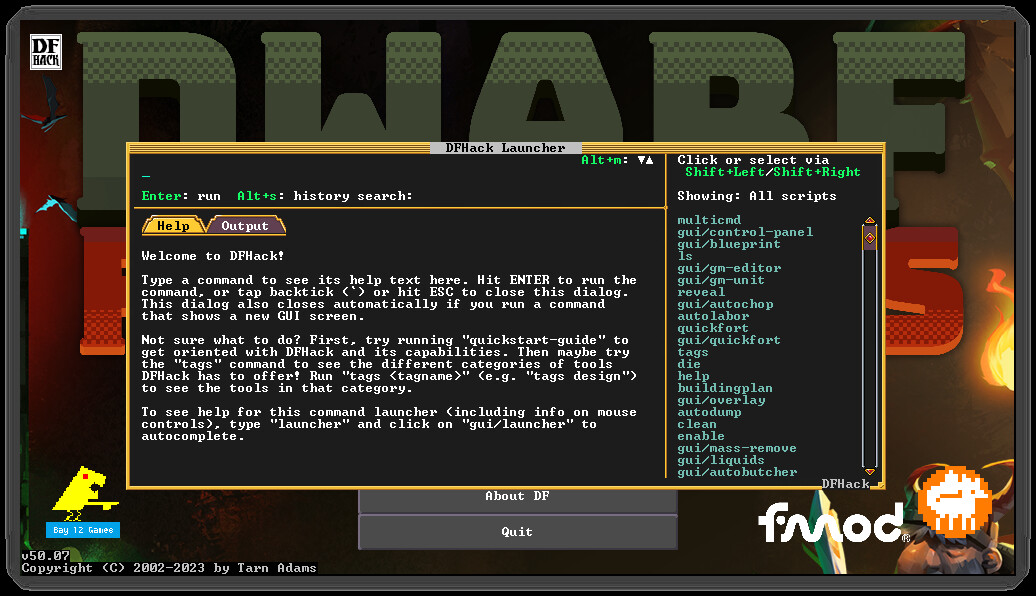
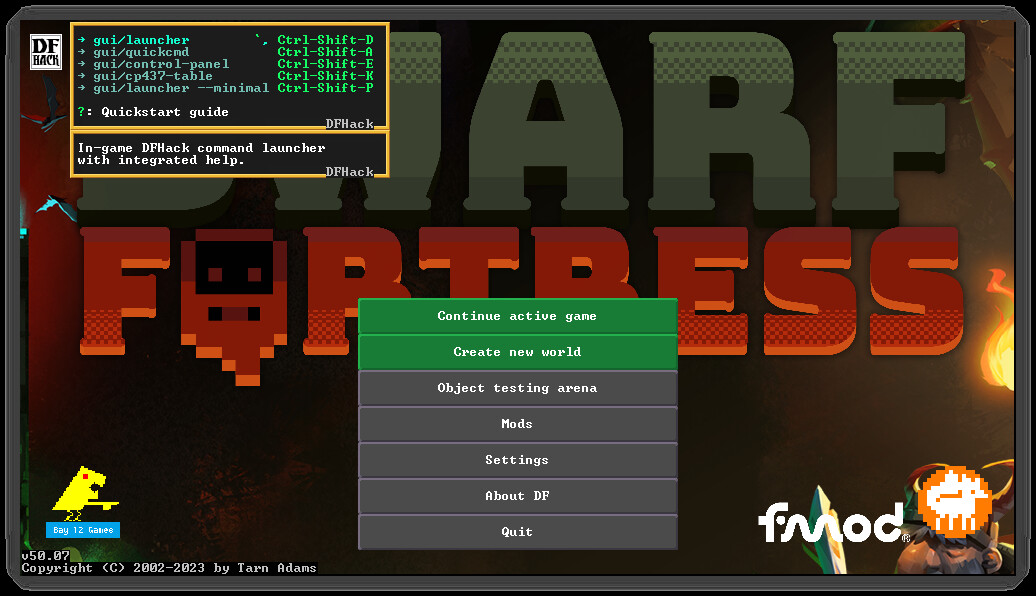
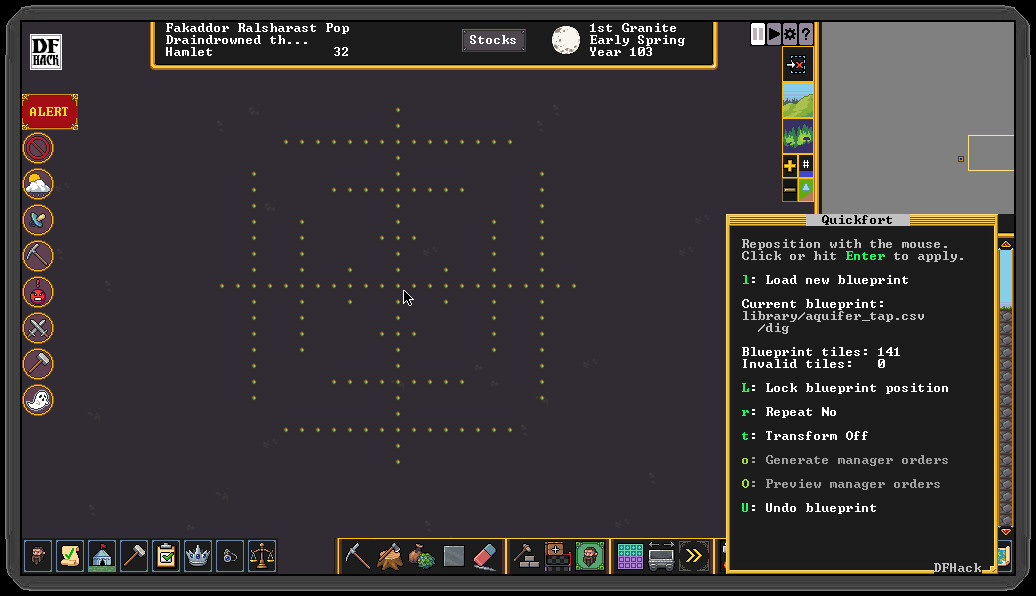
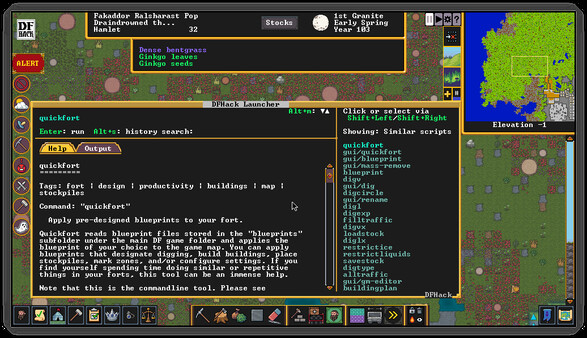
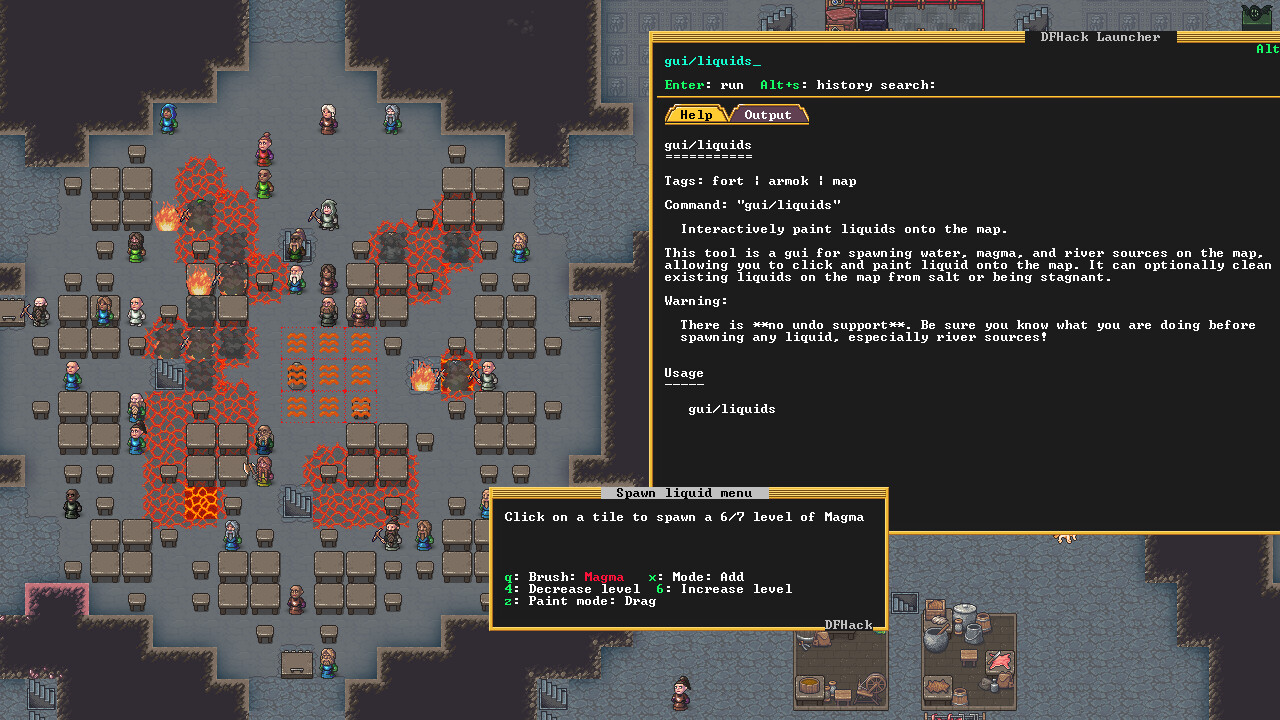
DFHack’s mission is to provide tools and interfaces for players and modders to:
- expand the bounds of what is possible in Dwarf Fortress
- reduce the impact of game bugs
- give the player more agency and control over the game
- provide alternatives to toilsome or frustrating aspects of gameplay
- make the game more fun
The best way to make feature requests or report problems is to open an Issue at our GitHub page.
When reporting problems, links to your zipped, uploaded savegame and mods are immensely helpful, and issues with attached savegames and mods get fixed faster. We need a zip of your mods because we can't load your savegame without them.
DFHack installs directly into your Dwarf Fortress directory, so be sure to install it to the same Steam library and drive as Dwarf Fortress.
It is not a problem if you already have DFHack manually installed. You can subscribe to the Steam version and it will absorb the installed files. Your data in dfhack-config/ is safe. No additional steps are necessary.
🕹️ Partial Controller Support
🎮 Full Controller Support
This is a beta release. To install, select the beta branch for DFHack in your Steam client.
Please report any issues (or feature requests) on the DFHack GitHub issue tracker . When reporting issues, please upload a zip file of your savegame and a zip file of your mods directory to the cloud and add links to the GitHub issue. Make sure your files are downloadable by \"everyone with the link\". We need your savegame to reproduce the problem and test the fix, and we need your active mods so we can load your savegame. Issues with savegames and mods attached get fixed first!
Highlights
Stockpile export/import
We updated the stockpile import and export tools to understand the new color and dyed/undyed filters. This fixes reported issues with quickfort-created stockpiles, including QSPs.
Noble symbols
Tjhe new \"fix/symbol-unstick\" tool can remove the assignment of a symbol to a noble that no longer exists. If you had assigned that spiffy amulet to your baron only to have it go missing when he got promoted to count, this will let you get it back.
Armor resize
The \"resize-armor\" tool will allow you to change the size of any item of armor or clothing to fit any chosen creature. Mainly useful for adventure mode, especially if you\'re playing as an animal man race much larger or smaller than human for which there just isn\'t that much clothing available otherwise.
Announcements
PSAs
As always, remember that, just like the vanilla DF game, DFHack tools can also have bugs. It is a good idea to save often and keep backups of the forts that you care about. Some DFHack tools that worked in previous (pre-Steam) versions of DF have not been updated yet and are marked with the \"unavailable\" tag in their docs. If you try to run them, they will show a warning and exit immediately. You can run the command again to override the warning (though of course the tools may not work). We make no guarantees of reliability for the tools that are marked as \"unavailable\". The in-game interface for running DFHack commands (gui/launcher) will not show \"unavailable\" tools by default. You can still run them if you know their names, or you can turn on dev mode by hitting Ctrl-D while in gui/launcher and they will be added to the autocomplete list. Some tools listed as \"unavailable\" in the docs do not compile yet and are not accessible at all, even when in dev mode. If you see a tool complaining about the lack of a cursor, know that it\'s referring to the keyboard cursor (which used to be the only real option in Dwarf Fortress). You can enable the keyboard cursor by entering mining mode or selecting the dump/forbid tool and hitting Alt-K (the DFHack keybinding for toggle-kbd-cursor). We\'re working on making DFHack tools more mouse-aware and accessible so this step isn\'t necessary in the future.
Changelog
New Tools
\"fix/symbol-unstick\": unstick noble symbols that cannot be re-designated.
[/*]\"resize-armor\": resize armor or clothing item to any creature size.
[/*]
Misc Improvements
`stockpiles`: add support for managing the dyed, undyed, and color filter settings.
[/*]
Minimum Setup
- Processor: Dual Core CPU - 2.4GHz+Memory: 4 GB RAM
- Memory: 4 GB RAM
- Graphics: 1GB of VRAM: Intel HD 3000 GPU / AMD HD 5450 / Nvidia 9400 GT
- Storage: 50 MB available spaceAdditional Notes: Must be installed to the same Steam library and drive as Dwarf Fortress
Recommended Setup
- Processor: Dual Core CPU - 4GHz+Memory: 16 GB RAM

[ 6176 ]




















[ 5746 ]


[ 1265 ]




















[ 2018 ]









[ 986 ]







Time left:
356101 days, 2 hours, 29 minutes

Time left:
356101 days, 2 hours, 29 minutes

Time left:
5 days, 10 hours, 29 minutes

Time left:
33 days, 10 hours, 29 minutes

Time left:
36 days, 10 hours, 29 minutes

Time left:
37 days, 10 hours, 29 minutes

Time left:
10 days, 20 hours, 29 minutes

Time left:
6 days, 4 hours, 29 minutes

Time left:
12 days, 4 hours, 29 minutes

Time left:
13 days, 4 hours, 29 minutes

Time left:
18 days, 4 hours, 29 minutes

Time left:
20 days, 4 hours, 29 minutes

Time left:
24 days, 4 hours, 29 minutes

Time left:
3 days, 17 hours, 44 minutes

Time left:
8 days, 10 hours, 30 minutes

Time left:
10 days, 9 hours, 30 minutes

Time left:
15 days, 16 hours, 40 minutes


