




Story
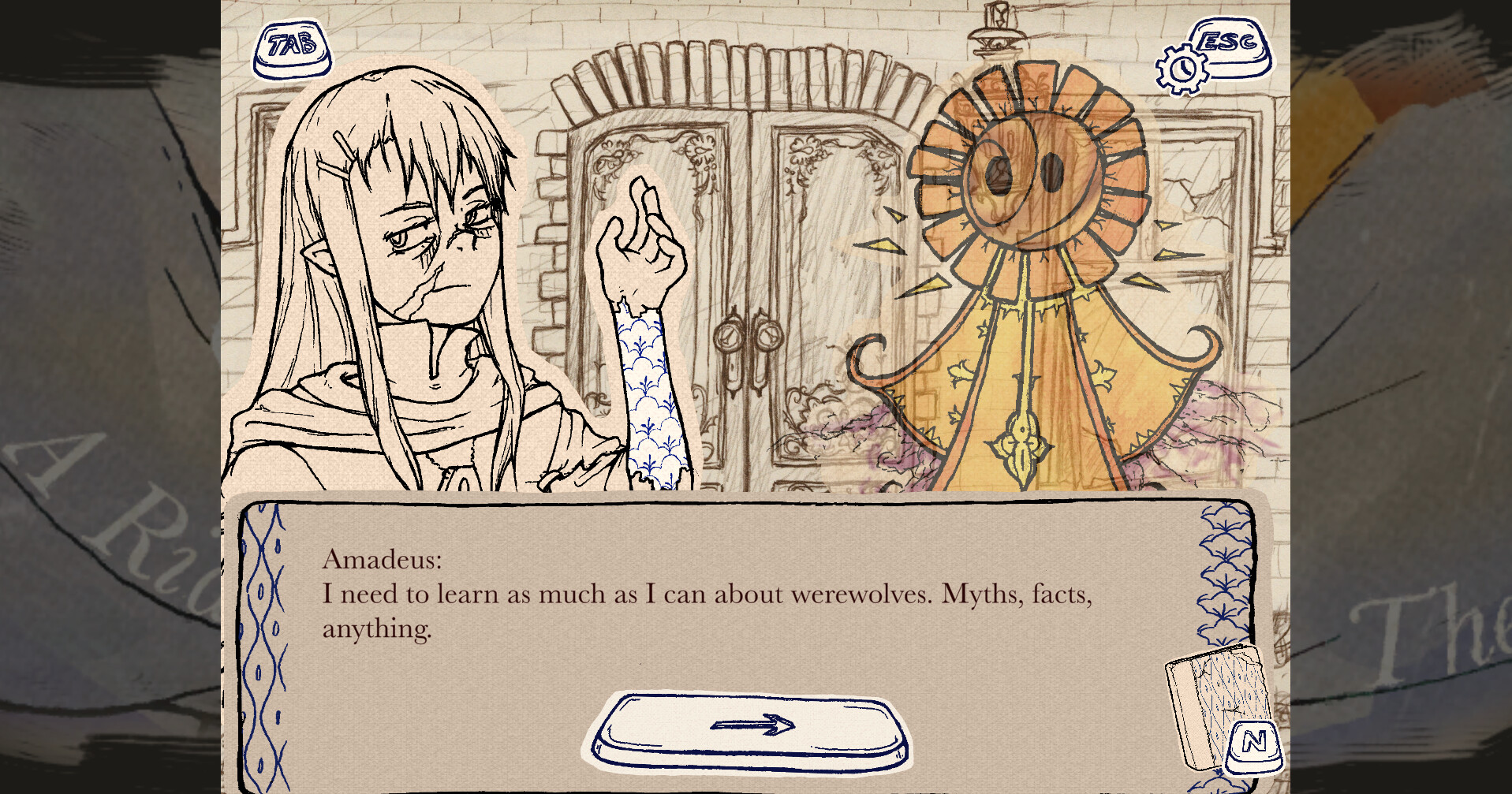
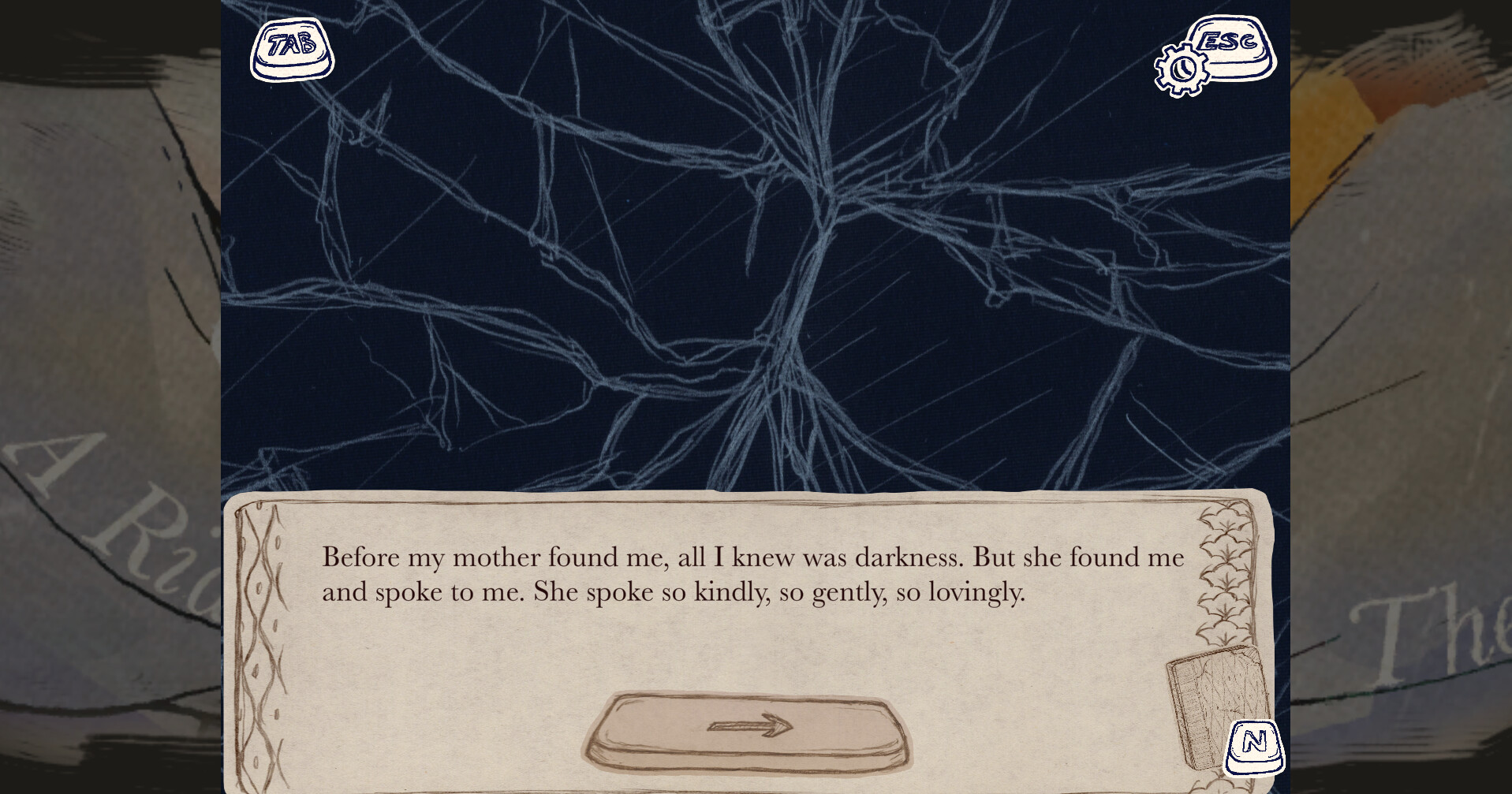
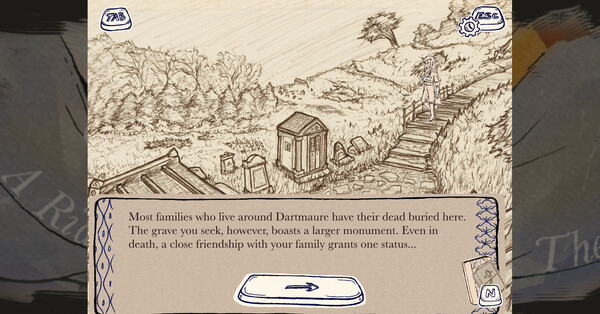
Play as Amadeus, a young werewolf struggling to understand his condition, as he navigates a tale woven by Witches. He is equal parts desperate and determined—how can one reclaim agency over themself, when afflicted by a curse that steals it from them every time the moon Aska draws full?Amadeus: A Riddle for Thee is a narrative game heavily inspired by Umineko When They Cry thematically, and Professor Layton aesthetically. Gameplay is a blend of pure Visual Novel scenes + Point-and-Click Adventure scenes. The story is linear, and will be told in 5 sequential episodes.
Episode 1 ~ Waltz will release Fall 2024. Please check out the demo in the meantime!
Demo Features
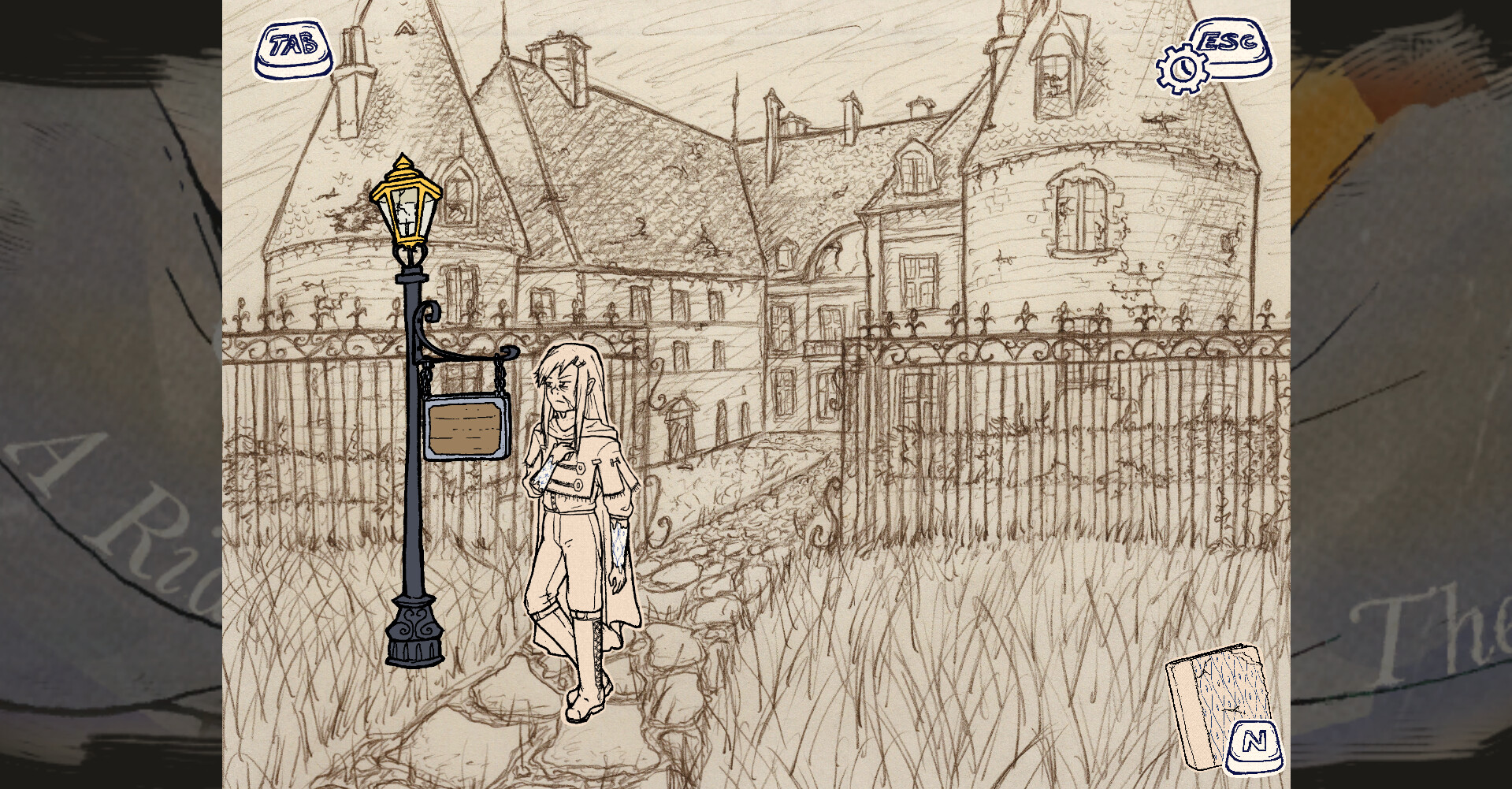
20-40 minutes of playtime7 detailed, hand-drawn backgrounds to explore
6 portrait expressions for Amadeus
6 original music tracks, including 1 track with 3 dynamic layers
Point-and-Click controls with unique cursor icons to indicate player interactions
Alternate Hover-and-Spacebar control scheme for players who have difficulty with mouse click
Toggle for auto-scrolling text with adjustible appearance speed and delay time between textboxes
Diegetic backlog of previously-read text
Optional splash screen to fill window beyond 4:3 gameplay (may impact performance - see system requirements)
Controls
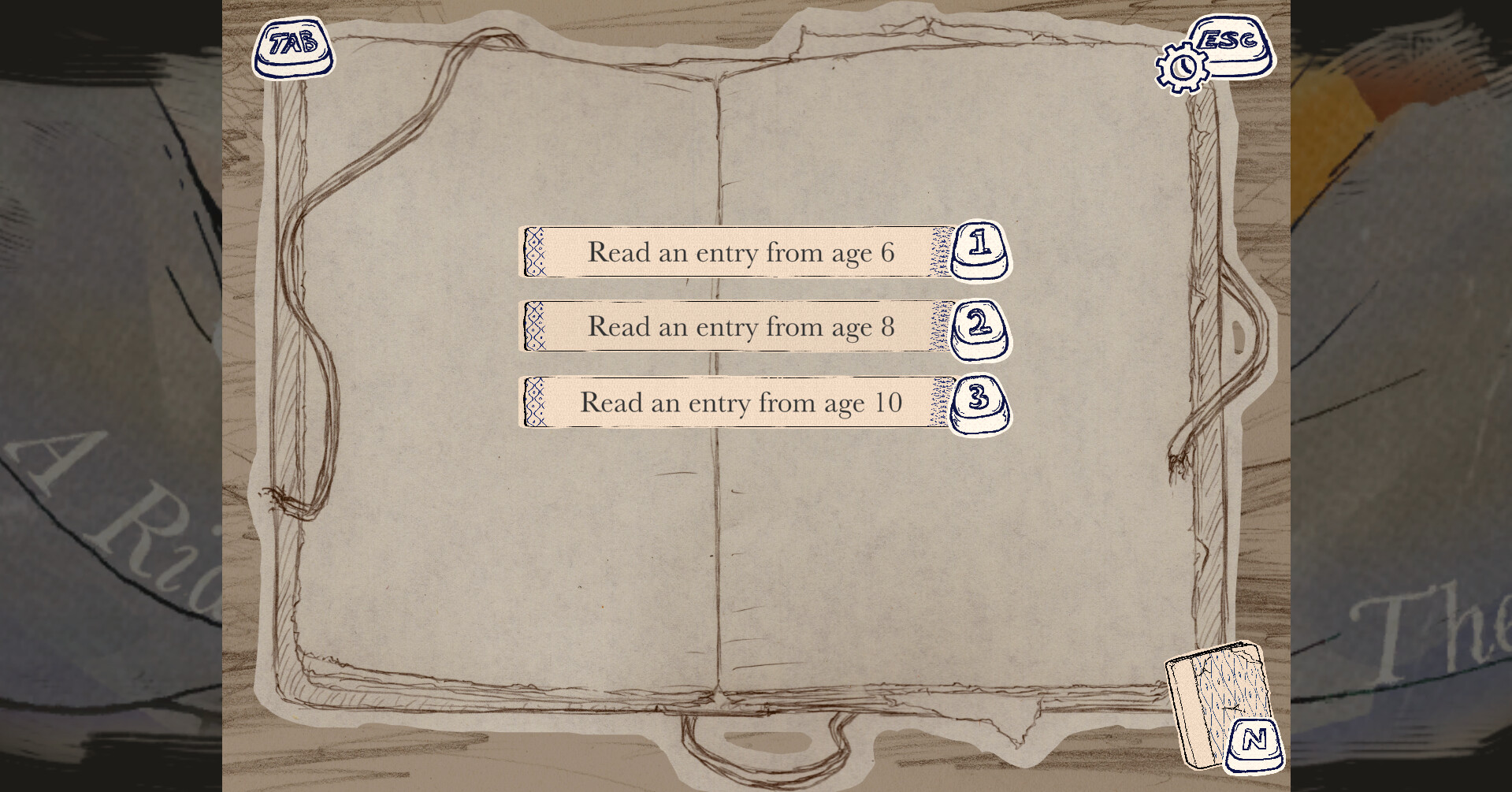
VN ScenesTAB Key: toggle Auto Text Progression on/off
SPACE Key: display full text/progress text
1/2/3 Key: select choice
Mouse click on the displayed buttons is supported as an alternative
Point-and-Click Scenes
HOVER with mouse, cursor will change to indicate if object is interactible
If cursor changes, MOUSE CLICK or SPACE to trigger...
-Boot: Amadeus will MOVE to location
-Eye: Amadeus will INSPECT distant objects
-Hand: Amadeus will INTERACT WITH nearby objects
-Arrow: Amadeus will MOVE to a new screen
WASD and ARROW KEYS supported as alternative to MOVE Amadeus
SPACE supported as alternative to INTERACT with nearby objects
UI
ESC Key: pause/open Settings Menu
N Key: pause/open Notebooks Menu
To adjust sliders in Settings Menu, use mouse to click and drag the pencil icon left/right
Menus can also be opened + closed by clicking on the buttons in the screen corners
Credits
Game Design, Art, Music/Sound, C# Scripting, Implementation, Narrative - Leo ArcanaXIXClarinet (Deal With a Witch) - Lucas Bere
Marimba (Spellbound Mischief) - Jay Lee
VO (Kain's Ghost) - Nat Ferare
Narrative Consultant - Ashlee Scheuermann*
Code Consultant - Dan Mellott
Mix Consultant (Deal With a Witch, Spellbound Mischief) - Sonia Mokhtari
Playtesting - Derek, Joanna, Luke, Aaron, Ashlee
Playtesting (original prototype) - Alex, Lucas, Skipper, Nathalie, Taylor, Dan
*Ashlee also wished to be credited as "Made Everything Worse." Thank you Ashlee. <3
UPDATE: As of November 16, 2025, the on-screen mouse click calibration issues on Steam Deck have been fixed.
--
After some thorough playtesting, in my opinion... it runs very well! Because the game is designed around using whatever combination of PC mouse and keyboard controls you like, it translates well to Steam Deck\'s built-in controls.
Performs smoothly
[/*]Fully playable with touch controls only
[/*]Mostly playable with button controls only, using modified community layout (Y, X, and B mapped to respective keyboard keys, and L4/R4 mapped to \"N\" and \"I\" respectively)
[/*]Supports any combination of the two
[/*]
There are currently no plans to make further adjustments to \"officially\" support the console. Key icons will still look like PC keyboard keys, not the buttons they have been mapped to, etc.
It feels great on handheld, as the gameheavily inspired by DS visual novels like Professor Layton and Ghost Trickis visually well-suited for small screens!
Known issues:
\"I\" hotkey does not teleport the cursor itself (but works mechanically)
[/*]Cursors display at wrong aspect ratio
[/*]\"Hover\" masks sometimes don\'t disappear when selecting a different object using touch controls (recommended to use the right touch sensor as mouse for hovering in point-and-click scenes)
[/*]
The public demo has now been updated to reflect the final build, so you can test how it feels before purchasing.
Minimum Setup
- OS: Linux MintMemory: 8 GB RAMStorage: 500 MB available spaceAdditional Notes: Currently only tested on Linux Mint but should support other distros.
- Memory: 8 GB RAMStorage: 500 MB available spaceAdditional Notes: Currently only tested on Linux Mint but should support other distros.
- Storage: 500 MB available spaceAdditional Notes: Currently only tested on Linux Mint but should support other distros.

[ 6338 ]
























[ 5936 ]


[ 1933 ]






















[ 2282 ]


















Time left:
356104 days, 15 hours, 26 minutes

Time left:
356104 days, 15 hours, 26 minutes

Time left:
8 days, 23 hours, 26 minutes

Time left:
36 days, 23 hours, 26 minutes

Time left:
39 days, 23 hours, 26 minutes

Time left:
40 days, 23 hours, 26 minutes

Time left:
1 days, 17 hours, 26 minutes

Time left:
2 days, 17 hours, 26 minutes

Time left:
9 days, 17 hours, 26 minutes

Time left:
15 days, 17 hours, 26 minutes

Time left:
16 days, 17 hours, 26 minutes

Time left:
27 days, 17 hours, 26 minutes


