



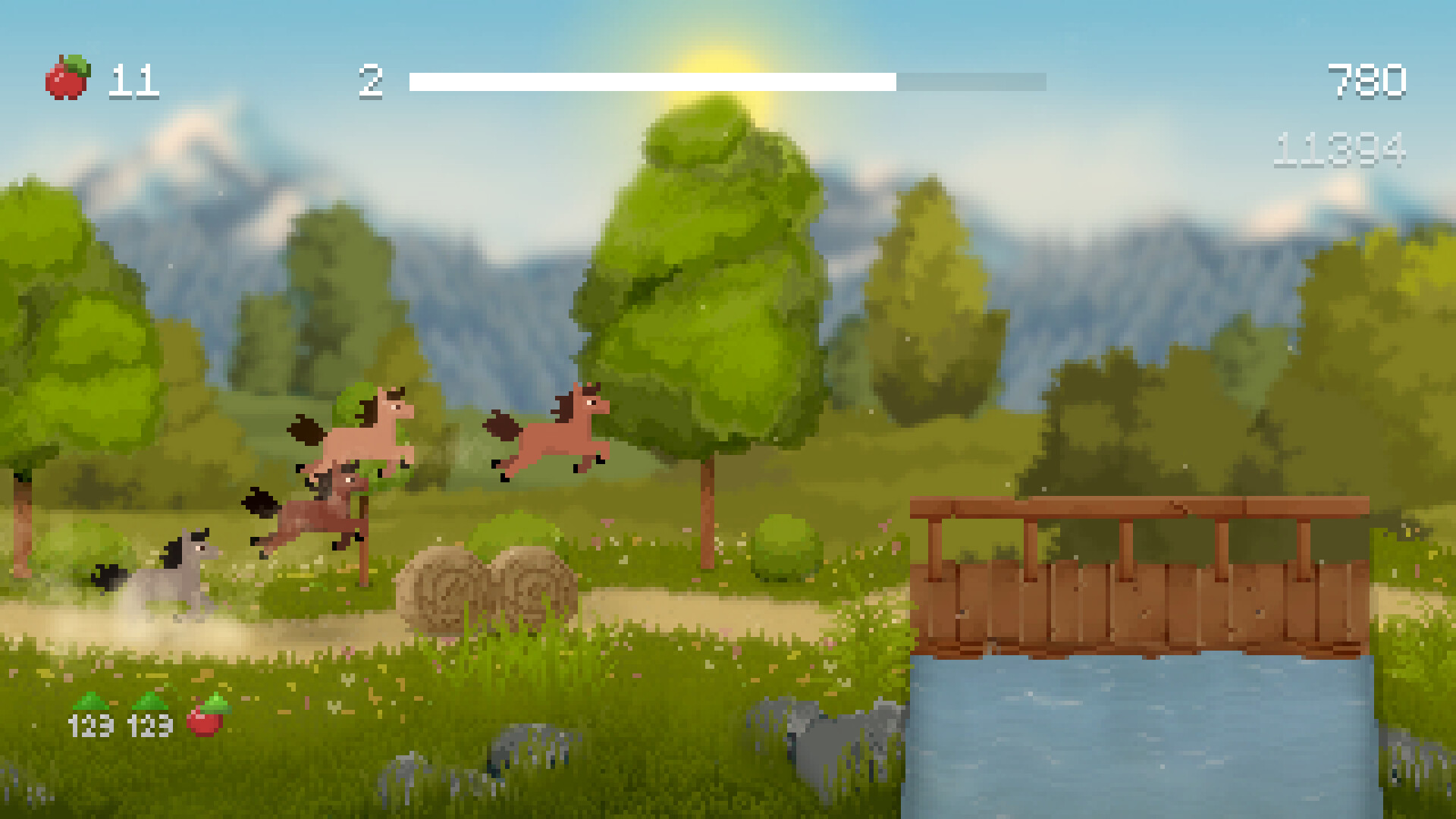
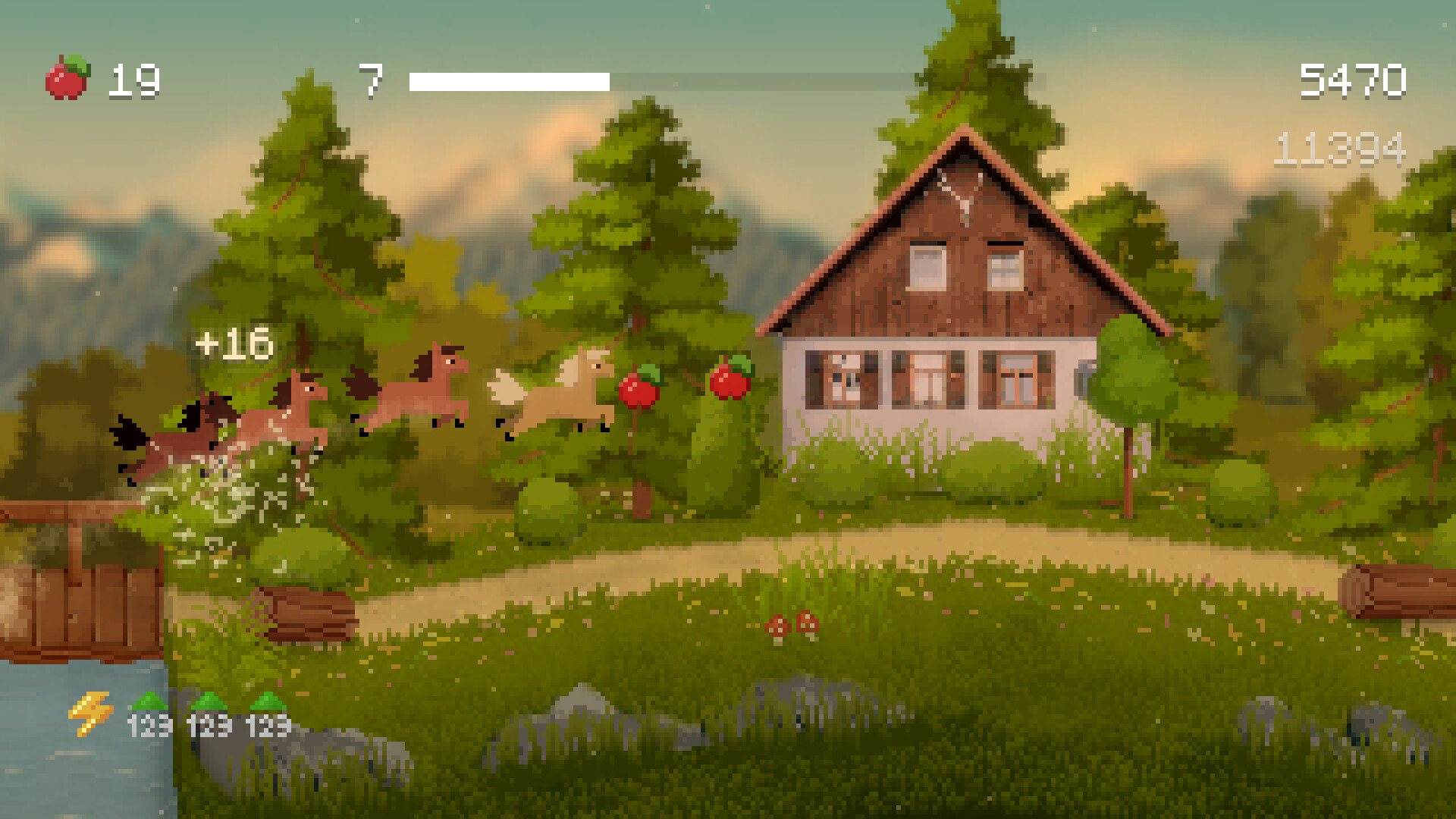
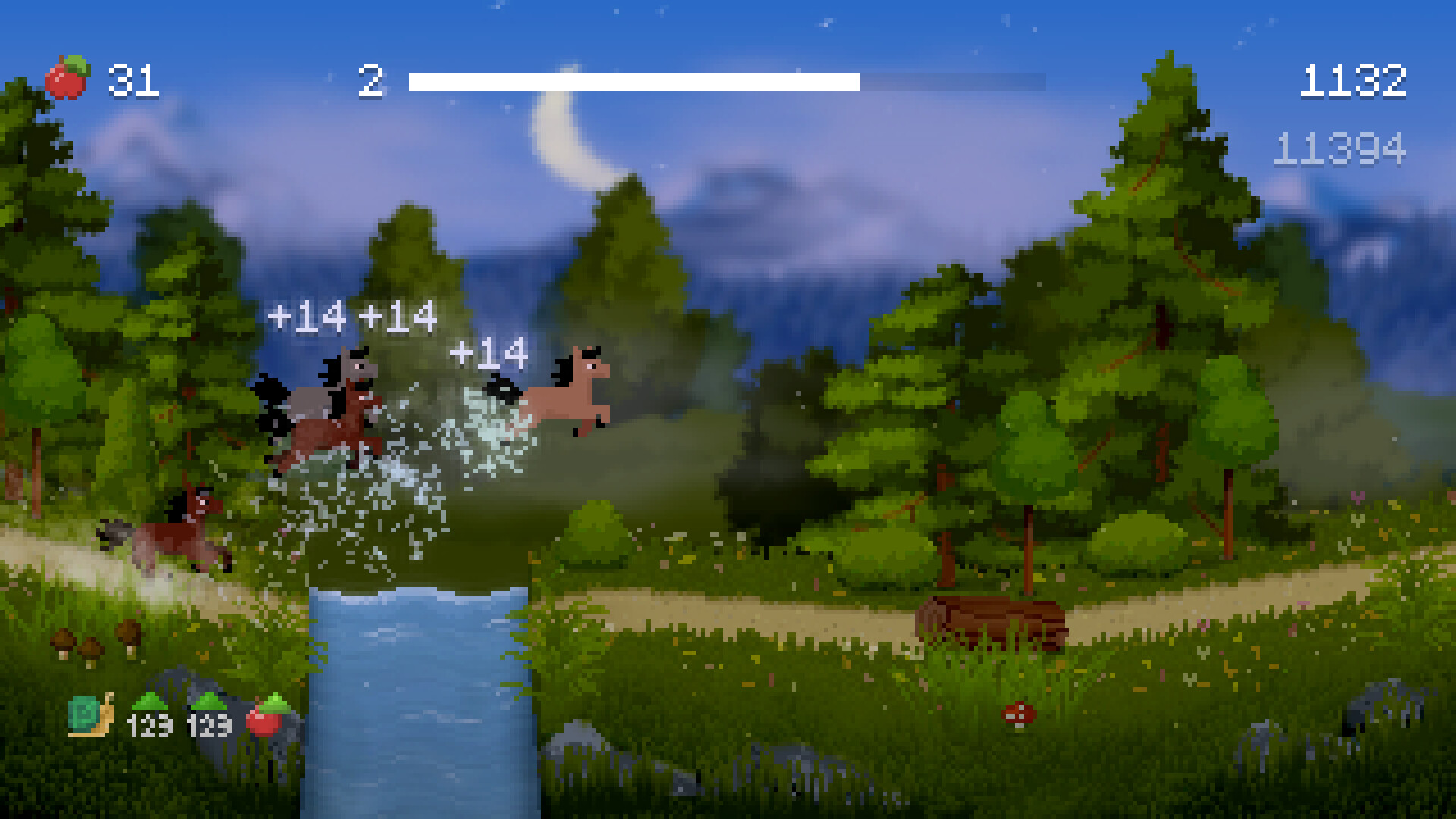
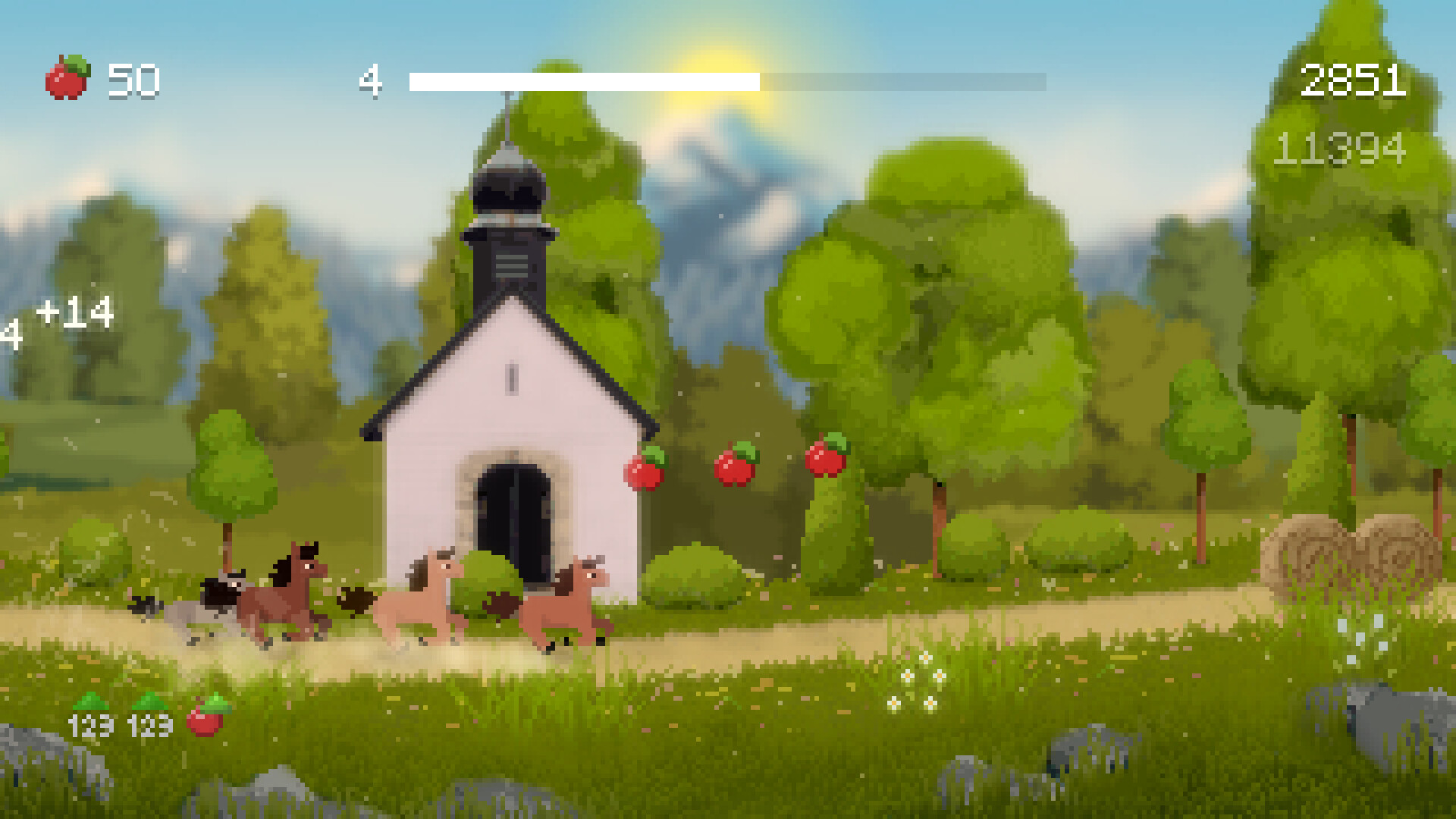

Jump into the world of Horse Runner DX, a delightful endless runner that combines precise platforming with strategic gameplay. Run through beautiful landscapes, enjoy uplifting music, put together your herd of different horses and compete in increasingly difficult challenges.
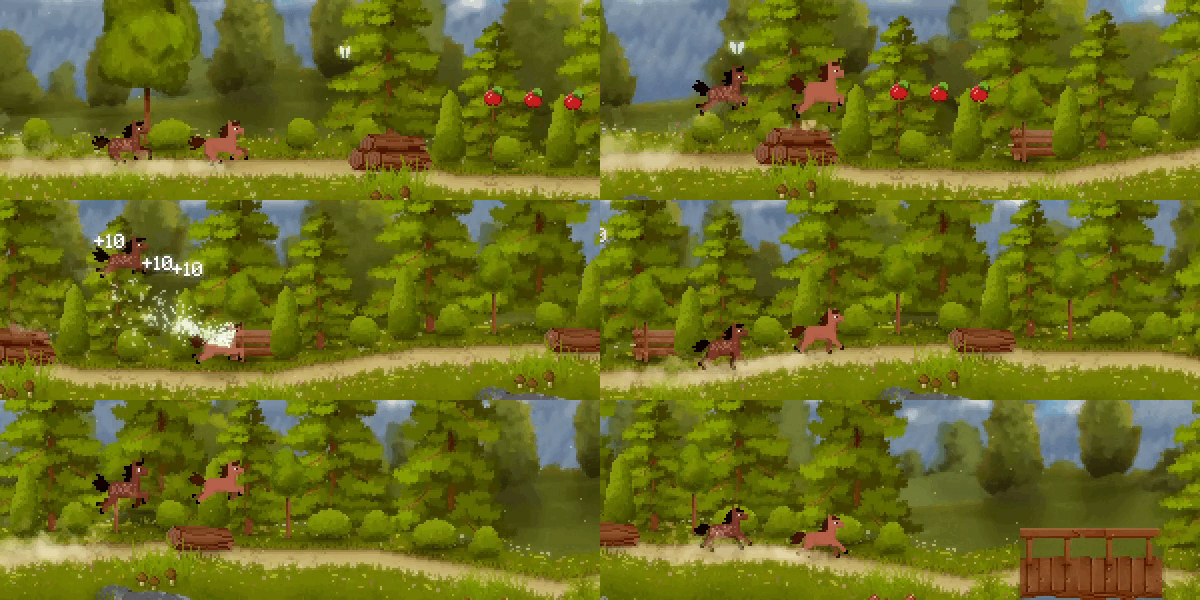
🕹️ Simple & Tight Controls
The simple one-button controls are super accessible and let you perform perfectly timed jumps. You control the lead horse, all other horses follow you automatically.
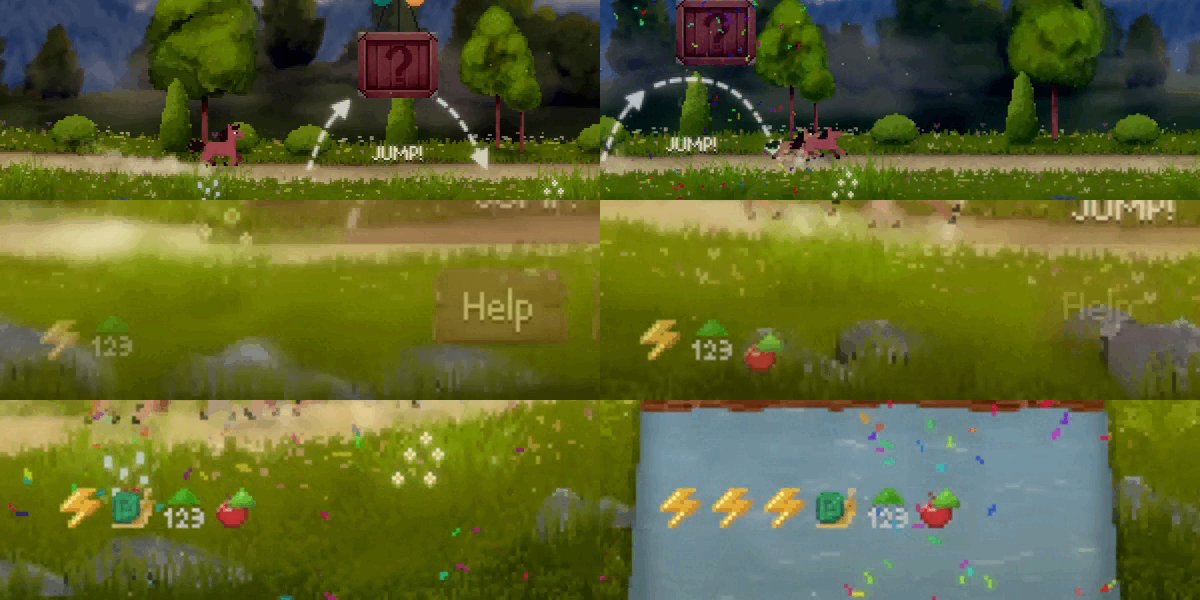
🎲 Herd-Building
After each level, choose an additional horse to join your herd. Each horse functions like an extra life and has a specific power-up that changes the gameplay.

🏆 Tricky Challenges
Complete challenges to earn rewards and push your platforming and strategy skills to the limit. At first the challenges are simple and easy to complete, later ones require good planning.
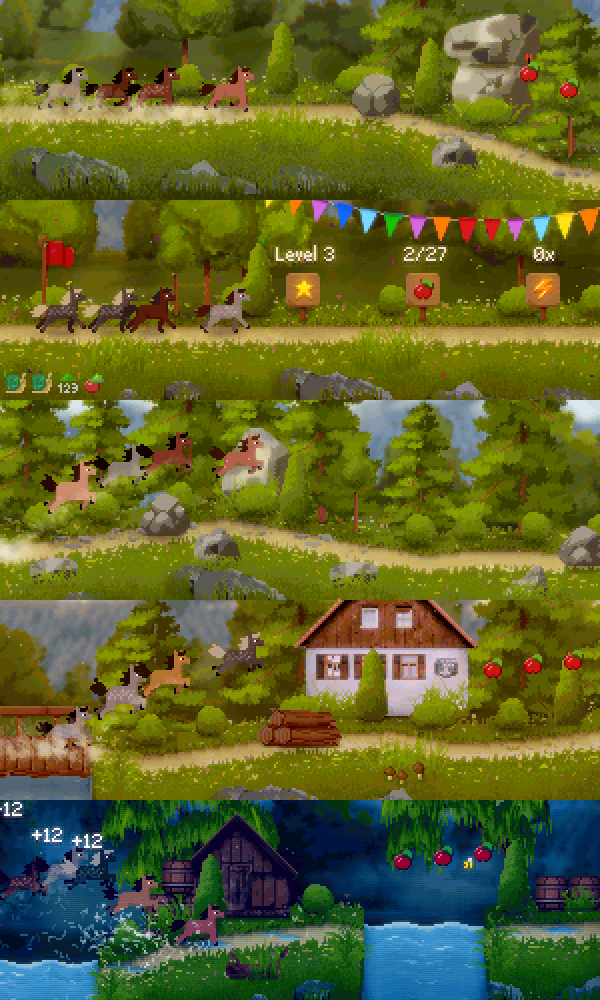
🌳 Cute Pixel Art Graphics
Feel like you're back in the old days - with honest, straightforward gameplay, colorful, sharp pixel graphics, and if you want, even the look of an old TV.
🕹️ Partial Controller Support
🎮 Full Controller Support
- [0 B]
Hey everyone!
Horse Runner DX is generally a relaxed game, but it can get quite fast-paced. Some players who are sensitive to motion experienced motion sickness. With this update, I\'ve reworked the camera and added new settings so that everyone can now enjoy the game!
Here are the improvements coming with Update 1.3.0:
Motion Sickness Improvements
Improved camera: The camera has been redesigned to reduce vertical movement. Additionally, visibility on steep slopes has been improved.
[/*]Cleaned up graphics settings: The \"Reduce motion\" option in the settings menu has been replaced with a \"Screen shake\" setting. This makes it clearer what this setting does.
[/*]Motion sickness adjustments: In the graphics settings, you can now disable the parallax effect of the background. This makes the background static and greatly reduces overall movement. This setting helps motion-sensitive players avoid motion sickness.
[/*]
Accessibility Improvements
Improved UI: The currently highlighted UI element will now be more clearly emphasized. This applies to buttons and all other interactive elements in the game. Reminder: You can switch between mouse, keyboard and gamepad at any time during the game.
[/*]Motion sickness assistant: The first time you launch the latest version, a wizard will appear. There, you can select whether you want to reduce movement in the game or not. The corresponding settings will be applied depending on your selection.
[/*]
Please let me know how you like the latest changes!
Mat
Minimum Setup
- OS: glibc 2.23
- Processor: Intel Core i3Memory: 2 GB RAM
- Memory: 2 GB RAM
- Graphics: OpenGL 2.0 (with ARB framebuffer object extension)
- Storage: 100 MB available space

[ 6372 ]




























[ 5848 ]


[ 1991 ]






























[ 1943 ]



























[ 986 ]





























Time left:
356099 days, 14 hours, 19 minutes

Time left:
356099 days, 14 hours, 19 minutes

Time left:
3 days, 22 hours, 19 minutes

Time left:
31 days, 22 hours, 19 minutes

Time left:
34 days, 22 hours, 19 minutes

Time left:
35 days, 22 hours, 19 minutes

Time left:
9 days, 8 hours, 19 minutes

Time left:
4 days, 16 hours, 19 minutes

Time left:
10 days, 16 hours, 19 minutes

Time left:
11 days, 16 hours, 19 minutes

Time left:
16 days, 16 hours, 19 minutes

Time left:
18 days, 16 hours, 19 minutes

Time left:
22 days, 16 hours, 19 minutes

Time left:
2 days, 5 hours, 34 minutes

Time left:
6 days, 22 hours, 20 minutes

Time left:
8 days, 21 hours, 20 minutes

Time left:
14 days, 4 hours, 30 minutes


