



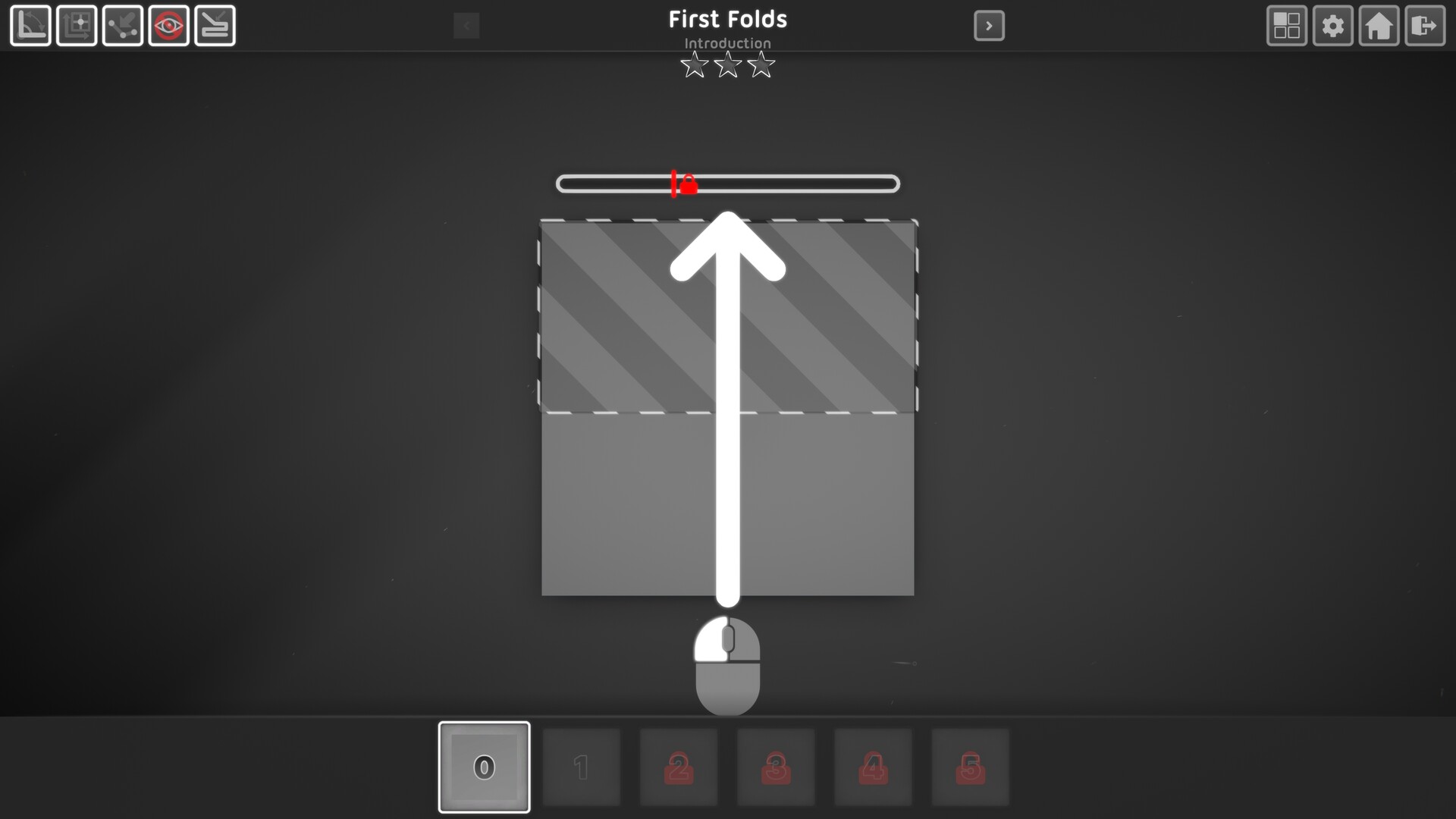
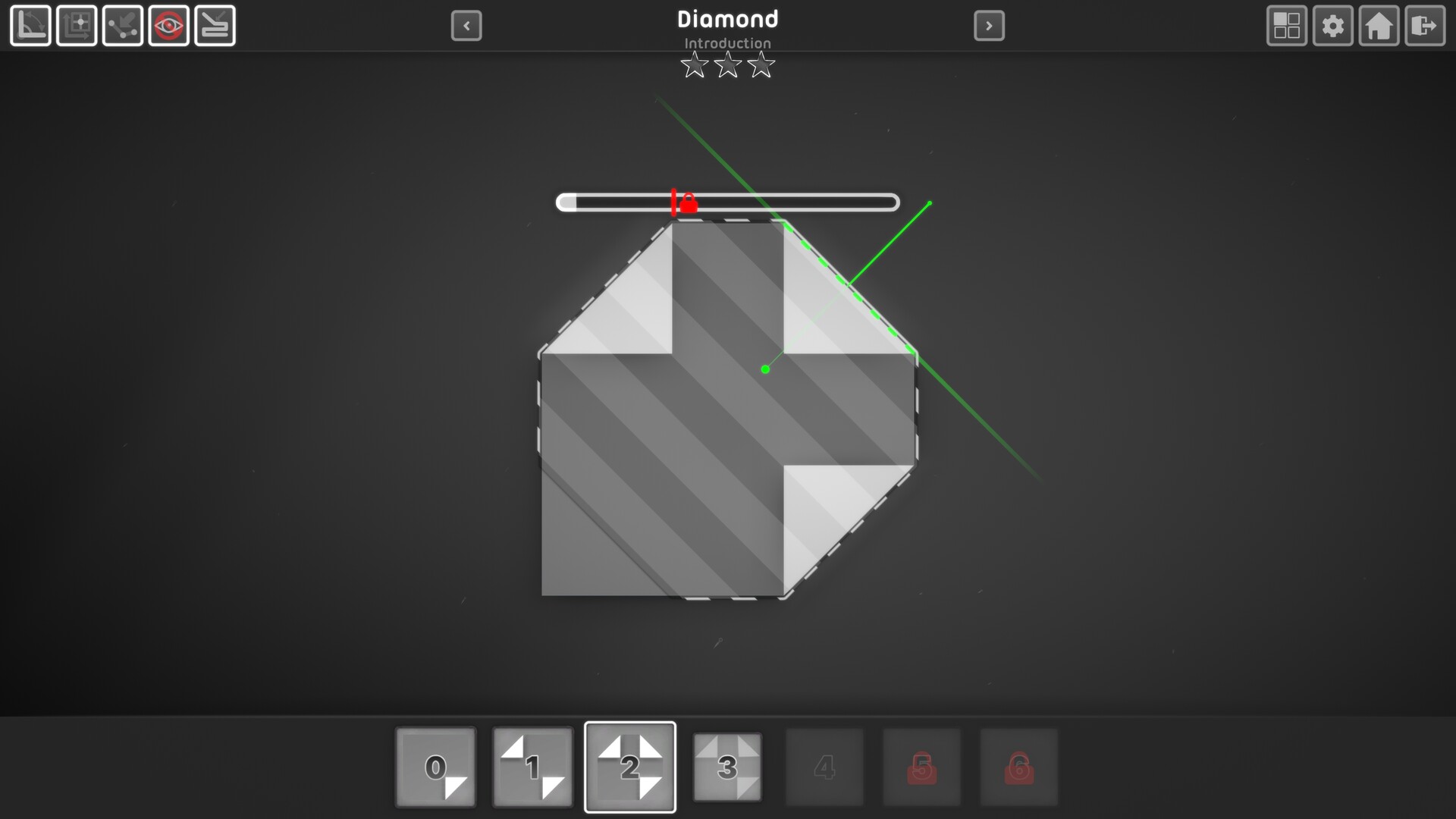
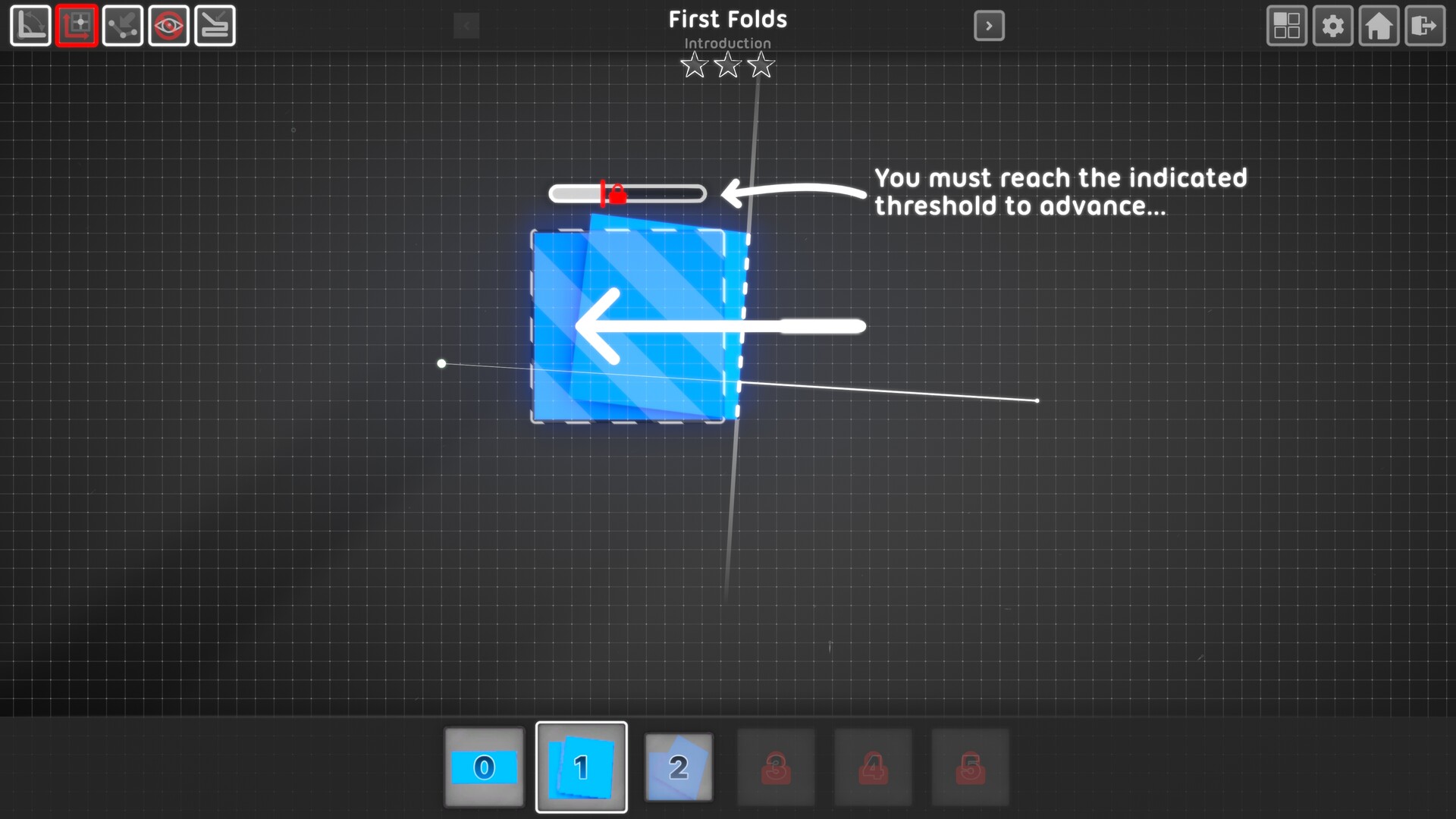
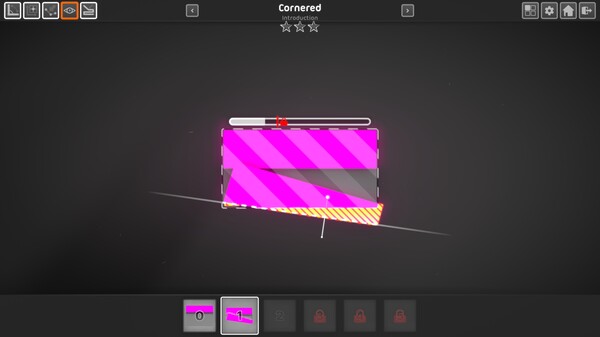

An Elegant Origami Puzzle for Everyone
Paper 2 - Origami Refolded brings the art of paper folding to your PC with a stylish aesthetic and over 100 perplexing puzzles.
Key Features
Satisfying Paper Folding Mechanics
With a smooth and responsive feel, folding in Paper 2 is a delight. Utilize the snapping techniques to hone in and perfect your folds or just fold freestyle. If you make a mistake, it's easy to undo - with no pesky creases left behind!
Captivating Puzzles
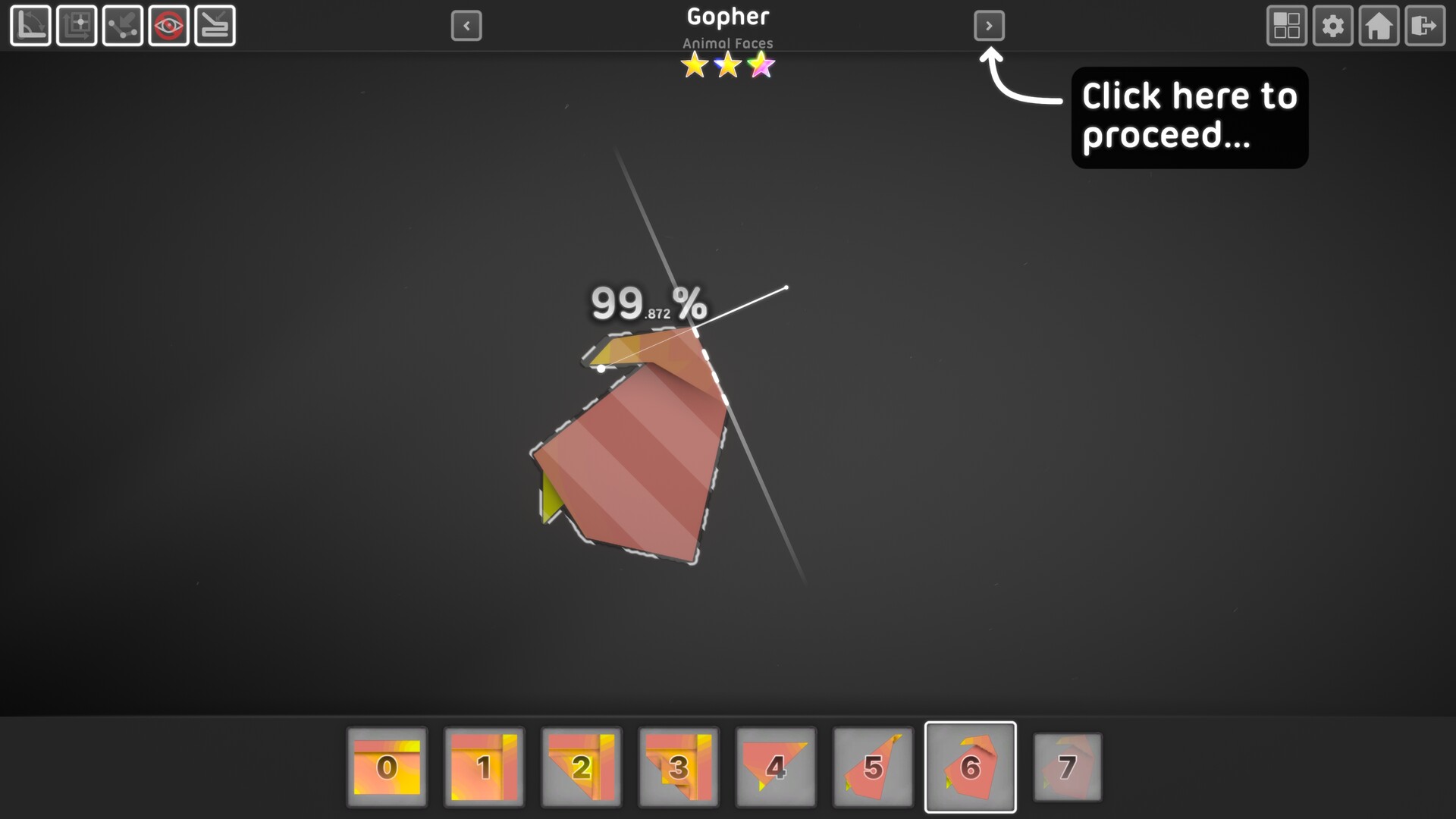
Complete over 100 different folding puzzles that will challenge your brain. Your goal is to find the right set of folds in order to match a target shape. There's no time limit, but you are scored on your accuracy.
A Soundtrack that Evolves while you Fold
There are 7 different audio tracks each with multiple layers that fade in and out as you play, creating a lovely chill soundscape.
Gamepad Support
Fold your way to victory with a mouse or controller... Swapping between input modes is automatic and can be done at any time.
Gameplay
The goal in Paper 2 is to match a target shape by folding your paper while not exceeding the maximum fold count. The primary fold type is the standard fold, which folds through all layers of the paper in a straight line. Later in the game you gain access to a second type of fold known as the top layer fold - an advanced technique that can be used to selectively fold or unfold just the top layer of paper.
The game's mechanics are simple enough that just about anyone can pick up and play... You don't need to be an origami guru to enjoy folding. However, that's not to say the game is without challenges - mastery of the mechanics and completion of the game will require copious amounts of spatial logic and outside-the-square thinking.
Level Groups and the Three Star System
Each level in the game is categorized in a level group - early on in the game (after the first two groups) you unlock the ability to freely jump between all the levels in a group at your own pace.

For every level in the game, you can earn up to three stars depending on your closeness in matching the target figure. Stars are awarded at thresholds of 75%, 90%, and 100% accuracy.
Level groups are connected by objectives, such as earning a set number of stars in a previously unlocked level group. Completing objectives will unlock connected level groups giving you access to more figures to fold, as well as unlocking additional techniques to improve your folding aptitude.
Handy Techniques for Success
There are various additional features to assist you on your folding journey that become available to you as you unlock more stars. For example, you can unlock grid, angle, and edge snapping when folding to augment your accuracy... There is also an overlay you can toggle that lets you visualize precisely where your folded figure doesn't match the target.
A Lovely Aesthetic
Subtle details like the shading of the paper when you make a fold, a faint glowing aura around brightly colored paper, and the blurred shadows in the background come together to produce a polished experience. There's a lot of eye candy, but you can also disable or adjust certain effects if you want better performance or a different look and feel.
Beats to Fold to
Paper 2 features a lo-fi style soundtrack with 7 distinct songs that all have multiple layers that fade in and out in response to gameplay events.
🕹️ Partial Controller Support
🎮 Full Controller Support
- [0 B]
Version 1.1 of Paper 2 - Origami Refolded has been released, bringing Steam workshop support and multiple fixes. Read on for the full patch notes...
New Feature Out of Beta: Workshop
Workshop support has come out of beta! Access it from the workshop button on the main menu... You can browse and download levels created by the Steam community or create your own with the editing tools! There\'s a few steam guides available on how to get started, which you can access by clicking on the learn button from the workshop home page in-game. I can\'t wait to see what you can make with this!
Adjustments:
Added an extra hint checkpoint to level \"Top Triangles\".
Fixes:
Completion score percentage on save slot summary UI no longer incorrectly rounds up to 100% when total completion score is greater than 99.99% and less than 100%.
Improved level goal target accuracy, resolving an issue where goal shapes could sometimes have small gaps/holes in them resulting in inconsistent goal checking (this issue was most apparent on levels with thin strip shapes).
Final figure preview in workshop gameplay should now always display the correct paper design texture, no longer incorrectly displaying the design from the previously loaded workshop level.
Fixed an issue where workshop level list initialization could override loaded level design texture if the level list is still being initialized when playing a level.
Other:
Upgraded project to latest supported version of Unity (6.1).
Minimum Setup
- OS: SteamOS 2.0+. Ubuntu 20.04. Ubuntu 18.04. or CentOS 7
- Processor: x64 Architecture with SSE2 Instruction Set SupportMemory: 6 GB RAM
- Memory: 6 GB RAM
- Graphics: GeForce GTX 560. Radeon RX 550. Intel Iris Xe or Better with Shader Model 5.0+ Support
- Storage: 1 GB available spaceAdditional Notes: Supports Mouse and Controller

[ 6372 ]























[ 5848 ]


[ 1991 ]






















[ 1943 ]

























[ 986 ]









Time left:
356099 days, 14 hours, 19 minutes

Time left:
356099 days, 14 hours, 19 minutes

Time left:
3 days, 22 hours, 19 minutes

Time left:
31 days, 22 hours, 19 minutes

Time left:
34 days, 22 hours, 19 minutes

Time left:
35 days, 22 hours, 19 minutes

Time left:
9 days, 8 hours, 19 minutes

Time left:
4 days, 16 hours, 19 minutes

Time left:
10 days, 16 hours, 19 minutes

Time left:
11 days, 16 hours, 19 minutes

Time left:
16 days, 16 hours, 19 minutes

Time left:
18 days, 16 hours, 19 minutes

Time left:
22 days, 16 hours, 19 minutes

Time left:
2 days, 5 hours, 34 minutes

Time left:
6 days, 22 hours, 20 minutes

Time left:
8 days, 21 hours, 20 minutes

Time left:
14 days, 4 hours, 30 minutes


