



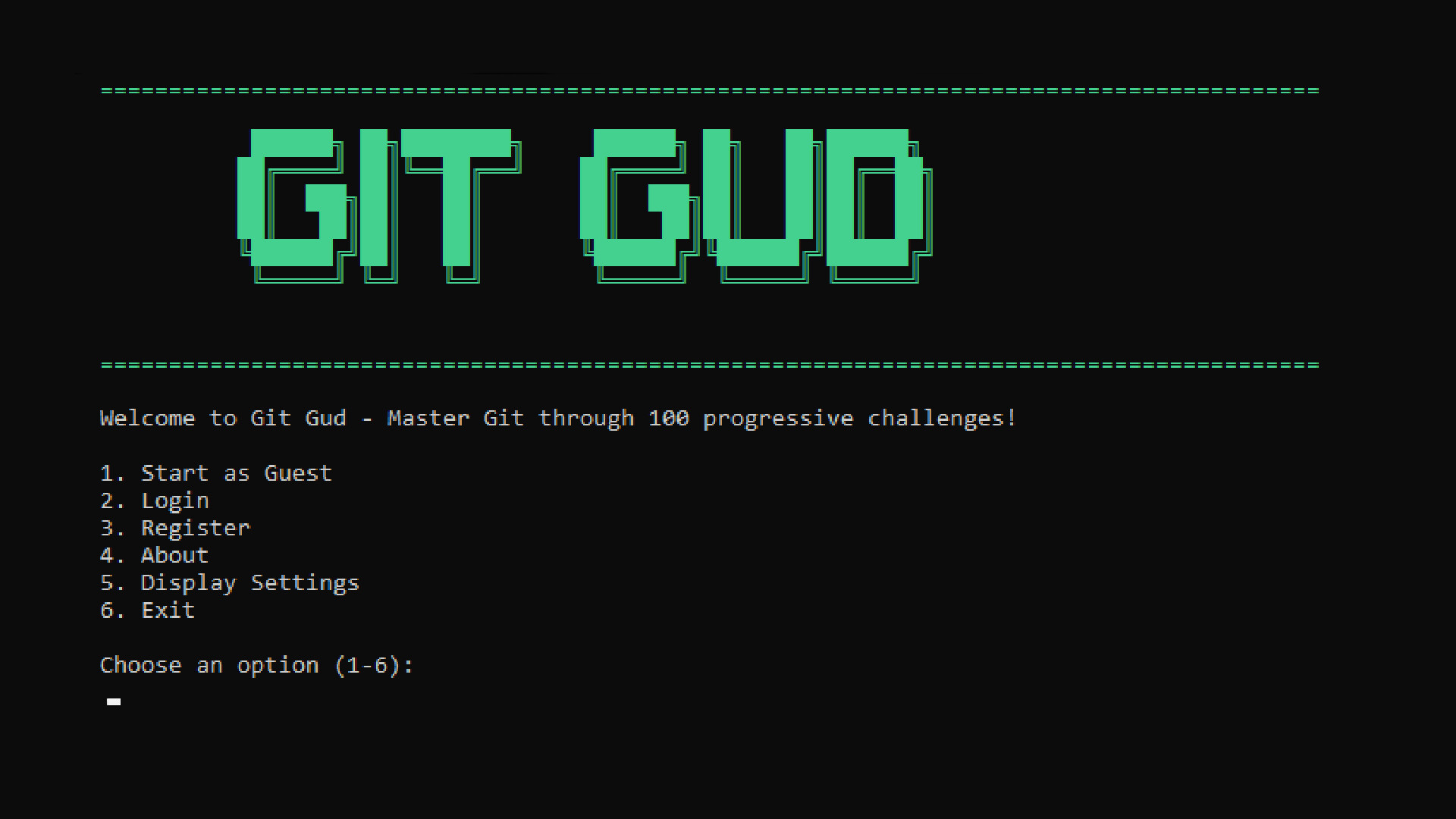
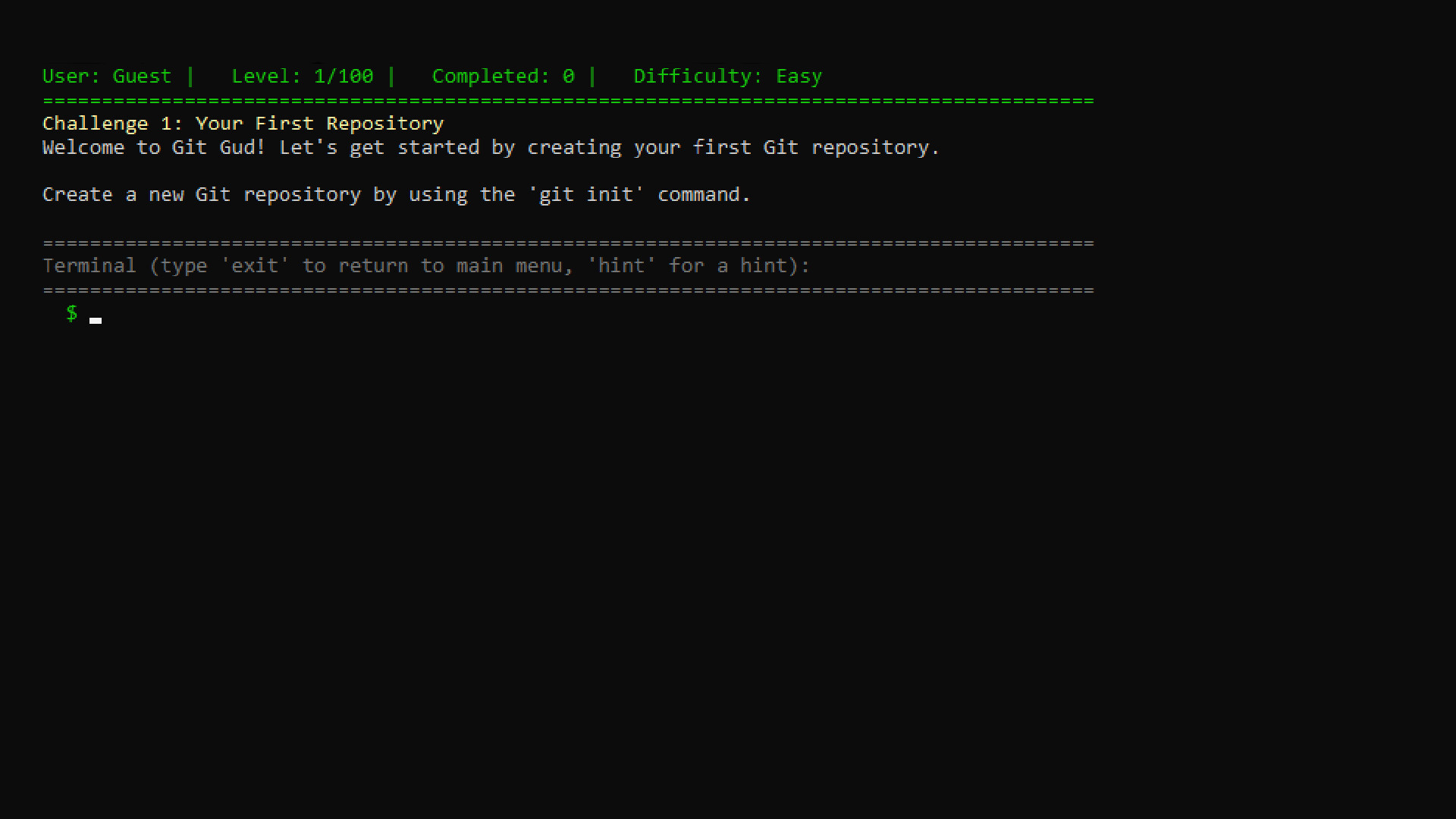
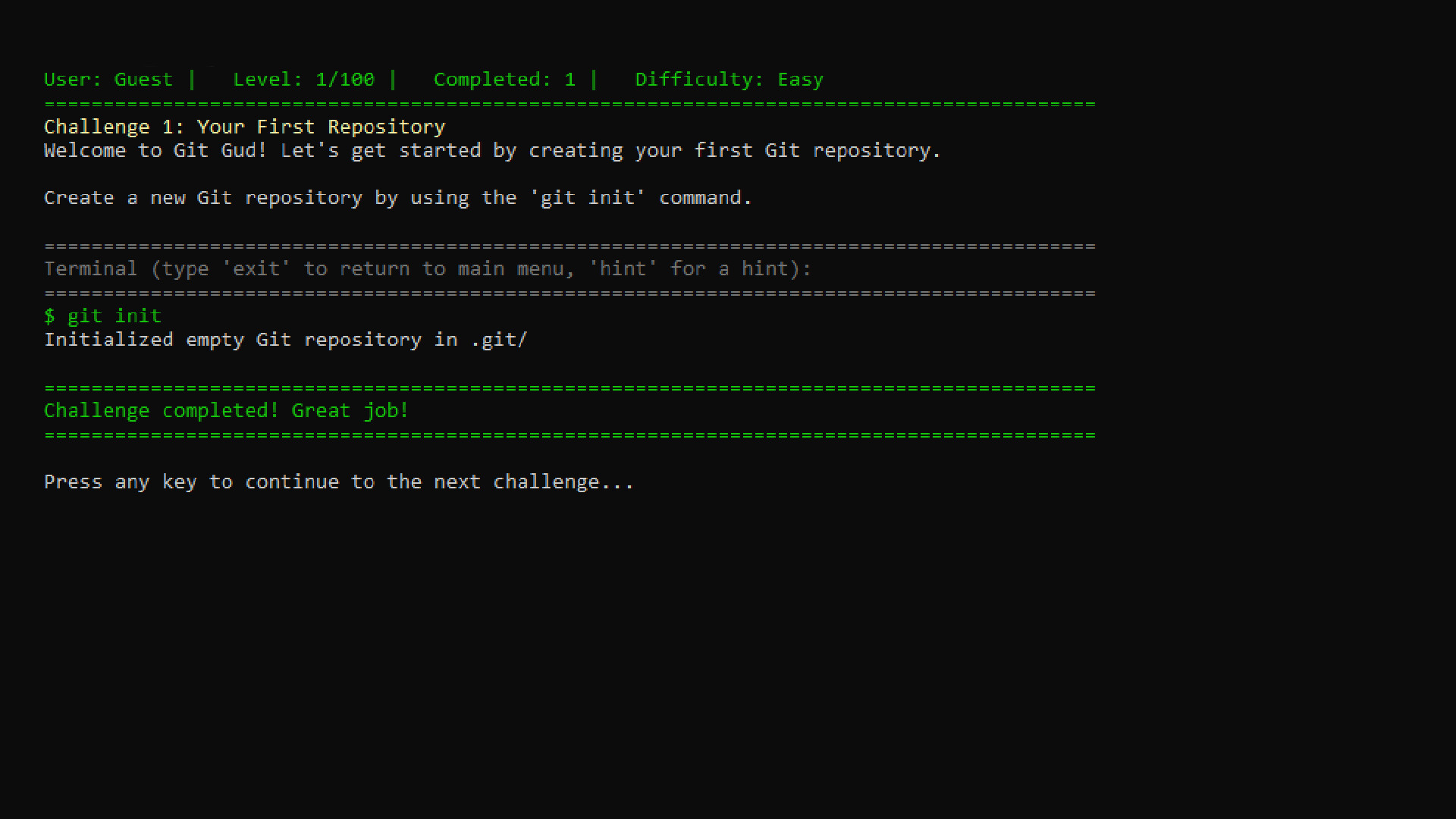
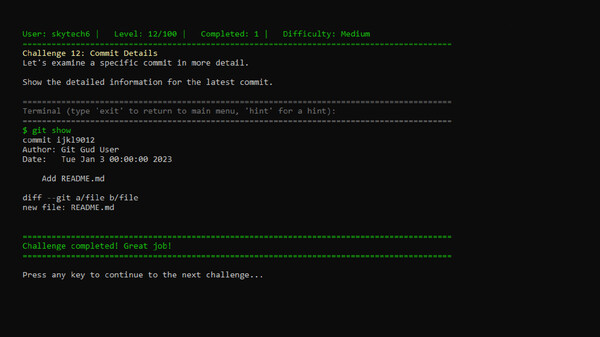
git gud is a terminal-styled puzzle game that teaches you Git the fun way—through 100 levels of increasingly complex word problems that challenge your version control skills. Each level drops you into a realistic scenario: from staging your first commit and branching out new features, to resolving merge conflicts, rolling back mistakes, and mastering rebase. Your goal? Type the correct Git command(s) to solve each problem. You'll get instant feedback as you progress from a clueless committer to a rebasing rockstar.
Designed for beginners and pros alike, git gud simulates a real Git environment to reinforce learning through play. Whether you're prepping for a tech interview, onboarding new developers, or just tired of forgetting how to undo that one Git mistake—we’ve got a level for that. Hints are available, but glory belongs to those who fly solo. Master Git. One command at a time. And yes, get good.
🕹️ Partial Controller Support
🎮 Full Controller Support
- [0 B]
A lot of feedback since release could be categorized under \"Quality of Life\" features that were missing at release. Most notably people have been bringing up the ability to tab complete things like file names and commands. Happy to announce git gud now supports that and much more!
And now that we have a nice suite of quality of life features out of the way; we are on to the next major update: Sandbox & Steam Workshop Support. Soon the community will be able to make their own challenges and share them!\n\nOnce again, I want to thank everyone who has played git gud!
[u]Changelog 1.3.0[/u]
Word Wrapping
[/*]Tab Auto-Complete
[/*]Command Chaining (&& and ; support)
[/*]Custom History Handling
[/*]Massive Refactor to Command Flags
[/*]Updated the \"git help\" Command
[/*]Fixed validation for challenge 26 (thanks Epsilon Theta)
[/*]
Minimum Setup
- Processor: Any modern CPU (1GHz+)Memory: 256 MB RAMStorage: 100 MB available space
- Memory: 256 MB RAMStorage: 100 MB available space
- Storage: 100 MB available space

[ 6373 ]






























[ 5872 ]


[ 1265 ]





























[ 1943 ]





























[ 986 ]






























Time left:
356100 days, 10 hours, 24 minutes

Time left:
356100 days, 10 hours, 24 minutes

Time left:
4 days, 18 hours, 24 minutes

Time left:
32 days, 18 hours, 24 minutes

Time left:
35 days, 18 hours, 24 minutes

Time left:
36 days, 18 hours, 24 minutes

Time left:
10 days, 4 hours, 24 minutes

Time left:
5 days, 12 hours, 24 minutes

Time left:
11 days, 12 hours, 24 minutes

Time left:
12 days, 12 hours, 24 minutes

Time left:
17 days, 12 hours, 24 minutes

Time left:
19 days, 12 hours, 24 minutes

Time left:
23 days, 12 hours, 24 minutes

Time left:
3 days, 1 hours, 39 minutes

Time left:
7 days, 18 hours, 25 minutes

Time left:
9 days, 17 hours, 25 minutes

Time left:
15 days, 0 hours, 35 minutes


