



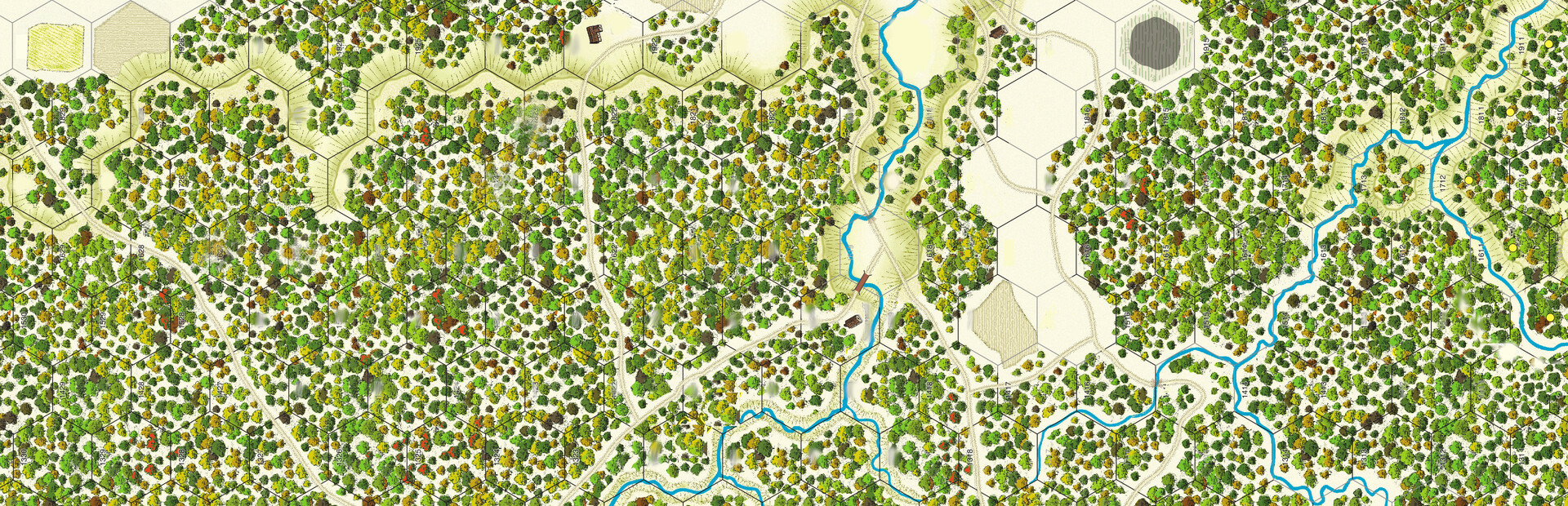
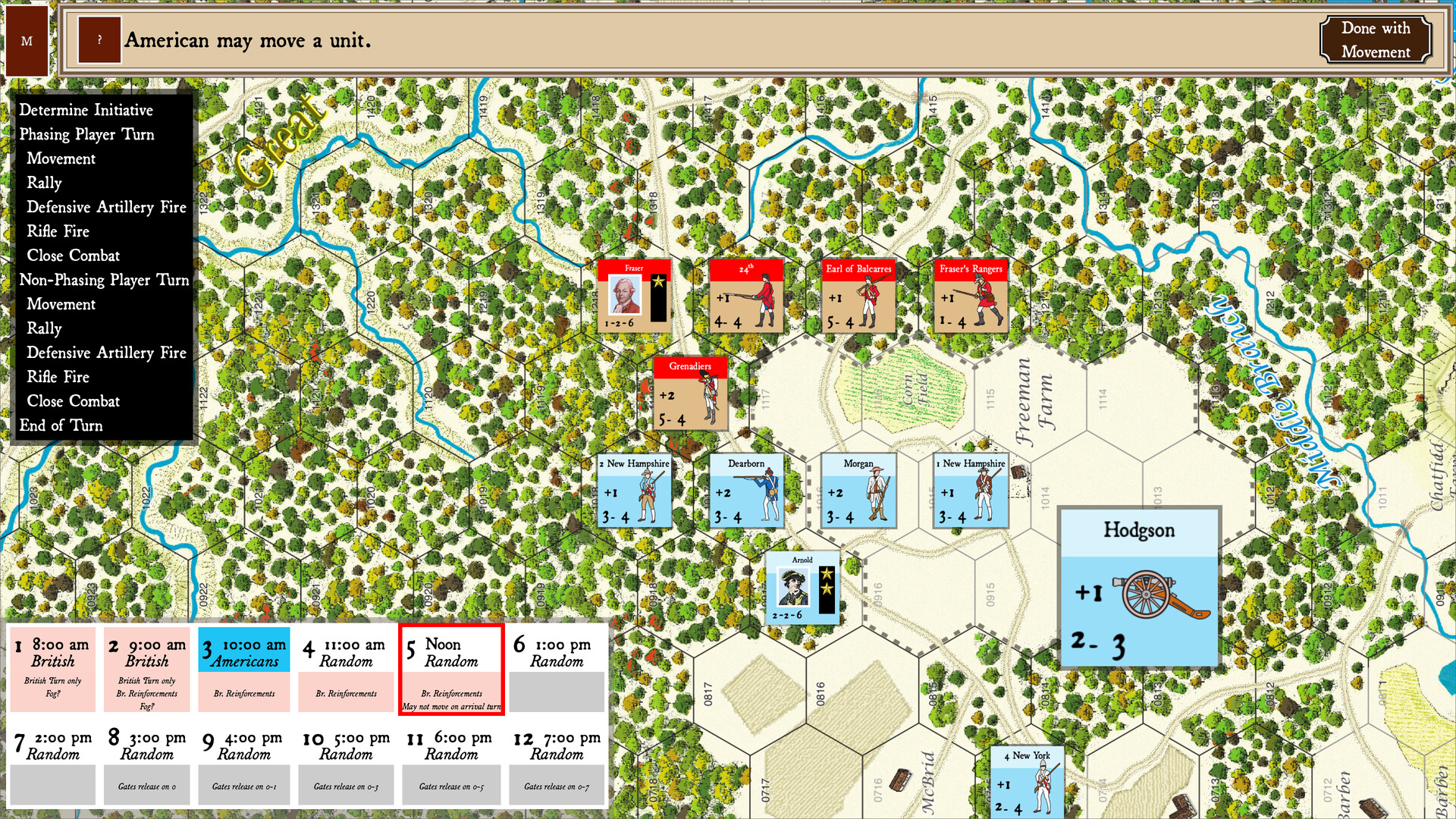
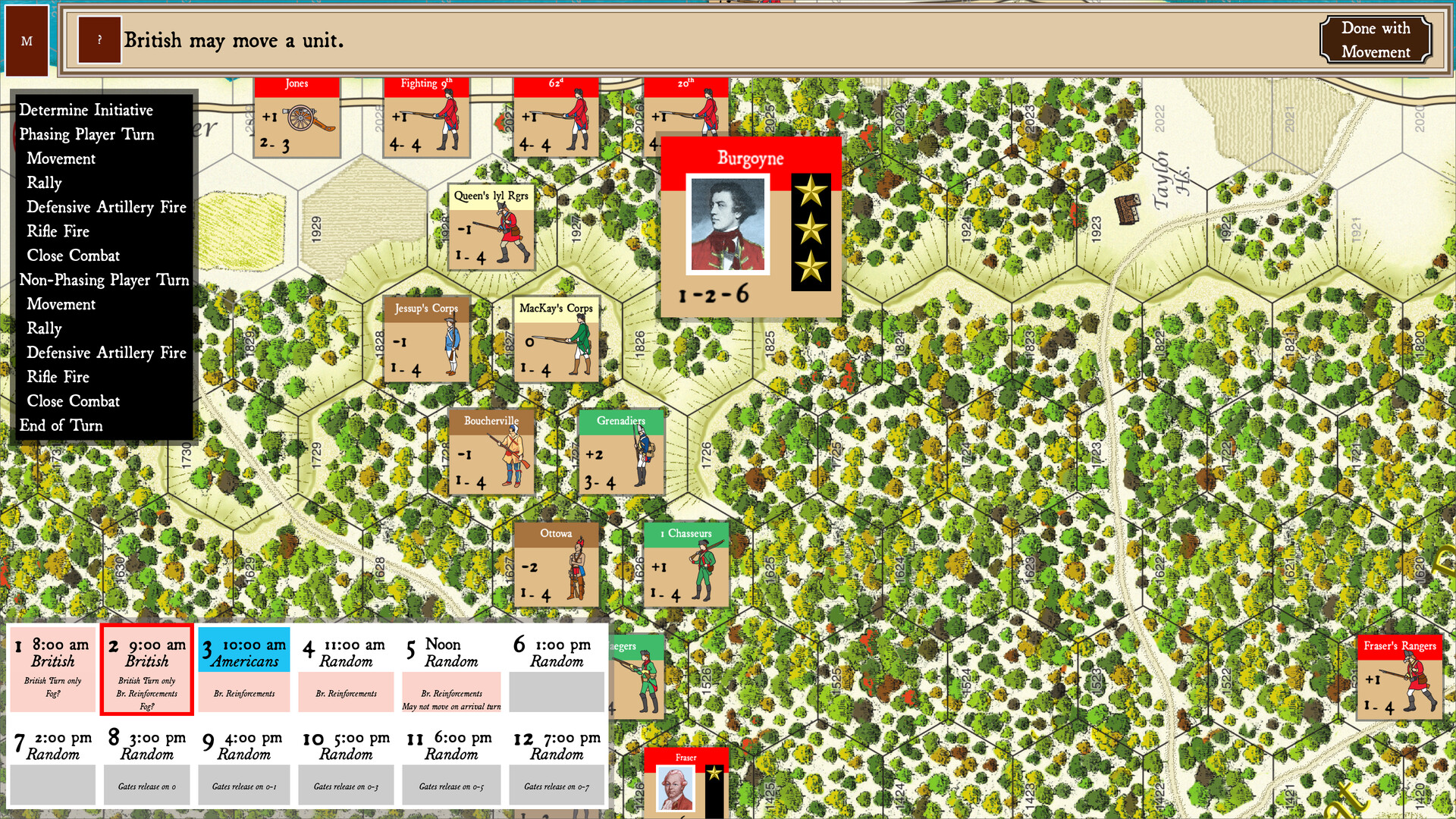
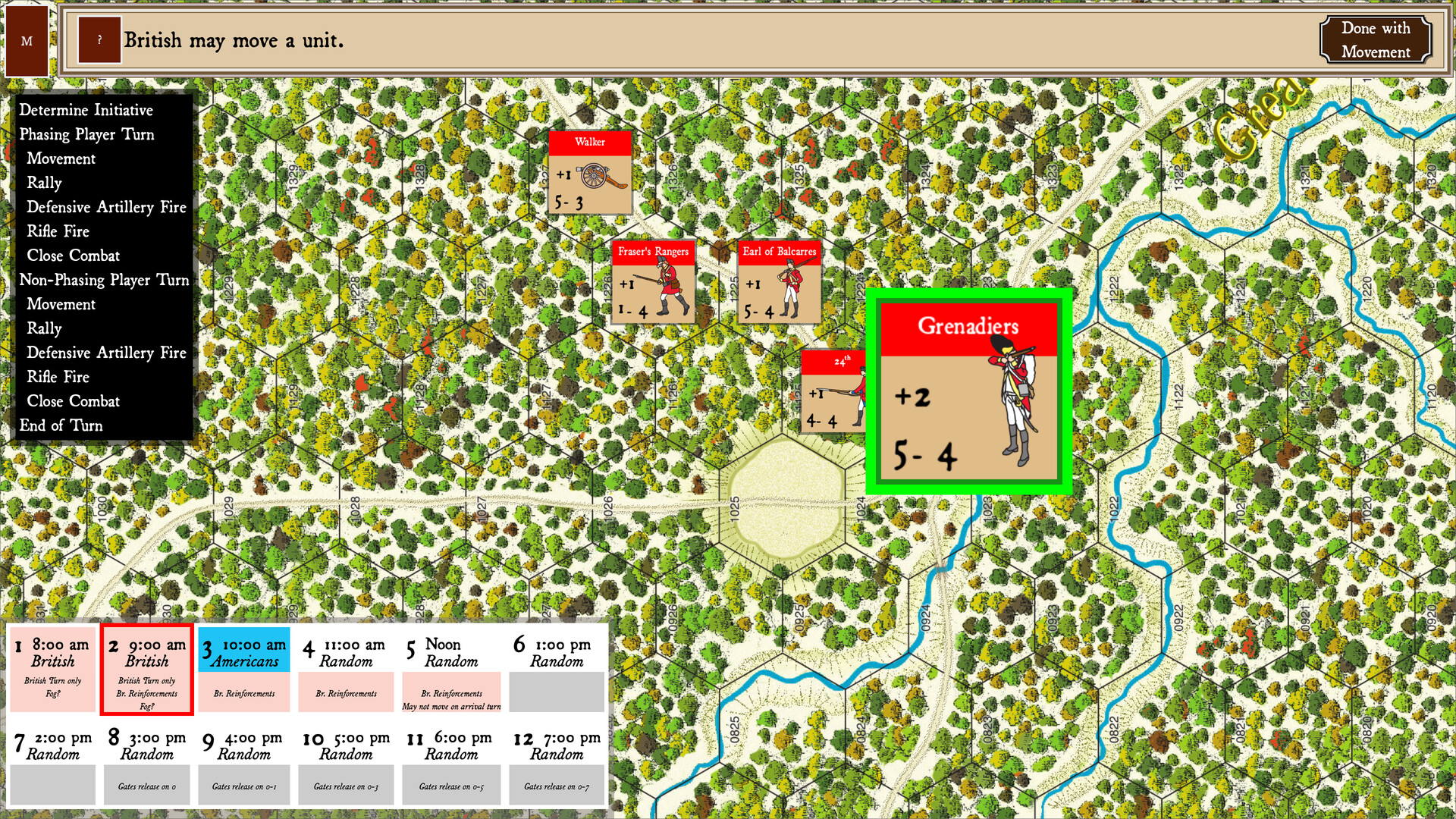
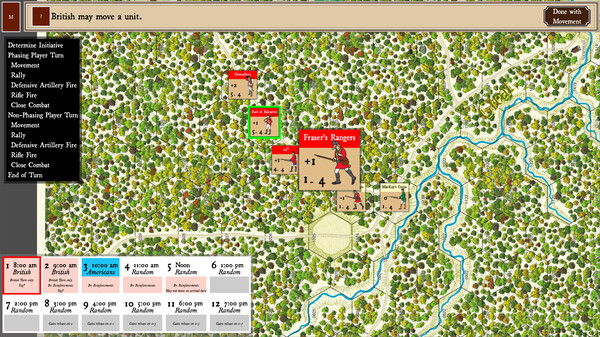
Saratoga is a solo or two-person turn-based strategy wargame that is Volume I in the Great Battles of the American Revolution wargame series created by designer Mark Miklos and published by GMT Games. The game focuses on the Battle of Saratoga on September 19, 1777 which proved to be the turning point of the American Revolution.
Players can battle human opponents online or play against the game's AI. There are three scenarios that offer opportunities to explore alternate histories, including a British counterattack on the next day.
Saratoga features gameplay based on the historical wargaming boardgames of the 70's and 80's. Players maneuver markers that represent their units on a hexagonal map that mimics the gameboard and cardboard counters of traditional boardgames. Players alternate their turns with the first player being determined either by the scenario or randomly. During their turn a player will conduct maneuver for their units and then engage in combat using units with capabilities based on the historical record. Combat is resolved through die rolls modified by terrain, the ability of nearby leaders and the characteristics of the units in the combat.

Saratoga is Volume I of the enormously popular Great Battles of the American Revolution series designed by Mark Miklos and published by GMT Games.
Each side has an historically accurate order of battle that encourages the player to attempt to outdo the generals of history. Saratoga has scenarios that simulate "what-if" situations as well. What if the British had counter-attacked the next day? What if Benedict Arnold had gotten his way and been free to attack?
Combat includes modifiers for leadership, each unit's abilities and terrain to provide a realistic simulation. There is also a "press your luck" component that allows players to spend momentum to modify die rolls or in some cases to re-roll dice.
🕹️ Partial Controller Support
🎮 Full Controller Support
- [0 B]
This update hopefully fixes an issue wherein some players got stuck trying to define their close combats. While I was never able to completely reproduce what the players described, I did find two bugs that could cause the
In this update, the stack marker dialog displays on top of the close combat list, and the close combat list has a \"Show/Hide Detailed View\" button for the attacker that will expand the close combat list to display all potential attackers on the left, and all potential defender hexes on the right. Each attacker unit has a checkbox to make it easy to select individual units, or the hex itself has a checkbox that can be clicked to choose all attacking units in the hex. Defending hexes have a single checkbox for the entire hex, but individual units are listed.
Selecting units in the detailed view will update the map units, and vice-versa. Hopefully, this will make it more clear what units still need to attack/be attacked. I\'ll be posting a dev log video to the Hexes of War YouTube channel later today that demonstrates this feature.
Please post feedback either in the Steam discussion forums, the HexesOfWar Discord server, or on the YouTube video - I really want to make the UI as easy to use as possible!
Minimum Setup
- OS: Ubuntu 18.04+ (64-bit)
- Processor: Intel Core i3-2100 / AMD FX-4300Memory: 8 GB RAM
- Memory: 8 GB RAM
- Graphics: OpenGL 3.2+ Compatible GPU (Intel HD 4000 / NVIDIA GT 710 / AMD R5 230)
- Storage: 1 GB available space
Recommended Setup
- OS: Ubuntu 20.04+ (64-bit)
- Processor: Intel Core i5-6500 / AMD Ryzen 3 1200Memory: 16 GB RAM
- Graphics: NVIDIA GTX 960 / AMD Radeon R9 280
- Storage: 1 GB available space

[ 6422 ]






























[ 5886 ]


[ 1559 ]






























[ 2356 ]


























[ 542 ]


























Time left:
356097 days, 21 hours, 24 minutes

Time left:
356097 days, 21 hours, 24 minutes

Time left:
2 days, 5 hours, 24 minutes

Time left:
30 days, 5 hours, 24 minutes

Time left:
33 days, 5 hours, 24 minutes

Time left:
34 days, 5 hours, 24 minutes

Time left:
55 days, 21 hours, 23 minutes

Time left:
7 days, 15 hours, 24 minutes

Time left:
2 days, 23 hours, 24 minutes

Time left:
8 days, 23 hours, 24 minutes

Time left:
9 days, 23 hours, 24 minutes

Time left:
14 days, 23 hours, 24 minutes

Time left:
16 days, 23 hours, 24 minutes

Time left:
20 days, 23 hours, 24 minutes

Time left:
0 days, 12 hours, 25 minutes

Time left:
5 days, 5 hours, 25 minutes

Time left:
7 days, 4 hours, 25 minutes
Time left:
12 days, 11 hours, 35 minutes


