



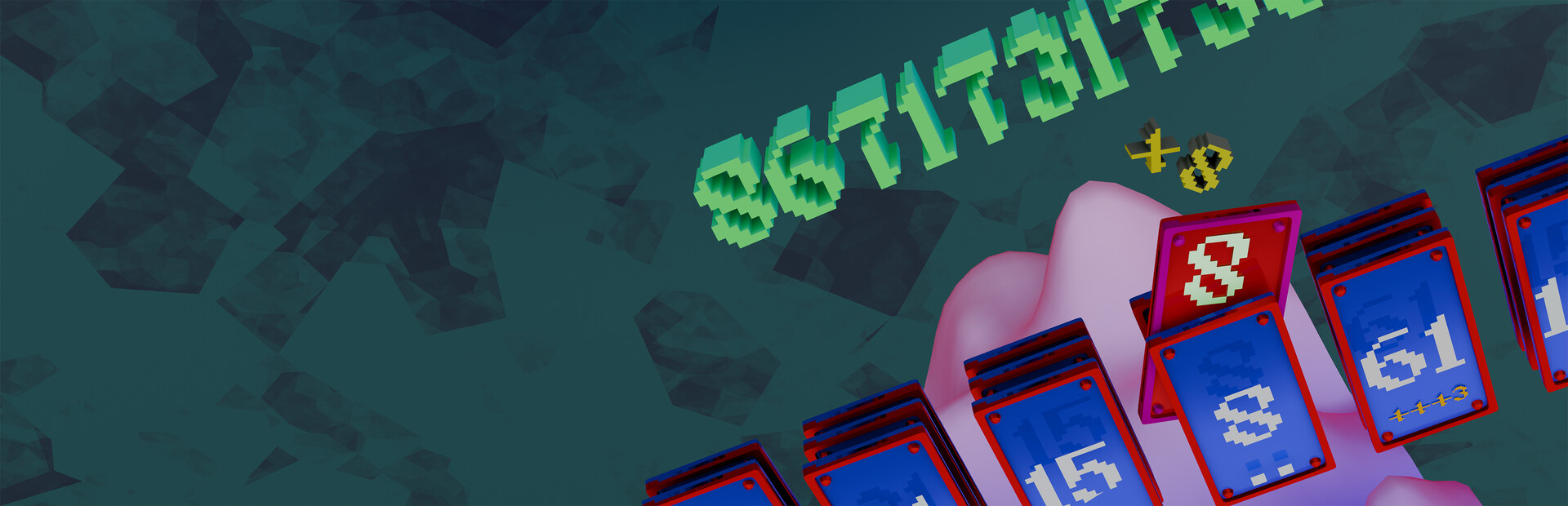
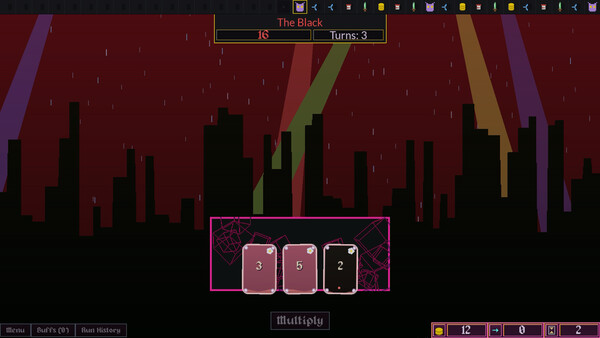
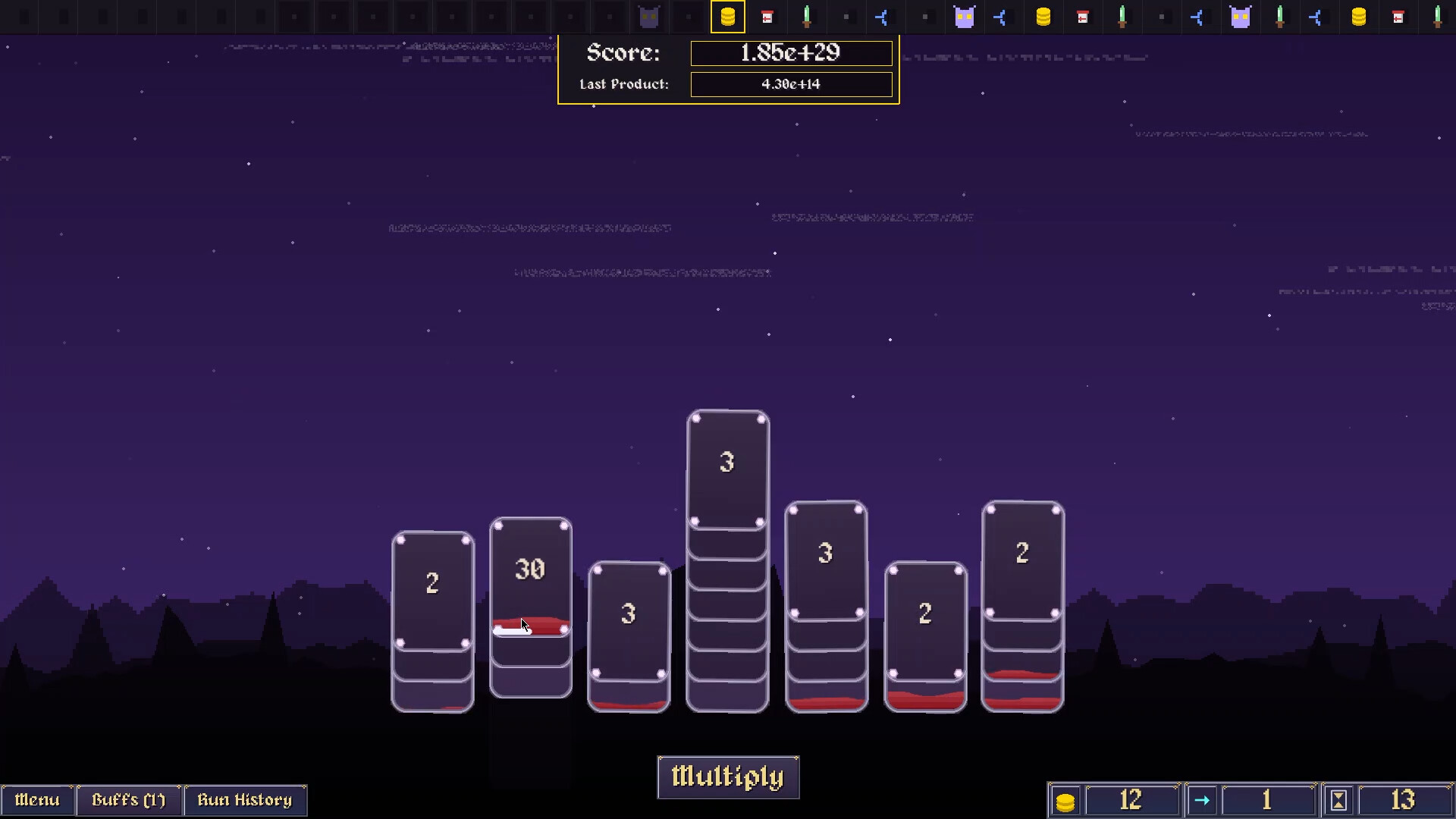
Fortiori is an endless number multiplication Deck Modifier about scoring numbers larger than comprehension while also being meditating to play
The Fortiori of Fortiori
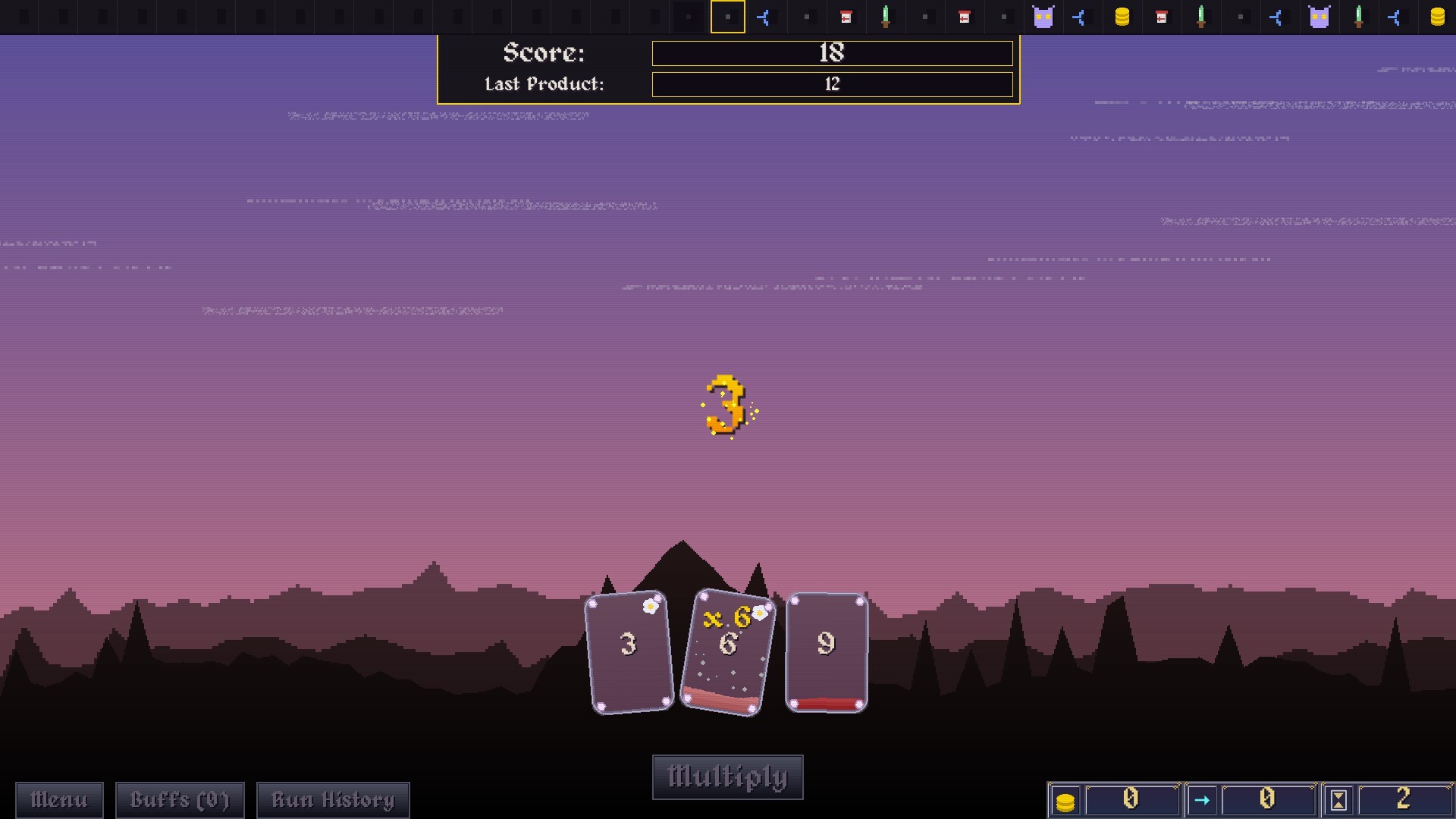
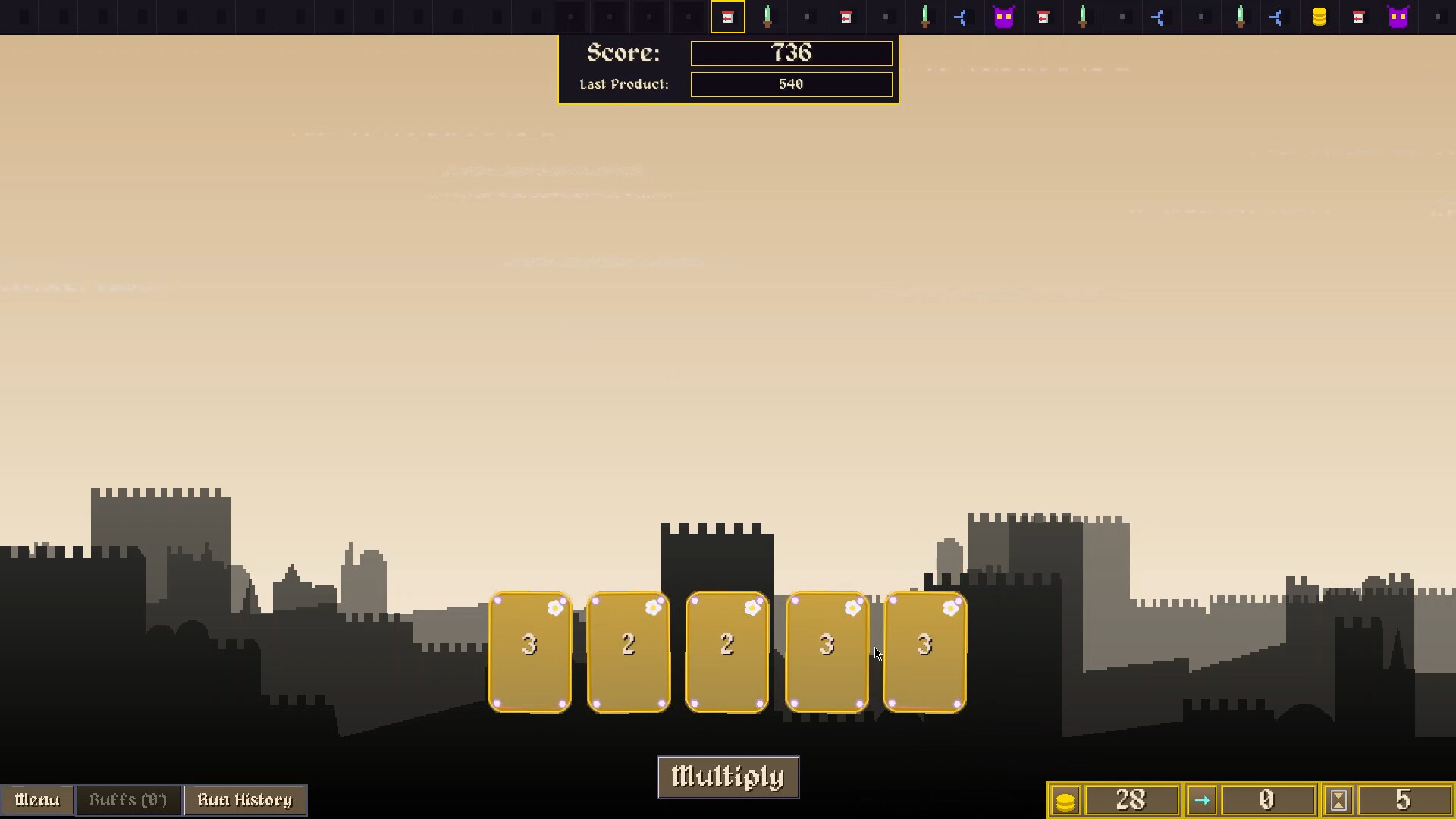
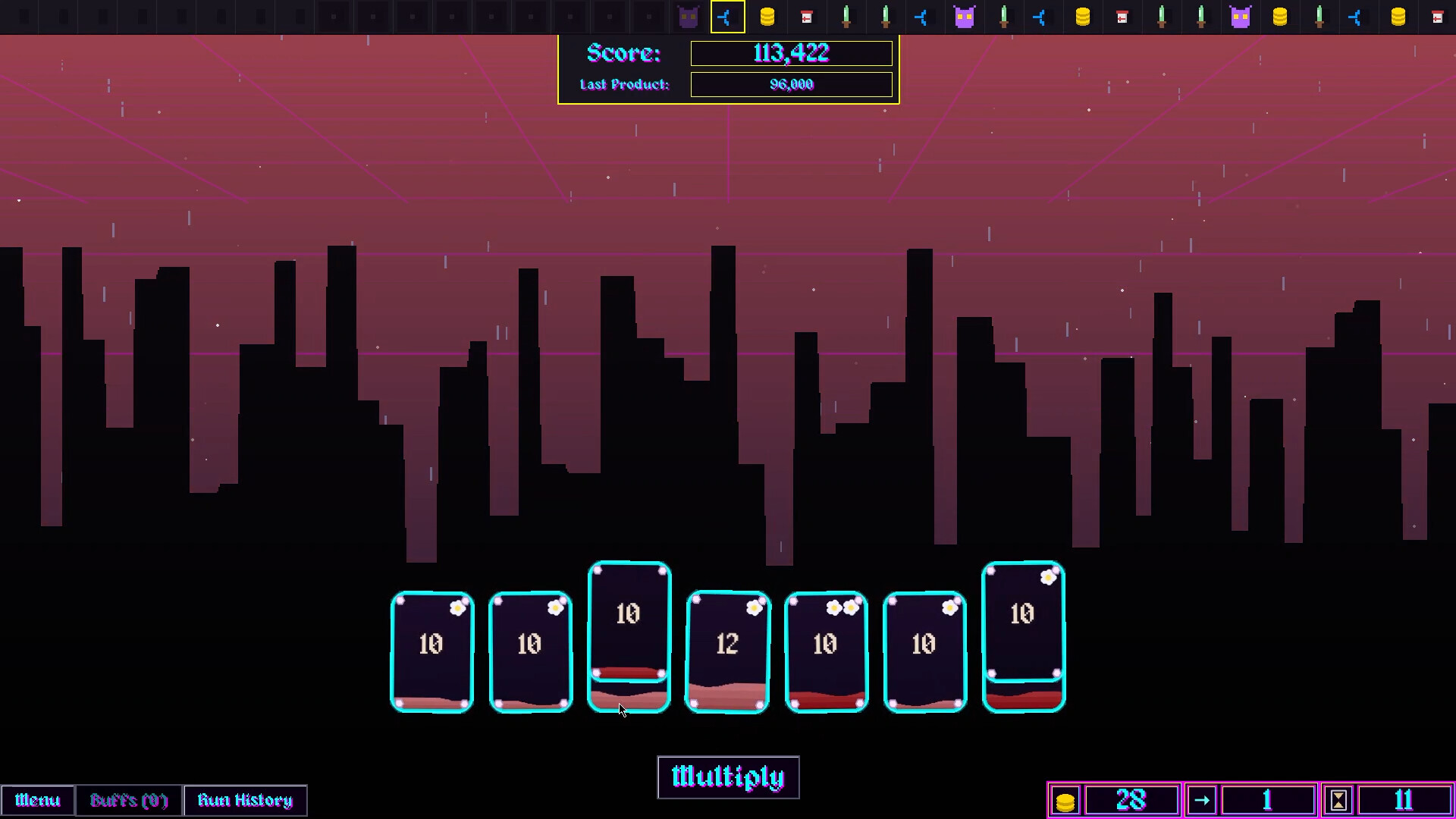
Beat the Score: Multiply the cards in your hand to create a product that overcomes your own ever-growing score.
Hit the Number: Tap cards to increase their value for bigger multiplications.
Manage the Risk: Every tap increases the chance that a card will get deleted.
Split the Cost: Split a card in two if you ever accidentally lose one.
The Content of Fortiori
80 Unique Buffs: Collect and Play around various unique buffs in fortiori.
75 Damning Debuffs: Unavoidable effects that disrupt your plans and force constant adaptation.
18 Punishing Bosses: Face down unique bosses, losing to whom doesn't call for game over but rather makes the game much harder. Winning however changes the game.
In-Game Shop (not real money): Spend coins earned during your run at the shop to buy extra lives, new cards, splits, and powerful buffs.
The Ways of Fortiori
9 Playstyles : Pick from 9 playstyles which change the game dramatically to force new strategies :D. You can play any game mode with any play style!
2 Operations : Don't feel like multiplying? Toggle the switch to add the numbers instead of multplying for a more controlled experience
Normal Mode: The way Fortiori is meant to be played, Defeat 7 bosses to win!
Boss-less Mode: Normal mode but without bosses....for some people.
Chill Mode: No bosses, No debuffs, increased buffs count, this mode is just to relax.
The Tunes of Fortiori
Fortiori offers a gameplay experience for those seeking the thrill of achieving that roguelike end goal, but at a faster pace without sacrificing the challenge and strategy.
Multiply, Collapse, Stack again, Become Fortiori!
🕹️ Partial Controller Support
🎮 Full Controller Support
- [0 B]
Here are the revised patch notes, rewritten from your solo developer perspective.
[hr][/hr]Fortiori Wallpaper Engine ENHANCED Patchnotes:\n\n[img src=\"https://cdn.cloudflare.steamstatic.com/steamcommunity/public/images/clans/45743397/6dfb4aeb37f4f0e59287b58c8a3c6edd6dcafedf.jpg\"][/img]
NEW FEATURE: The Preset System
I have completely overhauled how you save and manage your wallpapers. You no longer have to stick to one single layoutyou can now create, name, and manage unlimited configurations.
Preset Manager: A new menu allows you to browse your saves with live thumbnail previews.
[/*]Quick Actions:
[list]Overwriting: A dedicated \"Save\" button on the main UI instantly updates your currently loaded file.
[/*]Management: Rename files, \"Save As\" to create copies, or delete old setups directly from the list.
[/*]Safety: I added a \"Are you sure?\" confirmation popup to prevent accidental deletions.
[/*]
Tray Integration: Right-clicking the system tray icon now shows a \"Recent Saves\" submenu, letting you switch between your top 5 layouts instantly without opening the editor.
[/*]The [c].fw[/c] File Extension
To support the new Preset System, I introduced a custom file format: [c].fw[/c]
True Portability: These files are completely self-contained. You can share a single [c].fw[/c] file with a friend, and it will load perfectly on their machine.
[/*]Embedded Assets: No more broken image paths! When you add a custom image or animated GIF to your scene, the engine now bakes the image data directly into the save file .
[/*]Smart Compression: Thumbnails and assets are optimized to keep file sizes manageable while ensuring zero dependencies.
(note: stored in C:\\\\Users\\\\YourName\\\\Documents\\\\Fortiori Wallpapers)
[/*]
[img src=\"https://cdn.cloudflare.steamstatic.com/steamcommunity/public/images/clans/45743397/28e8848e5cf0dfec3b9f6d96f035bd3281cc8b74.jpg\"][/img]
Massive Clock Update (30+ New Styles)
I\'ve expanded the Custom Clock with a massive library of new aesthetic options.
10 New Frames: Hexagon, Octagon, Gear, Rounded Rect, Sunburst, Cardinal Cross, Triple Ring, Dashed, Modern Arc, and Diamond.
[/*]10 New Hands: Sword, Arrow, Diamond, Baton, Tapered, Hollow, Kite, Lightning, Teardrop, and Minimal.
[/*]10 New Number Layouts: Roman Numerals, Dots, Squares, Diamonds, Triangles, Cardinals (12/3/6/9), Minimal (12 only), Thick Ticks, Thin Ticks, and Stars.
[/*]Color Control: You can now independently color the Hour, Minute, and Second hands.
[/*]
Editor & Gizmo Overhaul
Precision Controls:
[/*][img src=\"https://cdn.cloudflare.steamstatic.com/steamcommunity/public/images/clans/45743397/d18b782f4e95c9d465fb21683cd69d0c59f8d614.png\"][/img]
[list]Absolute Scaling: Resizing elements is now 1:1 with mouse movement, preventing jitter or \"infinite growth.\"
[/*]Inverse Rotation: Rotating elements now feels natural and weighted (inverse drag).
[/*]Screen Clamping: I added clamping so elements can no longer be lost off-screen.
[/*]
Visual Smoothing: All movement, resizing, and rotation is now interpolated (Lerped) for a high-end, smooth feel.
[/*]Advanced Image Options: Added support for Animated GIFs, border styling, drop shadows, and multiple fit modes (Cover, Contain, Stretch).
[/*]Environment & Simulation
[img src=\"https://cdn.cloudflare.steamstatic.com/steamcommunity/public/images/clans/45743397/be307b22cb9eb6c4b54b5797011520c79c15b616.png\"][/img]
Real-Time Sync: Added \"Sync to System Clock\". The internal day/night cycle will now perfectly match your real-world time (Dawn at 6 AM, Dusk at 6 PM).
[/*]Rain Customization:
[img src=\"https://cdn.cloudflare.steamstatic.com/steamcommunity/public/images/clans/45743397/47dc7c91c920adcd89a8fa9dce92a9821a2e8ef6.png\"][/img]
[list]Color Picker: Change rain color to anything (e.g., blood rain, matrix code green).
[/*]Thickness Control: Sliders for Min/Max raindrop width.
[/*]
[img src=\"https://cdn.cloudflare.steamstatic.com/steamcommunity/public/images/clans/45743397/589781116029d1ff6b9ac9fba0da396f2b693dfe.png\"][/img]
[/*]Theme Effect: You can now choose weather you want a theme\'s special effects or now
[img src=\"https://cdn.cloudflare.steamstatic.com/steamcommunity/public/images/clans/45743397/174683f3899f517034c2f9ae6190fc94a3053572.png\"][/img]
[/*]Performance & Optimizations
Smart Caching: The UI and static elements now use a \"Dirty Flag\" system. They only redraw when you actually interact with them, significantly reducing CPU usage.
[/*]FPS Cap: When running as desktop background it will be capped at 30 FPS, ensuring the wallpaper uses minimal resources while you game or work.
[/*]
Bug Fixes
Fixed a crash caused by missing [c]highlight_success[/c] color keys.
[/*]Fixed scrollbar crashes when content height was not calculated.
[/*]Fixed the \"Quick Save\" button crashing due to missing initialization.
[/*]Fixed Escape key behavior (now closes menus properly instead of quitting).
[/*]Fixed Image Element crashing when loading invalid paths (now displays a placeholder [c]?[/c]).
[/*]main menu had kinda low fps, not anymore.
[/*]

[ 6422 ]






























[ 5888 ]


[ 1559 ]


























[ 2356 ]

























[ 546 ]


























Time left:
356097 days, 10 hours, 32 minutes

Time left:
356097 days, 10 hours, 32 minutes

Time left:
1 days, 18 hours, 32 minutes

Time left:
29 days, 18 hours, 32 minutes

Time left:
32 days, 18 hours, 32 minutes

Time left:
33 days, 18 hours, 32 minutes

Time left:
55 days, 10 hours, 31 minutes

Time left:
7 days, 4 hours, 32 minutes

Time left:
2 days, 12 hours, 32 minutes

Time left:
8 days, 12 hours, 32 minutes

Time left:
9 days, 12 hours, 32 minutes

Time left:
14 days, 12 hours, 32 minutes

Time left:
16 days, 12 hours, 32 minutes

Time left:
20 days, 12 hours, 32 minutes
Time left:
0 days, 1 hours, 33 minutes

Time left:
4 days, 18 hours, 33 minutes

Time left:
6 days, 17 hours, 33 minutes
Time left:
12 days, 0 hours, 43 minutes

Time left:
20 days, 21 hours, 34 minutes


