




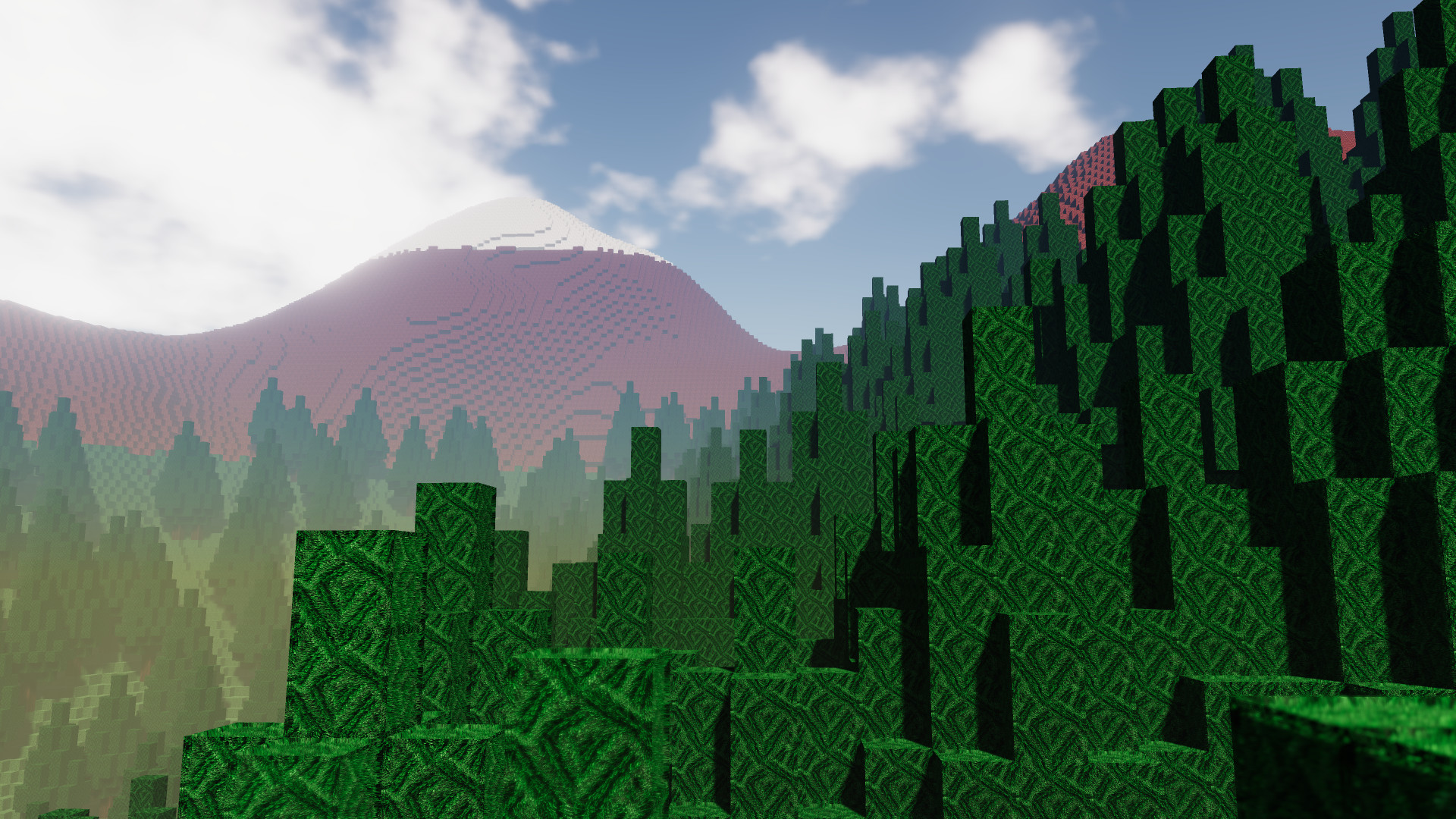
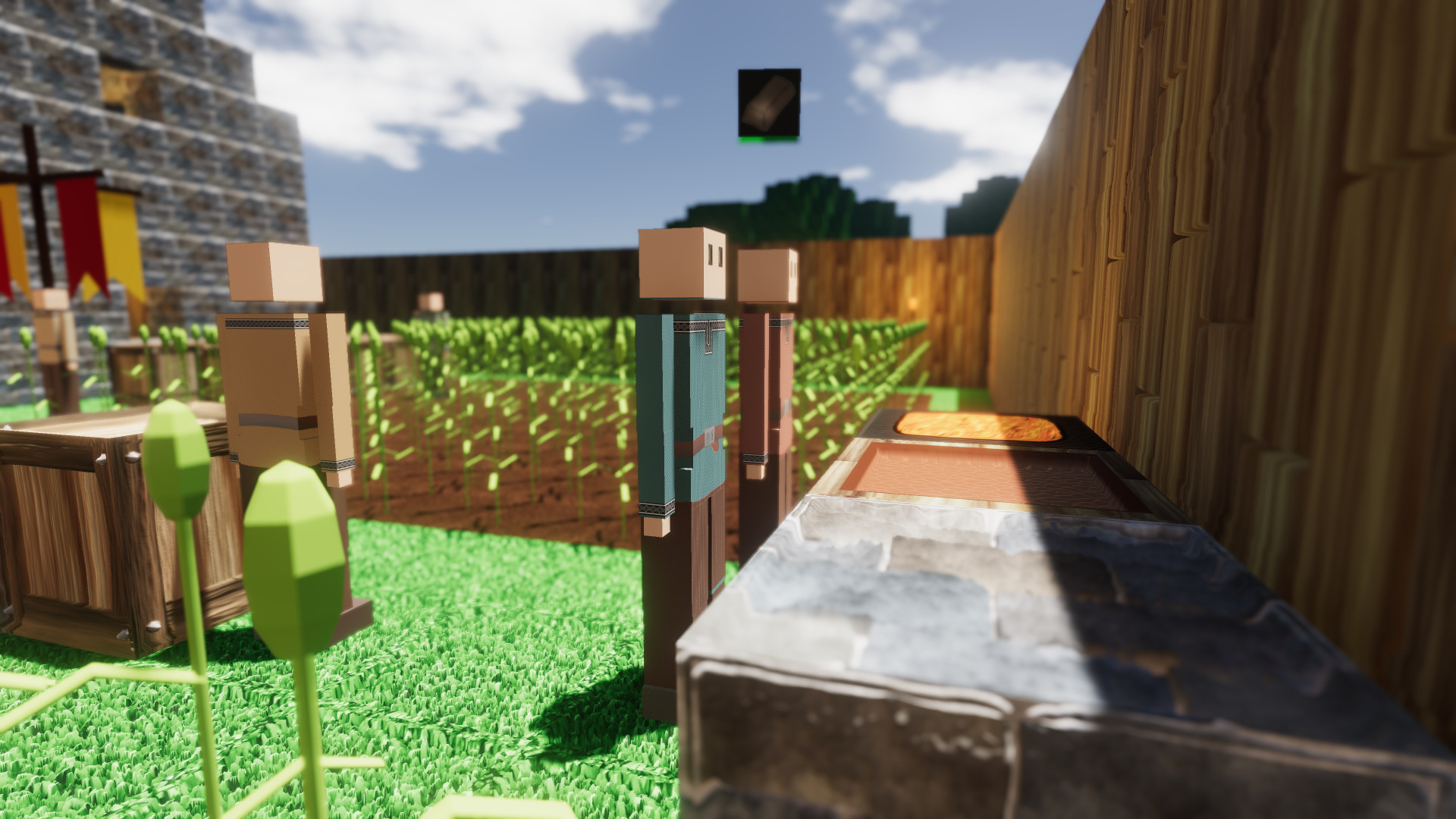
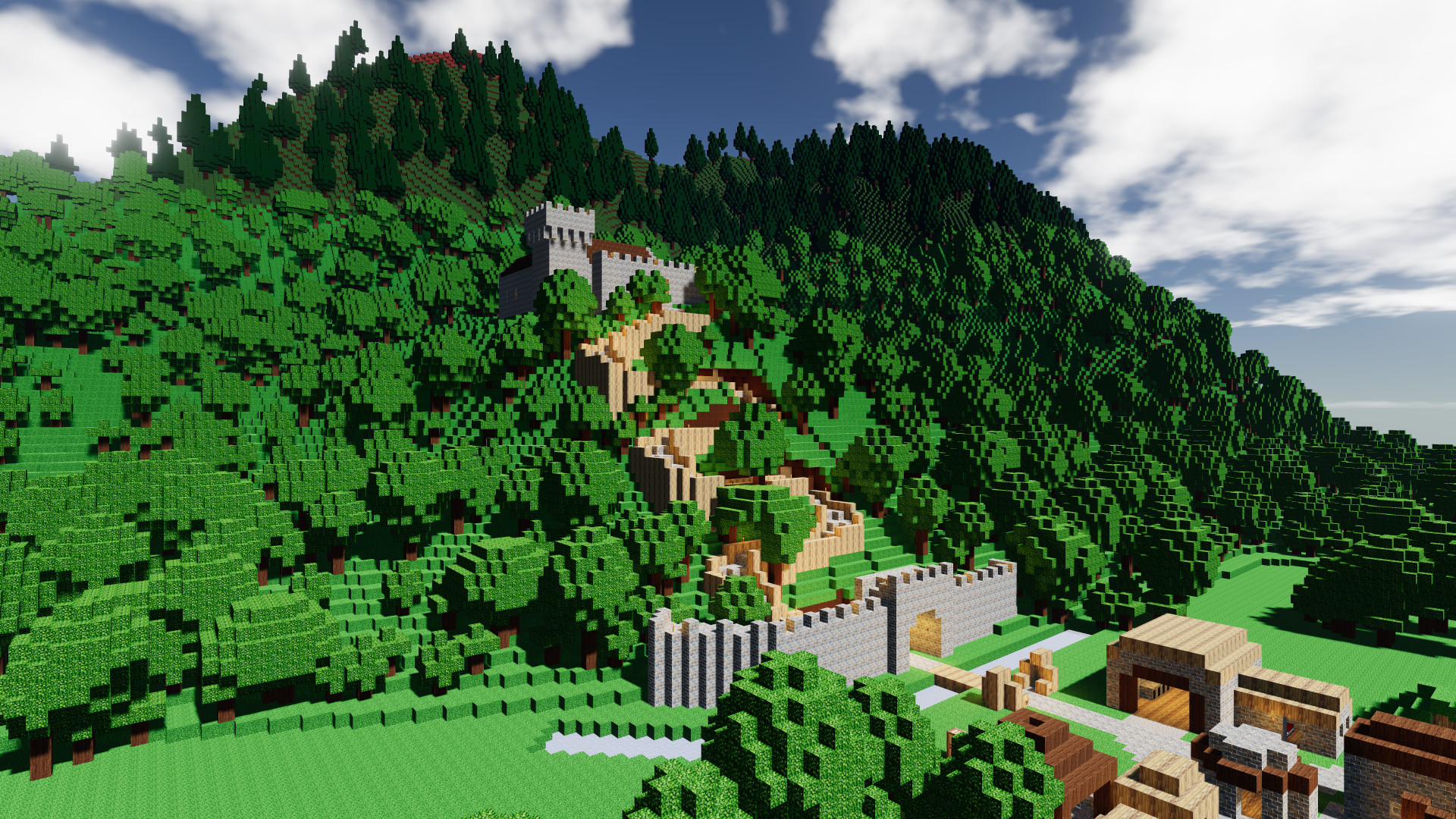
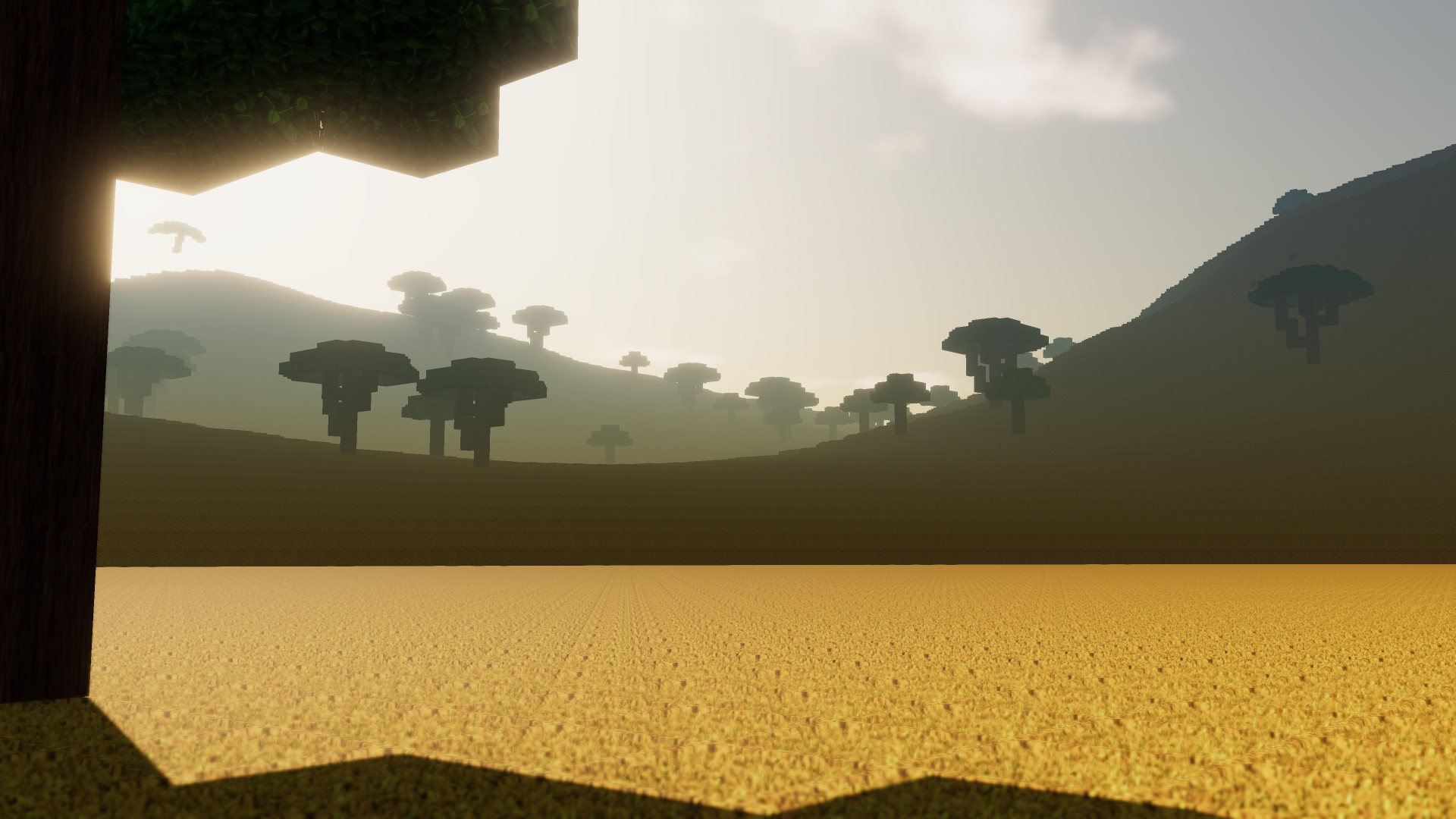
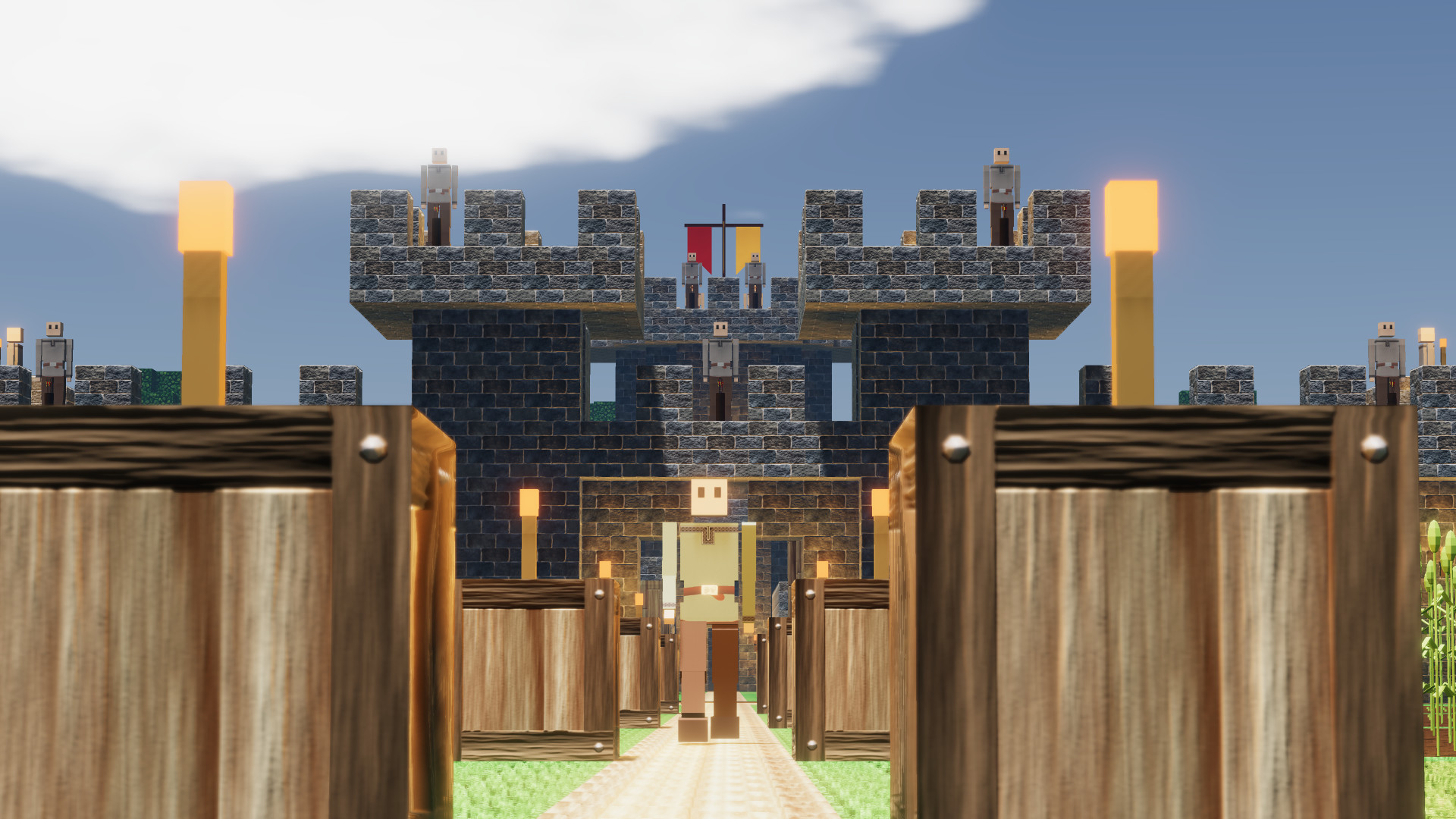
- Multiplayer support: play with friends and strangers!
- Advanced pathfinding: colonists and zombies will find their way in the world you've build. They will dynamically navigate stairs, bridges and tunnels.
- Explore a world with realistically placed biomes. A giant jungle in the center of the world, surrounded by savannas, deserts and temperate biomes. Two polar regions in the far north and south.
- Support for textures and language packs created by players
- Dynamic lighting and eye adaptation
- Voice your suggestions and be part of the development of Colony Survival!
- Linux 32-bit [97.57 M]
- Linux 64-bit [96.17 M]
These new features are still in development and not yet released. The world in the screenshots was built by Lagoon .\n\n \nIn the past month, we continued our work on the top-down view feature. We added a worldslicing feature, where everything above the height of the topdown trigger turns invisible. It\'s practical to be able see inside houses, but it\'s essential if you want to use the topdown view in underground situations! \n\n
 \nLast months blog and video caused some confusion, because buildings were copy-pasted instantly. Of course, that was not the intention. Since then, that has been fixed as well: blueprinted buildings are built gradually by colonists, like all other construction projects they can work on. \n\nBlueprint saving was quite wonky at the time of the last blog. The blueprint was gone after reloading the world, and stuff like texts on signs or crafting configurations on jobblocks were never saved at all. All of that now works as it should. \n\n
 \nMaking blueprints work smoothly with the Steam Workshop is not something that we can get to work before we release the feature, but Zun found an alternative way to share your blueprints! As can be seen in the screenshot, each blueprint now generates a unique code that can be shared between players. This means that in the near future, youll be able to find great buildings on for example our Discord, the Steam Forums, the wiki or our subreddit and add them to your own colonies! \n\n
 \nIn last months video you could see that the topdown trigger looked like a regular crate. It now has a proper mesh! Since we added the mill last year, objects that are larger than a voxel work much better. Weve used that for the topdown trigger. \n\nWhats a sensible way to indicate an object that turns your perspective to a top-down view? We were inspired by architects and designers studying maps and drafting blueprints. Weve represented that by building a big desk with a chair. Were very happy with how it turned out! \n\n
 \nNow liberated from one-voxel constraints, we redid some older meshes. The merchant hub, grocery store and tool shop were fairly uninspired and bland. They were significantly enlarged and gained a lot more personality! \n\nThey all received a kind of market stand look. Wide and deep tables displaying many items, with a rain cover. The items on display are related to the type of shop it is. \n\n
 \nThese will totally replace their much smaller ancestors. They won\'t be automatically replaced in existing savegames and the older variants will keep doing their work. But destroy them, and you will receive the new, larger version. \n\nThe new mesh does not have large consequences for the market stand. That object is only useful to the player, and most colonies have no more than one or two. But tool shops and grocery stores are useful to colonists, and many players have placed them at every job cluster. \n\n
 \nIn quite a lot of these situations, the new mesh doesnt fit physically, or it looks out of place because its indoors. It will be less aesthetic and less efficient to put the new larger shops at every corner. \n\nHopefully, this cuts down on repetitive shopmaxxing and leads to slightly more refined designs, with little central places where colonists from multiple job clusters regularly gather to collect new tools and meals! \n\n
 \nHow do you feel about all these changes? Let us know here in the comments or on Discord! \n\nReddit // Twitter // YouTube // Website // Discord
Minimum Setup
- OS: Ubuntu 12.04+. SteamOS+; 64-bit
- Processor: Intel Pentium G620 (2.5 Ghz dual core) or equivalentMemory: 2 GB RAM
- Memory: 2 GB RAM
- Graphics: Intel HD Graphics 5000. 1280x720 display
- Storage: 300 MB available spaceAdditional Notes: Work in progress: new features may raise the bar. optimizations may lower the bar
Recommended Setup
- OS: Ubuntu 12.04+. SteamOS+; 64-bit
- Processor: Intel i5-2300 (2.8 GHz quad core) or equivalentMemory: 4 GB RAM
- Graphics: Nvidia GTX 750 or equivalent. 1920x1080 display. supporting openGL 4.2+Network: Broadband Internet connection
- Storage: 1 GB available spaceAdditional Notes: Work in progress: new features may raise the bar. optimizations may lower the bar

[ 6370 ]






























[ 5870 ]


[ 1991 ]





























[ 1943 ]





























[ 986 ]






























Time left:
356099 days, 18 hours, 47 minutes

Time left:
356099 days, 18 hours, 47 minutes

Time left:
4 days, 2 hours, 47 minutes

Time left:
32 days, 2 hours, 47 minutes

Time left:
35 days, 2 hours, 47 minutes

Time left:
36 days, 2 hours, 47 minutes

Time left:
9 days, 12 hours, 47 minutes

Time left:
4 days, 20 hours, 47 minutes

Time left:
10 days, 20 hours, 47 minutes

Time left:
11 days, 20 hours, 47 minutes

Time left:
16 days, 20 hours, 47 minutes

Time left:
18 days, 20 hours, 47 minutes

Time left:
22 days, 20 hours, 47 minutes

Time left:
2 days, 10 hours, 2 minutes

Time left:
7 days, 2 hours, 48 minutes

Time left:
9 days, 1 hours, 48 minutes

Time left:
14 days, 8 hours, 58 minutes


