



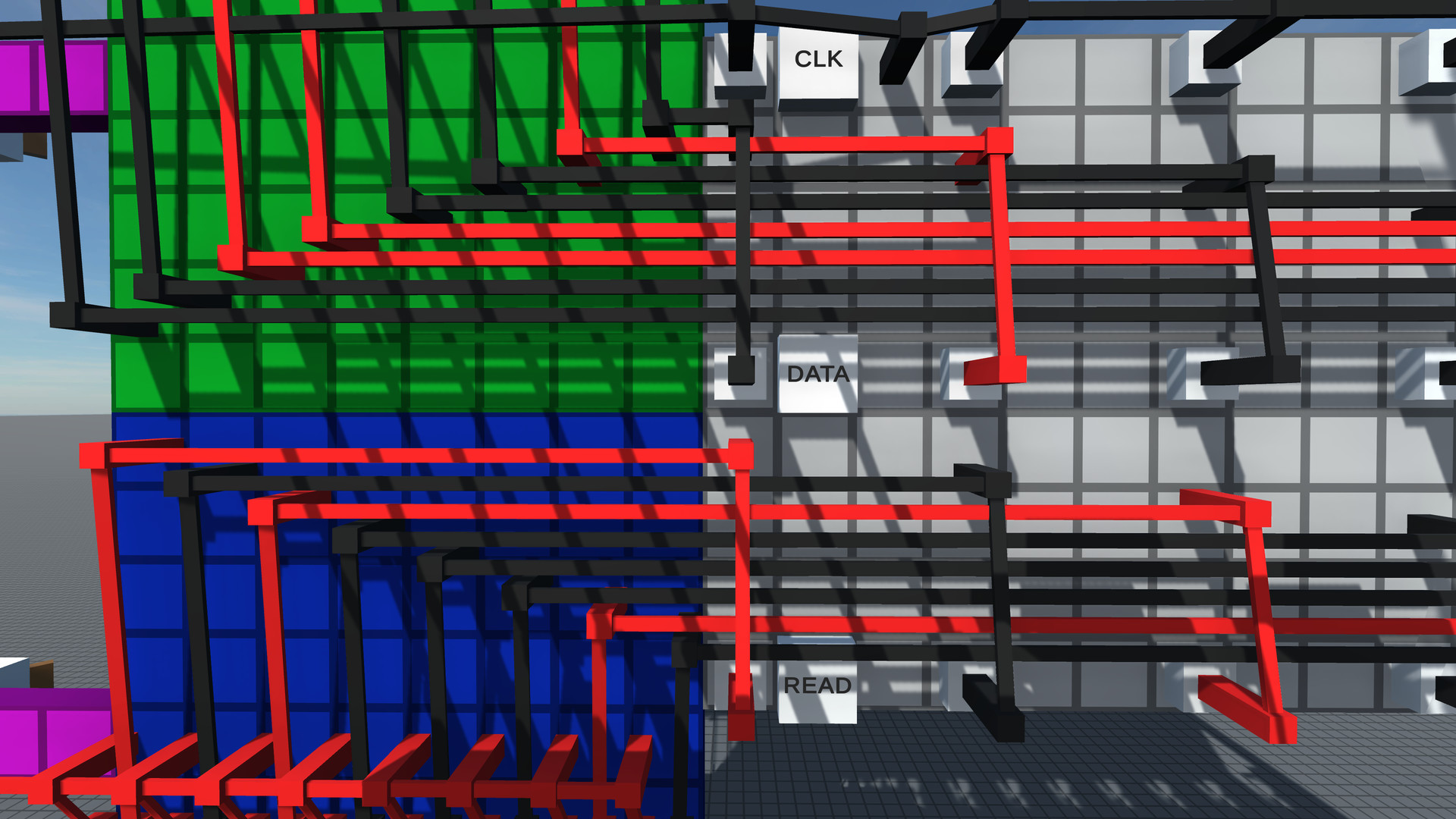
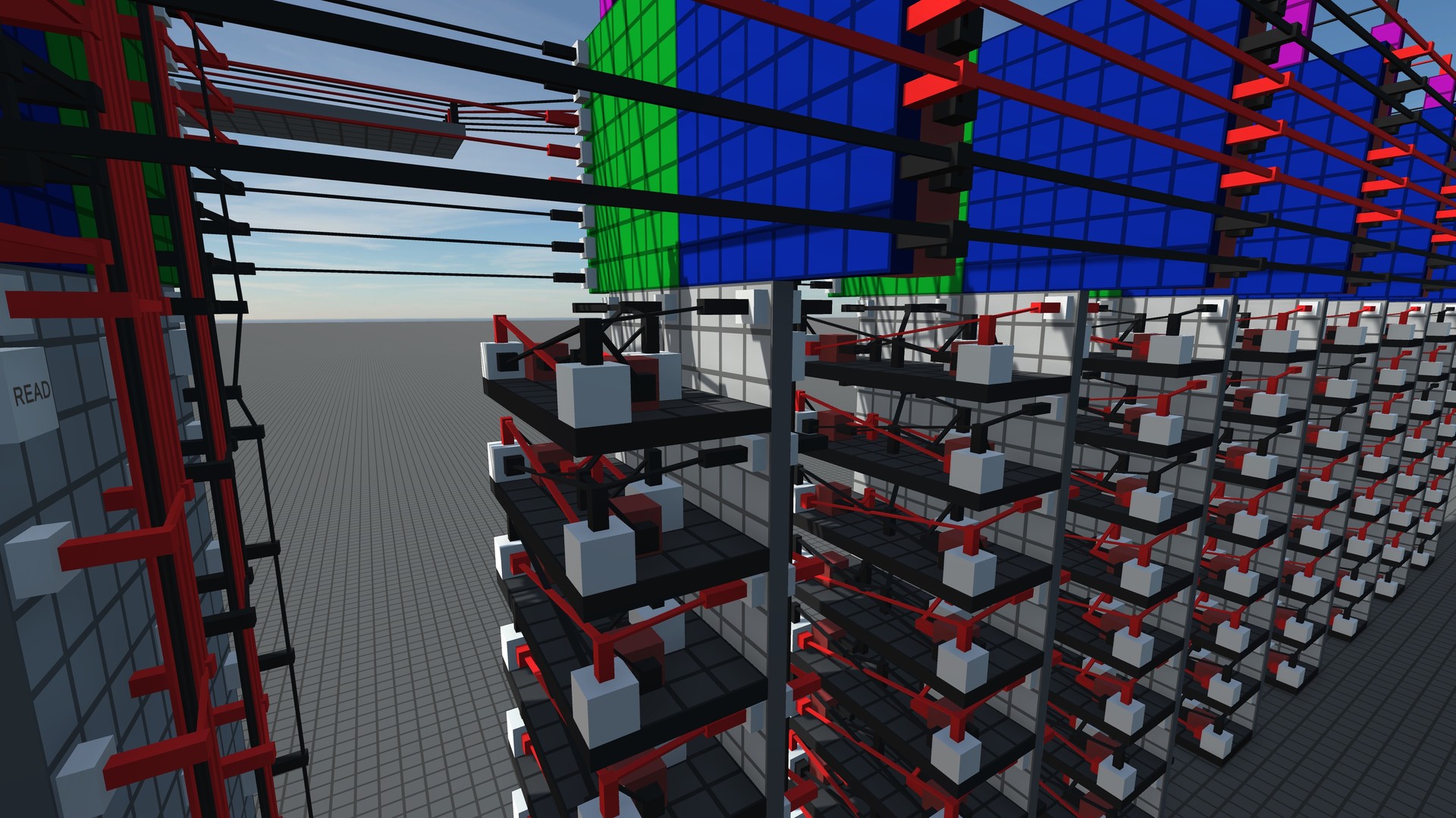
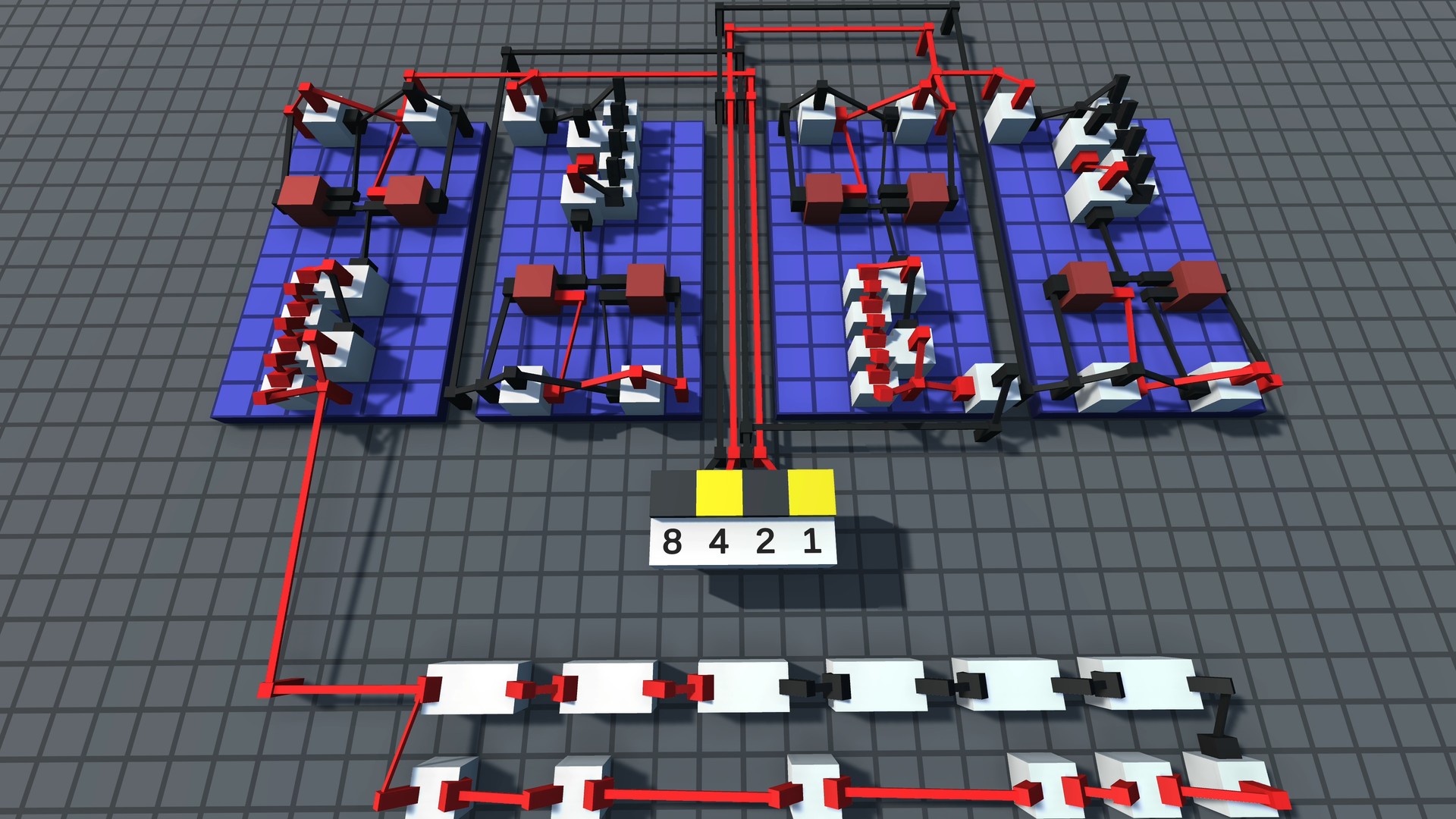
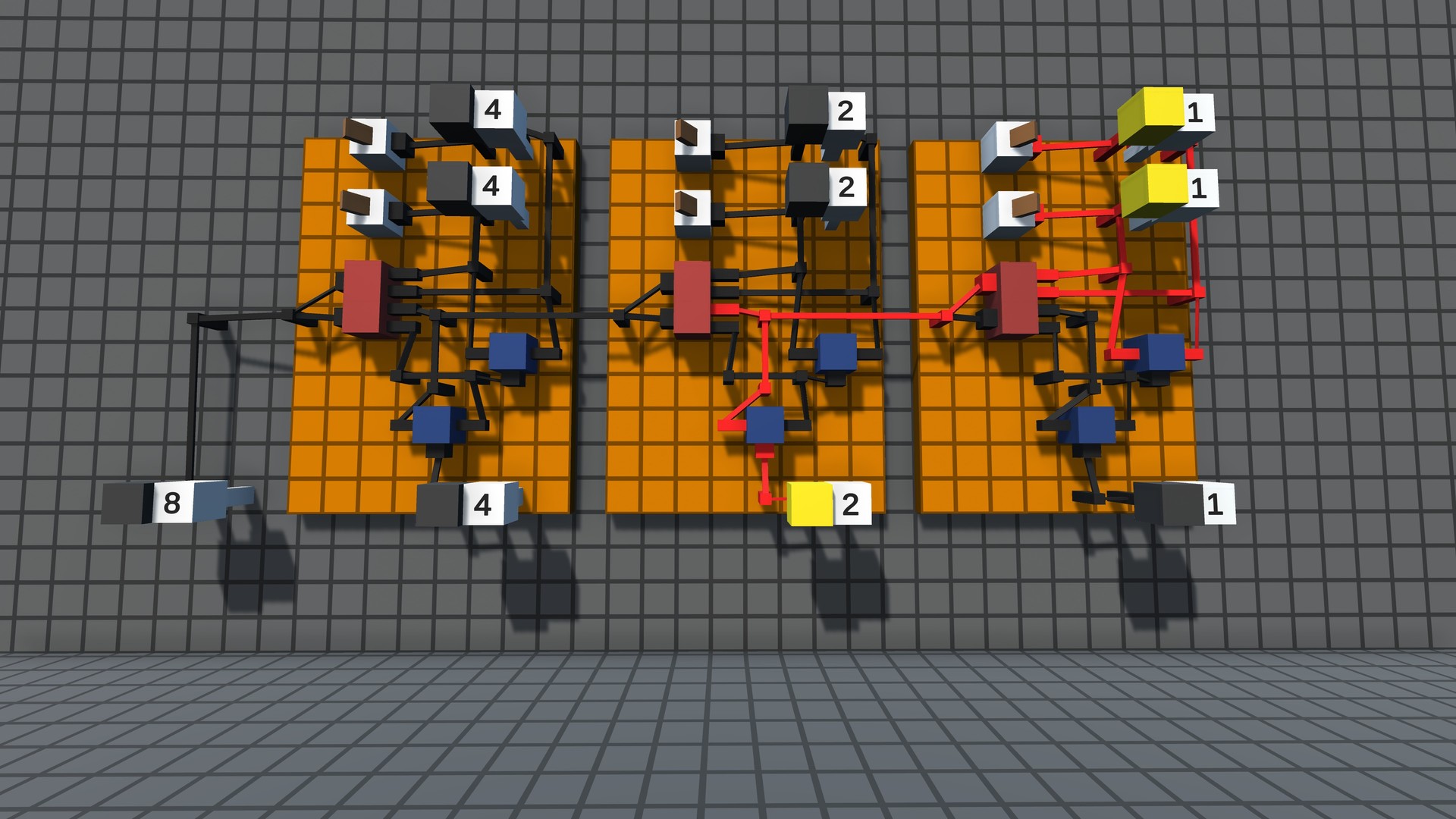
Key Features
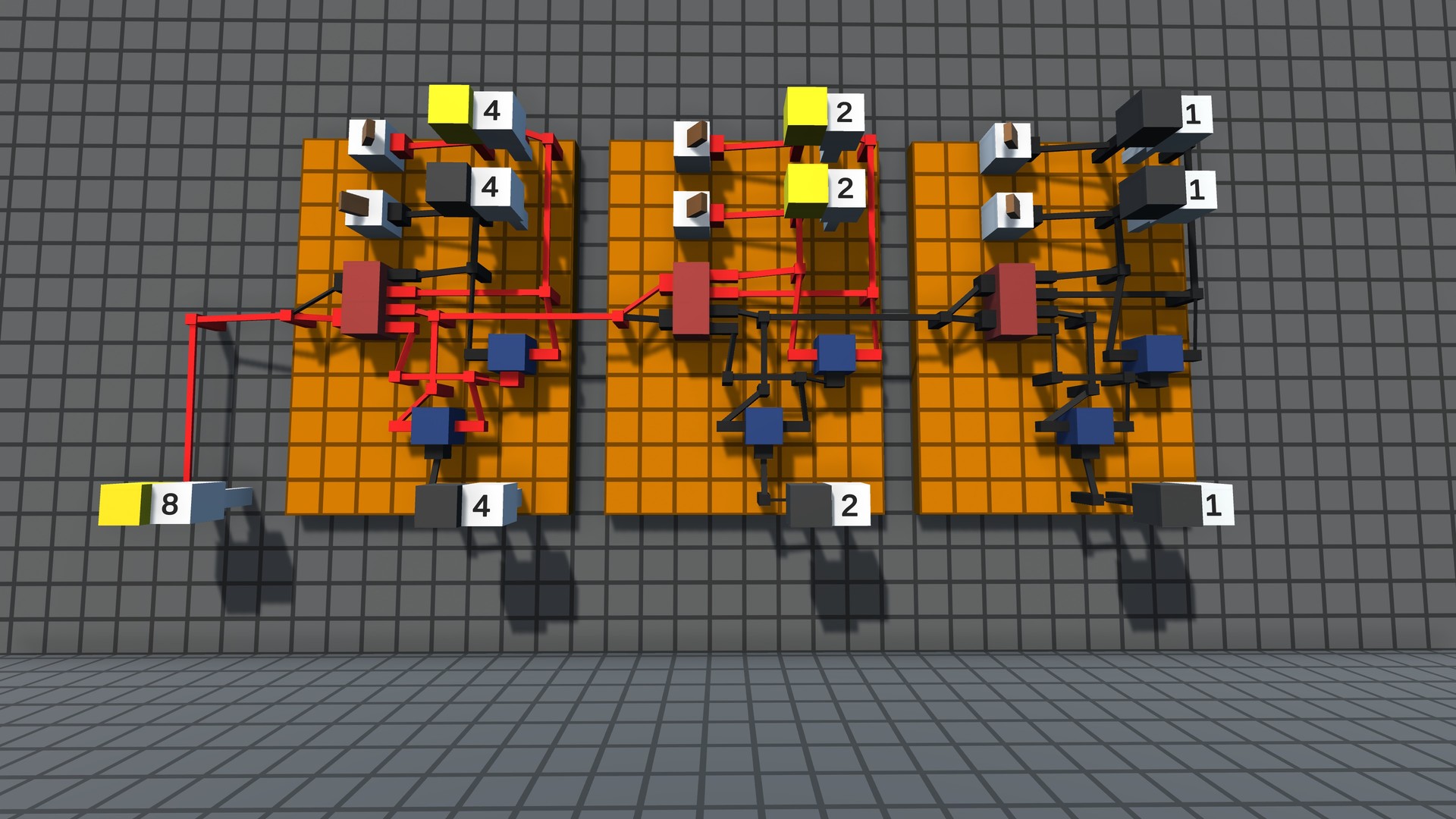
- Digital Logic - Build circuits that work the same way real world computer chips do.
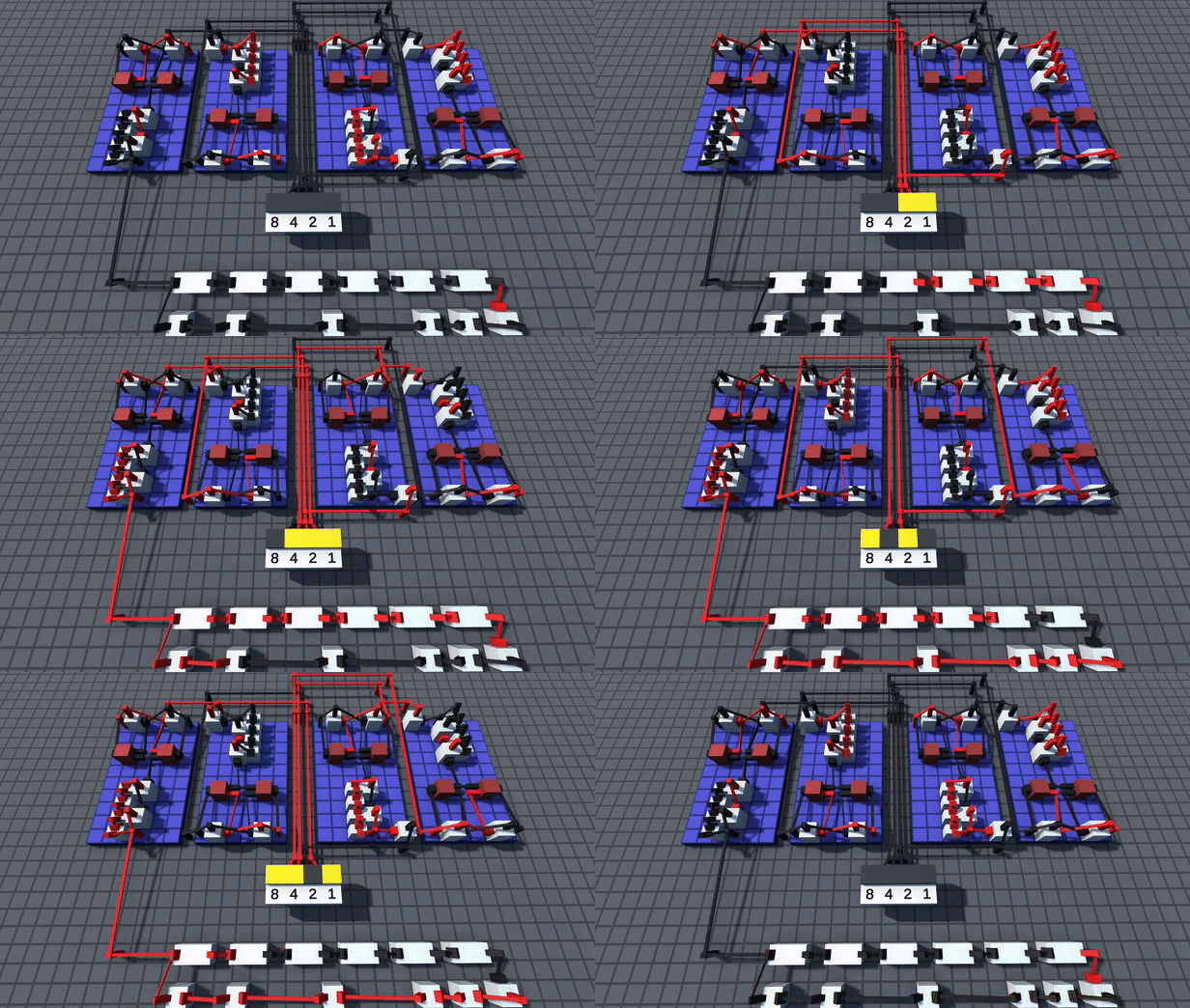
- Challenges - Solve puzzles from simple logic gates to complex machines like calculators and data storage.
- Multiplayer - Logic World is built from the ground up for collaborative multiplayer. Take on Challenges with your friends or build together freely in Sandbox mode.
- Performance - Build massive circuits and simulate them at thousands of updates per second - all without lag.
- Modding - Logic World features powerful modding tools - the same tools the developers are using to make the game.
- Online Hub - Players can upload their builds, mods, and custom challenges and share them with other players.

- Logic World - Linux [1.75 G]
Hello! We\'re releasing a game update today to fix some issues. There isn\'t much else to say about it so I\'ll wrap it up here lol. More updates soon!
[img src=\"https://cdn.cloudflare.steamstatic.com/steamcommunity/public/images/clans/34872663/7de971e477ff3f688a3bf735f3ce8d564bfca9ea.png\"][/img]
Here\'s everything new in 0.92.1:
Outlines
Added setting: \"Outline Style\"
[/*]Added two new outline styles, \"Fast\" and \"Balanced\". These are alternative outlining techniques that look worse in exchange for more performance. The old outline style is now called \"Beautiful\".
[/*]The default outline style is now \"Balanced\".
[/*]Changed the default outline thickness from 5 to 4.
[/*]Fixed a visual issue where the color of outlines would be affected by the Resize Component UI.
[/*]
Graphics
Fixed some shadows not disappearing if you disable shadows after they were previously enabled.
[/*]Fixed the hole at the top of the mountain in the Test World not rendering correctly.
[/*]Fixed the multiplayer avatar preview looking like crap if accessed in the main menu with SHINY BOBBY enabled and real-time reflections disabled.
[/*]Realtime reflections are now disabled by default.
[/*]Added settings preview image for Realtime Reflections Enabled.
[/*]
Help menu
Flip is now shown while placing/grabbing/cloning a flippable object.
[/*]Board Rotation Up/Down is no longer shown when placing/grabbing/cloning a flat board.
[/*]
UI
Fixed the text box for sliders sometimes showing the wrong value after manual modification.
[/*]Fixed a small booger-shaped visual artifact in the text box for sliders.
[/*]Fixed not being able to bind some keys (i.e. Escape, Back Mouse Button) because they close the keybind edit UI.
[/*]Fixed some UI errors when selecting certain languages in the Languages menu (Estonian, Brazilian Portuguese and Hebrew).
[/*]
Networking
The client now prefers connecting via IPv4 if both IPv4 and IPv6 appear to be available for the client and the server that you want to connect to.
[/*]Fixed client-side configuration of \'MHG.Networking.Secret.InternetProtocolOverride: IPv4\' not working in a certain edge case.
[/*]
Protocol
The Download Menu now supports [c]logicworld://[/c] v1 links.
[/*]Fixed an issue with incorrect protocol handling when the game is launched with a [c]logicworld://[/c] link.
[/*]
Building
When you place a subassembly with multiple roots, the game now properly saves the placement info (i.e. rotation, flip state, etc) for all the roots. When you place a multi-root subassembly multiple times, all roots will be placed the same way you set it on the preceding placement.
[/*]Fixed a bug where a peg could visually show as being in the wrong state after it was moved, if the move deleted a wire that was powering it.
[/*]Fixed a StackOverflowException when a very large number of pegs are connected.
[/*]Slightly improved the performance of calculating the circuit graph.
[/*]
Miscellaneous
Fixed an issue that prevented worlds from loading if they contained a modded component with more than 255 output pegs.
[/*]Improved the code for verifying player identities, which appears to have fixed an issue some people would sometimes see where attempting to join a verified server would fail with a \"failed to obtain challenge response\" error.
[/*]Improved the help text for a few command-line parameters of the dedicated server.
[/*]Changed the internal name of the Shadow Cascades setting, which prevents errors with trying to parse the old value.
[/*]Fixed the Back Mouse Button and Forward Mouse Button being swapped on Linux.
[/*]
Minimum Setup
- OS: Ubuntu 14.04
- Processor: 2.4GHz Quad CoreMemory: 8 GB RAM
- Memory: 8 GB RAM
- Graphics: Intel HD Graphics 4000 or AMD Radeon R5 series
- Storage: 2 GB available spaceAdditional Notes: system requirements might be adjusted before release

[ 6421 ]






























[ 5869 ]


[ 1559 ]





























[ 2356 ]






























[ 546 ]



























[ 1040 ]

























[ 32768 ]

























[ 177 ]









Time left:
356096 days, 23 hours, 56 minutes

Time left:
356096 days, 23 hours, 56 minutes

Time left:
1 days, 7 hours, 56 minutes

Time left:
29 days, 7 hours, 56 minutes

Time left:
32 days, 7 hours, 56 minutes

Time left:
33 days, 7 hours, 56 minutes

Time left:
54 days, 23 hours, 55 minutes

Time left:
6 days, 17 hours, 56 minutes

Time left:
2 days, 1 hours, 56 minutes

Time left:
8 days, 1 hours, 56 minutes

Time left:
9 days, 1 hours, 56 minutes

Time left:
14 days, 1 hours, 56 minutes

Time left:
16 days, 1 hours, 56 minutes

Time left:
20 days, 1 hours, 56 minutes

Time left:
21 days, 1 hours, 56 minutes

Time left:
21 days, 1 hours, 56 minutes

Time left:
6 days, 12 hours, 57 minutes

Time left:
8 days, 12 hours, 57 minutes
Time left:
11 days, 14 hours, 7 minutes

Time left:
20 days, 10 hours, 58 minutes


