



Key Features
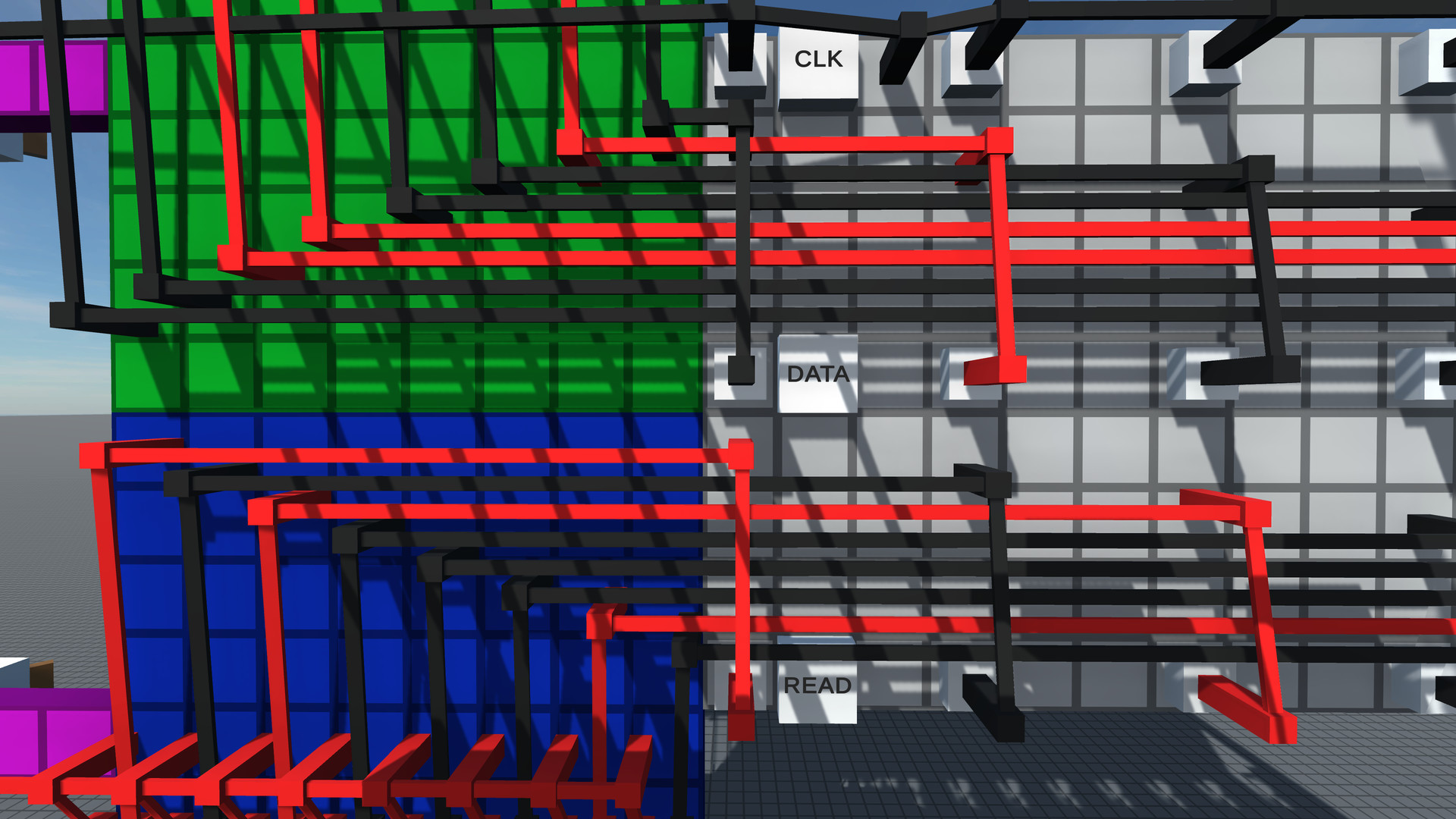
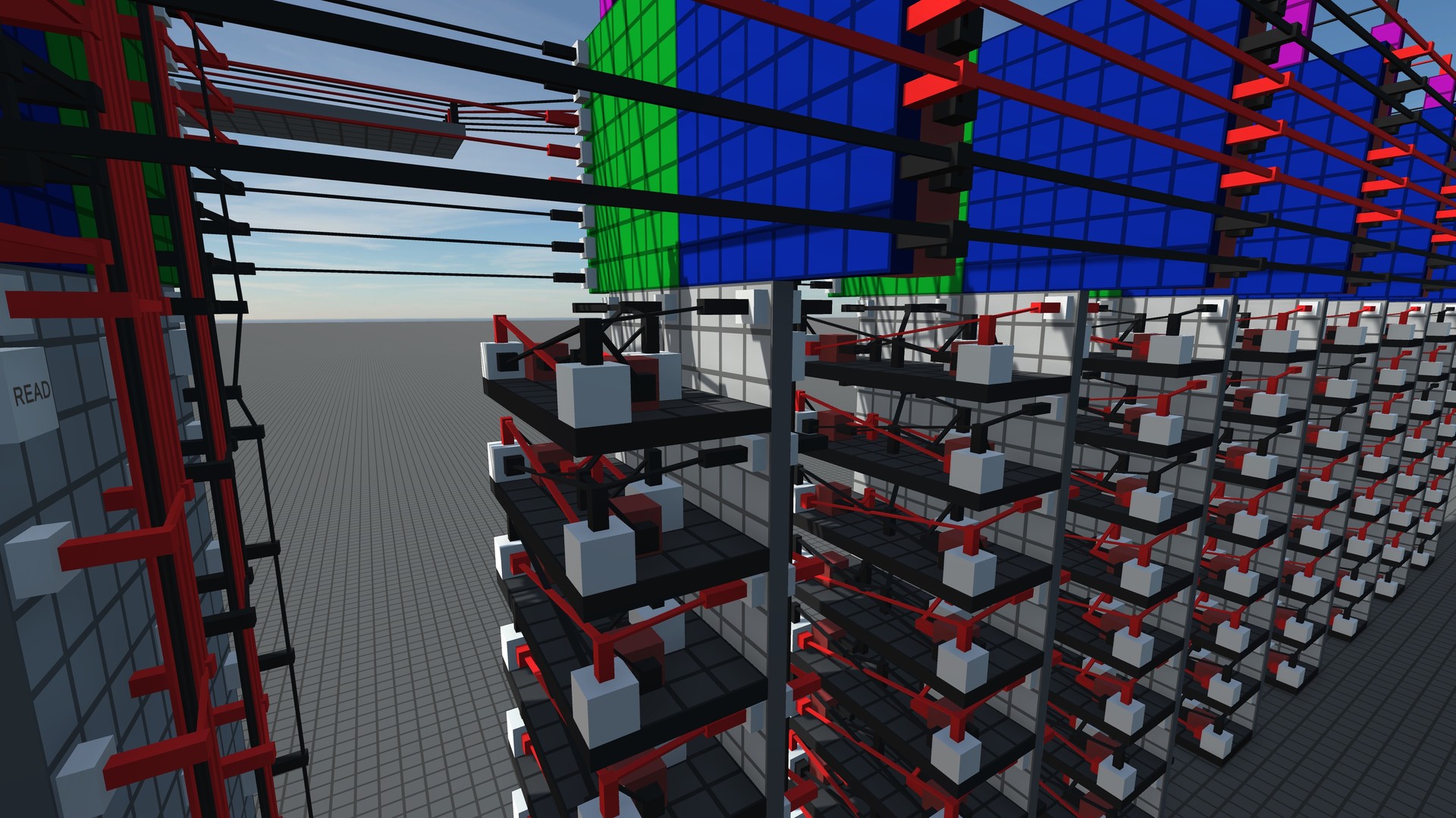
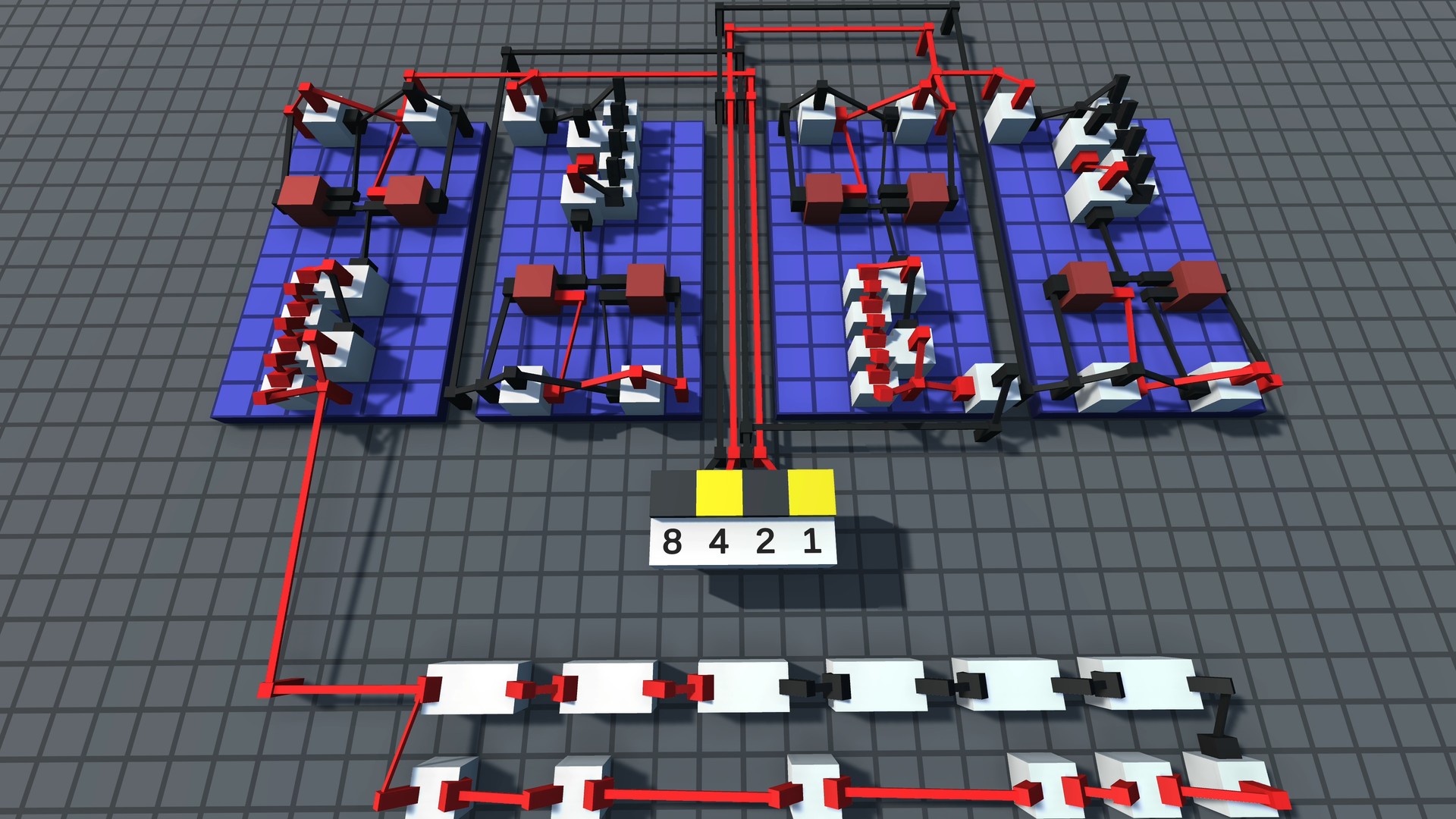
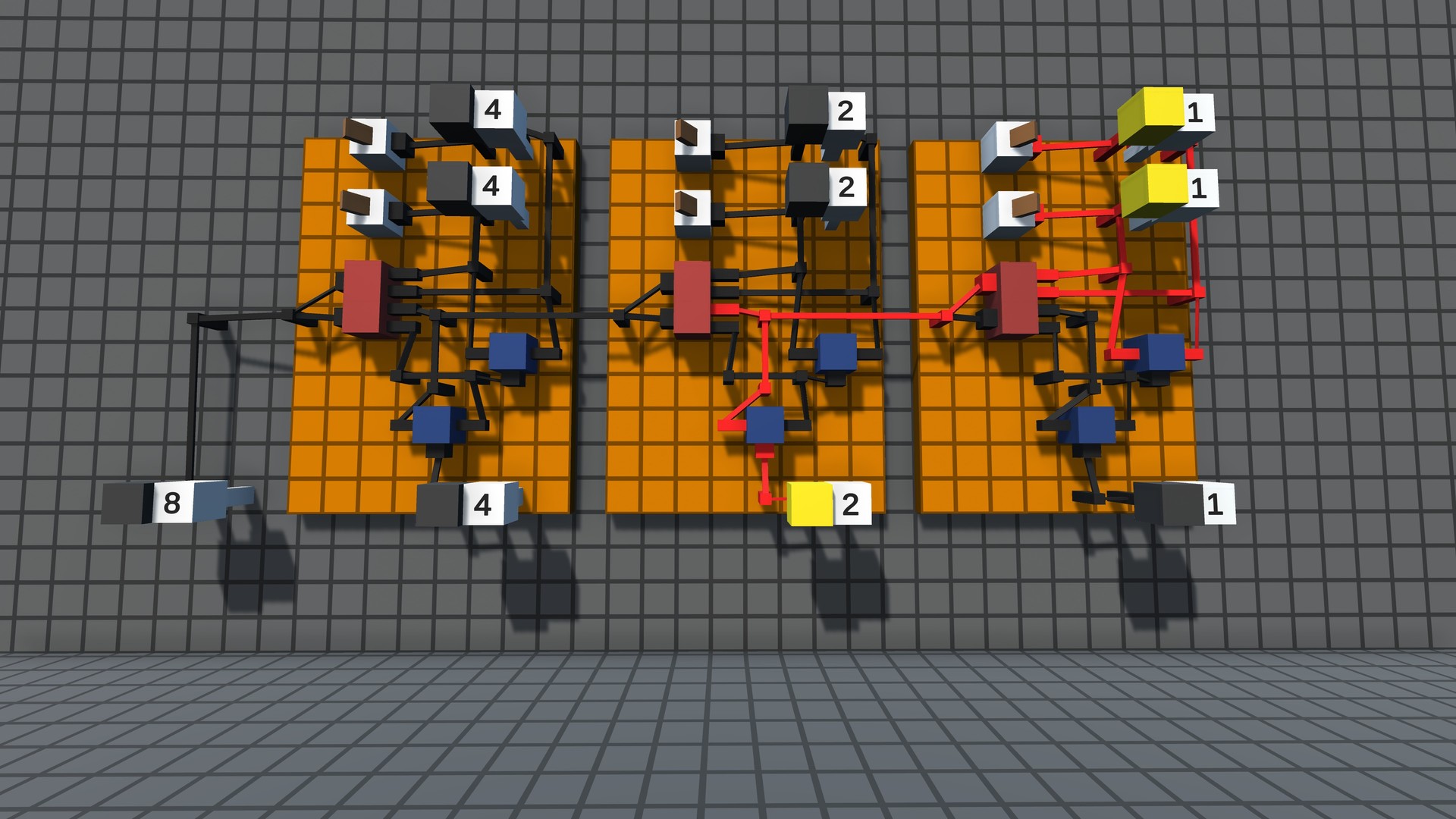
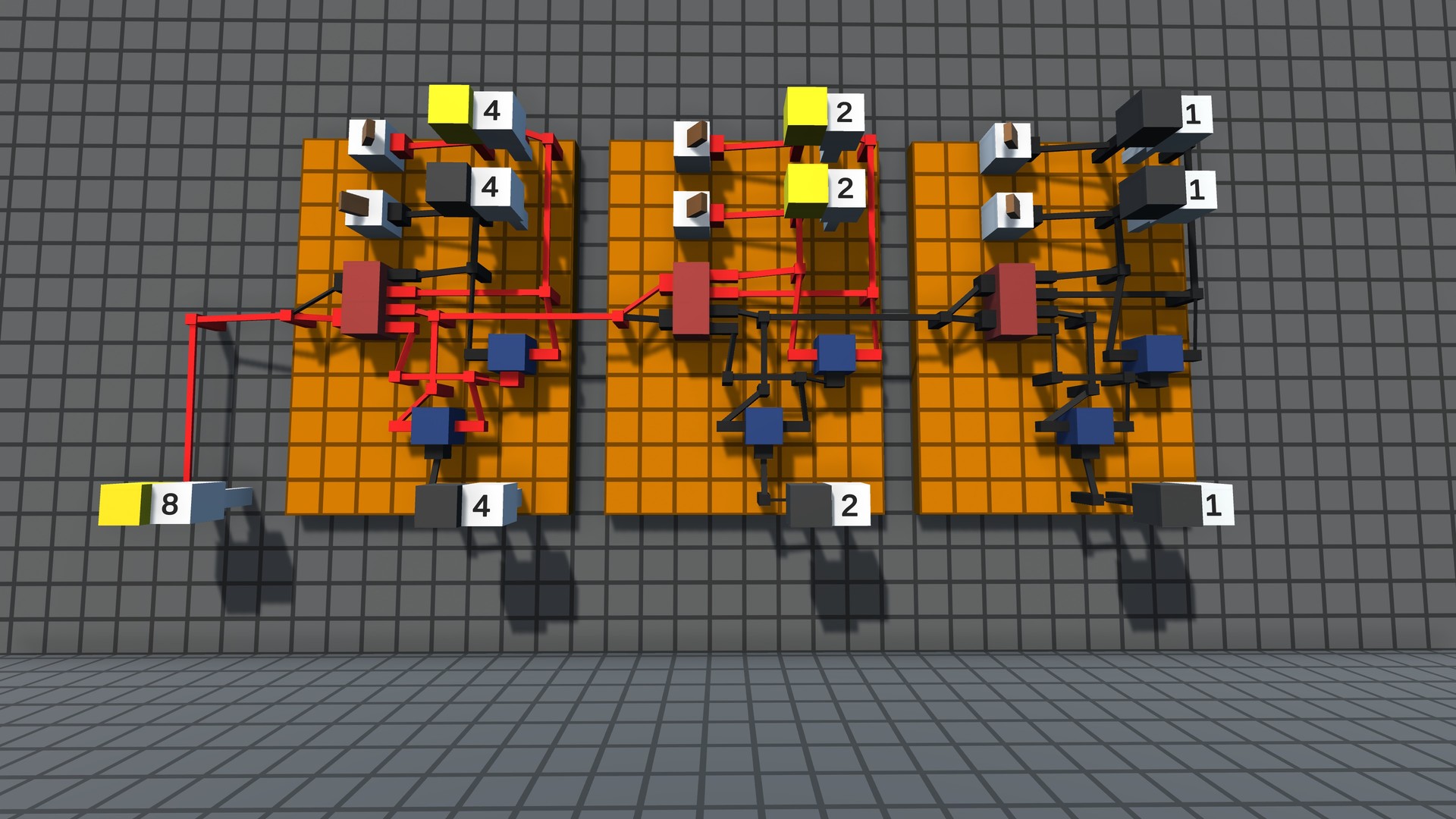
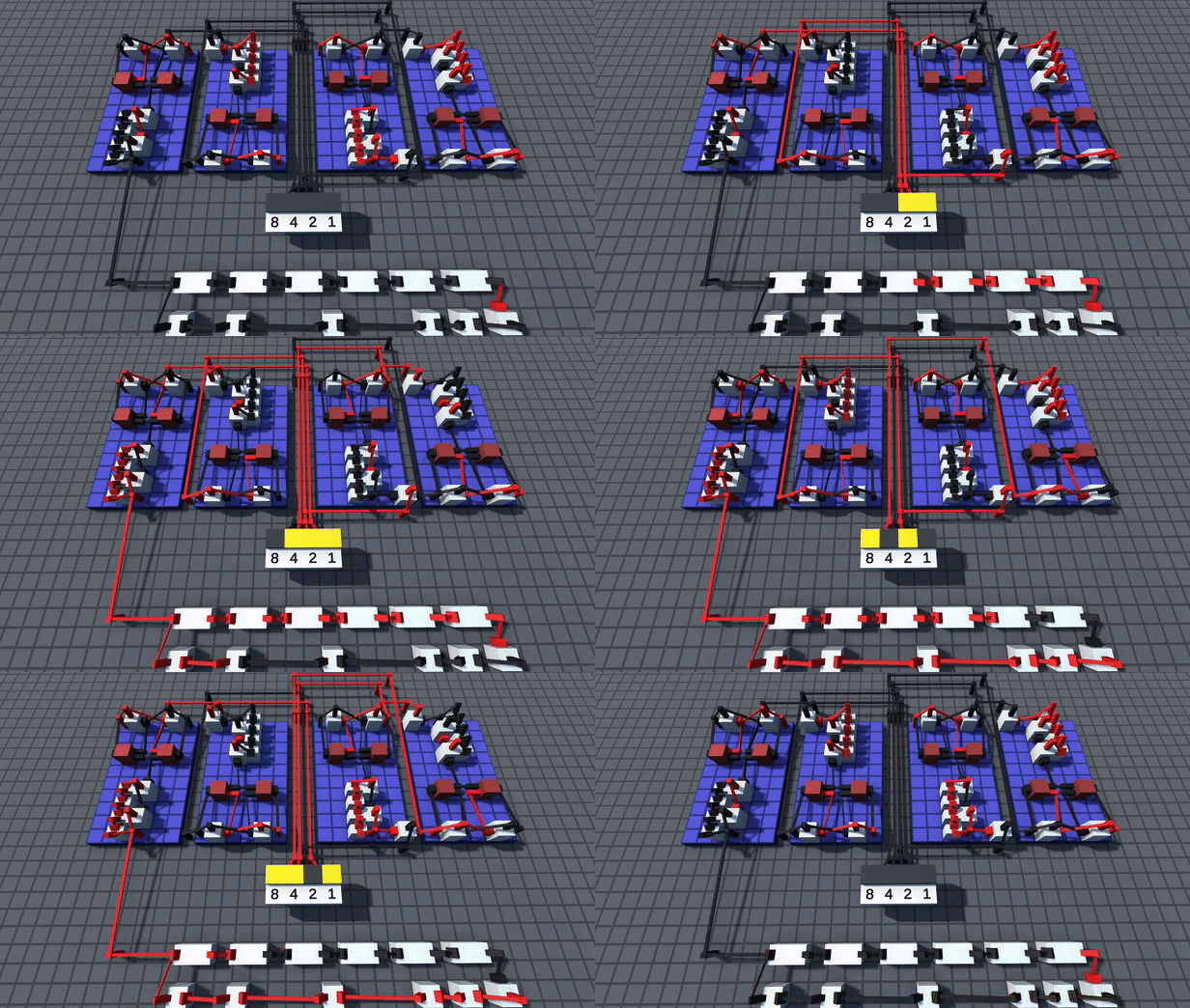
- Digital Logic - Build circuits that work the same way real world computer chips do.
- Challenges - Solve puzzles from simple logic gates to complex machines like calculators and data storage.
- Multiplayer - Logic World is built from the ground up for collaborative multiplayer. Take on Challenges with your friends or build together freely in Sandbox mode.
- Performance - Build massive circuits and simulate them at thousands of updates per second - all without lag.
- Modding - Logic World features powerful modding tools - the same tools the developers are using to make the game.
- Online Hub - Players can upload their builds, mods, and custom challenges and share them with other players.
- Logic World - Linux [1.75 G]
Hey gamers! There\'s a new Logic World update out, and you can download and play it now.
The highlight of update 0.92.2 is the Demo World. This is a world we\'ve put together to introduce new players to the game. It\'s got information about how to play Logic World, a guide to getting started with digital logic, and a bunch of cool things to check out as you wander around.
[img src=\"https://cdn.cloudflare.steamstatic.com/steamcommunity/public/images/clans/34872663/7db519b75fbee44154a7fb3c0193c8a9dff59459.jpg\"][/img]
In addition to the Demo World, this update has a number of minor tweaks and fixes. As usual, you can read the full details below :)
Let us know in the comments what you\'d like to see in the next Logic World update!
Full 0.92.2 changelog
Demo World
Added the Demo World, a pre-built save file with an introduction to the game and some cool stuff to look at.
[/*]The first time you start the game, there\'s now a little bubble on the main menu that says \"Check out the demo world!\" which points to the \'Singleplayer\' button.
[/*]The Demo World can be reset by deleting the save, or renaming the file on disk, and restarting the game.
[/*]Added secret setting: [c]MHG.Secret.RecreateDemoWorldWhenNotFound[/c]
[/*]
Graphics
Tweaked Ambient Occlusion to look better.
[/*]Ambient Occlusion is now enabled by default again.
[/*]
Building
You can now confirm a Grab or Clone placement by pressing the return key.
[/*]Fixed an issue where wire ghosts could display the incorrect state.
[/*]
UI
Action Wheel: changed the default size of the Action Wheel from 1.0 to 0.85.
[/*]Color picker: changed the default value for the setting \"Quick Picker Open State\" back to \"Always Open to Quick Menu\".
[/*]Chat: fixed a crash to error screen if you receive a chat message while you have the UI hidden.
[/*]
Minimum Setup
- OS: Ubuntu 14.04
- Processor: 2.4GHz Quad CoreMemory: 8 GB RAM
- Memory: 8 GB RAM
- Graphics: Intel HD Graphics 4000 or AMD Radeon R5 series
- Storage: 2 GB available spaceAdditional Notes: system requirements might be adjusted before release

[ 6422 ]





























[ 5886 ]


[ 1559 ]






























[ 2356 ]




























[ 542 ]


























Time left:
356097 days, 19 hours, 27 minutes

Time left:
356097 days, 19 hours, 27 minutes

Time left:
2 days, 3 hours, 27 minutes

Time left:
30 days, 3 hours, 27 minutes

Time left:
33 days, 3 hours, 27 minutes

Time left:
34 days, 3 hours, 27 minutes

Time left:
55 days, 19 hours, 26 minutes

Time left:
7 days, 13 hours, 27 minutes

Time left:
2 days, 21 hours, 27 minutes

Time left:
8 days, 21 hours, 27 minutes

Time left:
9 days, 21 hours, 27 minutes

Time left:
14 days, 21 hours, 27 minutes

Time left:
16 days, 21 hours, 27 minutes

Time left:
20 days, 21 hours, 27 minutes

Time left:
0 days, 10 hours, 28 minutes

Time left:
5 days, 3 hours, 28 minutes

Time left:
7 days, 2 hours, 28 minutes
Time left:
12 days, 9 hours, 38 minutes


