



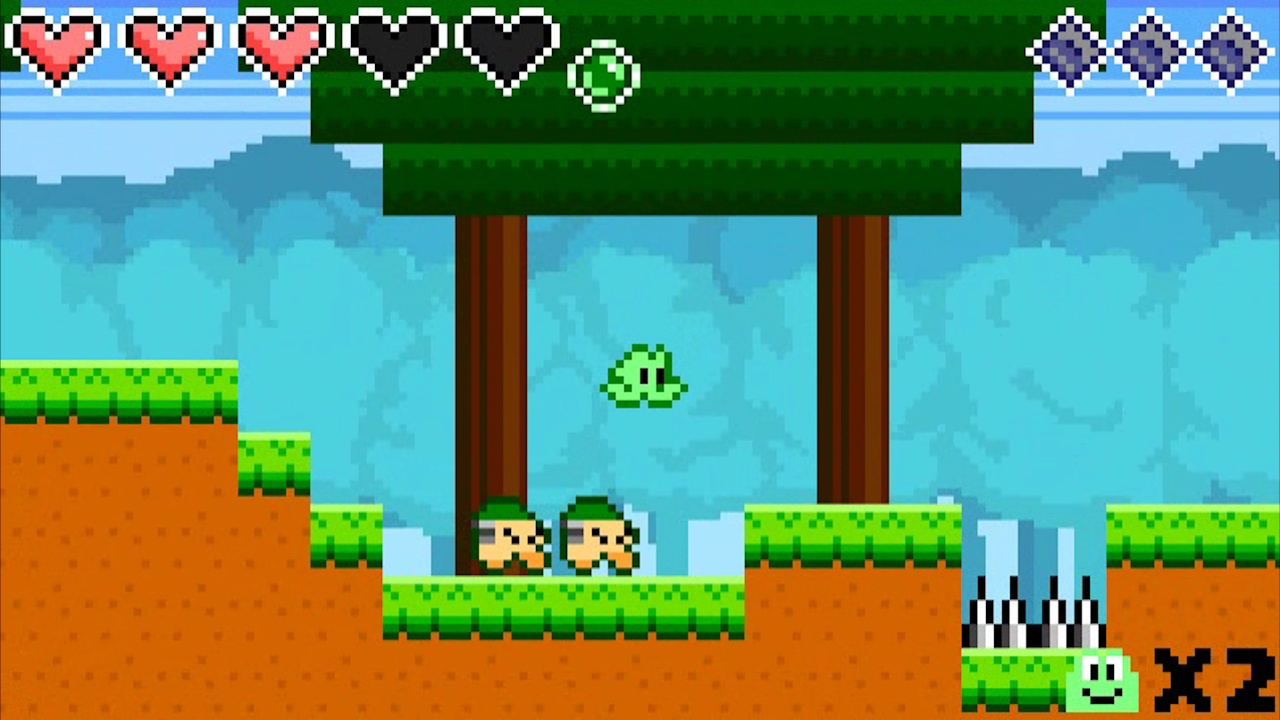
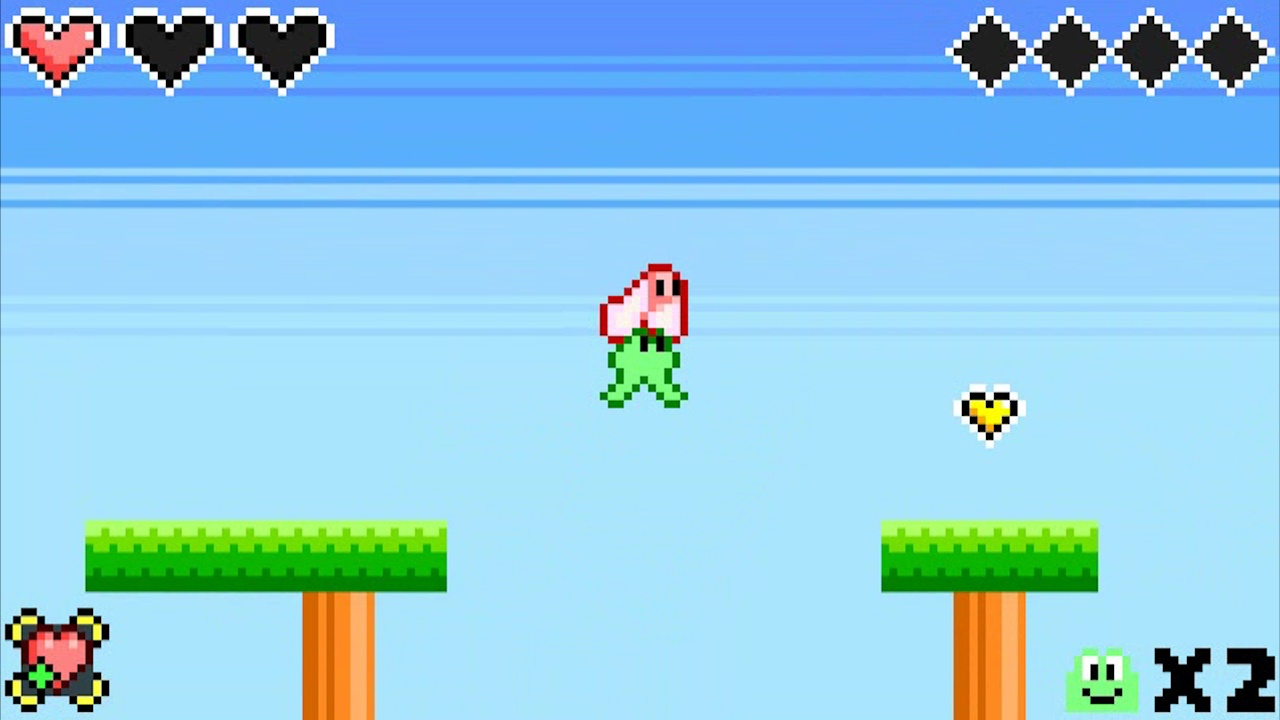
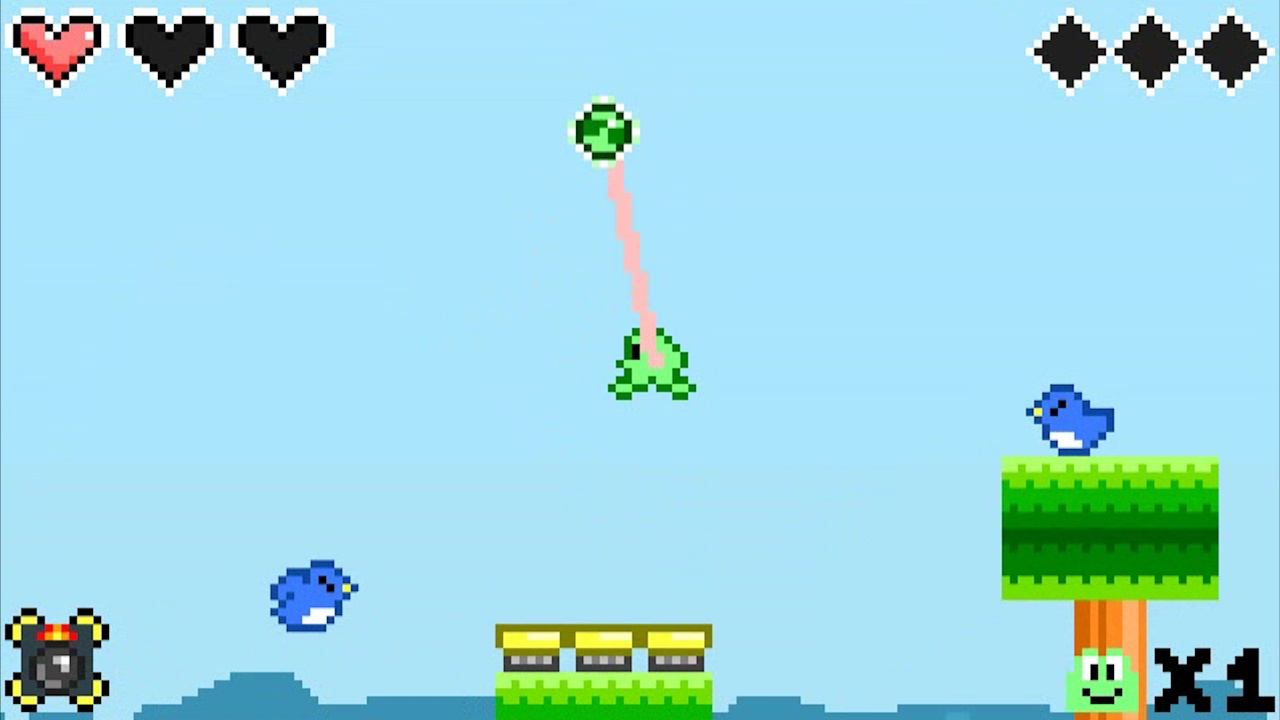
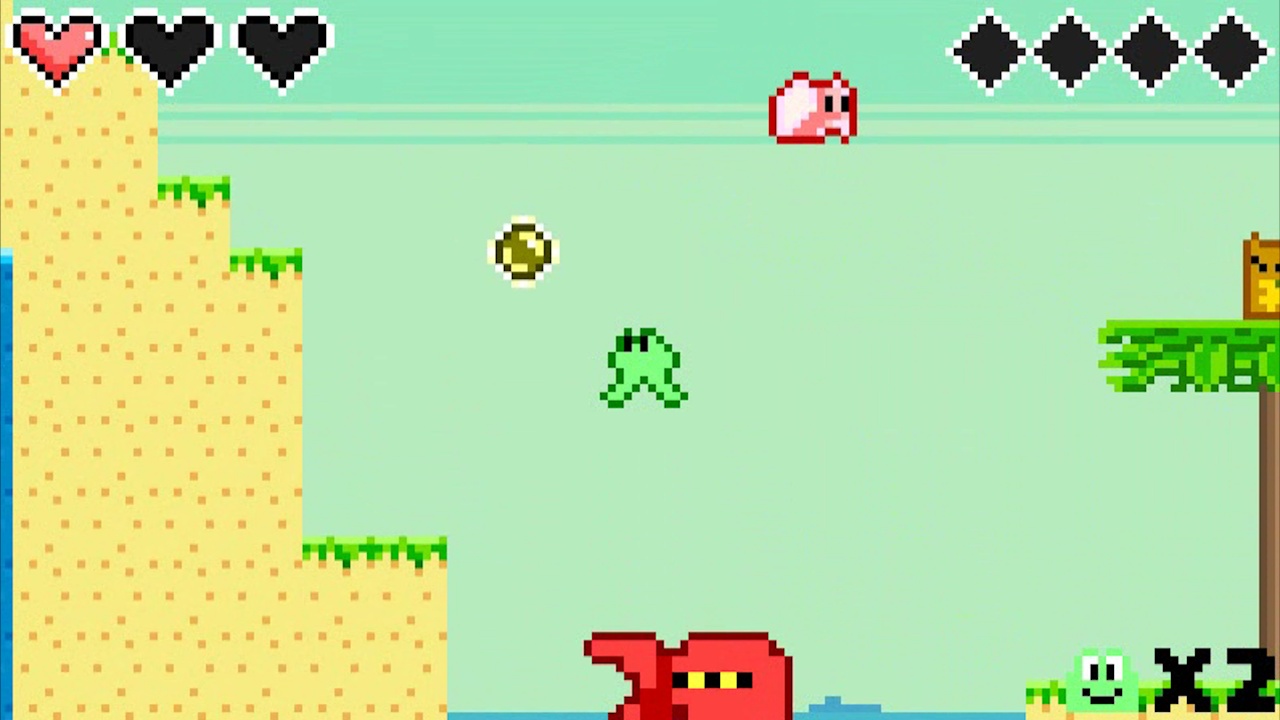
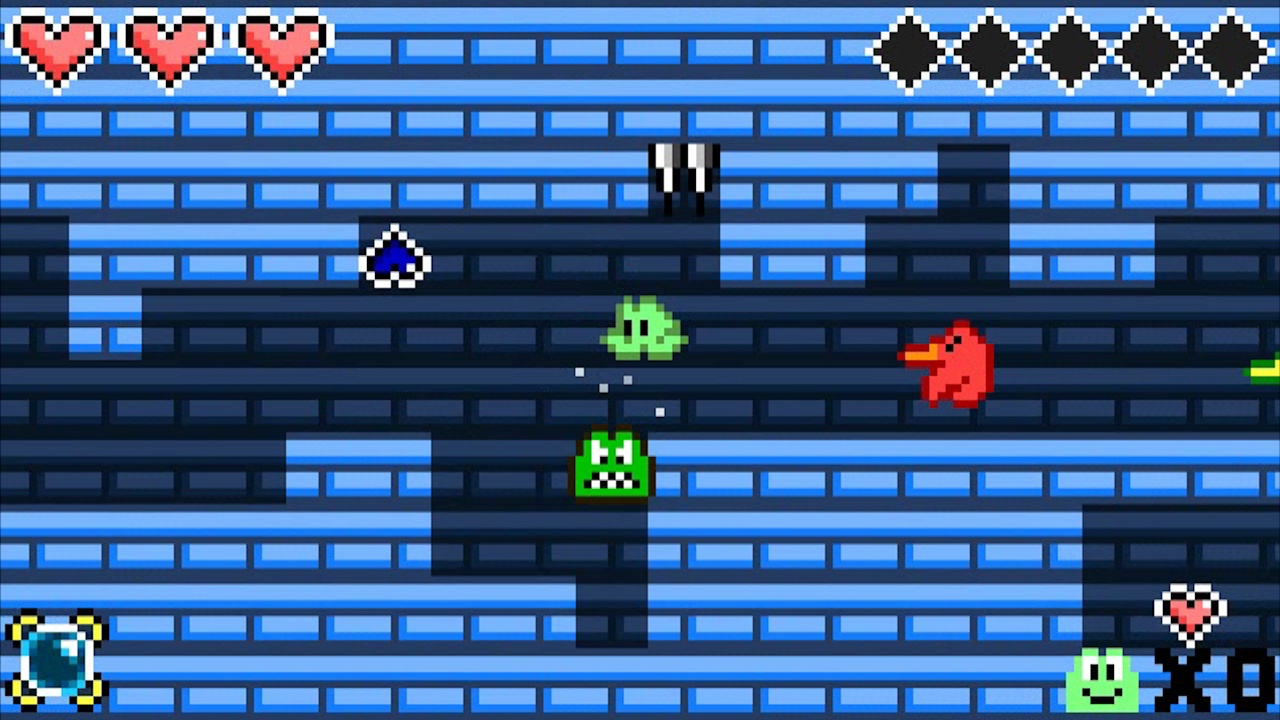
Swing and launch yourself through levels with your tongue ability.
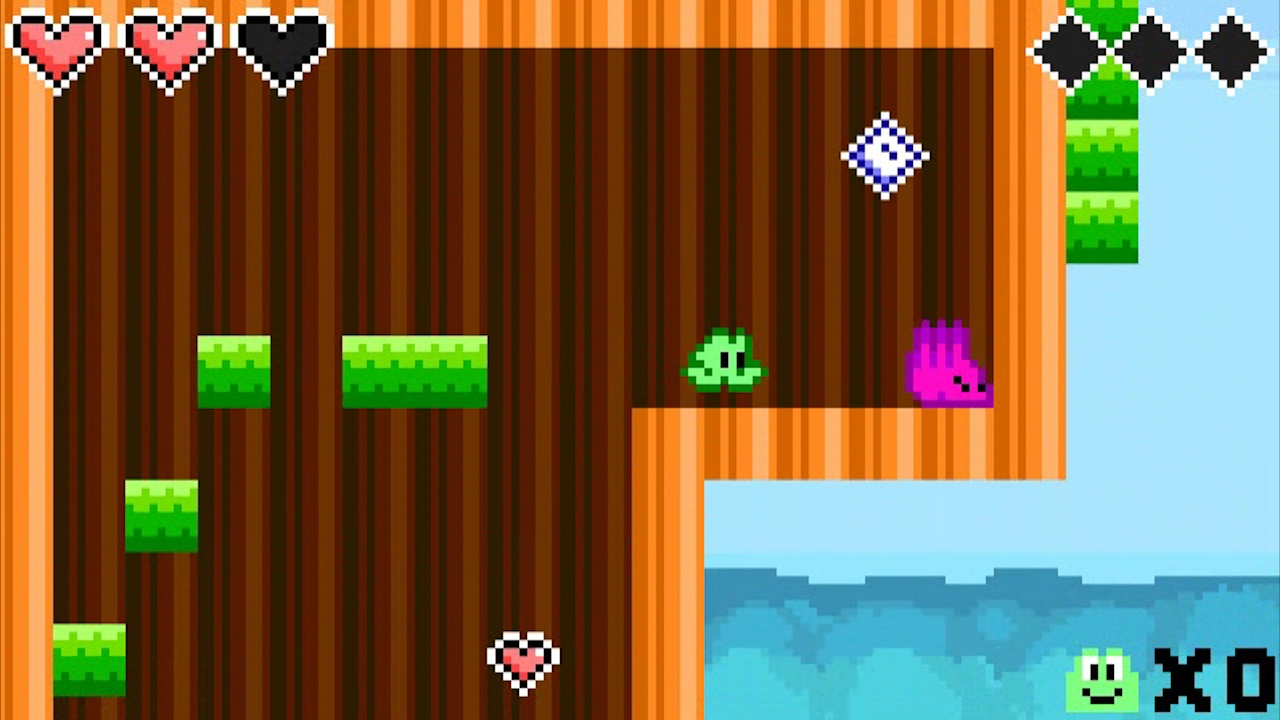
A vast array of gimmicks, enemies, and obstacles; there's always something new you'll encounter in each level.
Unique and challenging boss fights, each with their own attacks and weaknesses.
Collect sparkly gems and spend them to buy charms that alter your play style, opening up possibilities for replayability and strategies to overcome levels.
Bouncy and catchy tunes. Each level has a unique song.
Dress yourself up with a wide range of cosmetics. Have ducks follow you around or make goofy sounds when you hit the ground.
For the classic hardcore platforming gamer. Enjoyable for speed-runners as well!
It has hats.
🎮 Full Controller Support
- Frog Hop Linux Depot [108.02 M]
This patch includes a number of feature enhancements for custom levels. Additionally, Frog Hop is now Steam Deck verified! Here are some of the changes in 2.5.4.
[spoiler]Yes, we skipped some version numbers. There were some test builds in between this release and the last release, but they had significant bugs which needed to be resolved before release.[/spoiler]
Custom Levels
Major Features
Various objects now support adding custom sprites! For objects that are animated or support more than one state, a sprite strip is included in the LevelEditor folder which you can use as a template.
[/*]Enemy objects can now be designated as \"spawners\". Hook these up to switches and zones in order to spawn in enemies dynamically. (Supports both single-use and repeated spawning.)
[/*]Trigger zones can now be activated by objects other than the player entering the zone. (I.E. Push blocks). This enhances the possibilities for automation.
[/*]
Minor Features
Added a new Special Block called Toggle Blocks. These behave similarly to the colored blocks, but do not depend on whether you have a certain buddy or not. Instead, they can be toggled on/off by activating them with a switch or zone.
[/*]Added a new Special Block for decor. This object is specifically designed to be used with custom sprites, and does not have any in-game function; it is just for aesthetics. For static sprites, it is recommended to use a custom tileset instead, but if you want animations this can be used since custom sprites on objects support multiple frames.
[/*]Switches can now be marked \"silent\" to prevent sound effects from playing when triggered. This is mainly meant for reducing noise when switches are triggered continuously or in an automated fashion.
[/*]Timer switches can now target other switches, as well as activate a different target when the timer expires.
[/*]Mechanical blocks can now \"warp\" when activated to instantly appear at their destination. This prevents avoids buggy behavior from setting the speed extremely high as it moved through objects.
[/*]Push blocks are no longer destroyed when leaving the room. This allows for improved off-screen automation.
[/*]Enemy projectiles no longer despawn when outside the player\'s view in custom levels. This improves the options for designing sections where players must keep up with a projectile and jump off it.
[/*]You can now flip/rotate tiles from custom tilesets and they will display the same in game as they do in the Tiled editor.
[/*]Springs can now be stretched beyond their default size.
[/*]Boost rings now have a configurable speed boost value.
[/*]
Bug Fixes
Moving ice blocks are far less deadly than they were before. HoppyHappy
[/*]Fixed a crash when loading into a large map with light switches.
[/*]Fixed an issue when attaching to multiple nodes with a single tongue action.
[/*]
Other
You can no longer change the resolution setting when in Fullscreen, as the resolution setting is ignored in this case anyway. Instead, the current fullscreen resolution will be displayed as grayed out text.
[/*]Audio, video, and control binding settings are no longer synced through Steam Cloud. These settings are usually device-specific. Syncing them could be annoying to users as they have to change settings every time they switch to between devices where they have different preferences.
[/*]The title screen and menu completion now checks the Steam cloud saves in addition to local saves. This means if you beat the game on one device, then play on a different device with Steam Cloud enabled, it will display the game complete menu correctly.
[/*]Steam Deck now consistently uses controller icons.
[/*]
Final Notes
Quick reminder that the Level Editor DLC is completely free. If you want to try your hand at playing or creating custom levels, there is a whole toolbox of possibilities out there!
[dynamiclink href=\"https://store.steampowered.com/app/1437960/Frog_Hop__Level_Editor/\"][/dynamiclink]There is also a video tutorial playlist to help you get started making your own levels. Our Discord server is always a great place if you need extra help or want to share your creations.
Recommended Setup
- OS: Ubuntu 18.04. 20.04

[ 6366 ]




























[ 5849 ]


[ 1587 ]




























[ 2438 ]





























[ 469 ]

























Time left:
356098 days, 21 hours, 27 minutes

Time left:
356098 days, 21 hours, 27 minutes

Time left:
3 days, 5 hours, 27 minutes

Time left:
31 days, 5 hours, 27 minutes

Time left:
34 days, 5 hours, 27 minutes

Time left:
35 days, 5 hours, 27 minutes

Time left:
8 days, 15 hours, 27 minutes

Time left:
3 days, 23 hours, 27 minutes

Time left:
9 days, 23 hours, 27 minutes

Time left:
10 days, 23 hours, 27 minutes

Time left:
15 days, 23 hours, 27 minutes

Time left:
17 days, 23 hours, 27 minutes

Time left:
21 days, 23 hours, 27 minutes
Time left:
1 days, 12 hours, 28 minutes

Time left:
6 days, 5 hours, 28 minutes

Time left:
8 days, 4 hours, 28 minutes
Time left:
13 days, 11 hours, 38 minutes


