








*Relationships marked with an asterisk are fully customizable.
Medical research gone awry
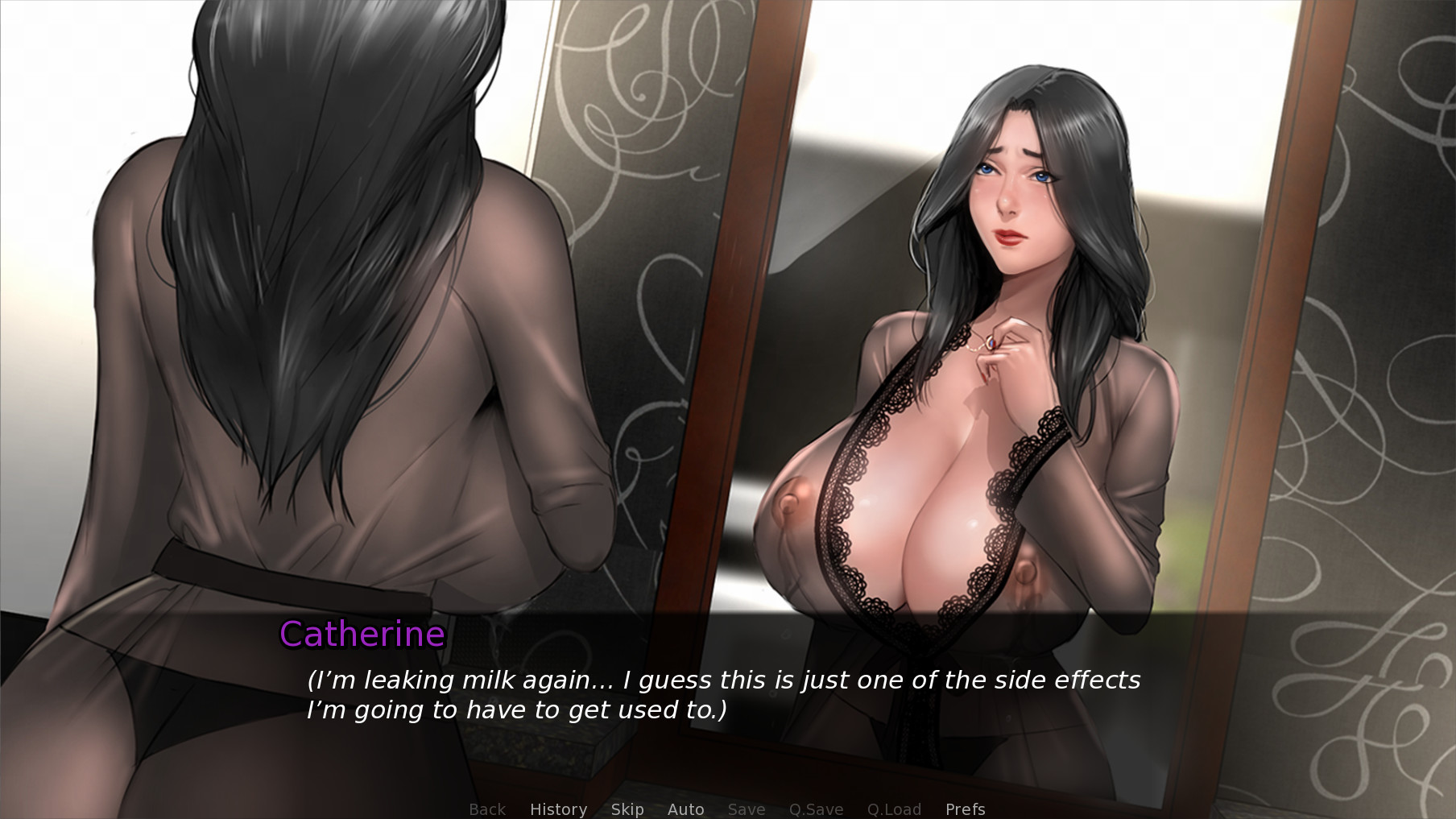
Your step-mom* Catherine is a medical researcher who is drowning in bills. She needs to prove her new fertility medication is safe for human consumption, and fast. How will the side effects of this experimental drug affect her, and those around her?


Naughty neighbors
Your M.I.L.F. neighbor, Naomi, and her daughter, Heather, have devious plans for you and the women you live with. Will you fall victim to their seductions, or turn the tables on them?


A crowded home
Your step-sister* Sarah is struggling with her own issues and seems to push away everyone who cares about her. Will she ever open up to you and accept your… help?
To add to the chaos, step-aunt* Sonia and step-cousin* Fiona also need a place to stay. Will they be polite houseguests welcomed with open arms, or will they make themselves a little too comfortable?


[img src=\"https://cdn.cloudflare.steamstatic.com/steamcommunity/public/images/clans/41933226/eee07882f4bdf91279812b522baf2a6e6c529382.png\"][/img]
Lovense 55% OFF Discount (December 9th - January 1st)
How to use Lovense:
[img src=\"https://cdn.cloudflare.steamstatic.com/steamcommunity/public/images/clans/41933226/7389d1e63c07ae32d26e2d25f31084302f7dab71.jpg\"][/img]
[img src=\"https://cdn.cloudflare.steamstatic.com/steamcommunity/public/images/clans/41933226/2781b8ed9001a1fd66f56eff4b70410b3814cc55.jpg\"][/img]
Lovense Troubleshooting:
Having trouble using Lovense? Is the Lovense app is trying to connect to its server but cant reach it? It\'s likely because of your DNS, firewall, antivirus, or a temporary network block.
Things to try
* Check your internet connection
Make sure your connection is stable and working
* Restart the Lovense Connect app and your PC/phone
Simple, but it resets DNS cache and app connections.
* Try switching DNS
Sometimes your ISPs DNS doesnt resolve Lovenses domains properly.
Try using:
Google DNS 8.8.8.8 and 8.8.4.4
or Cloudflare DNS 1.1.1.1
On Windows:
Control Panel Network and Internet Network Connections Right-click your adapter Properties
Internet Protocol Version 4 (TCP/IPv4) Use the aforementioned DNS server addresses.
* Flush DNS cache
Open Command Prompt as admin:
ipconfig /flushdns
Then retry the Lovense connection.
* Check firewall / antivirus / VPN
Temporarily disable your antivirus or firewall and test.
If youre using a VPN, try disabling it (or switching servers).
Some strict firewalls block the ports Lovense uses for Bluetooth or HTTPS API calls.
Try mobile hotspot or another Wi-Fi
If it connects on another network, its likely your routers DNS or firewall.
Minimum Setup
- OS: Ubuntu 12.04+ or Kernel 3.x+ based distributions
- Processor: 2.0 GHz Core 2 DuoMemory: 2 GB RAM
- Memory: 2 GB RAM
- Graphics: OpenGL 2.0 compatible
- Storage: 4 GB available space

[ 6380 ]





























[ 5876 ]


[ 1265 ]






























[ 2018 ]





























[ 986 ]




























Time left:
356101 days, 17 hours, 26 minutes

Time left:
356101 days, 17 hours, 26 minutes

Time left:
6 days, 1 hours, 26 minutes

Time left:
34 days, 1 hours, 26 minutes

Time left:
37 days, 1 hours, 26 minutes

Time left:
38 days, 1 hours, 26 minutes

Time left:
11 days, 11 hours, 26 minutes

Time left:
6 days, 19 hours, 26 minutes

Time left:
12 days, 19 hours, 26 minutes

Time left:
13 days, 19 hours, 26 minutes

Time left:
18 days, 19 hours, 26 minutes

Time left:
20 days, 19 hours, 26 minutes

Time left:
24 days, 19 hours, 26 minutes

Time left:
4 days, 8 hours, 41 minutes

Time left:
9 days, 1 hours, 27 minutes

Time left:
11 days, 0 hours, 27 minutes

Time left:
16 days, 7 hours, 37 minutes


