







Leave everything behind and open a Tiny Bookshop by the sea in this ambient narrative management game.
Stock your wagon, set up shop in scenic locations, and navigate a post-capitalist future alongside Bookstonbury’s eclectic cast of characters.
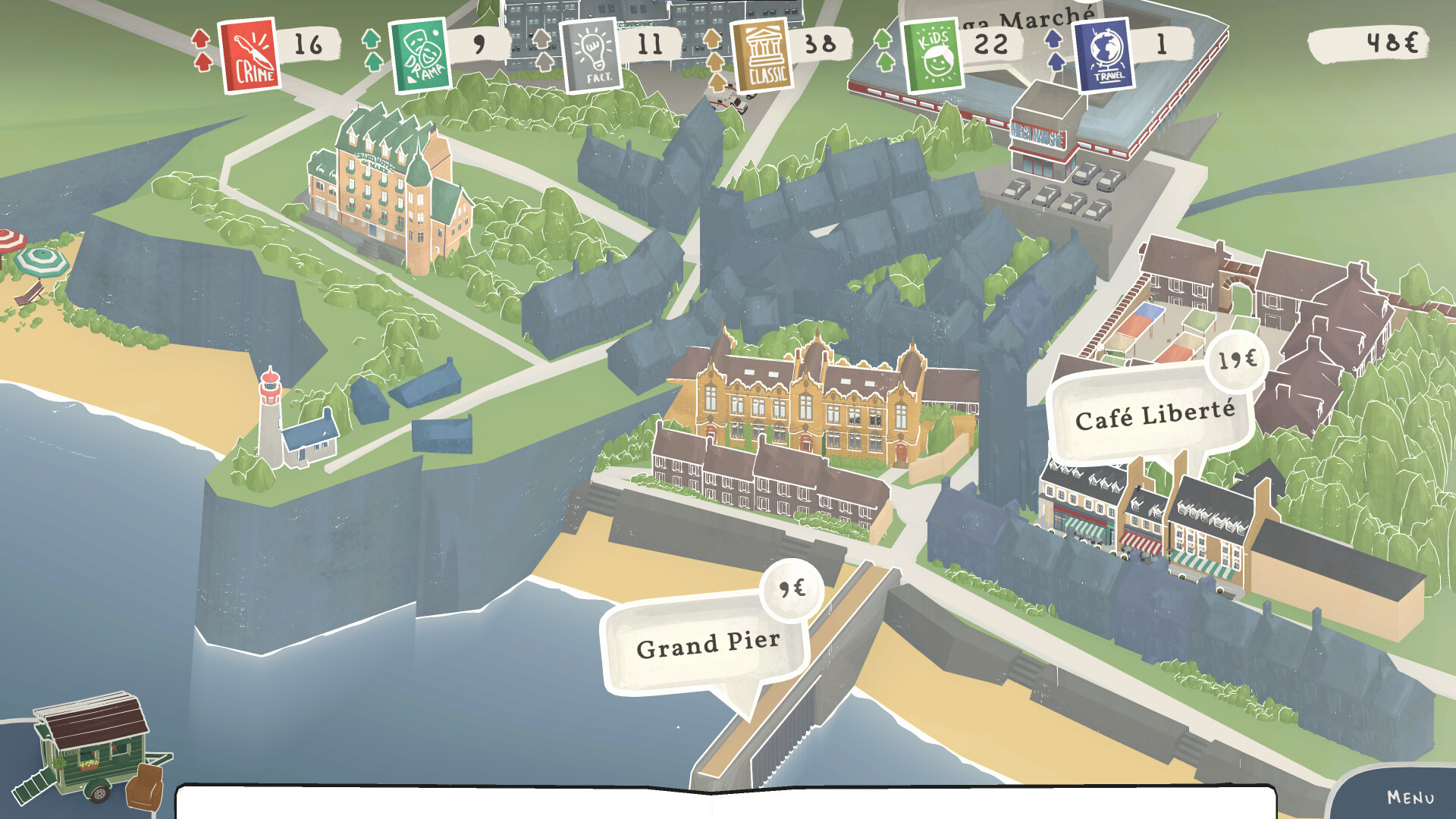
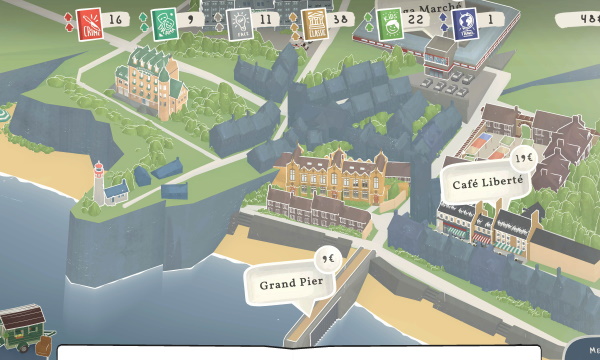
- Each day you pick a new location to explore and set up shop at. Unlock more as you progress.
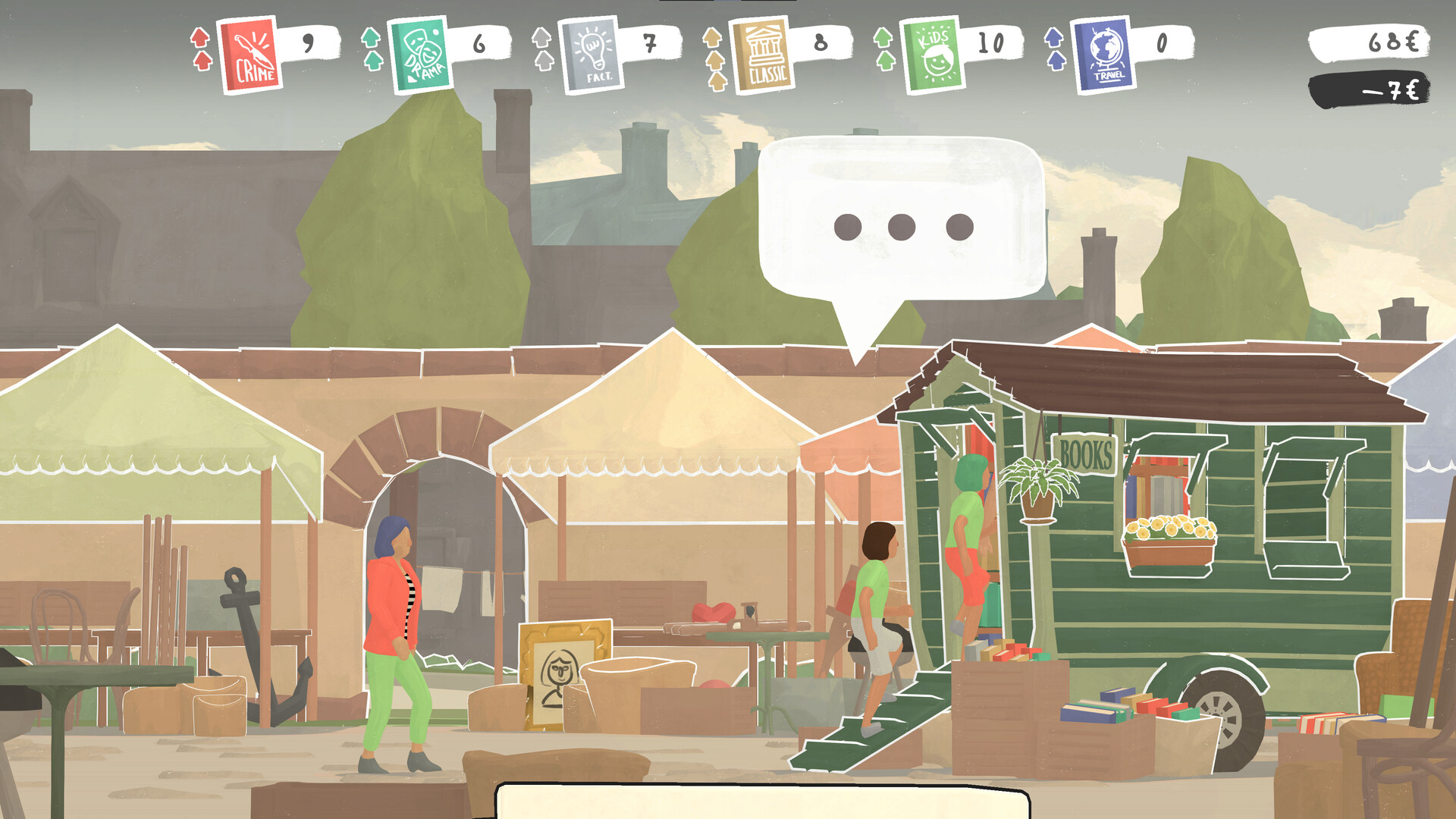
- Stock your Tiny Bookshop with the right books to meet the locals’ reading habits and watch your customers trickle in.
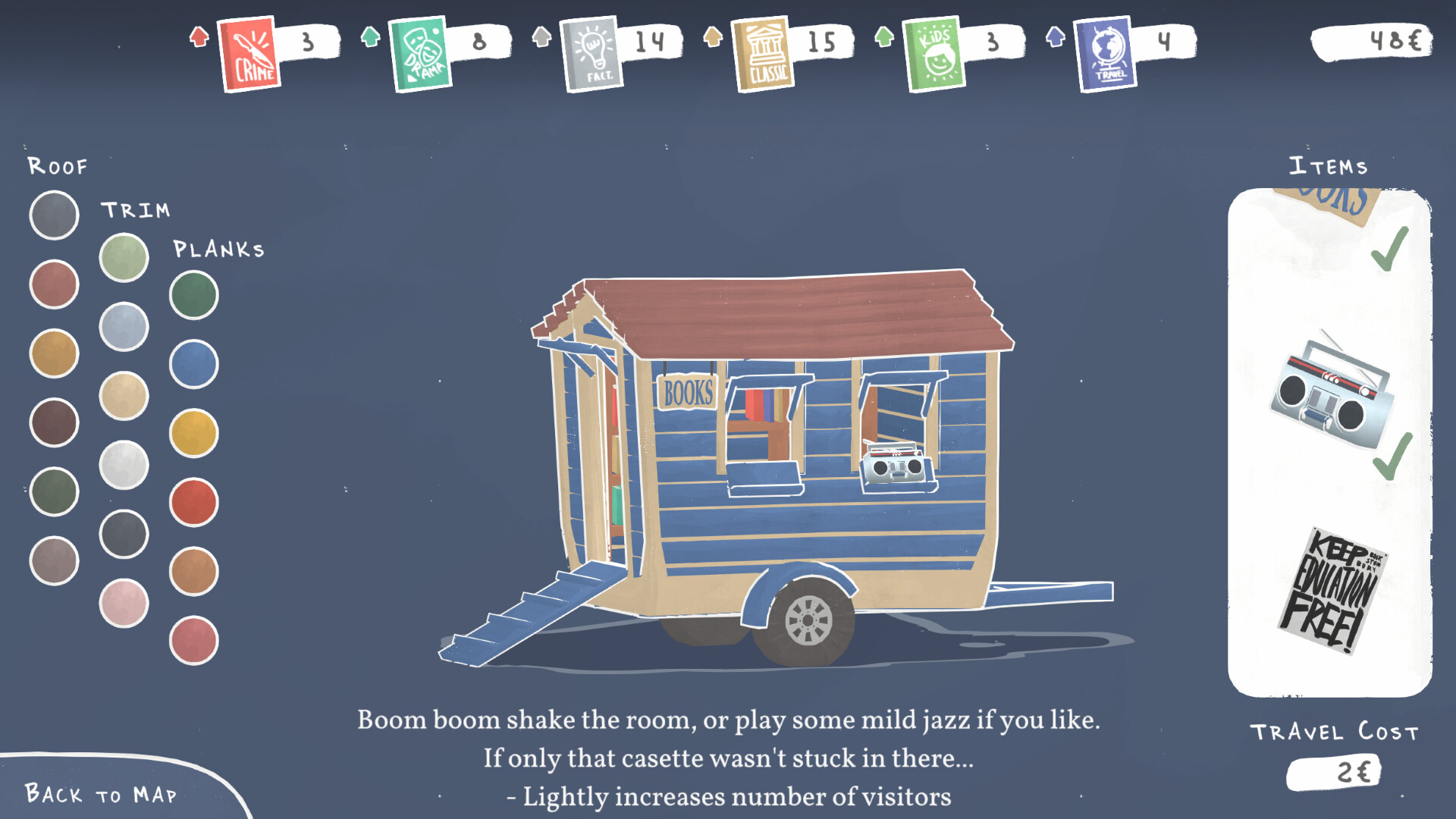
- Customize your Tiny Bookshop with the items you collect. They affect your sales and add new unique mechanics.
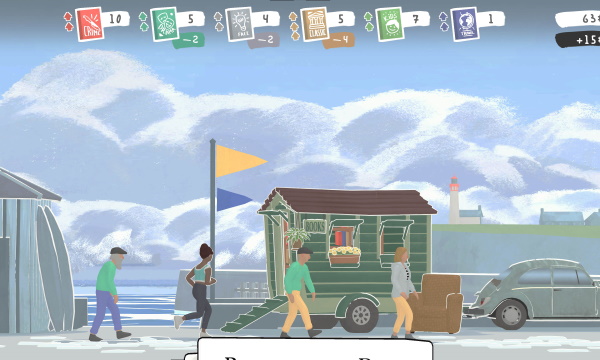
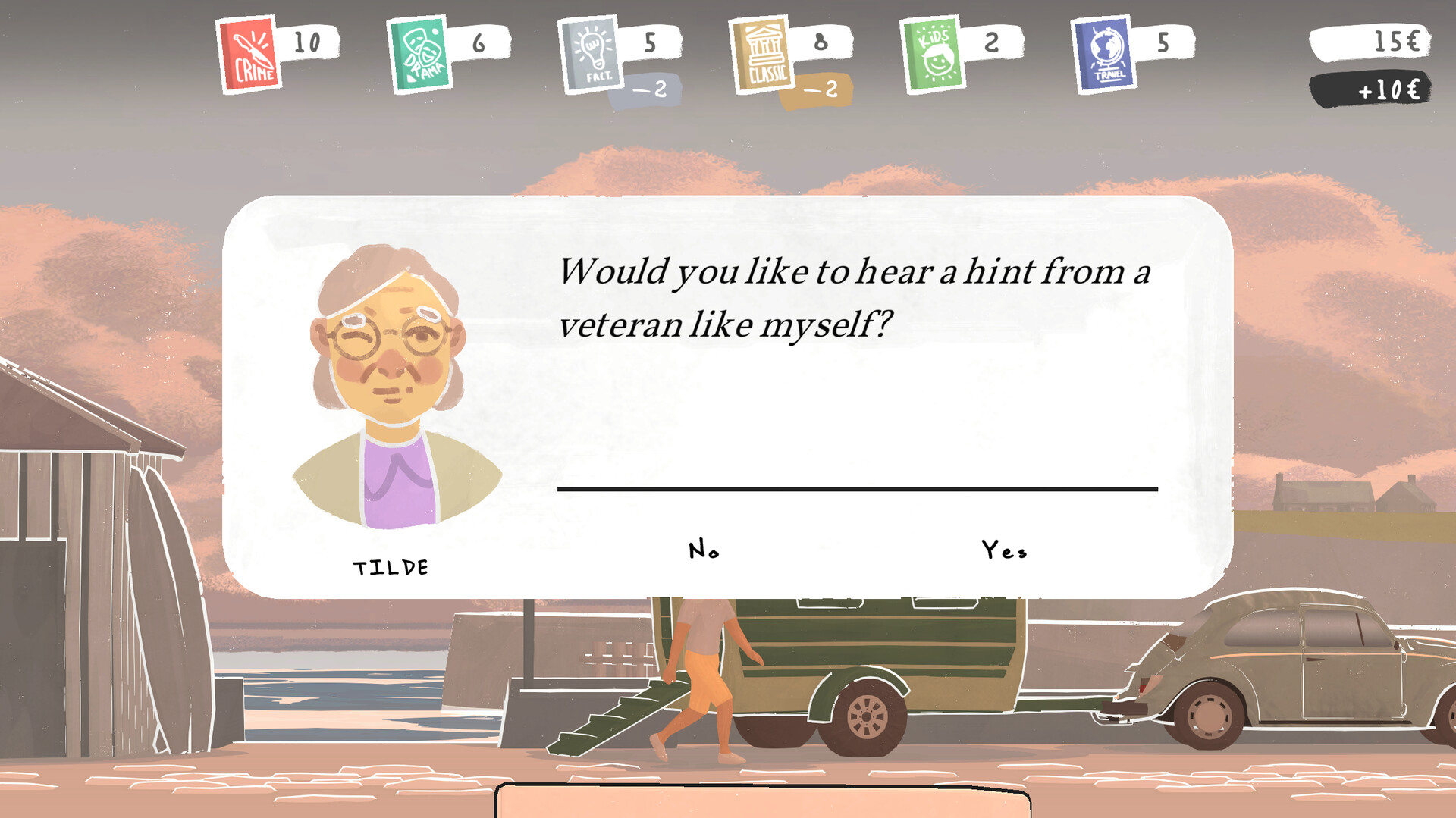
Each of the picturesque locations in town has characters and stories attached, which you slowly unravel as you become a pillar of the community.
Where you go each day, which items you bring and the way that you interact with narrative systems, like the local newspaper, all shape the course of the locals’ stories – and your own.
Wishlist Tiny Bookshop today!
Tiny Bookshop
neoludic gamesDeveloper
neoludic gamesPublisher
Spring 2024Release
🎹🖱️ Keyboard + Mouse
Overwhelmingly Positive (3337 reviews)
Public Linux Depots:
- [0 B]
Version 1.0.6
General Fixes:
\nHi everyone, were back after recovering from Gamescom, and the stress that has been the release of our first game, with our latest patch!\nThis one took a bit longer to figure out, because we made changes to the save system, and that requires a ton of testing and consideration, to make sure nothing breaks. Plus, it seems like the life weve been putting on hold before the release of TB finally caught up with us! Two of our team members got married last month, and we all had to spend some much-needed time to take care of our personal lives, after the crunch-free but still very all-consuming development that was Tiny Bookshop.\n\nWithout further ado, lets jump into what weve fixed and addressed with this update \n\n\nFixed some UI scaling issues and some edge case problems with dialog bubbles\nFixed some item and book tags.\nFixed some more typos.\n\nSave System Rework
\nImproved Save System to try to recover saves automatically and support multiple users. This is a preparation for enabling Steam Auto Cloud in the future.\nFrom now on, the correct directory of your save files is:\n\nWindows:\n%userprofile%\\AppData\\LocalLow\\neoludic games\\Tiny Bookshop\\YOUR_STEAM_ID\\Saves\\\n\nMac:\n~/Library/Application Support/neoludic games/Tiny Bookshop/YOUR_STEAM_ID/Saves/\n\nLinux:\n~/.config/unity3d/neoludic games/Tiny Bookshop/YOUR_STEAM_ID/Saves/\n\nThe save files will be loaded from old paths and will be automatically moved once you save. The game saves during any scene load during game play.\n\nIntroducing: Self Repairing Save Files!
\nThere is still the archive we introduced, and the Backup folder in your saves, just to make sure your files can never get fully lost! For this we introduced an automatic way, trying to recover the saves if something breaks. This should prevent some of you from having to deal with copying save files from one folder to another in case a save got corrupted.\n\nRegarding the Missing Save Files on Steam Deck:
\nWe sadly cant automatically port over the save files here, as this has to do with Steam deciding to default to Proton instead of Linux to run our game. Proton uses an emulated file system, so we cant reach the previously created files from within the game. We contacted Steam Support about this, but we arent able to change the default behaviour ourselves. \nOnce we have cloud sync enabled, well return the game to run natively on your deck as intended, but this requires careful consideration to make sure any save files created between the change Valve introduced, and the change back are synced using Steam Cloud.\n\nUntil then, we have two fixes for you:\n\nIf you want to continue on Linux this is the version we will support in the future (Recommended):\nSelect Properties->Compatibility and choose Steam Linux Runtime from the dropdown to run natively the Linux version on your device, as we intended.\n\nIf you want to stay on Proton and your save files are missing:\nEnter Desktop mode, head to ~/.config/unity3d/neoludic games/Tiny Bookshop/YOUR_STEAM_ID/Saves/ or if you have not played on the current patch,yet: ~/.config/unity3d/neoludic games/Tiny Bookshop/Steam/Saves/ and copy the files there to \"\"~/.steam/steam/steamapps/compatdata/2133760/pfx/drive_c/users/steamuser/AppData/LocalLow/neoludic games/Tiny Bookshop/YOUR_STEAM_ID/Saves\"\"\n\n\nTech-y Deep Dive
\nFor those who are really into the tech side of things, we dug deep to figure out what happened the two times there were save shenanigans:\n\nWhat Happened, when the MAC saves got lost in the first week of release?
\nSo we noticed the following:\nWe are using the Unity game engine, and noticed that its persistentDataPath is not actually persistent. The behaviour of the persistentDataPath changes on Mac if there is a different folder under a specific path available, which was the case after we tested Auto-cloud in development mode.\nThat this would happen despite setting the development mode toggle was not clearly documented on the Steamworks backend, but this led to the mac version reading from a different folder after the folder showed up.\n\nWe have fixed this by directly specifying the correct path across all platforms, so this should never happen again!\n\nWhat happened, when the SteamDeck saves got lost a few weeks ago?
\nOn Steam Deck, the problem lies with the Steam Deck compatibility review. By default, they only test using Proton, even if a Linux version is available. We noticed they had done a compatibility review, but wanted to hold off on publishing it, as we were still working on adjusting the text scaling and were pretty busy with everything else around release. Somehow, this review was published regardless. As soon as the review was live, Steam changed the default compatibility setting for the Steam Deck from Linux Native (What we intended, tested and support) to Proton (Which works, but is not being tested by us). Proton simulates the windows file system, leading to the game looking for save files in a different path. Well work with Steam Support to undo this default in the future, but only after we enable Steam Cloud for a bit, to make sure the saves between Proton and Linux versions on the Steam Deck are synced correctly.[ 2025-09-30 12:35:09 CET ] [Original Post]
Minimum Setup
- OS: Ubuntu 18.04 or newer
- Processor: Intel Core i5-5350U or betterMemory: 8 GB RAM
- Memory: 8 GB RAM
- Graphics: Intel UHD 630 or Better
- Storage: 400 MB available space
Recommended Setup
- OS: Ubuntu 20.04 LTS
- Processor: Ryzen 5600GMemory: 8 GB RAM
- Graphics: RX 560
- Storage: 400 MB available space

GAMEBILLET
[ 6372 ]





























FANATICAL
[ 5870 ]


GAMERSGATE
[ 1265 ]






























MacGameStore
[ 1943 ]






























INDIEGALA
[ 986 ]
























FANATICAL BUNDLES

Time left:
356100 days, 2 hours, 22 minutes

Time left:
356100 days, 2 hours, 22 minutes

Time left:
4 days, 10 hours, 22 minutes

Time left:
32 days, 10 hours, 22 minutes

Time left:
35 days, 10 hours, 22 minutes

Time left:
36 days, 10 hours, 22 minutes
GMG BUNDLES

Time left:
9 days, 20 hours, 22 minutes
HUMBLE BUNDLES

Time left:
5 days, 4 hours, 22 minutes

Time left:
11 days, 4 hours, 22 minutes

Time left:
12 days, 4 hours, 22 minutes

Time left:
17 days, 4 hours, 22 minutes

Time left:
19 days, 4 hours, 22 minutes

Time left:
23 days, 4 hours, 22 minutes
INDIEGALA BUNDLES

Time left:
2 days, 17 hours, 37 minutes

Time left:
7 days, 10 hours, 23 minutes

Time left:
9 days, 9 hours, 23 minutes

Time left:
14 days, 16 hours, 33 minutes
by buying games/dlcs from affiliate links you are supporting tuxDB


