



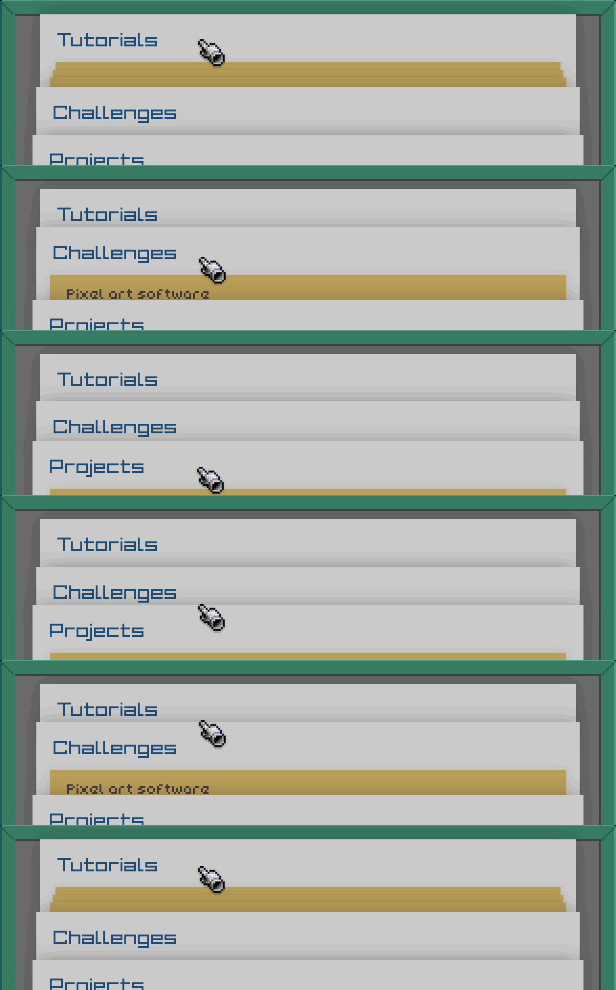
Learn by doing
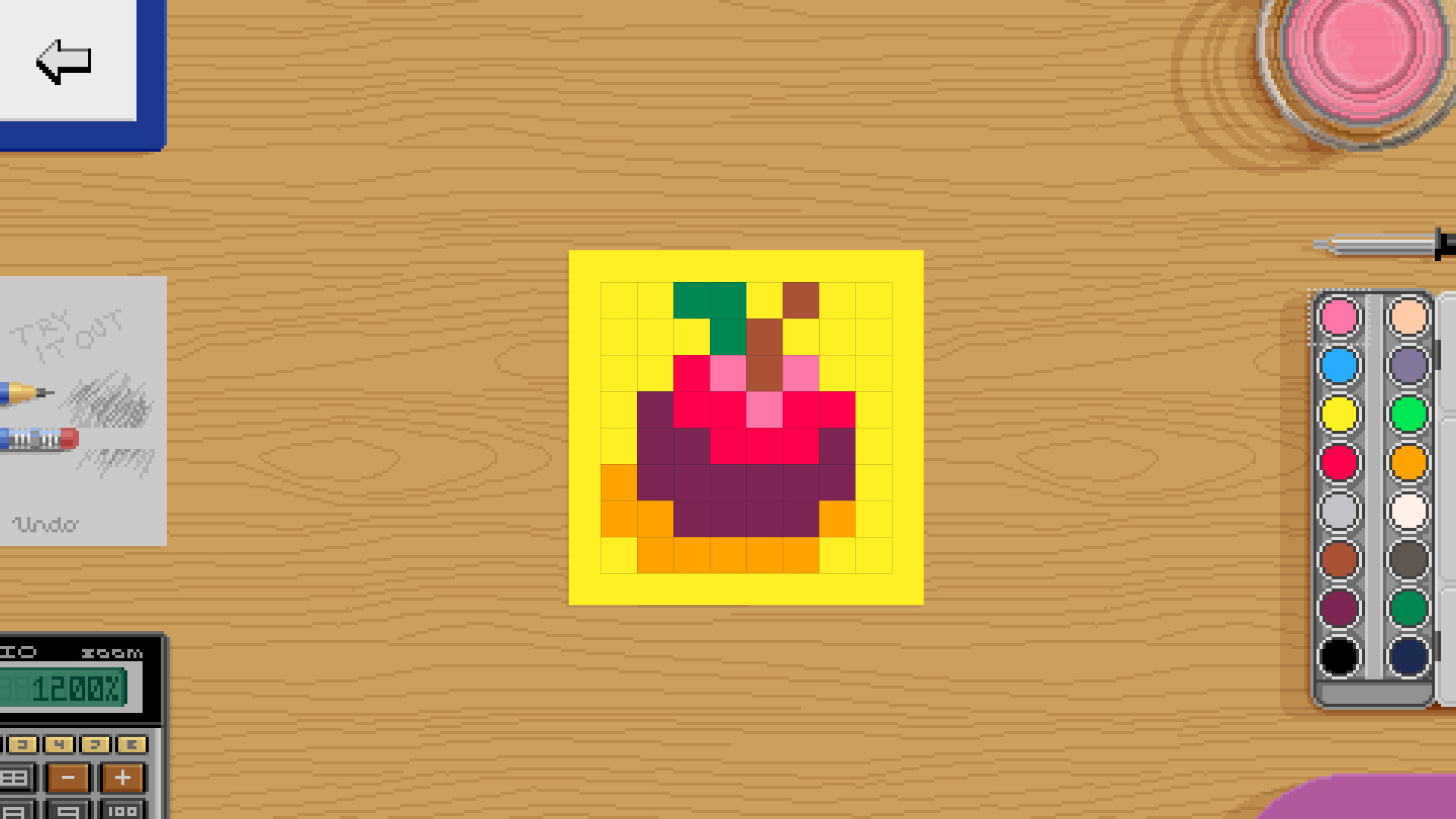
Pixel Art Academy's interactive tutorials are designed for learning by doing. While there will be plenty of nerdy reading, all lessons are immediately followed by drawing what you've learned.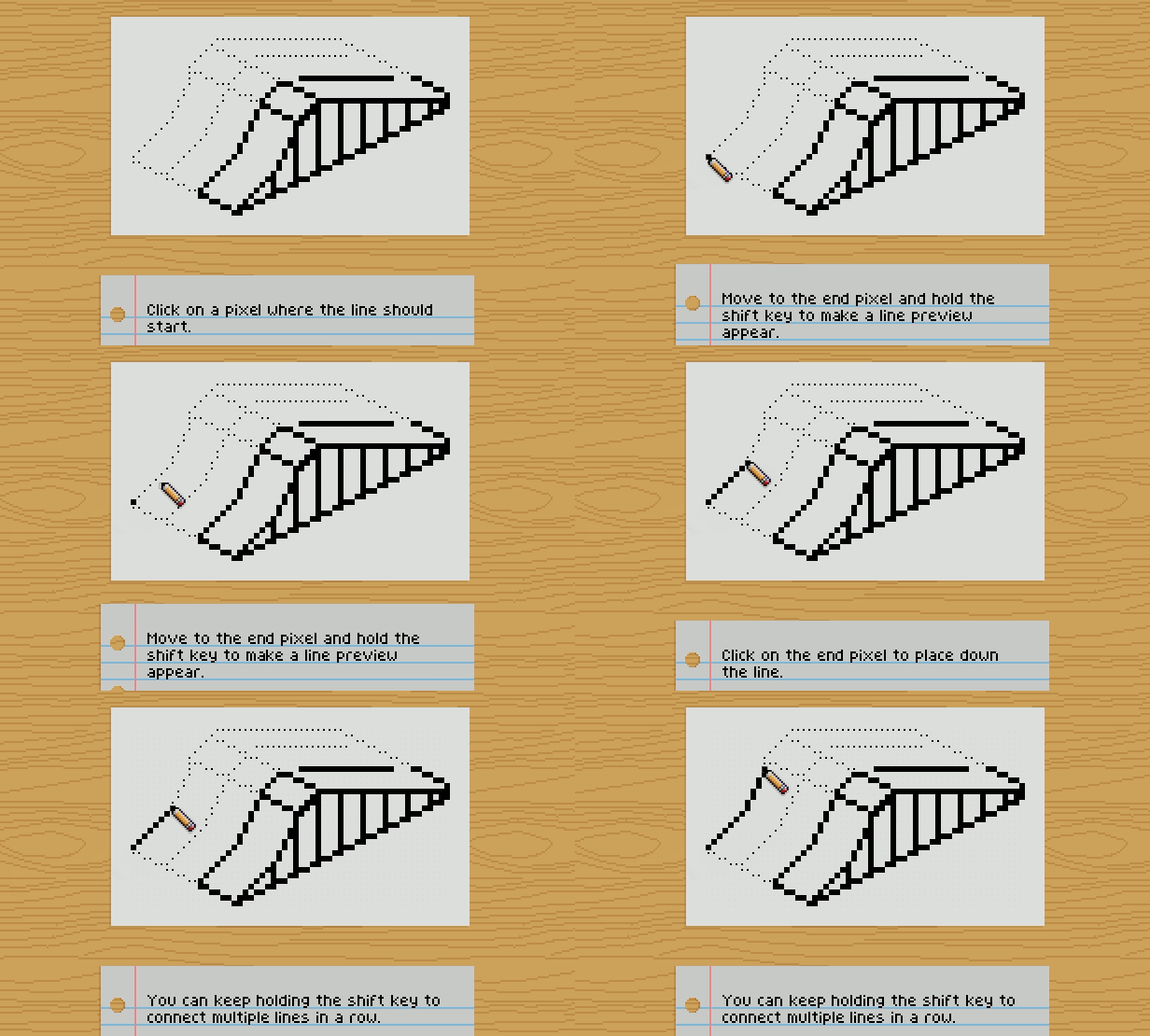
Test your knowledge
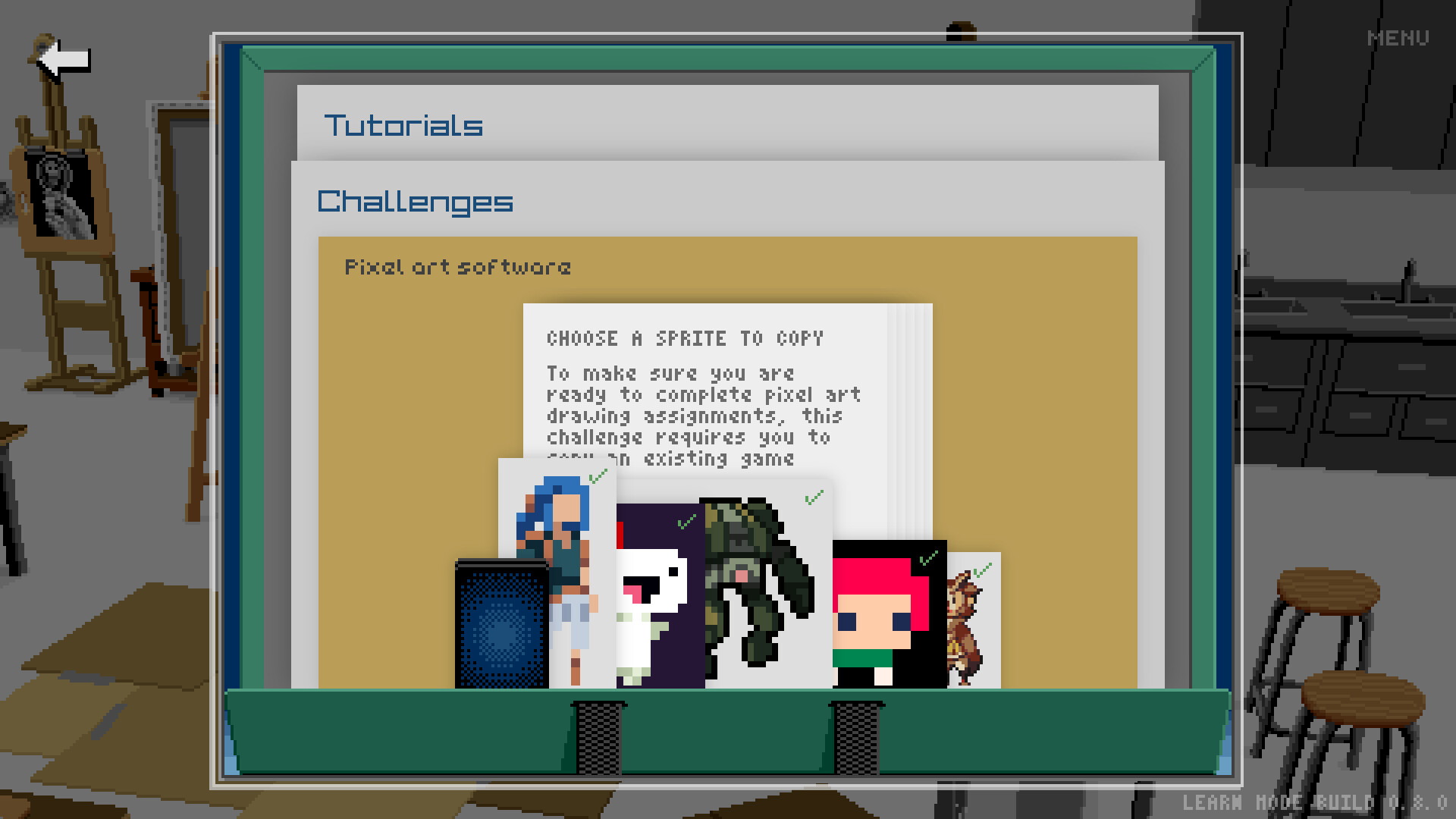
Before you move on, you want to make sure you understand what you've been learning. Pixel Art Academy uses formative assessment to identify gaps in knowledge so that you can apply further study and practice to build strong fundamentals.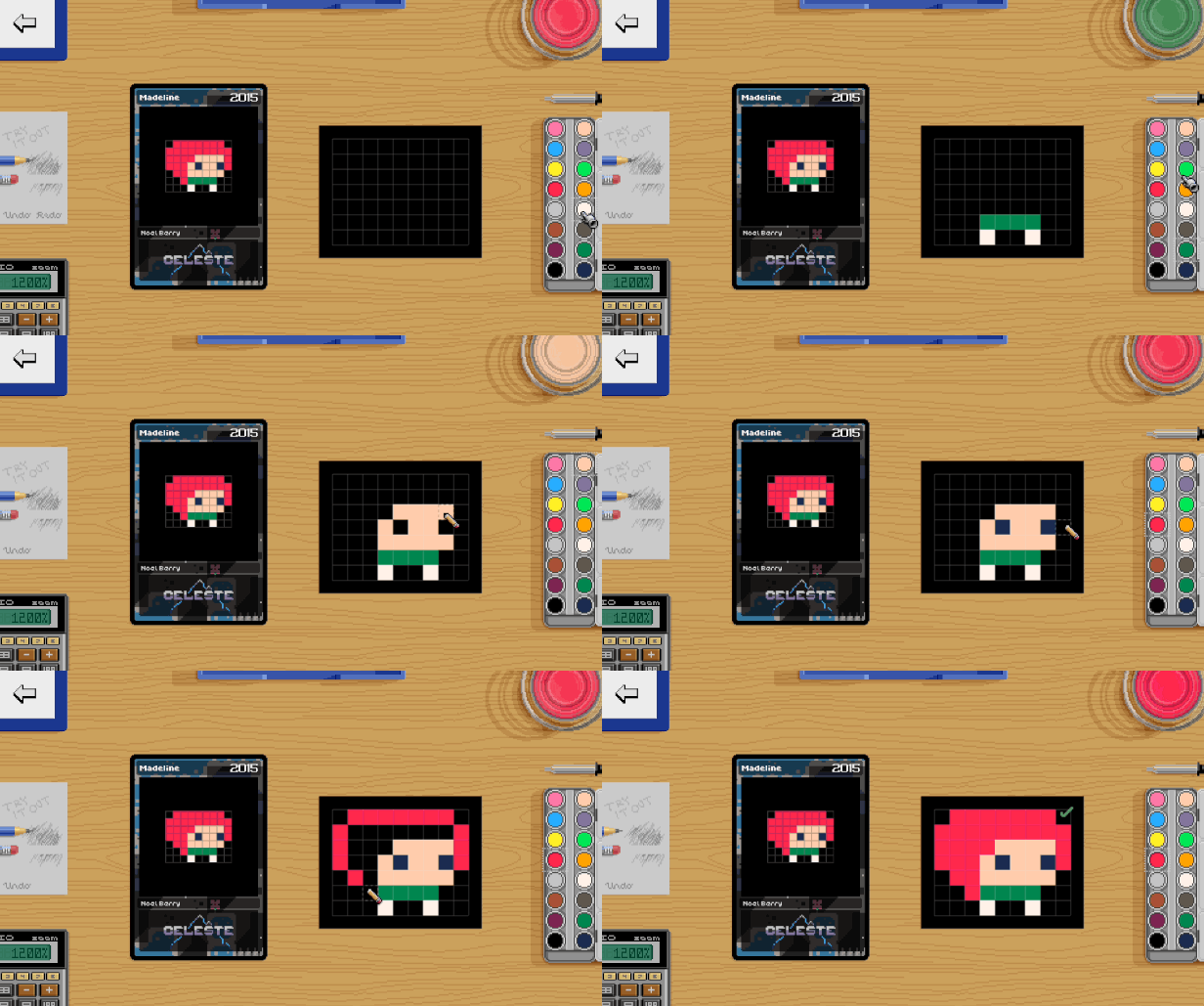
Become a game artist
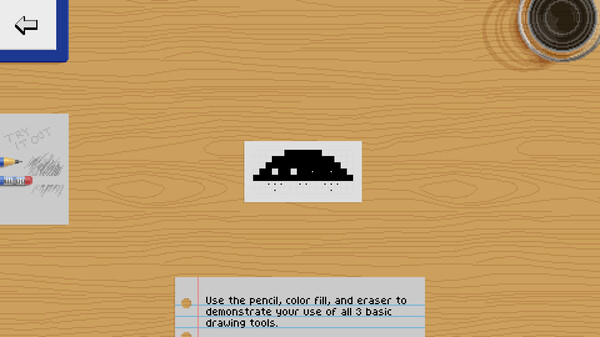
You can't be an artist by just copying other people's work. It's time to create your own art! In Pixel Art Academy, you will be working on various projects, most of them creating art for classic games such as snake, invaders, block breaker, and pinball creator.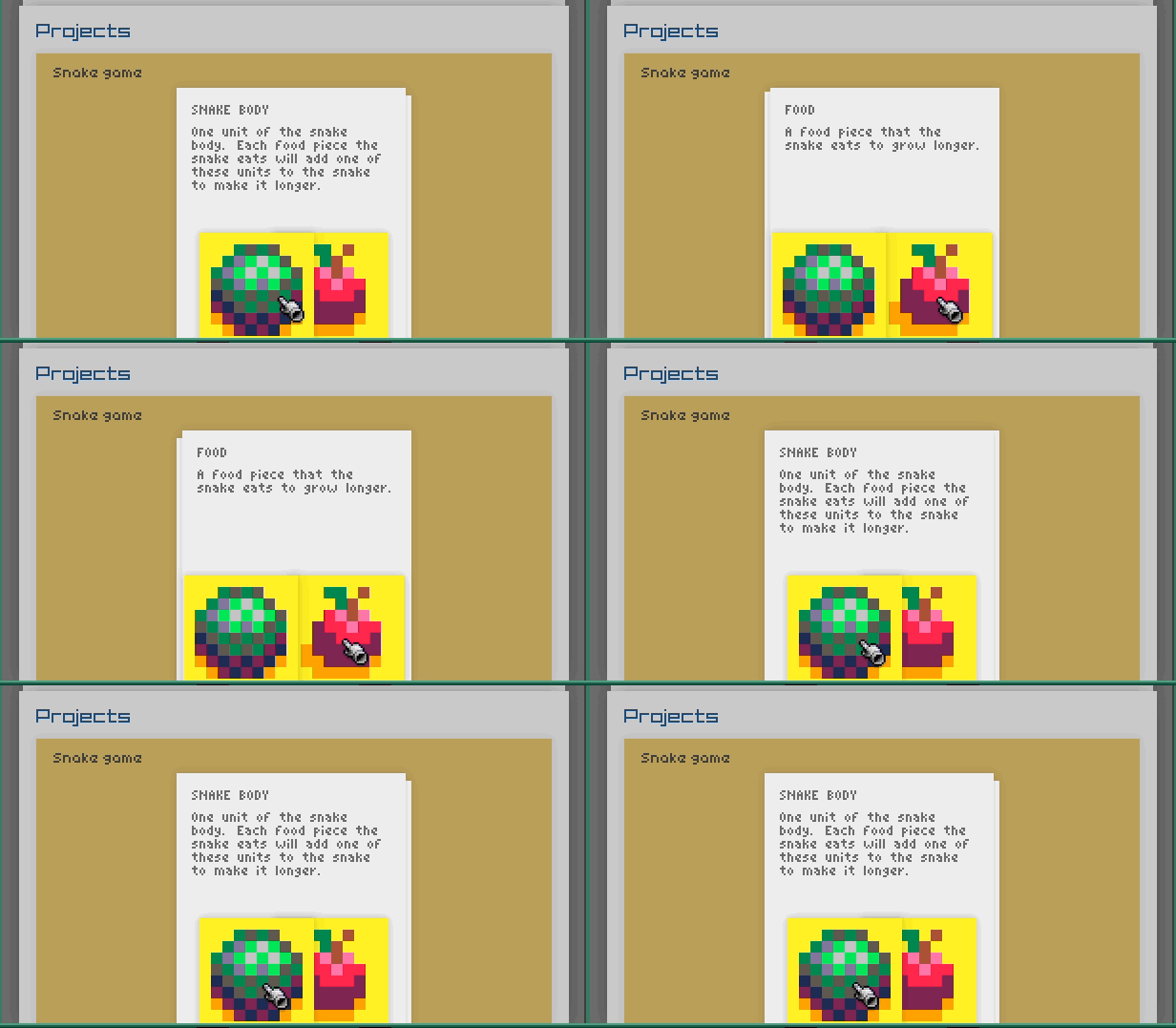
Play your creations
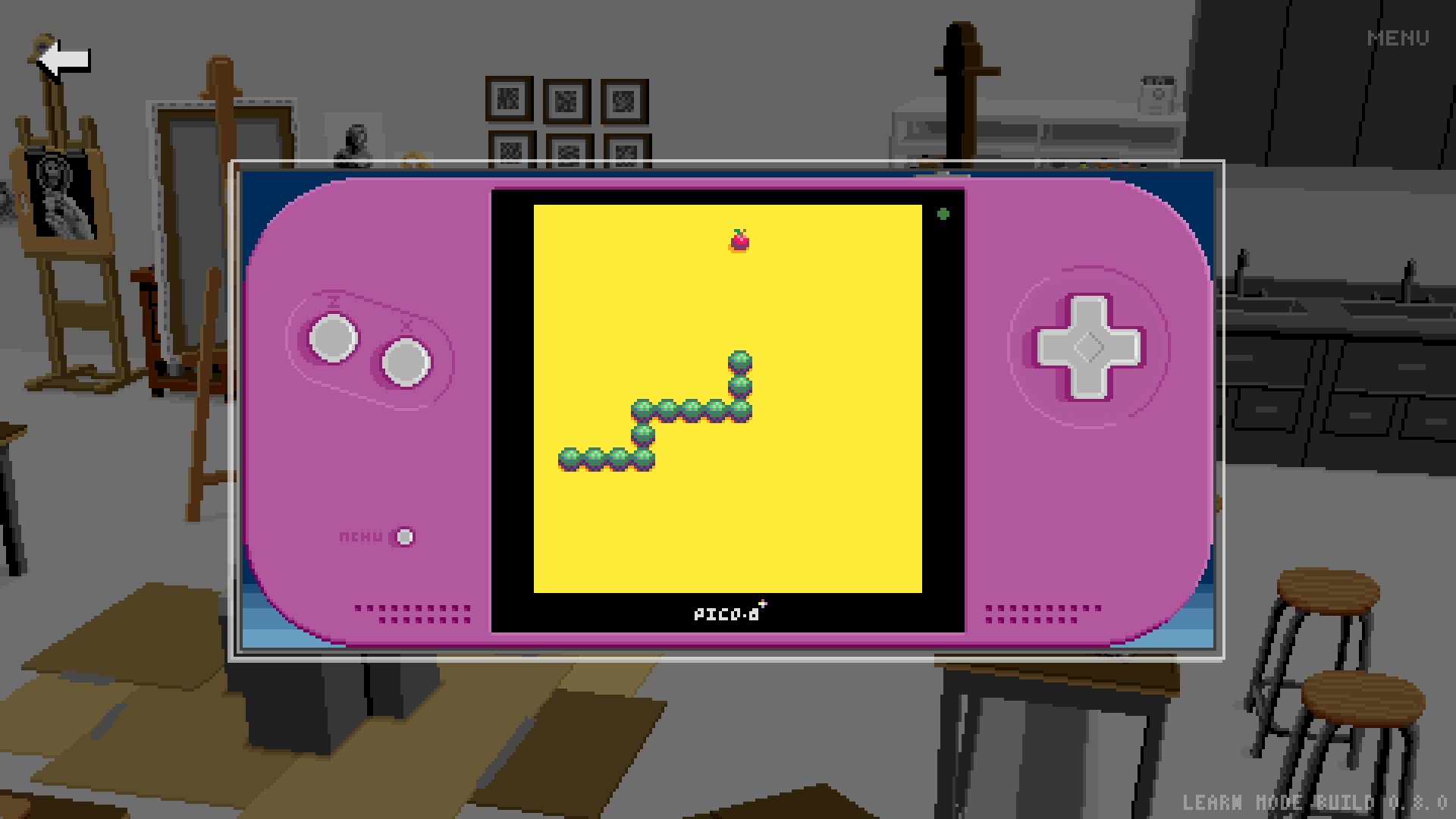
Immediate feedback is very important. Start up the game and see how your sprites look in context. Then jump back to the canvas and immediately see your changes.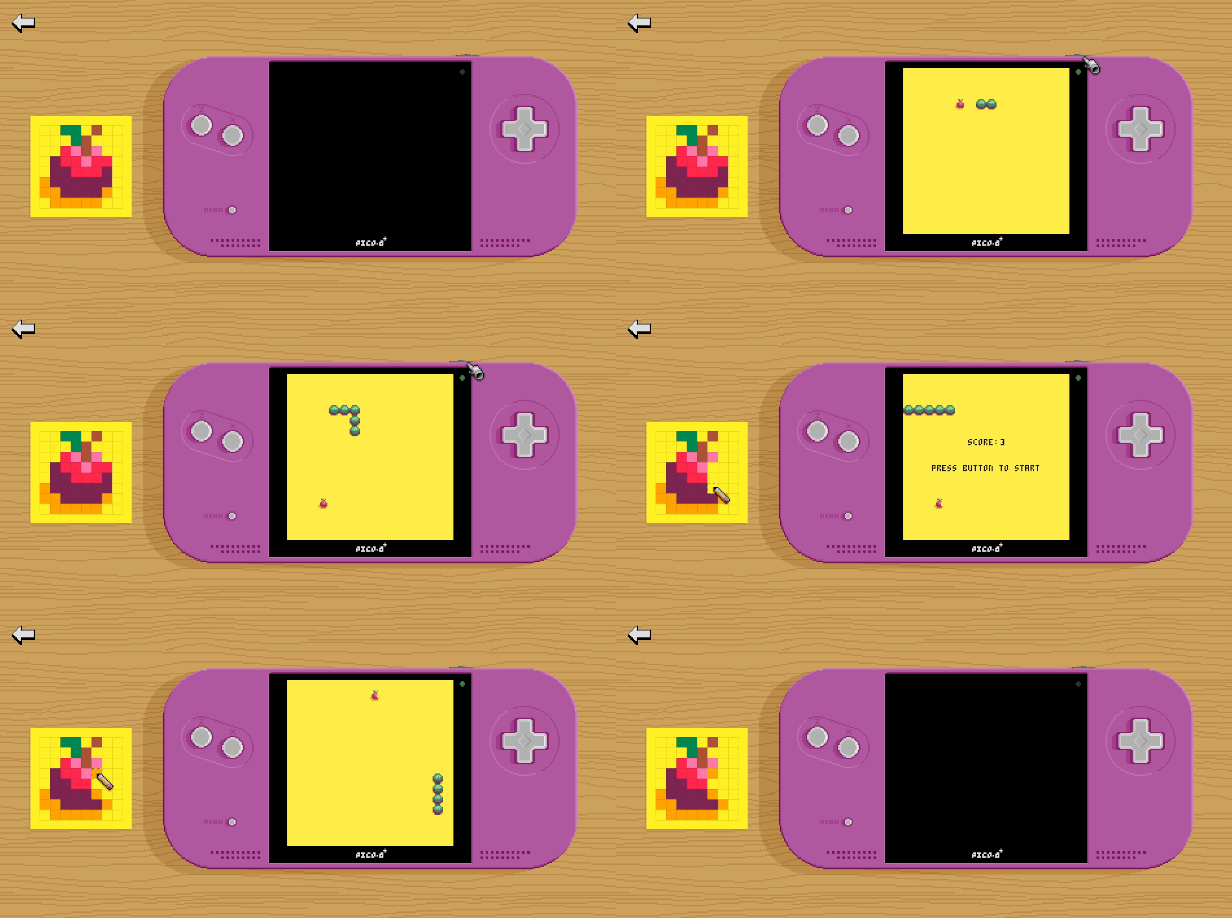
Future development
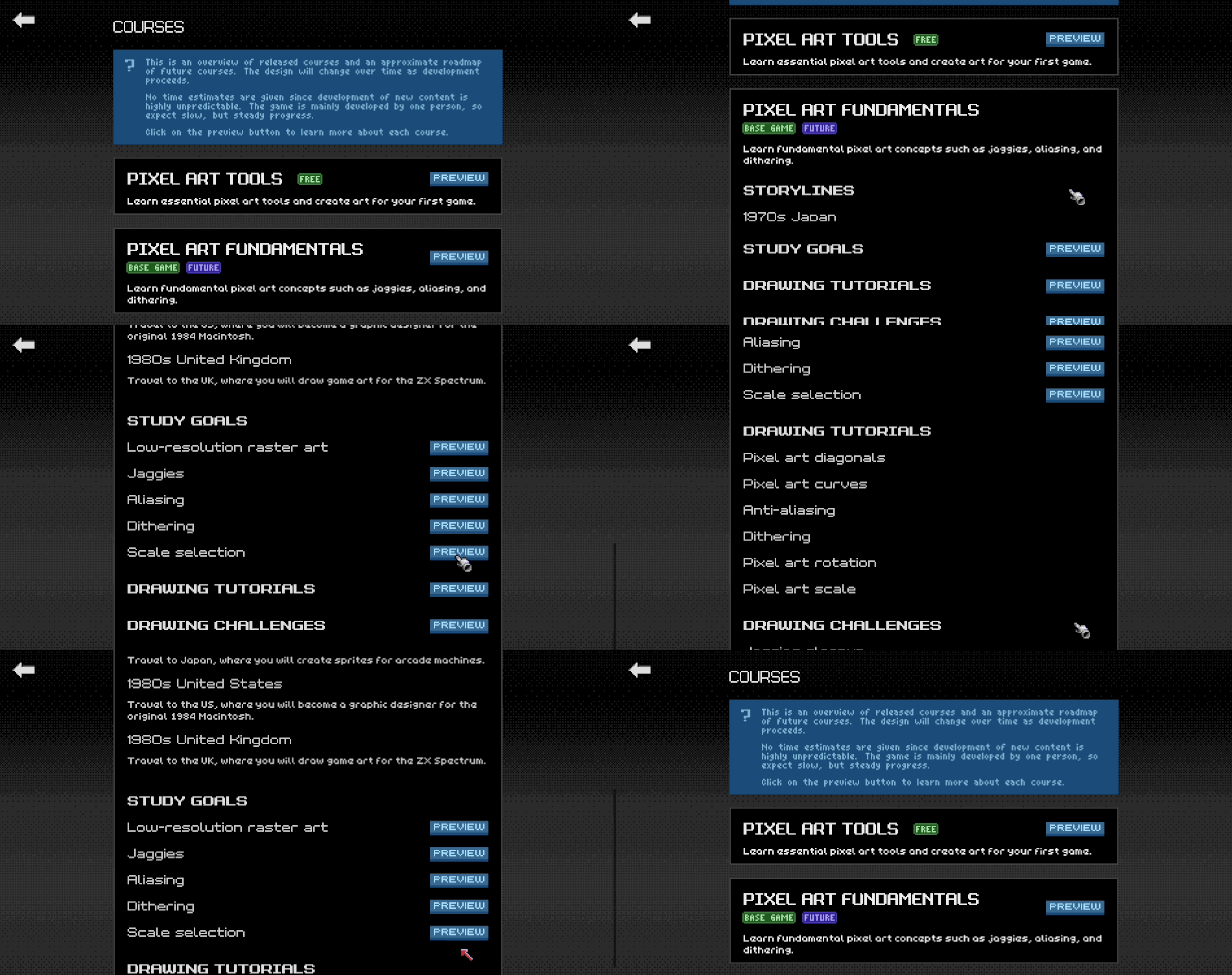
I've been working on Pixel Art Academy for almost a decade, building the game's engine, writing the story, and narrowing down the learning design. While the bigger adventure game that I have in mind is still far from complete, the game's educational core is ready to be shared with a wider audience. That's why I created Learn Mode, a standalone single-player version that includes just the polished learning content.During the Early Access period, I will create tutorials, challenges, and projects that cover the major pixel art fundamentals (jaggies, dithering, and aliasing), applied to different areas (characters, environments, items). After this first course gets a full release, the development will continue to other areas (drawing from observation, perspective, shading …) as well as integration of the new content into the game's full Adventure Mode.
TL;DR:
Simplification tutorial.
[/*]3D references that can be manipulated.
[/*]
This update brings a new tutorial about simplifying shapes from realistic to highly stylized.
[img src=\"https://cdn.cloudflare.steamstatic.com/steamcommunity/public/images/clans/44592760/323af848cba8f04d378620dc4b96cf54750a85e6.png\"][/img]
4 techniques are presented, which can be used in various degrees and combinations. The silhouette lesson shows that if you choose a good angle you don\'t need any details for an object to be recognizable.
[img src=\"https://cdn.cloudflare.steamstatic.com/steamcommunity/public/images/clans/44592760/a2072cfde621a511afc960a8641c20a5b1d7380a.gif\"][/img]
I had to implement a new type of 3D reference that you can manipulate to solve the lesson. Besides being able to rotate the 3D model, you can also add or remove detailsone of the most used approaches in simplification.
[img src=\"https://cdn.cloudflare.steamstatic.com/steamcommunity/public/images/clans/44592760/bb5700e44e9ca3f121b878ad7756d9c1161f2c2a.gif\"][/img]
You can change the objects\' proportions to make lines and shapes more readable.
[img src=\"https://cdn.cloudflare.steamstatic.com/steamcommunity/public/images/clans/44592760/8e8111f48ab56a135694fb157f19c45b407245f3.gif\"][/img]
And you can morph the shapes themselves towards their basic versions (circles, squares, horizontal/vertical/45 degree lines).
[img src=\"https://cdn.cloudflare.steamstatic.com/steamcommunity/public/images/clans/44592760/1d386d25145cddd150fed4d64d2fc8a47f903b56.gif\"][/img]
Each stylization lesson comes with 3 references to choose from and there\'s a final lesson where you study various characters from ZX Spectrum games, from realistic to simplified.
[img src=\"https://cdn.cloudflare.steamstatic.com/steamcommunity/public/images/clans/44592760/ac234d402e48cbe68aa9fbe39b67b9ddd3d3800c.png\"][/img]As always, you can go behind the scenes and hear my thoughts on the lessons in the devlog:
If you\'ve done all the tutorials so far you\'ll notice that the portfolio folder is getting pretty stuffed, so I\'ll have to deal with that soon, but perhaps a new challenge could come first. I guess we\'ll find out in the next update!
Thank you all for playing and giving the game a chance!
Cheers,\nRetro
Minimum Setup
- OS: 64-bit Ubuntu 14.04

[ 6376 ]
























[ 5769 ]


[ 751 ]


















[ 2194 ]












Time left:
356103 days, 16 hours, 38 minutes

Time left:
356103 days, 16 hours, 38 minutes

Time left:
8 days, 0 hours, 38 minutes

Time left:
36 days, 0 hours, 38 minutes

Time left:
39 days, 0 hours, 38 minutes

Time left:
40 days, 0 hours, 38 minutes

Time left:
13 days, 10 hours, 38 minutes

Time left:
0 days, 18 hours, 38 minutes

Time left:
1 days, 18 hours, 38 minutes

Time left:
8 days, 18 hours, 38 minutes

Time left:
14 days, 18 hours, 38 minutes

Time left:
15 days, 18 hours, 38 minutes

Time left:
20 days, 18 hours, 38 minutes

Time left:
26 days, 18 hours, 38 minutes
Time left:
3 days, 4 hours, 38 minutes
Time left:
11 days, 0 hours, 39 minutes

Time left:
12 days, 23 hours, 39 minutes
Time left:
18 days, 6 hours, 49 minutes


