



Learn by doing
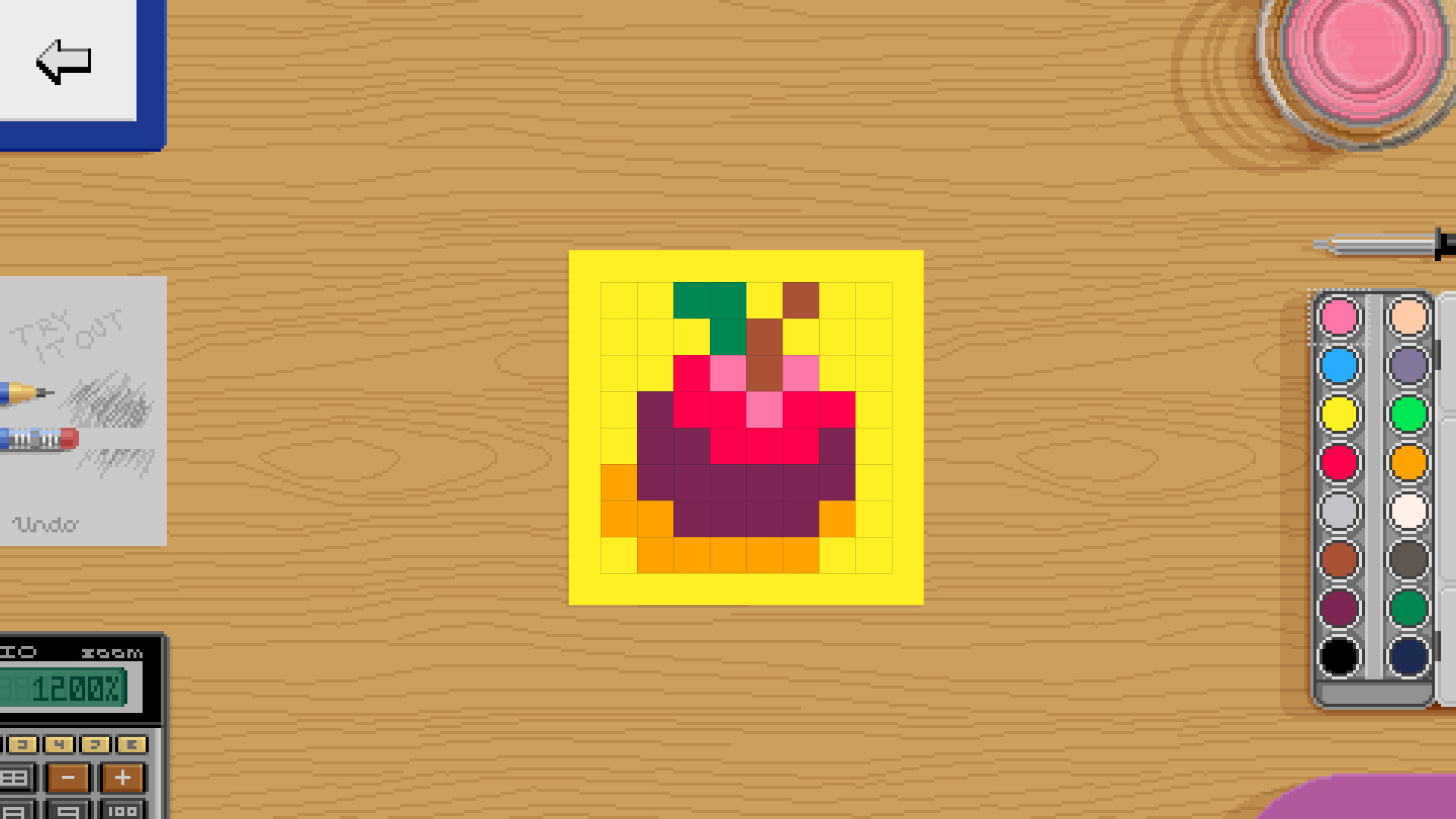
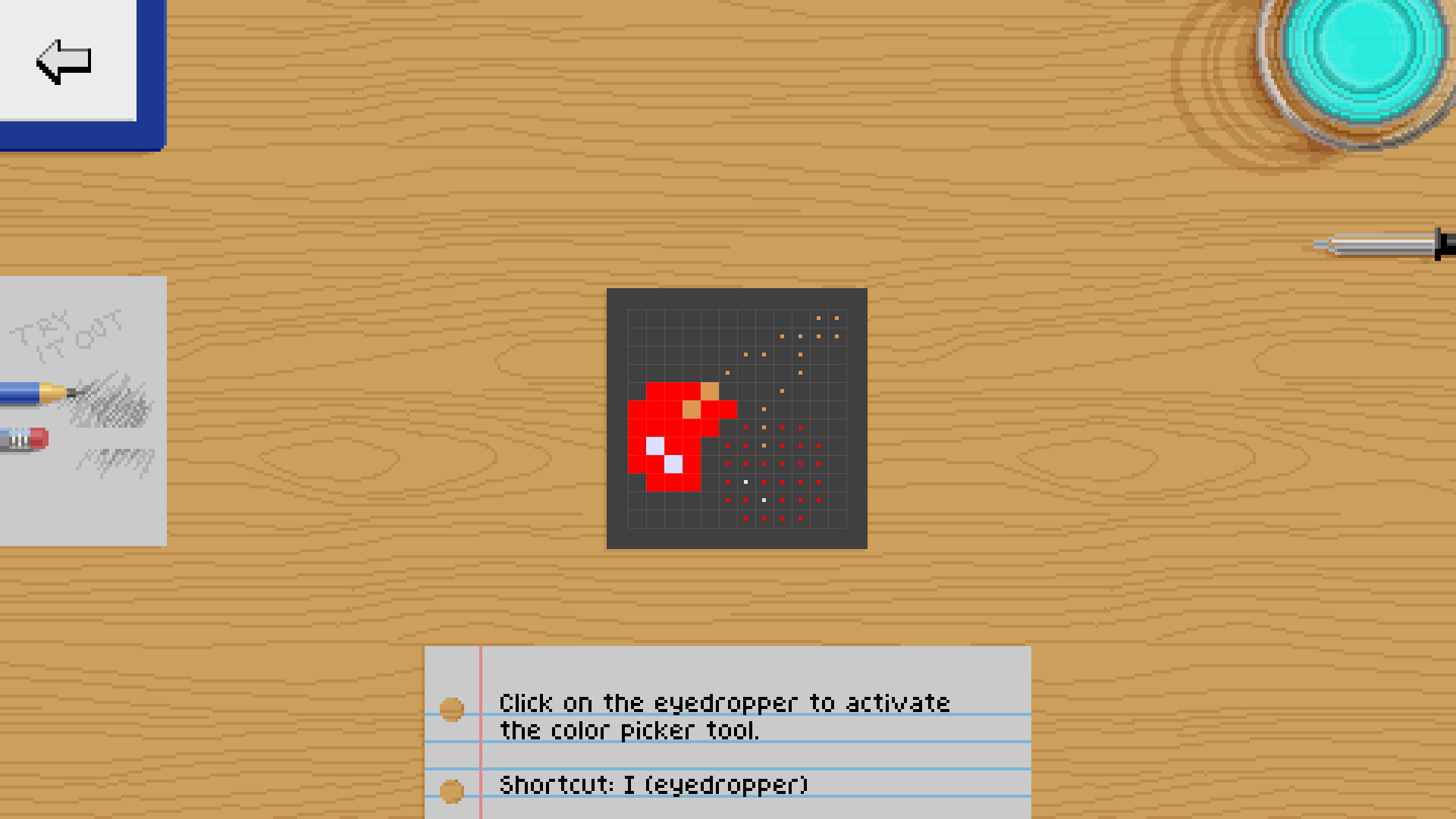
Pixel Art Academy's interactive tutorials are designed for learning by doing. While there will be plenty of nerdy reading, all lessons are immediately followed by drawing what you've learned.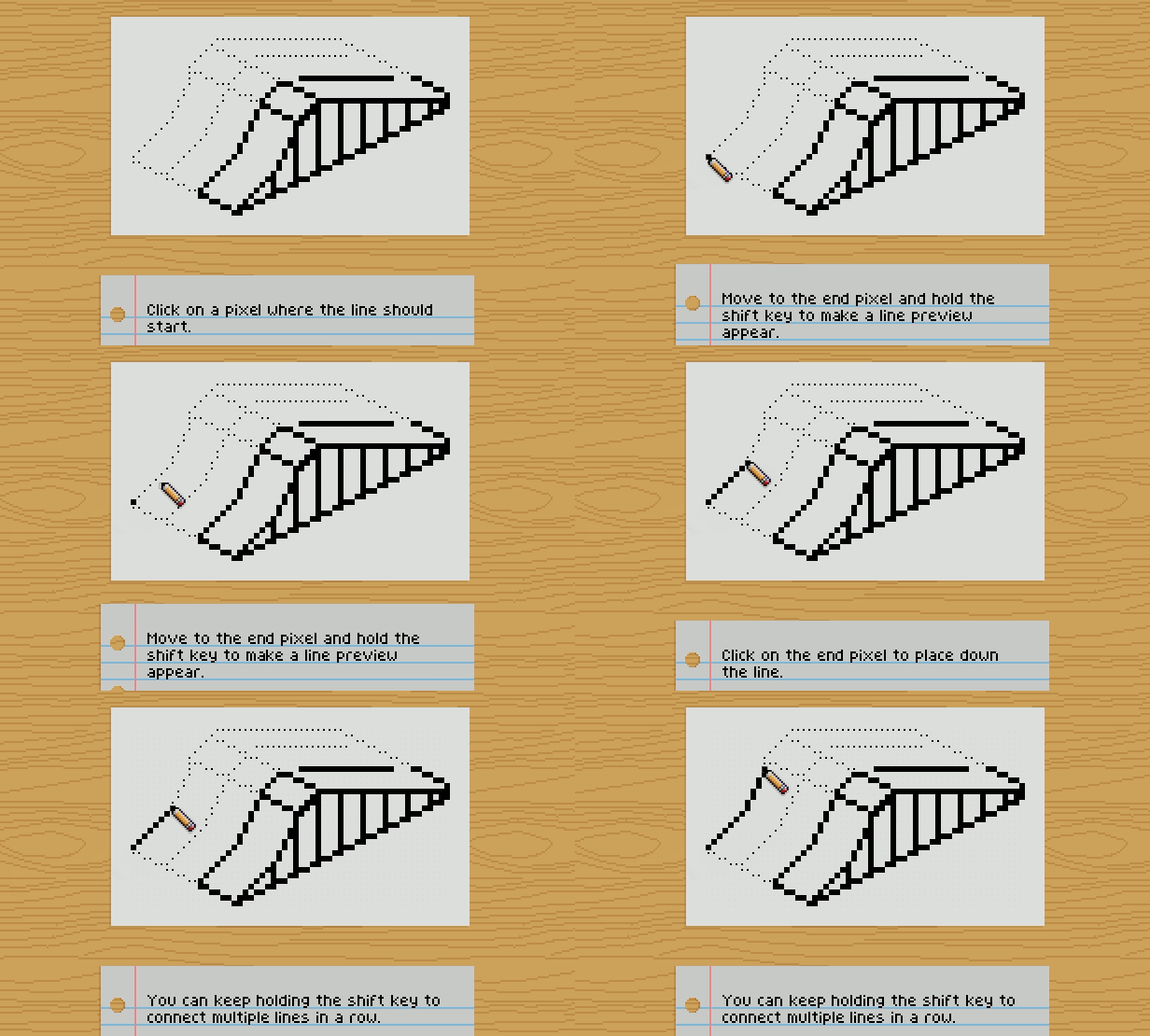
Test your knowledge
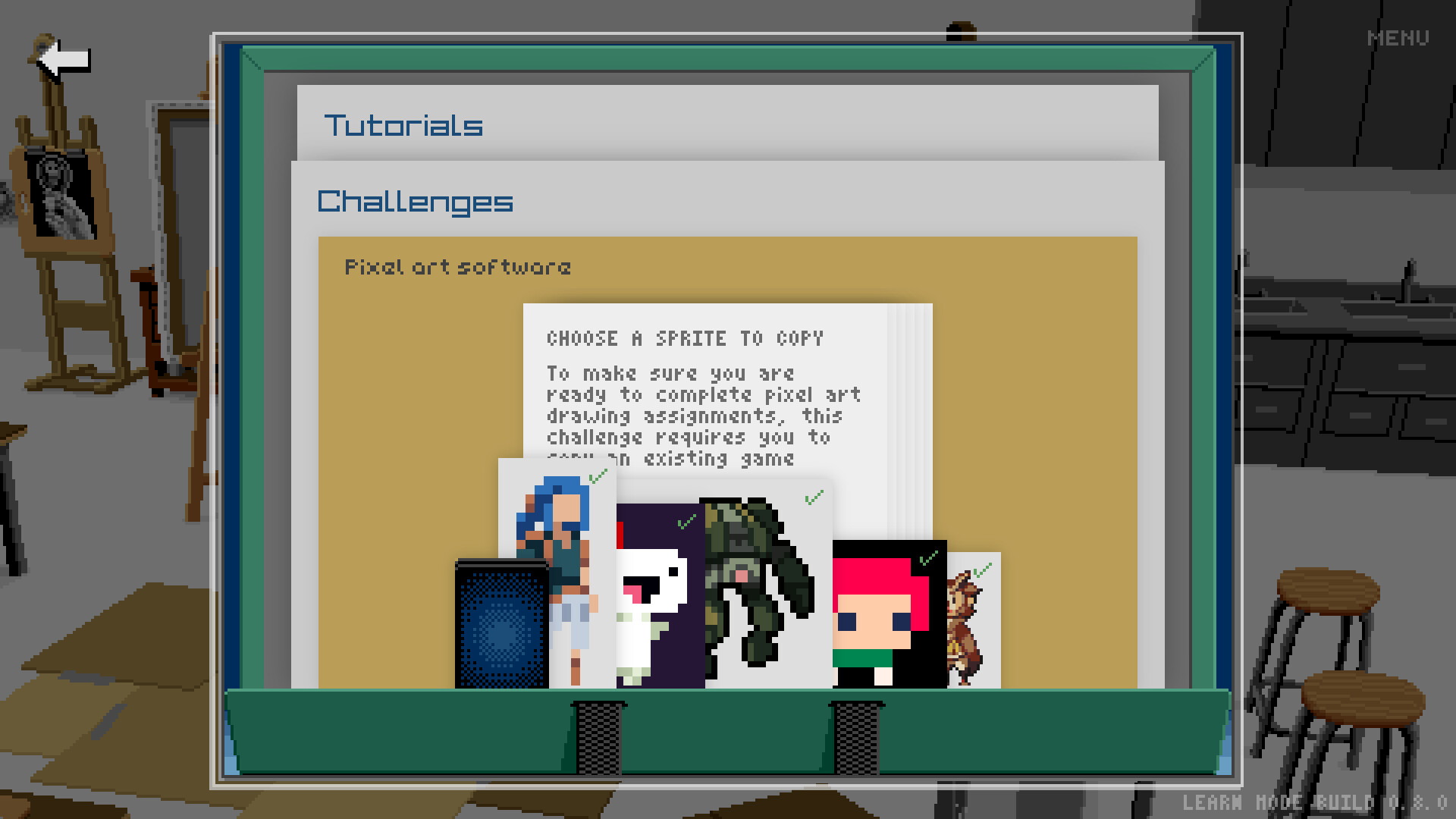
Before you move on, you want to make sure you understand what you've been learning. Pixel Art Academy uses formative assessment to identify gaps in knowledge so that you can apply further study and practice to build strong fundamentals.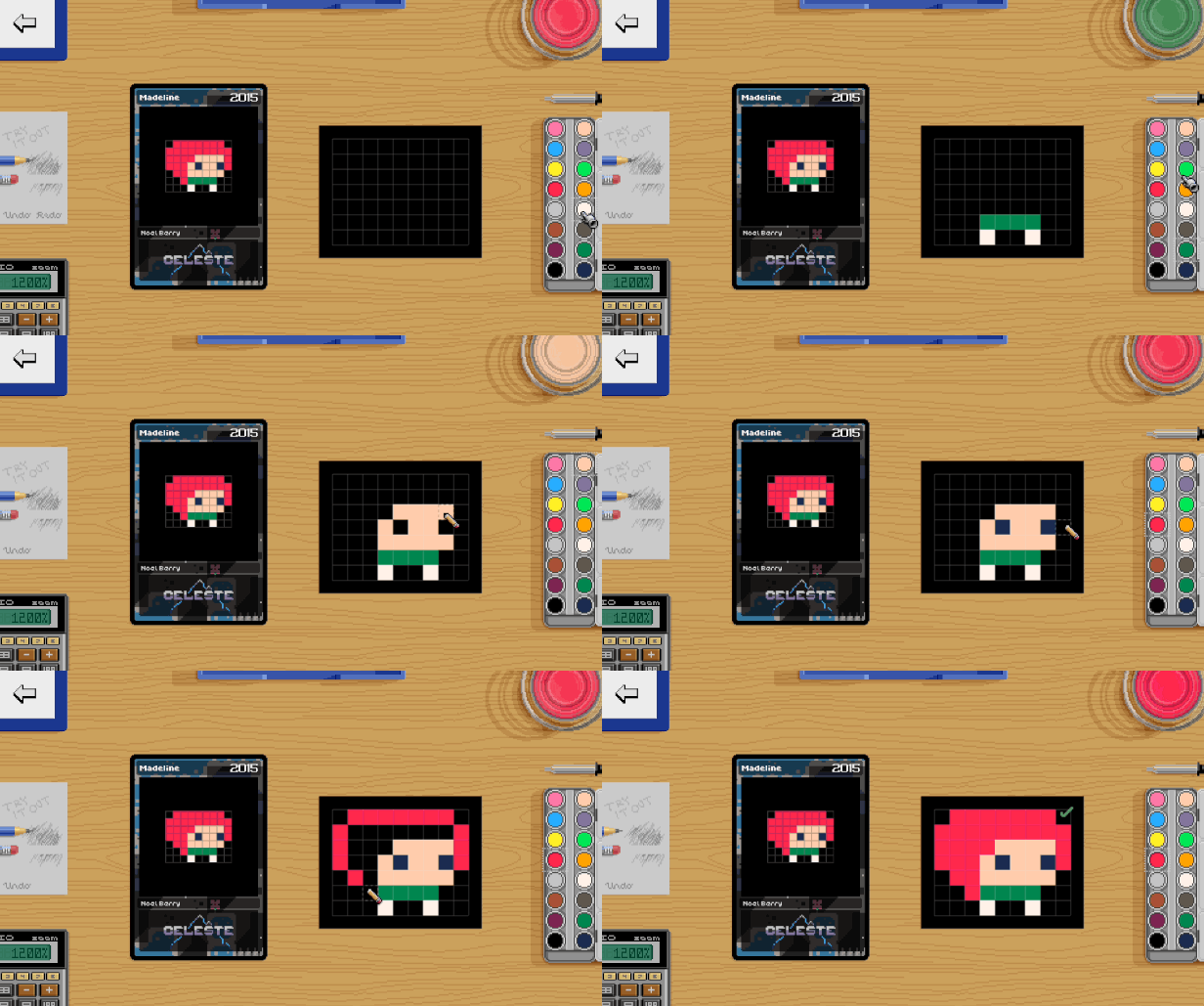
Become a game artist
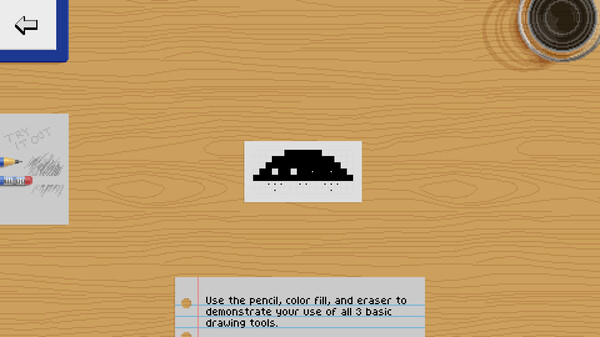
You can't be an artist by just copying other people's work. It's time to create your own art! In Pixel Art Academy, you will be working on various projects, most of them creating art for classic games such as snake, invaders, block breaker, and pinball creator.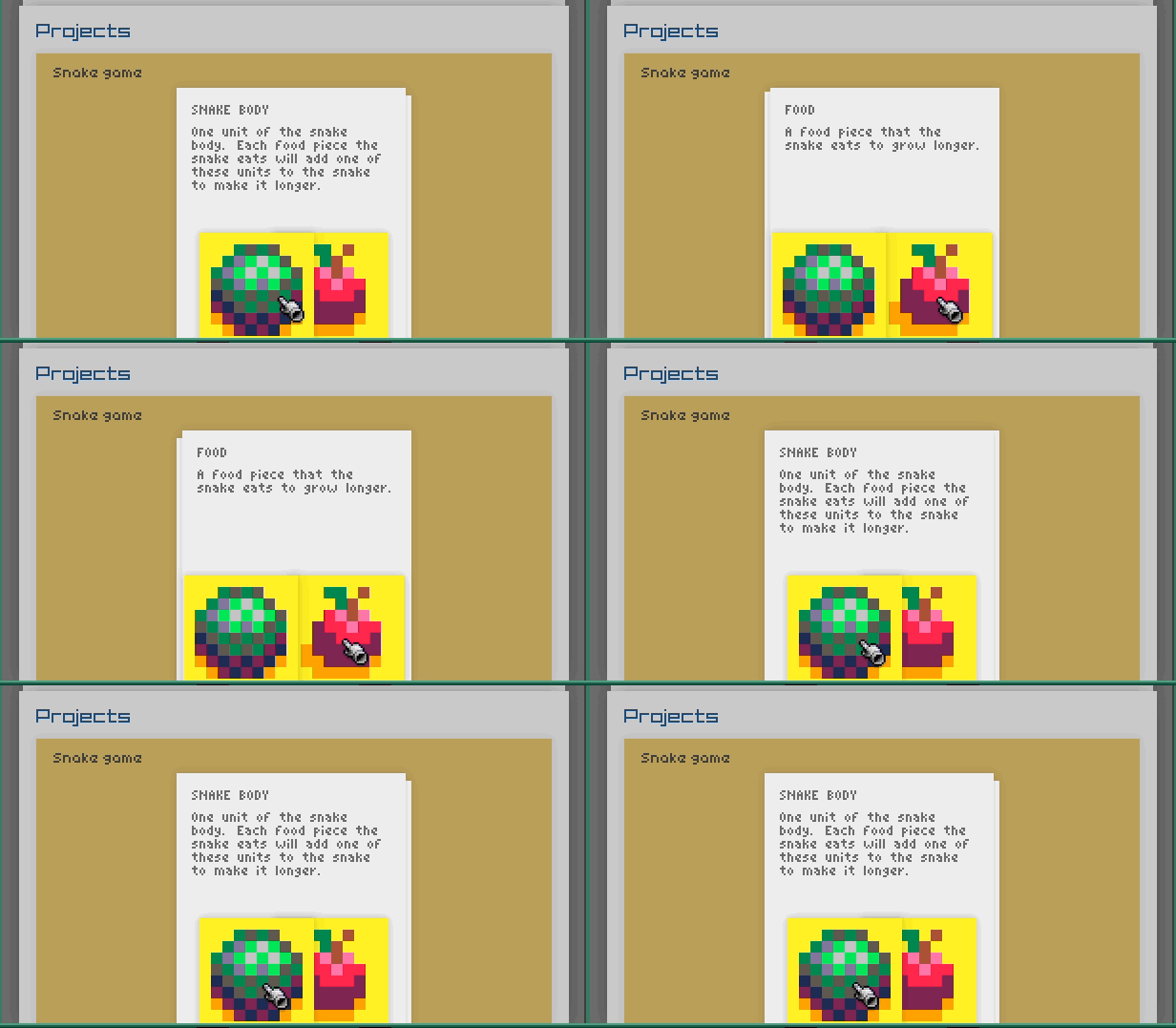
Play your creations
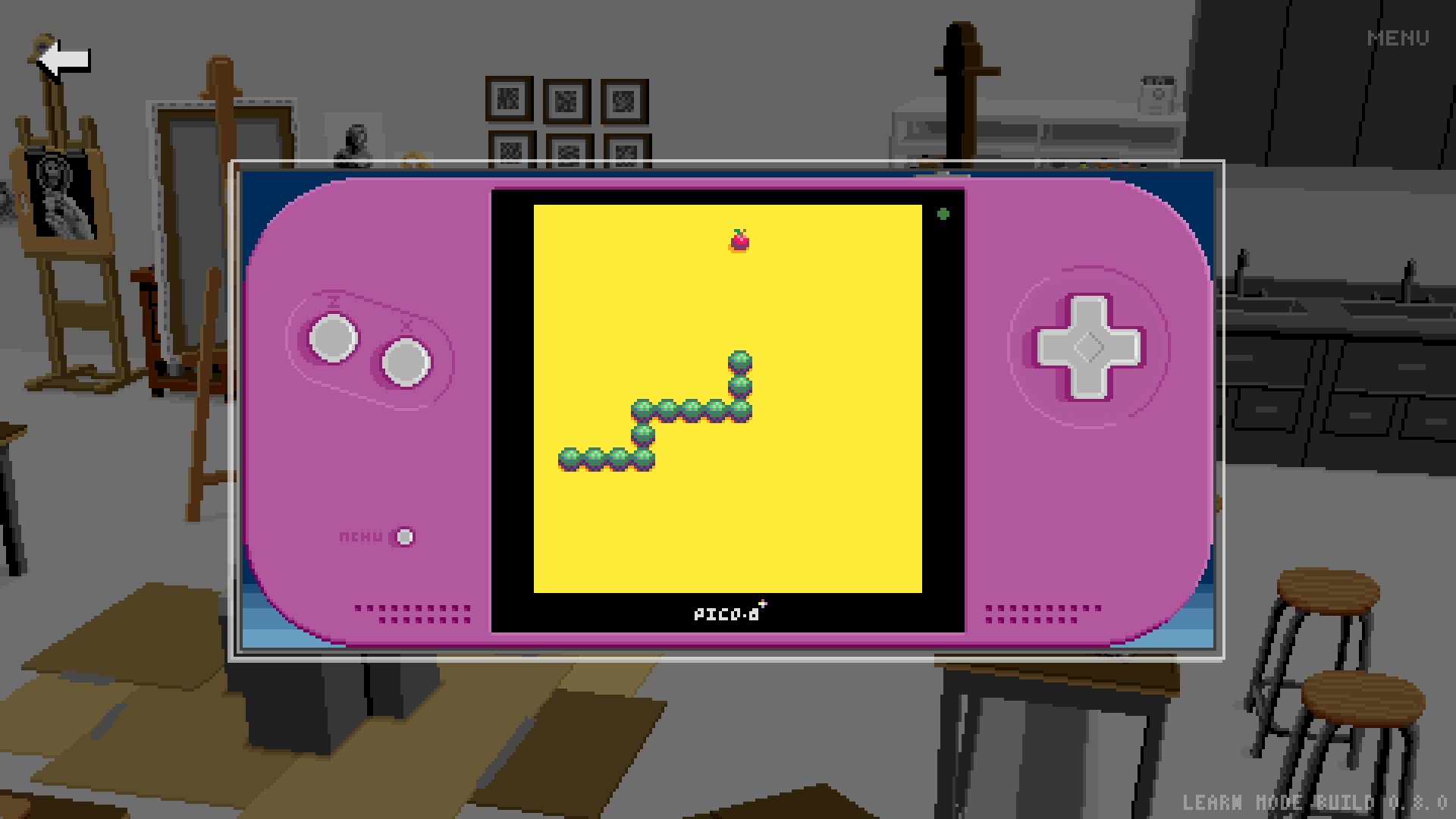
Immediate feedback is very important. Start up the game and see how your sprites look in context. Then jump back to the canvas and immediately see your changes.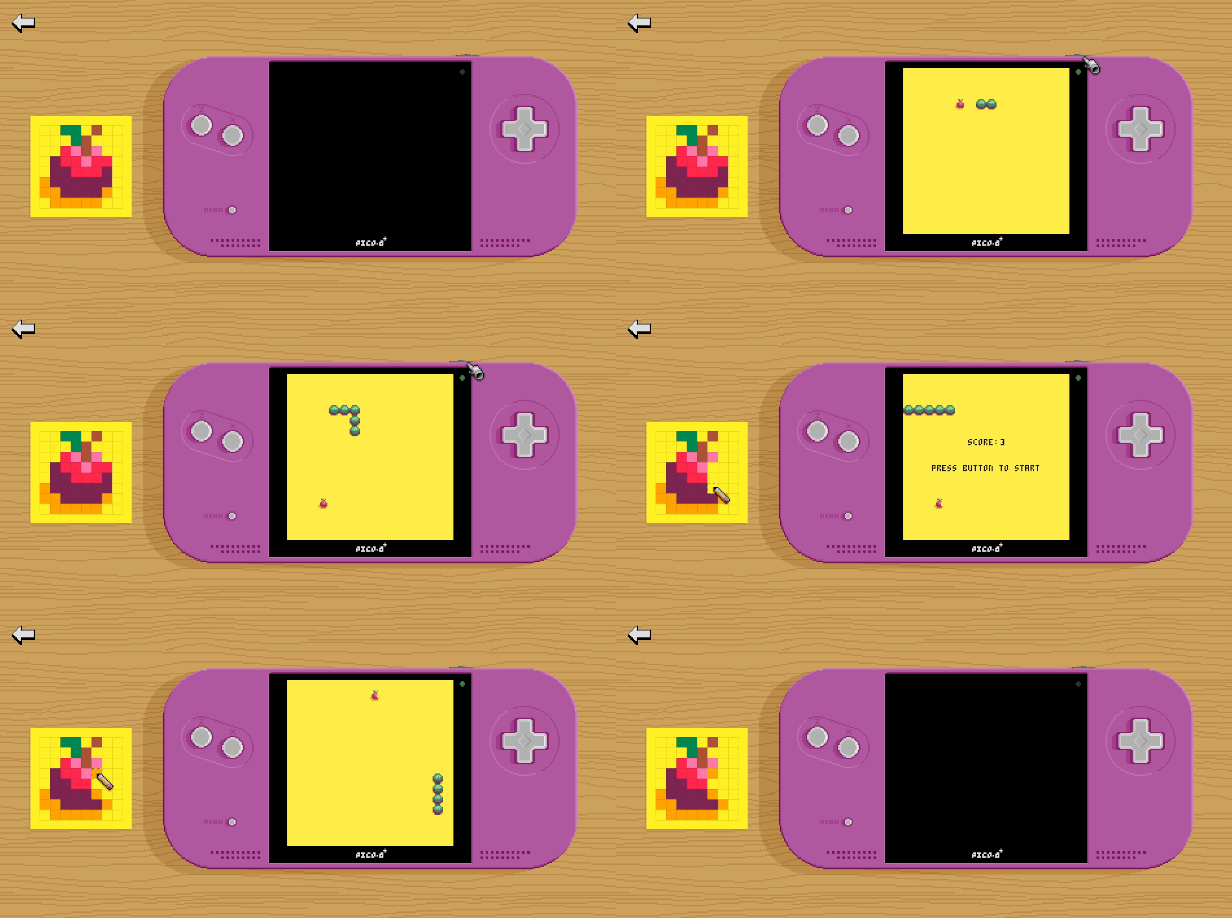
Future development
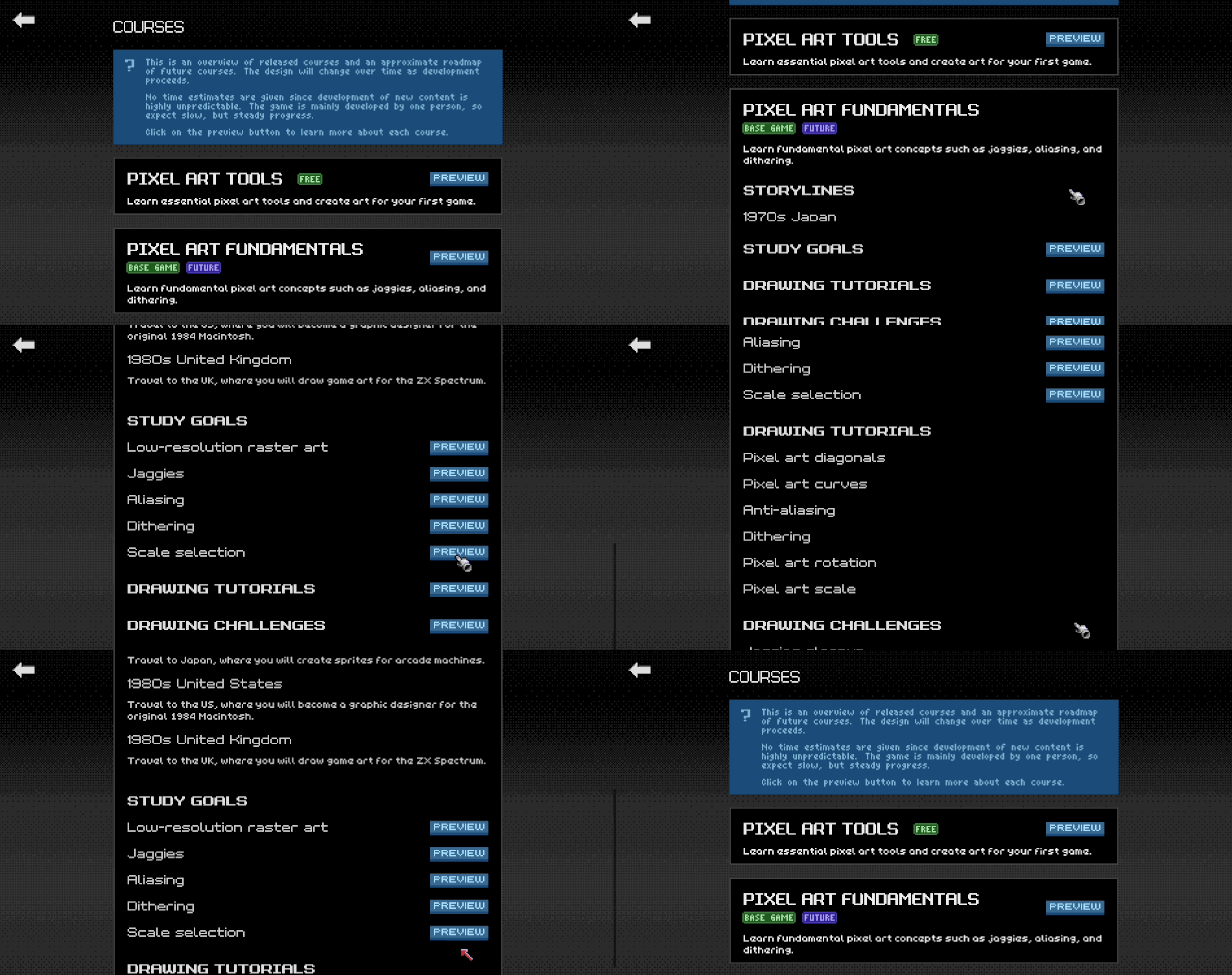
I've been working on Pixel Art Academy for almost a decade, building the game's engine, writing the story, and narrowing down the learning design. While the bigger adventure game that I have in mind is still far from complete, the game's educational core is ready to be shared with a wider audience. That's why I created Learn Mode, a standalone single-player version that includes just the polished learning content.During the Early Access period, I will create tutorials, challenges, and projects that cover the major pixel art fundamentals (jaggies, dithering, and aliasing), applied to different areas (characters, environments, items). After this first course gets a full release, the development will continue to other areas (drawing from observation, perspective, shading …) as well as integration of the new content into the game's full Adventure Mode.
TL;DR:
Draw Quickly minigame with 94 subjects to draw.
[/*]Symbolic drawing mode where the computer guesses what you\'re drawing.
[/*]Realistic drawing mode where you apply simplification with a reference.
[/*]
I like to follow the tutorialchallengeproject progression where learning new theory continues to practice and then a creative project where you apply the new knowledge freeform.
The Simplification tutorial is no different and so in between learning abstraction (tutorial) and drawing your own icons (project, coming in the future), I wanted to squeeze in a fun challenge called Draw Quickly.
[img src=\"https://cdn.cloudflare.steamstatic.com/steamcommunity/public/images/clans/44592760/4378026e8ac74223d5a4a683a32865702c3d76b8.png\"][/img]
To keep things black and white, I put it on the Pixeltosh. I can easily imagine how I\'d be playing wtih an educational software like this in the 80s.
[img src=\"https://cdn.cloudflare.steamstatic.com/steamcommunity/public/images/clans/44592760/2200ea2968bc99508a2257528b61a6d3f6be32cd.png\"][/img]
Symbolic drawing mode is very much like Pictionary, where the computer is trying to guess which of the 10 things you\'re currently drawing.
[img src=\"https://cdn.cloudflare.steamstatic.com/steamcommunity/public/images/clans/44592760/c68b636a0d47f64fea1a4c4e5bb86451d90d5e2c.gif\"][/img]
[img src=\"https://cdn.cloudflare.steamstatic.com/steamcommunity/public/images/clans/44592760/671c6f68db5a902137df1cda6b3f51169d95e698.png\"][/img]
Behind the scenes, there\'s a tiny neural network doing the guessing. It can only recognize 94 items, so it\'s far from perfect, but good enough for some quick fun.
After you\'re done drawing things like apples and fish, you can move onto harder things.
[img src=\"https://cdn.cloudflare.steamstatic.com/steamcommunity/public/images/clans/44592760/23e032be0b8ed01f5347a745c0dc9f772e25ea98.png\"][/img]
It\'s similar in realistic drawing mode, going from simple to complex drawings.
[img src=\"https://cdn.cloudflare.steamstatic.com/steamcommunity/public/images/clans/44592760/80812744631dbb5cb0d8855dacdacbbbfdc11b83.png\"][/img]
This time, however, you draw with the help of a reference, each time having less time to draw, so it forces you to simplify and decide which of the lines are the most important.
[img src=\"https://cdn.cloudflare.steamstatic.com/steamcommunity/public/images/clans/44592760/41717be4ed0618cc6d25975fbe93069109416660.gif\"][/img]
[img src=\"https://cdn.cloudflare.steamstatic.com/steamcommunity/public/images/clans/44592760/b03c94afd9b80e6245b9af8587bed66db54a46e9.png\"][/img]
I prepared references for all 94 possible subjects and I hope you\'ll have fun discovering them all.
Two devlogs cover the development of this feature, first the neural network training sprint , and then the Draw Quickly one .
Next up I\'ll have to organize the tutorials a little bit better since there would be too many to display in the portfolio as I add more in the future.
See you then!\nRetro
Minimum Setup
- OS: 64-bit Ubuntu 14.04
[ 6376 ]
















[ 5769 ]


[ 751 ]












[ 2194 ]









Time left:
356103 days, 16 hours, 38 minutes

Time left:
356103 days, 16 hours, 38 minutes

Time left:
8 days, 0 hours, 38 minutes

Time left:
36 days, 0 hours, 38 minutes

Time left:
39 days, 0 hours, 38 minutes

Time left:
40 days, 0 hours, 38 minutes

Time left:
13 days, 10 hours, 38 minutes

Time left:
0 days, 18 hours, 38 minutes

Time left:
1 days, 18 hours, 38 minutes

Time left:
8 days, 18 hours, 38 minutes

Time left:
14 days, 18 hours, 38 minutes

Time left:
15 days, 18 hours, 38 minutes

Time left:
20 days, 18 hours, 38 minutes

Time left:
26 days, 18 hours, 38 minutes
Time left:
3 days, 4 hours, 38 minutes

Time left:
11 days, 0 hours, 39 minutes

Time left:
12 days, 23 hours, 39 minutes
Time left:
18 days, 6 hours, 49 minutes


