



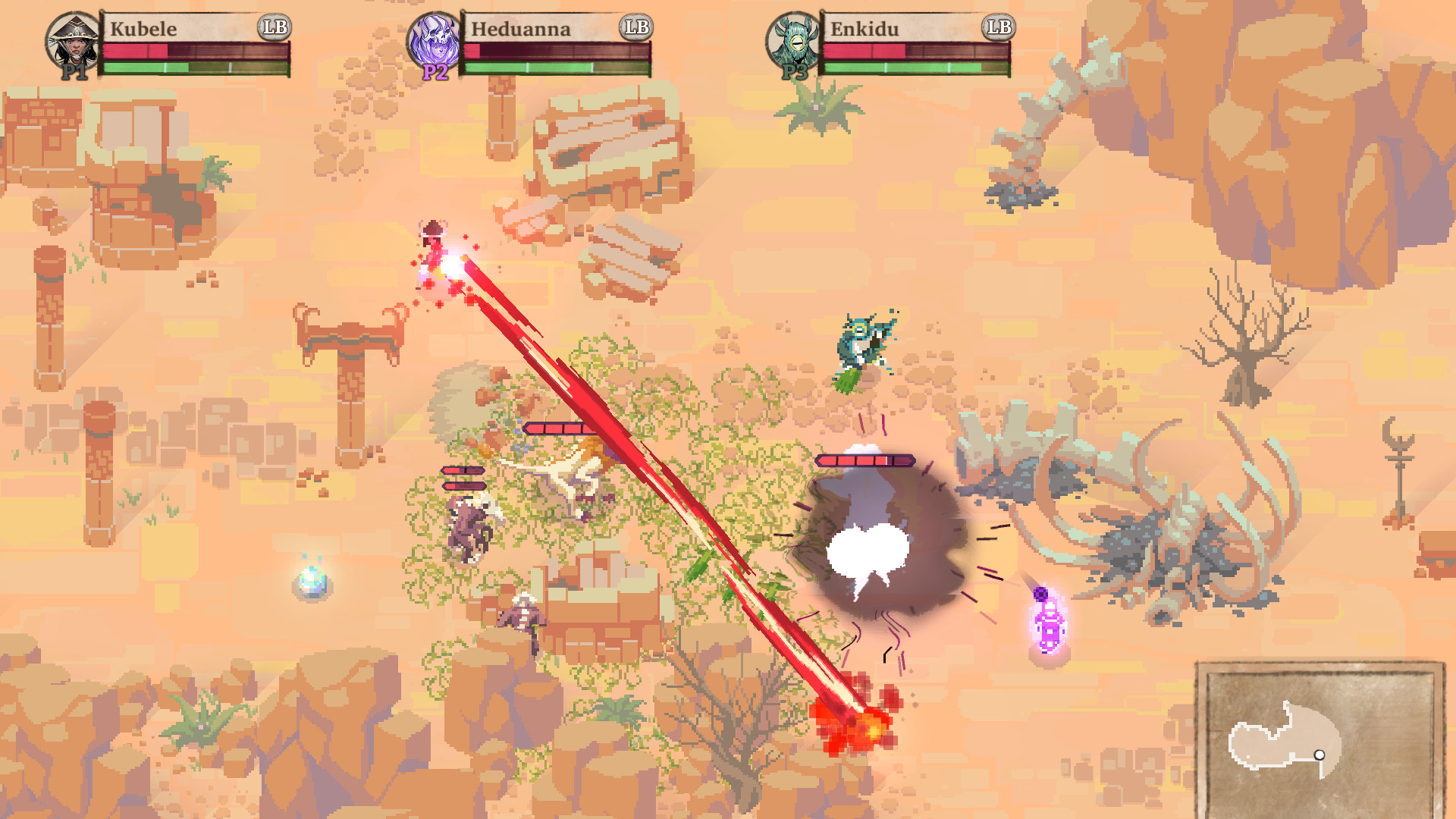
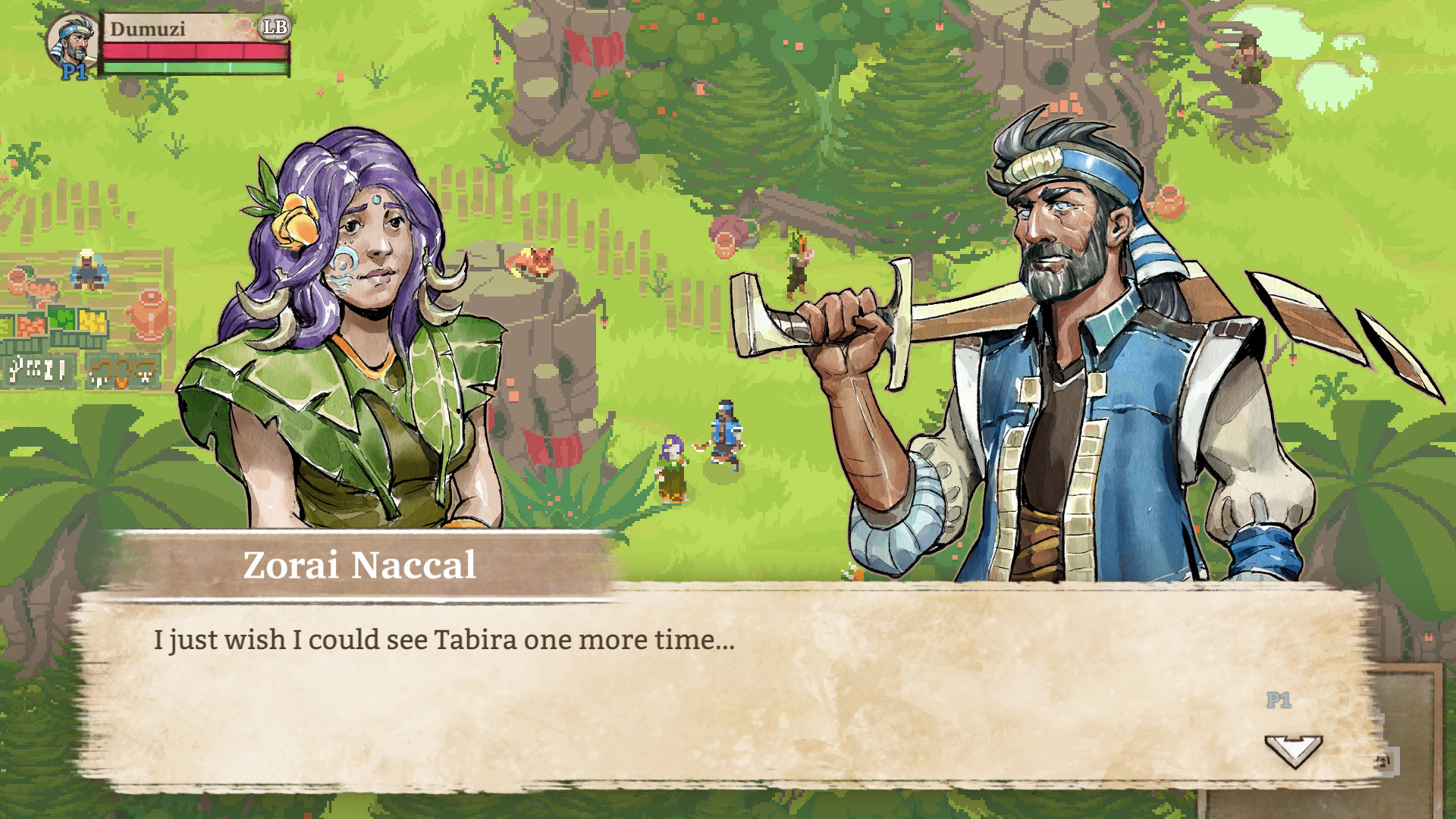
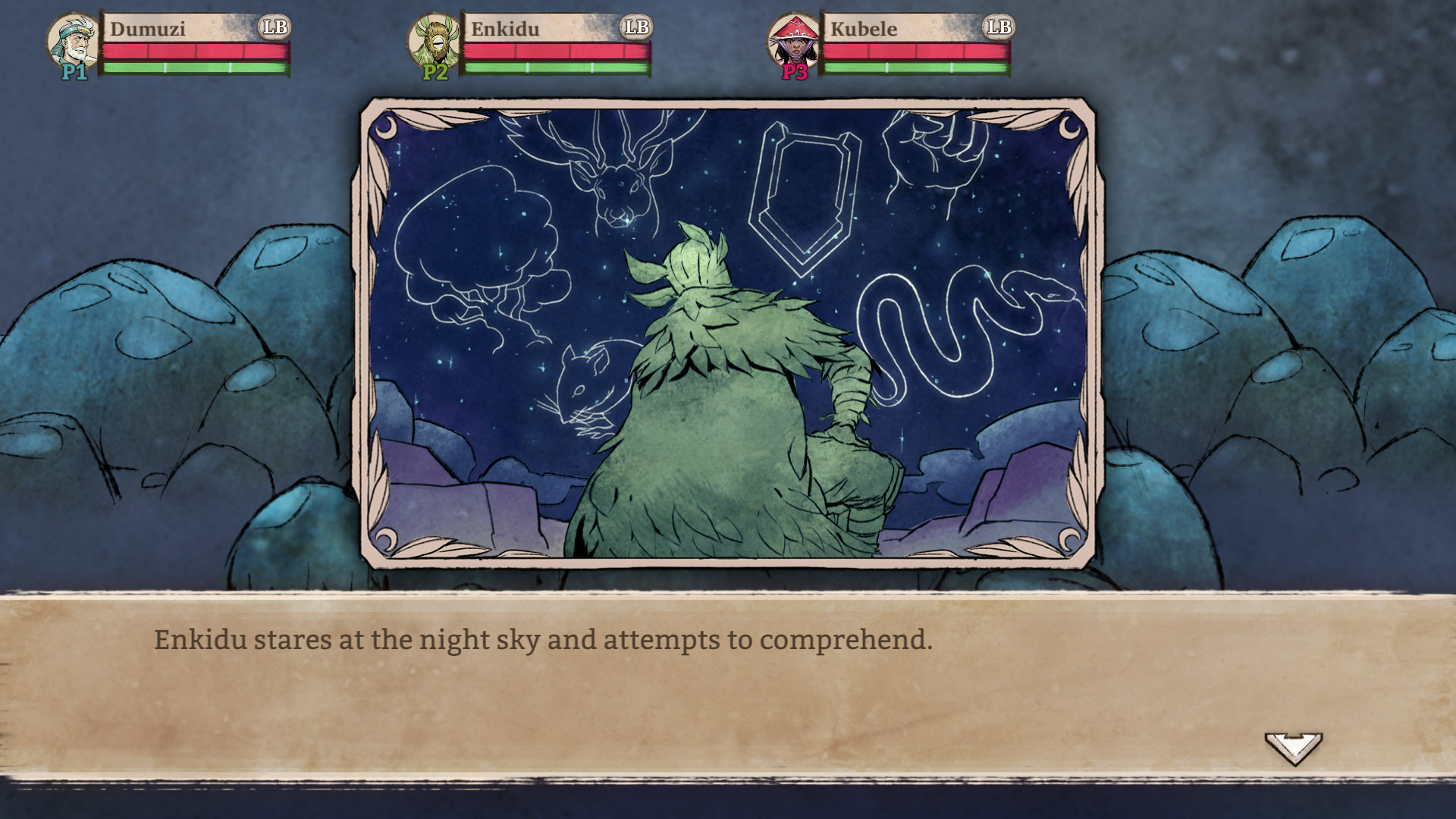
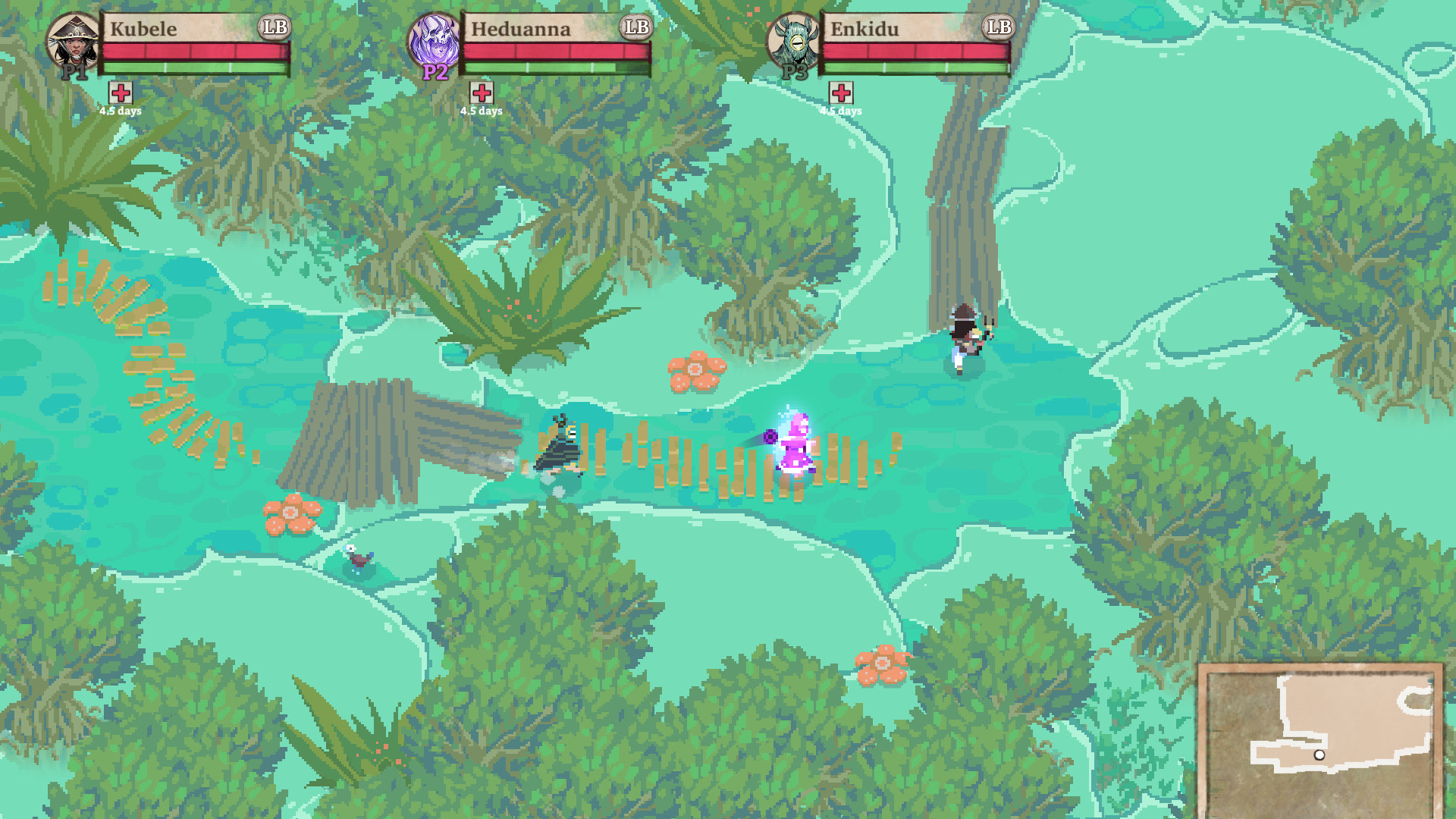
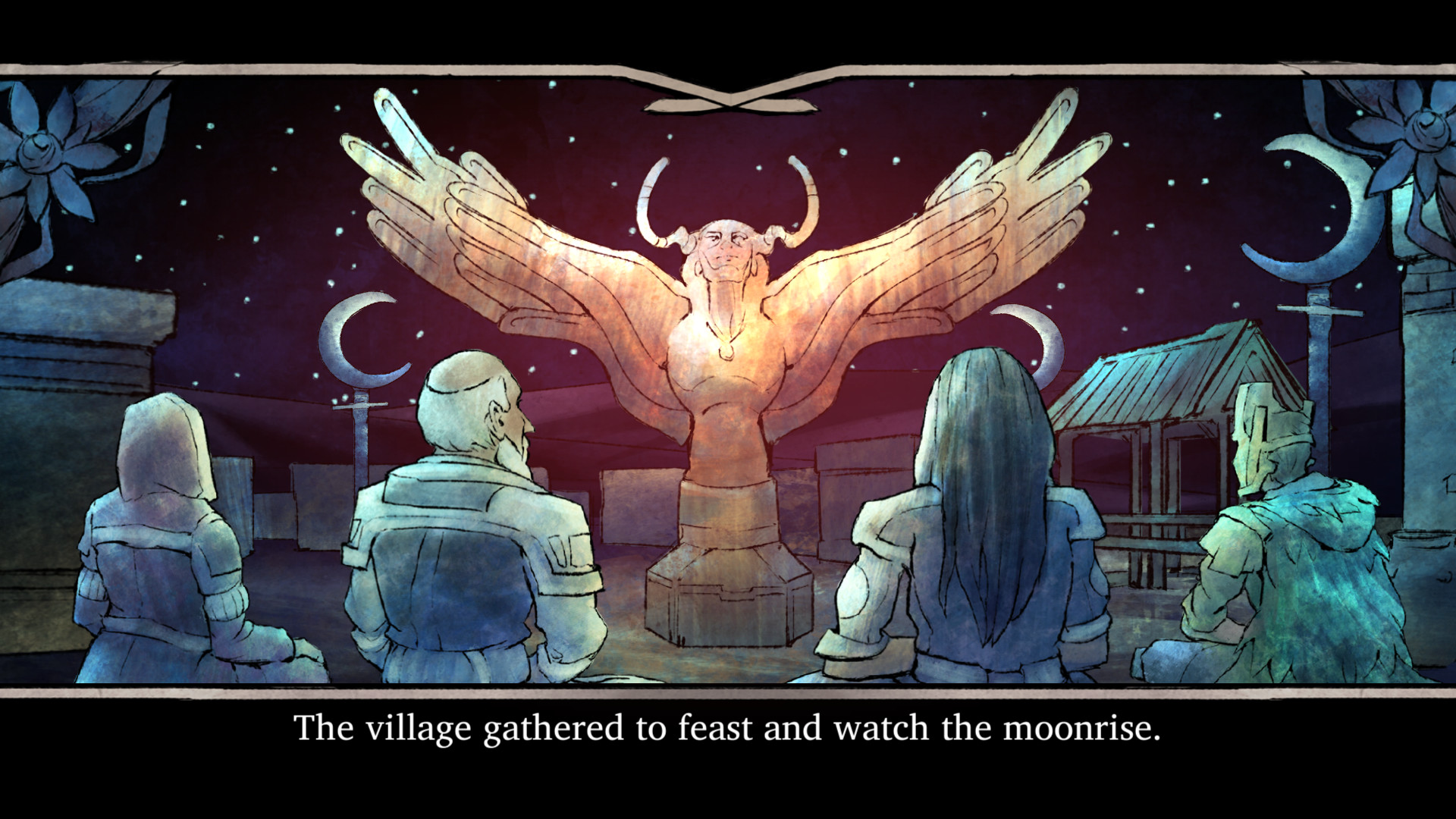
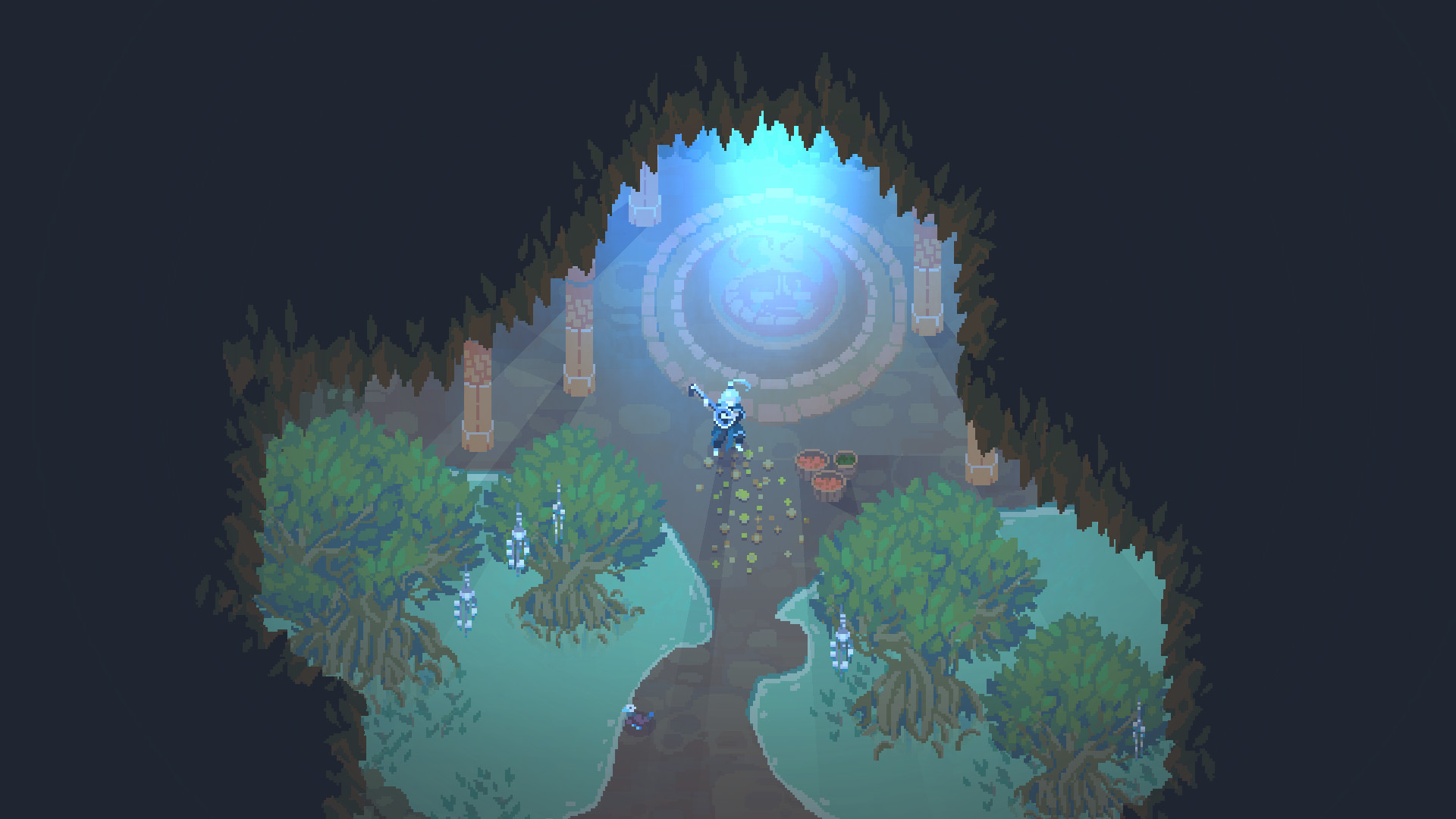
You have 5 days before King Mardokh and the Sun Cultists declare war on Issaria’s tribes. Multiple playthroughs of this short story will let you see it from different angles and uncover new sides to characters, conflicts, and narratives. Try out all 4 player hometowns and 6 player character classes, each with their own abilities and randomly generated upgrades as you build your mythology.
Every action and choice you make contributes to your legend, as a constellation in the night sky. How will you be remembered?
🎮 Full Controller Support
- Moon Hunters Depot - Linux [1.41 G]
- Moon Hunters Art Book
Hey everyone,\n\nWere excited to announce that with todays update, Moon Hunters will now be playable via LAN. Computers on the same network (such as your home network, using the same router) can play together. Programmer Marcelo made the change after our Unity servers went offline a few months ago, which you can read about the details of here and here . Were happy to be able to preserve the online co-op experience that Moon Hunters was designed for. You should be able to obtain all the co-op achievements this way.\n\n
How to play over LAN/internet
\n\nTo play over LAN:
\n\n- \n
- On the host computer: choose a Port (default:7777) and select Host Game or Host Saved Game\n
- The hosting screen shows the IP and Port of the game being hosted. Send this information to the people who will be joining your game\n
- On the computers joining the Game, type in the IP and Port of the host and click Join Game\n
- Enjoy!\n
- \n
- Choose a port number to host the game\n
- Configure that port to be forwarded to your computer in your router\n
- You will probably also need to configure your Firewall to allow that Port to transmit data\n
- Send your external IP (not the one showing in the host screen) to the people joining\n
- \n
- Join the game using the hosts external IP\n
Minimum Setup
- OS: Ubuntu 12.04+
- Processor: Dual Core CPUMemory: 4 GB RAM
- Memory: 4 GB RAM
- Graphics: OpenGL 3.0 compliant with 1Gb of video RAM. 1024 x 768 or larger resolution
- Storage: 4 GB available space
[ 6370 ]





























[ 5870 ]


[ 1991 ]



























[ 1943 ]




























[ 986 ]
























Time left:
356099 days, 19 hours, 54 minutes

Time left:
356099 days, 19 hours, 54 minutes

Time left:
4 days, 3 hours, 54 minutes

Time left:
32 days, 3 hours, 54 minutes

Time left:
35 days, 3 hours, 54 minutes

Time left:
36 days, 3 hours, 54 minutes

Time left:
9 days, 13 hours, 54 minutes

Time left:
4 days, 21 hours, 54 minutes

Time left:
10 days, 21 hours, 54 minutes

Time left:
11 days, 21 hours, 54 minutes

Time left:
16 days, 21 hours, 54 minutes

Time left:
18 days, 21 hours, 54 minutes

Time left:
22 days, 21 hours, 54 minutes

Time left:
2 days, 11 hours, 9 minutes

Time left:
7 days, 3 hours, 55 minutes

Time left:
9 days, 2 hours, 55 minutes

Time left:
14 days, 10 hours, 5 minutes


