



Campaign
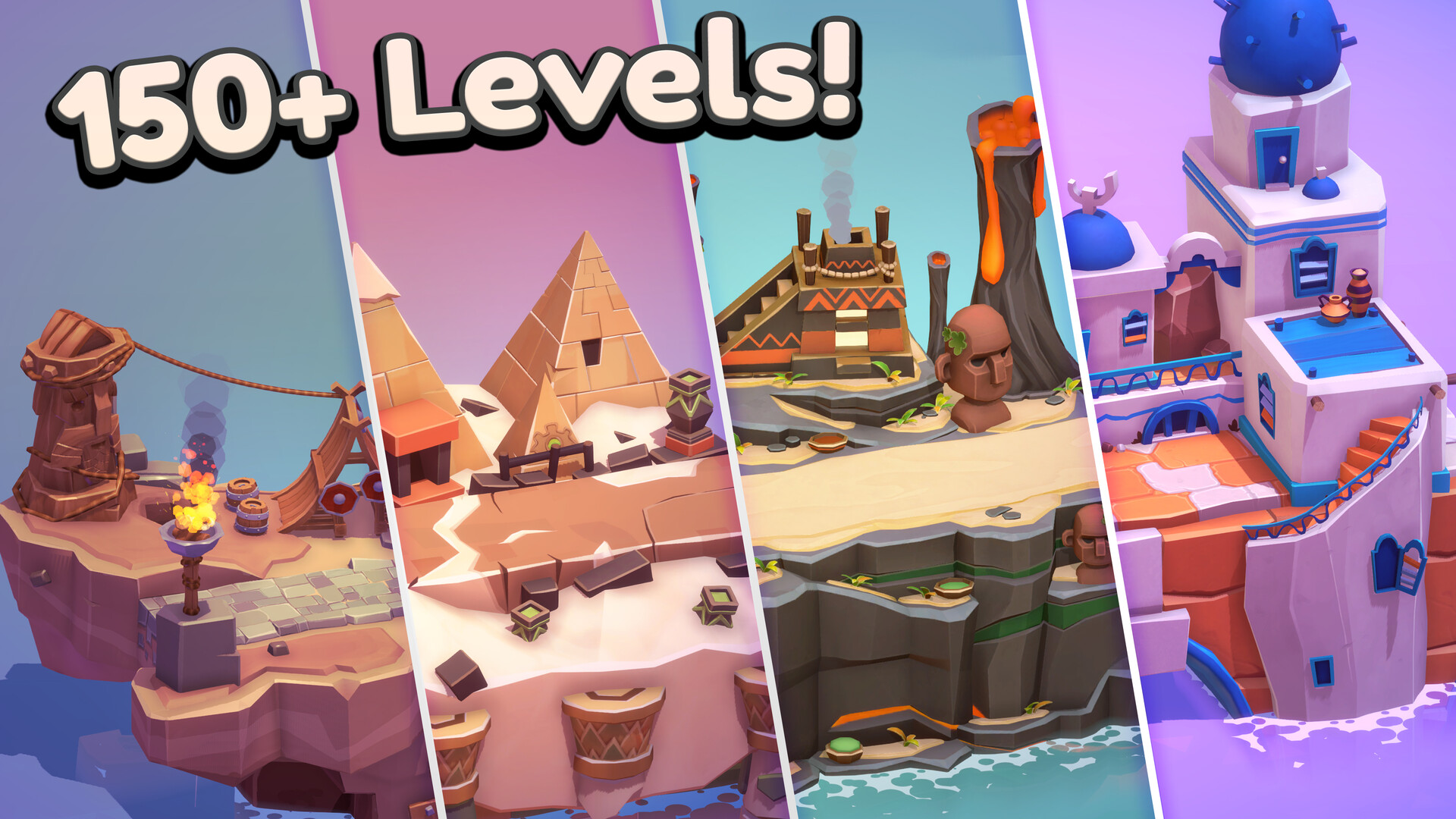
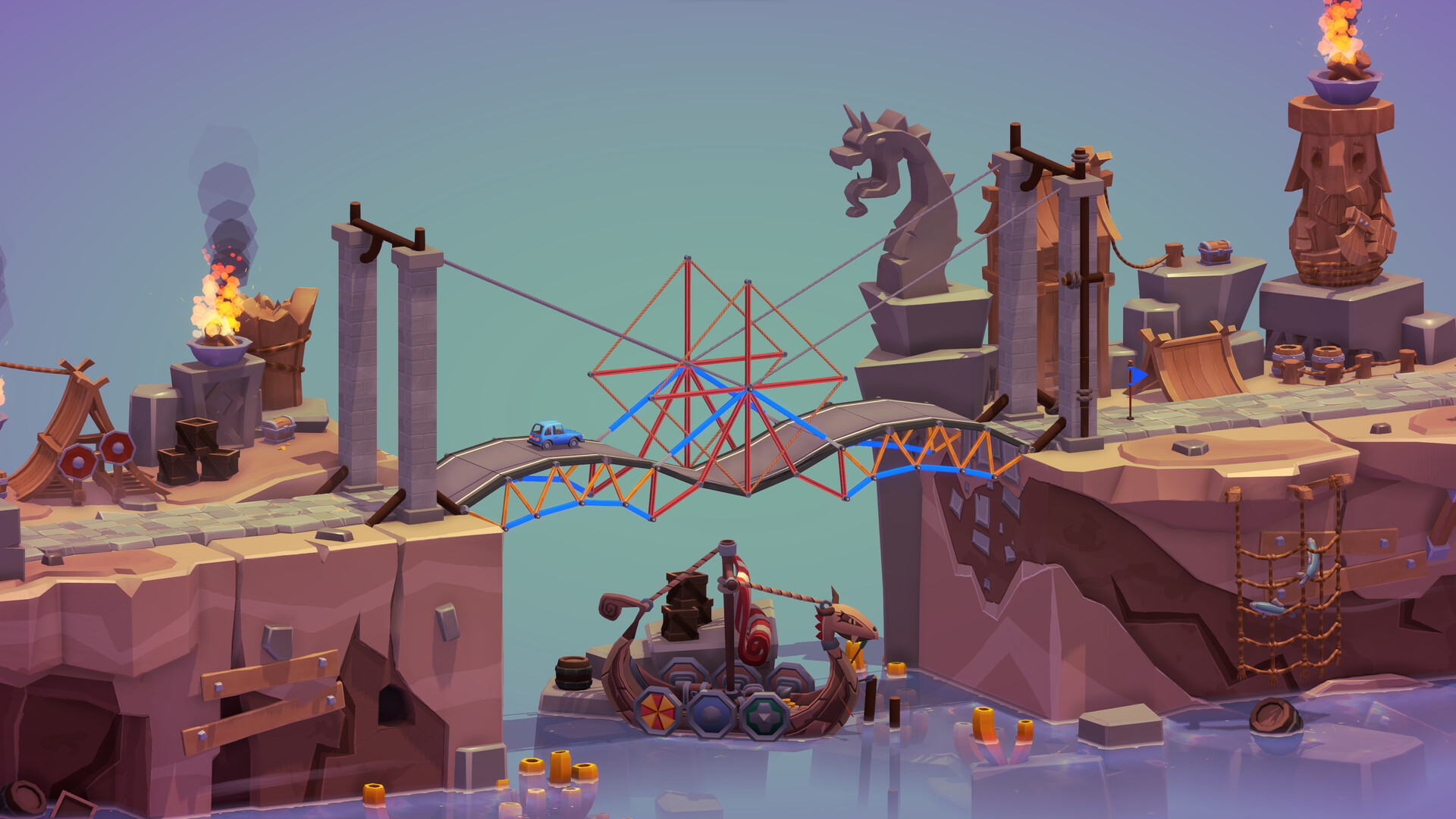
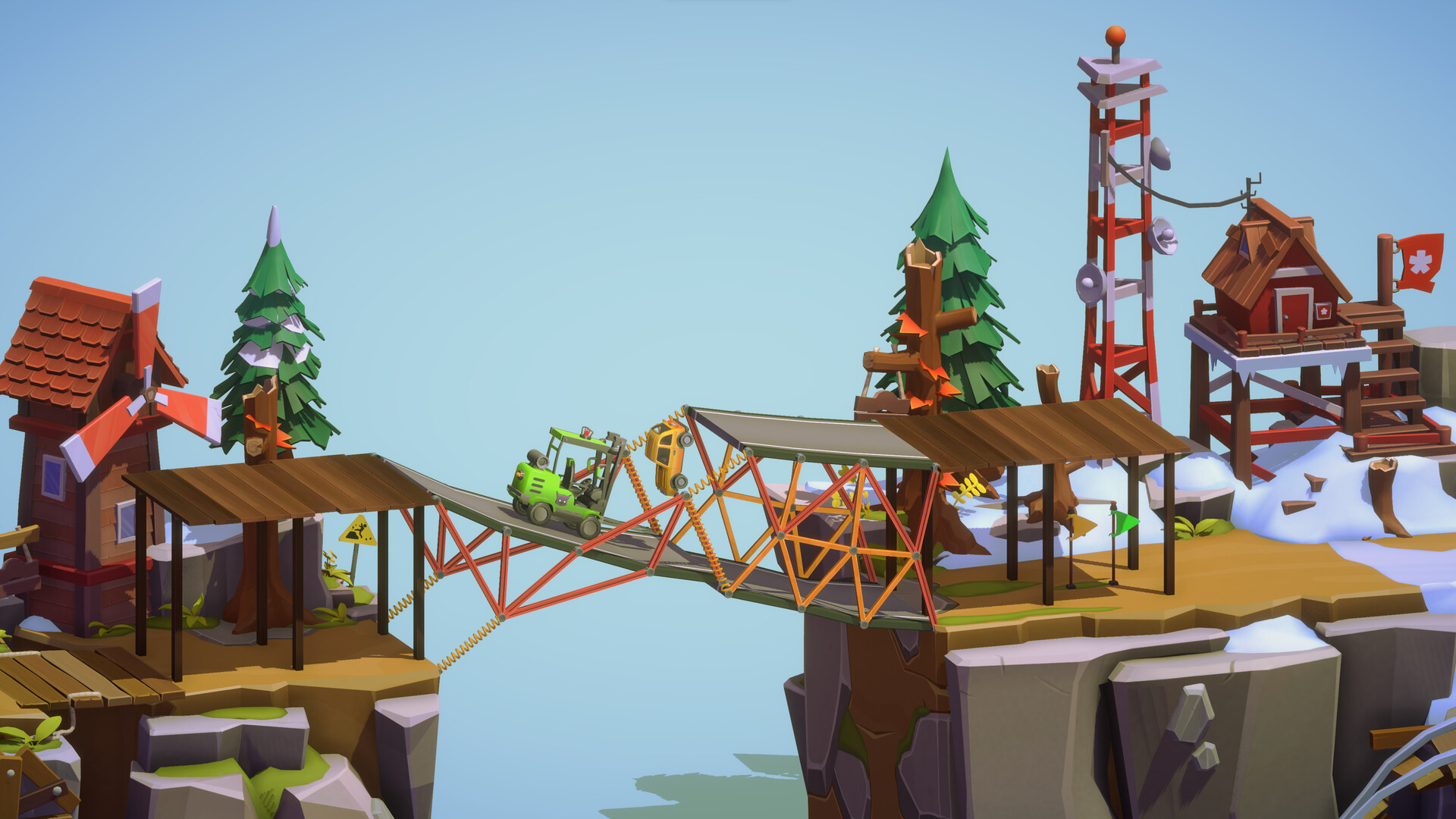
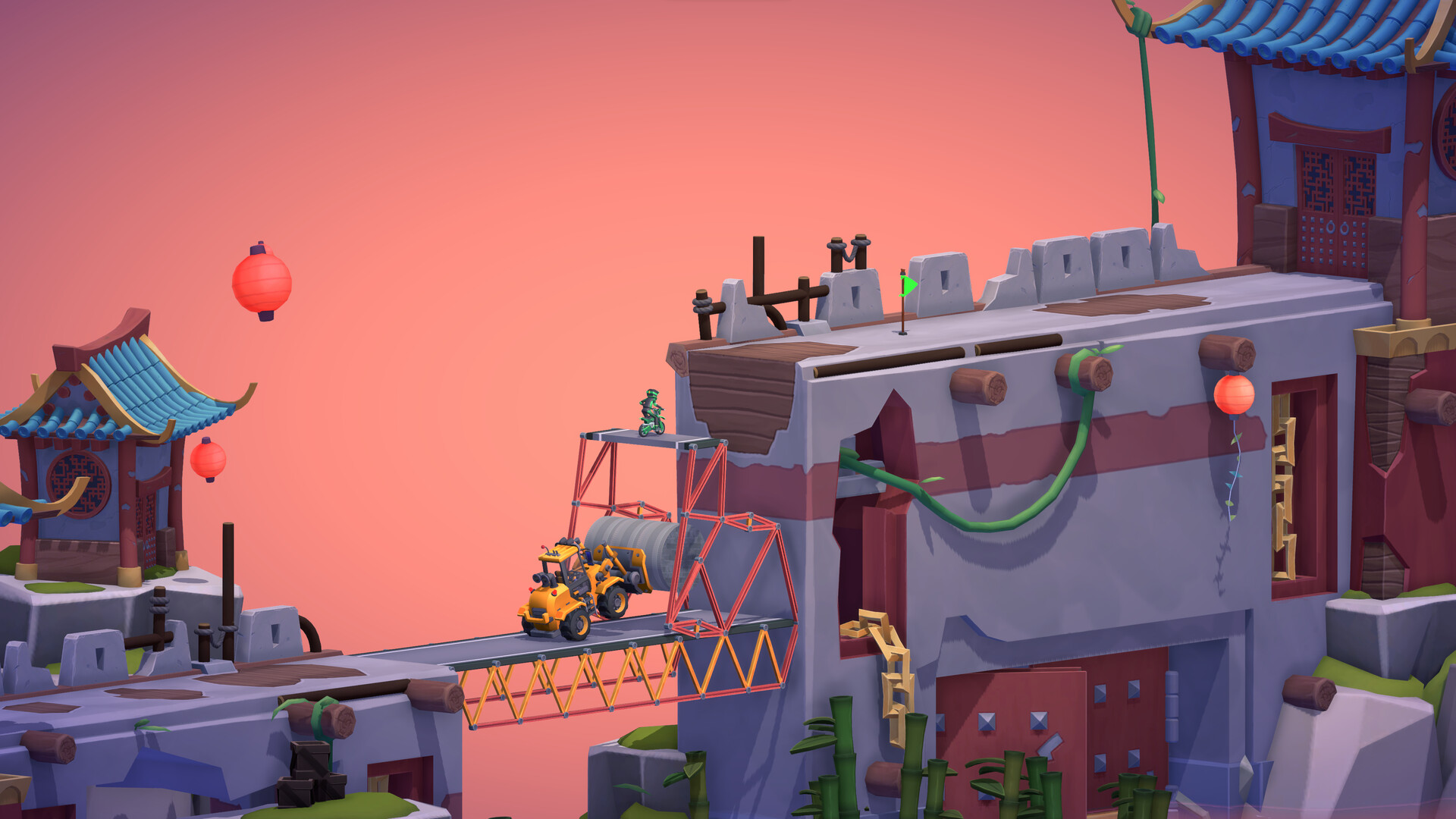
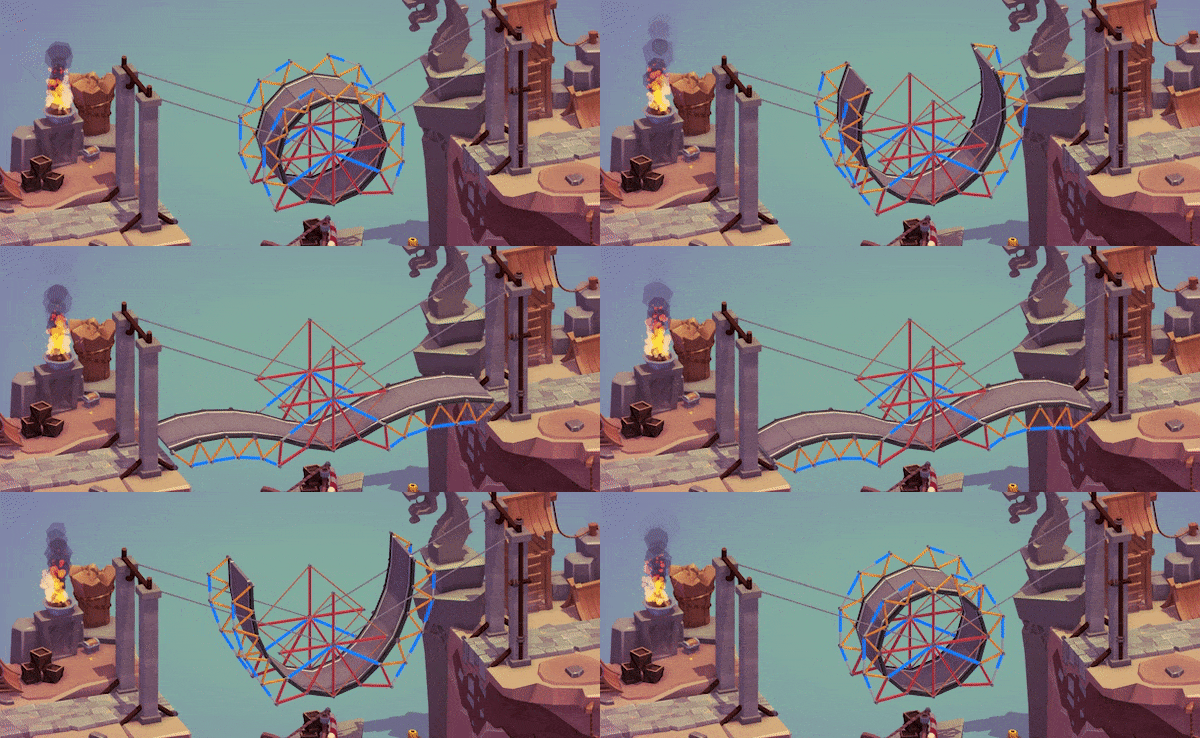
Explore the new Open World Campaign with a dozen worlds and 100+ new levels. Jumps, Hydraulics, ‘Normal’ Bridges, and more giving you hours of gameplay to enjoy! Take a flying leap in Vaulting Towers or flex those hydraulic muscles in Bifrost Bend!Sandbox
Let your engineering creativity flow with no restrictions in Sandbox mode, allowing you to push your bridge building skills to the limit. Challenge your friends and the community by designing intricate levels and publish them online for everyone to enjoy.Community
Explore virtually infinite content and challenges designed by the community in the Steam Workshop. See what bridge designs other players come up with and show off your own in the Gallery. Challenge yourself and others by competing for the top spots in the cut-throat leaderboards and histograms.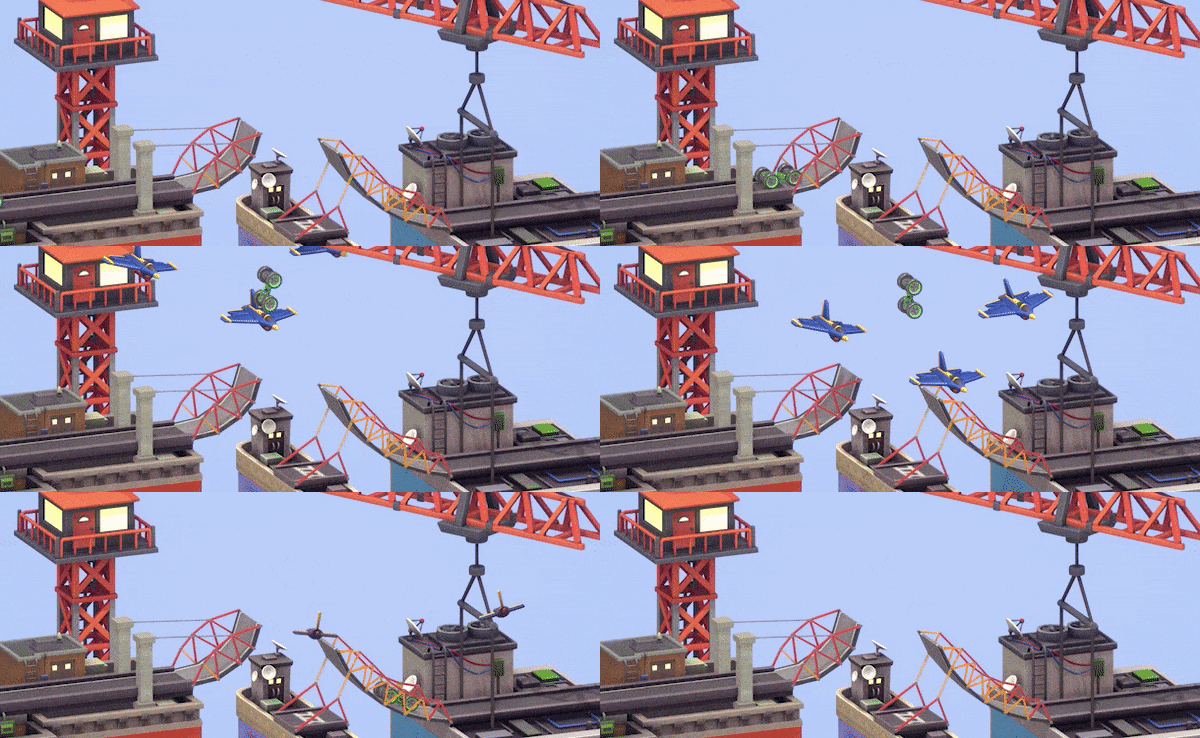
Custom Physics
Our custom physics engine gives total control, reliability, and accuracy to your bridges. Sleep easy at night knowing your bridges will perform consistently every time!Customization
- Mods
Mods allow you to customize your game to suit your tastes. Modify the game’s settings, include new options, change vehicle or material defaults, translate your game with player supported language packs, and more! - Decorate
Add visual flair to your level with a whole range of decor objects. Alongside generic items (traffic cone, rocks, hot air balloons, etc.), each new biome comes with a set of themed decorations as well. Paint a happy little scene, there are no limits here. - User Generated Content
Create your own vehicles, boats, planes, decorations, and textured custom shapes to add to workshop levels. Let your imagination soar! Share them with the community and download things made by other players.
Loads of new features
- Build Zones
It’s time to think inside the box! You can only build within their borders, like a reverse boat or plane. Are you up to the challenge? - Pre-Built Materials
Showing is much more effective than telling. Pre-Built materials can be included with a level on loading, giving you a helping hand or another obstacle to overcome. Work around them or incorporate them into your bridge designs. - New Material: Foundation
Support long bridges with a strong foundation, or two! Expensive yet very effective at reducing stress in key positions.
🕹️ Partial Controller Support
🎮 Full Controller Support
- [0 B]
This regular update brings some Quality Of Life improvements and bug fixes. Thank you to the Poly Bridge 3 community for the continued feedback and support!
Sandbox
Added \"Show In Build Mode\" toggle for multi-selected Decor objects
[/*]Added Undo step after changing \"Uniform Scale\" for Decor objects
[/*]Fixed bug with vehicle labels showing in Decor Mode if previously hovering over vehicle in Build Mode
[/*]Fixed issue with selection sets not moving up/down when including boat locked to water line
[/*]Fixed issue with Toxic landmass not displaying properly in Sandbox when 6.25m tall
[/*]
Event Editor
Added Undo step after moving icons in Event Editor
[/*]Maintain scroll position in Event Editor when items get selected
[/*]Fixed issue with scrollbars not hiding when Event Editor is collapsed
[/*]Fixed orphan icons issue when deleting objects while dragging them in Sandbox
[/*]
Custom Shapes
Fixed issue with custom shape color being incorrectly set to white in some cases
[/*]Fixed issue with being able to move or delete custom shape anchors and pivots from non-selected shapes
[/*]
Simulation
Removed small camera rotation in simulation when right-clicking in 2D mode
[/*]Fixed uncommon case of boats/planes not colliding with bridge pieces
[/*]Fixed T (stress vis) causing piston/spring tooltips to show up in simulation
[/*]
Mods
Fixed MOD Api not returning bridge edges for prebuilts in some campaign levels
[/*]
Minimum Setup
- OS: Ubuntu 20.04. Ubuntu 18.04. and CentOS 7
- Processor: IntelMemory: 4 GB RAM
- Memory: 4 GB RAM
- Graphics: Vulkan Capable GPU
- Storage: 1000 MB available space

[ 6176 ]






























[ 5746 ]


[ 1265 ]






























[ 2018 ]




























[ 986 ]





























Time left:
356101 days, 1 hours, 56 minutes

Time left:
356101 days, 1 hours, 56 minutes

Time left:
5 days, 9 hours, 56 minutes

Time left:
33 days, 9 hours, 56 minutes

Time left:
36 days, 9 hours, 56 minutes

Time left:
37 days, 9 hours, 56 minutes

Time left:
10 days, 19 hours, 56 minutes

Time left:
6 days, 3 hours, 56 minutes

Time left:
12 days, 3 hours, 56 minutes

Time left:
13 days, 3 hours, 56 minutes

Time left:
18 days, 3 hours, 56 minutes

Time left:
20 days, 3 hours, 56 minutes

Time left:
24 days, 3 hours, 56 minutes

Time left:
3 days, 17 hours, 11 minutes

Time left:
8 days, 9 hours, 57 minutes

Time left:
10 days, 8 hours, 57 minutes

Time left:
15 days, 16 hours, 7 minutes


