



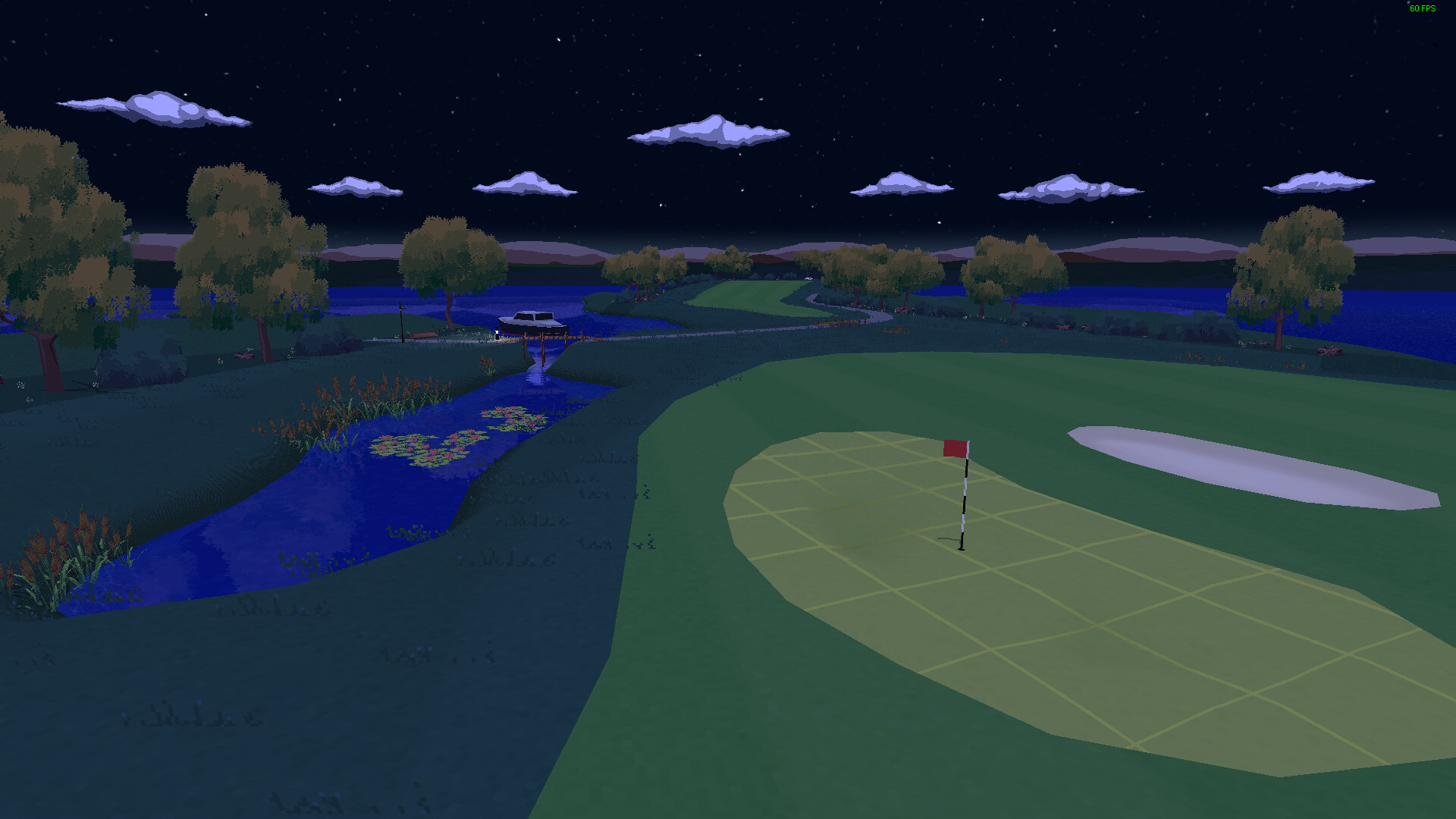
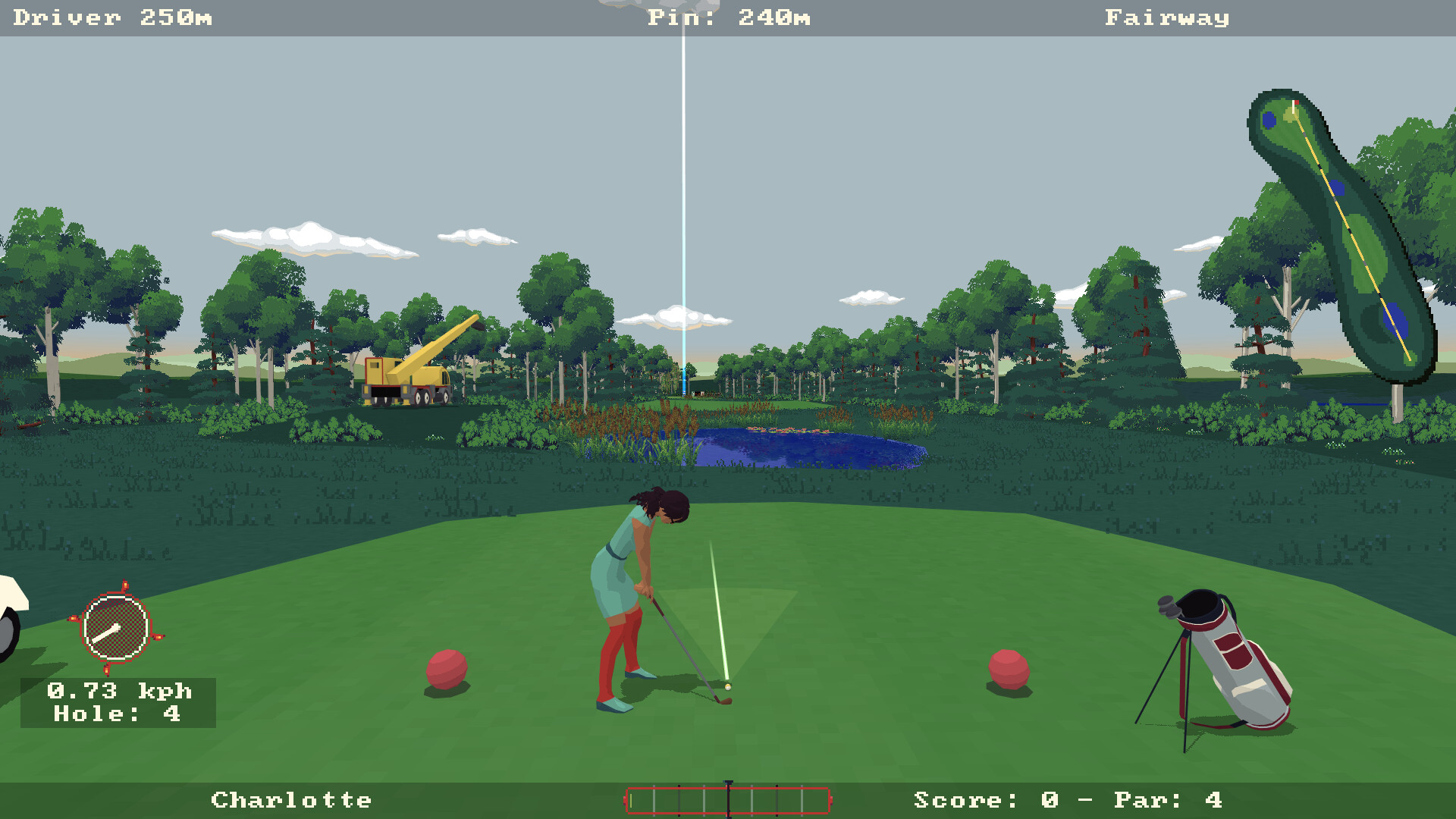
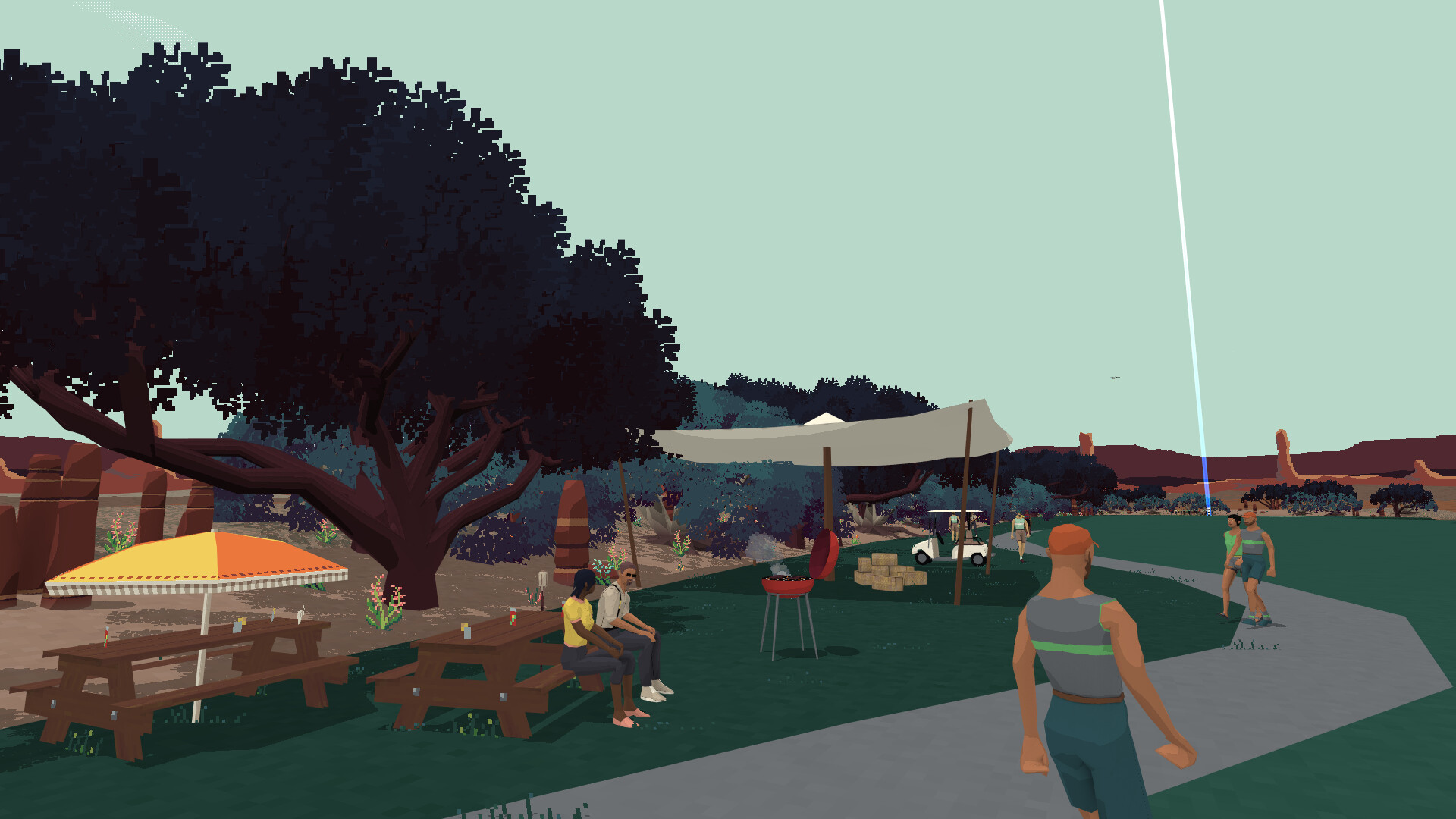
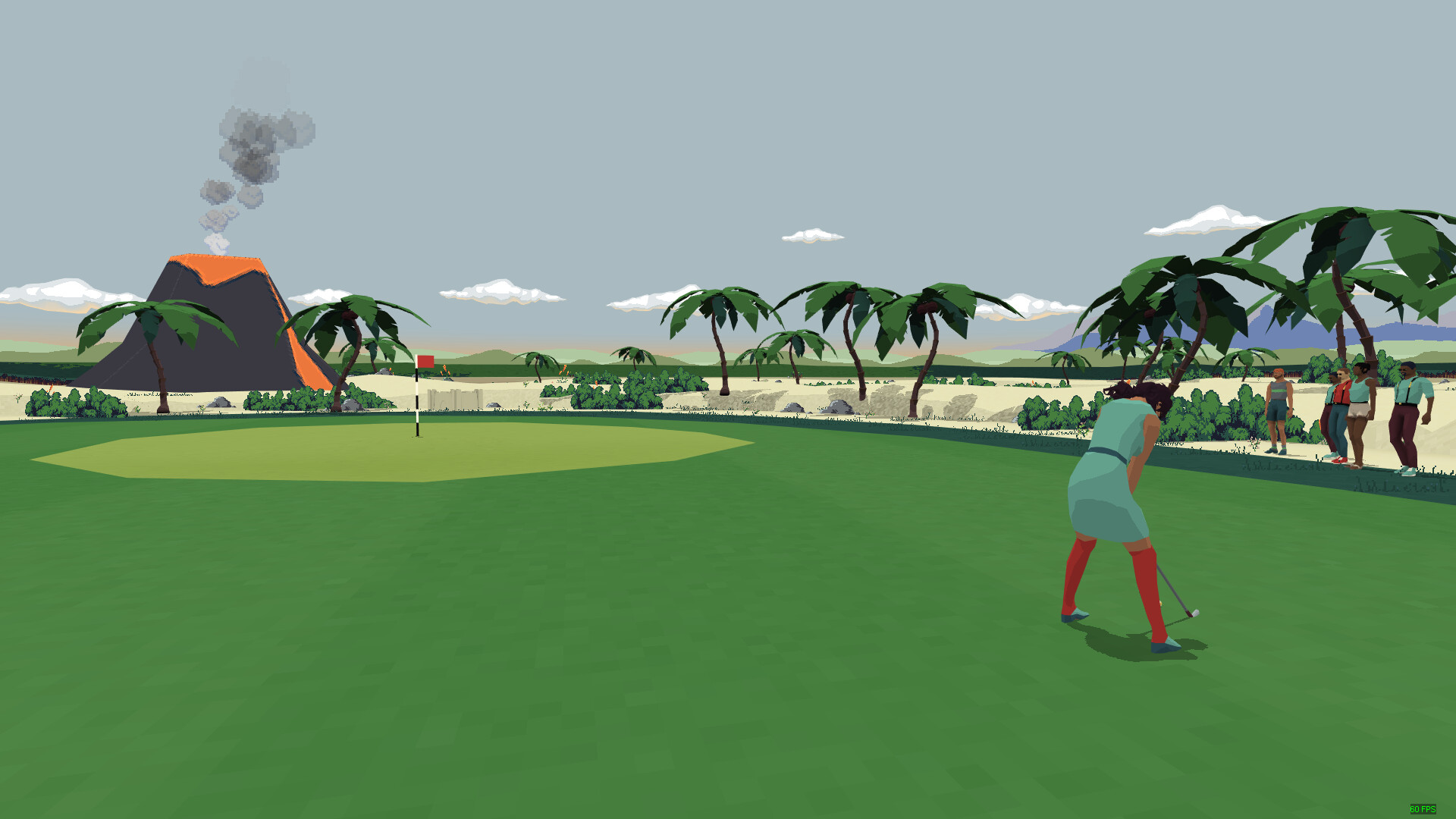
Game modes include:
- Stroke Play
- Stableford
- Stableford Pro
- Match Play
- Skins
- Multi-target
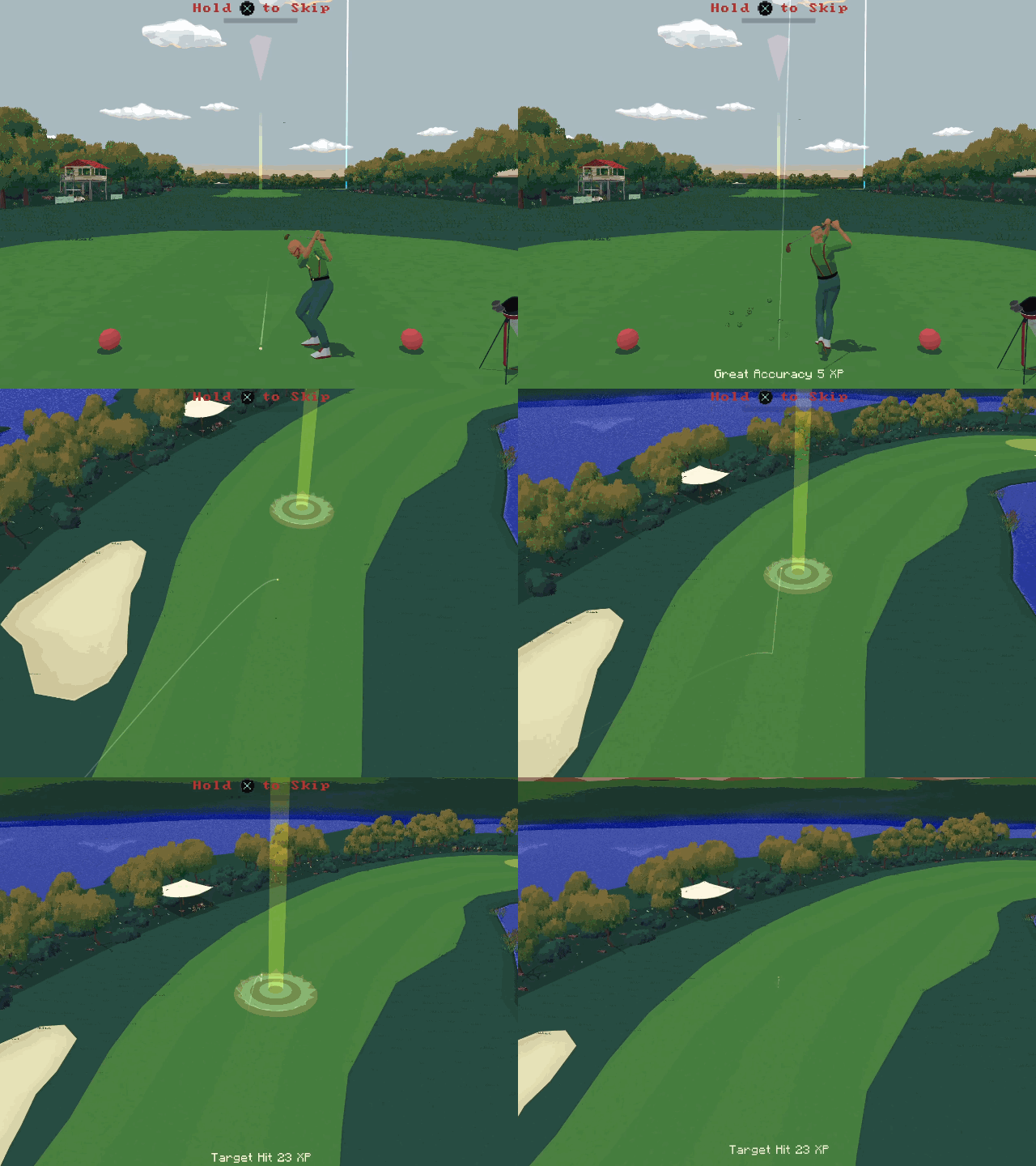
Super Video Golf can be played either as couch co-op with up to 8 players using 1-4 compatible controllers or the PC keyboard, or online with up to 8 computers connecting to a single game. Super Video Golf can also be played as a combination of both allowing up to 16 players in a single round!
Players can customise their characters with a range of designs, hair styles and balls to choose from, with more available in the Steam Workshop. Computer controlled players can be added to a game either to fill out a team roster, to practice against - or simply to pit against other CPU players while you watch and relax. CPU players feature adaptive skill, so as the player's level increases, so does the challenge!
Solo features of Super Video Golf include Monthly Challenges which start at the beginning of each month, as well as a club league where personal progress is pitted against CPU players. The league consists of 24 round seasons, with awards given for top 3 placement and CPU players whose difficulty increases to match the player, season by season.
The clubhouse also hosts all the player's personal stats, such as time spent on each course, the player's score history and any awards received from completing monthly challenges and winning the league.
Every month a new set of leaderboards are created so players can compete around the world to win trophies for placing anywhere in the top 3. Player stats are tracked and broken down by year, month or week and can be viewed from within the clubhouse.
Steam Workshop support means that it is easy to find new customisation options such as new balls or head wear, and even upload your own creations to share.
Super Video Golf supports a wide array of resolutions, from as low as 640 x 480, all the way up to the latest UHD ultra wide displays. Full controller support means that big picture mode is fully supported, ideal for couch co-op play.
🕹️ Partial Controller Support
🎮 Full Controller Support
- [0 B]
Howdy golfers! Its time once more for a progress update, where we take a look at what Ive been working on in preparation for the next release of Super Video Golf.\n
First of all let me just say a big Hello to all the newcomers - Steams Sports Fest has been a great success for Super Video Golf and its been wonderful to see all the new names climbing the leaderboard. Hello and Welcome! Its great to have you here. \n
[hr][/hr]In the last post I took an [u]in-depth look[/u] at the optimisation Ive been doing to the game engine - so this time well change gear a little and take a look at some of the new game features coming up instead. Lets dive in!
\n
The first new feature coming in the next update is the ability to create custom tournaments in Career mode. This will allow you to add a 3rd tournament tree where you can create a custom tournament by selecting any of the available courses you wish, and give it your own tournament name. You can also create multiple tournaments and switch between them as you please. Not only does this add a little longevity to the Career mode it also means you can use the new (and any future!) DLC course as part of the tournament and play it in Career mode, which is something people have asked for.
\n[img src=\"https://cdn.cloudflare.steamstatic.com/steamcommunity/public/images/clans/43059602/7b04bc37eed2aa6ca72ae558b3c43a1decef90cb.png\"][/img]
\n
Aside from this Ive been working on the user interface in several places. In game theres now an option to choose a more accurate range indicator for the minimap. This version of the range indicator accounts for any terrain elevation and wind in real-time so you get a much clearer idea of where your ball will land (assuming you hit it straight ) - hopefully this will provide another option to tweak the gameplay to suit your own personal style. Along these lines theres also a new Minimal UI option which removes many of the UI elements, such as the minimap, completely, for a more sim-like feel. Both of these features can be toggled in the Options menu.
\n[img src=\"https://cdn.cloudflare.steamstatic.com/steamcommunity/public/images/clans/43059602/8d2a980528e826419fa03586d7241d662f9f5819.png\"][/img]
\n
Oh yes, and theres a new Options menu (finally!). Ive actually had to take a run at this a couple of times, which is part of the reason the next update is taking so long, relatively speaking, but if I create a new Options menu I want it to actually be an improvement - and, if youve played the game for any length of time, youll have noticed user interface design is not my fort . I hope the result is worth the wait.
\n[img src=\"https://cdn.cloudflare.steamstatic.com/steamcommunity/public/images/clans/43059602/34459b998301aa6ce5766d541ff70573e654614a.png\"][/img]
The intent is that the menu is more easily navigable, particularly with a controller, but also, from my point of view, easier to update with new features in the future. Redrawing the old artwork by hand each time I added an option was a chore, and the updated version more easily lets me insert new options, organised in the correct place, than the old one. It also dynamically resizes to the current video resolution, to make the most of any screen real estate available.
In fact Ive already added several new options, including the ones outlined above, such as an option to hide the hole transition behind a loading screen to reduce motion sensitivity, and the ability to adjust the speed of the measure widget used to measure the distance when putting. I have a couple more features planned which will be added too I just need to figure out how Im going to implement them in game first
\nGiven enough positive feedback on the Options menu Id like to start rolling out the design to other parts of the interface, such as the Player Customisation menu, which too could use an overhaul.
While were on the menus, Ive added a button to the Loadout menu which opens the Equipment Counter directly. I have no idea why I didnt put it there before
\n[img src=\"https://cdn.cloudflare.steamstatic.com/steamcommunity/public/images/clans/43059602/54ba6ceecdb1d59d31cf6a7910db73f136b599dc.png\"][/img]
\n
Elsewhere in the game Ive taken Course 3 (Old Stemmers Lane) and given it a fresh lick of paint. Originally it was designed to have a more tropical feel to it, but somehow got stuck with the placeholder trees I used when I was first creating the course. Those are now gone and have been replaced with tropical plants, butterflies, crabs even a rowing boat, all hemmed in with a new sandy beach. The course itself is still the same, so global leaderboards are unaffected.
\n[img src=\"https://cdn.cloudflare.steamstatic.com/steamcommunity/public/images/clans/43059602/4509b214195f82e0dd78b3add2029c10f73509d6.gif\"][/img]
\n
Finally, Ive been tackling a few QoL features though the todo list is still a little longer than Id like. Notably, Ive updated the game to mute the audio when the window loses focus - thanks to Skummeh for suggesting that! More will be done before the next update releases.
[hr][/hr]\n
Everything above is currently available in the public beta - which can be found in the games properties in Steam under the beta tab. From there you can opt in (or out!) if youd like to give any of it a try. Id love to hear your feedback! If you do have any suggestions (or find a dreaded bug ) please do reach out via the [u]Steam Group Chat[/u] the [u]Discussions on Steam[/u] or [u]Discord[/u] , and let me know, thanks!
\n
Thats all for now though - as always a big thanks goes out to the community who make the game what it is and a joy to work on, Thank You! - until the next time,
Happy Golfing!
Minimum Setup
- OS: SteamOS
- Processor: Intel 4th gen i5 or AMD Athlon (2013 or newer)Memory: 4096 MB RAM
- Memory: 4096 MB RAM
- Graphics: nvidia 760 or AMD 7850 (requires OpenGL 4.1 or higher). Intel integrated graphics may work. but are not officially supported.
- Storage: 380 MB available space
Recommended Setup
- OS: SteamOS
- Processor: Intel 7th gen i5 or higher or AMD RyzenMemory: 8192 MB RAM
- Graphics: nvidia 960 or AMD Radeon RX. Intel integrated graphics may work. but are not officially supported.
- Storage: 380 MB available space

[ 6368 ]





























[ 5874 ]


[ 1991 ]






























[ 1943 ]






























[ 988 ]





























Time left:
356099 days, 8 hours, 26 minutes

Time left:
356099 days, 8 hours, 26 minutes

Time left:
3 days, 16 hours, 26 minutes

Time left:
31 days, 16 hours, 26 minutes

Time left:
34 days, 16 hours, 26 minutes

Time left:
35 days, 16 hours, 26 minutes

Time left:
9 days, 2 hours, 26 minutes

Time left:
4 days, 10 hours, 26 minutes

Time left:
10 days, 10 hours, 26 minutes

Time left:
11 days, 10 hours, 26 minutes

Time left:
16 days, 10 hours, 26 minutes

Time left:
18 days, 10 hours, 26 minutes

Time left:
22 days, 10 hours, 26 minutes
Time left:
1 days, 23 hours, 27 minutes

Time left:
6 days, 16 hours, 27 minutes

Time left:
8 days, 15 hours, 27 minutes
Time left:
13 days, 22 hours, 37 minutes


