



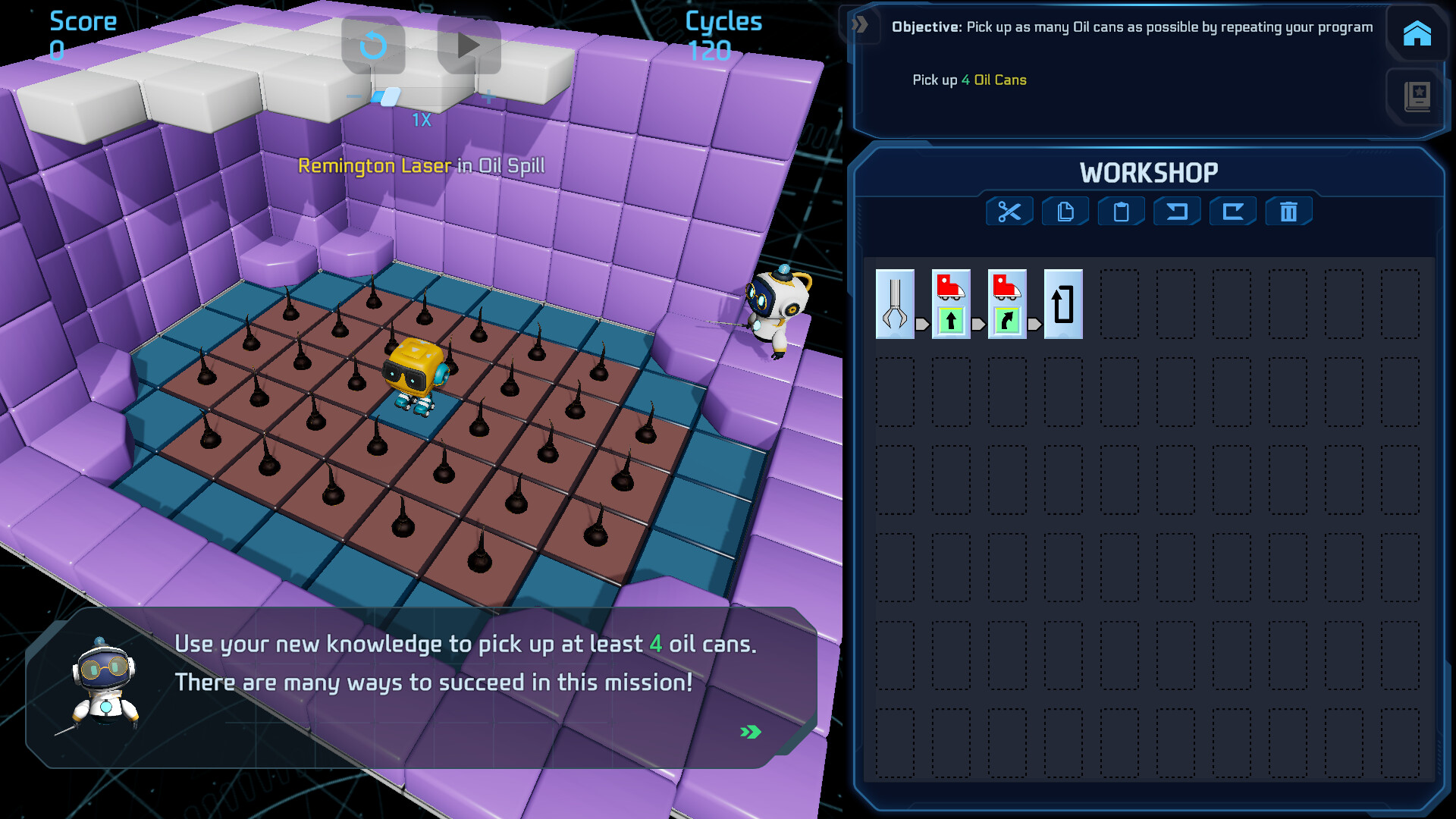
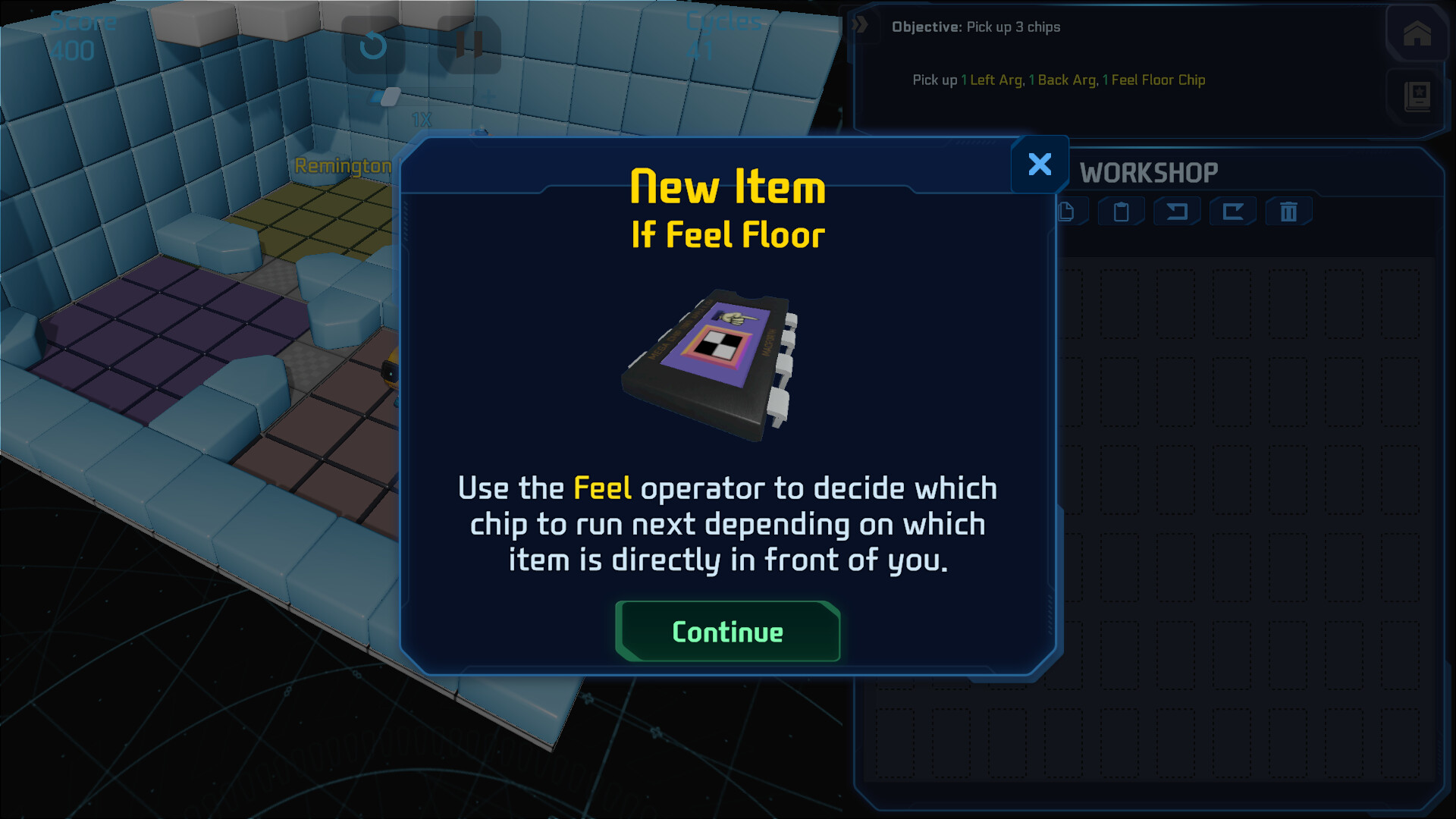
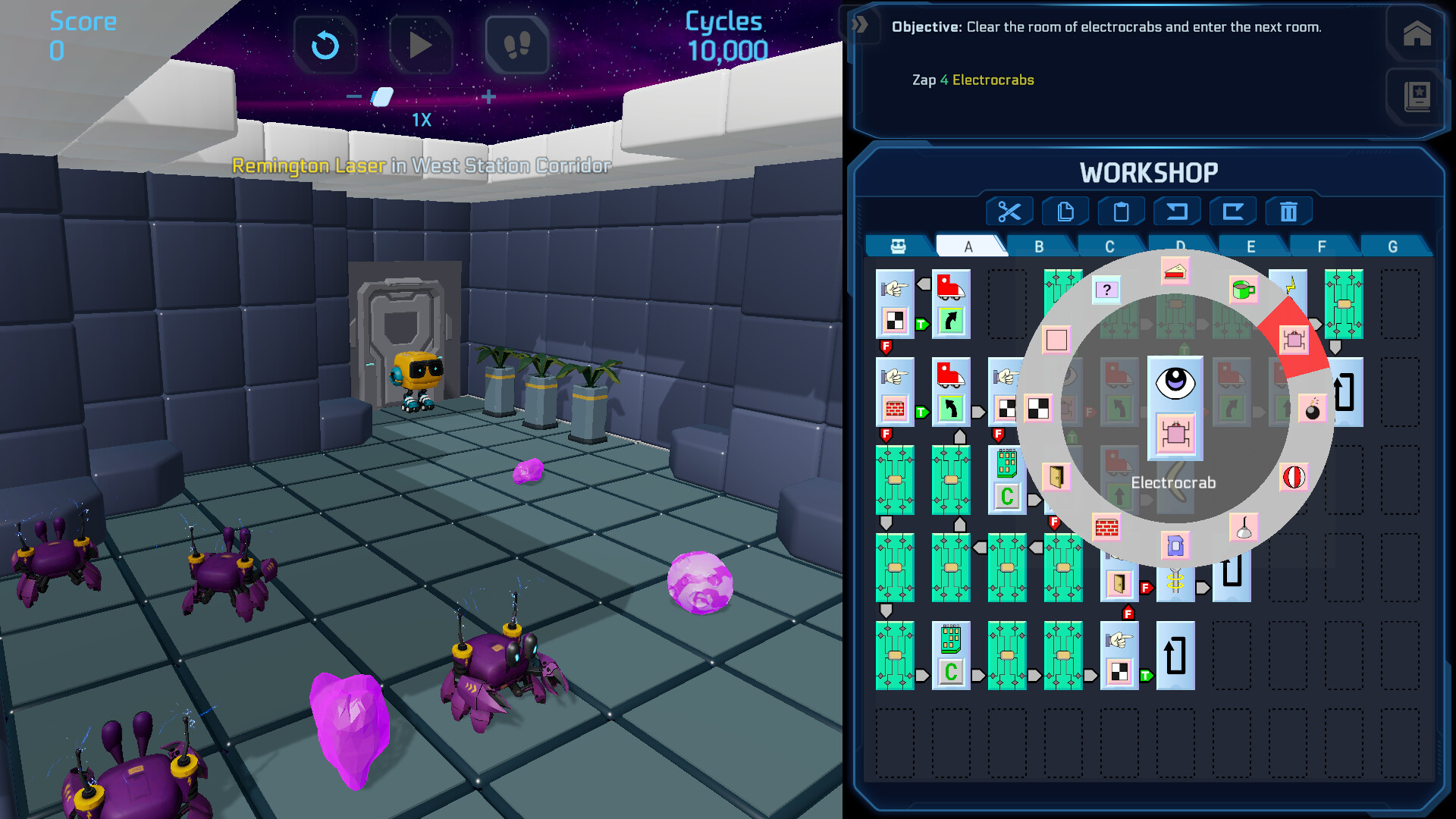
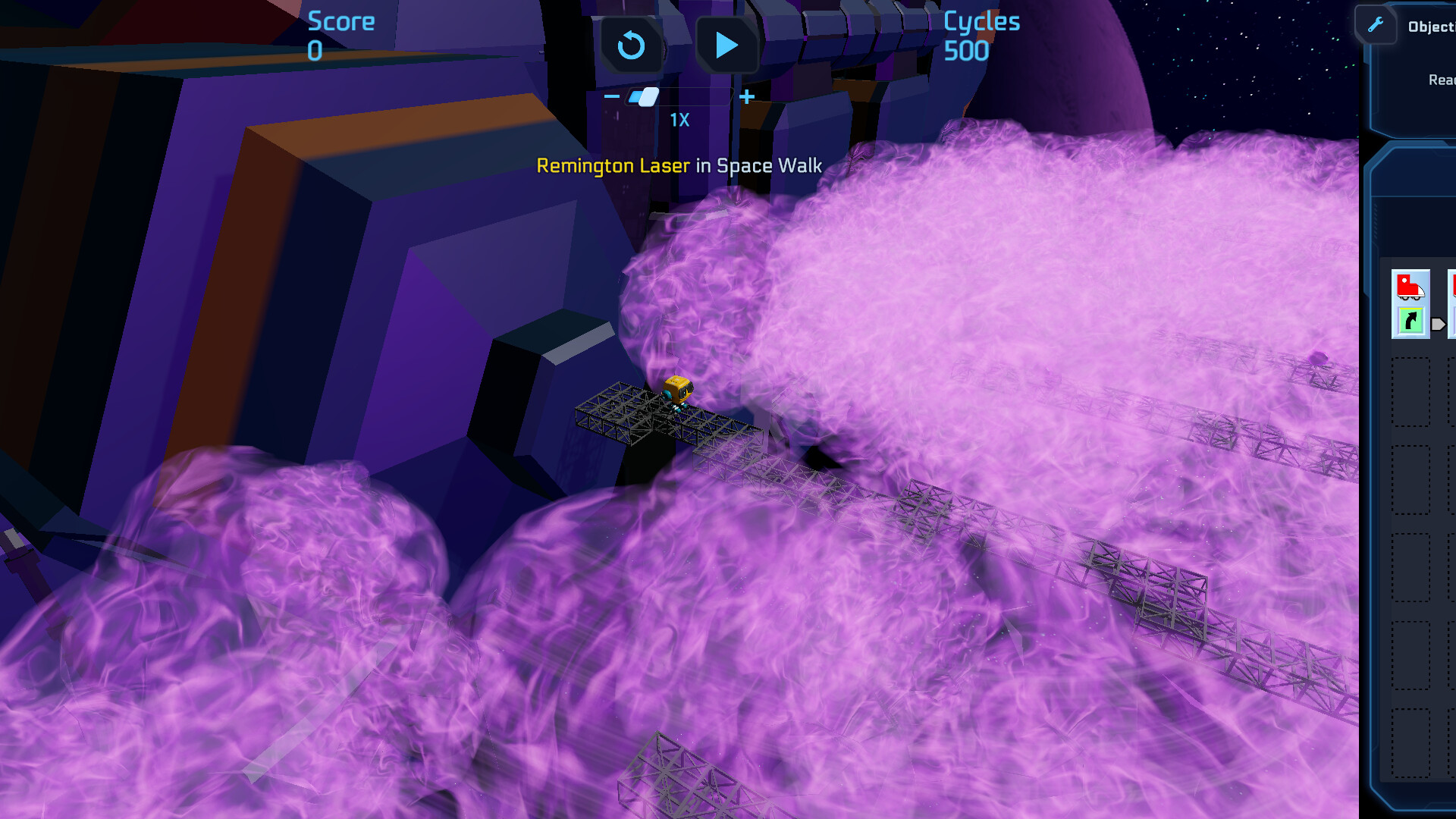

Someone, or something, has forced every last crew member to evacuate Droog Station! The fate of the station – and its crew – is left to a humble robot sitting in the corner of a supply closet: a ChipWit Model CW-03.24.

To save the station, you transmit instructions to your ChipWit by placing chips in a grid. No prior programming knowledge is required – you’ll be taught everything you need to know!
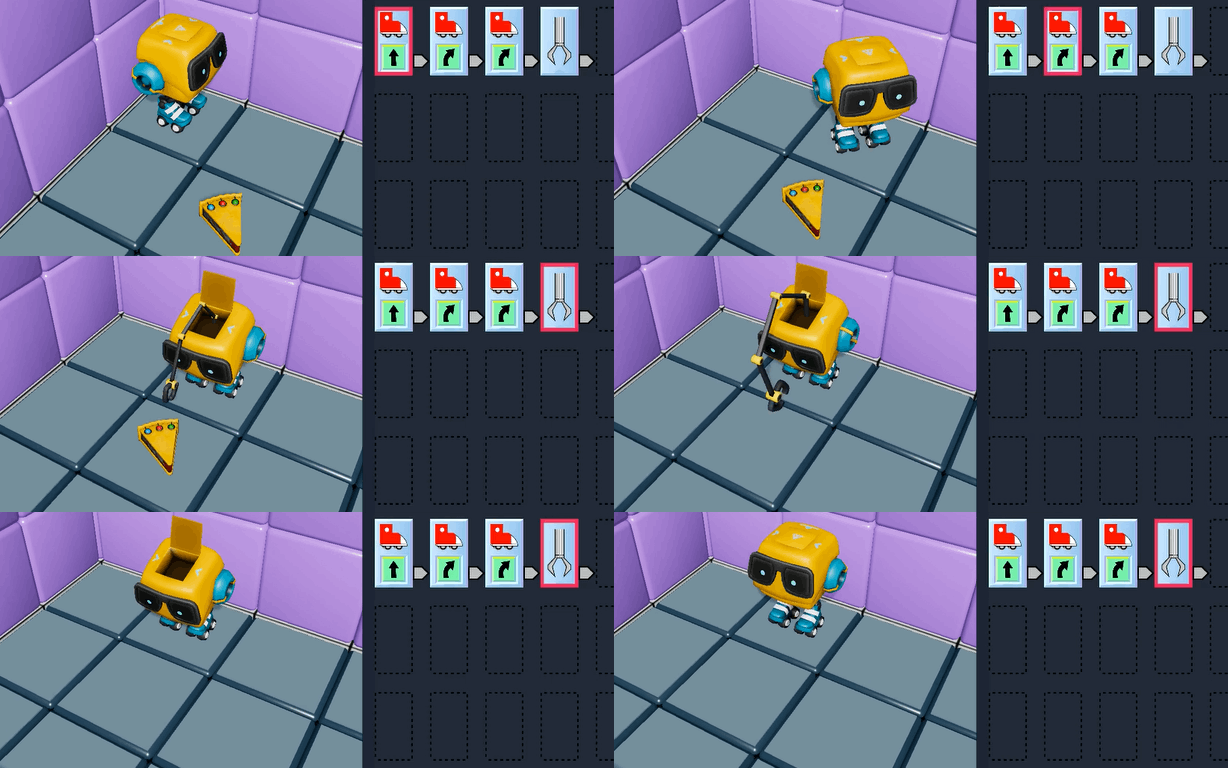

Feeling creative? Solve puzzles in unique and clever ways – there's no one right answer! Optional bonus missions have no objective other than to have fun!
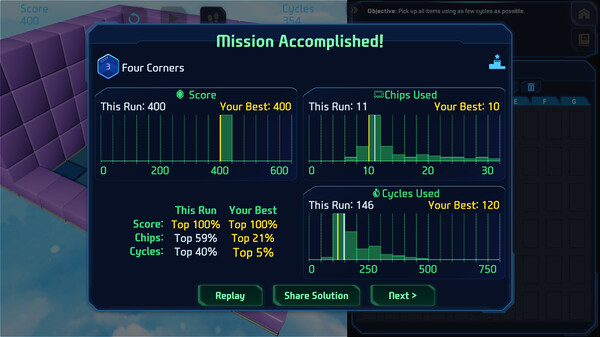
Every solution can be optimized to:
• Maximize your score
• Minimize the number of chips used
• Minimize the number of cycles (steps) it takes for your program to run
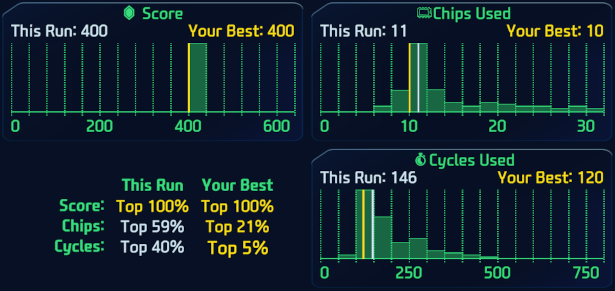
When you complete your solution, you can compare your performance to players all around the world!

Droog Station isn’t going to save itself! Unravel the mystery of Dr. Droog and uncover his motive while you go face to face with some of his robotic creations.
Navigate the corridors and rooms of the station to get to your next mission. Rescue other robots and make new friends who will help you in your quest!
Finished the game? Check back often for new puzzles and challenges, and see if you can top the leaderboard!

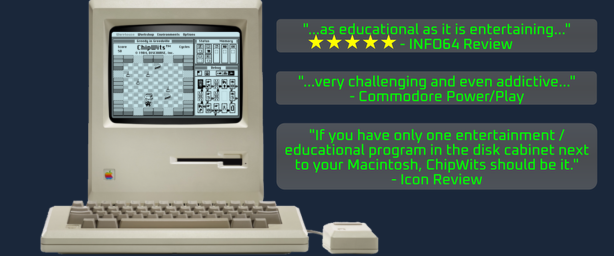
Look familiar? ChipWits was originally released in 1984 as one of the first games for the Macintosh, Commodore 64, and Apple II.
Join our Discord community (link in the sidebar) to learn how to become a beta tester, connect with fellow players, share tips, and stay updated on the latest game news and events.
🕹️ Partial Controller Support
🎮 Full Controller Support
- [0 B]
Hey ChipWits fans!
We\'re excited to announce the release of ChipWits Version 1.1, an update focused on improving your programming experience and squashing some annoying bugs. The big star of this release is the new Hot Keys feature.
[img src=\"https://cdn.cloudflare.steamstatic.com/steamcommunity/public/images/clans/44879599/d19c35b7a616953e04df22ad3b90c23491e6331d.png\"][/img]Hot Keys in Action!
Hot Keys are Here!
You can now assign your favorite chips to keyboard keys 1 through 8. This lets you instantly place a fully-specified chip with a single keystroke, speeding up your IBOL editing like never before. The cursor will even automatically advance to the next empty slot, keeping you in the flow.
To help you get the hang of it, we\'ve pre-assigned some hot keys for you in the first few tutorial missions. Once you\'re ready, they\'re all yours to customize, and your settings will be saved for future missions.
Input & Accessibility Improvements
We\'ve made significant improvements to how you interact with the game. We\'ve added better support for gamepads and some early support for touchscreens. While we\'re still working on making the touchscreen experience perfect, you should notice an improvement.
Squashing Bugs & Polishing Up
Finally, we\'ve been busy fixing a number of bugs reported by the community. We\'ve filled in some localization gaps from our initial launch, fixed audio issues where Professor Chip\'s beeps were too loud, and resolved a pesky bug with our radial menu.
[hr][/hr]Full Release Notes
[code]New Features\n* #963: Alt + Click to prevent radial menu from popping up on blank slot\n* #1018: Set initial volume to 50%\n* #1024: Gamepad: Enable dpad for selecting chips in the workshop\n* #1025: Gamepad: Left controller to select chip from radial menu\n* #1027: Customizable Hot Keys 1-8\n* Introduce hot keys in tutorial\n* Auto advance cursor when using hot key\n\nBug Fixes\n* #897: \\[RADIAL MENU]: Selecting \'Skate\' you cannot highlight a direction unless you move the mouse first\n* #1012: \\[AUDIO]: Volume: Professor Chip\'s beeps do not adhere to audio level set by user\n* #1013: \\[AUDIO]: Cut scene audio is incredibly loud when user has audio settings set to low\n* #1014: Repeat mission says palindrome but it\'s not\n* #1026: Localize \"FIRST CHIP HERE\" text\n* #1028: Bug: Mission localizations for validation error toasts[/code]We hope you enjoy these updates! As always, please let us know what you think and report any new bugs you find. Happy coding!
Minimum Setup
- OS: Ubuntu 20.04. Ubuntu 18.04. and CentOS 7
- Processor: x64 architecture with SSE2 instruction set supportMemory: 4 GB RAM
- Memory: 4 GB RAM
- Graphics: OpenGL 3.2+. Vulkan capable
- Storage: 600 MB available space
Recommended Setup
- OS: Ubuntu 20.04. Ubuntu 18.04. and CentOS 7
- Processor: x64 architecture with SSE2 instruction set supportMemory: 4 GB RAM
- Graphics: OpenGL 3.2+. Vulkan capable
- Storage: 600 MB available space

[ 6362 ]



























[ 5849 ]


[ 1991 ]





























[ 1943 ]



























[ 988 ]




























Time left:
356099 days, 0 hours, 20 minutes

Time left:
356099 days, 0 hours, 20 minutes

Time left:
3 days, 8 hours, 20 minutes

Time left:
31 days, 8 hours, 20 minutes

Time left:
34 days, 8 hours, 20 minutes

Time left:
35 days, 8 hours, 20 minutes

Time left:
8 days, 18 hours, 20 minutes

Time left:
4 days, 2 hours, 20 minutes

Time left:
10 days, 2 hours, 20 minutes

Time left:
11 days, 2 hours, 20 minutes

Time left:
16 days, 2 hours, 20 minutes

Time left:
18 days, 2 hours, 20 minutes

Time left:
22 days, 2 hours, 20 minutes
Time left:
1 days, 15 hours, 21 minutes

Time left:
6 days, 8 hours, 21 minutes

Time left:
8 days, 7 hours, 21 minutes
Time left:
13 days, 14 hours, 31 minutes


