



— Ship data files
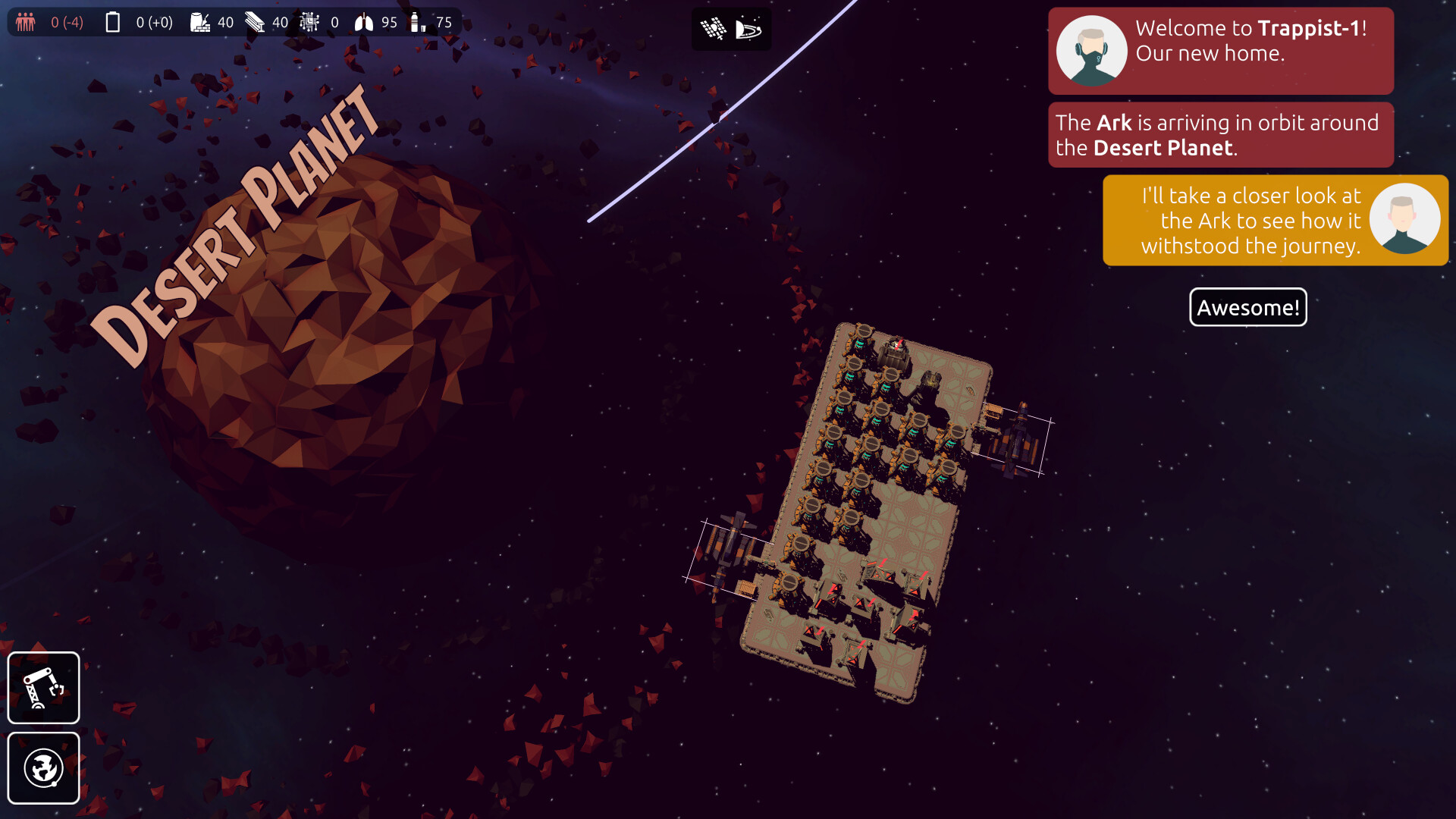
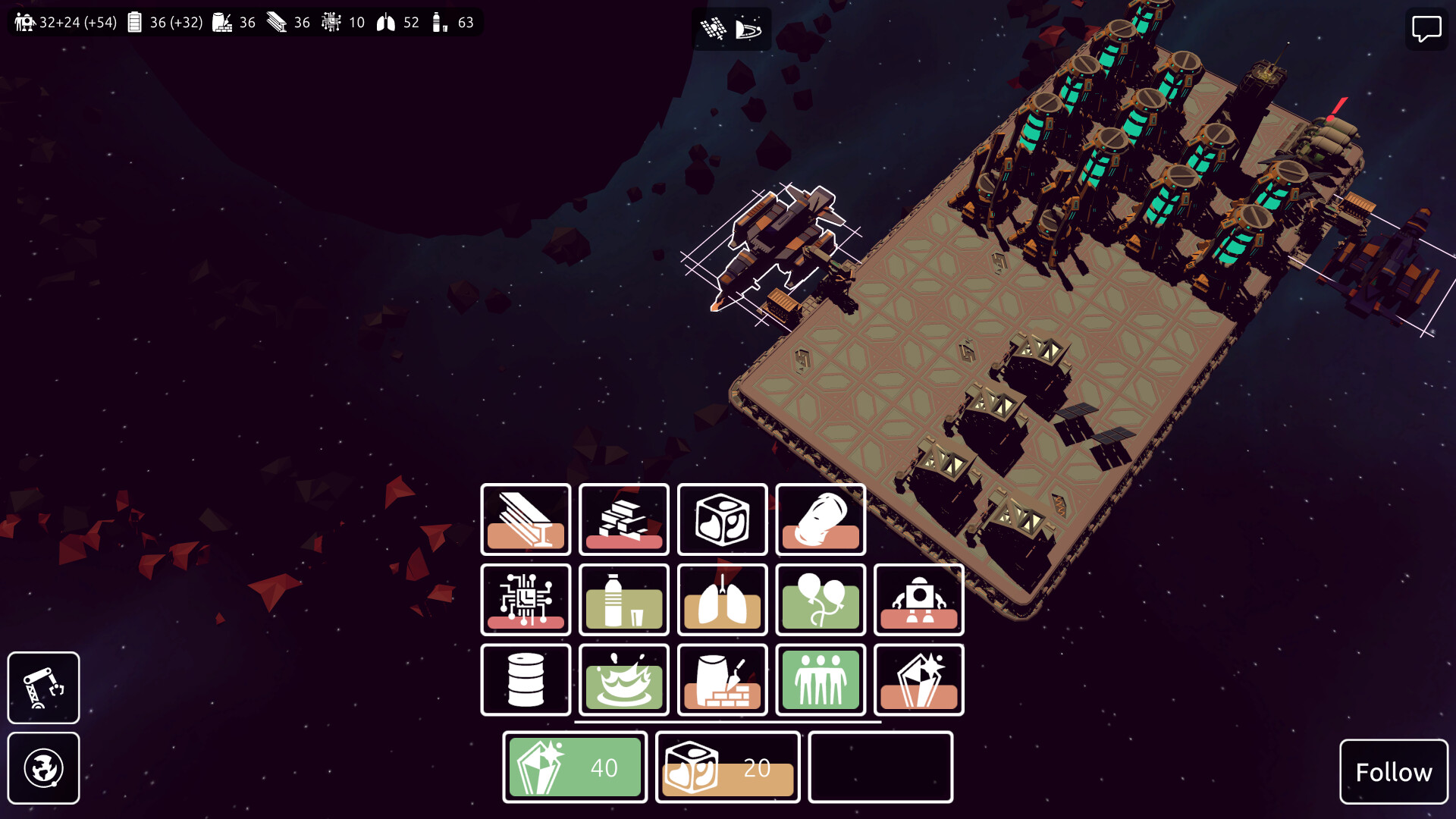
On arrival at Trappist-1 you control the Ark. A large spaceship/movable colony and trading hub for your exploration of Trappist-1.
Trappist is a story-driven colony builder with resource management in the Trappist-1 solar system, and a focus on care-free building and story.
It's easy to play and respectful of your time. You'll create and grow multiple colonies in the Trappist-1 solar system, meet new alien friends and explore the mysteries of Trappist.
Trappist is fully playable from beginning to end and is under active development with more stories, colonies and improvements coming.

Explore the Trappist-1 solar system
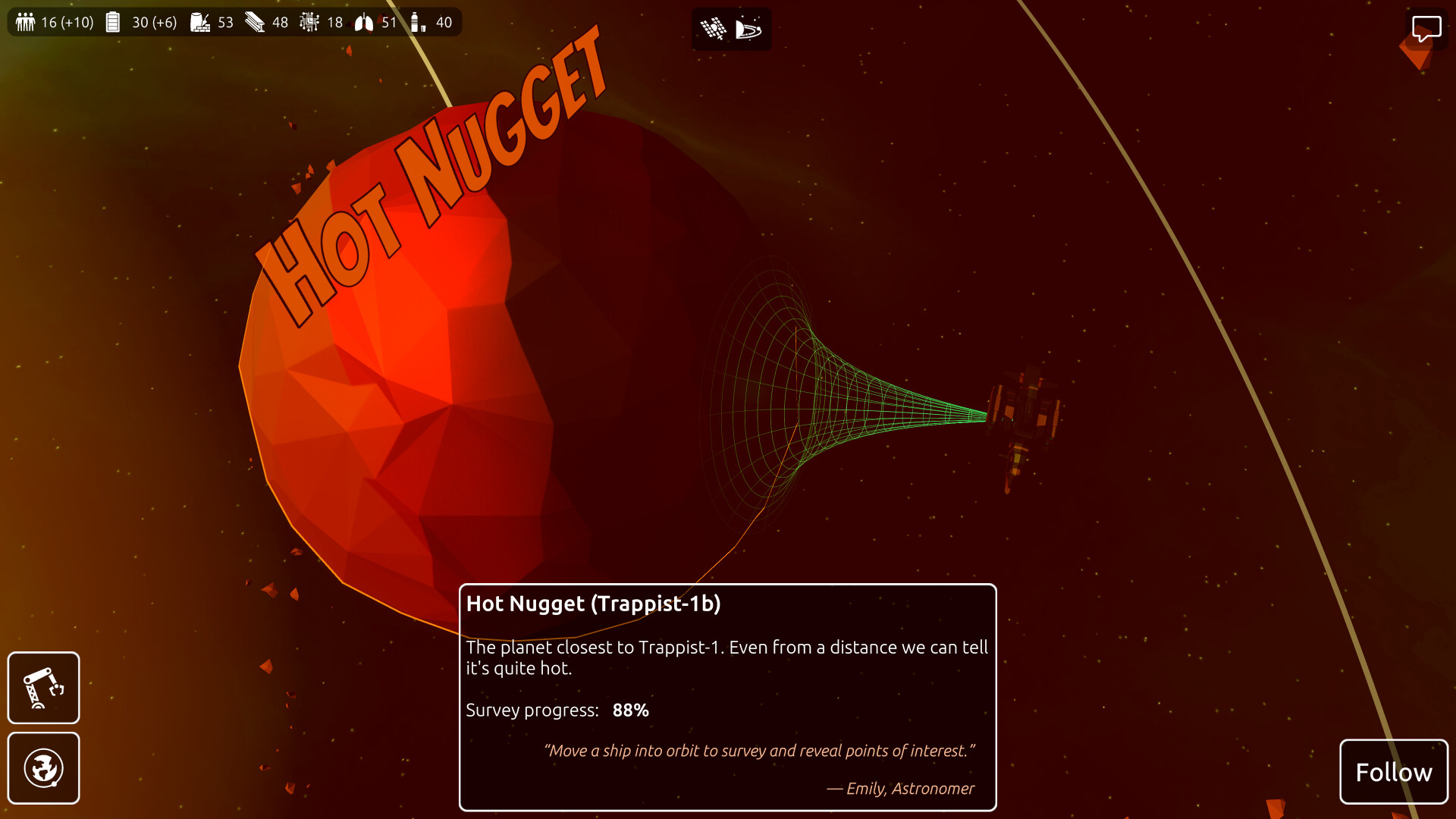
Fly through the Trappist-1 solar system and survey each planet to find the best locations for your colonies.Discover and excavate alien artifacts hidden in the system and uncover the true purpose of Trappist-1.

Build your colonies
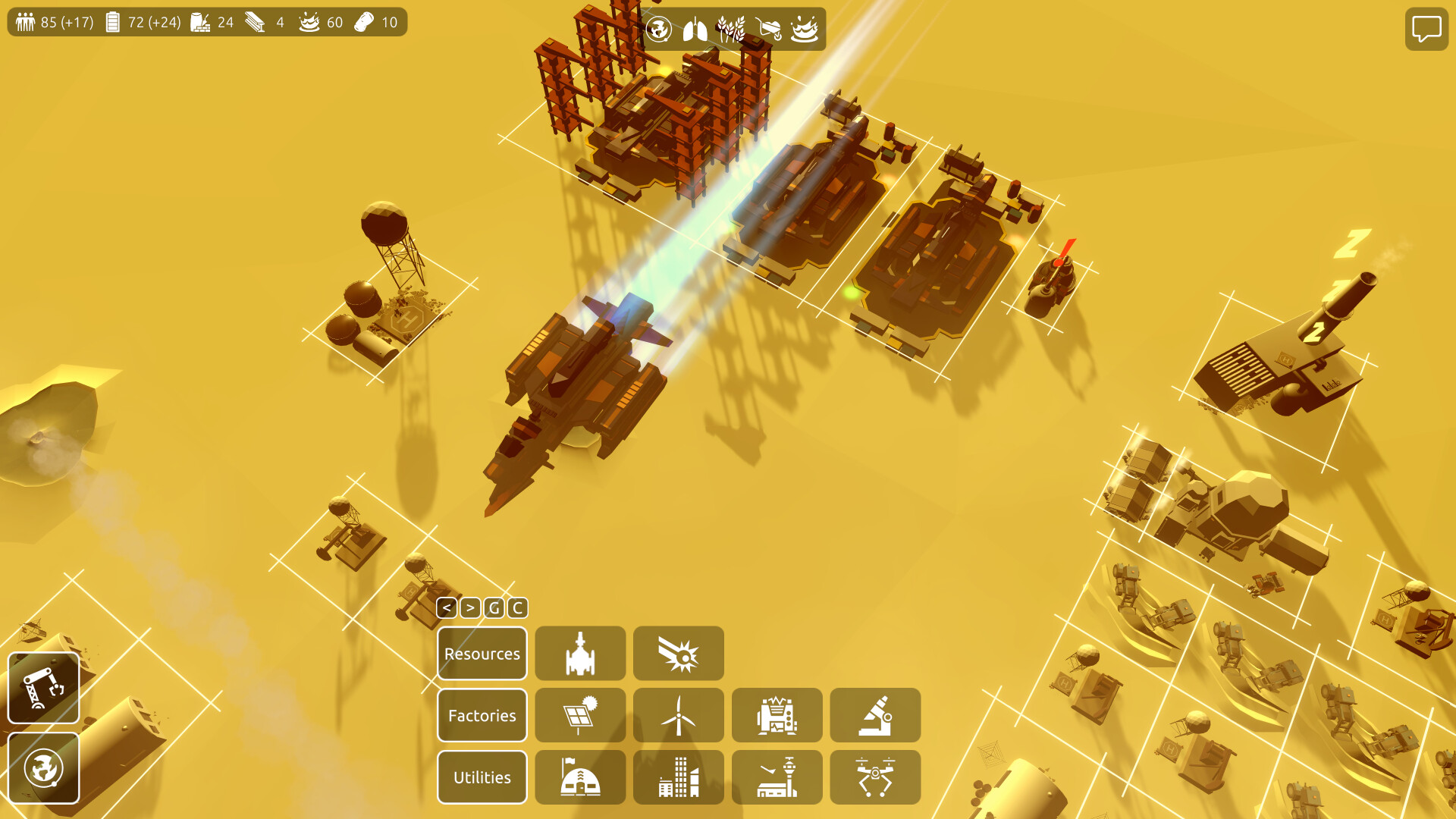
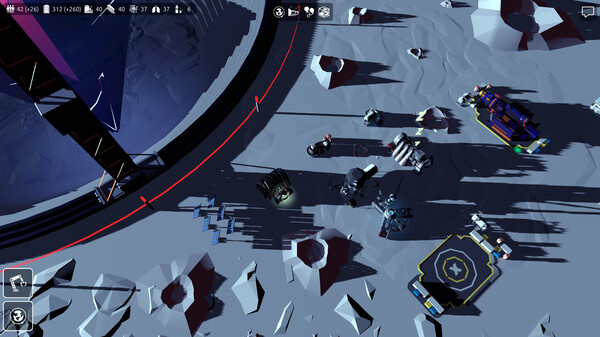
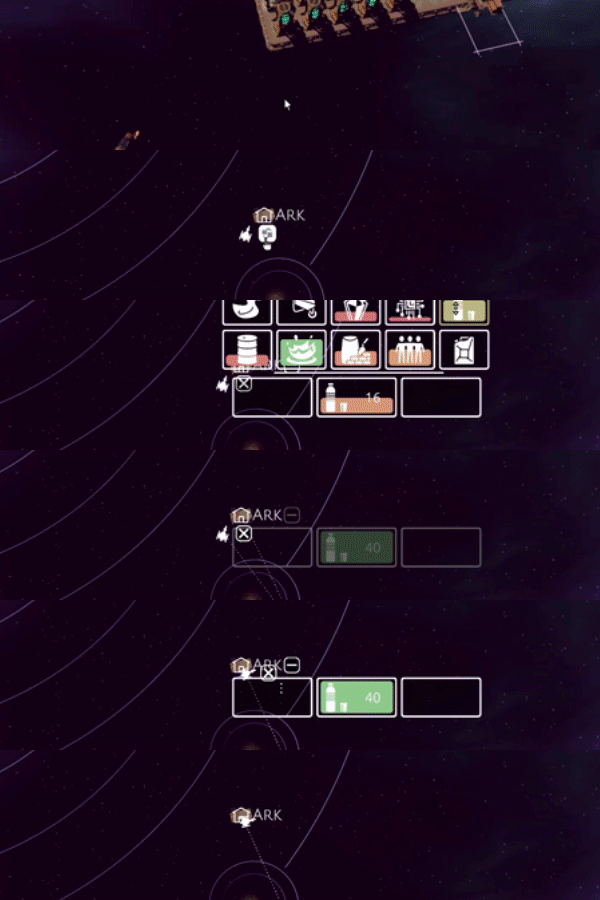
Build colonies on the planets and moons of Trappist-1. Each colony has distinct resources and buildings that are necessary for success.Fill your cargo ships with the extracted resources and fly them to your manufacturing or population centers. Create automated trading routes for stable production chains across your colonies.
Fly your Ark as a mobile colony or place it strategically as your central trading hub.

Current features
- Relaxing gameplay
- Freely explore the Trappist-1 solar system
- Meaningful progress even in short game sessions
- Multiple storylets woven into the main story line about the nature of Trappist-1
- 10 hours or more to finish all current stories
- 6 distinct colony sites (the Ark, two planets and two moons)
- More than 40 different buildings
- Over two dozen construction and consumption resources
- Replace your workforce with robots
- Place buildings on a grid or go gridless at the flip of a switch!
- No money and no road placement, just base building without unnecessary distractions
- Automated trade routes between your colonies and the Ark
- Quick to start and no loading screens when switching between colonies
- Cheat codes and console commands
- (Skippable) tutorials to explain the controls and game play
- Different starting conditions. Including a New Game+ where you can start a new game and continue with your customized Ark from a completed game.
Planned features and continued development
These are some of the features I hope to implement:- More colonizable planets
- More aliens
- More research projects
- Improved models and sound effects
Controls
- Keyboard and mouse
- Left-click to select, right-click to give orders
- Move the camera with wasd or arrow keys, moving the mouse to the screen edges or click-and-drag
- Touchscreen, including drag and pinch-to-zoom
- Tutorial and documentation are available from within the game

You might have seen the news about the security exploit in games built with Unity. Both Steam and Windows have measures in place to ward off most of the danger, but each Unity game should be patched, including Trappist.\n\nThe markers for colonies and cargo ships at the edge of the screen used to clump together in the corners. Now they are better spread out which makes it easier to click on the right marker.\n\nSome recent feedback pointed out issues in building placement. This update addresses a bunch of these and I expect the building placement to feel much better now:\n\n
- \n
- The collider of the Storage Depot has been fixed so these can be placed side-by-side now.\n
- The size of the Automated Storage Depot has been adjusted, so it\'s still placed on the grid after rotating.\n
- Minor fixes to the navmesh and cargo drone path finding.\n
- The default keys for smooth rotation are now \'z\' and \'x\'.\n
- The smooth rotation speed has been increased.\n
- The \"stickiness\" of the building placeholder has been reduced. \n
- \n
- Upgrade to Unity 6000.0.60f2.\n
- Fix security issue CVE-2025-59489 included in latest version of Unity.\n
- Fixes for various navmesh issues included in latest version of Unity.\n
- Adjust positioning of markers for off-screen ships and colonies to not clump together as much.\n
- The camera now zooms in, instead of out, when you click the indicator of a selected cargo ship a second time.\n
- Improve building placement behavior by reducing the building \"stickiness\" and better checks for valid locations near the cursor.\n
- Fix collider for the Storage Depot extending beyond the building footprint, which made it hard to place the depot close to other buildings.\n
- Adjust footer of the Automated Storage Depot and the Bioplastics Plant so the building is better aligned to the grid.\n
- Default key to rotate buildings to the left is changed to \'z\', rotate right (x) and rotate in steps (r, shift+r) remain the same.\n
- Increase building rotation speed while placing buildings.\n
- Improved quality of many building outlines and removed occasional stutter when the outline is first generated.\n
- Tweaks to various texts on the Achievements screen, including showing the unlock date and time for achievements in your local timezone.\n
- Minor fixes to UI animations and tooltips.\n
- Reduced heap allocations per frame and simulation tick to smooth performance.\n
Minimum Setup
- Processor: Intel Core 2 Duo or AMD Athlon 64Memory: 4 GB RAM
- Memory: 4 GB RAM
- Graphics: Vulkan support
- Storage: 1 GB available space
Recommended Setup
- Processor: Intel Core i5 or AMD Ryzen 3Memory: 8 GB RAM
- Graphics: Intel UHD 620 or dedicated GPU with Vulkan support
- Storage: 1 GB available space

[ 6313 ]





























[ 5793 ]


[ 1933 ]



























[ 2282 ]

























Time left:
356104 days, 0 hours, 43 minutes

Time left:
356104 days, 0 hours, 43 minutes

Time left:
8 days, 8 hours, 43 minutes

Time left:
36 days, 8 hours, 43 minutes

Time left:
39 days, 8 hours, 43 minutes

Time left:
40 days, 8 hours, 43 minutes

Time left:
13 days, 18 hours, 43 minutes

Time left:
1 days, 2 hours, 43 minutes

Time left:
2 days, 2 hours, 43 minutes

Time left:
9 days, 2 hours, 43 minutes

Time left:
15 days, 2 hours, 43 minutes

Time left:
16 days, 2 hours, 43 minutes

Time left:
21 days, 2 hours, 43 minutes

Time left:
27 days, 2 hours, 43 minutes


