



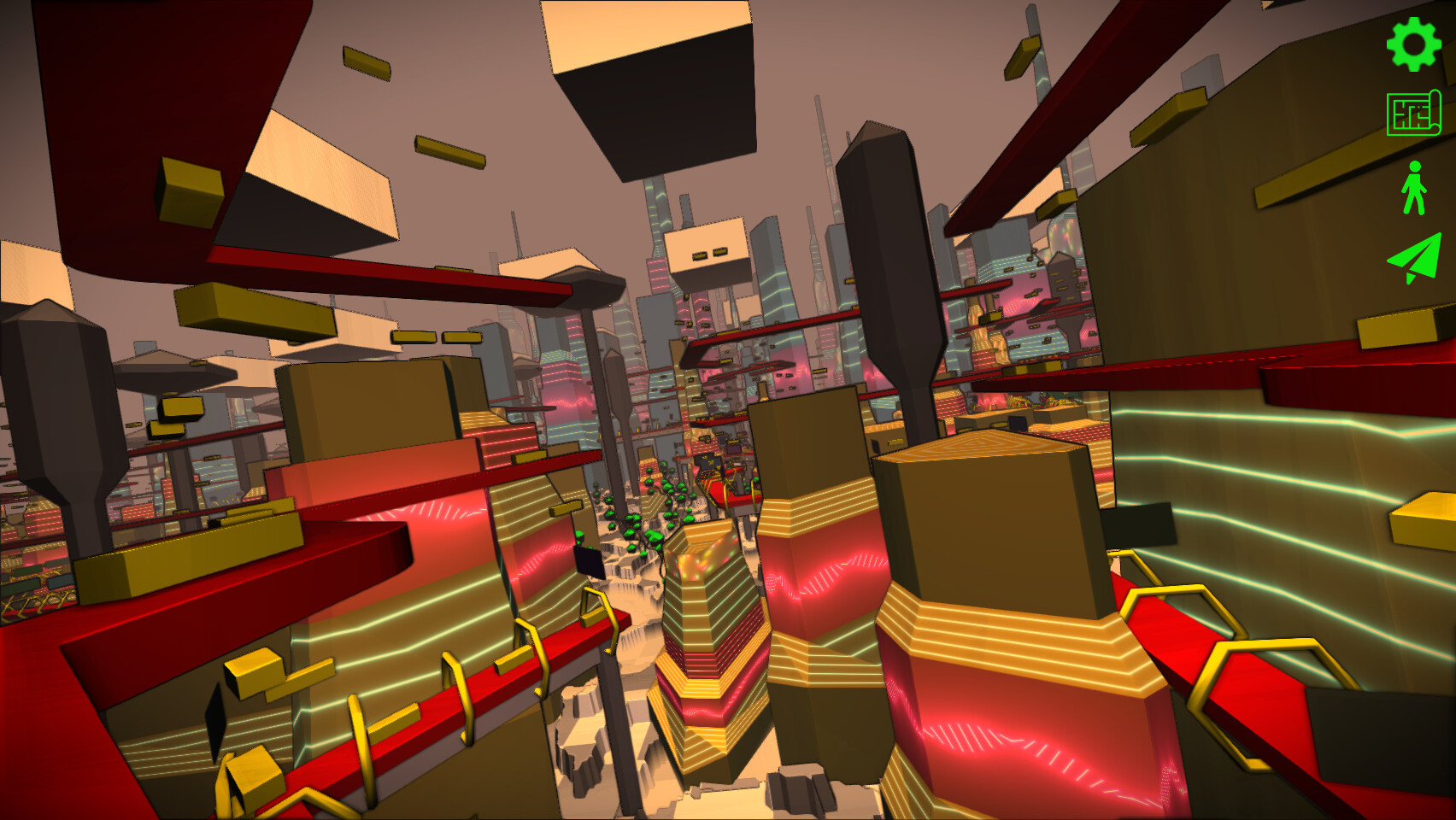
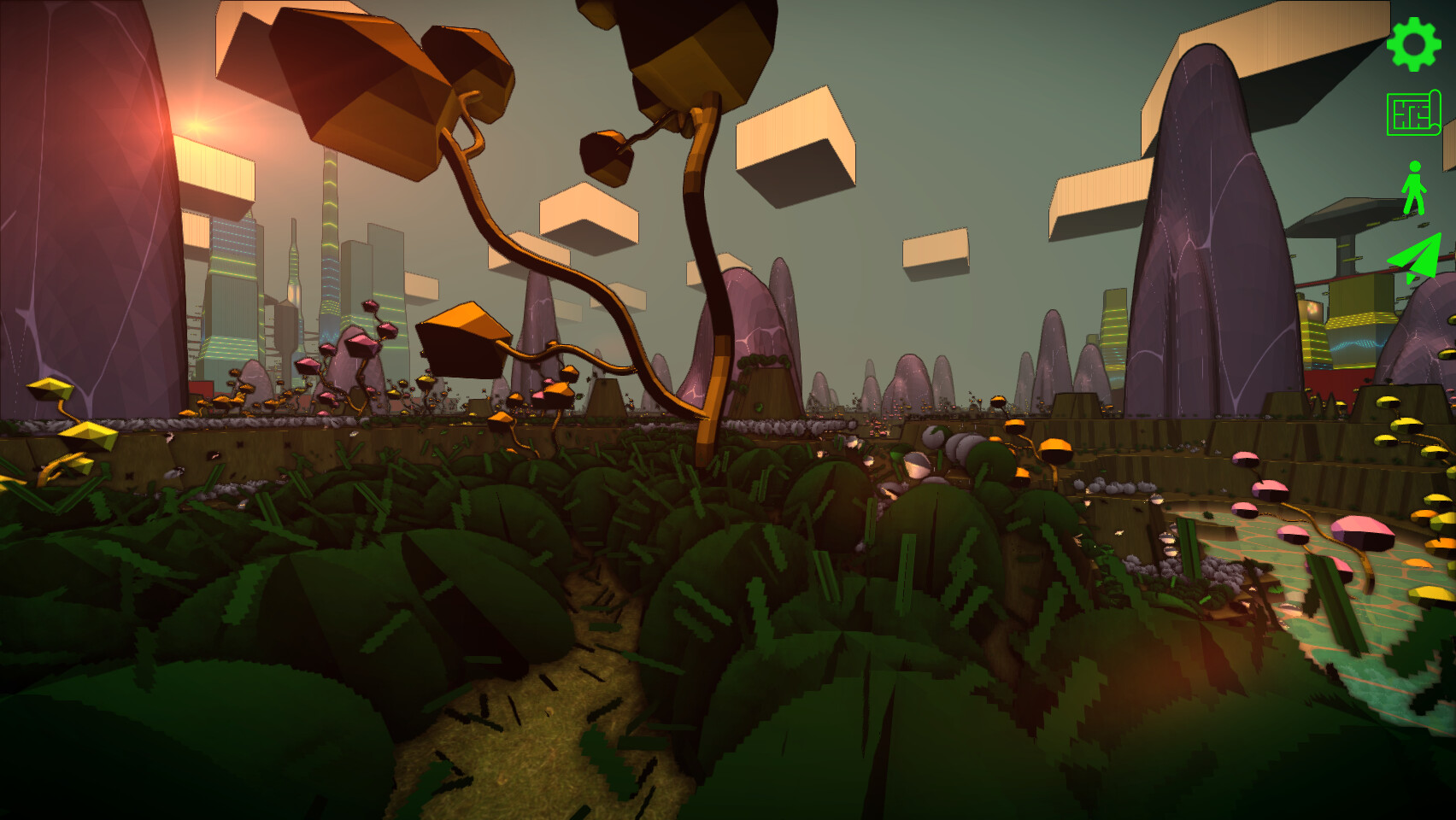
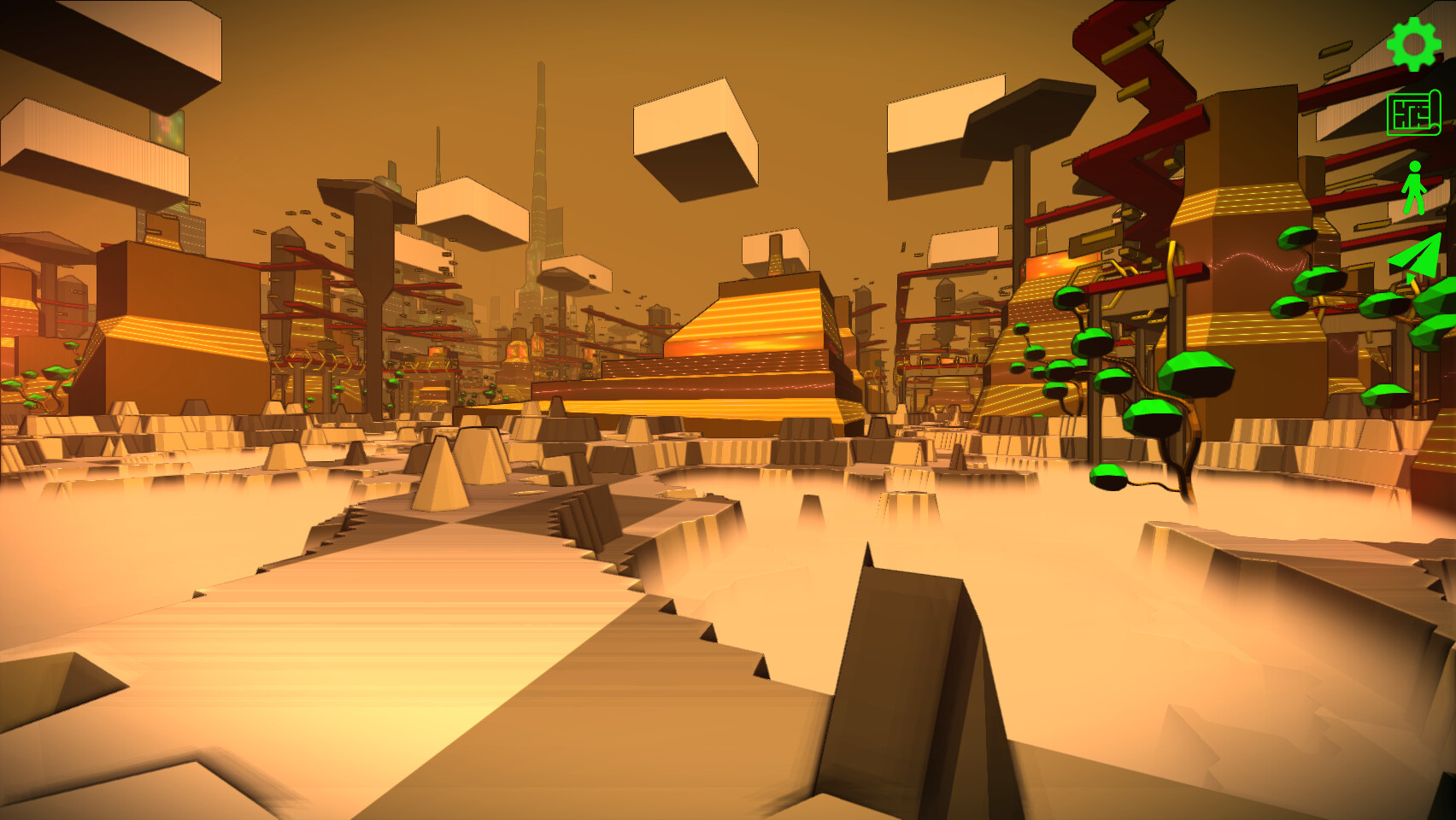
- Use the in-game editor to define the rules for creating your terrain, grass, rocks, trees, city and traffic
- Create your own unique look using the wide range of graphical settings from retro-pixelated to film-noir and more
- Walk and fly around your creation
- More features (and gameplay) coming soon...
One of the challenges Ive been thinking about a lot while working on Infinicity is animation.
I wanted characters that feel hand-animated and expressive but without relying on huge animation budgets or locking myself into a very rigid art style. I also wanted a workflow that lets me iterate quickly i.e. change timing, style, or scale without redoing everything from scratch.
That led me down an interesting rabbit hole:\nCan I turn real video footage into clean, stylised sprites that actually work in-game?
It turns out: yes (but not without a bit of engineering).
The problem
Traditional sprite animation usually means:
drawing every frame by hand, or
[/*]relying on skeletal animation that doesnt always fit a specific style
[/*]
Both approaches are valid but they can be slow to iterate on, especially when you want to experiment.
What I wanted instead was:
to capture simple footage (even just me in front of a wall),
[/*]extract only the person cleanly,
[/*]and then turn that into animation-ready sprites that I could stylise and tweak.
[/*]
The solution (high level)
I ended up building a two-stage pipeline:
Stage A High-quality person extraction
This stage uses a research model called Robust Video Matting to separate a person from the background across an entire video, producing clean RGBA frames with proper edges (hair, limbs, motion blur, etc.).
This step is slow and compute-heavy, but it only needs to run once per video.
Stage B Game-focused post-processing
This stage is fast and highly tweakable. It:
crops the animation consistently
[/*]normalises everything to a fixed sprite size
[/*]skips redundant frames automatically
[/*]applies pixel-art style quantisation
[/*]packs everything into a spritesheet with metadata
[/*]
The important bit is that Stage B can be rerun endlessly with different parameters, without redoing the expensive extraction step.
That makes experimenting with animation style and timing much more fun.
[img src=\"https://cdn.cloudflare.steamstatic.com/steamcommunity/public/images/clans/44960045/a8d3660a676d71698e47462c812ad9b4c54e4a9d.png\"][/img]
Why this matters for the game
This pipeline exists for one reason:\nto make the animations in Infinicity better and more expressive.
It lets me:
prototype animations quickly
[/*]adjust style without re-recording footage
[/*]keep animations consistent across different characters
[/*]experiment with pixel-art looks without committing too early
[/*]
The goal isnt realism its control.
Why I open-sourced it
At some point I realised this tooling might be useful to other developers too, especially indie devs who enjoy building their own pipelines.
So I decided to open-source it.
The repository includes:
the full two-stage pipeline
[/*]documentation on how it works
[/*]command-line controls to tweak output
[/*]and clear separation between the heavy ML step and the creative iteration step
[/*]
If youre curious about the technical side, you can find it here: video2spritesheet github repo
If youre curious to see how it all comes together in-game, wishlisting really helps it tells me people are interested and lets Steam know too.
Thanks for reading, and back to building
Minimum Setup
- OS: Linux + SteamOS
- Processor: Requires a 64-bit processor and operating system
- Graphics: OpenGL 3.3
Recommended Setup
- OS: Linux + SteamOS
- Processor: Requires a 64-bit processor and operating system
- Graphics: OpenGL 3.3

[ 6381 ]






























[ 5874 ]


[ 750 ]






























[ 1993 ]





























[ 1017 ]




















Time left:
356102 days, 7 hours, 12 minutes

Time left:
356102 days, 7 hours, 12 minutes

Time left:
6 days, 15 hours, 12 minutes

Time left:
34 days, 15 hours, 12 minutes

Time left:
37 days, 15 hours, 12 minutes

Time left:
38 days, 15 hours, 12 minutes

Time left:
12 days, 1 hours, 12 minutes

Time left:
0 days, 9 hours, 12 minutes

Time left:
7 days, 9 hours, 12 minutes

Time left:
13 days, 9 hours, 12 minutes

Time left:
14 days, 9 hours, 12 minutes

Time left:
19 days, 9 hours, 12 minutes

Time left:
25 days, 9 hours, 12 minutes

Time left:
4 days, 22 hours, 27 minutes

Time left:
9 days, 15 hours, 13 minutes

Time left:
11 days, 14 hours, 13 minutes

Time left:
16 days, 21 hours, 23 minutes


