



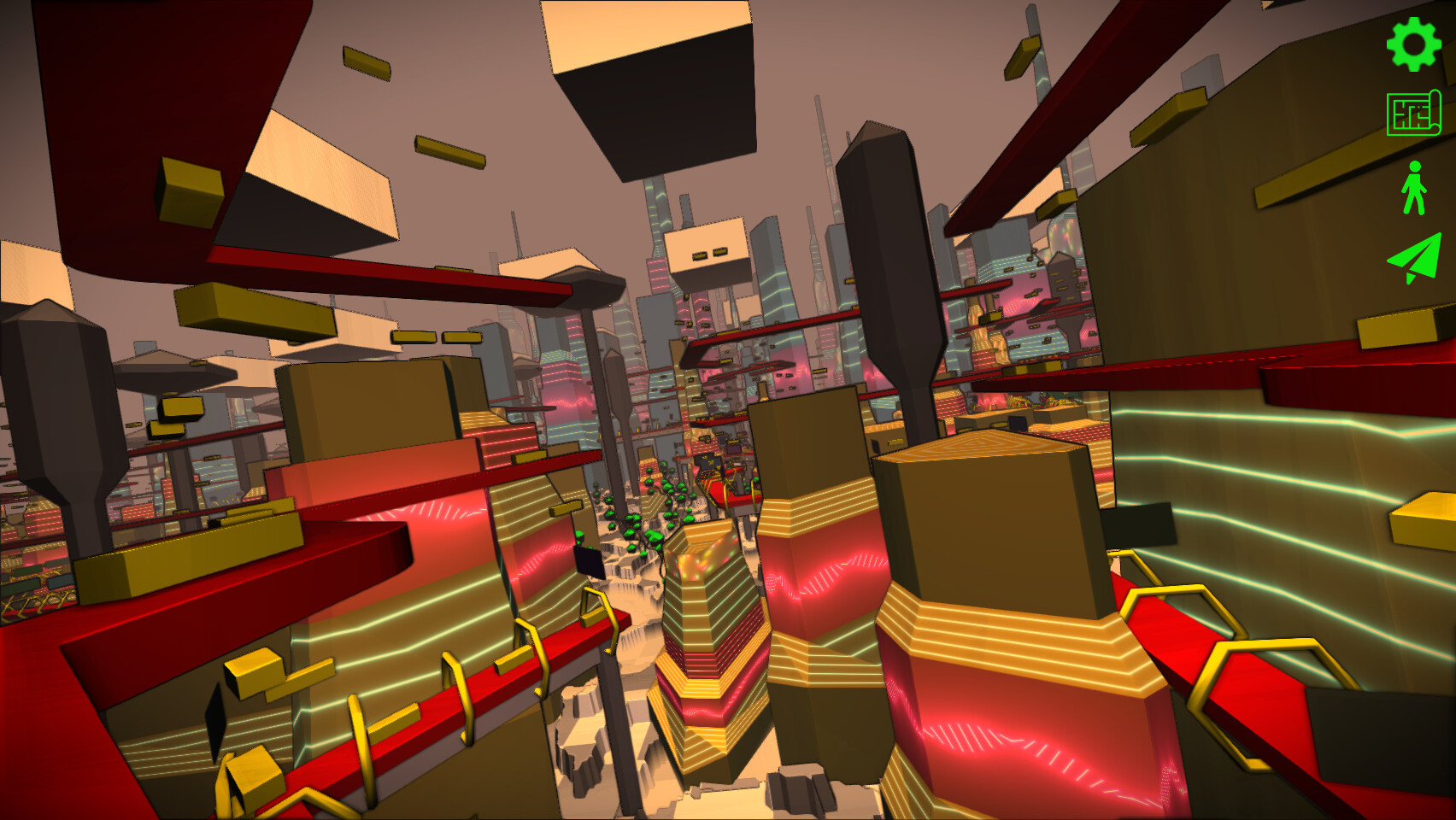
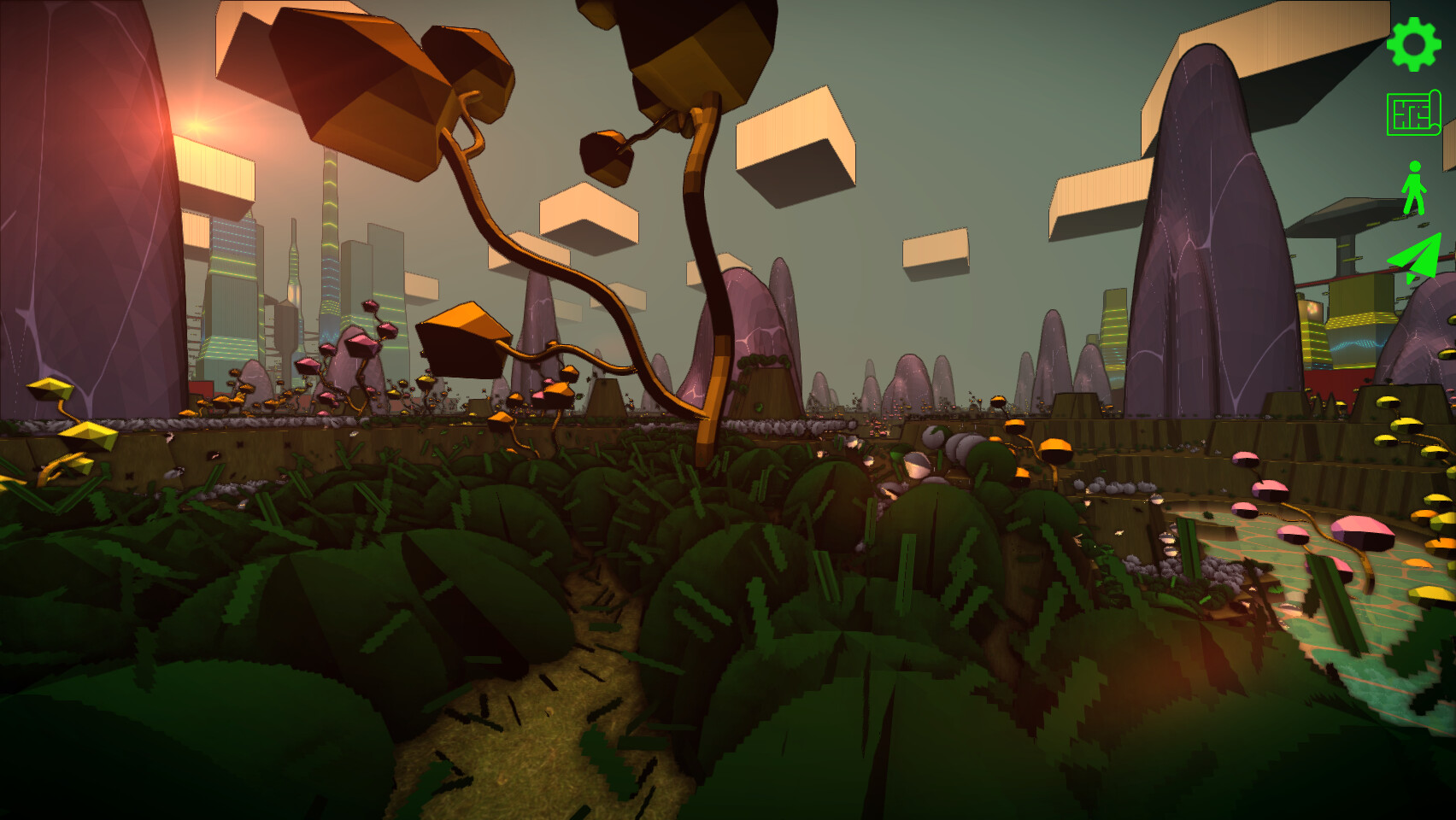
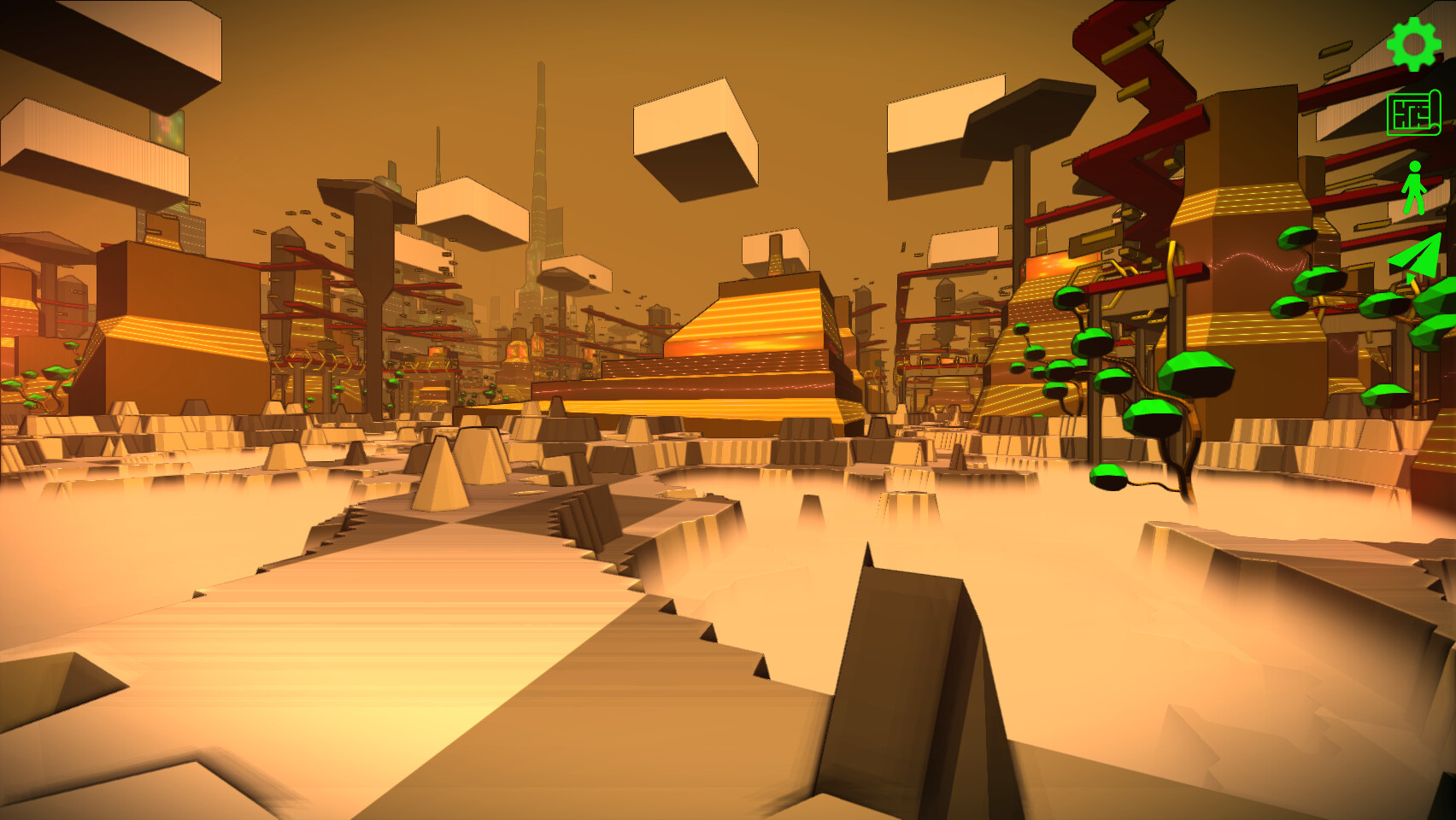
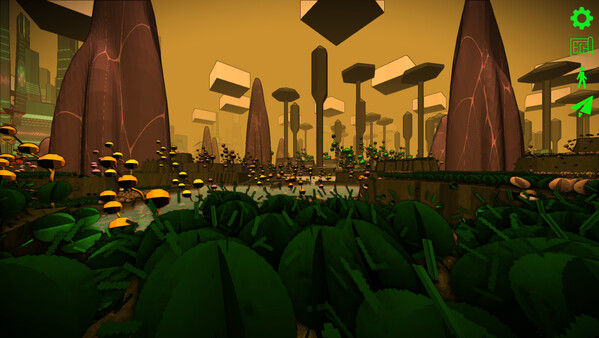
- Use the in-game editor to define the rules for creating your terrain, grass, rocks, trees, city and traffic
- Create your own unique look using the wide range of graphical settings from retro-pixelated to film-noir and more
- Walk and fly around your creation
- More features (and gameplay) coming soon...
When generating large procedural worlds, placing objects believably is harder than it looks.
Trees shouldnt overlap. Rocks shouldnt clump unnaturally. Buildings need breathing room. And ideally, all of this should be controllable, performant, and compatible with procedural generation.
A few years ago, while working on procedural world generation for my game, I ran into exactly this problem i.e. placing objects of varying sizes, driven by noise, with zero overlap.
This post is a write-up of how I approached that problem, what didnt work, and the solution I ended up shipping.
[hr][/hr]The Problem
At a high level, I wanted to:
Place objects procedurally across a 2D surface
[/*]Allow each object to have a different radius
[/*]Guarantee no overlap
[/*]Retain a natural, non-grid-like distribution
[/*]Be able to bias density using noise or gameplay logic
[/*]
Classic Poisson disk sampling gives you a nice \"even but random\" distribution but it assumes a fixed minimum distance between points. That assumption breaks down immediately when object sizes vary.
[hr][/hr]Why Standard Poisson Disk Sampling Falls Short
Traditional Poisson disk sampling works by enforcing a single global minimum distance between samples. Thats great if every object is the same size.
But once you introduce variable radii:
A small object can sit comfortably near another small object
[/*]A large object needs more space
[/*]The minimum distance is no longer constant
[/*]
You can try to cheat by inflating everything to the maximum radius but that leads to:
wasted space
[/*]overly sparse distributions
[/*]loss of detail where small objects should be dense
[/*]
In short: the distance constraint needs to be local, not global.
[hr][/hr]Idea: The Radius Is the Constraint
Instead of thinking in terms of \"points with a minimum distance\" I reframed the problem as:
Each object has a radius, and no two objects\' influence circles may overlap.
That seems obvious in hindsight, but it changes how you structure the algorithm.
Instead of asking:
\"Is this point at least D away from others?\"
You ask:
\"Does this objects radius overlap with any existing objects radius?\"
That means overlap tests become:
[code]distance(p1, p2) >= r1 + r2[/code]Once you accept that, the rest of the system can be built around it.
[hr][/hr]Adding Noise-Driven Density
Uniform distributions are fine but procedural worlds benefit from variation.
To control where objects want to appear, I introduced procedural noise as a placement bias, not as a hard rule.
The workflow became:
[olist]Sample a candidate position
[/*]Use noise to decide:
whether something should exist here
[/*]what size it should be
[/*][/*]Attempt to place the object
[/*]Reject it if it overlaps anything already placed
[/*][/olist]This approach has a few nice properties:
Designers can control density using noise parameters
[/*]The same system works for trees, rocks, structures, etc.
[/*]Rejection sampling naturally enforces spacing
[/*][hr][/hr]Making It Fast Enough
Naively checking every new object against every existing object doesnt scale.
To keep this practical, I used spatial partitioning (a simple grid) to reduce overlap checks to nearby cells only. Each placed object is inserted into the grid cells it overlaps, and new candidates only test against objects in those cells.
This keeps placement costs roughly constant, even as object count grows.
The result is a system that:
scales well
[/*]is deterministic when needed
[/*]works in real time or during world generation
[/*][hr][/hr]Results in Practice
This sampler ended up being flexible enough to use across multiple contexts:
natural object scattering
[/*]terrain decoration
[/*]gameplay-relevant structures
[/*]Because object size, noise bias, and placement constraints are all decoupled, its easy to tune without rewriting the algorithm.
I eventually cleaned up the implementation and published it here:
https://github.com/bensanmorris/poisson_disk_sampler
A couple of videos of it in action are here:
[dynamiclink href=\"https://youtu.be/zmnLwlrep0Q\"][/dynamiclink]And here:
[dynamiclink href=\"https://youtu.be/pCM68LITkCM\"][/dynamiclink]
[hr][/hr]Final Thoughts
Procedural generation lives in the space between theory and messy reality. Algorithms rarely work out-of-the-box once real constraints enter the picture.
This wasnt about inventing a new sampling technique it was about adapting a known idea to solve a real production problem.
If youre working on procedural placement and have ever fought with clumping, overlaps, or over-uniform distributions, I hope this gives you a useful angle of attack.
One of the challenges Ive been thinking about a lot while working on Infinicity is animation.
I wanted characters that feel hand-animated and expressive but without relying on huge animation budgets or locking myself into a very rigid art style. I also wanted a workflow that lets me iterate quickly i.e. change timing, style, or scale without redoing everything from scratch.
That led me down an interesting rabbit hole:\nCan I turn real video footage into clean, stylised sprites that actually work in-game?
It turns out: yes (but not without a bit of engineering).
The problem
Traditional sprite animation usually means:
drawing every frame by hand, or
[/*]relying on skeletal animation that doesnt always fit a specific style
[/*]
Both approaches are valid but they can be slow to iterate on, especially when you want to experiment.
What I wanted instead was:
to capture simple footage (even just me in front of a wall),
[/*]extract only the person cleanly,
[/*]and then turn that into animation-ready sprites that I could stylise and tweak.
[/*]
The solution (high level)
I ended up building a two-stage pipeline:
Stage A High-quality person extraction
This stage uses a research model called Robust Video Matting to separate a person from the background across an entire video, producing clean RGBA frames with proper edges (hair, limbs, motion blur, etc.).
This step is slow and compute-heavy, but it only needs to run once per video.
Stage B Game-focused post-processing
This stage is fast and highly tweakable. It:
crops the animation consistently
[/*]normalises everything to a fixed sprite size
[/*]skips redundant frames automatically
[/*]applies pixel-art style quantisation
[/*]packs everything into a spritesheet with metadata
[/*]
The important bit is that Stage B can be rerun endlessly with different parameters, without redoing the expensive extraction step.
That makes experimenting with animation style and timing much more fun.
[img src=\"https://cdn.cloudflare.steamstatic.com/steamcommunity/public/images/clans/44960045/a8d3660a676d71698e47462c812ad9b4c54e4a9d.png\"][/img]
Why this matters for the game
This pipeline exists for one reason:\nto make the animations in Infinicity better and more expressive.
It lets me:
prototype animations quickly
[/*]adjust style without re-recording footage
[/*]keep animations consistent across different characters
[/*]experiment with pixel-art looks without committing too early
[/*]
The goal isnt realism its control.
Why I open-sourced it
At some point I realised this tooling might be useful to other developers too, especially indie devs who enjoy building their own pipelines.
So I decided to open-source it.
The repository includes:
the full two-stage pipeline
[/*]documentation on how it works
[/*]command-line controls to tweak output
[/*]and clear separation between the heavy ML step and the creative iteration step
[/*]
If youre curious about the technical side, you can find it here: video2spritesheet github repo
If youre curious to see how it all comes together in-game, wishlisting really helps it tells me people are interested and lets Steam know too.
Thanks for reading, and back to building
Ive added a new feature that lets players tweak the mountain noise layers in real-time. Previously, the terrain was generated using layers of noise with fixed frequency and amplitude.
Now players can adjust these parameters to shape the mountains exactly how they like whether thats jagged peaks, rolling hills, or something in between.
This gives a lot more expressive freedom while exploring or creating in the game.
Its a small change under the hood, but it opens up possibilities for player created personalized landscapes to help support an additional layer of player created gameplay challenges.
Some examples:
[img src=\"https://cdn.cloudflare.steamstatic.com/steamcommunity/public/images/clans/44960045/ed39b6b8c10dd84486c939fd4bda62d7cf4961de.png\"][/img]
[img src=\"https://cdn.cloudflare.steamstatic.com/steamcommunity/public/images/clans/44960045/4215efb3fe667a7c6eed8c31fad437cb95465b92.png\"][/img]
[img src=\"https://cdn.cloudflare.steamstatic.com/steamcommunity/public/images/clans/44960045/981f7d07c51f2aa674068ddceb04b9574946ab1a.png\"][/img]
See the video below for a sneak preview:
Tile Caching = 159x Faster City Streaming
Today I want to share a technical update rather than a visual one but its a huge boost for performance. My game uses procedural city tiles. Generating a full city tile costs around 1 millisecond. When the player is flying fast over the world, dozens of tiles may need to be created quickly, and that can become a bottleneck even when each tile is loaded in a background thread (actually as a tile load task serviced by a fixed sized pool of threads). So I implemented a tile caching system and the speedups are dramatic.
Benchmark Results
Heres how long each operation now takes:
Full city generation: 1.08 ms
[/*]Generate + save to cache (first time): 4.09 ms
[/*]Load from cache (disk hit): 6.79 s
[/*]Load tile already in memory: 6.8 ns
[/*]
That means loading from cache is roughly 159x faster than generating a tile from scratch. Thats a huge performance win for streaming an open world.
[img src=\"https://cdn.cloudflare.steamstatic.com/steamcommunity/public/images/clans/44960045/735595175ef8e01fcc123de62a55cef06571d041.png\"][/img]
How the Cache Works
The core idea is simple:
[olist]Generate the tile once.
[/*]Serialize the result to disk.
[/*]Next time, load it instead of regenerating it.
[/*][/olist]Some technical details:
I compute a BLAKE3 hash of the map file to detect changes. If the map changes, the cache automatically invalidates.
[/*]Each tile uses a filename based on its coordinates, e.g. 5_7.bin.
[/*]Tile requests return a std::shared_future, so only the first thread generates the tile others wait for the same result.
[/*]The system is fully thread-safe and works perfectly with my streaming worker threads.
[/*]Where the Cache Lives
The game ships on Steam for Windows and Linux, including AppImage builds. AppImages are mounted as read-only, so the cache must go into the players writable directories, not beside the game files. Heres where tile cache files are stored:
Windows: %LOCALAPPDATA%/Infinicity/TileCache
[/*]Linux / Steam Deck: $XDG_CACHE_HOME/Infinicity/TileCache or ~/.cache/Infinicity/TileCache
[/*]This keeps everything clean, safe, and consistent with OS conventions.\n
What I (re)Learned
Caching procedural data is a massive win for performance.
[/*]Hashing the map file is a clean solution to cache invalidation.
[/*]Don\'t write to the game\'s install directory especially with AppImages.
[/*]std::shared_future is perfect for eliminating redundant work across threads.
[/*]strace is an excellent debugging tool when you want to see where your game is trying to write files.
[/*]Tile caching has completely transformed streaming performance in the world and its exciting to see how much smoother everything feels now. More updates soon!
I\'ve been adding in modding support and wanted to share its progress.
The modding feature allows a player to direct the 3D procedural generation (biome layout, enemies, objectives etc) by way of a simple 2D map editor.
The map editor enables hassle free, quick and easy creation of worlds and challenges by allowing the user to simply paint layers onto the map (a grid). Once saved, clicking play launches the player into their creation.
Painting a city and enemy layout and then flying through trying to survive your creation is actually a lot of fun (see below for a work in progress preview).
I've been trying to generate gameplay (that's ideally fun) procedurally.
An initial idea was to set up an NP hard problem or two around the player (i.e. the knapsack problem and the travelling salesman problem) albeit within the context of the game's theme and then leave them to solve it in any one of many ways. On completion then I was thinking about simply ranking their solution according to some metrics (fuel expended, time taken, enemies destroyed, game people saved etc) on a leader board, but then I got distracted...
Whilst setting up the systems for the above I started experimenting with a couple of simple ideas. Let's call them "Gameplay Layers" and "Gameplay Cycles":
- Gameplay Layer: A Gameplay layer is an approximately 200 lines of code that adds to the game some system or mechanic i.e. time of day, weather, defensive tower, refuelling rings, enemy waves etc
- Gameplay Cycle: This is simply a timer that activates periodically (configurable), lasts for a configurable amount of time and then pauses for a configurable amount of time until the cycle then repeats.
A Gameplay Layer is activated and deactivated according to a Gameplay Cycle.
With these two simple ideas I seem to be able to generate interesting events as the gameplay layers run out of phase with each other the resulting behaviour of which I haven't had to code explicitly.
For example, the time of day system is running out of phase with respect to the weather system so you can have a quiet foggy morning, or a lightning storm during the day or fog at night whilst being overrun by a wave of enemies or a clear night etc.
Fun for free?
Here's a short video:
I recently ramped up the level of procedural tree foliage and wanted to briefly post about it.
I chose to generate the trees myself and spent some time thinking about how to do that. I didn't look at any other implementations but rather tried to imagine the simplest approach I could think of and build out from there.
Initially I considered a tree to simply be a pole (like a telegraph pole).
Pointing up, normal to the surface I then imagine rings around its exterior that I could then stitch together using triangles.
Next I imagine at some distance along the pole, branching by rotating the (imaginary) pole about the branching point (the new origin) a configurable number of degrees in the XY ZY planes.
This process repeats recursively with the pole radius narrowing at each branching point and shortening and effectively produces a hierarchy of transformations (one per branching point) that I then bake into the mesh vertices for each branch sub-mesh.
Next, to improve on the rigid pole appearance I modified the ring placement to follow a sinusoidal pattern (rather than the straight pole) by imagining the sin function rotated counter-clockwise +ve 90 degrees in the XY plane. Starting at zero then this function (now transposed) moves vertically upwards and oscillates +/- about the X axis.
For the leaves I chose initially a spherical distribution of points.
For the spherical distribution of triangular leaves I went with the Fibonacci sphere making each point the leaf triangle's circumcentre.

I then added support for optional hanging vines the colour of which are complementary to the leaf colours.

Finally, for coloration I added support for 3 schemes; Monochrome, Complementary and Analogous coloration (in HSV colour space).
A short video of the results can be see in this video:
This is my first dev diary post. I'm hoping to do this on a semi-regular basis. Over the last few weeks I've been working on the targeting system.
This game is built using my own engine so it was a case of experimenting, failing and then finally settling on a simple and extensible design for weapons, associated explosions and a simple hand written collision detection system.
I wanted to be able to create a new weapon type in a few lines of code, a corresponding explosion animation and custom weapon and explosion sounds.
In addition I wanted to be able to register a collideable thing with the collision system.
The collision system in effect then sits in-between the weapon systems and collideable objects. It performs collision detection and manages the notification of collisions to interested observers.
A short video of it in action is here
If you want to know more about the design and / or have any suggestions for improvement let me know!
Thanks,
Ben.
Minimum Setup
- OS: Linux + SteamOS
- Processor: Requires a 64-bit processor and operating system
- Graphics: OpenGL 3.3
Recommended Setup
- OS: Linux + SteamOS
- Processor: Requires a 64-bit processor and operating system
- Graphics: OpenGL 3.3

[ 6421 ]






























[ 5843 ]


[ 1960 ]






























[ 2357 ]






























[ 546 ]





























[ 1040 ]





























[ 32770 ]





























[ 177 ]







Time left:
356096 days, 20 hours, 28 minutes

Time left:
356096 days, 20 hours, 28 minutes

Time left:
1 days, 4 hours, 28 minutes

Time left:
29 days, 4 hours, 28 minutes

Time left:
32 days, 4 hours, 28 minutes

Time left:
33 days, 4 hours, 28 minutes

Time left:
54 days, 20 hours, 27 minutes

Time left:
6 days, 14 hours, 28 minutes

Time left:
1 days, 22 hours, 28 minutes

Time left:
7 days, 22 hours, 28 minutes

Time left:
8 days, 22 hours, 28 minutes

Time left:
13 days, 22 hours, 28 minutes

Time left:
15 days, 22 hours, 28 minutes

Time left:
19 days, 22 hours, 28 minutes

Time left:
20 days, 22 hours, 28 minutes

Time left:
20 days, 22 hours, 28 minutes

Time left:
6 days, 9 hours, 29 minutes

Time left:
8 days, 9 hours, 29 minutes

Time left:
11 days, 10 hours, 39 minutes

Time left:
20 days, 7 hours, 30 minutes


