



The Slime's Curse
Stephanie is an explorer and adventurer. One day, she comes across a magical amulet, which seems to be turning water into slime. Upon touching it, she is also transformed into slime! Now, Stephanie needs to travel across the world to try to find a way to free herself of this curse. A witch in a remote forest is rumored to be able to help, but will Stephanie find her way? Or will she just have to get used to her new form...

Solving Puzzles
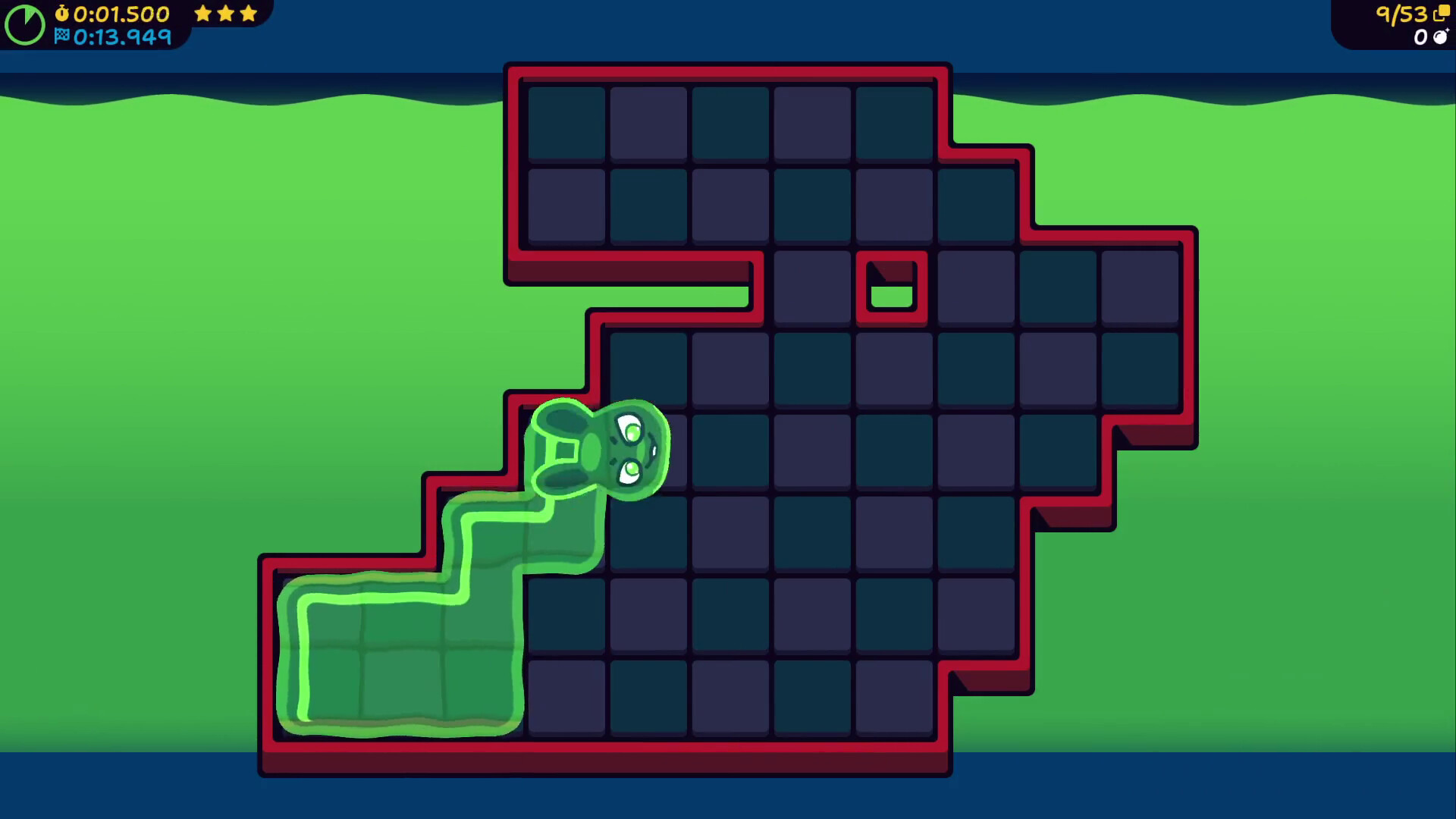
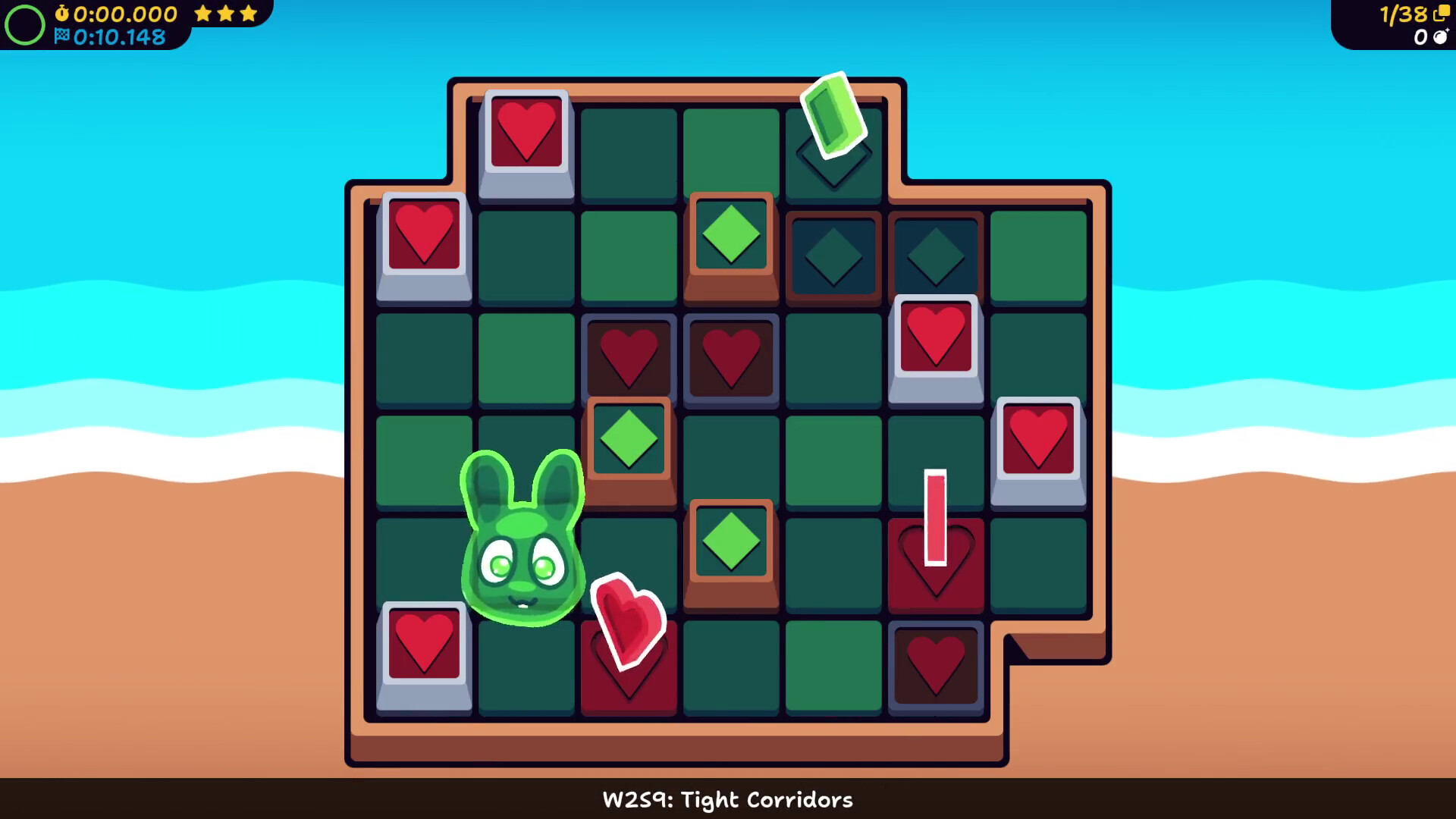
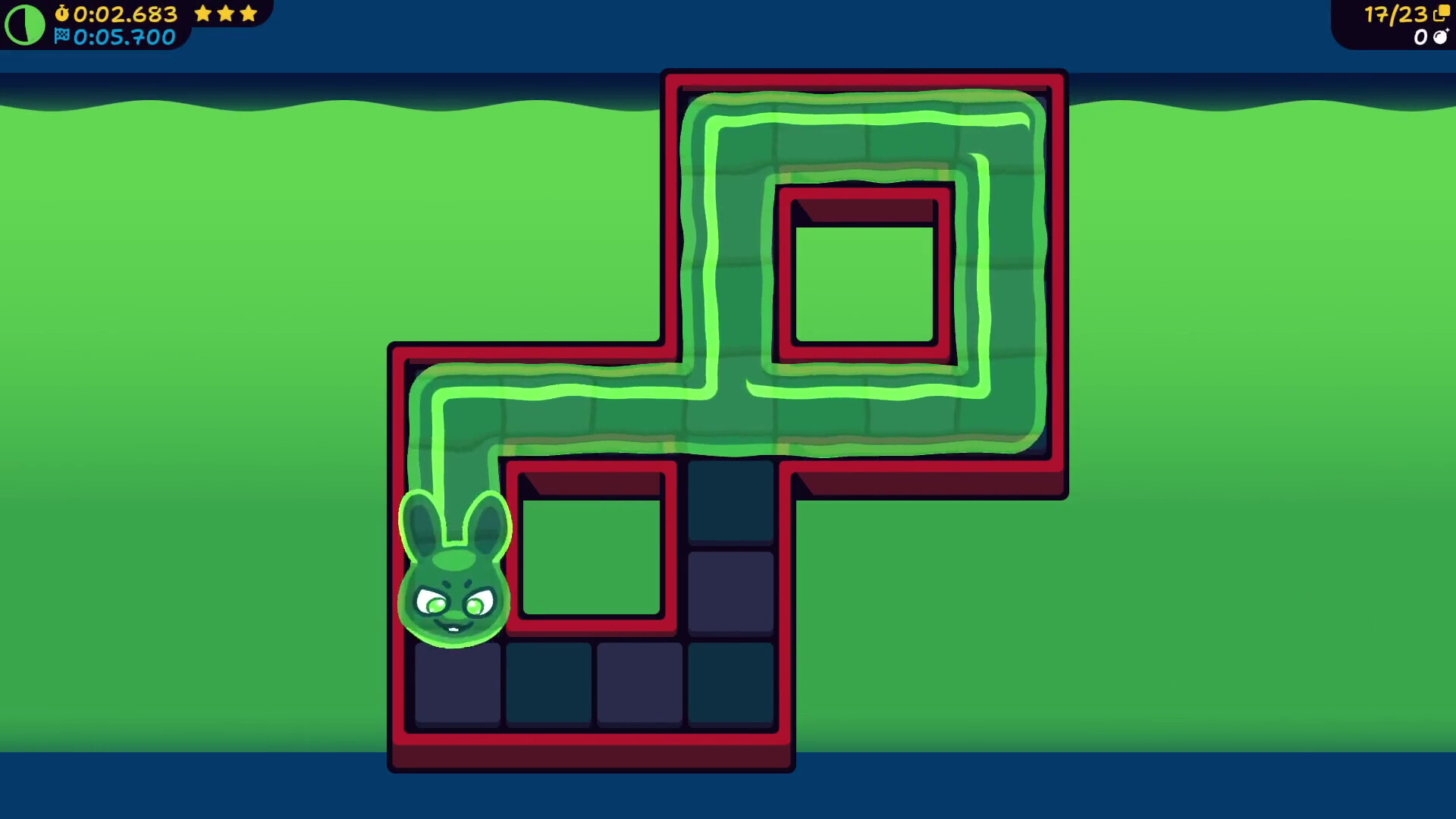
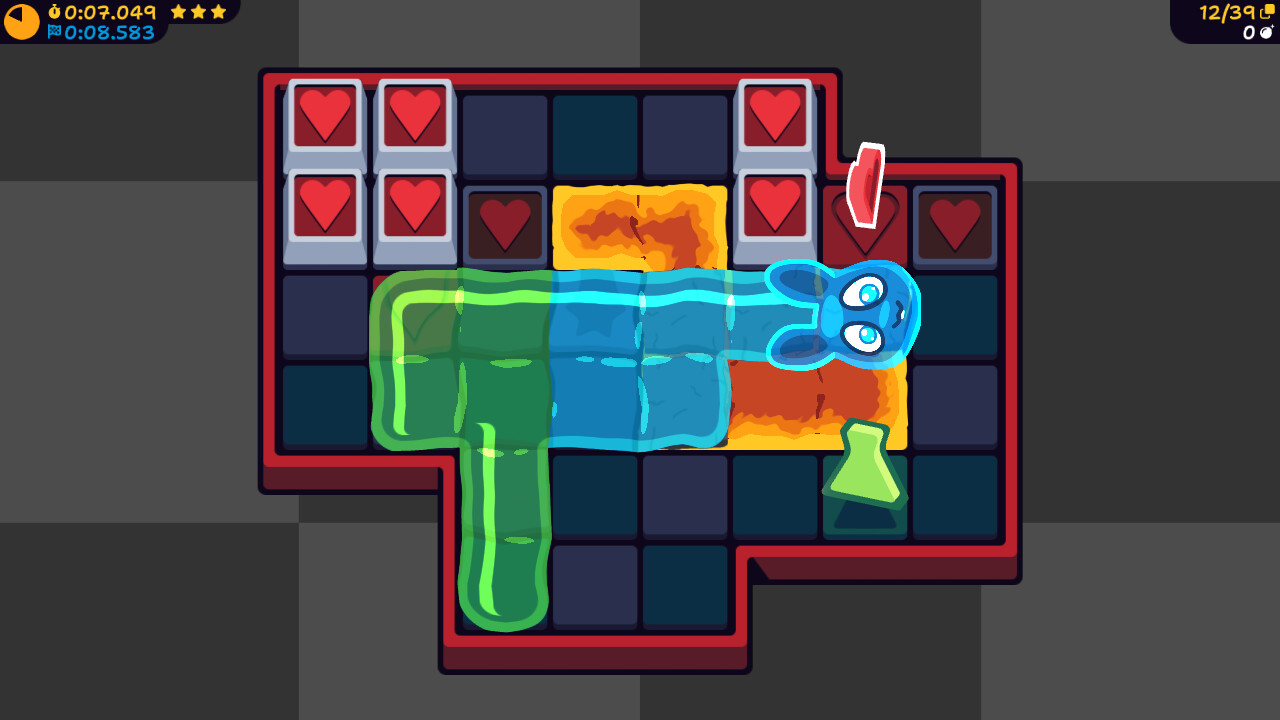
Solve numerous grid-based puzzles across a variety of worlds. The goal is simple: To complete the puzzle, touch every tile. However, there are many tricks and traps that will get in your way. Blocks that obstruct your movement, dangerous lasers, and impassable lava are just some of the many hazards you'll encounter on your journey.
Upon completing a puzzle, you'll be rated on your performance. Clear the puzzle quickly and without making mistakes, and you'll be able to progress! You're not required to complete all the puzzles, however, so don't concern yourself with tricky ones.
Puzzle Elements
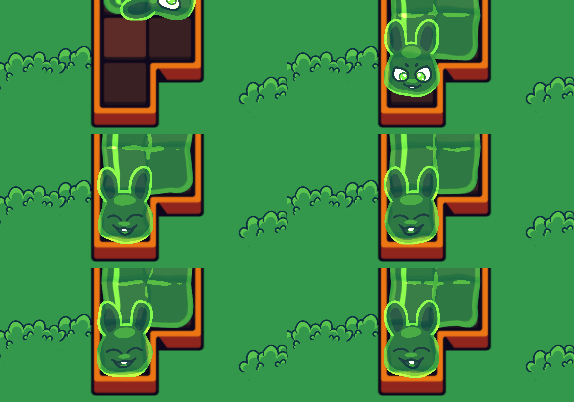
From blocks that raise and lower when you touch switches, pools of lava and water that you must traverse, and lasers that block your path, there are many obstacles in your way! Can you figure out all of them?
State Changes
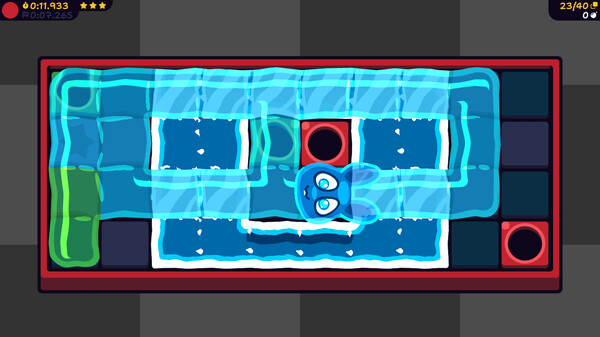
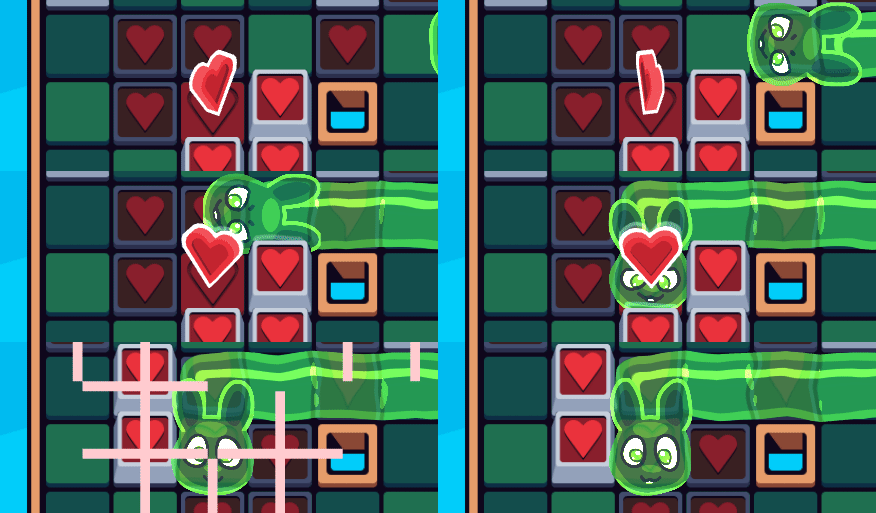
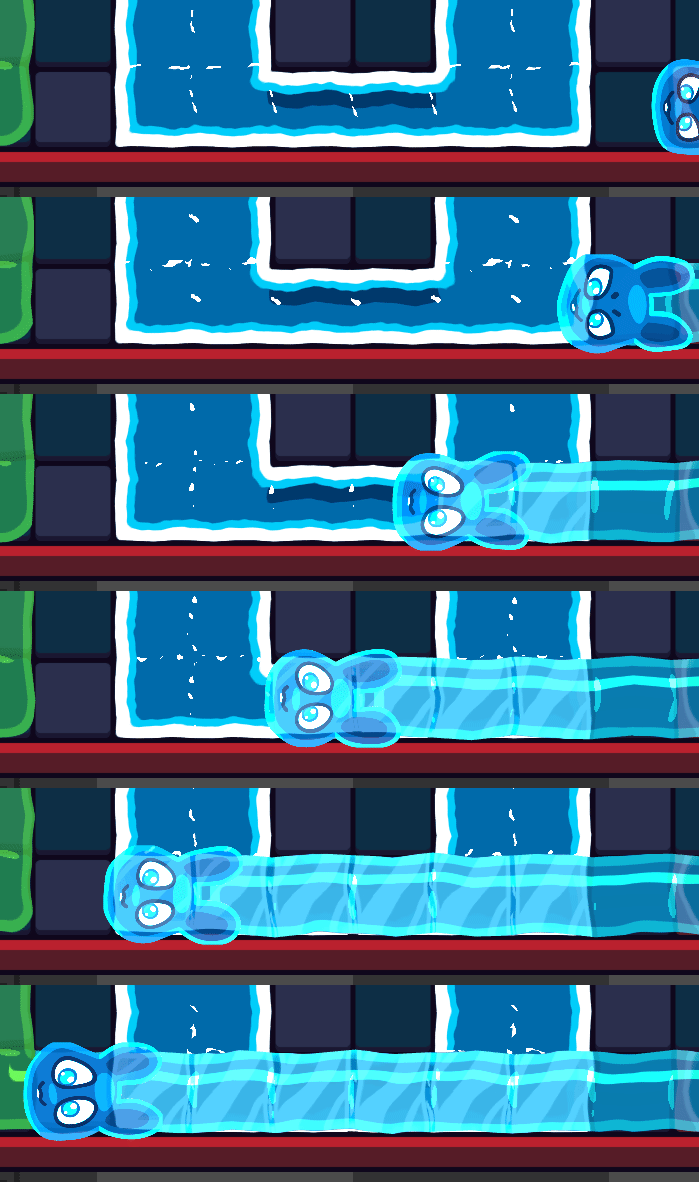
Change to the ice state to skate on water, or change to the fire state to step safely over lava. Each state has different interactions with the puzzle elements, so you'll have to keep your wits about you as you move through the puzzles.
Features
A large variety of puzzles and puzzle elements to keep the gameplay fresh and engaging.
Change your state between Fire, Ice, and more to completely shift how you approach a puzzle.
High resolution art that looks great on any display.
Made a wrong move? You can undo mistakes and try again. Try each puzzle as much as you like!
The timer does not start until you make your first move, so you have as long as you like to assess the puzzle.
If a puzzle is too hard, you can skip it! (But it wont count toward your progress.)
Keyboard support, as well as support for many popular gamepads.
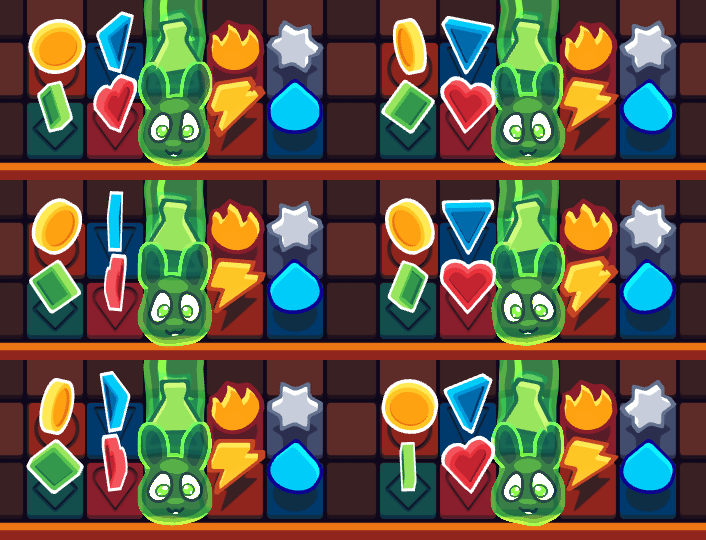
Howdy! Coming at you today with Blobun v1.1! Honestly, we shoulda been using the bigger number for big stuff like mod io integration and whatnot, oh well.\n\nThere\'s a number of small things that were added and changed in this update, but I\'ll highlight the big stuff here. As always, you can check the patch notes for the rest! Also, thank you guys for the patience with this update, we\'ve been pretty busy with other stuff.\n\nBy the way, if you didn\'t know, you can get Blobun in a bundle with its OST, or with two other games: \"Buck Up and Drive\" and \"Wordscoop with Gelato the Otter!\" Check out the store page for more details about that.\n\n
Input Remapping
\nWe promised that input remapping would come in a future update, and that future update is right now. You can now remap the keyboard, as well as any gamepad that you\'ve got hooked up to the game. Gamepad requirements have also been made stricter, which should prevent issues in Linux where the game can pick up things that are decidedly *not* gamepads.\n\nPerformance Optimizations
\nPretty much the entire rendering pipeline has been optimized in all puzzles! If you ran Blobun on your computer, got into a puzzle, and went \"wow this is running a lot worse than I would have expected\" then please know that this update optimizes this. We can now get a near solid 1080p60fps on our laptop, even in the final puzzle. Before, it would lag heavily there.\n\nIn addition to the optimizations above, we\'ve smoothed out a lot of rough edges when it comes to the visual polish of the game. It already looked nice, but now it looks even nicer.\n\nMisc. Additional Stuff
\nNow you can configure how long you need to hold down the button to skip or restart the puzzle in the new \"Accessibility Options\" menu. There\'s also an option to reduce animations, if you find all the slime animations distracting.\n\nAdditionally, you may now toggle the Speedrun timers on and off during gameplay, instead of having to go all the way back to the title screen menu to do it.\n\nDemo Update
\nThe demo version of the game has also been updated, which means you can make sure the game will run on your computer and will work with your gamepad before you buy the game. If you tried out the game before and it had issues, please feel free to try it again!\n\nNote: No additional content has been added to the demo. It\'s simply updated with all the bug fixes that have happened since launch, as well as the additions above.\n\nSteam Deck
\nWe got one and have been able to update the game to take advantage of it. It would be a ton of work to refactor the game to allow for a 16:10 aspect ratio, so what we did instead is that the black bars at the top and bottom of the screen will now change color to match what\'s going on in the game. It\'s a simple fix, but it\'s pretty elegant. This also applies to if you\'re playing it in 4:3, so you can fill out your oh-so-retro CRT display (if you\'re playing it on there!) However, if the game detects that there\'s way too much vertical space, it won\'t do this, so don\'t expect to play it in Tiktok portrait mode and have it do this.\n\nFinal Big Update (For Now)
\nThere\'s still stuff we\'d like to do with the game, and we\'d like to come back and add new puzzles and puzzle elements to the game, but for now, we have to move on and work on something else. Therefore, any updates after this will primarily be focused on bug fixes and small adjustments.\n\nBlobun Mini
\nBy the way, did you know that we released a sequel to the game? Blobun Mini is a pico8 rendition of Blobun, for that oh-so-retro feel. This game features 60 brand new puzzles, so if you haven\'t checked it out yet, feel free to! (it\'s free!)\nhttps://store.steampowered.com/app/3827340/Blobun_Mini/\n\nPatch Notes
\nAs always, here are the full patch notes. Note: If you were following the beta updates, these patch notes will differ slightly from those, as these are in relation to the last full update and not any of the beta ones. Thank you again everyone who helped us test it out!\n\n===== IMPORTANT =====
\n- \n
- Much of the game has been optimized to run a lot better. If you played the game before but it didn\'t run well, feel free to try it again! (Don\'t forget that there\'s a Quality toggle in the Video options that\'ll help as well.)\n
- The internal checks for what is a \"valid\" gamepad have been made a lot more strict. This should keep out almost all non-gamepad things, but may also exclude some legitimate gamepads.\n
- If your gamepad isn\'t working and you think it should, you can open the Debug menu using Shift+F1 and disable \"Strict Gamepad Checking.\" Please also let us know about the gamepad you\'re trying!\n
- Note: We already know it wont work with some of the more \"out there\" controllers like the Taiko Drum, since it wont be able to pass the new checks.\n
===== NEW =====
\n- \n
- You may now remap inputs on the keyboard, as well as on any detected gamepads. Go to the \"Input\" options and you\'ll be able to click on the device you want to configure.\n
- A new \"Accessibility Options\" submenu has been added to the Options menu.\n
- You may now configure how long you need to hold down the shortcut button when restarting/skipping a puzzle, with the option to make it instantly restart/skip the puzzle.\n
- You may also configure how long you need to hold down the \"Undo\" button before it starts repeating Undos automatically.\n
- A \"Reduced Motion\" option has been added. This will reduce or remove various animations throughout the game, making it overall less visually noisy.\n
- You may press Shift+F8 to toggle the FPS display. (Really just put this in to test out something but, might as well keep it.)\n
- When the game has letterboxing (ie, black bars at the top and bottom of the screen) it\'ll now fill that area in with a solid color to fill out the screen. This should look nice on the Steam Deck\'s screen, as well as if you\'re playing the game on a CRT.\n
- The above feature wont work if the black bars at the top and bottom are too big. It also wont work if you\'re playing on an ultra wide monitor and have pillarboxing (ie, black bars on the left and right.)\n
- The stage\'s author will now show up on the stage select screen.\n
===== IMPROVED =====
\n- \n
- Stephanie\'s animation when going through Electric Wires has been improved, and is now really spiky.\n
- Hint arrows will no longer be drawn on tiles Stephanie has touched already, unless the editor is open.\n
- Optimized drawing in dark room puzzles.\n
- Optimized drawing of heat distortions in puzzles with lava tiles/fire state.\n
- Slight optimizations to stages with lava/water floor tiles.\n
- Optimized drawing when menus are open.\n
- Automatic frame skipping has been added for if you\'re playing the game on a low end computer, to help it run at a good speed instead of like molasses.\n
===== CHANGED =====
\n- \n
- The \"Challenges\" submenu has been removed from the title screen.\n
- The Speedrun Timer options that were under that menu have been moved to the \"Gameplay Options\" submenu.\n
- Removed blur from the background of the pause screen and popup messages.\n
- The visual styling on popup messages has been updated.\n
- Fixed an oversight where pushing Warehouse Boxes was not in stereo.\n
- Removed the \"Contact\" menu from the game since it had outdated information.\n
- Removed some unnecessary variables from the worldpak file format.\n
- The initial loading animation has been made smoother, as it could look pretty janky in certain situations as the game got ready.\n
- [Steam Deck] \"Exit to Desktop\" was changed to \"End Game\" in Gamescope mode\n
- [Steam] When Steam is in Big Picture mode (or you\'re in Gamescope mode) Fullscreen will be enforced, since windowed options don\'t really do anything anyways.\n
- The game will no longer minimize when opening URLs.\n
===== BUG FIXES =====
\n- \n
- [Steam] Fixed game hitches that could happen when solving the puzzle due to updating the save file on the Steam Cloud.\n
- Fixed gamepads not vibrating when picking up a Laser Toggle.\n
- Fixed gamepad vibration on picking up floating puzzle keys to not be so harsh on older gamepads.\n
- Fixed mipmaps being disabled in low-quality drawing mode. This should help speed up drawing and also improve the visual quality of low-quality mode.\n
- Fixed various audio balancing issues. Everything should be more balanced now without things being too loud for no reason. (Basically, your neighbors will no longer know when you\'re doing an Octogem puzzle.)\n
- Did some logic changes to prevent some race conditions with async operations on load in case you have the fastest SSD on earth.\n
- [Editor] Fixed where, in rare instances, the game could make a stage ID that already existed in the same worldpak.\n
===== WON\'T FIX =====
\n- \n
- There are still some remaining bugs with the hint arrow renderer, especially in regards to moves where you have to go on a conveyer tile that can\'t actually move you. To fix this would require building a full-on simulation of the entire playfield and would be way too much work to fix one edge case.\n
- There\'s a bug where you can path-draw with the mouse on an Electric Wire which is attached to a neighboring part of the puzzle, but is close enough to your part of the puzzle. To fix this would add a lot of checking that would cause path drawing to be very slow. Instead, please be mindful of where you place Electric Wires, and don\'t place them too close to parts of the puzzle the player can\'t reach them.\n
- There\'s a quirk with long menus where the mouse doesn\'t work on them. However, this only affects the Achievements menu, and it would take a big refactor to fix it properly, so we\'ve elected not to do it at this time.\n
Thank you!
\nThank you everyone who has played Blobun and shared it with your friends. We really appreciate all of you and how many people this game has touched. We hope that you enjoy the game for many years to come, and we\'ll see you again one day down the road!\n\nIf you want to keep in touch, we have a new Discord server that we recently launched. Check it out here:\nhttps://discord.gg/CC5S58Xt5D\n\nWe also have Bluesky and Mastodon. Keep an eye out for us in the future!Minimum Setup
- OS: Ubuntu or similar Debian based
- Processor: 64bit Required
- Graphics: OpenGL ES 2.0Additional Notes: Game has assets for up to 4K displays.

[ 6228 ]


























[ 5939 ]


[ 2477 ]
























[ 4756 ]























Time left:
356105 days, 2 hours, 48 minutes

Time left:
356105 days, 2 hours, 48 minutes

Time left:
0 days, 10 hours, 48 minutes

Time left:
9 days, 10 hours, 48 minutes

Time left:
37 days, 10 hours, 48 minutes

Time left:
40 days, 10 hours, 48 minutes

Time left:
41 days, 10 hours, 48 minutes

Time left:
2 days, 4 hours, 48 minutes

Time left:
3 days, 4 hours, 48 minutes

Time left:
10 days, 4 hours, 48 minutes

Time left:
16 days, 4 hours, 48 minutes

Time left:
17 days, 4 hours, 48 minutes

Time left:
28 days, 4 hours, 48 minutes


