



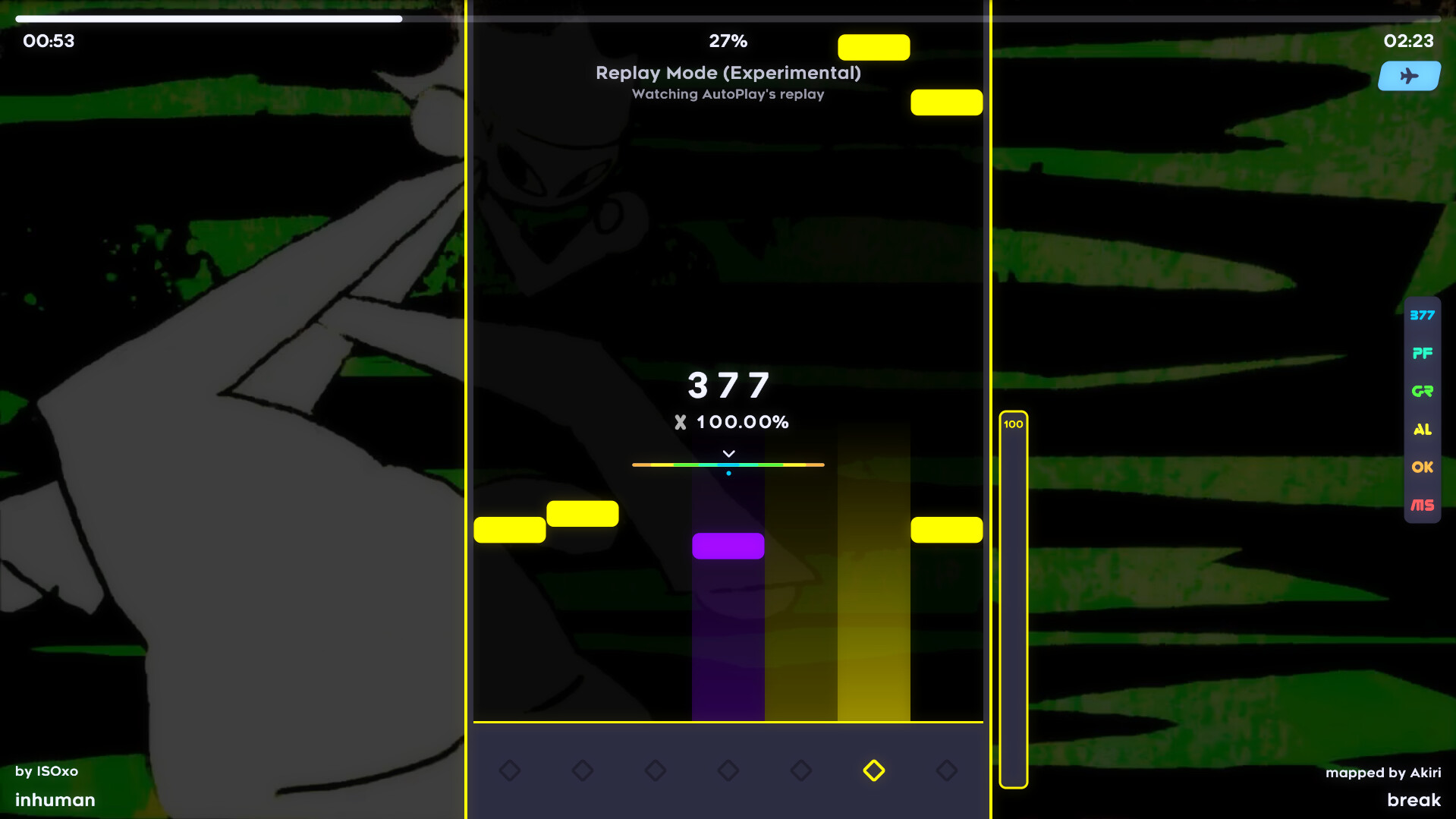
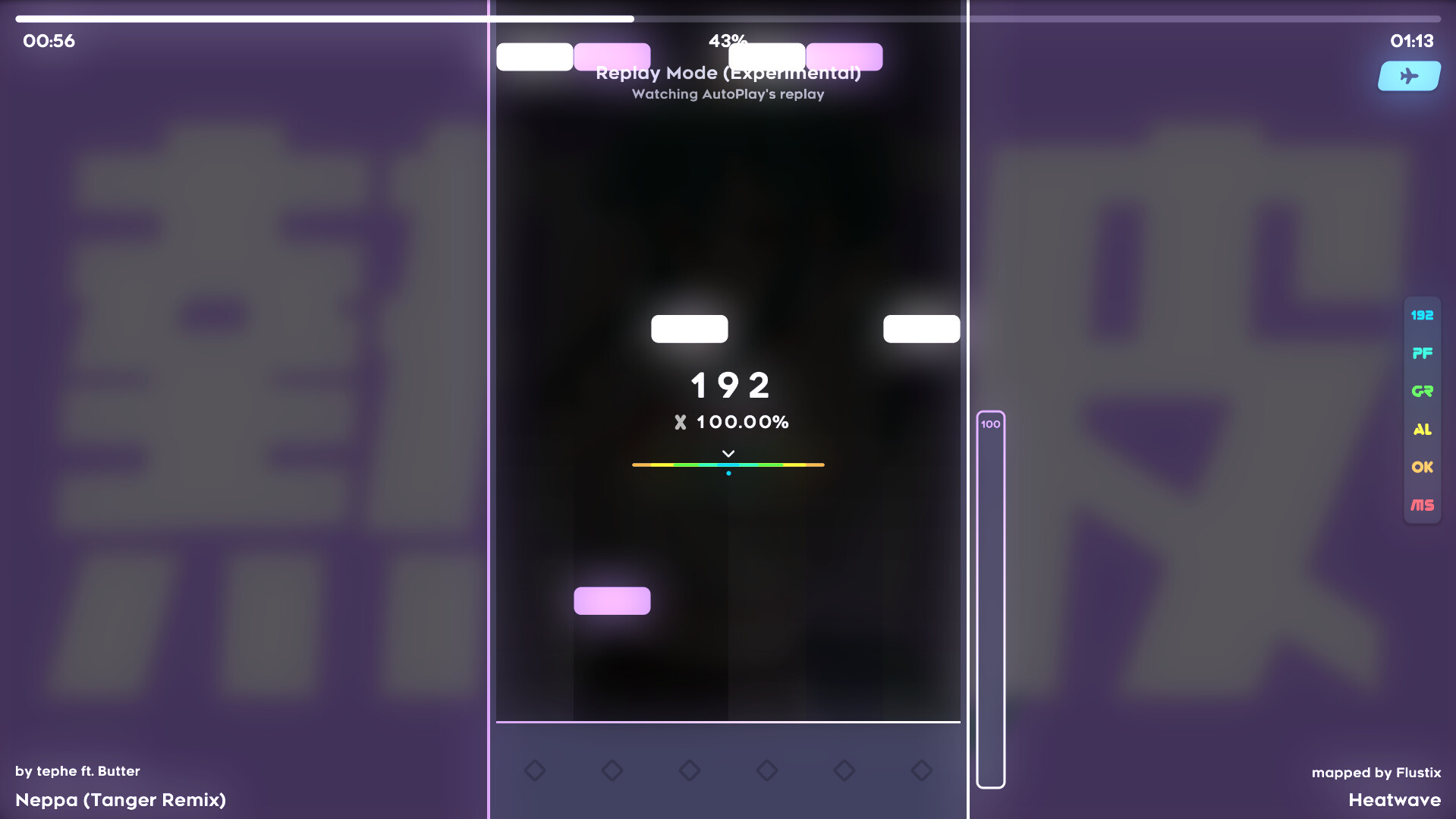
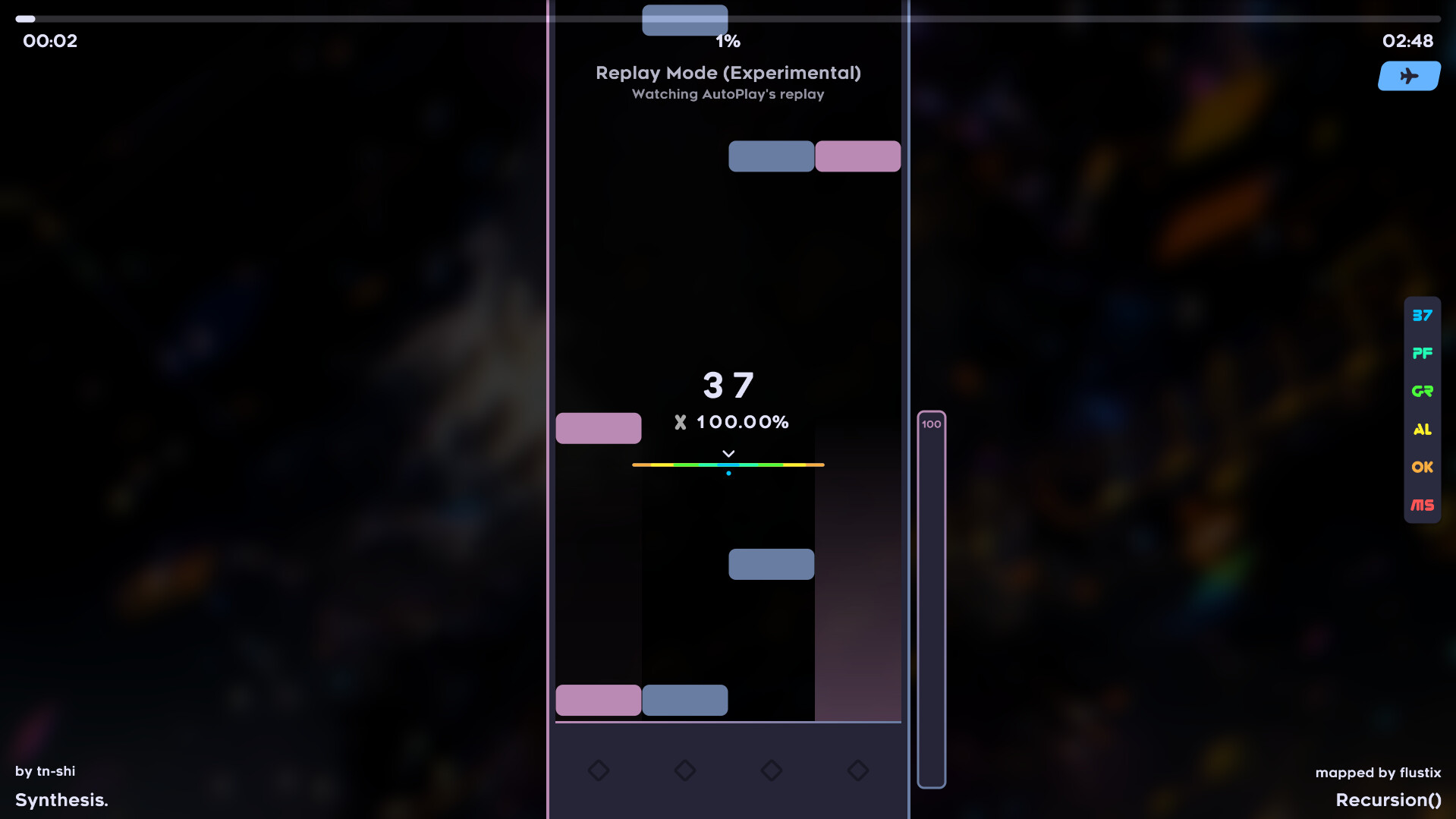
fluXis is a community-driven, vertical scrolling rhythm game with customizable visual and gameplay effects. Create your own flashy maps or compete against the world in the online leaderboards.
Features
Feature-packed Editor - Create your own maps and share them with the world.
Visual and Gameplay Effects - Move the playfield around, change the key count mid-song, flash the screen white or make it greyscale, with no limitations!
Online Multiplayer - Play with your friends or compete against strangers online.
Customization - Change textures and move HUD elements around however you want.
Cross-game compatible - Import and play maps from various other rhythm games and add support for more games through plugins.
🕹️ Partial Controller Support
🎮 Full Controller Support
- [0 B]
Editor
\n- \n
- Added hot reloading for scripts. [@menvae]\n
- The point list filters now show the proper color.\n
- Tags on the right side now stack properly. [@menvae]\n
- Added a tooltip when hovering the time info (bottom left).\n
- Added a hint text to the design tab sidebar when it is collapsed.\n
- Changed the hitbox of the PlaybackSpeed/Zoom controls from the icons to the entire square.\n
- Notes without a hitsound now display the :normal text by default.\n
- Storyboard timeline can now be scrolled vertically by holding Shift.\n
- Script fields now have a button to edit them externally (Or create them if the file does not exist).\n
Music Player
\n- \n
- Completely revamped the design and added the ability to fullscreen it.\n
Song Select
\n- \n
- Moving the practice range handles now pitches the sound accordingly.\n
- Header images now get loaded asynchronously and no longer cause a lagspike. [@menvae]\n
Gameplay
\n- \n
- Result hitgraph now has labels. [@menvae]\n
- Fixed Fisheye not being fully disabled even if the strength is 0. [@menvae]\n
Storyboards
\n- \n
- Improved how Z-ordering works and fixed layering issues with osu! storyboards.\n
- Storyboards can now access user settings like scroll speed and upscroll.\n
User Interface
\n- \n
- Hovering over the avatar and banner in account settings now has an indicator for editing.\n
- Fixed the screen transition from Loading to Intro not fading properly.\n
- Added more variation to the Intro/Exit bar movement.\n
- Hovering a settings item now shows a small indicator on the right side of it.\n
- Scrollbars now get hidden after not moving for a bit.\n
Other
\n- \n
- Added the option to change the middle-mouse scrolling mode to relative.\n
- Sped up initial map loading by a bit by not looping over them twice.\n
- \"Maintenance\" and \"Debug\" settings tabs are now merged into the \"Advanced\" tab.\n
- Fixed a possible exception when unbinding map list items. [@menvae]\n
- Improved performance a bit by not rendering the map background behind videos.\n
Minimum Setup
- OS: Any Distro
- Processor: whatever supports 64-bitMemory: 2 GB RAMNetwork: Broadband Internet connectionStorage: 200 MB available space
- Memory: 2 GB RAMNetwork: Broadband Internet connectionStorage: 200 MB available space
- Storage: 200 MB available space
Recommended Setup
- OS: Any Distro
- Processor: Intel Core i5+Memory: 4 GB RAMNetwork: Broadband Internet connectionStorage: 1 GB available space
- Storage: 1 GB available space

[ 6358 ]






























[ 5876 ]


[ 750 ]





























[ 1993 ]




























[ 1017 ]






























Time left:
356102 days, 5 hours, 29 minutes

Time left:
356102 days, 5 hours, 29 minutes

Time left:
6 days, 13 hours, 29 minutes

Time left:
34 days, 13 hours, 29 minutes

Time left:
37 days, 13 hours, 29 minutes

Time left:
38 days, 13 hours, 29 minutes

Time left:
11 days, 23 hours, 29 minutes

Time left:
0 days, 7 hours, 29 minutes

Time left:
7 days, 7 hours, 29 minutes

Time left:
13 days, 7 hours, 29 minutes

Time left:
14 days, 7 hours, 29 minutes

Time left:
19 days, 7 hours, 29 minutes

Time left:
25 days, 7 hours, 29 minutes

Time left:
4 days, 20 hours, 44 minutes

Time left:
9 days, 13 hours, 30 minutes

Time left:
11 days, 12 hours, 30 minutes

Time left:
16 days, 19 hours, 40 minutes


