



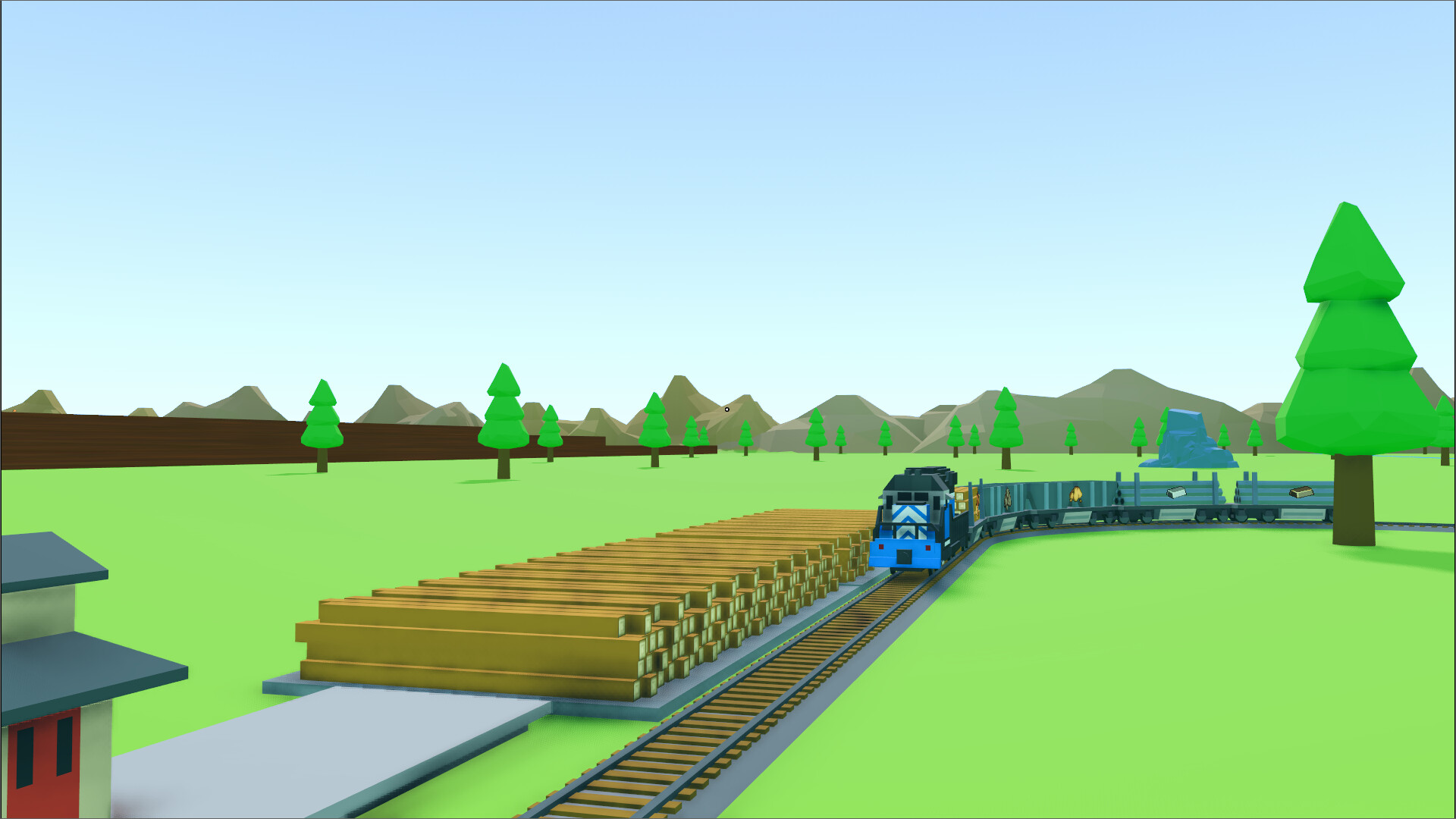
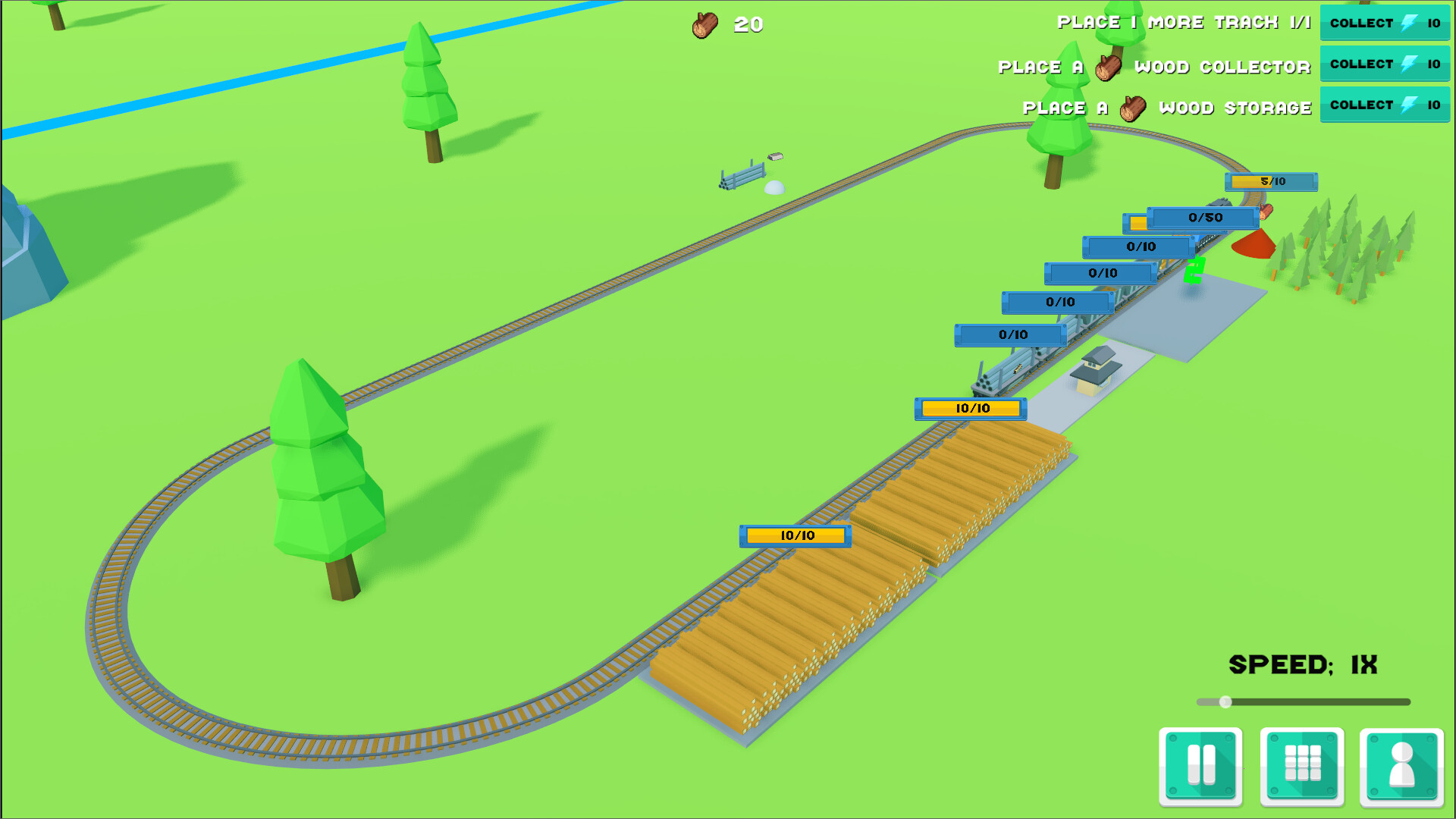
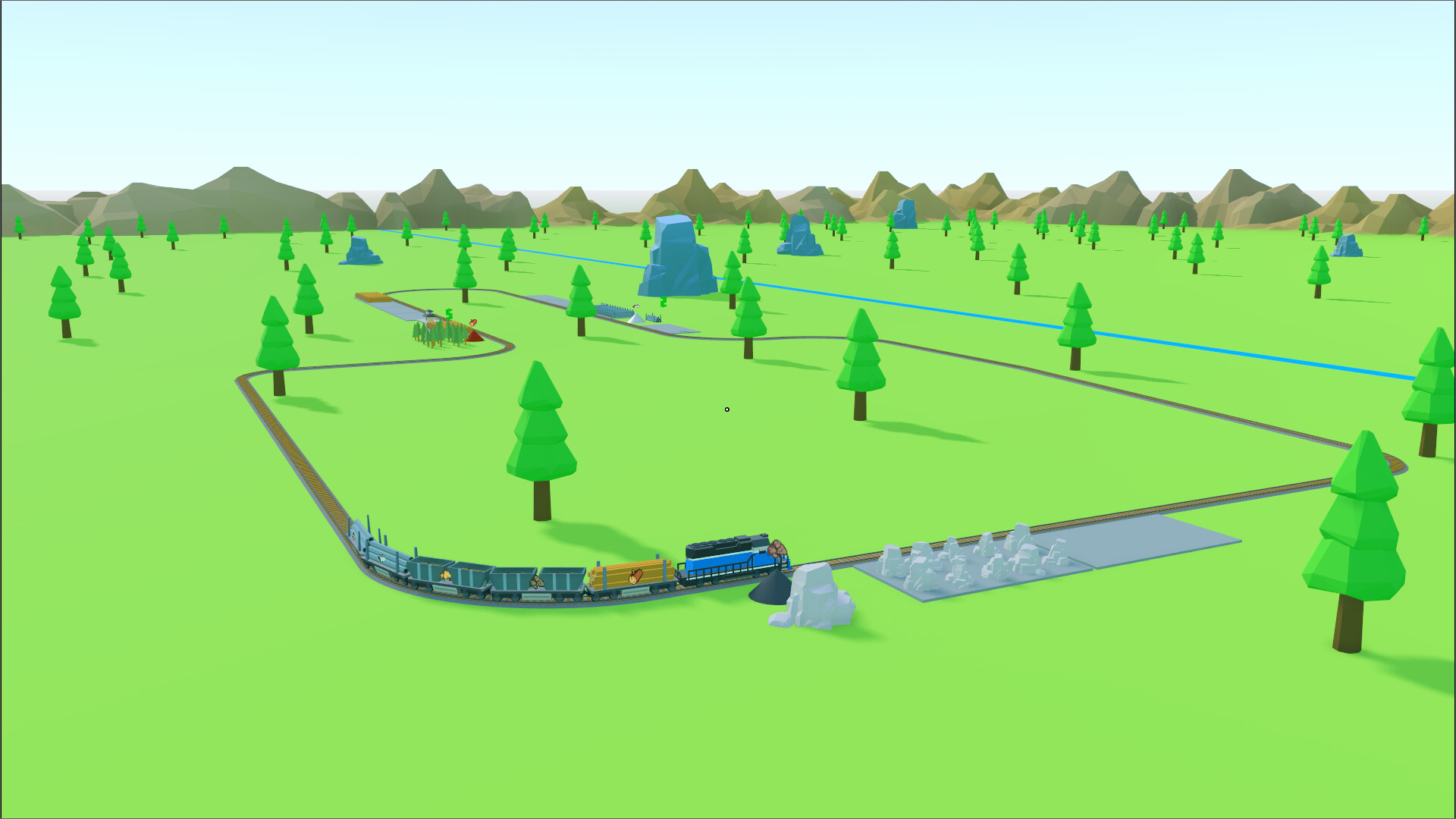
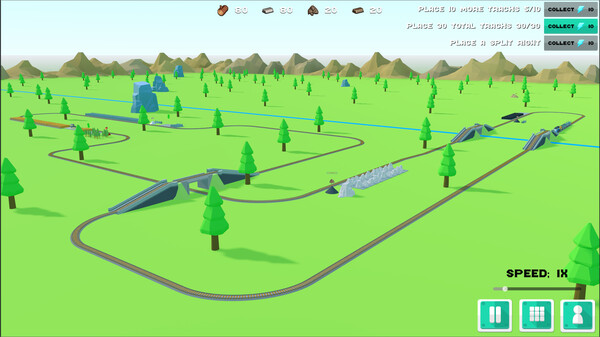
Sit back, relax, and watch your train do the heavy lifting as it gathers resources to help you craft new tracks and expand your railway.
Lazy Train Game offers a short and calming yet rewarding experience.
Need to speed things up? Use the game’s speed control to breeze through milestones and keep the momentum rolling. Perfect for a laid-back gaming session or a quick escape into a world of tracks and trains!
Hey all!
I want to give a quick update with some of the things we\'ve been working on recently! Some of it will be available in the demo and some will not. Some of it is already available, and some is coming in the next update.
Recent Updates First
These updates are already live in the demo and in the full version.
There is now a visible grid!
[img src=\"https://cdn.cloudflare.steamstatic.com/steamcommunity/public/images/clans/45555543/f41c88482dca8eabf9c08918d3b35b9c124ed5a3.png\"][/img]
There\'s now a simple mode and an advanced mode
By default, the track selection will be set to Simple Mode.
Simple mode: Only shows tracks that fit to the larger grid.
[img src=\"https://cdn.cloudflare.steamstatic.com/steamcommunity/public/images/clans/45555543/3a48e3c6e0a3b828f9ead085f732861f760ba176.png\"][/img]
Advanced mode: Shows tracks that fit to the sub-grid sizes
[img src=\"https://cdn.cloudflare.steamstatic.com/steamcommunity/public/images/clans/45555543/1adc037ecdbe3f650ca1c0b532870a944c38477f.png\"][/img]
All collectors and most terrain are now grid aligned
The scenarios have been reworked to have almost every element of them align with the grid. You currently need to still switch to advanced mode in order to build the bridge (not available in demo) in the Grassy Plains scenario, but those will also be reworked to have a version of it that is grid aligned.
Upcoming Updates
The following are upcoming updates that will likely be made available before Christmas! The exception is the new scenario that will be cutting it close and might not make it in by then.
Train Coloring
Some people asked for being able to give their trains different colors, so here we are. The stations are colored to match their train as well, so you will know which train came from which station.
[img src=\"https://cdn.cloudflare.steamstatic.com/steamcommunity/public/images/clans/45555543/f1540f8b93e2455200b1d497a39cba2df38c5e23.png\"][/img]
Currently they can just be clicked on to change them, but there will likely be a UI before it\'s available to the public.
[img src=\"https://cdn.cloudflare.steamstatic.com/steamcommunity/public/images/clans/45555543/60452ac81fcd3adf38e889e5f61688068b51c0b6.gif\"][/img]
Track logic based on coloring
I don\'t have anything to show for this quite yet since I\'m still working out the UI details, but I\'m currently working on making it so you can set where a track will go on a switch based on its color. For instance, have all trains that are blue go right and all other trains will go straight. Or, have only blue trains go straight and all other trains go right.
Trains will no longer just crash into each other
[img src=\"https://cdn.cloudflare.steamstatic.com/steamcommunity/public/images/clans/45555543/256df64aed8ddf645ac16642d4c33d74b457342e.gif\"][/img]
A new scenario that will likely replace the current first scenario.
One of my good friends is currently working on a new scenario that is much more interesting than the current first one. Here is an outdated screenshot of it.
[img src=\"https://cdn.cloudflare.steamstatic.com/steamcommunity/public/images/clans/45555543/0192cbed05230246701fde1e49d53b6609e725f3.png\"][/img]
That\'s it for now. Stay tuned for future updates! Don\'t forget to follow either the game or the developer profile to be informed when new updates are released.
-Nathan
Lazy Train Game - Latest Updates
Trains
[olist]You can now have multiple trains running! Many people have asked for this and it\'s something I\'ve wanted to add for a long time.
[/*]Actually, the code for this was already in the game, but I needed to work out some issues with it. You might have experienced this since there a bug that allowed the trains to spawn on load if you had additional stations placed.
[/*]As a pacing solution, train stations now cost more with each additional station purchased.
[/*][/olist][img src=\"https://cdn.cloudflare.steamstatic.com/steamcommunity/public/images/clans/45555543/ccabb117a94456a327c27387a69dd162f8119cfa.png\"][/img]
Camera Improvements
[olist]When placing tracks or props the camera no longer rotates keeping the object centered. Instead the camera rotation is locked so you can freely place the track or prop.
[/*]A toggle is now available in the options menu that will allow the camera to move in the direction it\'s pointing instead of maintaining it\'s height while moving. For instance, if you point the camera straight down and press forward it will go down toward the ground. By default, it will not go down, but will go in the horizontal direction it\'s pointing.
[/*][/olist]Living Room (Preview)
[olist]There\'s a preview of a new living room scene. Warning: This scene might change significantly before the full release of the game.
[/*]There\'s currently no golden caboose in this scene and therefore no way to complete it.
[/*][/olist][carousel][img src=\"https://cdn.cloudflare.steamstatic.com/steamcommunity/public/images/clans/45555543/586646f902075294a8e9fa550a82ced874854eb1.png\"][/img][img src=\"https://cdn.cloudflare.steamstatic.com/steamcommunity/public/images/clans/45555543/b219a2cf87f4f61d28dd141235a084fc42fe6f27.png\"][/img][img src=\"https://cdn.cloudflare.steamstatic.com/steamcommunity/public/images/clans/45555543/8f03e72200c44f119be8be99f48ba8b4316a8457.png\"][/img][/carousel]UI Improvements
[olist]Pressing the escape key will back out of actions and menus as expected. For instance, previously if you had a track that you were placing and hit the escape key to drop it, the main menu would show. Now, it will cancel placing that track. If you press escape again it will then open the menu.
[/*]Resource amounts now show with their maximum amounts. Previously they would only show how much you had stored, but not how much you could store in total.
[/*][/olist][img src=\"https://cdn.cloudflare.steamstatic.com/steamcommunity/public/images/clans/45555543/4fdb0c4d3f2886bef8e64f04c02f3653347fd330.png\"][/img]
Lots of bug fixes!
I don\'t want to write anything more than that, but the release notes are below if you\'d like to see what has been fixed.
Lazy Train Game will be released in Early Access
Many of the improvements in this release and in many releases past are thanks to the feedback of the community. Over the last few months I have been more and more convinced that this game is a perfect fit for Early Access. So, I\'ve decided to release the game in Early Access at some point early next year.
Release Notes
0.6.0 - Release Notes
Multiple trains now spawn in and out based on their station.
Camera no longer rotates when placing items, making it easier to place items.
Storage totals now show at the top of the screen.
Split tracks are now named Switch tracks.
Created an additional camera movement mode to the Options menu.
- In this option the camera moves in the direction it is pointing when in free camera mode.
The escape key now handles edit tracks, panels, then main menu instead of going straight to the main menu.
Fixed a bug where a train station couldn\'t be removed when loading back into the scene.
Added messaging and graphical updates when collecting the golden caboose. (not reachable in demo)
Added an \"in development\" living room scenario. (not available in demo)
Moved sellers under their own filter.
Added an objective for multiple trains running.
Placing additional stations now increases cost per station.
Implemented a global crash logger in order to help find and fix bugs.
Fixed a loading crash bug.
Fixed the message displayed when colored attachments don\'t match.
Fixed colored attachments to not allow looking to be connected.
Removed golden resets and added scenario completion/unlocking instead.
The train is no longer re-assigned to the station it runs over. - Fixes an infinite crash/respawn bug when using multiple trains.
An exception during loading now blocks saving and logs the exception remotely.
Fixed a bug where the seller tutorial could pop up while placing tracks.
Updated the structure of save data. Added a user data file.
Multiple train crashing now works.
Pause is now per level instead of per user.
Fixed a bug where the seller would get stuck if the attribute was upgraded to the number of resources stored in it.
Made the stone train car have something that looks more like stones.
Added a freight train horn.
Updated the project to Godot 4.5
Fixed the track collection objective bug, where it would reverse a completion if a track was removed.
Separated out the WASD tutorial messages into individual keys.
Switched Q and E keys to match other program 3D nav views.
Added a tutorial for up and down.
Fixed an incorrect tween delay when the timescale was not 1.
Increased the update frequency for resource amount increases.
Fixed max resource number not updating when placing or removing a storage track.
Fixed a bug where if the last storage was removed it would still show the previous amount at the top.
Cleaned up the profile and tracks panels.
The mouse only centers upon placeable instantiation if a Use button is pressed.
Pressing escape now first removes the current active track placement, then opens the main menu.
Made the \"Not available in demo\" panel to be less harsh.
Added a raycast check for camera movement so the camera won\'t go through walls.
Made scenarios visible to players.
Option sliders no longer scrollable with middle mouse.
Cleaned up the layout of the options menu.
Performance improvement for connecting attachments when a lot of tracks are in the scene.
Added a fullscreen toggle and windowed sizing adjustments.
Improved the performance for adding and removing train tracks.
Other various bug fixes
Version 0.5.0
Known Issues:
If you\'re using an AMD card with driver version 25.8.1 or 25.9.1, you will likely experience a visual corruption issue. Driver version 25.9.2 should resolve the issue. Here is a link to AMD\'s 25.9.2 driver page: https://www.amd.com/en/resources/support-articles/release-notes/RN-RAD-WIN-25-9-2.html#Downloads
Updates:
Added a cap framerate option.
Added new music and random music player.
Lowered the default music volume.
Added an objective completed tutorial.
Tutorials can now be advanced by pressing \"Enter\" when the button is visible.
Shortened the intro tutorial.
The tutorial button text now typically says \"NEXT\" unless it\'s the last tutorial step.
Added a tutorial for sellers.
Renamed \"Tutorial Objectives\" to \"Onboarding Objectives\"
Added a tutorial that you lose resources when you remove a storage unit.
The track rotation is now remembered when spawning the same type of track after cancelling the current item being placed.
Fixed incorrect characters in the save timestamps.
Accounted for golden reset numbers in the the profile screen.
Swapped out the hill with grass on the title screen with the dirt one.
Reorganized objectives to be more in line with the order of the game.
Fixed a graphical issue with the tracks panel.
Fixed a bug where the the profile panel wouldn\'t update when a seller was filled.
Replaced the train crash sound with an error sound.
Reduced the cost of auto-collectors from 500 to 250
Updated several sfx volumes.
Camera should now rotate more smoothly.
Fixed store item resource text size.
Softened panel and purchase sound fx.
Fixed some unassigned audio buses.
Added a golden caboose collected sound.
Made the golden reset button a bit smaller.
Fixed split tracks causing the train to jump from one track to the other in random or toggle mode.
Fixed the clouds decal having a line in it.
Favorites toggles no longer get control focus.
Fixed tracks not snapping to certain attachments when others are available, but farther away.
Fixed dirt seller objective from showing twice.
Fixed some graphical issues with swapping error material and existing materials.
Fixed road appearing on sides of sidewalk that don\'t connect to road.
Autotiling of sidewalk is now based on attachments instead of an approximate grid.
The \"More Games\" button now goes to the new \"Game Warden Games\" page.
New Music ... more coming soon.
Rocks are now removable and can be placed wherever the player wishes.
Added animated clouds
Added Birds
Added a golden caboose (not reachable in demo)
Added many more props (most not reachable in demo)
Added auto collectors (only wood auto collector available in demo)
Reticle is no longer visible in spectator mode.
Track panel filter now hides when the panel is closed.
Fixed a bug where more resources were being deducted than should have been.
Fixed track id showing in error message instead of track name.
Made the stone icon look more like the stone 3D graphics.
Fixed some bugs with sidewalk auto-tiling
Known issues:
Auto-tiling of sidewalk tiles can auto-tile if the tiles are separated a little bit
* This is already fixed, but didn\'t make it into this release
Minimum Setup
- OS: Ubuntu 20.04
- Processor: Intel Core i5 or equivalentMemory: 512 MB RAM
- Memory: 512 MB RAM
- Graphics: GTX 1050 4GB or equivalent
Recommended Setup
- OS: Ubuntu 24.04
- Processor: Intel Core i7 or equivalentMemory: 1024 MB RAM
- Graphics: GTX 1070 or equivalent
[ 6228 ]

















[ 5879 ]


[ 2477 ]


















[ 4756 ]





















Time left:
356105 days, 1 hours, 44 minutes

Time left:
356105 days, 1 hours, 44 minutes

Time left:
0 days, 9 hours, 44 minutes

Time left:
9 days, 9 hours, 44 minutes

Time left:
37 days, 9 hours, 44 minutes

Time left:
40 days, 9 hours, 44 minutes

Time left:
41 days, 9 hours, 44 minutes

Time left:
2 days, 3 hours, 44 minutes

Time left:
3 days, 3 hours, 44 minutes

Time left:
10 days, 3 hours, 44 minutes

Time left:
16 days, 3 hours, 44 minutes

Time left:
17 days, 3 hours, 44 minutes

Time left:
28 days, 3 hours, 44 minutes


