



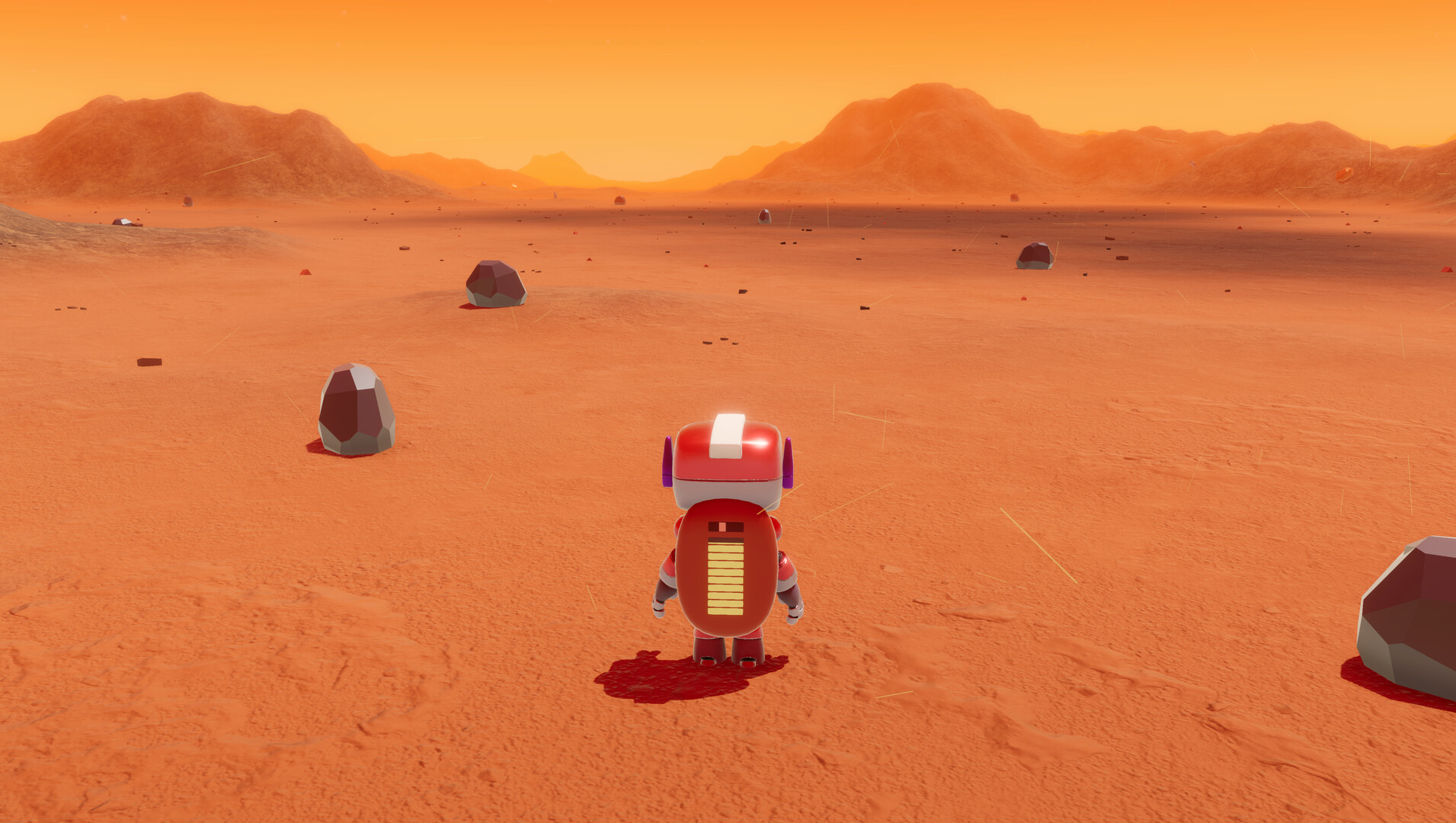
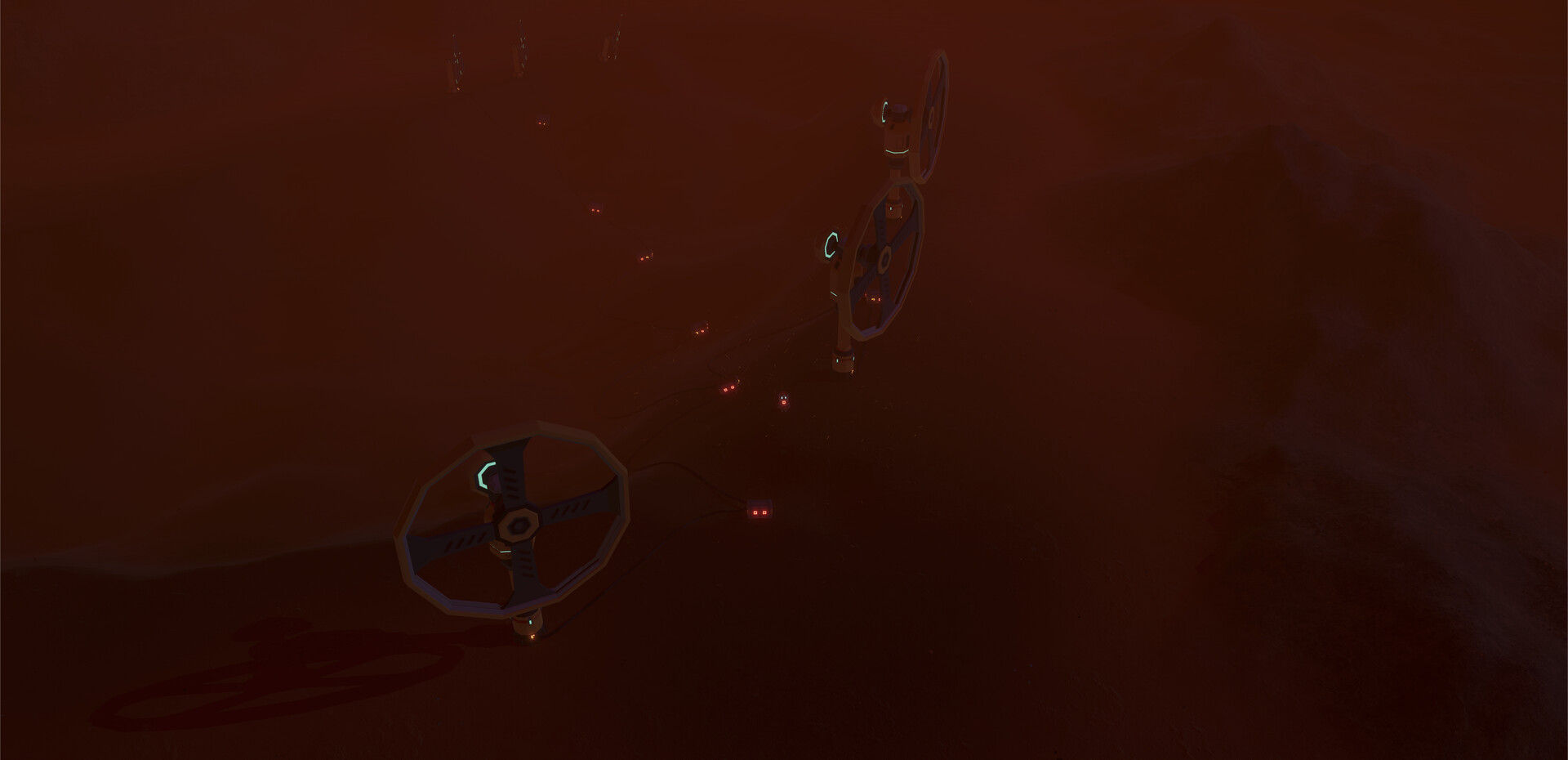
Terraform Mars and bring it back to life in this solo survival crafting game. You are the last sentient being in the galaxy—a robot on a mission to mine, build, and revive a dead planet. Manage power, build a mobile colony, and uncover what happened to Earth.
TERRAFORM MARS
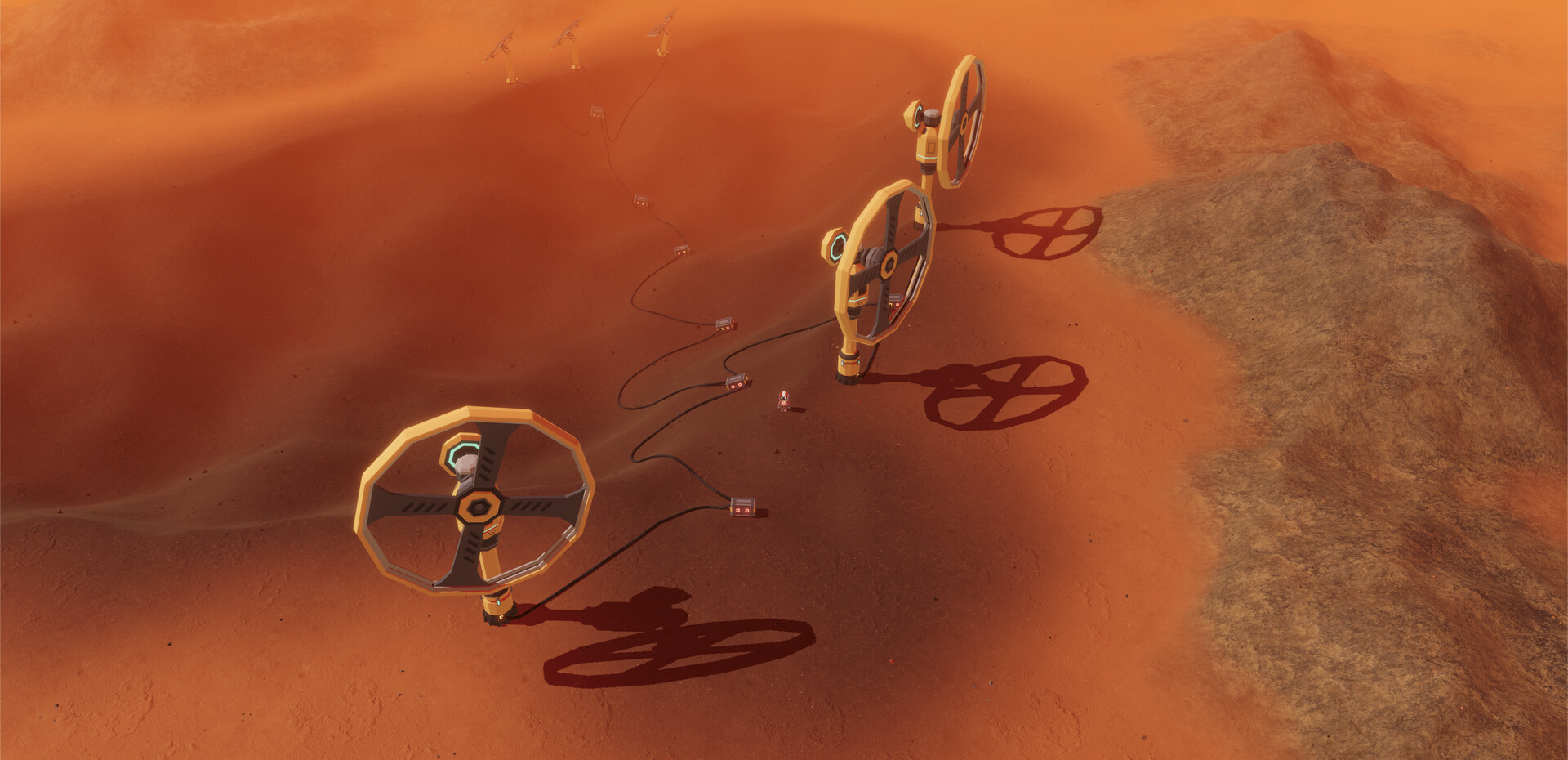
Turn a lifeless desert into a thriving ecosystem. Build powerful terraforming machines to raise atmospheric pressure, lower temperatures, generate soil, and plant vegetation. As conditions improve, incubate animals and bring life back to the red planet.
SURVIVE WITH POWER, NOT FOOD
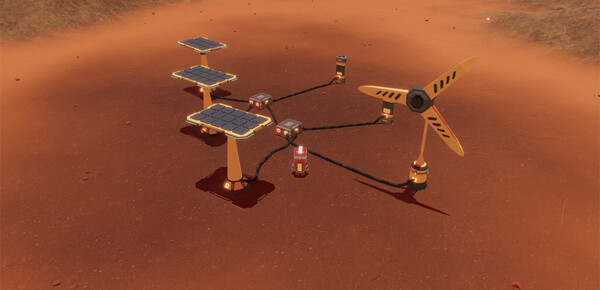
As a robot, you don’t need food or oxygen—but you do need power. Lots of it. Harness Mars’ raw resources to generate energy, power your base, and stay operational. Manage your power carefully to survive and expand.
A COLONY ON WHEELS
Build modular rovers and take your base with you. Attach solar panels, power generators, storage units, and terraforming tools to create a fully mobile colony. Explore the planet with everything you need—right at your wheels.
SHAPE THE PLANET YOUR WAY
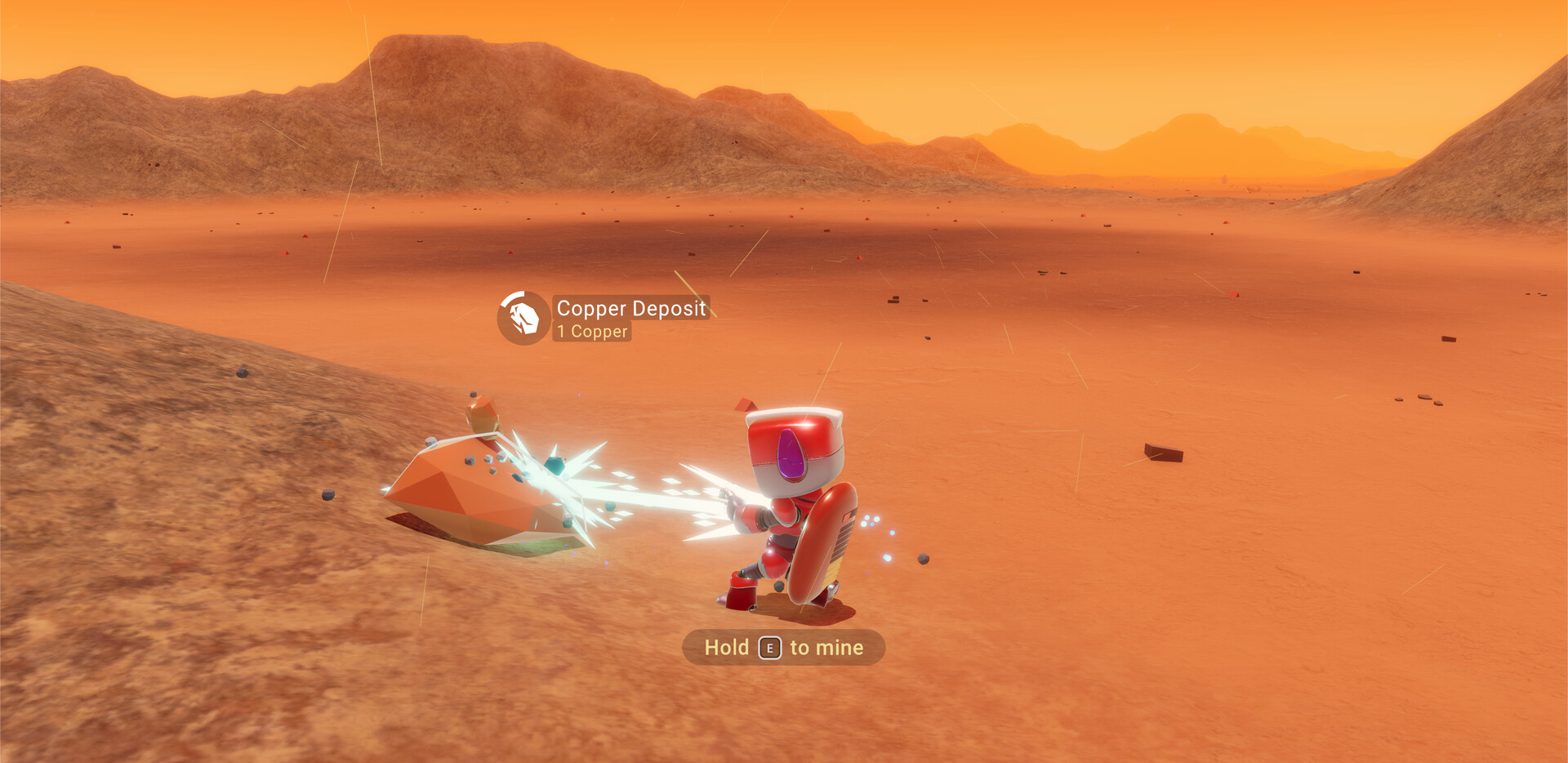
Mine minerals and rare metals, collect atmospheric elements, craft advanced components, and design custom structures anywhere on the surface. Build what you want, where you want—your creativity is the limit.
UNCOVER EARTH’S LOST HISTORY
Mars holds the forgotten legacy of humanity. Discover remnants of old colonies, investigate abandoned space stations, and uncover the mystery of how you became the galaxy’s last hope. The story of Earth’s fall—and your purpose—is waiting to be revealed.
Hey everyone!
I want to start by saying a huge thank you to everyone who played the Blossom: The Seed of Life demo, shared feedback, and supported the game since release. The response has been incredible, and Im genuinely grateful for the amount of players who took the time to play, comment, and review. Seeing so many people enjoying Blossom has been both surreal and motivating.
Thank you all for being part of this journey!
This is the first patch for the demo, and it focuses on improving gameplay flow, fixing early issues, and making the overall experience smoother. Below are a few of the biggest highlights from this update.
Mining and storing items while riding the rover\nYou can now mine and collect resources without leaving the rover. Just drive up, start mining, and collect resources and they automatically go straight into your storage module. This makes exploration and gathering much smoother (and a lot more fun).
[img src=\"https://cdn.cloudflare.steamstatic.com/steamcommunity/public/images/clans/45573651/4197992ffaa0e4d5a83c3fe5a9483e565e58e7f8.png\"][/img]
Pin any blueprint or recipe on screen\nYou can now pin blueprints or crafting recipes directly to your screen. This makes it easy to track what you need while mining, crafting, or building.
[img src=\"https://cdn.cloudflare.steamstatic.com/steamcommunity/public/images/clans/45573651/eb28a4a1317b62b1acb0d7d4f75531f6cad1eea9.png\"][/img]
Performance optimizations (2030% FPS increase)\nThe game now runs significantly better across all areas. Expect a noticeable 2030% boost in frame rate depending on your setup, especially around larger bases and high-object areas.
New game database entries\nFour new database entries have been added to make early progression and crafting clearer. They cover blueprint disks, power generators, encryption keys, and emergency power systems.
And thats just the highlights. Below you can find the full changelog with all the fixes, tweaks, and improvements included in this patch:
Version 0.1.5
New Features
New database entries added:
Crafting (Encryption Key focus)
Blueprint Disks (Installation & usage)
Emergency Power (Using Blossoms backpack to power machines)
Fuel Generators (How to generate power)
Power Running Out mission now auto-starts when ship battery drops below 250 units.
Power Running Out mission now displays the ships current battery level.
You can now pin recipes from the Crafting Station or Printer to the top-left corner of the HUD.
Printing now starts in Build Mode for mouse & keyboard users, allowing camera zoom and free placement.
Compass now tracks discovered blueprints and Temperature Station coordinates with Info Module V3.
Improvements
Terraform Monitor redesigned:
No longer spawns blueprints automatically.
Now spawns all blueprint disks at once.
Enlarged model with power socket repositioned for easier use.
Power overlay now shows ships power status on nearby sockets in addition to extenders.
Temperature Station control panel can now be placed in all four ship corners.
All menus:
Scroll arrows made more visible and clickable with mouse.
Active tabs now highlighted with background color.
Heater T1 placement improved.
Doors no longer open automatically while inside vehicles.
Flashlight disabled inside vehicles.
Wagon and rover batteries now prioritize recharging, instantly consuming base power like Blossom.
Rover now remembers Boost Mode toggle state.
Rover now has another power port in front for charging purposes.
Mining possible while riding rovers with mounted mining lasers.
Items can now be stored in wagon storage modules while riding.
Storage T1T3 snapping area reduced to prevent invalid placement.
Battery T1-T3 now has an additional power port.
Bug Fixes
Regain Control of the Station mission text updated to Insert Encryption Key into Control Panel.
Uranium Rod description typo fixed.
Deconstructing certain items no longer sends resources flying.
Fixed being stuck in certain exploration bases.
Water cables now display proper color.
Battery T2 flashing white during printing fixed.
Fixed recipe discovery when backpack is full and items are replaced.
Technical & Performance
Unity updated to latest LTS version addressing security vulnerability.
Database videos transcoded for improved playback (Steam Deck support).
Optimizations:
Resource deposit processing
Icy object rendering
Deconstruction system
Ice rendering performance
Overall performance improved by 2030% FPS gain on average.
Coming Soon:
Further performance improvements, especially during the icy stages.
[/*]The ability to drop items from your backpack to the ground.
[/*]A new Backpack Mode for mouse and keyboard users, allowing you to freely move items between your backpack and any storage using your mouse.
[/*]
Thanks again for playing, supporting, and helping shape the game with your feedback. This is just the beginning, and I cant wait to show you whats coming next.
Thorin
Minimum Setup
- OS: Steam OS 3
- Processor: Zen 2Memory: 4 GB RAM
- Memory: 4 GB RAM
- Graphics: Any 2GB Graphics Card
- Storage: 2 GB available space

[ 6372 ]




























[ 5870 ]


[ 1265 ]




























[ 1943 ]






















[ 986 ]

















Time left:
356100 days, 3 hours, 20 minutes

Time left:
356100 days, 3 hours, 20 minutes

Time left:
4 days, 11 hours, 20 minutes

Time left:
32 days, 11 hours, 20 minutes

Time left:
35 days, 11 hours, 20 minutes

Time left:
36 days, 11 hours, 20 minutes

Time left:
9 days, 21 hours, 20 minutes

Time left:
5 days, 5 hours, 20 minutes

Time left:
11 days, 5 hours, 20 minutes

Time left:
12 days, 5 hours, 20 minutes

Time left:
17 days, 5 hours, 20 minutes

Time left:
19 days, 5 hours, 20 minutes

Time left:
23 days, 5 hours, 20 minutes

Time left:
2 days, 18 hours, 35 minutes

Time left:
7 days, 11 hours, 21 minutes

Time left:
9 days, 10 hours, 21 minutes

Time left:
14 days, 17 hours, 31 minutes


