



Flip coins to earn money
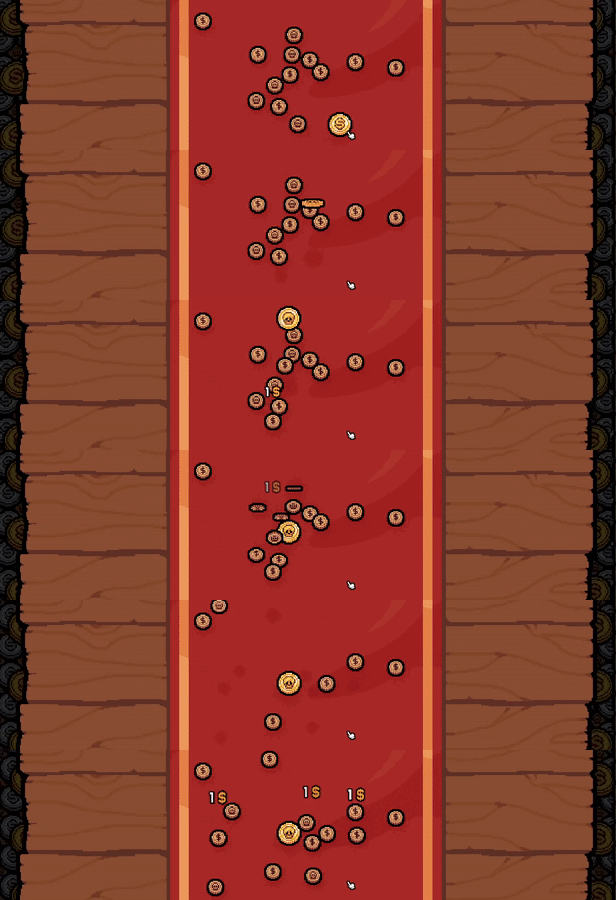
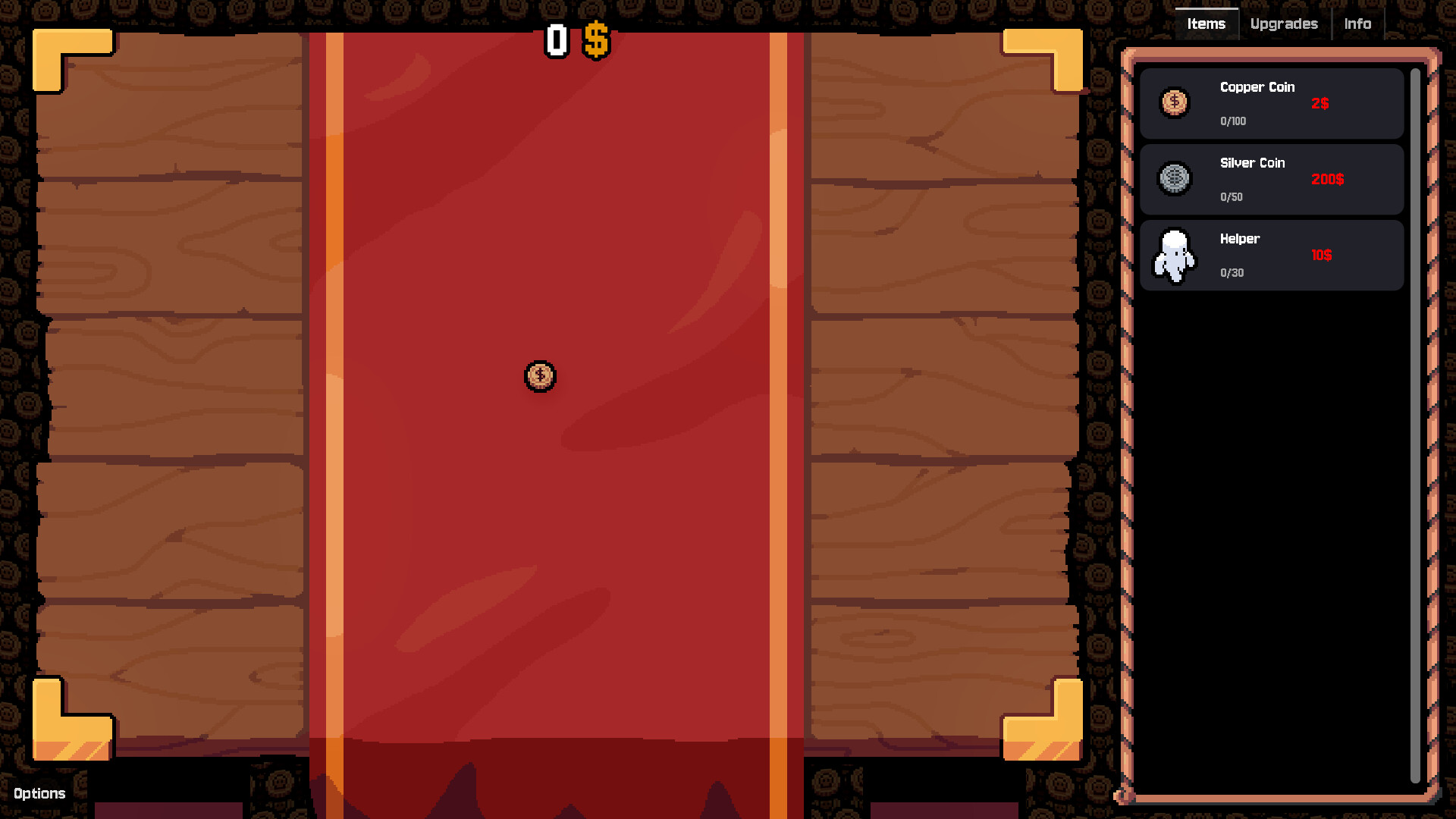
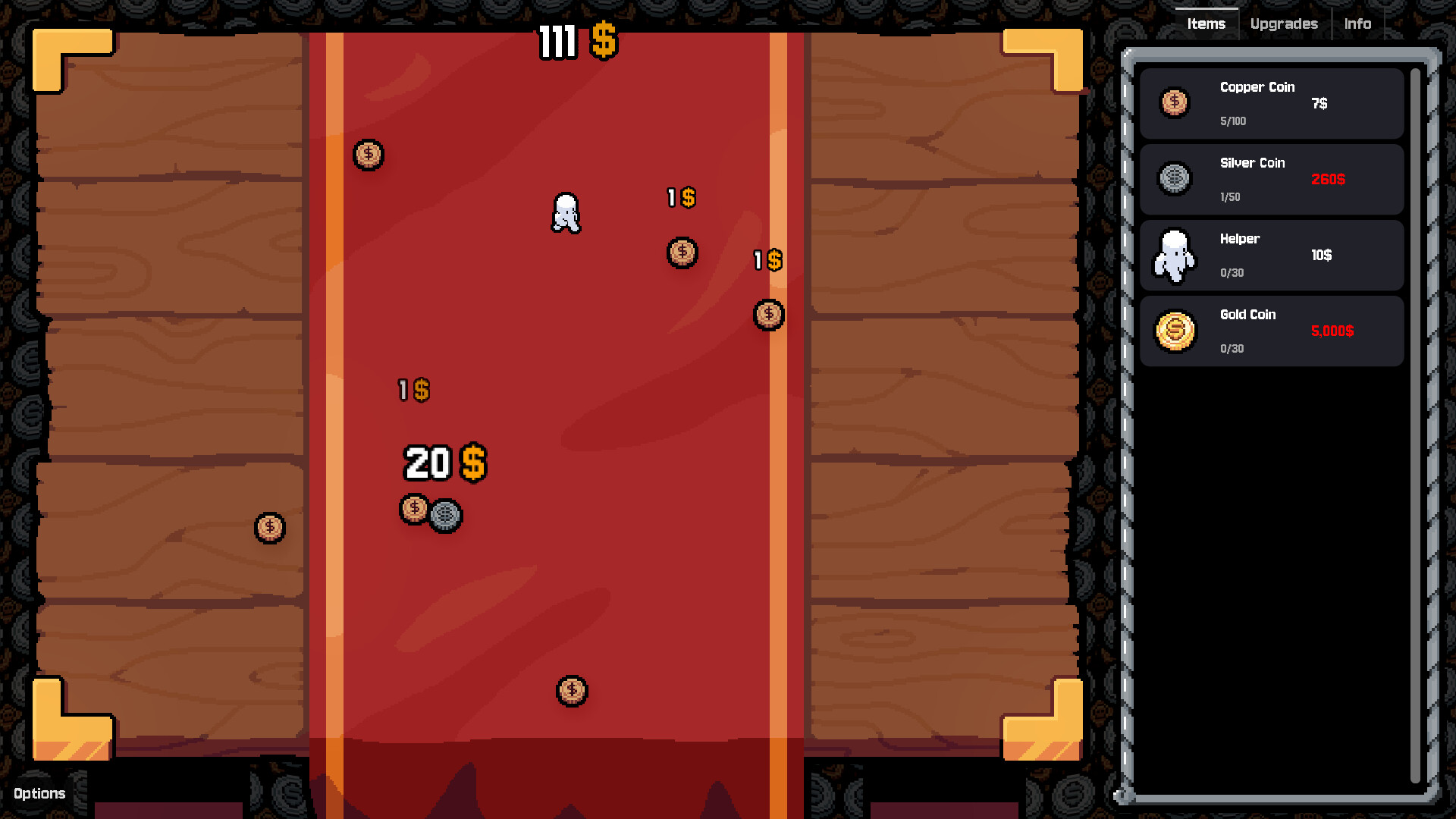
Click a coin to toss it. Every time it lands on Heads, you earn money. Simple. Satisfying. Strangely compelling.
Buy coins & upgrades
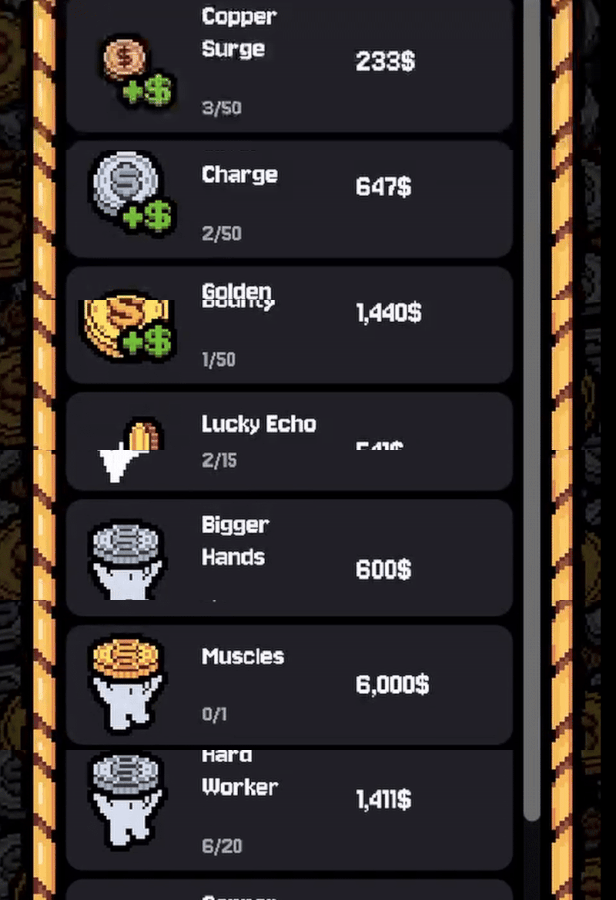
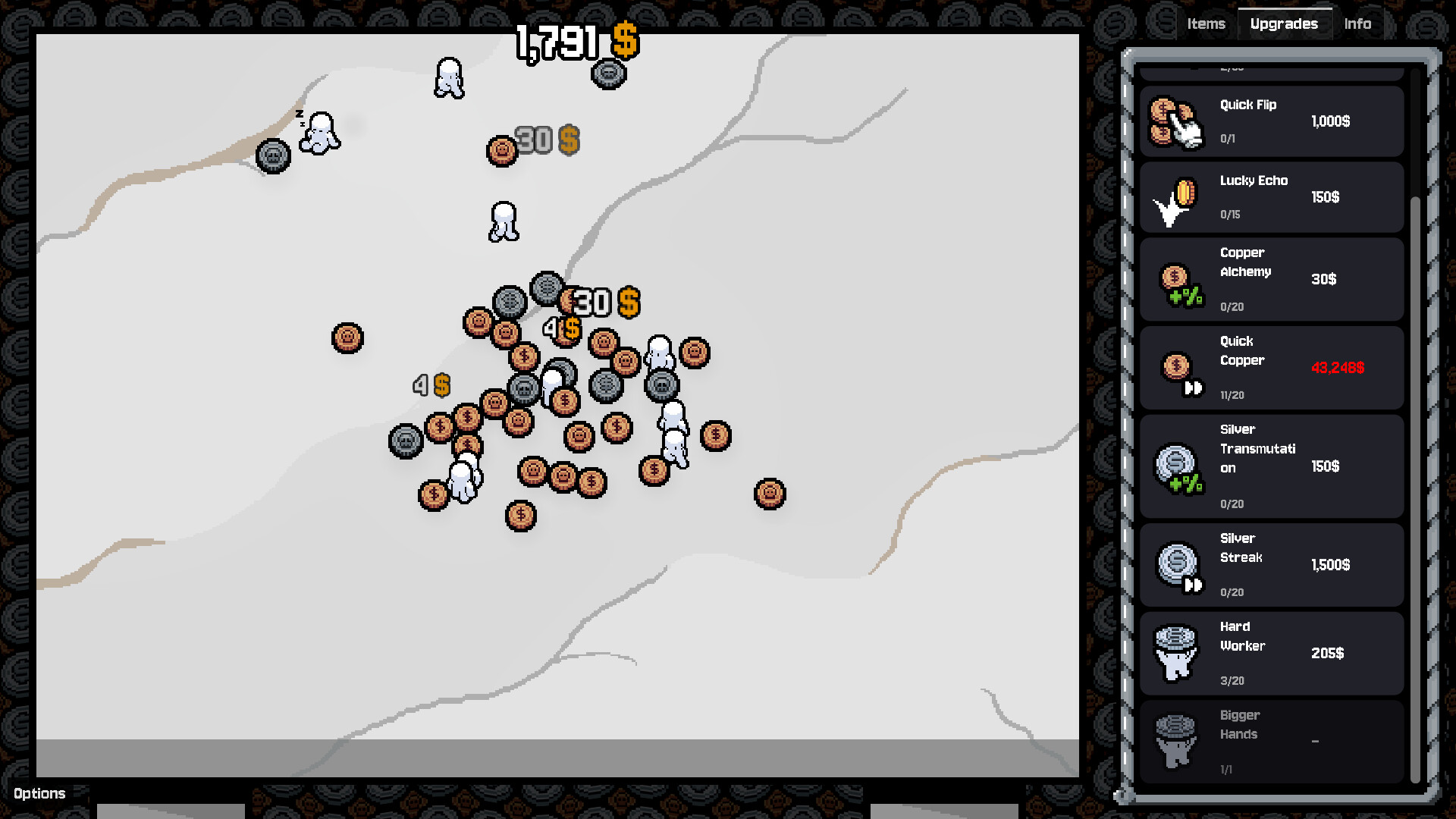
The more coins you own, the more you can flip. Buy upgrades to make them flip faster and yield more money. Discover curious interactions and unexpected synergies between different coin types.
Automate
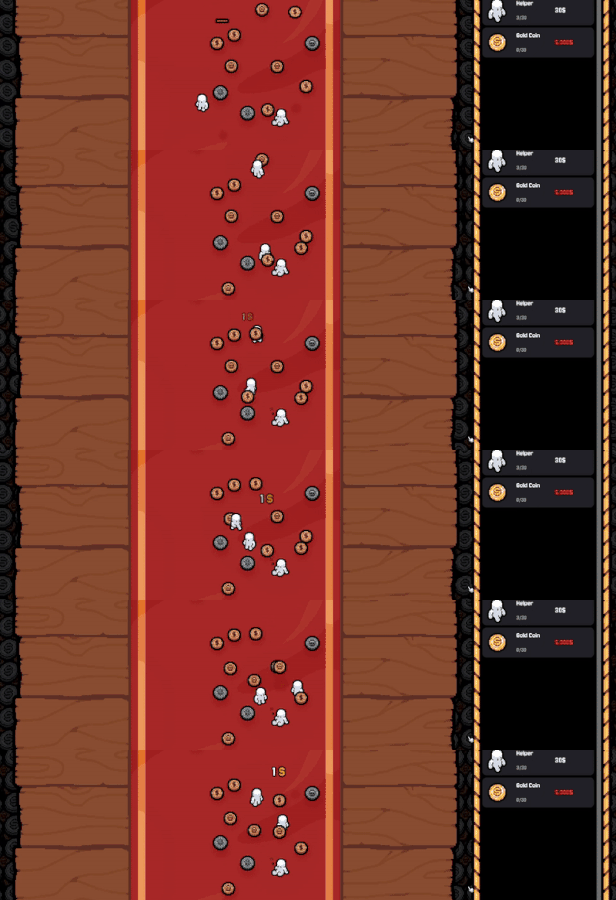
Hire little helpers to take care of all the manual labour for you. They don’t complain, and they never question.
Ascend
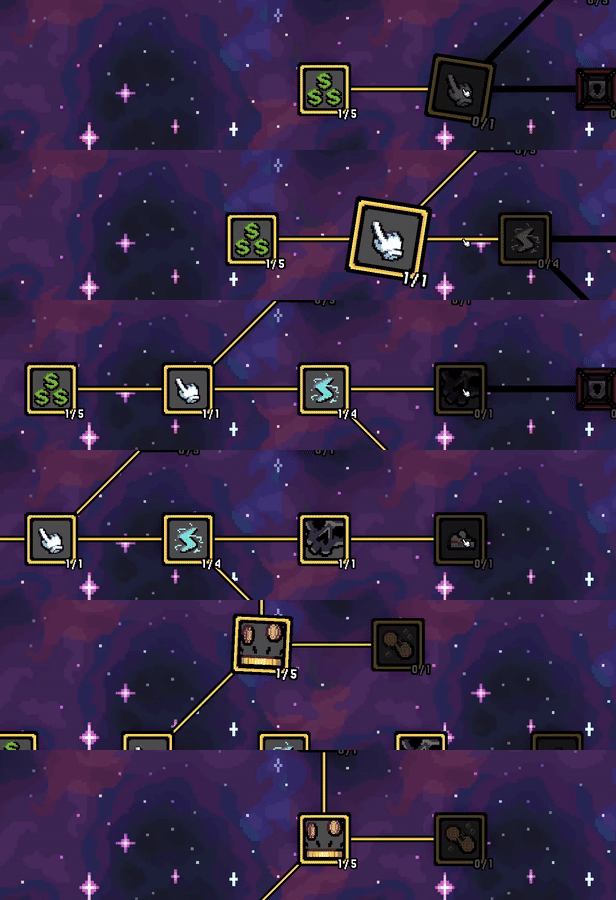 Leave your fortune behind and rise to something greater. Start again with peculiar new talents you didn’t have before. Progress feels natural… almost guided.
Prosper
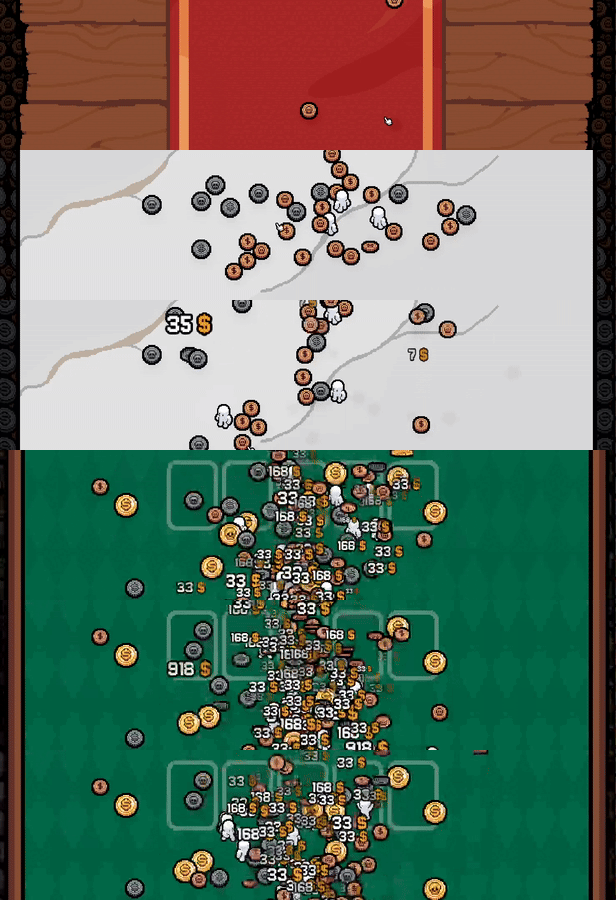
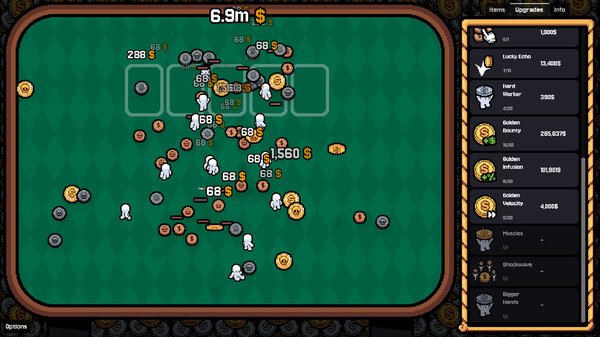
Admire your riches, lean back, and watch your automated coin-flipping empire grow. A faint sense of contentment washes over you—then slips away, leaving only the urge for more...
Hey there!\nThe demo seems to be doing well. Seeing your discord messages, mails, reviews, blog posts, videos ... it is super exciting and we could not be happier. We\'ve just reached 40.000 wishlists! As a team of just two, we did not expect for things to go the way they\'re currently going. We both truly appreciate it, thank you.
[img src=\"https://cdn.cloudflare.steamstatic.com/steamcommunity/public/images/clans/45599374/a3c231fad07e4ccb6c6851e6ed0f26430986a51f.gif\"][/img]\n\nI\'ve got some exciting new to share. Among some quality of life changes, bug fixes and performance improvements I\'ve also worked on some other things that I\'d love to share with you - so let\'s break it down.
Accessibility
Gamblers Table initially only released as a prototype on itch.io back in march. It had no audio settings and the most received feedback was for a way to turn off the sound. Those are settings that normally get prioritized when developing games, so I immediately patched it in.
But among other feedback we\'ve also gotten a lot of requests regarding the amount of clicking. While \"Quick Flip\" alleviated some issues, players that had genuine wrist problems would still struggle to play the game overall. But for obvious reasons we concentrated on working in more content first.\n\nI myself also struggle with a pained wrist due to a sport incident, so it was a very dear topic to me that I want to eventually extend the options of Gamblers Table by a palette of accessibility options.
So now I finally got around to add the first set of accessibility options for the game.
Automatic clicking
You can toggle an option that automatically flips coins at your cursor every second. For some reason the image is way slower than what it actually looks like, but you get the idea.
[img src=\"https://cdn.cloudflare.steamstatic.com/steamcommunity/public/images/clans/45599374/0832fe5fb27c48c1a2c3c8a92d460178fcd64258.gif\"][/img]
Cursor Size
In the midst of all the flashy effects (which is a topic for maybe another accessibility option) you sometimes lose track of your cursor. Being able to adjust the size is one of the options in the game.
[img src=\"https://cdn.cloudflare.steamstatic.com/steamcommunity/public/images/clans/45599374/9c6439b208fd994a85e9189cd261e51b202570a2.png\"][/img]
[img src=\"https://cdn.cloudflare.steamstatic.com/steamcommunity/public/images/clans/45599374/1974f5da36dc3b9be7aab76f1e1e1b38abdd478e.png\"][/img]
Cursor Color
Following up on the previous point, you can now also adjust the color of your cursor. This also changes the color of the 1-second indicator of the auto-clicker option of you have that enabled.
[img src=\"https://cdn.cloudflare.steamstatic.com/steamcommunity/public/images/clans/45599374/93a94b63c88048cb67d9f25faa5b51a34204800b.png\"][/img]
[img src=\"https://cdn.cloudflare.steamstatic.com/steamcommunity/public/images/clans/45599374/55872d5cb9e1ba730d3f7c8e92c6763ed855cf9a.png\"][/img]
These are the first changes that made it into the demo and will also be present in the final release. But why stop there? As mentioned above, reducing the visual explosion fest that Gamblers Table naturally is should also be a toggle. I\'d also love to add an option to increase the text size, but that is an issue that sadly needs a little more effort and will be included in future updates.
Quality of Life
As a gamer, the annoying part of playing a demo, prototype or early access game is that often they are missing some key quality of life features that seasoned games already contain. That is just a natural, as the earlier game versions need to flesh out their content first - Gamblers Table not being an exception.
But now that the demo has launched I was finally able to work in some of your suggestions (pst, join the discord!) and ideas
Skill Tree meets Drag Movement
A lot of people were wondering why only the middle mouse button moves the skill tree. And that is a valid question - but no more! Both either holding left click or right click while dragging the mouse now moves the skill tree.
[img src=\"https://cdn.cloudflare.steamstatic.com/steamcommunity/public/images/clans/45599374/3d8d66bb20598163acbf3520342044d6121174c3.gif\"][/img]
When are we there?
Gaining progress is good and all - but it would be nice what that progress even relates to. 50% of what? Meters? Kilos? Cheese? The skill tree button so far may have shown that you are half-way there toward your next skill tree point, but didn\'t give any further information. Now, hovering the skill tree button tells you how much of what.
[img src=\"https://cdn.cloudflare.steamstatic.com/steamcommunity/public/images/clans/45599374/5695e36657fb3d77a65f6db6ad1ccf648475ec9b.png\"][/img]
\"I\'ve played 23467829349878923 seconds!\"
So ... divided by 60 ... is ... and then divided by 60 ... wait how much again? I had the bright idea that the playtime should be displayed as seconds. That just didn\'t make any sense at all. No further explanation needed, its now hours and minutes.
[img src=\"https://cdn.cloudflare.steamstatic.com/steamcommunity/public/images/clans/45599374/ec91a7f4846bb4ef147074b4ae149eb0adc75e09.png\"][/img]
Upcoming
The demo also contains some hidden customization where you can overwrite the image of your cursor or the tablecloth in the middle, but I\'ll talk more about that when I\'ve added the option to add your own hats into the game.
I\'d also like to replace the money source information in the info tab with money/sec displays. So instead of accumulating the total value that a gold coin netted you it will instead show the money it netted you in the last X seconds. This should better indicate your progress and the speed at which things are going on.
There is just so much more to talk about it, but lets wrap it up for today and keep some for the next posts.\n
Thank your for playing Gamblers Table!
Minimum Setup
- OS: Any after distro 2020Graphics: Integrated graphics with full Vulkan 1.0 supportStorage: 100 MB available space
- Graphics: Integrated graphics with full Vulkan 1.0 support
- Storage: 100 MB available space
Recommended Setup
- OS: Any after distro 2020Memory: 8 MB RAMStorage: 500 MB available space
- Storage: 500 MB available space

[ 6377 ]

























[ 5885 ]


[ 750 ]

























[ 1993 ]

















[ 415 ]















Time left:
356102 days, 22 hours, 25 minutes

Time left:
356102 days, 22 hours, 25 minutes

Time left:
7 days, 6 hours, 25 minutes

Time left:
35 days, 6 hours, 25 minutes

Time left:
38 days, 6 hours, 25 minutes

Time left:
39 days, 6 hours, 25 minutes

Time left:
12 days, 16 hours, 25 minutes

Time left:
0 days, 0 hours, 25 minutes

Time left:
1 days, 0 hours, 25 minutes

Time left:
8 days, 0 hours, 25 minutes

Time left:
14 days, 0 hours, 25 minutes

Time left:
15 days, 0 hours, 25 minutes

Time left:
20 days, 0 hours, 25 minutes

Time left:
26 days, 0 hours, 25 minutes

Time left:
2 days, 10 hours, 25 minutes

Time left:
10 days, 6 hours, 26 minutes

Time left:
12 days, 5 hours, 26 minutes

Time left:
17 days, 12 hours, 36 minutes


