



Petmancer – A Roguelite Dungeon Crawler with Magical Pets
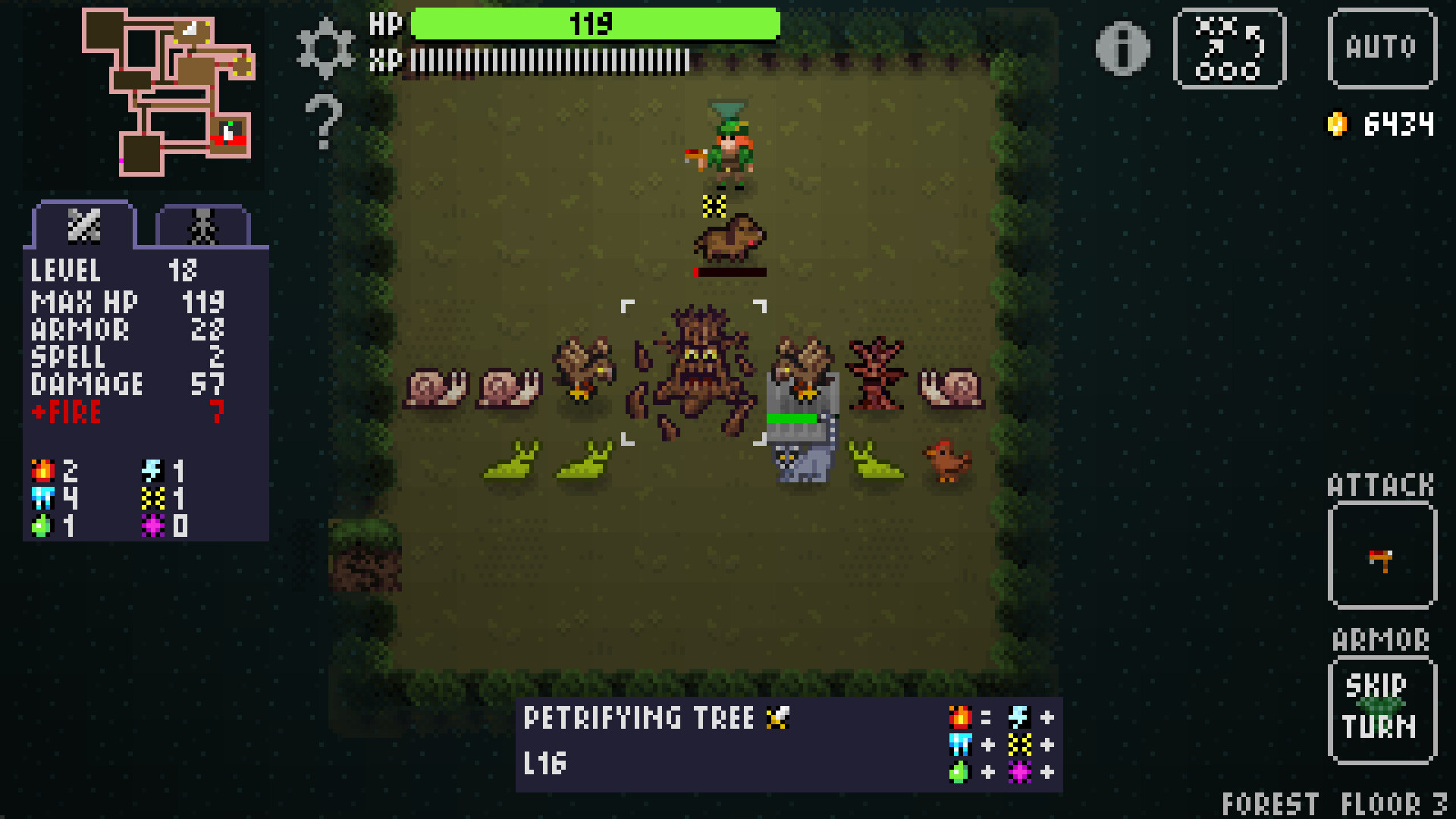
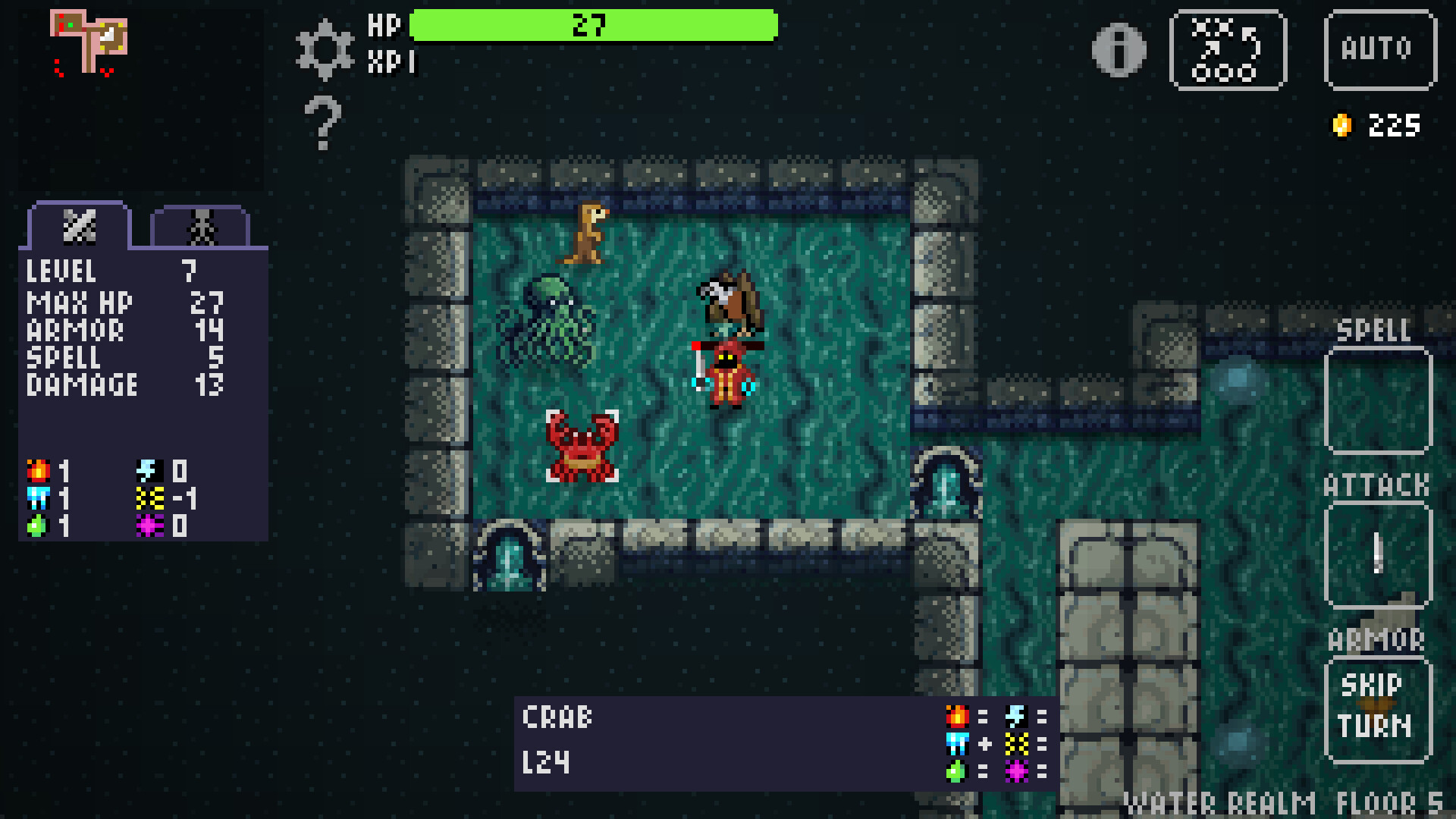
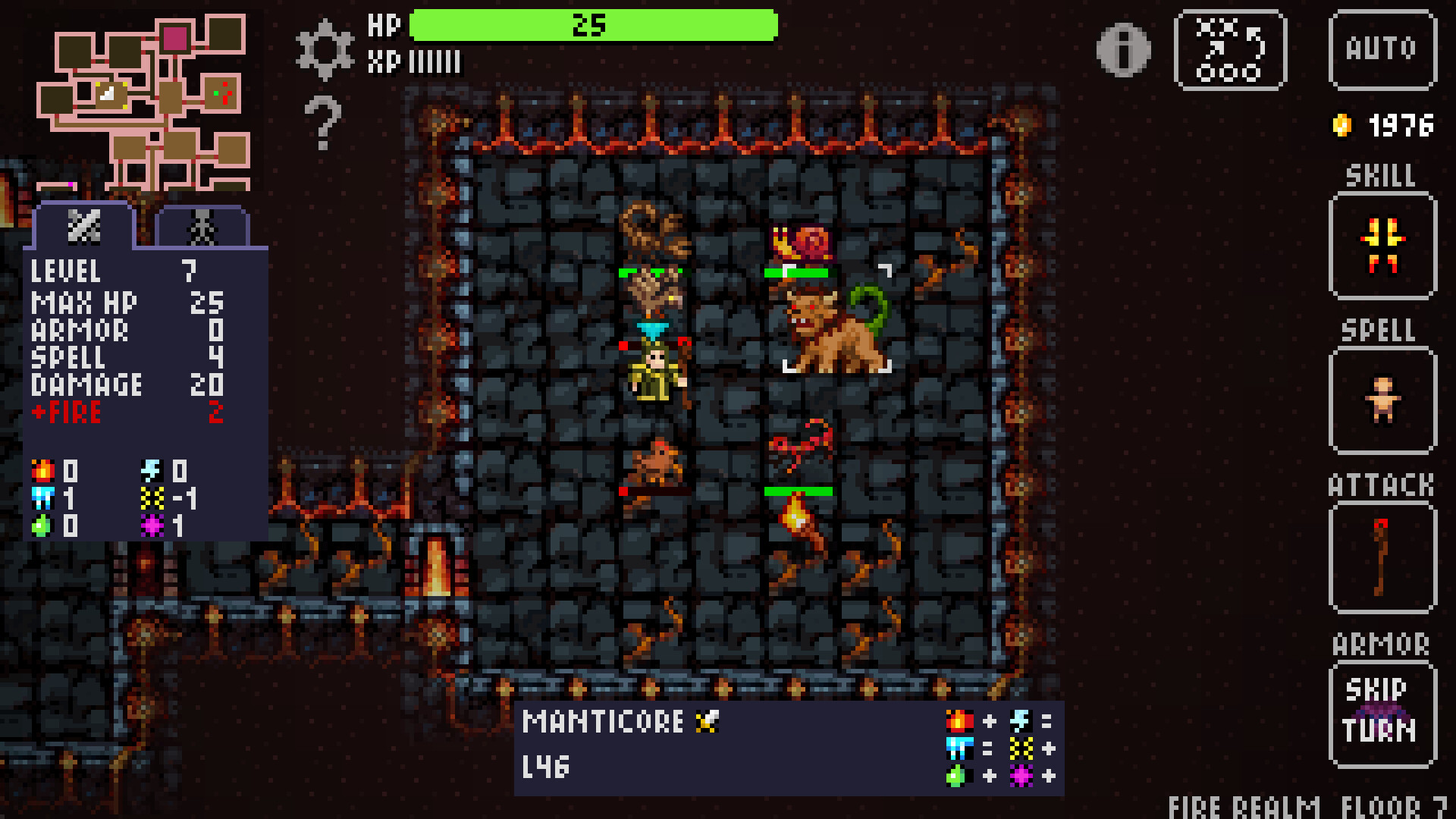
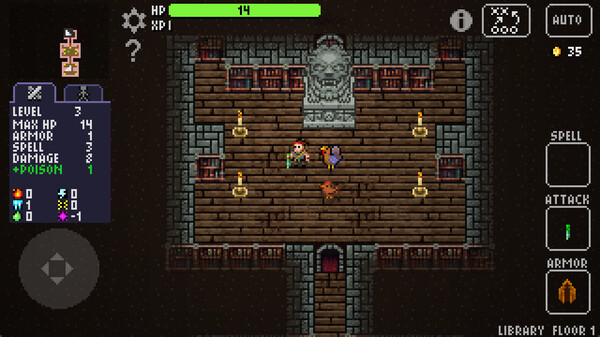
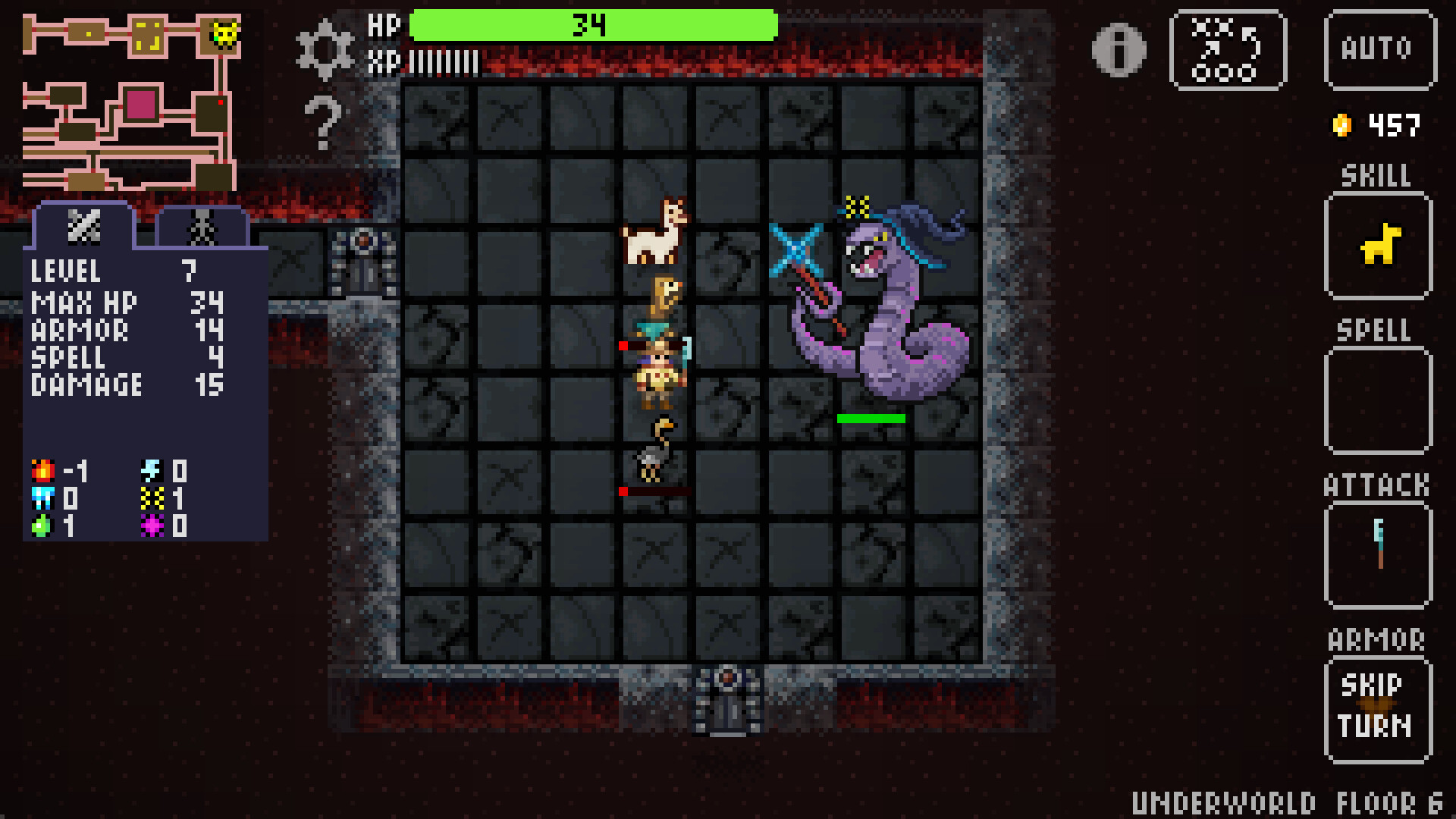
Master the art of Petmancy in a pixelated roguelite adventure where strategy meets whimsy. Explore mysterious dungeons, recruit powerful familiars, and outwit your enemies in turn-based battles. Whether you’re commanding an army of enchanted animals or auto-exploring the depths of the dungeons, Petmancer offers an endlessly replayable journey full of charm, challenge, and discovery.
Roguelite Replayability
No two runs are the same! Procedurally generated dungeons offer unique layouts, enemies, and loot every time you play.
Summon a Party of Pets
Recruit fierce and whimsical creatures—living and otherwise—to fight by your side. Each pet brings unique abilities and personalities to your party.
16 Unique Hero Classes
From Necromancers to Clairvoyants, choose your playstyle and unlock powerful synergies between talents, pets, and relics.
Turn-Based Combat Meets Auto Exploration
Plan every move in tactical battles or let your team explore on their own in idle mode—perfect for casual and hardcore players alike.
Unlock Ancient Talents
Mix and match 16 magical talents like Mind Control, Chronomancy, and Chaos to build your own strategy.
Prestige & Progression
Defeat the 7 Archmages to unlock new meta-abilities, bosses, and realms. Keep your pets, relics, and talents across runs for true long-term growth.
Explore 14 Themed Realms
Battle through shrines, fountains, secret rooms, and more in handcrafted environments like Vampire Castles, Underworld Crypts, and the chaotic Astral Spire.
The Mouseways
The Mouseways are open! Follow the Gnome Rat to the hidden tunnels beneath the Tavern, riddled with mysterious doorways to magical realms...
[img src=\"https://cdn.cloudflare.steamstatic.com/steamcommunity/public/images/clans/45676862/f2caa7e6bd239d5f3fc470e32e2b0aaaff6cd361.png\"][/img]
Here you\'ll find new bonus dungeons. Bonus dungeons are extra content that will be added over time, starting with the Frostlight Festival, a winter holiday themed dungeon full of snowy wonder perfect for a winter season.
The Frostlight Festival
In the Frostlight dungeon you\'ll find some familiar pets and items, and some new ones. Open presents instead of chests, eat some frozen fruit, and wash it down with some hot cocoa. Enjoy the snowy landscape, full of trees, candy canes, and snow globes.
\n[img src=\"https://cdn.cloudflare.steamstatic.com/steamcommunity/public/images/clans/45676862/b6696d399c6607a2dcfc9c4fc0447e064798a96d.png\"][/img]
Fight your way through the cold dungeon to find a new final boss, and defeat him to gain a magical talisman, the Icicle Crown. Talismans are like Relics, that grant new interesting powers. You\'ll be able to choose which talismans to take with you on your quest in the Reliquary.
[img src=\"https://cdn.cloudflare.steamstatic.com/steamcommunity/public/images/clans/45676862/2066589eb8d25b91e287c19adf5bb4ef0ea5c187.png\"][/img]
Bonus Dungeons
The best part? These bonus dungeons are risk-free. You won\'t lose any equipment or pets by venturing in the Mouseways, and all dungeons are tailored to your character\'s current level. You are free to visit these dungeons at any time without disrupting your main quest.
All your equipment and pets are restored when you leave a bonus dungeon, so while you can\'t lose anything, you also won\'t be able to take anything with you other than experience and the boss\'s talisman.
Bonus Bonus
And one more bonus change: now when you defeat any boss in the main campaign, you can leave the dungeon and keep your pets. This is especially helpful if you beat the boss of the Mage Tower and want to continue exploring without entering the rift.
More bonus dungeons will be added over time, so stay tuned!
This is a patch update with several bug fixes:
Issue where the spacebar didn\'t remember the last action between dungeons or after restarting.
[/*]Issue not being able to select pets using arrow keys during battle.
[/*]Issue with the Shrine dialog not showing and potentially handing the game
[/*]Issue not being able to inflict damage to Cmdr Salamander (resistances too high)
[/*]Missing translations for traps and some tooltips
[/*]
There are also some behind-the-scenes changes to prepare for upcoming bonus content. This should have no effect on the current game, but some new bugs may have been introduced. Keep those bug reports coming!
Class-Based Inventory System
Hey everyone!
Thank you for all the feedback since launch! A week ago we added chest swapping to let you store and retrieve items from chests and shops. Today, we\'re building on that foundation with a class-based inventory system that adds strategic depth while keeping Petmancer streamlined and accessible.
[img src=\"https://cdn.cloudflare.steamstatic.com/steamcommunity/public/images/clans/45676862/ffce8b946c370df18c3b23cddbd2e9c41ff62f15.png\"][/img]
What\'s New: Limited Inventory Slots
Each character class now has up to 4 total slots per equipment type (weapons, armor, shields, and spells). That\'s your equipped item plus stored items. The number of slots depends on your class and reflects their strengths:
Barbarians get 3 weapon slots: carry multiple weapons and switch between different combat styles
[/*]Mages get 3 spell slots: build a versatile arsenal of magic
[/*]Rangers get balanced slots across all equipment types: swap between ranged and melee as the situation demands
[/*]And each of the other 14 classes has its own unique allocation
[/*]
Classes can only carry equipment they can actually use, so some classes have 0 slots for certain types (Barbarians can\'t carry spells, Shapeshifters can\'t wear armor, etc.).
This design also provides a gradual ramp up. Players can pretty much ignore the inventory system and play the same as before, and add more depth to gameplay when they choose to engage with inventory.
How It Works
When you find new equipment, you\'ll see three options:
Keep: stick with what you have equipped
[/*]Equip: use the new item right away, and store the current item in your inventory
[/*]Store: save it in your inventory for later
[/*]
[img src=\"https://cdn.cloudflare.steamstatic.com/steamcommunity/public/images/clans/45676862/d4be99ef2ad35d351cce7cf791ff1cca4665aba5.png\"][/img]
You can swap between equipped and stored items anytime from the character screen. For quick access, you can also:
Touchscreen/Gamepad: Long-press the weapon/spell/armor buttons
[/*]Keyboard: Use hotkeys (default: 1, 2, 3. Configurable in Settings)
[/*]
[img src=\"https://cdn.cloudflare.steamstatic.com/steamcommunity/public/images/clans/45676862/a63d59cc81434e492957d93dfc402f18b1c68ec9.png\"][/img]
When your inventory is full, you\'ll be prompted to choose which item to discard, sell, or place in a chest to make room for the new one.
New: Tavern Chest
Between dungeons, you can now use the Tavern Chest to transfer physical equipment (weapons, armor, shields) between your different characters. Found a great sword on your Mage? Store it in the Tavern Chest and pick it up with your Barbarian on the next run!
[img src=\"https://cdn.cloudflare.steamstatic.com/steamcommunity/public/images/clans/45676862/789e80aba88191cac99a2c138c5eeae96721849b.png\"][/img]
[img src=\"https://cdn.cloudflare.steamstatic.com/steamcommunity/public/images/clans/45676862/7e710ea9e9461e4a8a5ae3e5b5ce62f3005da6d5.png\"][/img]
Gameplay Impact & Balance Changes
This update significantly changes how some classes play, and I\'d love your feedback on the balance:
Spellcasters (e.g. Mage, Summoner, Djinn) get the biggest boost. With multiple spell slots, you can now:
Switch between spells and use them while waiting for cooldowns
[/*]Keep your spellcaster contributing almost every turn from the back line
[/*]Make interesting strategic choices about which spells to carry
[/*]
Versatile classes (Ranger, Mercenary) can now adapt mid-dungeon:
Carry both ranged and melee weapons
[/*]Switch tactics when your front line goes down
[/*]Respond to different enemy types more effectively
[/*]
Specialized classes still excel at what they do best, but now with more tactical options within their niche.
This is a significant power increase for some classes, especially spellcasters, but it also adds meaningful strategic decisions and reduces downtime waiting for cooldowns. Let me know how it feels in practice!
Why Limited Slots?
Petmancer is designed around meaningful choices: we want every decision to matter. Unlimited inventory could turn the game into a hoarding simulator and remove focus on the primary gameplay.
With up to 4 slots per type, you get flexibility to experiment and swap between favorite items, but you still need to make strategic decisions about what\'s worth carrying. It\'s the best of both worlds: casual-friendly simplicity with room for tactical depth.
What This Means for You
No more accidental losses - your good items have a safe place
[/*]Experiment freely - try new builds without commitment
[/*]Class identity matters more - your inventory allocation reflects your playstyle
[/*]More strategic depth - deciding what to carry and when to swap is part of the game
[/*]Less waiting around - especially for spellcasters who can rotate through multiple spells
[/*]
Thanks again for all your support and feedback! This is a significant gameplay change, so please let me know what you think of the new system and how it affects class balance. Your feedback helps shape Petmancer\'s future.
Other updates
This update also brings in a host of other small changes and bug fixes:
The Chrono Drift blessing now shows an icon next to the gold in the dungeon UI, which indicates how many turns before the next chrono pulse that resets cooldowns
[/*]Mimics ambush you, not the other way around
[/*]Additional tutorials for Inventory and Tavern Chest
[/*]Shortcuts mentioned in tutorials now use the custom key/button mappings from settings
[/*]Translation fixes
[/*]Various fixes to UI state
[/*]
Happy dungeon crawling!
New Feature #1: Controller Customization
Last week we added keyboard customization, this week controller customization.
[img src=\"https://cdn.cloudflare.steamstatic.com/steamcommunity/public/images/clans/45676862/7df40da9defe33c7c71010ccb197149390fbfd68.png\"][/img]
You can find this screen in Settings > Remap Keys just like keyboard customization. There\'s a toggle at the bottom to switch between the views.
Now you can map the buttons to your preferred configuration!
In addition, given the limited number of buttons on a controller, I\'ve added a \"long press\" option, so that same button can map to multiple actions depending on how long you hold the button before releasing it. This is now used for the Character Info screen with a long press of the button used for changing the Stats View.
The length of time before a long press triggers is also configurable if you need it longer or shorter.
New Feature #2: Equipment Storage
If you open a Chest and find new equipment, you\'re given the choice of equipping the new equipment and discarding your current equipment, or keeping your current equipment. Previously, whatever you discarded would be lost forever. Now, you\'ll simply swap the equipment and leave the unused equipment in the Chest. Then you can \"undo\" and swap back by touching the chest again. This way the equipment will last until you move to the next floor.
Loot gained in battles still follow the original pattern and are gone for good if not equipped, as is any equipment you replace.
[img src=\"https://cdn.cloudflare.steamstatic.com/steamcommunity/public/images/clans/45676862/034a76862a0f7be17c221216b520761ea7abea3a.png\"][/img]
Similar to Chests, if you\'re in the Merchant\'s shop and buy a piece of equipment, your unused equipment will be added to the shop in its place (which you can buy again for a price).
Finally, if you choose not to equip the spell from a Spellbook, the book will remain and you can come back to it later. Scrolls continue to be read immediately and are gone regardless of your choice.\n
[img src=\"https://cdn.cloudflare.steamstatic.com/steamcommunity/public/images/clans/45676862/0151ea95854f12a39523a6ce3c3ae0657eb6a669.png\"][/img]
Together, this makes for a more forgiving interaction that encourages experimentation, and gives you more options with timing your equipment swaps. These changes were inspired by looking at ways to introduce inventory into Petmancer. You can think of this as a small step, with Chests and shops providing a time-limited one-slot inventory.
How can Petmancer be missing a critical feature like the ability to customize keyboard assignments? It can\'t, and now it isn\'t!
[img src=\"https://cdn.cloudflare.steamstatic.com/steamcommunity/public/images/clans/45676862/5aad9bca340280841dc7ed326f7a82cd0f2caa7b.png\"][/img]
How to Find It
In the Settings screen, next to the Control Type you\'ll now see a Remap Keys button, which will take you to the Keyboard Controls screen shown above.
Click on the key assignments, or navigate to the key shown and press Enter, and you\'ll be able to press the key you want to reassign the action to.
The only actions you can\'t change are the arrow keys, Esc for the menu, and some standard UI navigation keys (Esc to exit, Enter or Space to activate buttons, Tab / Shift-Tab to move around, etc).
Give it a try and send feedback if you need any additional tweaks!
Minimum Setup
- OS: Ubuntu 20.04 x64Memory: 4 GB RAMStorage: 100 MB available space
- Memory: 4 GB RAMStorage: 100 MB available space
- Storage: 100 MB available space
Recommended Setup
- OS: Ubuntu 20.04 x64Memory: 4 GB RAMStorage: 100 MB available space
- Storage: 100 MB available space

[ 6228 ]




























[ 5939 ]


[ 2477 ]

























[ 4756 ]























Time left:
356105 days, 3 hours, 30 minutes

Time left:
356105 days, 3 hours, 30 minutes

Time left:
0 days, 11 hours, 30 minutes

Time left:
9 days, 11 hours, 30 minutes

Time left:
37 days, 11 hours, 30 minutes

Time left:
40 days, 11 hours, 30 minutes

Time left:
41 days, 11 hours, 30 minutes

Time left:
2 days, 5 hours, 30 minutes

Time left:
3 days, 5 hours, 30 minutes

Time left:
10 days, 5 hours, 30 minutes

Time left:
16 days, 5 hours, 30 minutes

Time left:
17 days, 5 hours, 30 minutes

Time left:
28 days, 5 hours, 30 minutes