




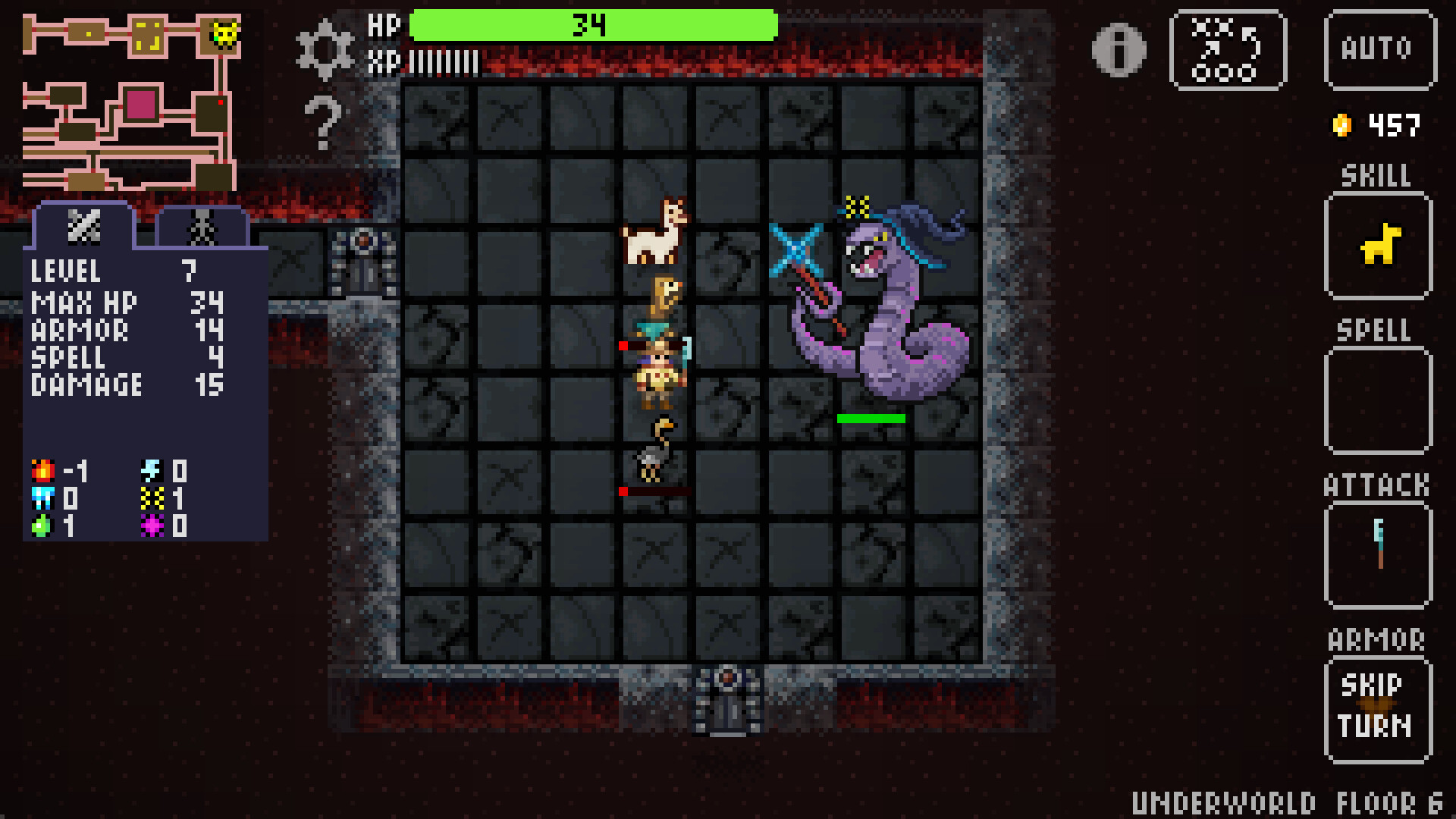
Petmancer – A Roguelite Dungeon Crawler with Magical Pets
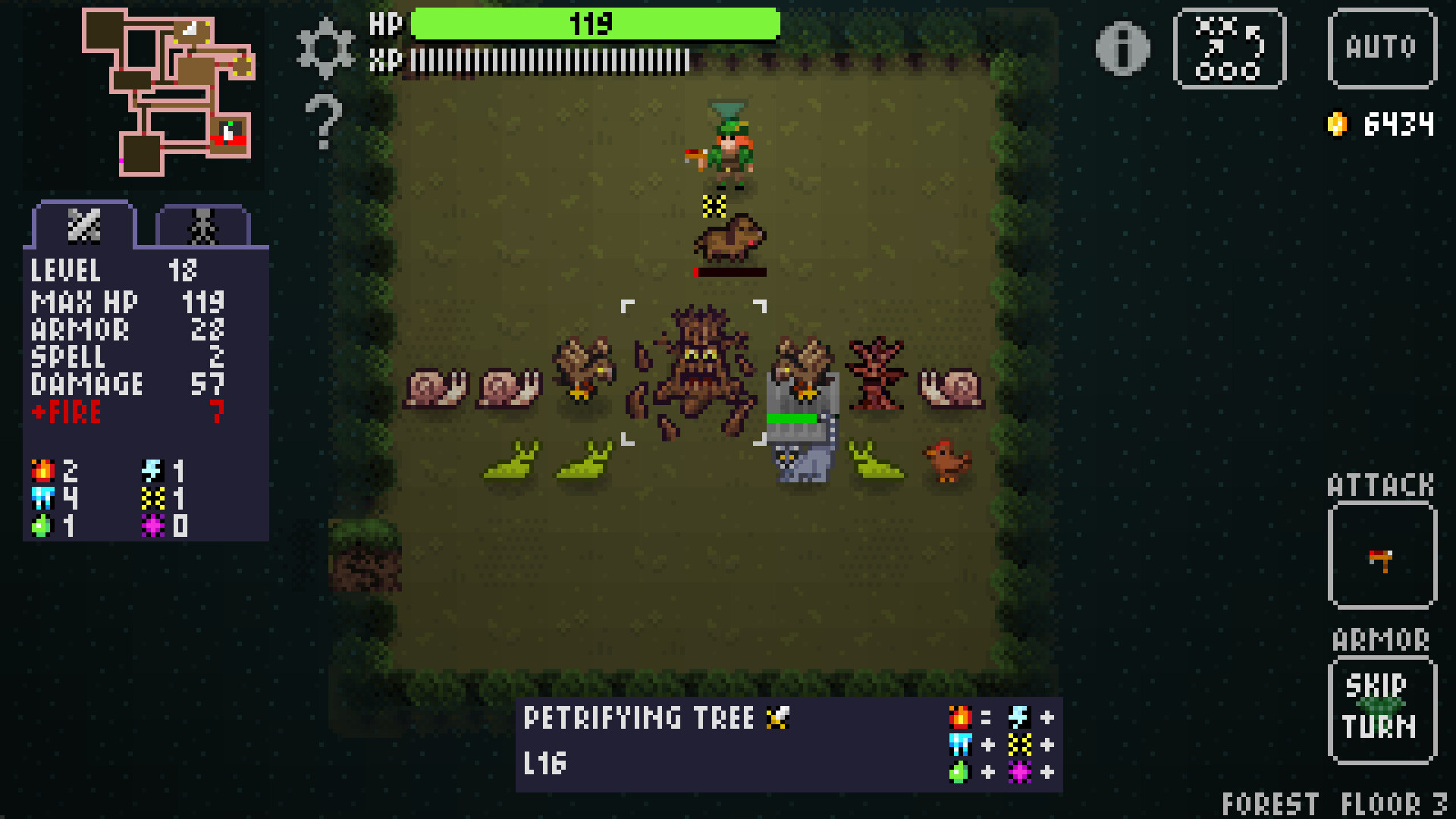
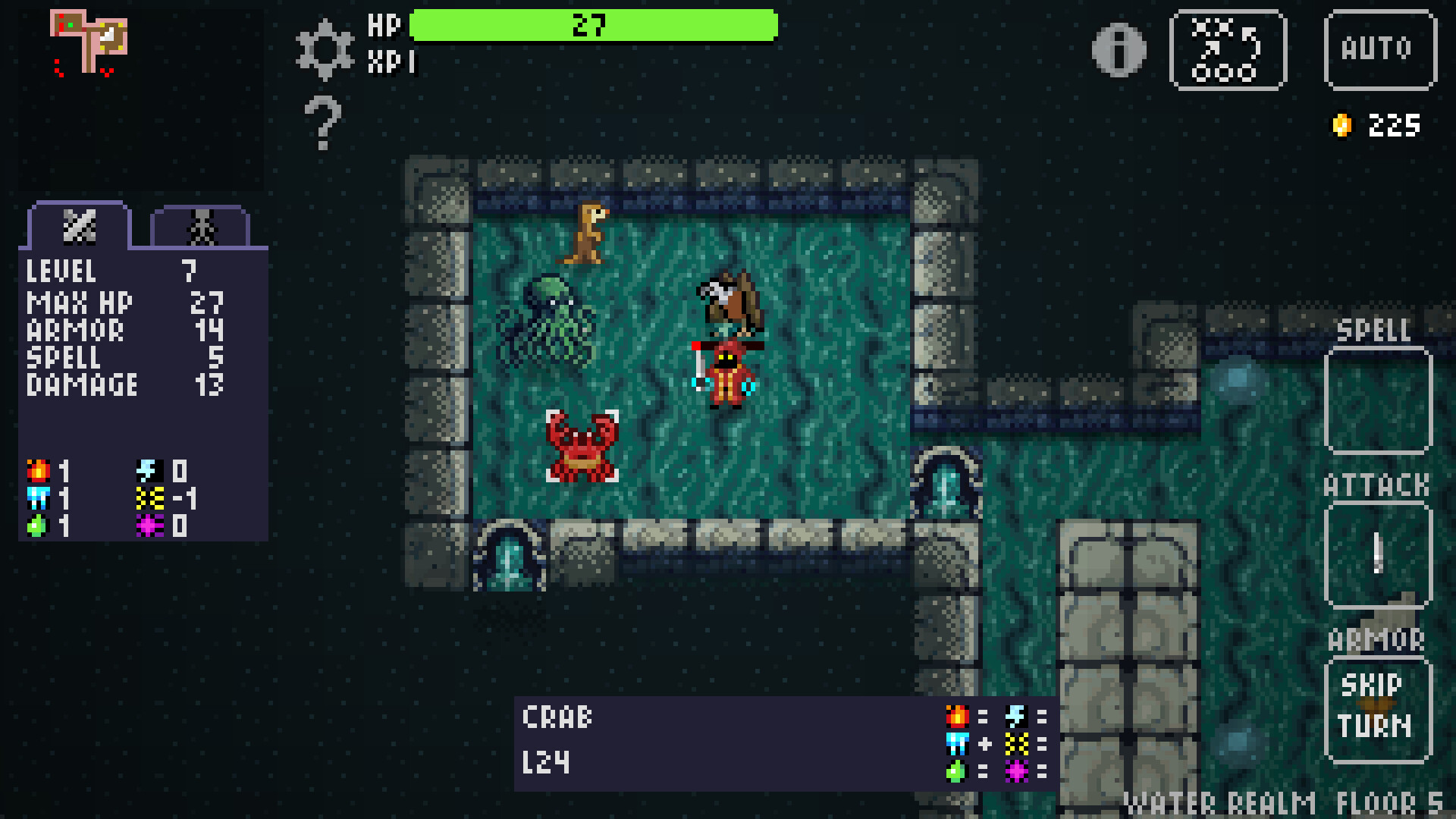
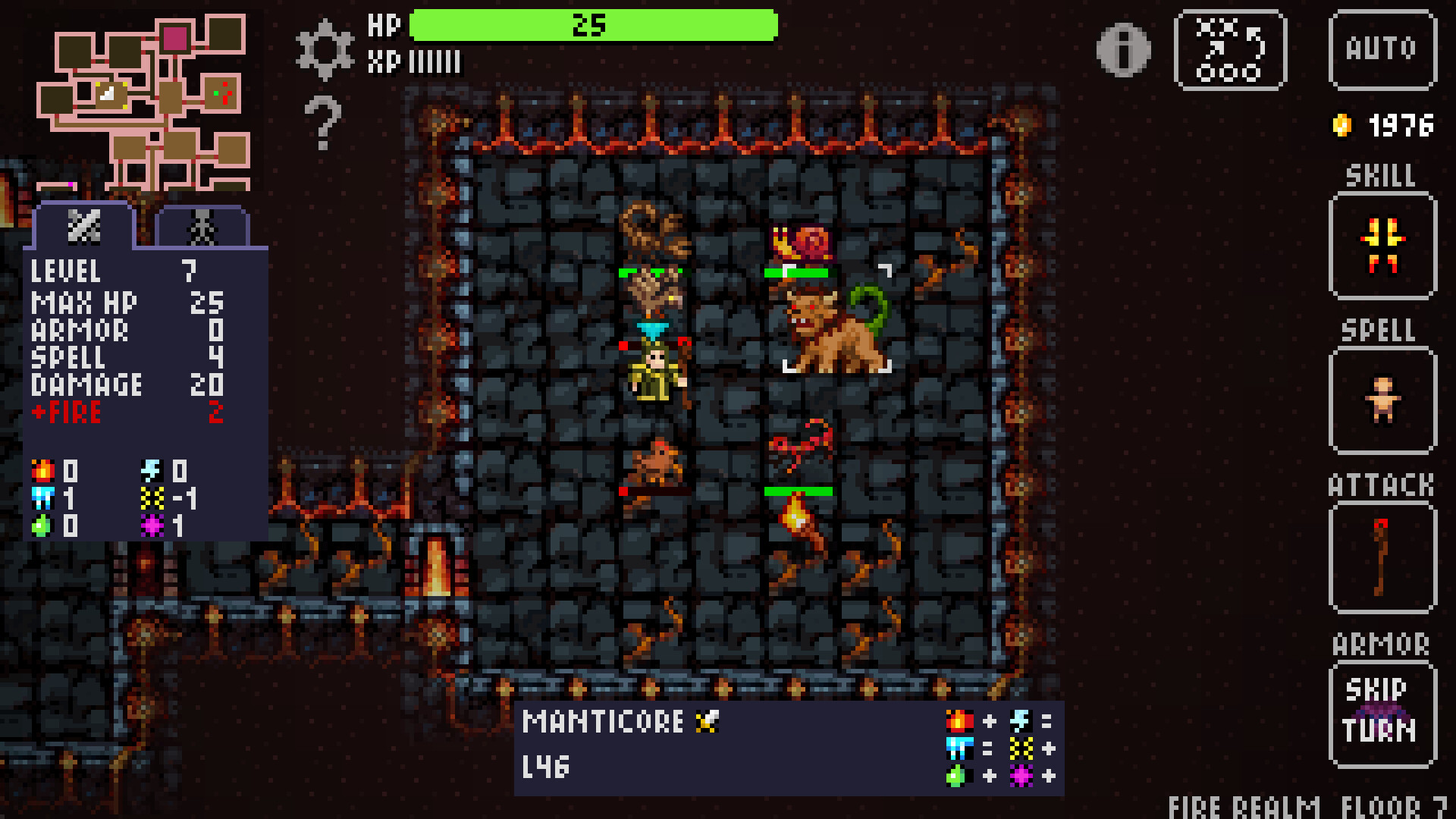
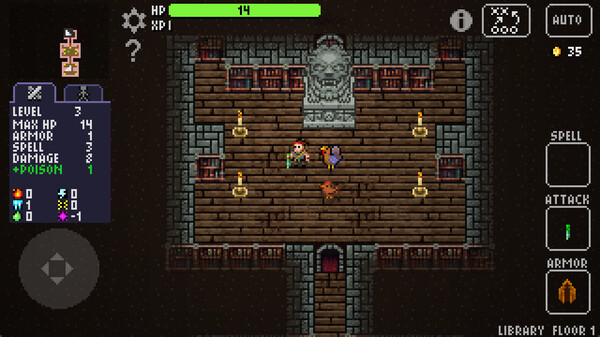
Master the art of Petmancy in a pixelated roguelite adventure where strategy meets whimsy. Explore mysterious dungeons, recruit powerful familiars, and outwit your enemies in turn-based battles. Whether you’re commanding an army of enchanted animals or auto-exploring the depths of the dungeons, Petmancer offers an endlessly replayable journey full of charm, challenge, and discovery.
Roguelite Replayability
No two runs are the same! Procedurally generated dungeons offer unique layouts, enemies, and loot every time you play.
Summon a Party of Pets
Recruit fierce and whimsical creatures—living and otherwise—to fight by your side. Each pet brings unique abilities and personalities to your party.
16 Unique Hero Classes
From Necromancers to Clairvoyants, choose your playstyle and unlock powerful synergies between talents, pets, and relics.
Turn-Based Combat Meets Auto Exploration
Plan every move in tactical battles or let your team explore on their own in idle mode—perfect for casual and hardcore players alike.
Unlock Ancient Talents
Mix and match 16 magical talents like Mind Control, Chronomancy, and Chaos to build your own strategy.
Prestige & Progression
Defeat the 7 Archmages to unlock new meta-abilities, bosses, and realms. Keep your pets, relics, and talents across runs for true long-term growth.
Explore 14 Themed Realms
Battle through shrines, fountains, secret rooms, and more in handcrafted environments like Vampire Castles, Underworld Crypts, and the chaotic Astral Spire.
New Feature #1: Controller Customization
Last week we added keyboard customization, this week controller customization.
[img src=\"https://cdn.cloudflare.steamstatic.com/steamcommunity/public/images/clans/45676862/7df40da9defe33c7c71010ccb197149390fbfd68.png\"][/img]
You can find this screen in Settings > Remap Keys just like keyboard customization. There\'s a toggle at the bottom to switch between the views.
Now you can map the buttons to your preferred configuration!
In addition, given the limited number of buttons on a controller, I\'ve added a \"long press\" option, so that same button can map to multiple actions depending on how long you hold the button before releasing it. This is now used for the Character Info screen with a long press of the button used for changing the Stats View.
The length of time before a long press triggers is also configurable if you need it longer or shorter.
New Feature #2: Equipment Storage
If you open a Chest and find new equipment, you\'re given the choice of equipping the new equipment and discarding your current equipment, or keeping your current equipment. Previously, whatever you discarded would be lost forever. Now, you\'ll simply swap the equipment and leave the unused equipment in the Chest. Then you can \"undo\" and swap back by touching the chest again. This way the equipment will last until you move to the next floor.
Loot gained in battles still follow the original pattern and are gone for good if not equipped, as is any equipment you replace.
[img src=\"https://cdn.cloudflare.steamstatic.com/steamcommunity/public/images/clans/45676862/034a76862a0f7be17c221216b520761ea7abea3a.png\"][/img]
Similar to Chests, if you\'re in the Merchant\'s shop and buy a piece of equipment, your unused equipment will be added to the shop in its place (which you can buy again for a price).
Finally, if you choose not to equip the spell from a Spellbook, the book will remain and you can come back to it later. Scrolls continue to be read immediately and are gone regardless of your choice.\n
[img src=\"https://cdn.cloudflare.steamstatic.com/steamcommunity/public/images/clans/45676862/0151ea95854f12a39523a6ce3c3ae0657eb6a669.png\"][/img]
Together, this makes for a more forgiving interaction that encourages experimentation, and gives you more options with timing your equipment swaps. These changes were inspired by looking at ways to introduce inventory into Petmancer. You can think of this as a small step, with Chests and shops providing a time-limited one-slot inventory.
Minimum Setup
- OS: Ubuntu 20.04 x64Memory: 4 GB RAMStorage: 100 MB available space
- Memory: 4 GB RAMStorage: 100 MB available space
- Storage: 100 MB available space
Recommended Setup
- OS: Ubuntu 20.04 x64Memory: 4 GB RAMStorage: 100 MB available space
- Storage: 100 MB available space

[ 6313 ]






























[ 5936 ]


[ 1933 ]




























[ 2282 ]





























Time left:
356104 days, 1 hours, 22 minutes

Time left:
356104 days, 1 hours, 22 minutes

Time left:
8 days, 9 hours, 22 minutes

Time left:
36 days, 9 hours, 22 minutes

Time left:
39 days, 9 hours, 22 minutes

Time left:
40 days, 9 hours, 22 minutes

Time left:
13 days, 19 hours, 22 minutes

Time left:
1 days, 3 hours, 22 minutes

Time left:
2 days, 3 hours, 22 minutes

Time left:
9 days, 3 hours, 22 minutes

Time left:
15 days, 3 hours, 22 minutes

Time left:
16 days, 3 hours, 22 minutes

Time left:
21 days, 3 hours, 22 minutes

Time left:
27 days, 3 hours, 22 minutes


