



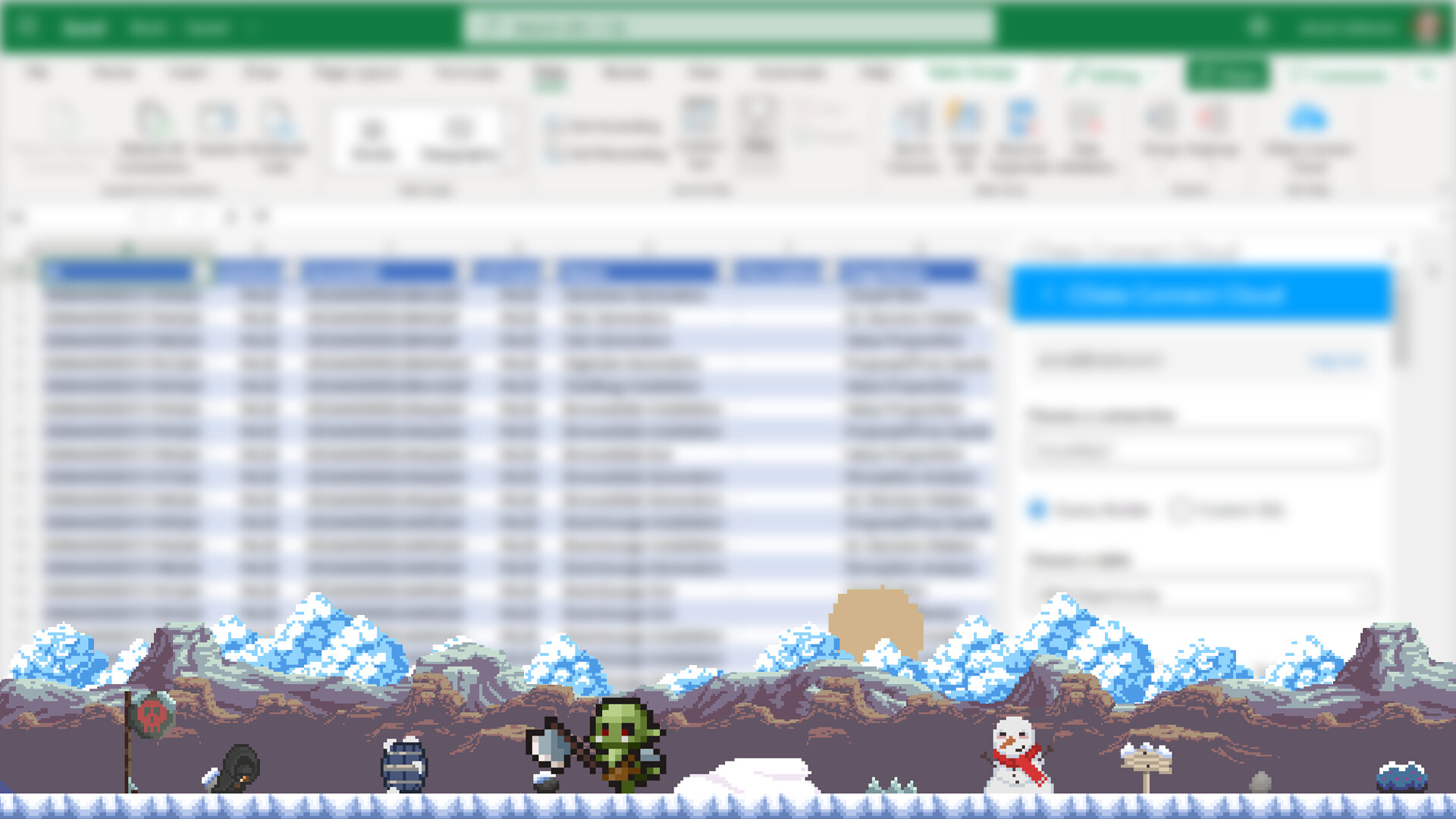
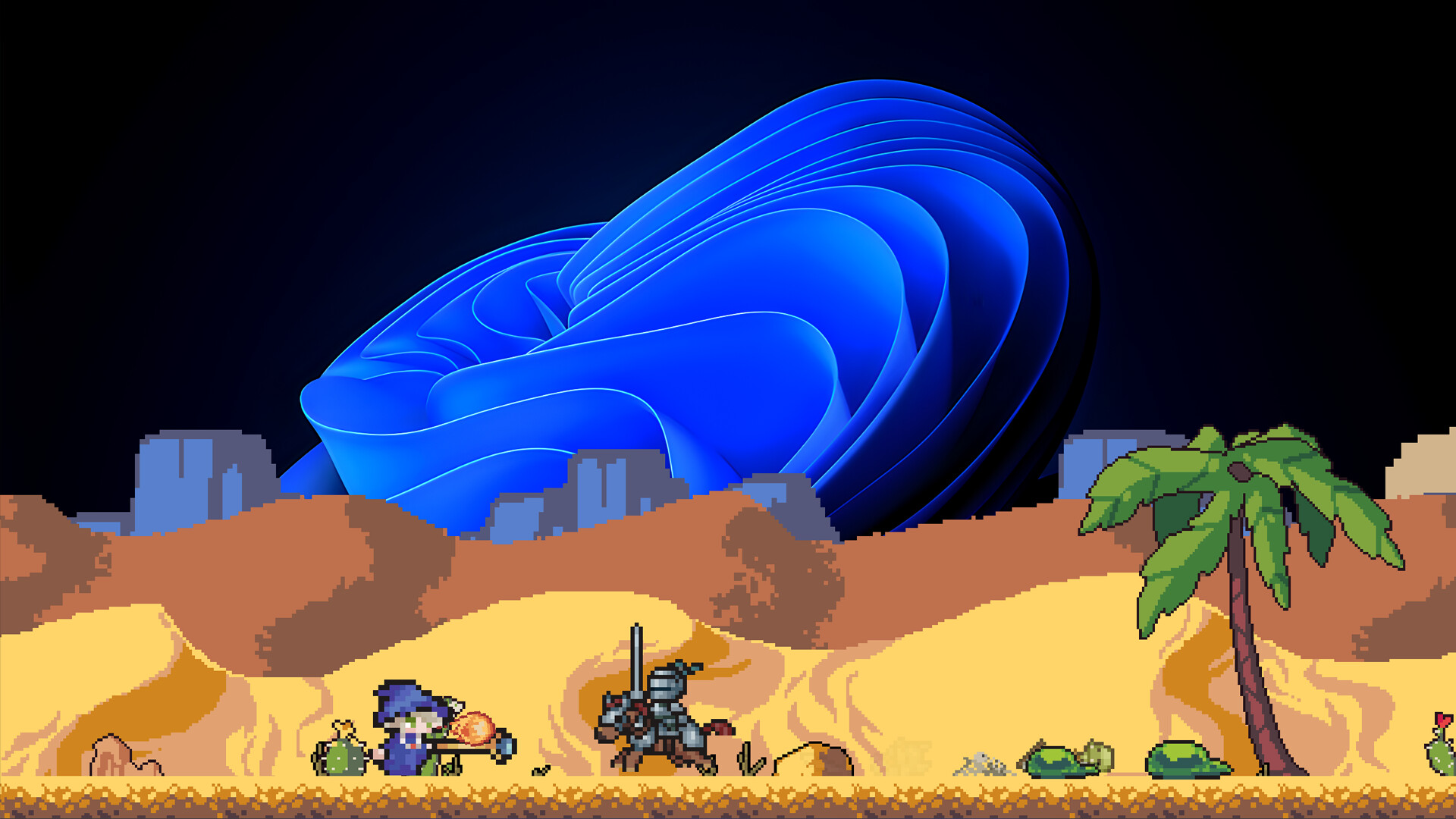


Your epic adventure begins... at the bottom of your screen (BoYS).
Desktop Heroes is a unique idle RPG designed to be your faithful companion while you work. Set just above your taskbar, this unobtrusive game runs in the background, letting you build a team of courageous heroes, battle monstrous foes, and collect loot; all without disrupting your productivity.
A Fantasy World on Your Desktop
As you type emails, write code, or browse spreadsheets, your party of four customizable heroes embarks on quests, defeats enemies, and gathers treasures in real-time. Watch your hero grow stronger while you focus on your daily tasks, or jump in to support when you're ready for a quick break.

Features:
🧙♂️ Four Iconic Classes: Lead a balanced party of a spell-slinging Wizard, a sword-wielding Warrior, a precise Hunter, and a stealthy Assassin.
⏳ Idle Gameplay, Active Rewards: Play passively or jump in anytime to claim rewards, upgrade gear, and make strategic decisions.
💼 Work-Friendly Design: Runs quietly at the bottom of your screen. No pop-ups, no distractions... just progress.
🗺️ Expanding Adventures: Unlock new regions, fight powerful bosses, and uncover secrets, even while answering emails.
🎨 Charming Pixel Art Style: A light and appealing visual design that complements your workspace, not competes with it.
Whether you're grinding through your to-do list or taking a five-minute coffee break, Desktop Heroes keeps the adventure going, one pixel-sized battle at a time.
Unique Features:
Thanks to Desktop Heroes' special Protect Mode, even if you share your entire screen during a meeting while playing a game, the people on the other end won't be able to see that you're playing. 😉
With Virtual Mode, if you need to click on an area behind the game at the bottom of your screen, you can continue working without having to close the game. And it's easy to read text behind the game or click on something!
New Features
Mimic Target Upgrade
Mimics spawn randomly and must be clicked to activate, otherwise heroes ignore them and you miss the reward. This new upgrade gives a chance to auto-activate spawned Mimics. It has 4 levels, and each level increases the auto-activation chance.
Carpenter
The Carpenter upgrade increases the amount of Wood Pieces dropped from the Mimics.\n
Improvements
Upgrade Button Tooltips
Added tooltips to upgrade buttons that use special or less common items, explaining what the item is and how to obtain it.
Fairy Slot Tooltips
Fairy potion slots now have tooltips explaining their usage
Mimic Spawn Notification
A new info box appears at the top of the UI when a Mimic spawns, making it much harder to miss.
Shared Chest Capacity Upgrade Relocation
The Shared Chest capacity upgrade button has been moved from the inventory view into the Upgrades menu.
Stat Hold Button
Stat upgrade buttons now support press-and-hold for repeated purchases.\n\n
Fixes
Stat Cost Rounding Fix
Fixed a rounding issue where players could see a cost they technically couldnt afford. Costs now use ceiling rounding, so if the displayed amount is met, the upgrade is guaranteed to be purchasable.
Player Menu Indicator Fix
Fixed an issue where the Player menu icon was incorrectly highlighted green due to skill upgrade indicators.
Minimum Setup
- OS: Linux Ubuntu 12.04
- Processor: Intel Core i3 or equivalentMemory: 4 GB RAM
- Memory: 4 GB RAM
- Graphics: Intel HD Graphics 4000 or equivalent
- Storage: 4 GB available space
Recommended Setup
- OS: Linux Ubuntu 12.04
- Processor: Intel Core i5 or betterMemory: 8 GB RAM
- Graphics: NVIDIA GTX 960 / AMD R9 280 or better
- Storage: 4 GB available space

[ 6377 ]

























[ 5878 ]


[ 750 ]




























[ 1993 ]















[ 415 ]



















Time left:
356102 days, 23 hours, 12 minutes

Time left:
356102 days, 23 hours, 12 minutes

Time left:
7 days, 7 hours, 12 minutes

Time left:
35 days, 7 hours, 12 minutes

Time left:
38 days, 7 hours, 12 minutes

Time left:
39 days, 7 hours, 12 minutes

Time left:
12 days, 17 hours, 12 minutes

Time left:
0 days, 1 hours, 12 minutes

Time left:
1 days, 1 hours, 12 minutes

Time left:
8 days, 1 hours, 12 minutes

Time left:
14 days, 1 hours, 12 minutes

Time left:
15 days, 1 hours, 12 minutes

Time left:
20 days, 1 hours, 12 minutes

Time left:
26 days, 1 hours, 12 minutes

Time left:
2 days, 11 hours, 12 minutes

Time left:
10 days, 7 hours, 13 minutes

Time left:
12 days, 6 hours, 13 minutes

Time left:
17 days, 13 hours, 23 minutes


