



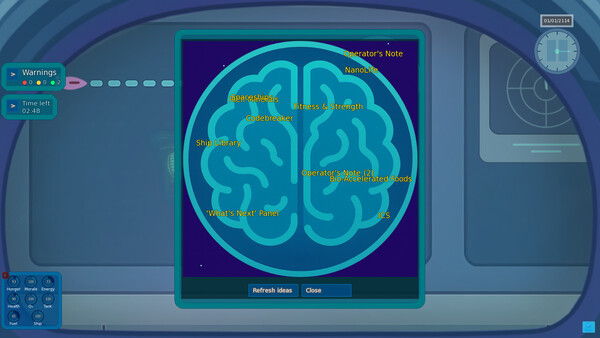
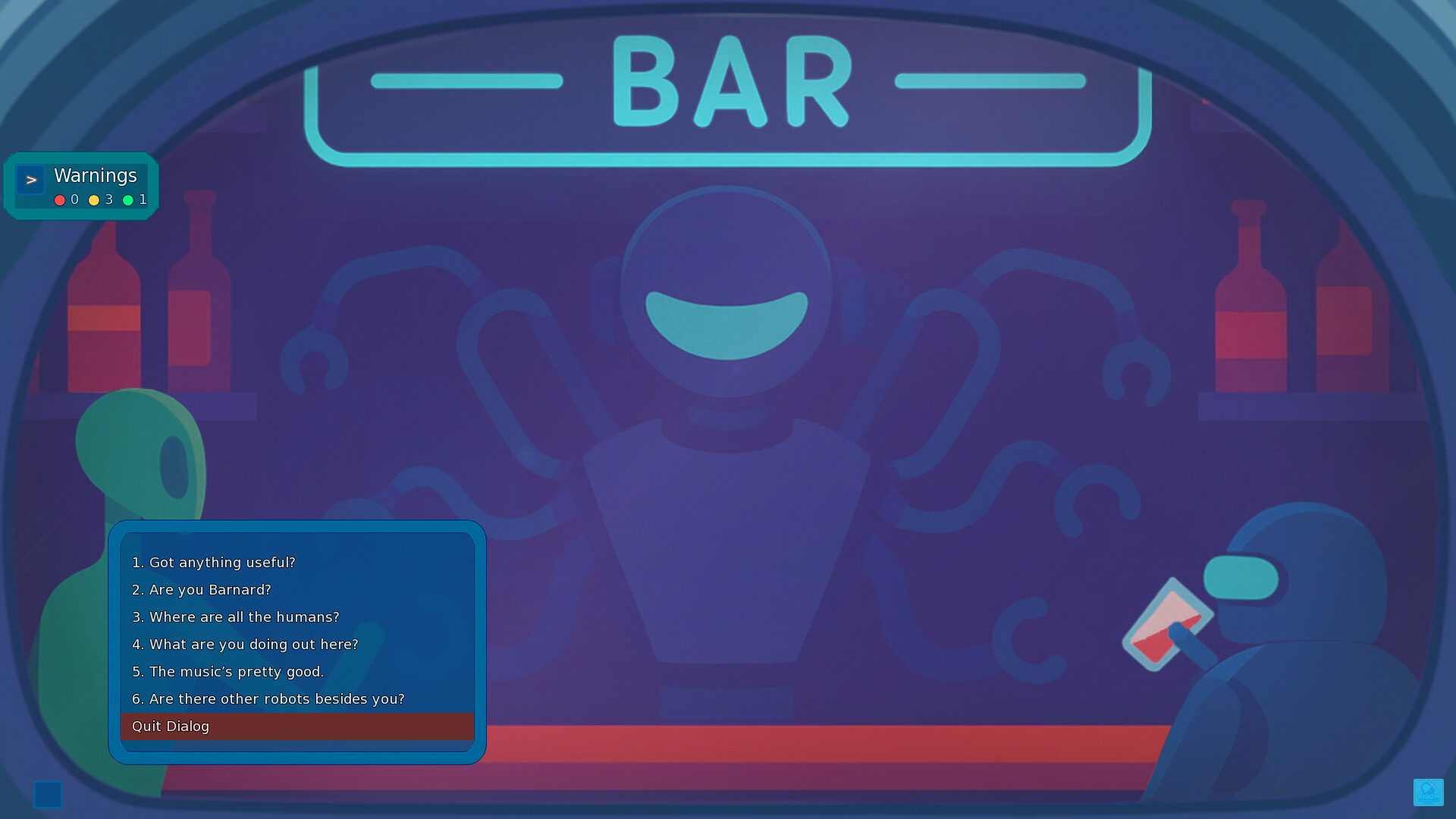
The Long Way Home is an atmospheric sci-fi game that blends classic point-and-click and visual novel mechanics with a first-person (FPS-style) perspective and survival elements.
You see the entire universe through the visor of your mining helmet. You’re adrift on a stranded ship, your course is lost, and there’s no one else breathing out there but you. Apart from hostile robots, friendly robots and the strange AI onboard, there’s no one left to talk to.
THE GALAXY BEHIND THE VISOR
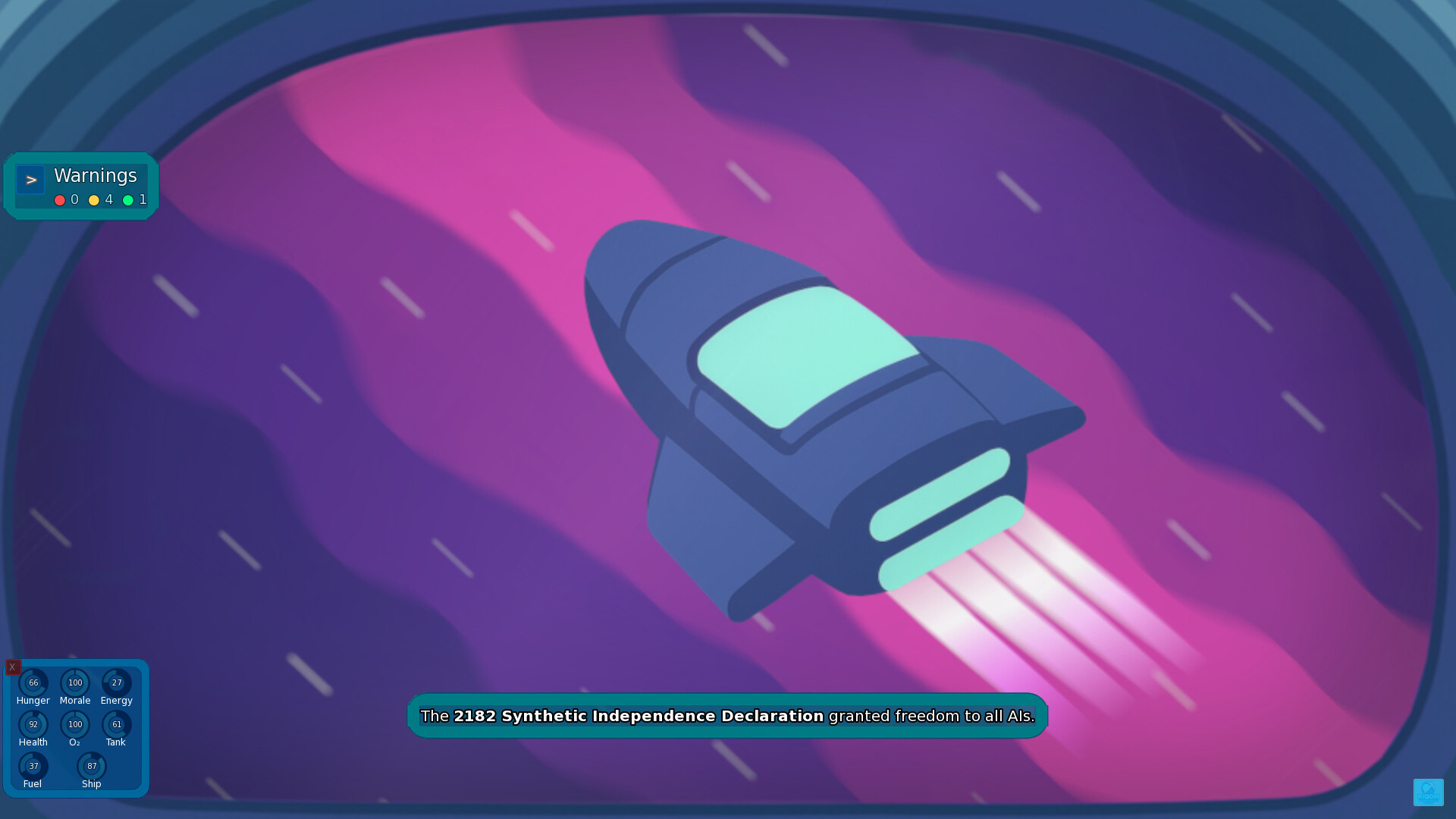
Immerse yourself inside the spaceship with gameplay similar to classic Grid-Based. Interact with control panels, equipment and NPCs strictly from a first-person perspective.
But don't take time management lightly! When the oxygen system fails or the ship drifts further off-course, every second counts. You might not have much time to rush between compartments to fix the problem.
SURVIVE AND GROW
If you want to get back to Earth, you have to survive first. But remember: you’re not a soldier.
Management Loop:
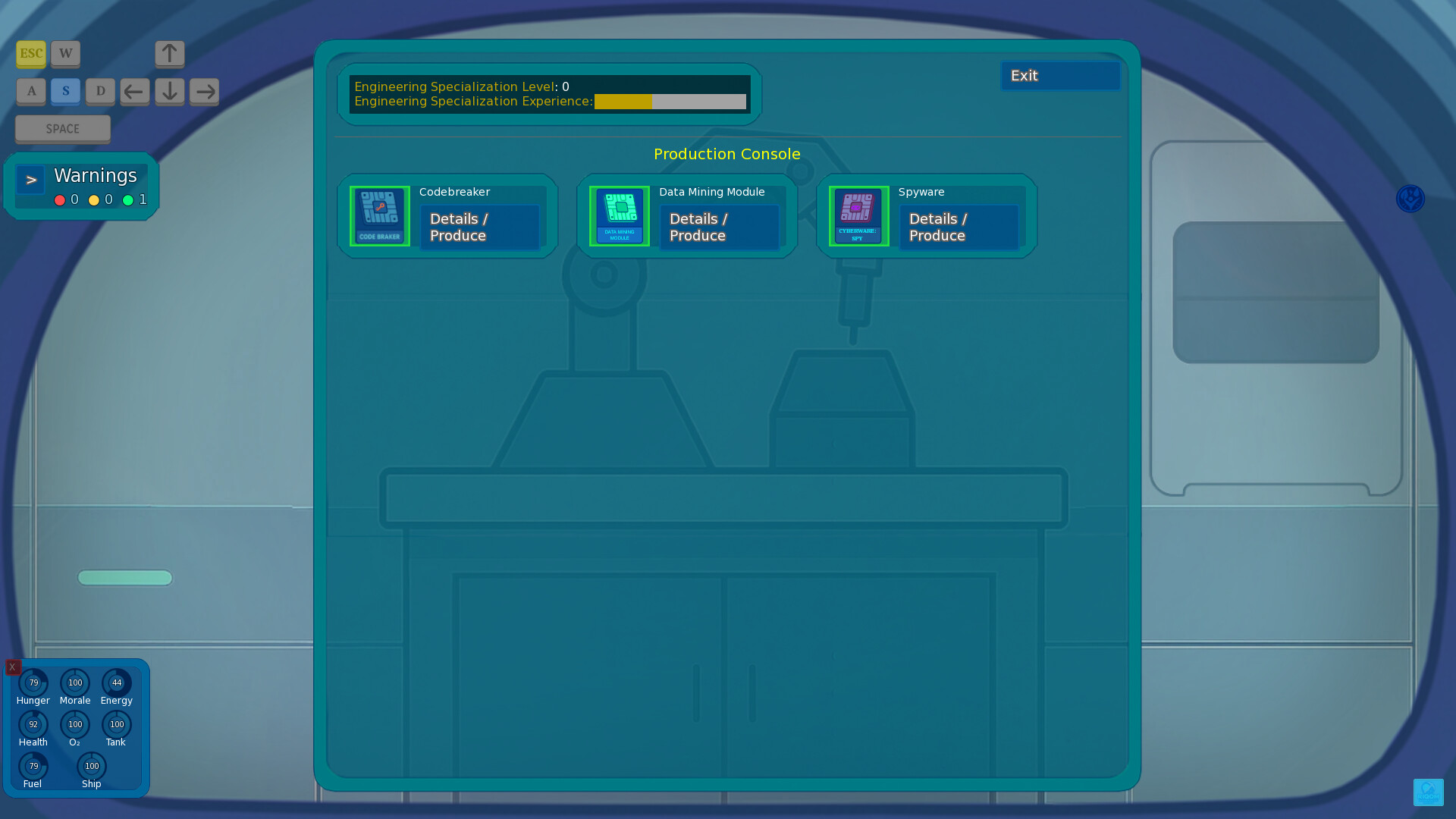
Grow plants, harvest crops, cook meals and manage your energy carefully. Craft tools from the raw materials you scavenge. Repair your ship's malfunctions and find a way to stay on course.
Skill System:
Everything you do makes you better at it. Discover items that boost your skills or deepen your theoretical knowledge to unlock new levels of expertise.
Time Is in Your Hands:
On your journey back to Earth, use your time wisely. During exploration, time slows or pauses, letting you think, investigate and unravel mysteries at your own pace.
FIGHT OR HIDE (IT’S YOUR CALL)
The galaxy isn’t friendly but you don’t have to be a flying war machine. The game lets you choose your own approach:
Tactical Space Battles:
Turn-based, strategic ship combat. Find your enemy’s weak spots, cripple them with EMP pulses or crash their systems from the inside with cyber attacks.
Reflex-Based Close Combat:
Face aggressive robots in QTE- and rhythm-based melee encounters. Watch the visual cues and react at the right moment.
Peaceful Solutions:
Don’t want to fight? Switch to stealth, slip past threats and move on. Nobody has to get hurt.
UNRAVEL THE STORY
Where are you? Who are you, really? Where did everyone go? What happened to all the humans? And why are some robots hostile while others are—at least somewhat—friendly?
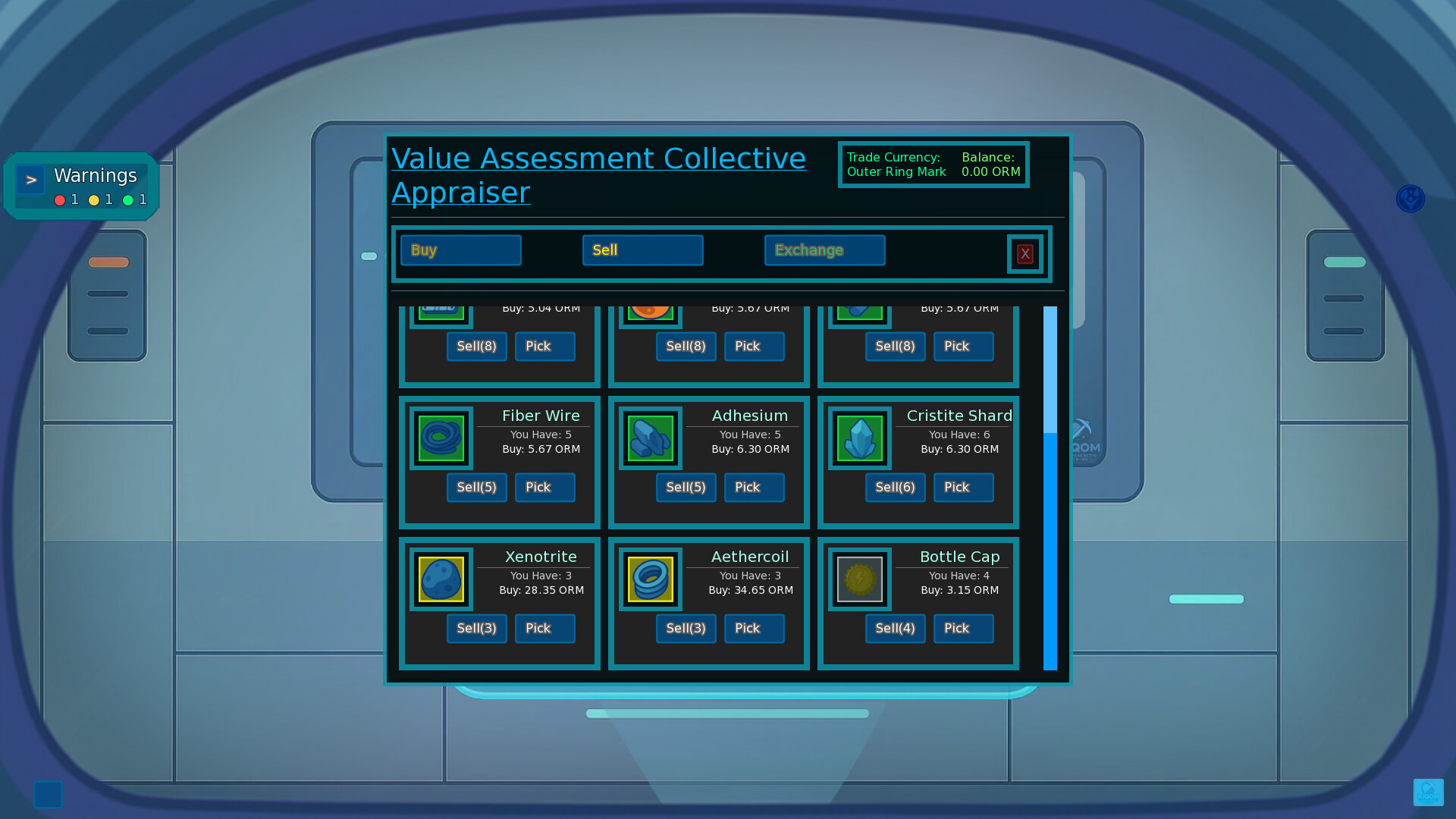
Explore derelict ships, dig through data logs, collect in-game trading cards and trade with strange robots. How deep you go into the story is up to you. You can focus only on getting home or you can uncover the dark history of this universe.
It’s a long way home, 13-553. Are you ready?
Hello Miners!
Sometimes, atmosphere and world-building don\'t get the appreciation they deserve. Today, I wanted to show you step-by-step how I integrate the details I add to enrich The Long Way Home universe into the story.
From the very first day of development, my vision for this universe was for it to feel lived-in, a bit messy, and real. Sometimes, creating that feeling requires nothing more than a tiny, weird detail.
1. STEP 1: IS THAT A ROBOT SMOKING OVER THERE?
It all starts with a simple idea. If you step out the back door of \"Barnard\'s Place,\" located on an asteroid orbiting Barnard\'s Star, you\'ll run into a robot taking a smoke break. Why does a machine smoke? Is it trying to mimic humans? Or is it a programming error?
How animations are created:
[img src=\"https://cdn.cloudflare.steamstatic.com/steamcommunity/public/images/clans/45888309/8321f42b9cba95d737310e62792e2fee6e44ccfc.gif\"][/img]
[dynamiclink href=\"https://youtu.be/twuVBNmJc7k\"][/dynamiclink]
2. CREATING THE BRAND
If this robot is smoking, that cigarette needs a brand. There\'s nothing interesting about it smoking a random cigarette, but if it prefers a specific brand, things change. This brand needs to feel like it belongs to this universe. Futuristic or traditional? Electronic, organic, or something hybrid?
Simple sketches laying the foundation:
[img src=\"https://cdn.cloudflare.steamstatic.com/steamcommunity/public/images/clans/45888309/27a6e4583c69312ca10e5ae836a41c92408c53c6.png\"][/img]
3. ADAPTING IT TO THE UNIVERSE
Creating the brand isn\'t enough; I need to scatter it everywhere I can find in the galaxy to make it \"real.\" An article on the Galactic News Network or an advertisement airing on Galactic Radio... Slowly, the brand integrates with the universe.
Check out the video to hear the ad airing on the radio:
[img src=\"https://cdn.cloudflare.steamstatic.com/steamcommunity/public/images/clans/45888309/244d2ff0afe76d6482c465ef14f1fc3764f5e04f.gif\"][/img]
[dynamiclink href=\"https://www.youtube.com/watch?v=PLQHwuTFeIE&feature=youtu.be\"][/dynamiclink]
Also, the products need to physically exist in the universe. Therefore, they must be purchasable from vendors, advertising brochures should be found lying around, and you should even be able to buy a poster of the brand and hang it on a wall in your own ship.
Brochure and item logo design:
[img src=\"https://cdn.cloudflare.steamstatic.com/steamcommunity/public/images/clans/45888309/6085a2a3f6ead819da45b04b8f3e29669e929094.png\"][/img]
Products purchasable from merchants:
[img src=\"https://cdn.cloudflare.steamstatic.com/steamcommunity/public/images/clans/45888309/c36ce9d5536c77ce0a6ebe17b8cee1265d70f40b.png\"][/img]
Emberline Poster on a wall in the player\'s ship:
[img src=\"https://cdn.cloudflare.steamstatic.com/steamcommunity/public/images/clans/45888309/4fb2535a4828ca92178344253550d4722b964033.png\"][/img]
Poster hanging on the bar wall (top right):
[img src=\"https://cdn.cloudflare.steamstatic.com/steamcommunity/public/images/clans/45888309/74347f434e59d915a67692d91eb40f7ecce45026.png\"][/img]
4. ENRICHING VIA DIALOGUE
Of course, showing it isn\'t enough; having in-game characters mention the brand occasionally and having it appear in different dialogues are key details that make everything feel realistic. In the video below, you can find a snippet of the dialogue you can have with the smoking robot.
[dynamiclink href=\"https://youtu.be/fddeCVRuI-0\"][/dynamiclink]
IN SUMMARY All these small details might seem quite insignificant, and it\'s very likely that players might miss them entirely. However, these details come together to form a universe, making it feel much larger than it is.
That is my primary goal with The Long Way Home project: To create a universe where anyone who wishes can get lost in it.
Safe travels to everyone.
Cihan Kuzu
Hello Miners!
Theres a lot in this new update for The Long Way Home.
[u]Change details:[/u]
Controller Support Added
You can now play the game entirely using the built-in controller support. Xbox, PlayStation and other controllers are supported.
[/*]Thanks to some UI adjustments and a few additions to certain minigames, the whole game is now playable with a controller only. (Worth mentioning: this game was never originally designed to be controller-friendly, so there may still be places where the controller doesnt work perfectly. Please report anything you notice. Ill take care of it as soon as possible.)
[/*]
Introduction Revamped
The introduction (a tutorial-like starting section) has been largely reworked. It now fits the story much better and players can also get through it much faster if they want to.
[/*]
Tutorial Handbook Added
In the previous (temporary) approach, tutorial messages paused the game to give the player information. Now, tutorial texts have been moved into a tutorial handbook accessible through the PD (youll need to enable the tutorial option when starting a new game for this to work).
[/*]
Interface & User Experience (UI/UX)
Some buttons and information that previously appeared only as text (like planting, crafting, repair and maintenance requirement tables) have been replaced with the relevant item icons. I think this improves readability and overall playability.
[/*]Many screens have been adjusted for a better user experience (and this work is still ongoing. Things likely need a bit more time and testing to fully settle into place).
[/*]
New Content Added: Hoth Cryomole Hunt
If you land on OGLE-2005-BLG-390Lb in Sector 5known to humans as Hothyoull find a winter-vacation-themed resort hotel run by synthetics. By talking to the synthetic at the reception desk, you can join their Cryomole Hunt festival, earn points during the hunt and exchange them for various rewards and gifts.
[/*]
Translations
Missing translations that were identified have been added. There may still be gaps, if you report them, Ill address them quickly.
[/*]
Thank you!
A huge thanks to everyone for your contributions and valuable feedback. Youre probably helping more than you realize.
[hr][/hr]This build is still in development and testing. Id really appreciate it if you share any bugs you encounter or any suggestions you have. Safe travels!
Hello Miners!
The new update for The Long Way Home includes bug fixes and some interface adjustments. Here are the details of the changes:
Bug Fixes
Black Screen Issue: Fixed the black screen issue occurring before the intro on some older systems. (I\'ve tested this myself but if anyone who previously experienced this issue could confirm the fix Id really appreciate it.)
[/*]Time Pause: Time now correctly pauses during all visits outside the ship, as it should.
[/*]
UI/UX (Interface and User Experience)
Indicators: Circular indicators (plant growth, fuel tracking, etc.) have been adjusted as they were causing confusion.
[/*]Text Adjustments: Some dialogue text (especially interactions with robots at Barnard\'s Bar) has been simplified for better clarity and readability.
[/*]Dialogue Choices: Previously selected dialogue options are now visually distinct, making it easier to track which questions you\'ve already asked.
[/*]
Translations
Fixed a translation error regarding the security bot\'s name on the Stellar Horizon.
[/*]Fixed translation errors in notifications appearing during planting/harvesting.
[/*]MotionBay Tutorial: Fixed an issue where the English tutorial text was not displaying correctly in the MotionBay conditioning section.
[/*]
Visuals
Animation adjustments were made to create a more fluid combat feel during \"Brawls\".
[/*]
Thank You! I want to thank everyone for their contributions and valuable feedback. You are helping more than you probably realize.
[hr][/hr]This version is still in the development and testing phase. I would really appreciate it if you shared any bugs you encounter or suggestions you might have.
Safe travels!
Hello Miner!
The development of The Long Way Home continues. Based on your feedback, I have released a new update that makes the game experience smoother. This update focused particularly on interface readability and in-game guidance. Additionally, some minor improvements and bug fixes were applied.
[u]Details of the changes:[/u]
Interface and User Experience (UI/UX)
Navigation: Earth coordinate information is now pinned to the navigation console by default.
[/*]Visual Improvements: Button sizes, text colors and font sizes have been updated to be easier on the eyes, easier to read and more noticeable.
[/*]Tutorial: In-game tutorial texts have been simplified and made more understandable. (Developer Note: This is a temporary improvement. I plan to add a much more dynamic and interactive tutorial system in the near future.)
[/*]
Gameplay and Balance
Missions: Some mission descriptions and directives have been rewritten to eliminate confusion.
[/*]Mini-Games: The difficulty/reward balance in mini-games has been readjusted.
[/*]
Controller Support (Experimental / Beta) Partial controller support has been added via Steam Input. This feature is currently temporary:
Important: The game currently does not offer a default profile. While the game is open, you need to open the Steam interface with Shift + Tab, click on the controller icon and configure the key bindings according to your preference.
[/*]Restrictions: Mouse usage and keyboard inputs in some mini-games are not yet fully supported.
[/*]
Full native controller support will be added with the full version of the game.
Thanks! I would like to extend a special thanks to Tyler Graham for his contributions and support in this update.
This version is still in the development and testing phase. I would be very happy if you shared any errors you encounter or your suggestions. Safe travels!
Hi! The demo is now live.
If you try it, I\'d really appreciate any feedback especially Steam Deck and Linux/Proton reports. Im developing this solo and currently the only tester, so real world reports help a lot.
[u]What Im looking for:[/u]
Does the demo run smoothly on your system?
[/*]Any crashes, black screens, missing audio, weird UI scaling or input issues?
[/*]Steam Deck / Linux: performance, controls, text size or any other problems.
[/*]
[u]Where to report bugs & feedback:[/u]
Please post everything in the pinned Discussions.
If you enjoyed the demo, consider Wishlisting and Following the game. It really supports a solo dev.
Thank you for playing and for any reports you share!
Minimum Setup
- OS: Ubuntu 18.04+ / SteamOS
- Processor: x64 / 2.0 GHz Dual CoreMemory: 4 GB RAM
- Memory: 4 GB RAM
- Graphics: OpenGL 2.0 compatible
- Storage: 2 GB available space
Recommended Setup
- OS: Ubuntu 18.04+ / SteamOS
- Processor: x64 / 2.0 GHz Dual CoreMemory: 8 GB RAM
- Graphics: OpenGL 2.0 compatible
- Storage: 2 GB available space

[ 6316 ]



























[ 5957 ]


[ 1933 ]





















[ 2282 ]






















Time left:
356104 days, 5 hours, 24 minutes

Time left:
356104 days, 5 hours, 24 minutes

Time left:
8 days, 13 hours, 24 minutes

Time left:
36 days, 13 hours, 24 minutes

Time left:
39 days, 13 hours, 24 minutes

Time left:
40 days, 13 hours, 24 minutes

Time left:
1 days, 7 hours, 24 minutes

Time left:
2 days, 7 hours, 24 minutes

Time left:
9 days, 7 hours, 24 minutes

Time left:
15 days, 7 hours, 24 minutes

Time left:
16 days, 7 hours, 24 minutes

Time left:
27 days, 7 hours, 24 minutes