




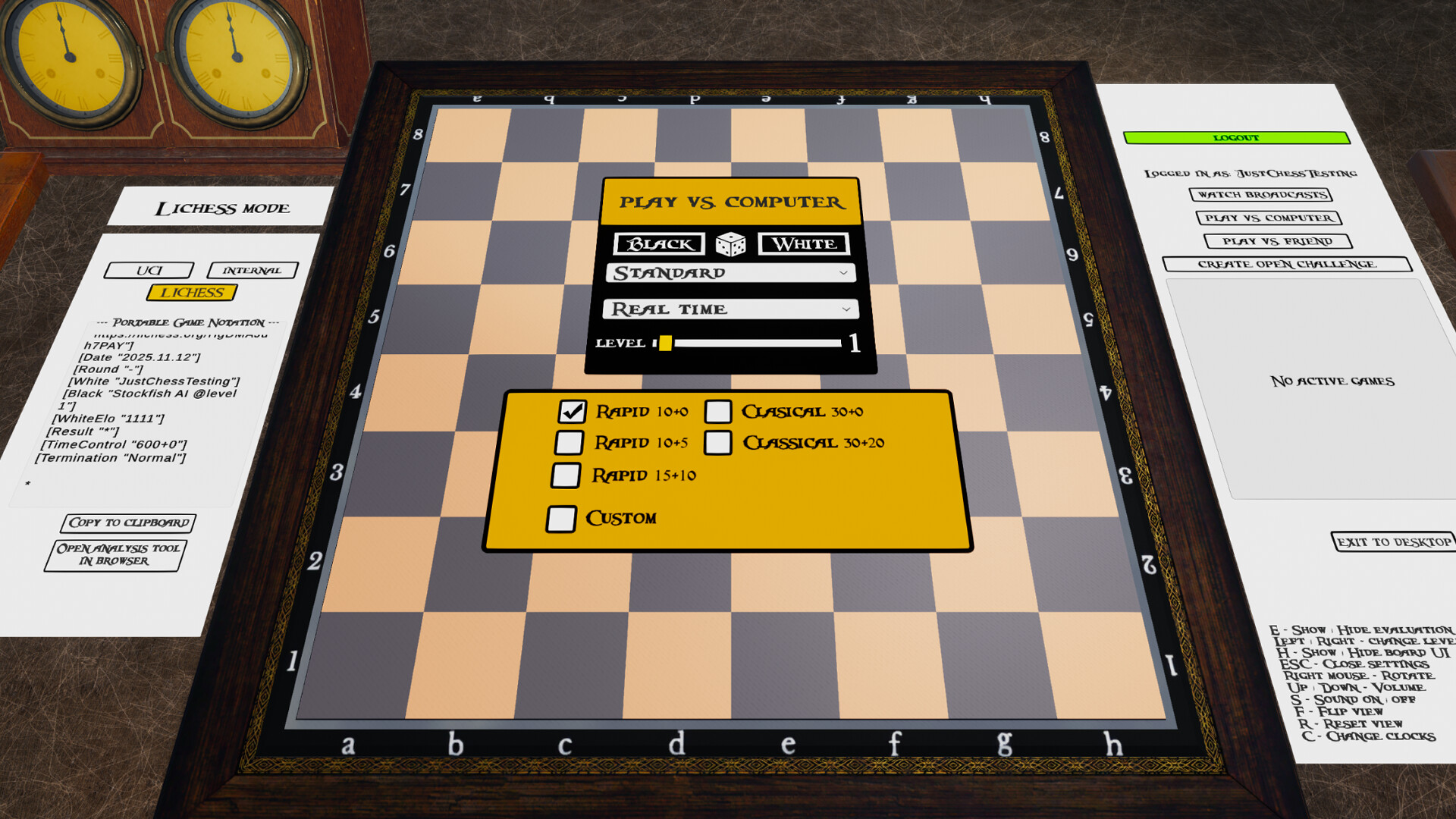
Enjoy a deep chess experience – solo or online – with Just Chess!
Whether you're a beginner or a seasoned player, Just Chess has everything you need. Sharpen your skills against a smart AI in a modern 3D environment, test your tactical vision with over four million chess puzzles, or challenge the world with comprehensive Lichess integration.
Key Features:
Built-in Chess Engine – Play offline instantly using the game's internal chess engine, no setup required.
UCI Engine Support – Take your game to the next level by connecting any external chess engine that supports the UCI protocol, such as Stockfish. Play against opponents at – and even beyond – grandmaster strength.
Engine vs Engine (EvE) – Curious to see which engine is stronger? Set up a match between two UCI chess engines of your choice and watch the battle unfold. Includes configuration options for engine threads and hash size.
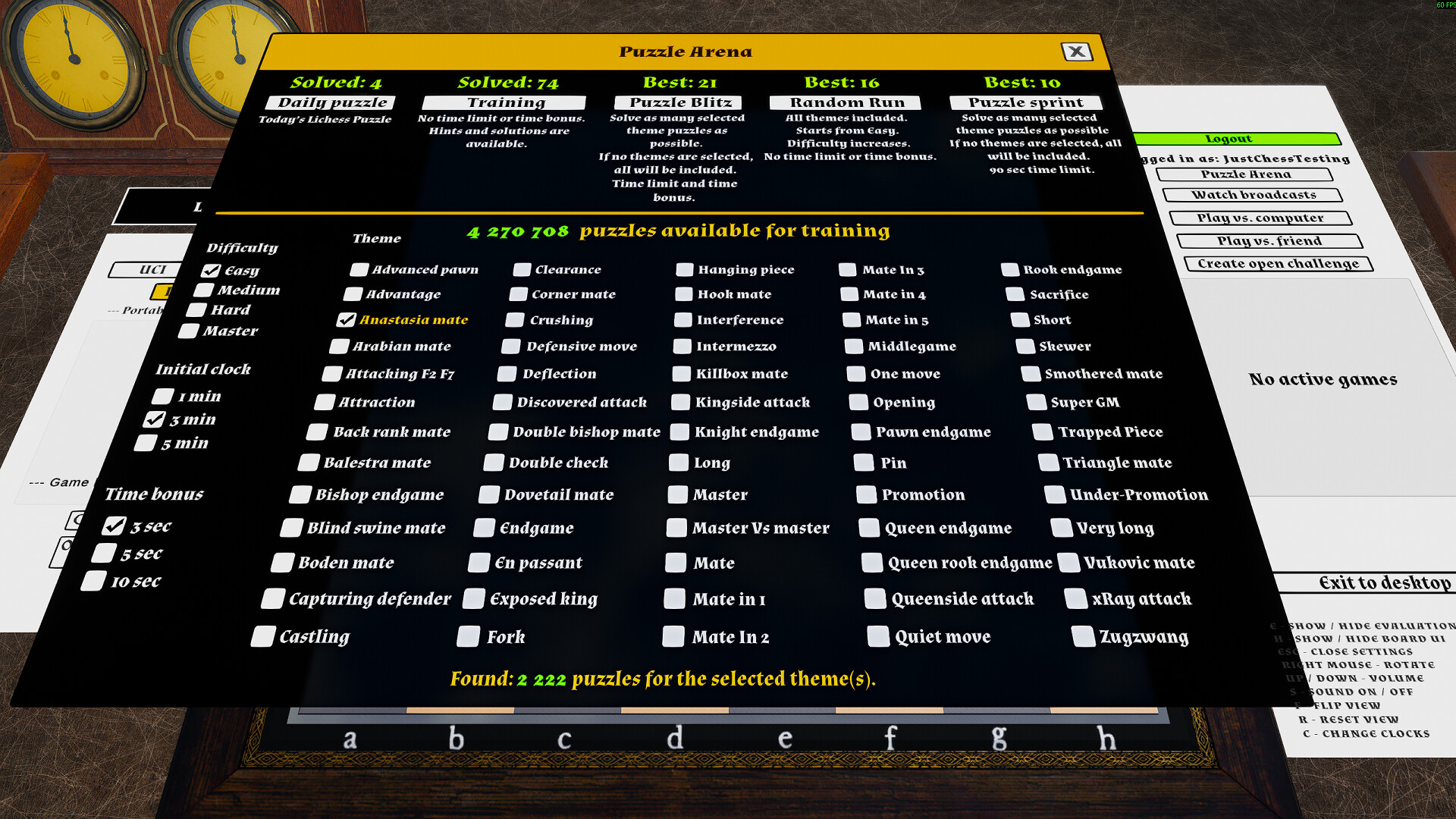
Puzzle Arena – Test your skills and improve your tactical awareness with a massive database of over four million puzzles from Lichess. Try different modes like the fast-paced Puzzle Blitz and the endurance-testing Puzzle Run.
Lichess Integration – Log in to your Lichess account directly from the game!
Challenge friends or millions of other players online.
Play against Lichess's own Stockfish AI at various difficulty levels.
Continue your ongoing correspondence or real-time games.
All online games are seamlessly synchronized with your Lichess account.
Spectate Live Tournaments – Follow top-level chess events in real-time with the new Lichess Broadcasts integration. Watch grandmaster games unfold live, directly within the game's immersive 3D environment.
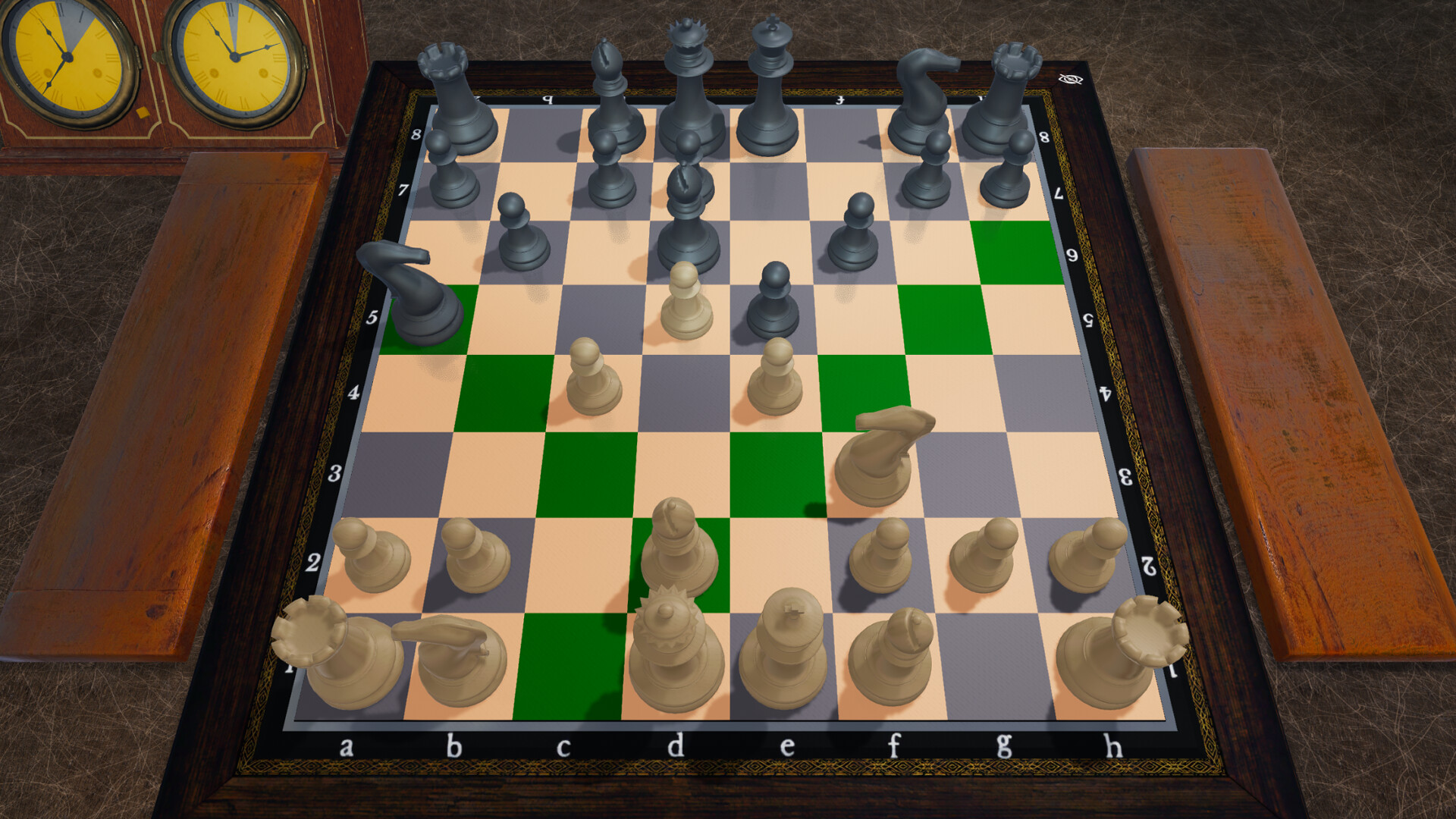
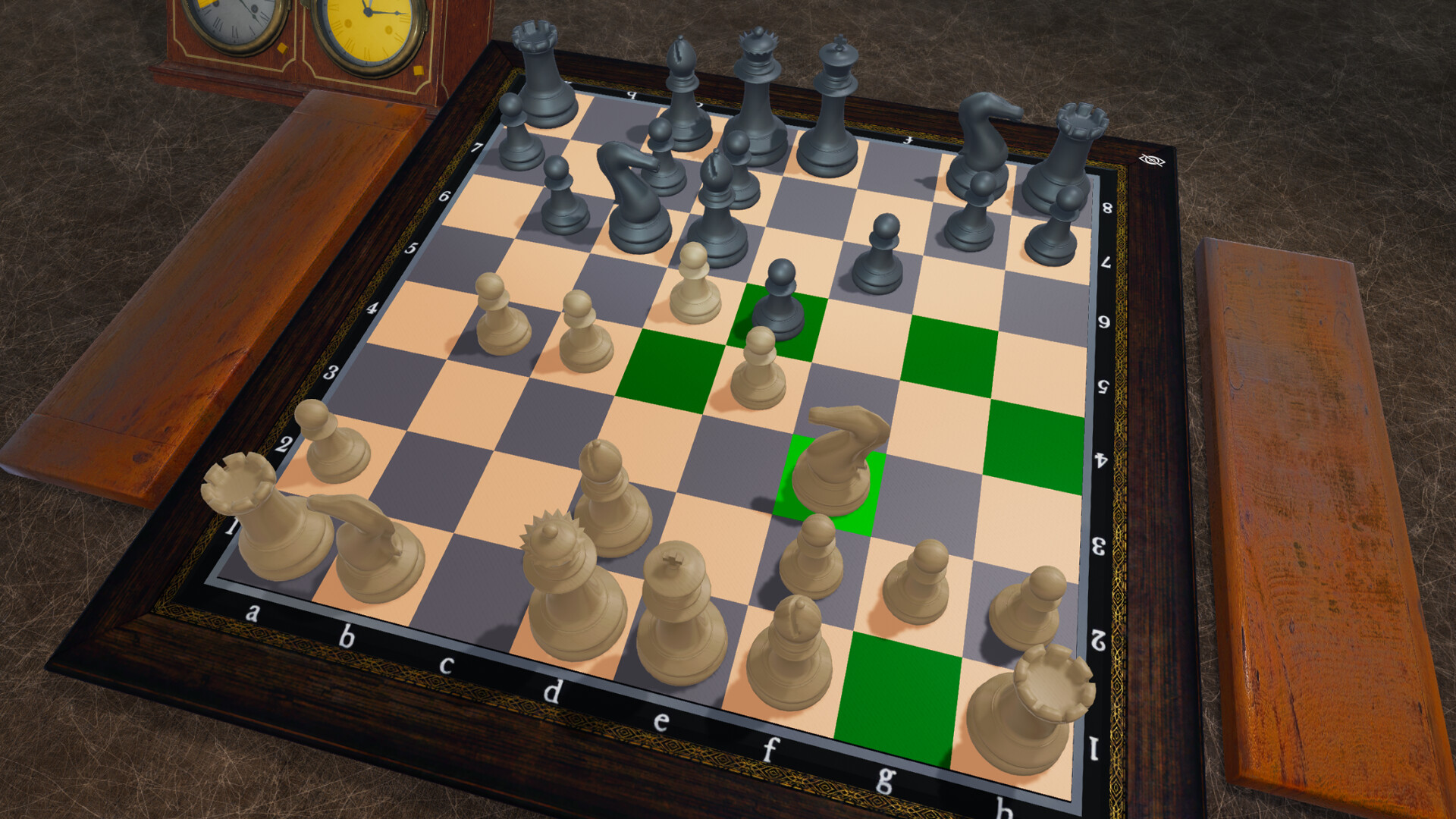
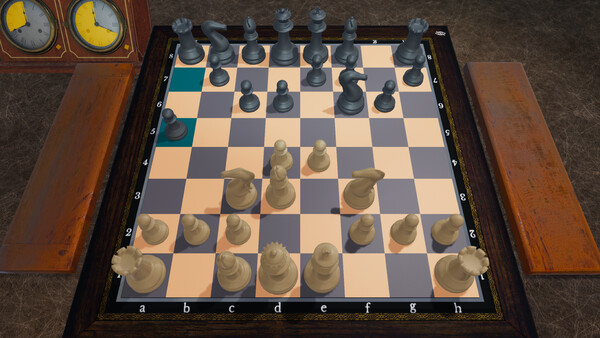
3D Chessboard – With an adjustable viewing angle.
Flip & Reset View – Use F to flip the board and R to reset it to your playing side.
Chess Clocks & Time Controls – Play timed games with popular formats like Bullet (1+0), Blitz (5+3), Rapid (10+5), and Classical (30+0, 90/40). Time controls under 10 minutes are supported with both the built-in and UCI chess engines. Untimed mode is also available.
2D and 3D Chess Clocks – Switch between practical 2D and immersive 3D clock views using the C key. 3D clocks show remaining time as a circular diagram.
Adjustable Move Speed – Customize how fast the built-in or UCI chess engine plays its moves for a more relaxed or time-pressured experience. Combine with difficulty settings for a personalized challenge.
Easy to Play – Simple controls and an intuitive interface.
Adaptive AI Strength – Both the built-in and UCI chess engines can automatically adjust their strength based on your wins and losses, ensuring a balanced challenge.
PGN Export and Analysis – The game allows you to copy the chess game in PGN format to the clipboard and analyze it on online chess analysis websites. Online analysis may require an account with the analysis service provider.
Note: External chess engines must be downloaded separately. Please use only trusted sources. The developer is not responsible for third-party software.
🕹️ Partial Controller Support
🎮 Full Controller Support
I am pleased to announce a significant new update that integrates the official Lichess Broadcasts feature directly into the game. You can now watch chess tournamentsboth live and recently concludedfrom around the world without ever leaving the game client. Please note that this feature currently supports standard chess tournaments.
[p align=\"start\"][/p]What is the Lichess Broadcasts Feature?
The Lichess Broadcasts feature streams games from tournaments directly to you. This allows you to follow the moves of grandmasters and top players in real-time, offering a fantastic way to learn, stay engaged with the competitive chess scene, and enjoy high-level games as they unfold.
[p align=\"start\"]Key Features Include:[/p]Tournament Browser: A dedicated browser for all live and recent official broadcasts available on Lichess.
[/*]Game Lists: Select any round from a tournament to see a complete list of all games played, including player names, ratings, and results.
[/*]Dedicated Spectator Mode: When you choose a game to watch, the UI enters a special \"TV Mode,\" complete with player names, ratings, and clocks that reflect the state of the live game.
[/*]Manual Game Scrubbing: While watching a broadcast, you can use your mouse wheel to manually scroll back and forth through the game, allowing you to analyze key moments at your own pace before resuming the live feed. When you\'re ready to continue watching, click Resume Live Feed button to exit manual scrolling and resume automatic playback. This will either jump to the live action or if you are watching a completed game it will continue the replay from the current move.
[/*]Intelligent Replay Pacing: The spectator mode features two distinct playback options for completed games to enhance your viewing experience.
[list]Realistic Timing: When timestamp data is available in the PGN, the replay replicates the actual pace of the game. You can experience the tension by seeing the real time each player spent thinking about their moves, from quick opening sequences to long, complex middlegame calculations.
[/*]Quick Replay: For a smoother, more condensed viewing experience, you can select the \'Quick Replay\' option, which is located in the game list. This mode uses a dynamic timing algorithm that simulates the natural rhythm of a chess game, with faster moves in the opening and more deliberate pacing during critical moments. Quick Replay is enabled by default.
[/*]Please note that some broadcasts may not provide the necessary time control data in their PGN files. In such cases, the game will automatically use the Quick Replay mode to ensure a consistent and enjoyable viewing experience.
[/*]
View on Lichess.org:
A dedicated \"View on Lichess\" button allows you to instantly open the game you are watching in your web browser. This gives you direct access to Lichess\'s own powerful analysis tools, game chat, and the full tournament context on their site.
[/*]How to Access the Feature:
[olist]From the main menu, click the \'Lichess\' button.
[/*]Click on \'Watch broadcasts\' to open the tournament browser.
[/*]Choose a tournament and then a round to view the list of games.
[/*]Select any game from the list to start watching.
[/*][/olist]A Note on Live Broadcasts
[p align=\"start\"]Please be aware that, due to the nature of live data streams, occasional interruptions or changes on the Lichess server side can cause playback to freeze. If you notice that a live game is no longer updating, there is a simple solution:[/p][p align=\"start\"]Simply press the \'Stop Watching\' button to return to the game list, and then re-select the same game. This will re-establish the connection and your viewing should resume from the latest live position.[/p]Additional Updates & Fixes
[p align=\"start\"]In addition to the new Broadcasts feature, this update brings several other enhancements:[/p]Improved Lichess Connection: The Lichess login and logout process has been reworked for better reliability.
[/*]Visual Enhancements: The game board background has been updated, and the pieces now feature a new reflection effect. This effect has been optimized to have a minimal impact on performance.
[/*]Broadcast UI: The Broadcast spectator background is more minimalist to better distinguish it from regular gameplay and to create a more focused, cinematic viewing experience.
[/*]General Fixes: Finally, this update includes numerous minor bug fixes and stability improvements throughout the game.
[/*]My goal with this feature is to bring the excitement of competitive chess directly into the game, creating a more complete experience for all chess enthusiasts.
The Lichess Broadcasts feature is an extensive addition to the game. While I have made every effort to test it thoroughly, given its complexity, some bugs or areas for improvement may still exist. If you encounter any issues, please report them in the Steam discussion forums. I will be monitoring the threads as regularly as possible to address your feedback.
[p align=\"start\"]Thank you for your continued support. I\'m already working on the next set of improvements and look forward to sharing more soon.[/p][p align=\"start\"]Best regards,[/p]Just Chess developer
Minimum Setup
- OS: Ubuntu 24.04 LTS
- Processor: 64-bit processorMemory: 6 GB RAM
- Memory: 6 GB RAM
- Graphics: Nvidia GTX 960 or AMD equivalent
- Storage: 3 GB available space
Recommended Setup
- OS: Ubuntu 24.04 LTS
- Processor: 64-bit processorMemory: 8 GB RAM
- Graphics: Nvidia GTX 1060 or AMD equivalentNetwork: Broadband Internet connection
- Storage: 3 GB available space

[ 6376 ]



























[ 5872 ]


[ 1265 ]


























[ 1943 ]




























[ 986 ]




























Time left:
356100 days, 15 hours, 22 minutes

Time left:
356100 days, 15 hours, 22 minutes

Time left:
4 days, 23 hours, 22 minutes

Time left:
32 days, 23 hours, 22 minutes

Time left:
35 days, 23 hours, 22 minutes

Time left:
36 days, 23 hours, 22 minutes

Time left:
10 days, 9 hours, 22 minutes

Time left:
5 days, 17 hours, 22 minutes

Time left:
11 days, 17 hours, 22 minutes

Time left:
12 days, 17 hours, 22 minutes

Time left:
17 days, 17 hours, 22 minutes

Time left:
19 days, 17 hours, 22 minutes

Time left:
23 days, 17 hours, 22 minutes

Time left:
3 days, 6 hours, 37 minutes

Time left:
7 days, 23 hours, 23 minutes

Time left:
9 days, 22 hours, 23 minutes

Time left:
15 days, 5 hours, 33 minutes


