



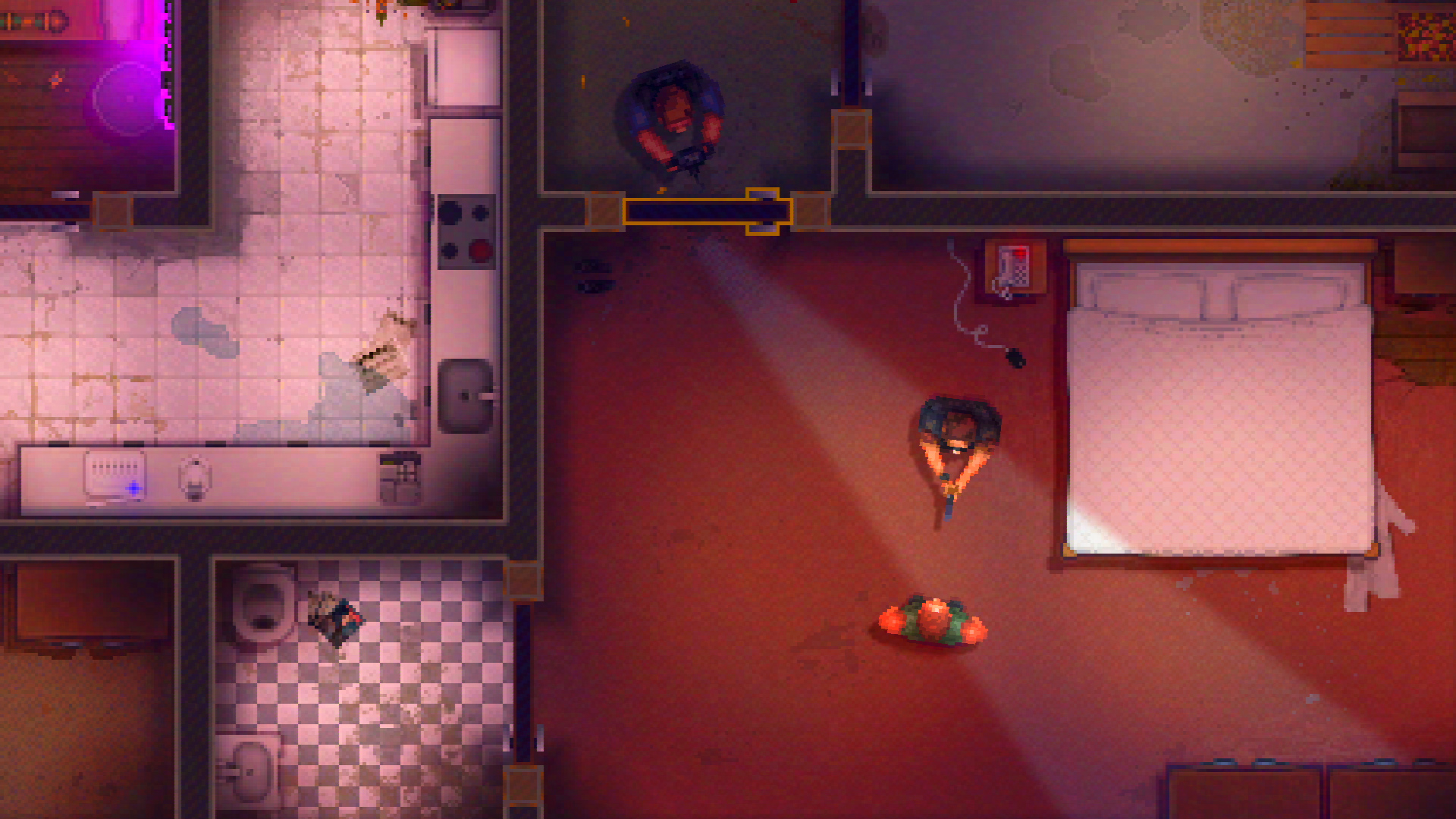
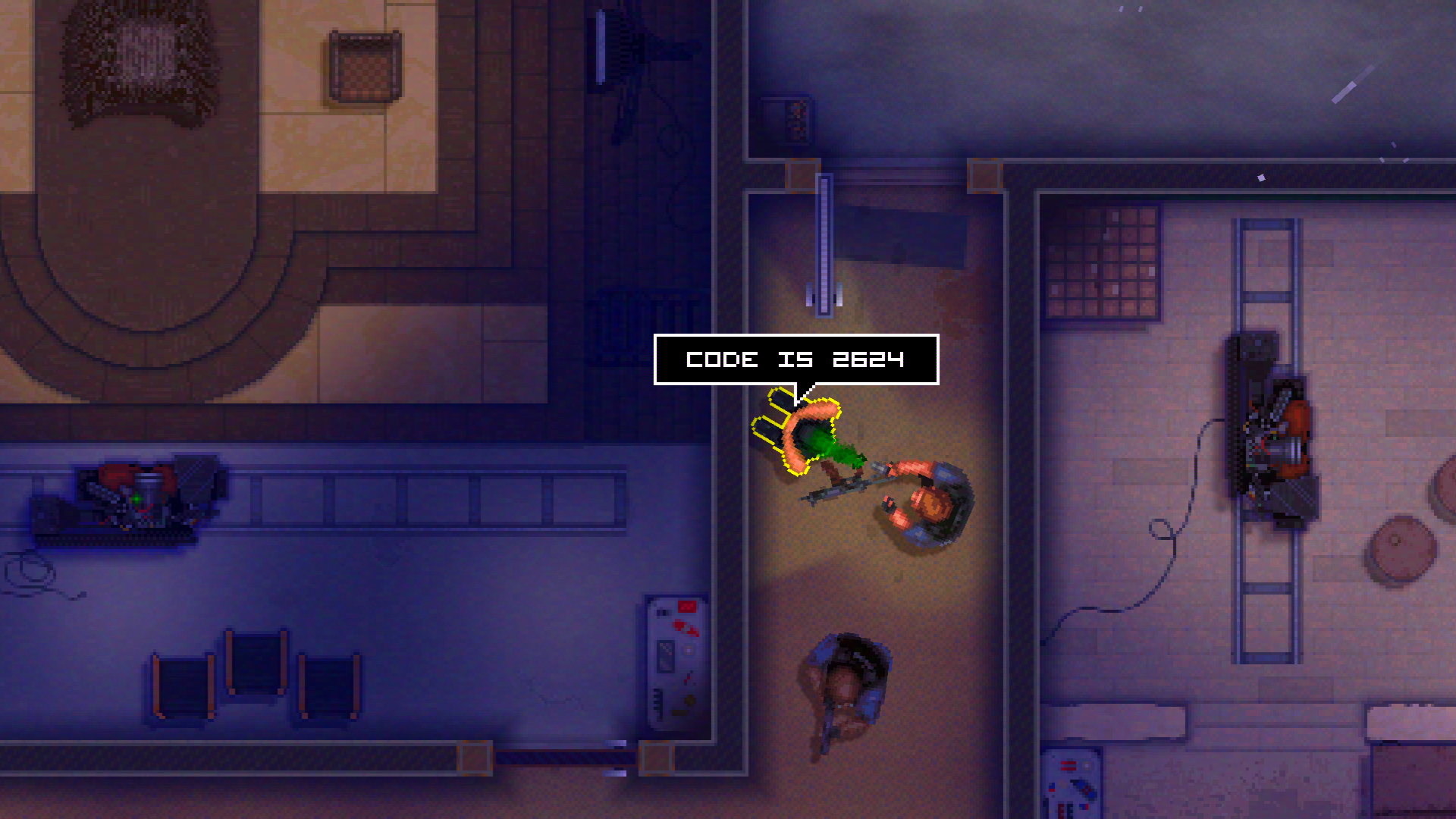
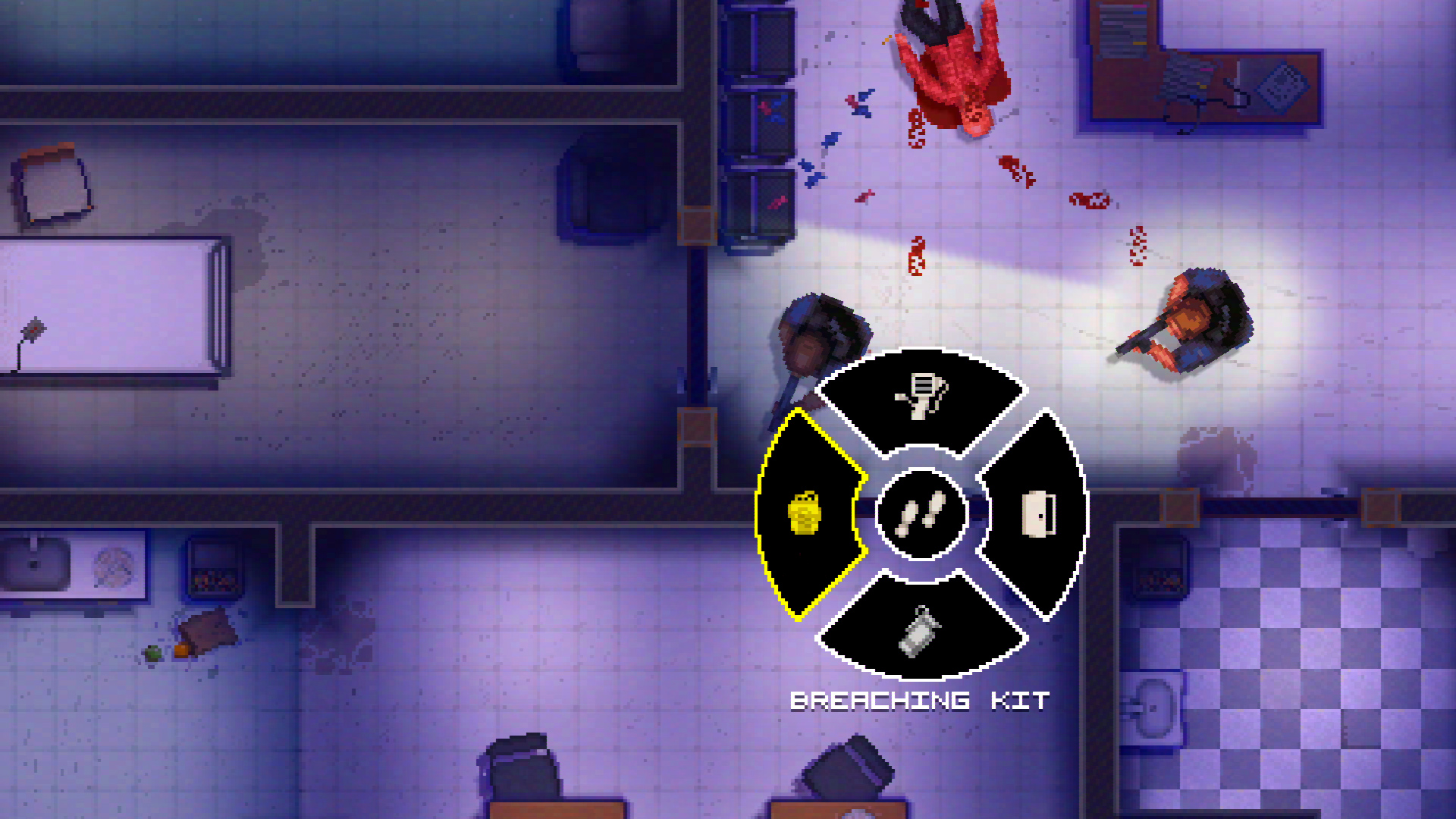


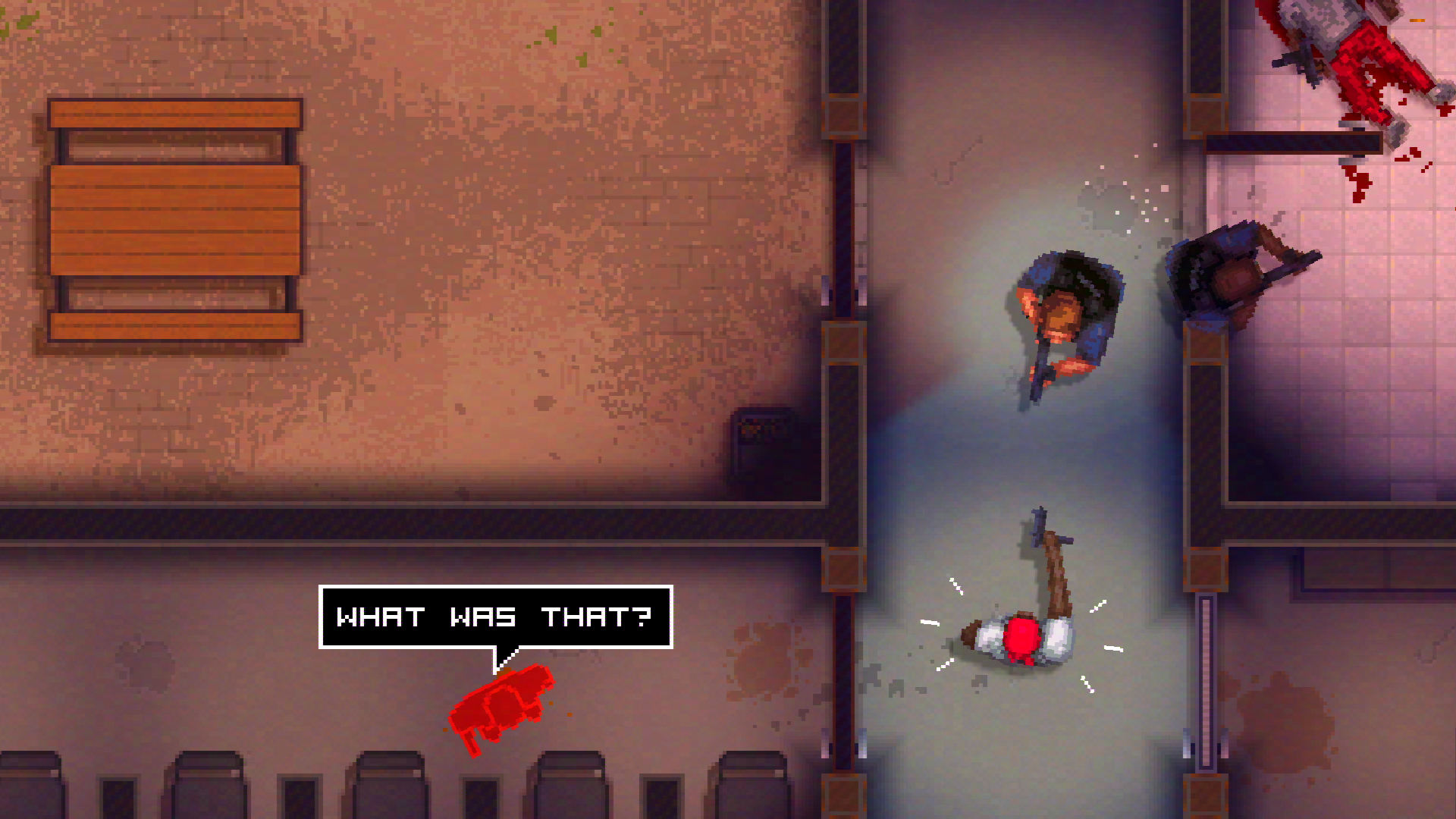
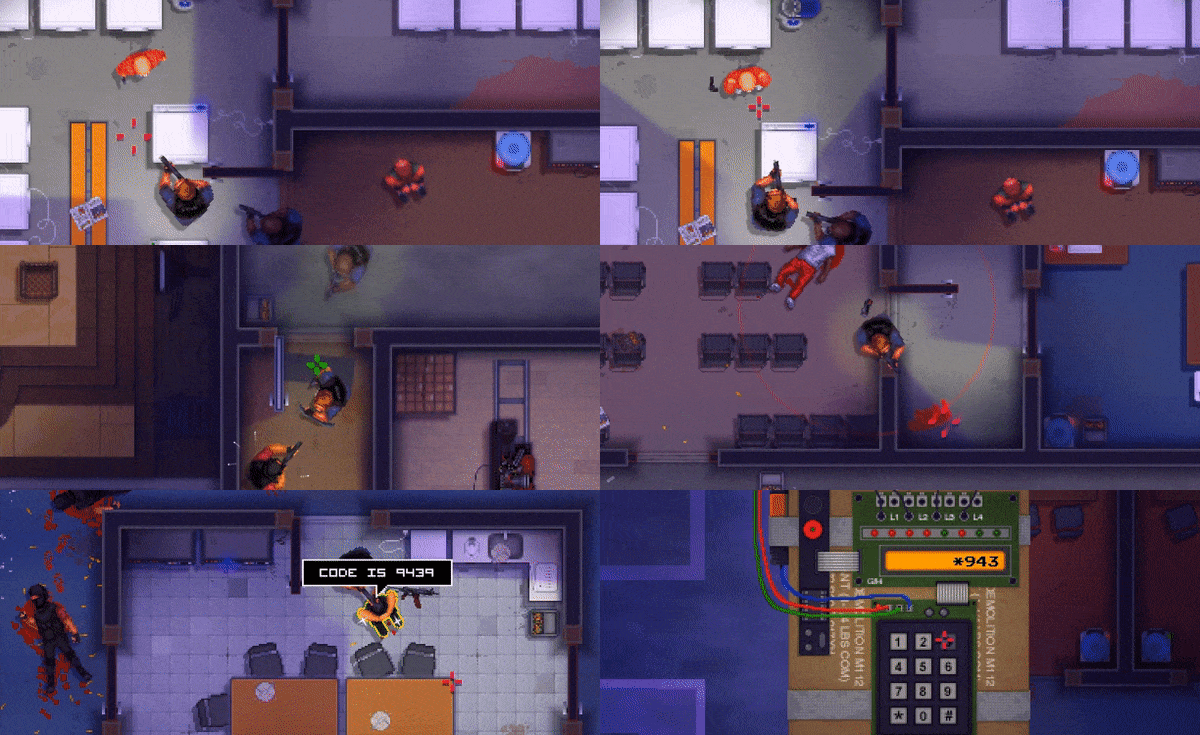
Inspired by SWAT 4 and gritty police TV shows, Police Stories is a fresh take on top-down shooters with an emphasis on tactics that forces you to make split second decisions. Neutralize criminals, rescue civilians and defuse bombs in Single Player mode or Online Co-op. And remember - shooting first is not an option!
Unforgiving and tense, each mission tells a story of two police operatives - John Rimes and Rick Jones, filled with infiltrating gang hideouts, rescuing hostages, making arrests and other life-threatening situations.
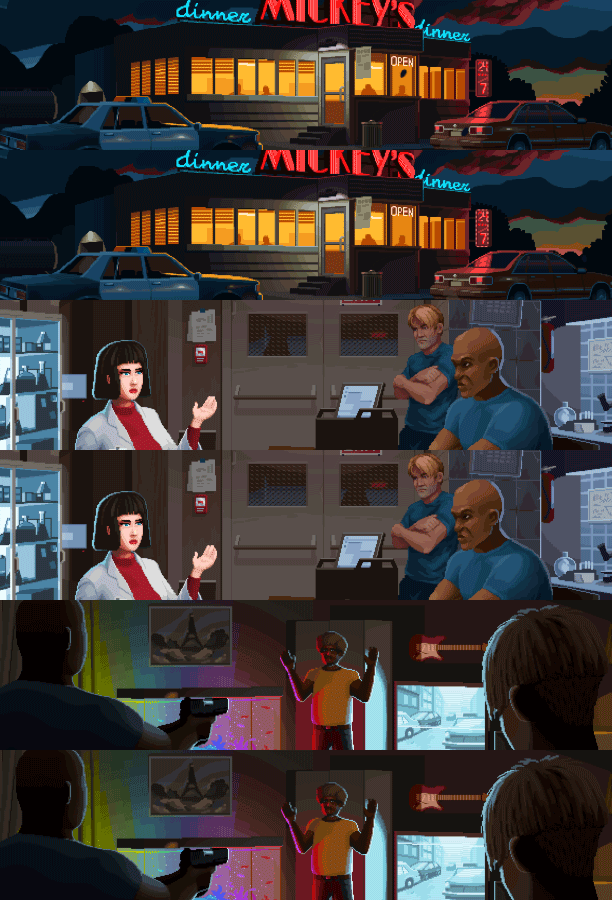
- The Surrender System allows you to apprehend the suspects without resorting to violence. Fire a warning shot near them or engage them in melee combat - those are just some of the ways you can make them submit.
- Issue commands to your fellow cop Rick Jones. Make sure to use him wisely - and who knows, he might save your life in return.
- Randomly placed criminals, hostages and evidence make every level run unique. The placement changes every time you restart, leading to new interesting situations and opportunities.
- As a law enforcement officer, you will have access to end-of-the-line police equipment, such as under-the-door cameras, door blast charges and many others.
- Various types of lawbreakers, from small petty criminals to well organised gangs and terrorists. Each type has not only unique weapons, but different behaviour and shooting skill.
- Complex Tactical Gameplay: Try not to get spotted, don't waste bullets, regularly check your surroundings and make sure to take criminals down quietly.
- All your actions are scored in real time. Playing aggressively won't get you a high enough result to start the next mission - so keep that in mind!
- Co-op. Complete mission together for better scores and more fun!
 https://store.steampowered.com/app/625960/Stoneshard/ https://store.steampowered.com/app/526160/The_Wild_Eight/ https://store.steampowered.com/app/671510/DESOLATE/
 🎮 Full Controller Support
- Pixel Police Linux Content [298.24 M]
[img src=\"https://cdn.cloudflare.steamstatic.com/steamcommunity/public/images/clans/45650191/f04ae006e432eeec3bf50569bbc234c54380bd05.gif\"][/img]
Hello, officers!
In our third devlog, we want to talk about things that have a direct impact on your experience specifically, the improved controls and the updated command menu for your AI partner.
[hr][/hr]Speaking of controls, we cant skip over the most inconvenient thing - grenades.\nLets start by remembering how it used to work. Throwing a grenade was practically its own minioperation:\napproach the door grab a grenade open the door take aim throw move out of the blast zone and finally, start the breach.\nYeah thats a lot of steps for one throw. :)
[img src=\"https://cdn.cloudflare.steamstatic.com/steamcommunity/public/images/clans/45650191/f18ef409aa9ab1ba7b721c24318b9dba14780ea6.gif\"][/img]
We felt that this was a bit over the top, so we started looking for ways to simplify the process without losing the sense of tactical control.\nEventually, we came up with a few simple rules that make the whole sequence much smoother.\n\n Interactive objects now hint at how to interact with them. This helps you quickly understand what to do without spending too much time thinking. It can significantly speed up the gameplay.
The action performed depends on what item your character is holding. Simply put, whatever is in your hands is what will be used on the object. Holding a grenade? Youll throw it. Holding a lockpick? Youll unlock the door. Its as simple as that, with no extra clicks.
Interrupting an action. Any interaction can now be canceled by using movement keys. Changed your mind about throwing a grenade? Just step back. Stressful situations often bring surprises, and plans can change in an instant.
Pressing an interactive object again activates the appropriate tool, if you have it. This lets you act faster without wasting time searching through your inventory.\n\nAs a result, the whole process becomes more dynamic and engaging. It\'s clearly noticeable in combat where every second counts.
[hr][/hr]INTERACTIVE OBJECT HINTS
Yeah, it may sound a bit arcadey, but we made sure to keep it logical and avoid turning interface into an icon carnival.
Now, when you pull on a door handle and it turns out to be locked, the game will hint that it can be picked by showing a small lockpick icon.
[img src=\"https://cdn.cloudflare.steamstatic.com/steamcommunity/public/images/clans/45650191/54ef989bda7899be02c9df7a1ca494393023b5de.png\"][/img]
A window with bars? It will immediately be marked with a crowbar icon a gentle reminder: Yeah, youre not getting through here so easily.
[img src=\"https://app.milanote.com/media/p/images/1UHAru1ocQEy3D/pI9/123123213.png?w=800&v=2&elementId=1UHAru1ocQEy3D\"][/img]
And if youre standing in front of a PC or an entire security monitor station, youll see a PDA icon. Thats the game telling you: You might want to have this gadget on hand to handle the job.
[img src=\"https://app.milanote.com/media/p/images/1UHAuR1ocQEy3E/POH/445454445.png?w=800&v=2&elementId=1UHAuR1ocQEy3E\"][/img]
These hints are subtle, working more as logical reminders. They help with navigation and let you act quickly without wasting time guessing what to do next.
[hr][/hr]USING THE ITEM IN YOUR HAND ON INTERACTIVE OBJECTS
Its simple: you use whatever youre holding.
For example, theres a door ahead, and you know for sure trouble is waiting behind it. If you want to play it safer, place your trusted partner in position, grab a grenade, and go to work.\nYour character will automatically open the door, toss the grenade inside, immediately pull out their handgun, and be ready for whatever comes next. And theyll do it as safely as possible staying half-covered by the wall to reduce the risk of taking fire. \nThis approach removes unnecessary steps and allows you to focus on tactics and results.
[img src=\"https://cdn.cloudflare.steamstatic.com/steamcommunity/public/images/clans/45650191/9b3d868edd77696a878b9ba501b29712793385d8.gif\"][/img]
The same goes for the borescope. You can check a room without risking your life. Take the borescope, approach the door, press E (the action key), and youll get a thorough look inside before committing to entry. \nRight now, the device is still under maintenance, so in the GIF below the display literally floats in the air but you get the idea :D
\n[img src=\"https://cdn.cloudflare.steamstatic.com/steamcommunity/public/images/clans/45650191/4a86bf00b961a9eb8ef297c01cbd9fd903d2fc72.gif\"][/img]
This approach feels not only more convenient but also far more streamlined. Youll never accidentally open a door when youre not ready for itthe game always takes into account what youre holding and what you expect from the situation.\nNo more fiddling with menus or memorizing a long list of buttons: everything works logically and predictably.
[hr][/hr]CANCELING ACTIONS WITH MOVEMENT KEYS
Sometimes, while checking a room with the borescope, an aggressive enemy suddenly rushes out from around the corner. Normally, your reaction would be to stow the borescope, draw your weapon, and find cover. It works, but in terms of gameplay, it takes too long.\nSo, we made the process faster and more intuitive.\n\nMovement keys are no longer blocked during interactions. What does this mean?\nYou can instantly move out of the line of fire, and your character will automatically stow the active gadget and pull out the weapon you were holding before.
This rule applies to all active tools: the PDA during hacking, the borescope during scanning, or the crowbar while prying open grates. The only exception is grenades. If youre simply it, moving wont put it back on your belt.
[hr][/hr]TOOL ACTIVATION WITH A DOUBLE TAP ON AN INTERACTIVE OBJECT
The last of the updates related to tools and interactive objects also focuses on convenience. This applies to all tools except grenades and explosives their rules remain unchanged.\n\nLets take a locked door as an example:\nYou see a door, walk up to it, and press E. A lockpick icon appears the door is locked.
From here, you have two options:\n The classic way. Press the number key for the lockpick, take it in hand, and interact with the door using the previously described principle.\n The new (simplified) way. Press E on the door again your character will automatically pull out the lockpick and be ready to start picking immediately, saving time and streamlining the process.\nThis means quick actions can now be executed almost instantly.\n[img src=\"https://cdn.cloudflare.steamstatic.com/steamcommunity/public/images/clans/45650191/a36ffe6e9a7b5ec457adc8410b2e9167ea4a553e.gif\"][/img]
For the same reason, we also changed how the Surrender! command works. Previously, it was bound to the E key, which sometimes led to funny (or disastrous) situations, like yelling at a harmless door or accidentally giving away your position. Now, by default, this command is bound to the space bar no more unintentional shouting. :D\n\nWe know this might feel unusual for fans of the first game. Moreover, you can rebind the keys to your liking and bring back the original setup if you prefer.
[hr][/hr]COMPANION COMMAND WHEEL
The companion command wheel has also received an update. Weve redesigned it, added new elements, but the core principle remains the same. Now, if your companion has the required tools, they can do almost everything you can with one exception: you wont see the output from their devices. Other than that, if you feel like it, you could technically complete a level while munching donuts, letting your companion do all the work. Not the easiest way to play, but its technically possible. Let us know if youd like to see an achievement for completing a level entirely through your companion. \n\nOne of the most important tasks in our development is improving companion AI and enemy behavior. We plan to talk about this often and show examples of it in action. Your feedback and suggestions will be incredibly valuable to us.
[img src=\"https://app.milanote.com/media/p/images/1UH32k1fM09t3D/6Sr/image.png?w=800&v=2&elementId=1UH32k1fM09t3D\"][/img]Command Wheel Actions\nAll available actions now appear on the wheel only when the required conditions are met. If the conditions arent there that sector stays empty.\n\nCommand Wheel Layout Logic\n Top sector standard (silent) action\n Bottom sector loud action that draws attention\n Left and right sectors special actions and use of specialized equipment\n Center sector move to target
[hr][/hr]ABOUT THE COMMUNITY
\nDont forget about our Discord weve created a dedicated channel for Police Stories 1, where you can:\n discuss previous versions\n share your impressions and ideas\n find partners for co-op missions
Join us:\nDiscord Twitter (X)
[dynamiclink href=\"https://store.steampowered.com/app/3620530/Police_Stories_2/\"][/dynamiclink]
Minimum Setup
- OS: Ubuntu 16.04 LTS. x64 only
- Processor: Intel Pentium 2.9 Ghz or equivalent. x64 onlyMemory: 2048 MB RAM
- Memory: 2048 MB RAM
- Graphics: 512 Mb
- Storage: 400 MB available space

[ 6370 ]





























[ 5870 ]


[ 1991 ]




























[ 1943 ]



















[ 986 ]

























Time left:
356099 days, 17 hours, 43 minutes

Time left:
356099 days, 17 hours, 43 minutes

Time left:
4 days, 1 hours, 43 minutes

Time left:
32 days, 1 hours, 43 minutes

Time left:
35 days, 1 hours, 43 minutes

Time left:
36 days, 1 hours, 43 minutes

Time left:
9 days, 11 hours, 43 minutes

Time left:
4 days, 19 hours, 43 minutes

Time left:
10 days, 19 hours, 43 minutes

Time left:
11 days, 19 hours, 43 minutes

Time left:
16 days, 19 hours, 43 minutes

Time left:
18 days, 19 hours, 43 minutes

Time left:
22 days, 19 hours, 43 minutes

Time left:
2 days, 8 hours, 58 minutes

Time left:
7 days, 1 hours, 44 minutes

Time left:
9 days, 0 hours, 44 minutes

Time left:
14 days, 7 hours, 54 minutes


