




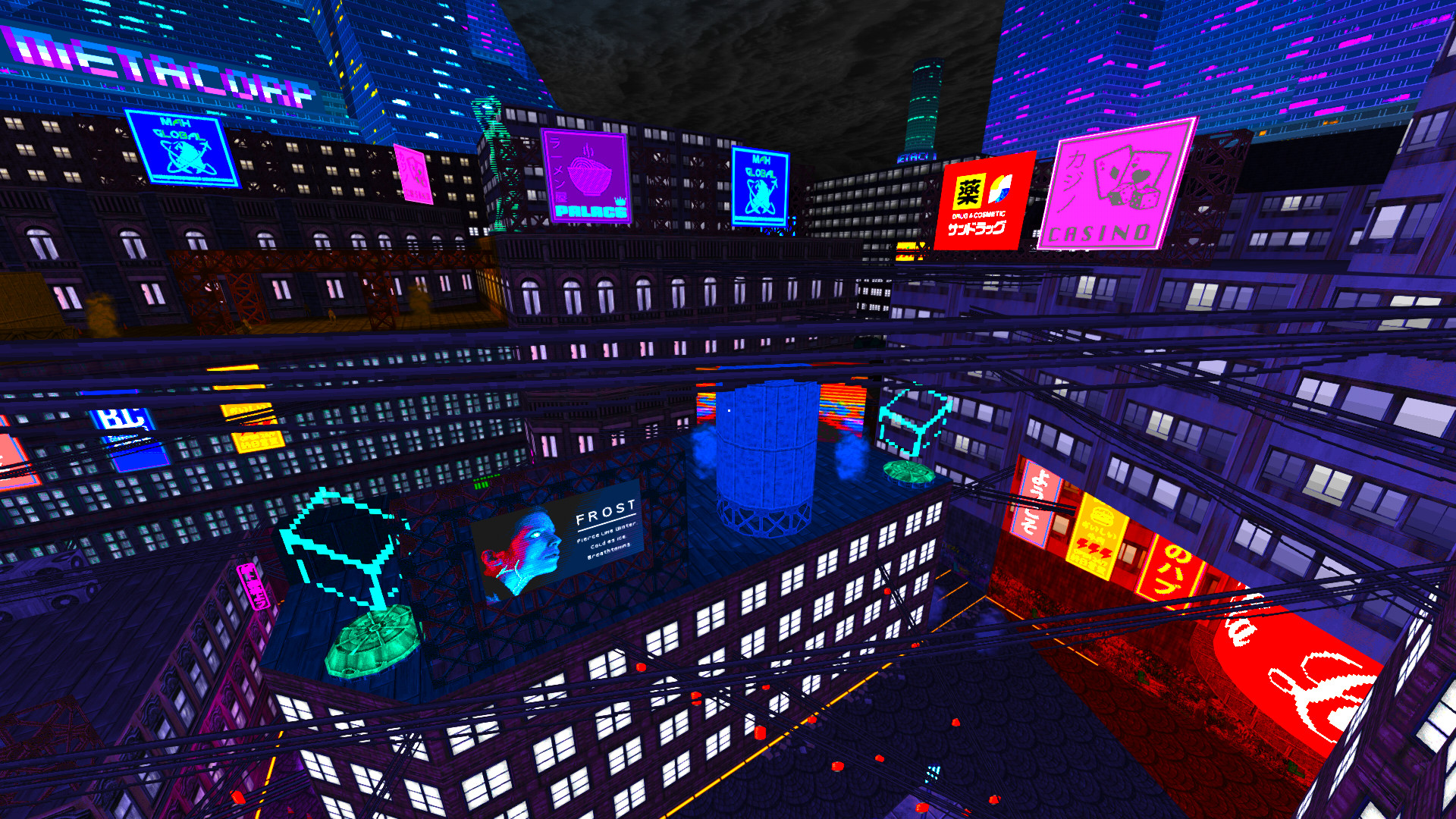

SUNSET CITY, CALIFORNIA - 20XX: You've been awakened from cryostasis. Your name, your identity, your memories… All lost in the confusing fog of hypersleep. Not only a stranger in a strange place, you begin to manifest powerful abilities. Lightning-fast reactions. Innate combat skills. Near-supernatural agility. You’re not like everyone else.
Your talents are quickly recognized. A mysterious woman named Yuri makes you an offer you can’t refuse. In exchange for putting your talents to use as a street samurai, she will use her resources to discover your identity and restore your lost memories. She welcomes you to a community of other extraordinary individuals who share your unique abilities, and are united by a common cause.

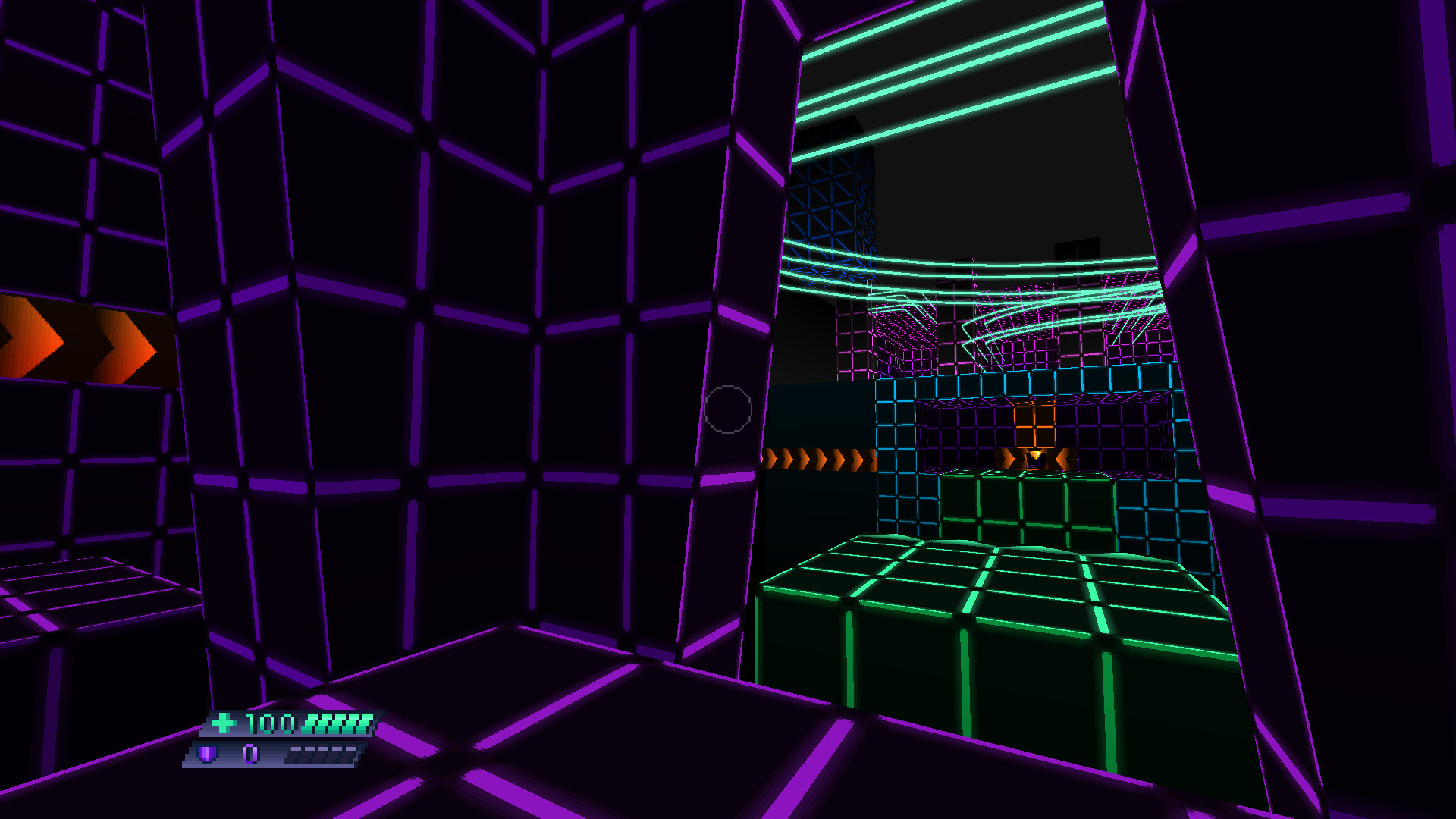
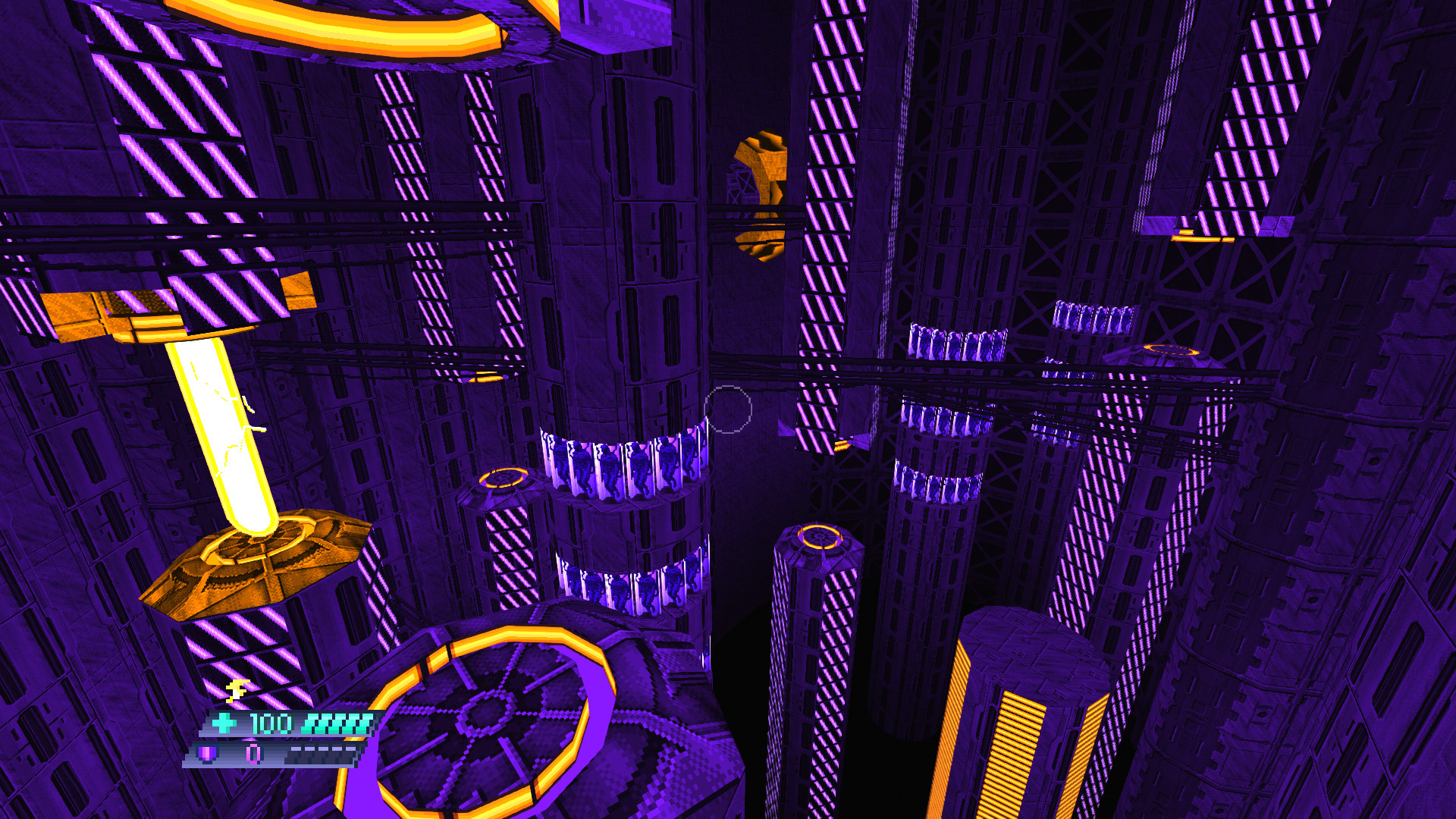
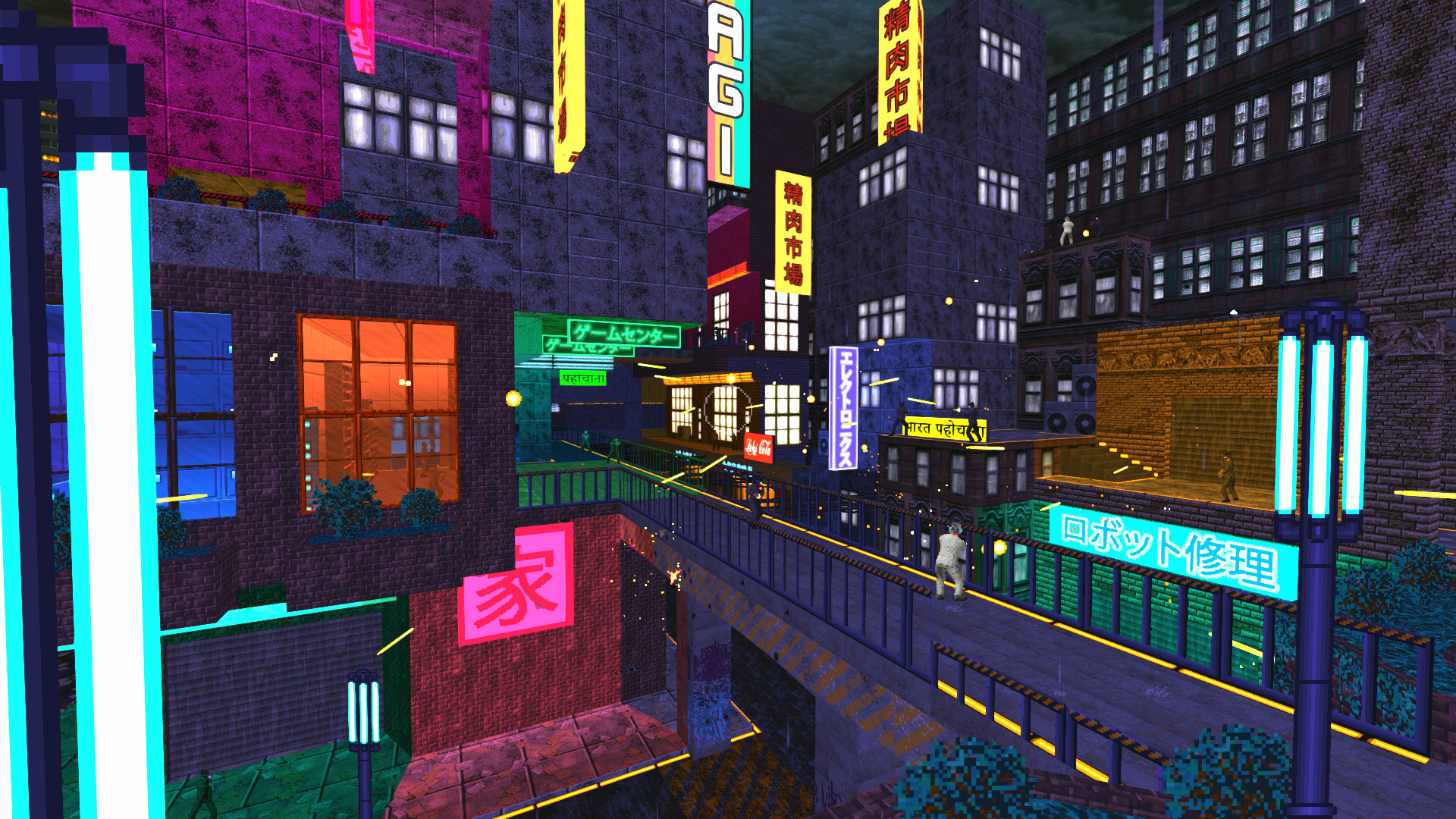
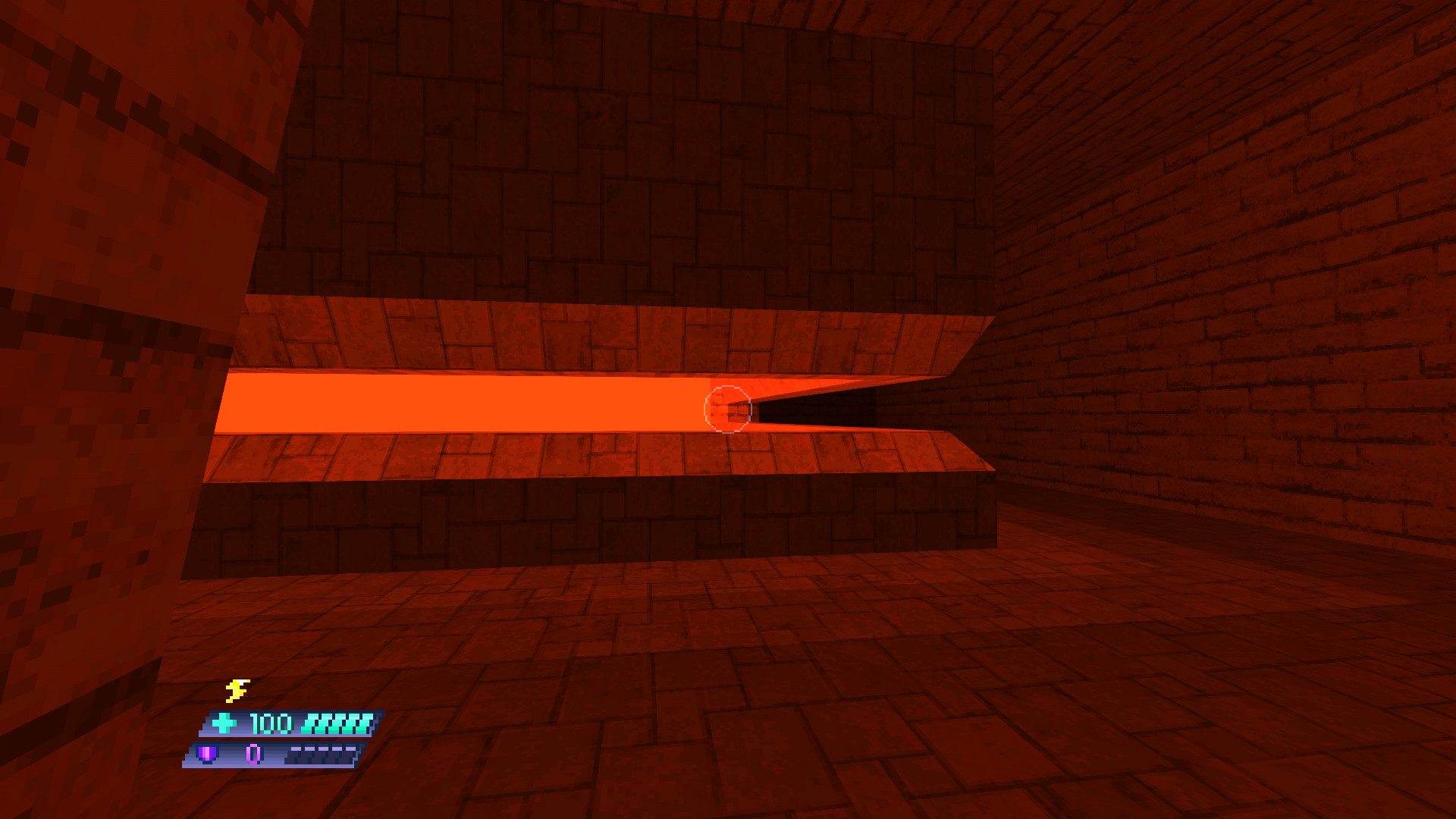
- Lo-Fi aesthetic: Graphics inspired by classic DOS first-person shooters from the era of Doom and Duke Nukem 3D.
- Fluid movement: High-octane first person action with advanced movement for dashing, sliding and other acrobatics.
- RPG Elements: Interact with NPCs, learn the lore of Sunset City, take side missions and upgrade your abilities.
- Music: Hear an original vaporwave soundtrack composed by synthwave legend Karl Vincent.
- Mod support: Create and share your own levels, weapons and more with richly-featured free and open-source tools.
🕹️ Partial Controller Support
Hi there!\n
If youre new here, you might not know that Beyond Sunset is a GZDoom-based game. This engine, based on the old tech that powered the OG Doom I & II, has a quirk that makes save files unusable after every update. To mitigate this, there is an option in the games main menu to start playing from any episode. Now we have also added a possibility to continue playing without updating the game, using old saves.
To switch pre-update branch and continue using old save files:\n
Open your Steam game library.
[/*]Find Beyond Sunset.
[/*]Click RMB on the game\'s title.
[/*]From the dropdown menu, select \"Properties\".
[/*]Navigate to \"Betas\" tab.
[/*]In the \"Beta Participation\" option, open the dropdown.
[/*]Select \"previous - Previous live build\".
[/*]The game should update automatically (if not, trigger the update manually by clicking on the Update button).
[/*]
If you are on GOG:\n
Open your GOG library.
[/*]Select Beyond Sunset.
[/*]Select the Options button (located next to the \"Play\" button).
[/*]From the dropdown select \"Manage installation\" \"Configure\"
[/*]In the \"Installation\" tab, open the dropdown for \"Beta channels\".
[/*]Select \"Previous\" from the dropdown.
[/*]Close this window by clicking \"OK\".
[/*]The game should update automatically (if not, trigger the update manually by clicking on the Update button).\n
[/*]
With every update, we will move the deprecated version to this branch. We may create additional branches if necessary, for example, if there are frequent updates in a short period.\n\nTo play the latest version, choose the branch Latest or None. \n
A big thank you to the community for suggesting this solution! Stay in touch.
The Movie Games Team
Minimum Setup
- OS: Ubuntu | Debian
- Processor: 2.4 GHz Dual-CoreMemory: 2 GB RAM
- Memory: 2 GB RAM
- Graphics: OpenGL 3.3 Compatible
- Storage: 400 MB available space
Recommended Setup
- OS: Ubuntu | Debian
- Processor: Quad Core 2.4 GHz 64-bitMemory: 6 GB RAM
- Graphics: OpenGL 4.0 or Vulkan Compatible
- Storage: 400 MB available space

[ 6372 ]






























[ 5872 ]


[ 1265 ]






























[ 1943 ]




























[ 986 ]




























Time left:
356100 days, 8 hours, 35 minutes

Time left:
356100 days, 8 hours, 35 minutes

Time left:
4 days, 16 hours, 35 minutes

Time left:
32 days, 16 hours, 35 minutes

Time left:
35 days, 16 hours, 35 minutes

Time left:
36 days, 16 hours, 35 minutes

Time left:
10 days, 2 hours, 35 minutes

Time left:
5 days, 10 hours, 35 minutes

Time left:
11 days, 10 hours, 35 minutes

Time left:
12 days, 10 hours, 35 minutes

Time left:
17 days, 10 hours, 35 minutes

Time left:
19 days, 10 hours, 35 minutes

Time left:
23 days, 10 hours, 35 minutes

Time left:
2 days, 23 hours, 50 minutes

Time left:
7 days, 16 hours, 36 minutes

Time left:
9 days, 15 hours, 36 minutes

Time left:
14 days, 22 hours, 46 minutes


